Key takeaways
- Start with free first-party connectors (Google Search Console and GA4), then add one paid SEO data server and one AI visibility server.
- Multi-client support is the deciding factor for agencies. Check account switching, per-client scoping and credit costs before you commit.
- SEO data and GEO data answer different questions. A stack covering only rankings and backlinks never sees what ChatGPT, Perplexity or AI Overviews say about a client.
- Unofficial open-source servers are useful but carry credential risk. Use service accounts with read-only scopes.
- Most listicles on this topic are vendor-authored or affiliate-leaning. Test with two real clients before rolling out.
Why agencies care about MCP at all
Model Context Protocol (MCP) lets an AI assistant such as Claude call external tools directly. Instead of exporting a CSV from Search Console, pasting it into a spreadsheet and writing commentary, you ask the assistant: "Which of Client A's pages lost clicks last month, and are any of them cited in AI answers?" The assistant calls the connected servers and answers from live data.
For a single site, that is a convenience. For an agency with 15 or 40 clients, it changes the economics of reporting. The catch is that agencies have problems in-house teams don't: one login per client, credentials that must never leak across accounts, credit-based pricing that multiplies by client count, and reports that need to be white-labelled.
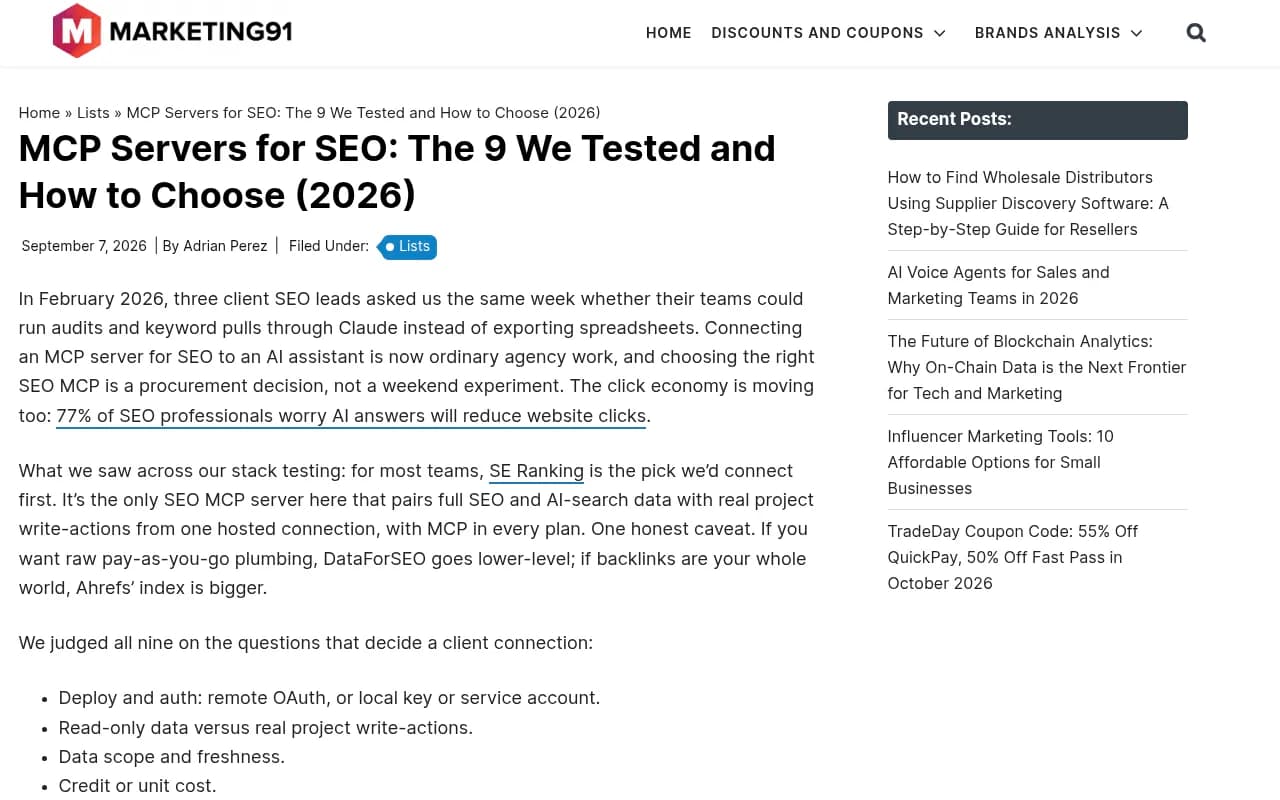
Marketing91 describes the situation well: in February 2026, three of their client SEO leads asked in the same week whether their teams could run audits and keyword pulls through Claude instead of exporting spreadsheets. Connecting an MCP server is now ordinary agency work, and picking one is a procurement decision.
How to judge an MCP server for agency use
The listicles I read for this guide mostly rank by feature count. Agencies should rank by a different set of questions.
- Multi-client handling. Can one connection reach every client property, or do you need a separate connector per client? Can you scope a conversation to a single client so data does not bleed between accounts?
- Auth model. Hosted OAuth is quick to set up. Local servers with service account keys give you more control but put a secret on someone's laptop.
- Read versus write. Some servers only report. Others can create projects or change settings. Write access is powerful and also a risk when an assistant makes a mistake.
- Cost per call. API units and credits are consumed by every question. A chatty assistant can burn through a month of units in an afternoon.
- GEO coverage. Does it return data about AI answers (mentions, citations, share of voice), or only classic search data?
- Reporting output. Can you get the result into a client-ready format, or do you still paste into slides?
One caveat before going further. I could not verify MCP plan gating, pricing or account switching for most of the vendors below from primary documentation, so treat the notes as a starting point and confirm on each vendor's own docs.
The two halves of an agency stack
AIclicks makes a useful split: one half of the stack connects your assistant to SEO data (rankings, keywords, backlinks, audits), and the other connects it to what AI engines say when someone asks a buying question. Most agencies have built the first half. The second half is where clients are now asking questions.
Promptwatch Data helps explain why you have to measure each engine separately. In its average sources per response report, ChatGPT cites about 5 sources per web-search answer, while Google AI Overviews and Perplexity cite about 10. Because the slot counts differ, a report that blends them into one number hides more than it shows.
Quick comparison
| Server | Side of the stack | Auth | Read or write | Pricing notes | Best agency use |
|---|---|---|---|---|---|
| Google Search Console MCP | SEO, first-party | Local, service account (unofficial builds) | Read only | Free | Client performance baselines |
| Google Analytics MCP | SEO, first-party | Google auth | Read only | Free | Traffic and conversion context |
| SE Ranking MCP | SEO and AI search | Hosted, approve to connect | Read and project actions | Included in plans from $129/mo per Marketing91 | One connection across clients |
| DataForSEO MCP | SEO data | Basic auth | Read and task jobs | Pay as you go | Custom pipelines |
| Ahrefs MCP | SEO, backlinks | OAuth | Read only | Eligible plan plus API units | Backlink analysis |
| Semrush MCP | SEO, competitive | OAuth | Read only | Eligible plan plus API units | Competitive research |
| Promptwatch MCP | GEO | Hosted | Read and workflow tools | Plan-based, see pricing page | Multi-client AI visibility |
| Peec AI MCP | GEO | Vendor account | Read | Vendor plans | Finding citation targets |
| Coupler.io MCP | Reporting | Vendor account | Read | Vendor plans | Multi-source report automation |
Layer one: free first-party connectors
Google Search Console MCP
Every source I checked agrees on this one. Ryan Doser, who runs an agency and tested seven servers, puts it bluntly: if you install exactly one, make it Google Search Console, because your own data beats any third-party estimate and costs nothing.
The most visible community option is mcp-gsc, an open-source project by Amin Foroutan with around 1.5k GitHub stars and more than 200 forks. It gives an assistant clicks, impressions, CTR, average position and indexing data. Some builds add cannibalization detection, server-side aggregation to save tokens, and Bing Webmaster or GA4 data.
The agency problem: it is unofficial and typically runs locally with a service account. Give that service account read-only access, add it per client property, and keep the key file out of shared drives. If one consultant leaves, rotate the key. A server with access to 30 clients' Search Console is an attractive target, so treat the credential accordingly.
Google Analytics MCP
Install it next to Search Console. Together they cover acquisition and behavior, and neither costs anything. It is also the layer that makes executive reporting credible, since clients care about sessions and conversions more than average position.
Layer two: a paid SEO data server
Pick one. Running three overlapping paid servers mostly means paying three times for similar keyword data.
SE Ranking MCP
SE Ranking shows up first in several lists, including AIclicks and Marketing91's. The case for agencies: it is a hosted connector, MCP is included in every plan, and it pairs SEO data with project write-actions. AIclicks' TL;DR for agencies running multiple clients is that it turns tools you are likely already paying for into one connection that covers every client at no extra fee.
Treat that enthusiasm with some suspicion. Marketing91's piece clearly favors SE Ranking, and AIclicks is itself an AI visibility vendor. The recommendation is plausible, especially if you already use SE Ranking for rank tracking, but run it against two clients before standardizing.
DataForSEO MCP
DataForSEO is the lower-level option. Pay-as-you-go, per-call pricing, remote or local deployment. It suits agencies with a developer who wants to build custom pipelines, and it is a reasonable choice if client count fluctuates, because you pay for usage rather than seats.
Ahrefs and Semrush
Both offer remote OAuth MCP servers and both are read-only. Ahrefs has the stronger reputation for backlink data, and Semrush for competitive and traffic analysis. Each draws on API units attached to an eligible plan, so check how many units your plan includes before you let an assistant loose on 25 client domains.
If you want a general rule: choose the one your team already knows, because the quality of the questions you ask matters more than which index sits behind them.
Crawling and technical audits
Firecrawl and a Screaming Frog MCP (which uses your existing license and runs headless crawls) cover technical checks. If your team already lives in Screaming Frog, the MCP is a natural extension.

Layer three: GEO and AI visibility servers
This is the part most agency stacks lack, and the part clients are starting to ask about. Promptwatch Data shows how different AI engines behave. For example, Promptwatch's ChatGPT citation share by content type found product pages were the most cited type at 22.4% of citations from Sep 28 to Oct 4, 2026, and its social media citation report found ChatGPT drew 0.46% of citations from social platforms in the same week versus 12.2% for Google AI Overviews. Those are different ecosystems, and your client reports should reflect that.
Promptwatch
Promptwatch is the option I would put at the center of an agency GEO setup, partly because it was built around the multi-client model. Each client lives in its own project, seats can be restricted per project, and white-label access gives clients branded, read-only reporting. Its "pitch projects" let you run a live project for a prospect and convert it to a client project in one click. That is the vendor's own description, so verify it in a trial, but it matches what agencies need.

On the MCP side, a third-party listing mentions a 59-tool MCP server. Promptwatch's own materials describe a hosted MCP server with 110+ tools, so confirm the current count on its docs. What matters for reporting is what the assistant can reach: prompt tracking across real AI interfaces, citation data, IP-verified AI crawler logs, visitor analytics and Search Console data next to AI data. That lets you ask things like "which of this client's pages rank in Google but never get cited by AI?" and get an answer without exporting anything.
The other reason it fits agencies: most monitoring tools stop at telling you a brand was or wasn't mentioned. Promptwatch also has an Action Board and a Content Agent that plan and publish fixes, so the same connection that powers your report can feed the work that follows. Pricing starts with a free Explore tier and agency plans from $199/month (Kick-off) with unlimited projects. Confirm current numbers at promptwatch.com/pricing.
Peec AI, Profound and Otterly
The LinkedIn and AIclicks pieces both name Peec AI, and the LinkedIn post also lists Profound and OtterlyAI. AIclicks calls Peec the stronger pick if your first priority is finding which sites to target for AI citations.



I would not take any of these on the strength of a listicle alone. Ask each vendor three things: does the MCP server cover every project in the account, are there per-client limits, and can I get the data in a format I can hand to a client.
SE Visible and other agency-oriented options
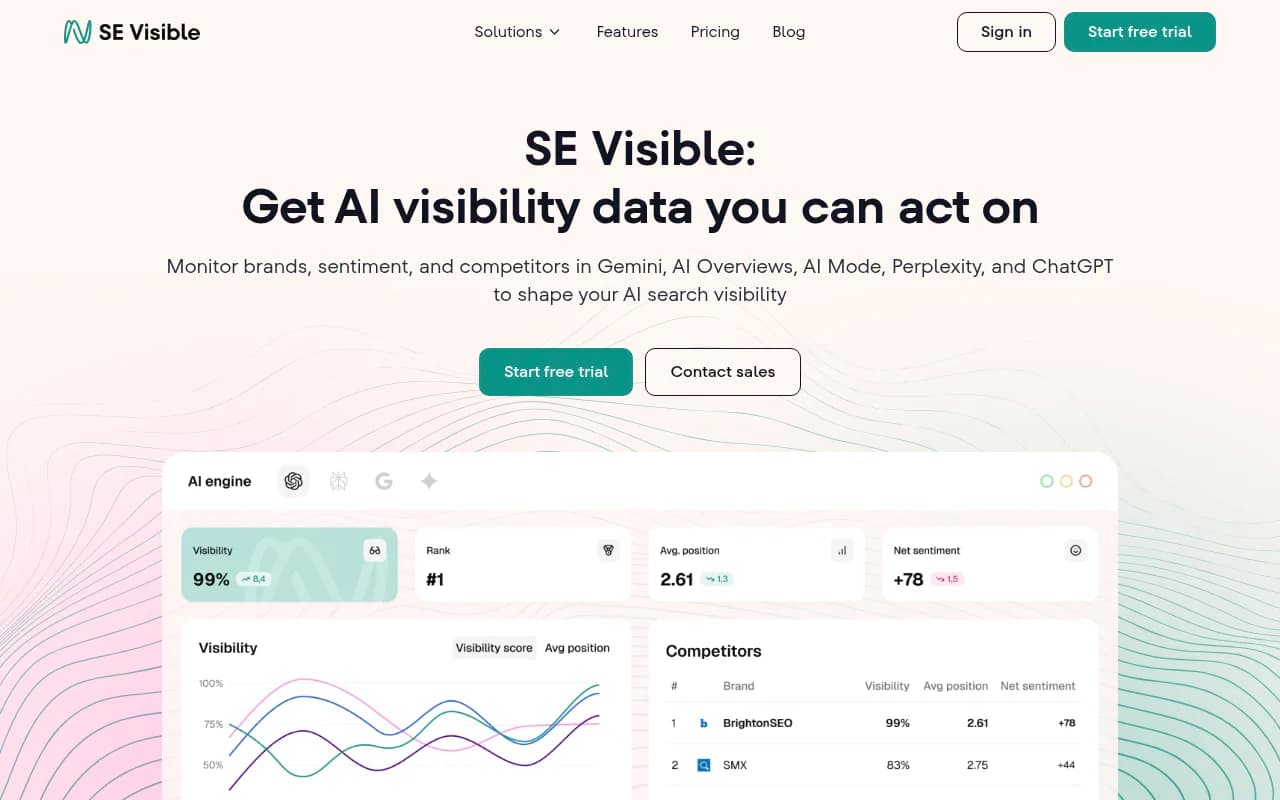
SE Ranking's SE Visible positions itself as the multi-client agency alternative, with four core AI engines on every plan and 3 to 10 projects depending on tier. That is competitor marketing, so verify it. If you already run SE Ranking, it is worth a look for the shared billing alone. For more tools in this category, the directories at bestgeosoftware.com and ai-rank-tools.com are good places to compare.
Layer four: reporting automation
An MCP server gets data into a conversation. It does not make that conversation a deliverable. For recurring client reports, agencies often add one of these:
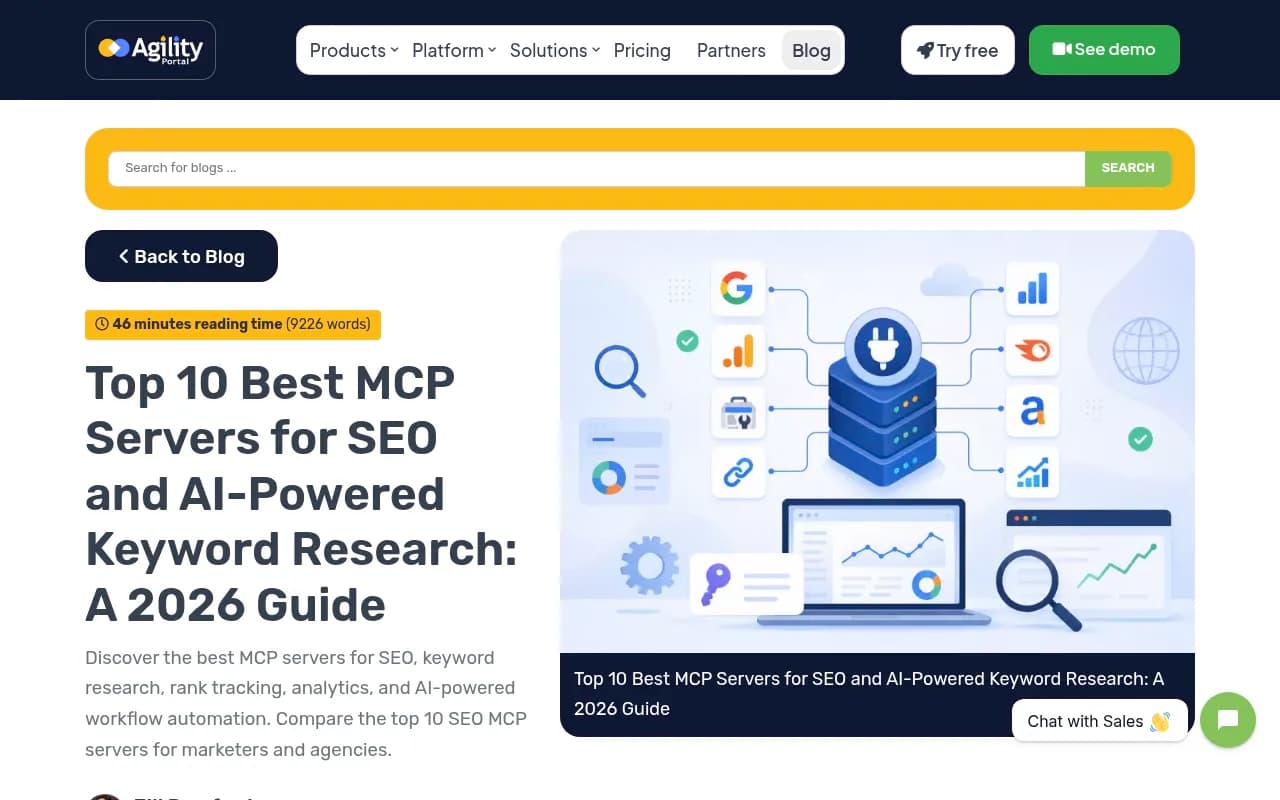
- Coupler.io MCP, which Agilityportal highlights for agency reporting and BI-style automation.
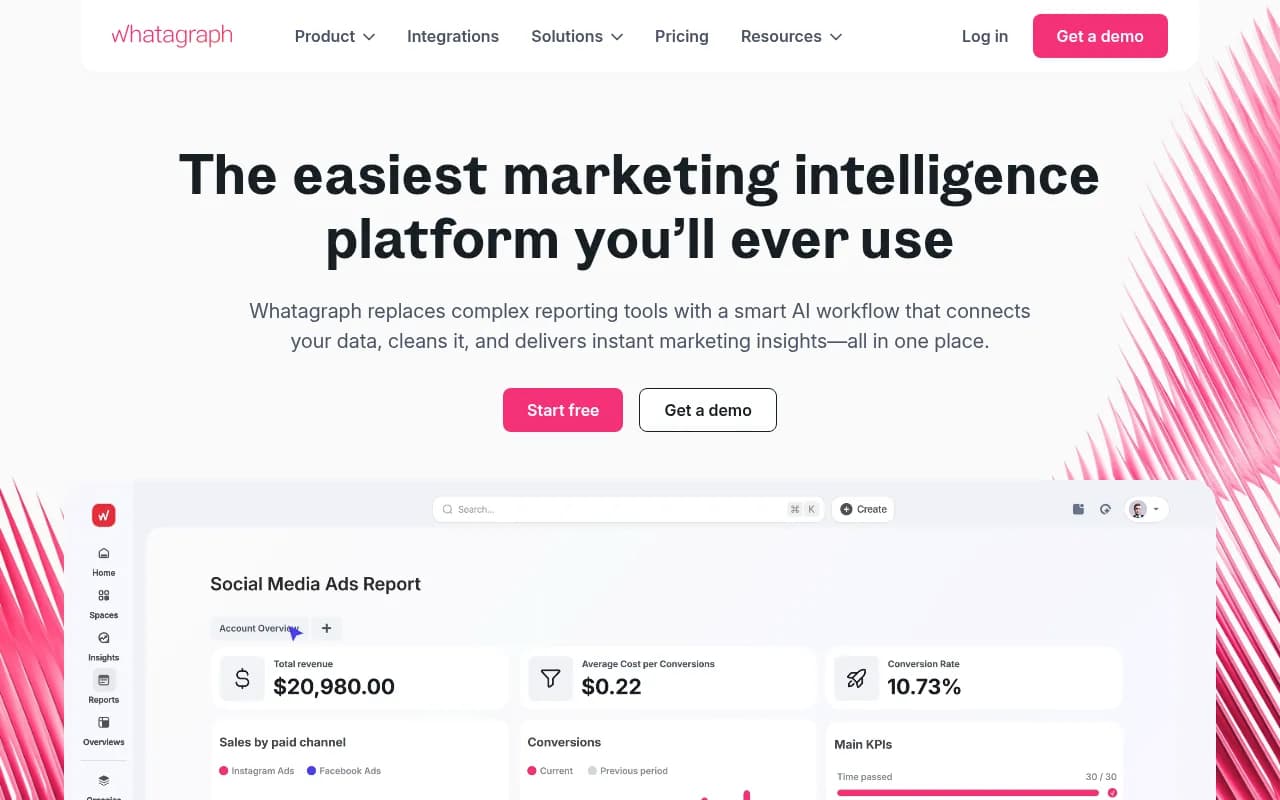
- Whatagraph, a marketing reporting tool built for agencies.
- n8n or Zapier to schedule the assistant's output into Slack or email.


My view: don't try to replace your reporting tool on day one. Use the assistant for the commentary and the ad hoc questions ("why did this client's traffic drop on the 14th?"), and keep the dashboard for the numbers clients check every month.
A starter stack by agency size
| Agency profile | Suggested stack | Why |
|---|---|---|
| Freelancer or 1 to 5 clients | Search Console MCP, GA4 MCP, one GEO tool on a free or low tier | Cheapest way to learn the workflow |
| Small agency, 5 to 20 clients | Add SE Ranking MCP or Ahrefs/Semrush MCP, plus Promptwatch agency plan | One SEO data source, one GEO source |
| Mid-size agency, 20+ clients | Add DataForSEO for custom pulls, a reporting layer, and per-client project scoping | Control cost and keep reports consistent |
Setting up multi-client workflows safely
Scope every conversation to one client
Start prompts with the client and property: "Using only example.com, ..." Better, create a separate Claude project per client with its own instructions and only the connectors that client needs. This reduces the chance of one client's data appearing in another's report.
Use read-only credentials
For Google connectors, use a service account with viewer rights. For vendor servers, check whether write-actions can be disabled. Write access is useful for SE Ranking project changes but should be a deliberate choice.
Watch credit burn
Marketing91 logged setup time and credit burn when testing, and you should too. Run a typical monthly report for one client and note the unit cost, then multiply by client count. Surprises here are common with API-unit pricing.
Keep engine data separate in GEO reports
ChatGPT's behavior is also moving. Promptwatch Data recorded that ChatGPT started using the site: operator at scale on August 8, 2026, with such queries going from about 0.4% to about 17% of fanouts overnight, and reddit.com's share of ChatGPT citations fell from about 4% to 0.5% on August 14, 2026. A client report built on last quarter's assumptions can be wrong this quarter. Date every GEO number you present.
Verify before you trust
Assistants summarize confidently even when a tool returned partial data. Spot-check the first few reports against the source dashboards. Do this until you trust the setup, then keep doing it quarterly.
Mistakes to avoid
- Installing six servers in week one. Tool overload makes the assistant slower and less accurate at choosing which to call.
- Treating listicle rankings as neutral. Several of the sources behind this guide are vendor-authored or favor their own product.
- Reusing unsourced statistics. Some claims floating around (a 28% workweek figure, a 50% research time reduction) are not sourced in the articles that cite them, so don't put them in a client pitch.
- Sharing one set of credentials across the team without an offboarding plan.
Who publishes this guide
This guide comes from 1001 SEO Media, an agency that works on technical SEO, content and AI search visibility. We use Promptwatch ourselves for GEO work, which is why it features prominently above. We've tried to flag where claims come from vendors rather than from independent testing.
The short version
Install Search Console and GA4 connectors first, add one paid SEO data server that your team already knows, then add a GEO platform that handles many clients without extra friction. Test the whole setup with two clients for a month before rolling it out. For GEO specifically, Promptwatch's agency plans are the most complete place to start, and the free tier is enough to see whether the MCP workflow suits your team.
For wider comparisons, surferstack.com lists reviews and alternatives for most of the tools mentioned here.