Key takeaways
- A robots.txt that works for Googlebot can still block AI crawlers through a
User-agent: *rule, a Googlebot-only allow list, or a security plugin you forgot about. - AI companies run several bots each. Training, search indexing, and live answer-time fetching often use different user agents, so blocking one name can have effects you did not intend.
- The audit takes about ten minutes: read the file, test each AI user agent against your key URLs, then check CDN and WAF rules, which robots.txt does not control.
- robots.txt only says who may crawl. Server logs tell you who actually showed up, and that is where you confirm the fix worked.
Why this matters more than it looks
Most robots.txt files were written years ago, with Google in mind. They work fine for traditional search. Then someone adds a plugin, a developer pastes in a default-deny block during a staging launch, or a well-meaning marketer reads a headline about AI scraping and blocks "all the AI bots." Six months later nobody remembers.
The result is a site with good content that AI assistants cannot fetch, so it does not get cited. A recent thread in the r/AI_SearchOptimization community put it bluntly: check your robots.txt before you block "AI bots," because you may be nuking your visibility across half the AI ecosystem by accident. I agree with the sentiment. The damage is silent. Nothing breaks, no alert fires, you just stop showing up.
There is a real trade-off here, and I do not want to pretend otherwise. Some publishers have good reasons to block training crawlers. The point of this guide is not "allow everything." It is "know what you are blocking, and make sure it is a decision, not an accident."
How robots.txt actually works for AI crawlers
robots.txt has existed since 1994. It is a plain text file at yoursite.com/robots.txt that tells crawlers which paths they may fetch. Compliant crawlers read it before requesting pages. Rules are grouped by User-agent.
Two mechanics cause most of the confusion:
- A bot follows its own named group if your file has one. If it does not, it falls back to the
*group. - Consecutive
User-agentlines share one group, and when several rules match a URL, the longest matching rule wins. That is how RFC 9309 specifies it, and checkers such as Rank Prompt's follow the same logic.
This is why a file can look harmless and still block everything. If your * group says Disallow: / and only Googlebot has its own Allow, every other crawler, including every AI bot, inherits the block.
The patterns that block AI bots by accident
The audit by MO Agency (April 2026) lists the most common culprits. They match what I see most often.
Blanket disallow
User-agent: *
Disallow: /
This blocks everything, including all AI crawlers. It is usually a leftover from a staging environment that shipped to production.
Googlebot-only allow list
User-agent: *
Disallow: /

User-agent: Googlebot
Allow: /
Google gets in. Everyone else, including GPTBot, ClaudeBot, and PerplexityBot, does not. Plenty of sites ended up here during an "only let the important bots in" cleanup.
Plugins and CMS defaults
Some CMS platforms and security plugins add disallow rules, or block unrecognised bots by default. You may never have edited the file yourself. If your robots.txt is generated dynamically, look at the plugin settings, not just the output.
Explicit AI blocks you forgot about
A line like User-agent: GPTBot followed by Disallow: / is easy to add during a policy discussion and easy to forget. Check the whole file, including the bottom, where these tend to pile up.
Rules that never reach the right group
A typo in a user agent name, a missing blank line between groups, or a rule placed under the wrong User-agent means your intended allow never applies. The file looks right and behaves wrong, which is why testing beats eyeballing.
The AI crawlers worth knowing
Every major AI company runs more than one bot, and the roles differ. Verify the exact names and behavior in each vendor's current documentation before you write rules, because they change. The table below covers the ones you will meet most often.
| Crawler | Company | Typical role |
|---|---|---|
| GPTBot | OpenAI | Collects public pages, associated with model training |
| ChatGPT-User | OpenAI | Fetches pages on behalf of a user during a ChatGPT session |
| ClaudeBot | Anthropic | Anthropic's crawler for Claude |
| Claude-User | Anthropic | Citation crawler that may visit pages when someone asks Claude a question |
| PerplexityBot | Perplexity | Powers Perplexity's answers and citations |
| Google-Extended | Control token for Gemini-related use, separate from Googlebot | |
| Applebot-Extended | Apple | Control token for Apple's AI features |
The distinction between training and answer-time fetching matters. Promptwatch's own advice on its AI crawler report is to check which bot inside OpenAI does the work, because provider totals mix training traffic with answer-time fetches. If you block a training bot, you may or may not affect whether you can be cited. If you block the user-triggered fetcher, you are directly stopping an assistant from reading your page when someone asks about you. Read each vendor's docs and decide per bot.
Run the audit in ten minutes
Step 1: Read the file
Open yoursite.com/robots.txt in a browser. Look for the patterns above. Also check subdomains and any separate robots.txt for your blog, docs, or shop, since each host has its own file.
Step 2: Test each bot against real URLs
Do not just test the homepage. Test the pages you want cited: product pages, docs, pricing, key articles. The alt.qa write-up frames the first step well: fetch your robots.txt and resolve, for each AI user agent, whether your key URLs are allowed. Rules are evaluated per user agent, so one global answer is not enough.
A free checker makes this fast. Rank Prompt's robots.txt checker reads your live file and tests 19 AI bots, marking a bot as allowed when its own group, or the * group if it has none, lets it fetch the path.
The MO Agency article is also worth a read for its step-by-step fixes:
Step 3: Check the layers robots.txt does not control
This is the step people skip. Your robots.txt can say "allowed" while your CDN, WAF, or bot-management rules return a 403 to the same crawler. Cloudflare-style bot fight modes and rate limiters are frequent offenders. Promptwatch's advice is to check robots.txt, CDN, and WAF rules for every provider, and that is right. A permissive file means nothing if the edge says no.
Step 4: Verify in your logs
robots.txt says who may come in. Your server log says who actually came. Pull a few weeks of logs and look for the AI user agents. If a provider should be a big share of crawler traffic but is near zero in your logs, you are likely blocked or unreachable for that provider.
A benchmark helps here. Promptwatch Data's AI crawler traffic report tracks IP-verified requests from OpenAI, Anthropic, Google, Perplexity, and Mistral from June 8 to September 6, 2026. OpenAI made up 79.8% of requests in the week of August 31 to September 6, down from 94.8% in the week of June 8 to 14, as other providers grew. Compare your own mix against that. If your logs look nothing like it, find out why.
One caution on logs: user agent strings are easy to spoof. The Promptwatch report only counts requests whose source IP matches the operator's published ranges, which is the right way to do it.
A starting-point configuration
If your goal is to be citable in AI answers, a permissive AI block looks like this. Adapt it to your own policy and verify the user agent names against current vendor docs first.
# AI crawlers
User-agent: ClaudeBot
Allow: /

User-agent: GPTBot
Allow: /

User-agent: ChatGPT-User
Allow: /

User-agent: PerplexityBot
Allow: /

User-agent: Google-Extended
Allow: /

User-agent: Applebot-Extended
Allow: /
That mirrors the configuration recommended in the MO Agency audit. If you want to keep private areas closed, add specific Disallow lines inside each group, such as /account/ or /checkout/. Remember that a named group replaces the * group for that bot, so any Disallow you wanted to apply to everyone must be repeated in each named group.
If you want to block some bots on purpose
That is a legitimate choice. A common middle path is to block training-oriented crawlers while allowing the ones that fetch pages for live answers. Be careful with this, though. Vendors' bot roles overlap and change, so confirm in their documentation which user agent does what, and recheck every few months. Whatever you pick, write it down so the next person who touches the file knows it was deliberate.
Why the Claude and OpenAI details need attention
It is easy to treat "AI crawlers" as one thing. They are not.
Promptwatch Data's Claude citation crawler report (December 10, 2025 to April 18, 2026) shows Claude-User growing from about 30 visits a day to several thousand a day by mid-April 2026, more than 100x. Its share of tracked AI citation crawler traffic peaked at 1.73% on a 7-day rolling average and sat at 0.45% over the whole period. The Claude citation crawler data is a good reminder that small channels grow fast. If you blocked Anthropic's bots a year ago, you may not have noticed the traffic you were missing. The sensible read: treat Claude as a fast-growing secondary channel, not your main focus, but make sure Claude-User and ClaudeBot are not blocked in robots.txt or by CDN rules.
For wider context on how AI assistants choose sources once they can read you, see Promptwatch's data hub, which covers citation share, content types, and crawler behavior across ChatGPT, Gemini, Perplexity, Claude, and Google AI Overviews.
Common mistakes checklist
- Staging
Disallow: /shipped to production. - A
*group that blocks everything, with an allow only for Googlebot. - Security or SEO plugins that add AI blocks without telling you.
- Testing only the homepage instead of the URLs you want cited.
- Editing robots.txt but forgetting the CDN or WAF still returns 403 to AI bots.
- Duplicating a
Disallowin every named group, or forgetting to, and getting different behavior per bot. - Assuming robots.txt blocks spoofed bots. It does not. It only governs well-behaved crawlers.
- Never checking again. Bot names and behaviors shift, so audit quarterly.
Tools for each part of the job
Different tools cover different parts of this workflow. No single one does everything.
| Job | Option | Notes |
|---|---|---|
| Quick robots.txt test against AI bots | Rank Prompt checker | Free, no signup, 19 bots |
| Site crawl to spot blocked or orphaned pages | Screaming Frog, Sitebulb | Desktop crawlers for technical audits |
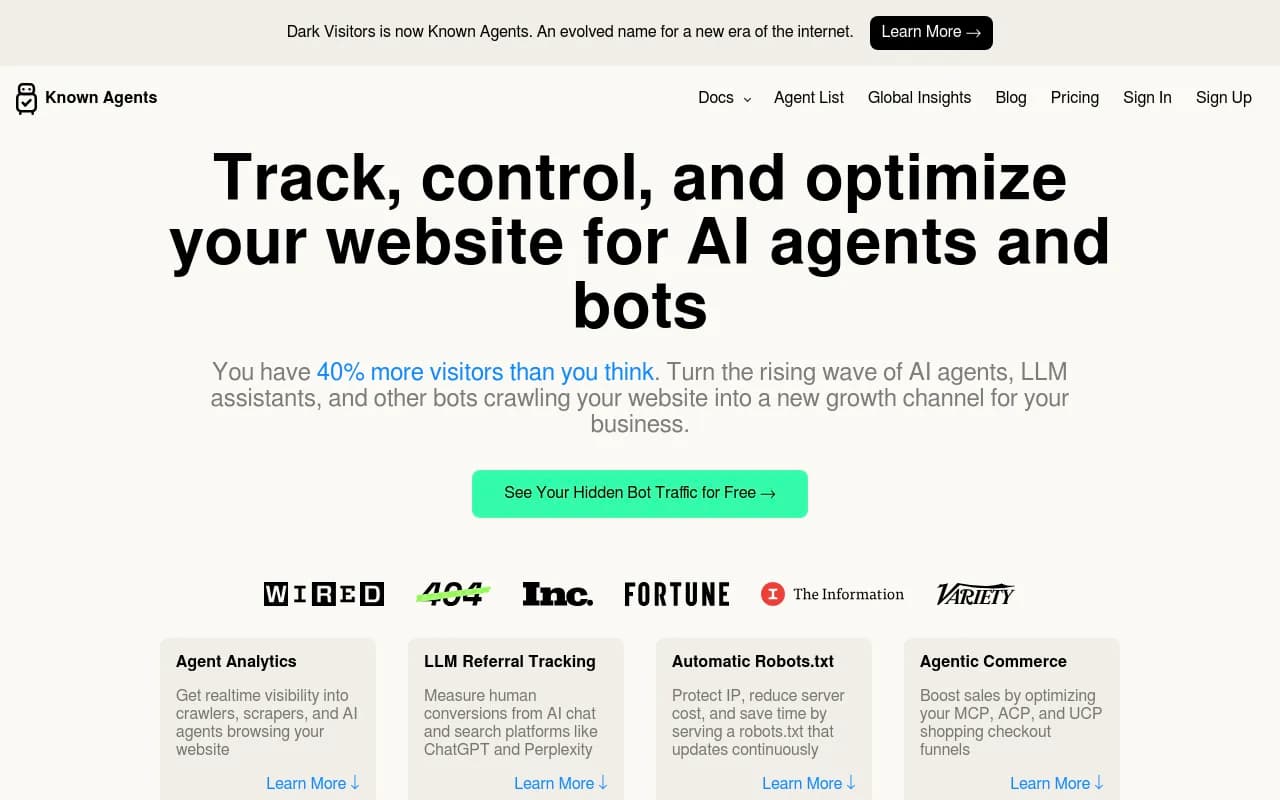
| Spot AI bot visits | DarkVisitors | Tracks AI agents and bots hitting your site |
| AI crawler logs plus citations and traffic | Promptwatch | Ties crawls to citations and visits |
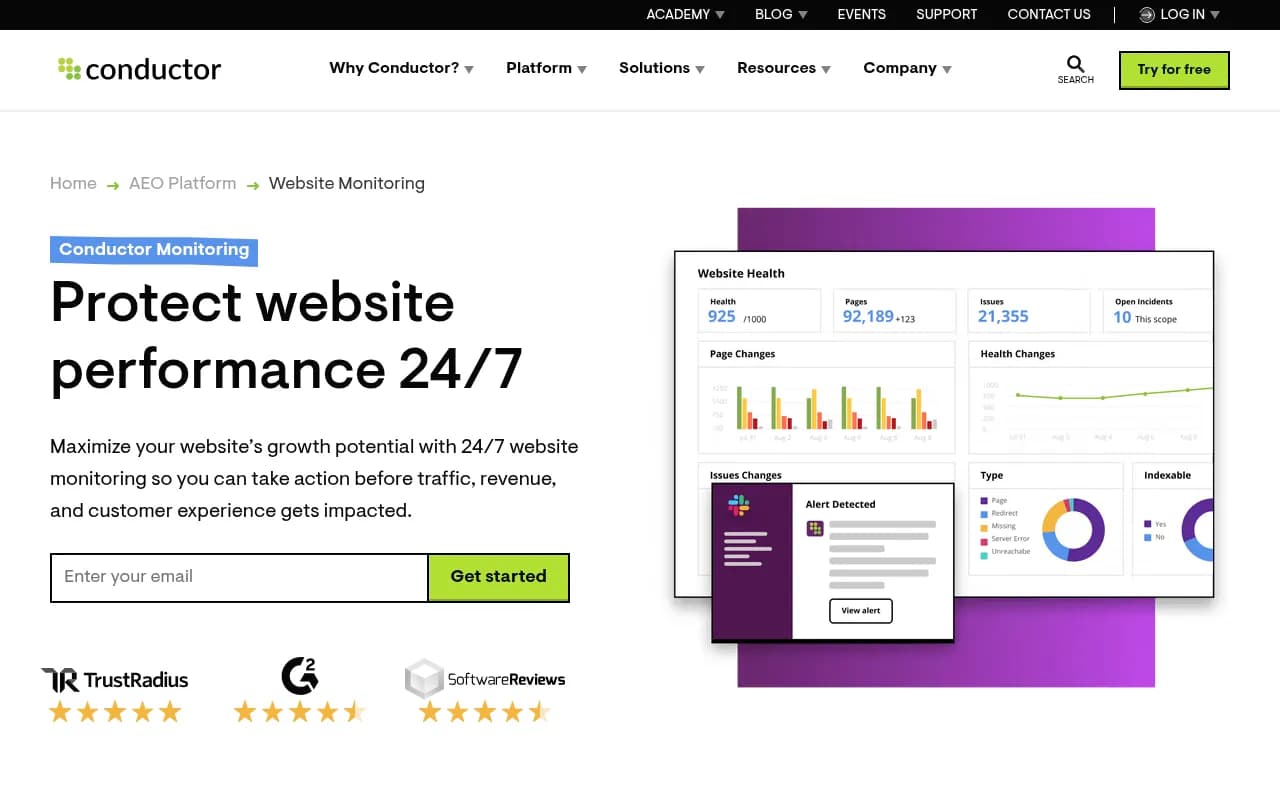
| Ongoing monitoring of site changes | ContentKing | Alerts when technical changes break things |
Screaming Frog and Sitebulb are useful for confirming that pages are reachable and indexable under your current rules.

For seeing which AI agents actually reach your site, DarkVisitors is a narrow, focused option.
If you want crawler logs, citations, and AI-driven traffic in one place, Promptwatch reads IP-verified AI crawler logs through Cloudflare, Vercel, Fastly, and other CDNs, and shows which pages bots read, which errors they hit, and whether those pages then get cited. That connects the robots.txt fix to the outcome, which a simple checker cannot do.

For catching a bad robots.txt deploy before it costs you weeks of visibility, a monitoring tool helps.
If you are comparing options in this category, the GEO software directory at bestgeosoftware.com lists many more.
After the fix: what to watch
Changing robots.txt does not produce instant citations. Crawlers recheck the file on their own schedule, and then your pages still have to be fetched, evaluated, and chosen as sources. Plan on watching for a few weeks.
- Week 1: confirm in logs that blocked user agents now get 200 responses on key URLs.
- Weeks 2 to 4: watch whether crawl volume from each provider rises toward the benchmark mix.
- After that: check whether those pages start appearing as citations for your target prompts.
If crawls arrive but citations do not, robots.txt is no longer your problem. That points to content, structure, or authority issues, which is a different audit.
Frequently asked questions
Does allowing GPTBot guarantee I get cited?
No. robots.txt only controls whether a crawler may fetch a page. Being cited depends on whether your content is relevant, trusted, and selected for the answer. Access is a prerequisite, not a guarantee.
Will blocking AI bots hurt my Google rankings?
Blocking AI-specific user agents does not affect Googlebot's crawling. Google's control tokens, such as Google-Extended, are separate from Googlebot. Confirm the current behavior in Google's documentation before relying on that.
Can I allow some pages and block others for the same bot?
Yes. Use Allow and Disallow inside the bot's group. The longest matching rule wins, so a specific Allow: /docs/ can beat a broader Disallow: /.
How often should I re-audit?
Quarterly, and after any CMS, plugin, CDN, or security change. Those are the events that silently rewrite your rules.
The short version
Open your robots.txt today. Test each AI user agent against the pages you want cited. Check your CDN and WAF. Then watch your logs to confirm the bots arrive. If you are going to block an AI crawler, make it a choice you can explain. Most of the damage I see comes from rules nobody remembers adding.