Key takeaways
- When someone types a query into ChatGPT or Google AI Mode, the engine silently expands it into 5-20 sub-queries and retrieves sources for each. A brief built around one keyword misses most of that retrieval surface.
- Fan-out content briefs map the full sub-query tree of a parent topic, then assign each sub-query to a heading, section, or FAQ row -- so one page can satisfy the entire retrieval surface.
- The brief template in this guide has six sections: parent query, fan-out tree, intent mapping, heading structure, citation targets, and freshness triggers.
- Tools like Promptwatch surface real fan-out data (including prompt volumes and difficulty scores) so you're not guessing which sub-queries actually matter.
- Re-run your fan-out analysis quarterly. AI engines update their retrieval behavior frequently, and the sub-query tree for a topic today will look different in three months.
Why traditional keyword briefs are failing in 2026
The standard content brief workflow has barely changed in a decade. Pick a head term, pull related keywords from a tool, assign a target word count, list some H2s, add a competitor URL or two. Hand it to a writer. Hope for the best.
That workflow was built for a world where Google ran one query against one index and returned ten blue links. That world is gone.
Google AI Mode, ChatGPT, Perplexity, and every other AI search engine now do something fundamentally different. When a user types "best way to save for retirement," the engine doesn't run a single retrieval. It fans the query out -- generating a tree of related sub-queries like "401(k) contribution limits 2026," "Roth IRA vs traditional IRA comparison," "retirement savings benchmarks by age," "common retirement planning mistakes," and "how much should I save in my 30s." It retrieves sources for each sub-query in parallel, then synthesizes a single answer.
Your content gets cited if it answers one or more of those sub-queries well. If your brief only targeted the head term, your page probably answers the head query but leaves 8-15 sub-queries uncovered. A competitor who happened to write a more comprehensive page -- even without knowing about fan-out -- will get cited instead.
The fix isn't writing longer content. It's writing content that's been briefed against the actual sub-query tree, not a list of related keywords.
What query fan-out actually looks like
Before building the brief template, it helps to see a concrete fan-out tree. Take the parent query: "best project management software for remote teams."
An AI engine might fan this out into:
- "project management software comparison 2026"
- "Asana vs Monday.com vs ClickUp"
- "project management tools with async features"
- "free project management software for small teams"
- "how to manage remote teams effectively"
- "project management software pricing"
- "best Gantt chart tools"
- "project management integrations with Slack"
Notice what's in there. Comparison queries. Pricing queries. Use-case-specific queries. Feature-specific queries. How-to queries. A traditional keyword brief might have captured one or two of these as "related keywords." Fan-out analysis captures all of them -- and crucially, it shows you which ones the AI engine is actually retrieving, not just which ones have search volume.
Thomas Peham, CEO of Otterly.AI, put it well: "Stop briefing content as 'this page targets one keyword.' Brief it as 'this page covers the fan-out tree of the parent query.' That single change moves more citations than any single on-page tactic."
A few things worth knowing about fan-out trees:
- They differ by engine. ChatGPT, Google AI Mode, and Perplexity often retrieve different sub-queries for the same parent. A good brief notes which engine each sub-query appears in.
- Comparison queries ("X vs Y") appear in almost every commercial fan-out tree. If you don't have comparison content, you're invisible for a large chunk of the retrieval surface.
- The tree changes over time. Engines update their retrieval behavior as they're retrained. A fan-out tree from six months ago is probably stale.
The fan-out content brief template
Here's the full template. Each section has a purpose -- I'll explain what goes in it and why.
Section 1: Parent query and intent
Parent query: The single prompt a user would type. Write it as a natural language question or statement, not a keyword. "best CRM for small business" is a keyword. "What's the best CRM for a small business with under 10 employees?" is a parent query.
Primary intent: What does the user actually want? Options: informational (learn something), commercial (evaluate options before buying), transactional (ready to buy), navigational (find a specific thing). Most AI-cited content serves informational or commercial intent.
Target persona: Who is asking this? Be specific. "A marketing manager at a 50-person SaaS company who is evaluating CRM tools for the first time" is useful. "Small business owner" is not.
Target AI engines: Which engines are you optimizing for? List them. Google AI Mode, ChatGPT, Perplexity, Claude, Gemini, Grok, DeepSeek. The brief should note if sub-queries differ by engine.
Section 2: Fan-out sub-query tree
This is the core of the brief. List every sub-query the engine fans out to from the parent query. For each sub-query, capture:
| Sub-query | Engine(s) | Intent type | Priority | Existing page? |
|---|---|---|---|---|
| "CRM software comparison 2026" | All | Commercial | High | No |
| "Salesforce vs HubSpot for small business" | ChatGPT, AI Mode | Commercial | High | No |
| "free CRM tools for small teams" | Perplexity, AI Mode | Commercial | Medium | Partial |
| "how to choose a CRM" | All | Informational | High | Yes |
| "CRM implementation checklist" | ChatGPT | Informational | Medium | No |
| "CRM pricing comparison" | All | Commercial | High | No |
| "best CRM for sales teams" | AI Mode | Commercial | Medium | No |
| "CRM integrations with email marketing" | Perplexity | Informational | Low | No |
The "Existing page?" column is important. If you already have a page that covers a sub-query, you don't need to write new content -- you need to make sure the existing page is structured to be cited. If there's no existing page, that's a content gap.
How do you get this data? A few ways:
- Run the parent query in each AI engine and look at what sources get cited. The cited pages are covering the sub-queries the engine cares about.
- Use a dedicated fan-out tool or GEO platform. Promptwatch's Answer Gap Analysis surfaces exactly which sub-queries competitors are visible for that you're not -- which is essentially a fan-out gap report.

- Manually prompt the AI engine to show its reasoning. In ChatGPT with search enabled, you can sometimes see the sub-queries it ran. In Perplexity, the "Sources" panel gives you clues.
Section 3: Heading structure mapped to sub-queries
This is where the brief gets handed to the writer. Each sub-query from the fan-out tree becomes either a heading, a subsection, or an FAQ entry. The writer's job is to answer each one clearly and completely.
Here's what this looks like for the CRM example:
H1: Best CRM for Small Business in 2026 [parent query]

H2: What makes a CRM right for small teams? [informational sub-query]
H2: Top CRM options compared [commercial sub-query: "CRM software comparison 2026"]
  H3: Salesforce vs HubSpot: which is better for small business? [comparison sub-query]
  H3: Free CRM tools worth considering [sub-query: "free CRM tools for small teams"]
H2: How to choose a CRM (and what to ignore) [sub-query: "how to choose a CRM"]
H2: CRM pricing: what to expect in 2026 [sub-query: "CRM pricing comparison"]
H2: Implementation checklist [sub-query: "CRM implementation checklist"]
H2: Frequently asked questions
  - What CRM integrates best with email marketing tools? [sub-query: "CRM integrations with email marketing"]
  - Which CRM is best for sales teams? [sub-query: "best CRM for sales teams"]
Notice that the heading structure isn't built around keyword density or word count. It's built around the retrieval surface. Every H2 and H3 is answering a specific sub-query that the AI engine is known to retrieve.
Give the writer this structure. Don't leave it open-ended. The more specific the brief, the more likely the final page covers the full fan-out tree.
Section 4: Citation targets and source analysis
AI engines don't just retrieve your page. They retrieve Reddit threads, YouTube videos, industry publications, and third-party review sites. Your brief should note which external sources are currently being cited for the parent query and its sub-queries.
Why does this matter for a content brief? Two reasons.
First, the writer needs to know what they're competing with. If the top citation for "Salesforce vs HubSpot for small business" is a G2 comparison page, your page needs to be more useful than that page -- not just more comprehensive.
Second, if you're not getting cited on your own site, you might need to get cited somewhere else first. Reddit posts, YouTube videos, and third-party listicles all feed into AI responses. The brief should flag if there's an offsite citation opportunity (e.g., "we should get listed on this G2 page" or "there's a Reddit thread ranking for this sub-query that we should contribute to").
Include a small table in the brief:
| Sub-query | Currently cited source | Source type | Action |
|---|---|---|---|
| "Salesforce vs HubSpot" | G2 comparison page | Review site | Create better comparison content |
| "free CRM tools" | Reddit r/smallbusiness thread | Forum | Contribute to thread + create owned page |
| "CRM pricing comparison" | HubSpot's own pricing page | Vendor | Create neutral comparison |
Section 5: Content format and structural requirements
AI engines have preferences about how content is structured. Based on what's currently getting cited, note the format requirements in the brief:
- Use H2/H3 headings for every distinct sub-topic. AI engines parse heading structure to understand what a page covers.
- Write concise, direct answers at the top of each section. The first 1-2 sentences under each heading should directly answer the sub-query. Don't bury the answer.
- Include a comparison table if the parent query is commercial. Comparison queries appear in almost every commercial fan-out tree, and a well-structured table is highly citable.
- Add an FAQ section at the bottom. FAQ rows map cleanly to long-tail sub-queries that don't warrant a full section.
- Specify word count per section, not total. "Write 200 words answering X, 300 words on Y comparison" is more useful than "write 2,000 words total."
Section 6: Freshness triggers and re-brief schedule
Fan-out trees change. Note in the brief when the content should be reviewed and updated:
- Quarterly re-run of the fan-out analysis for high-priority parent queries
- Trigger update if a new competitor enters the comparison sub-queries
- Trigger update if pricing or product features change (these invalidate comparison sections fast)
- Note any time-sensitive sub-queries (e.g., "2026 CRM pricing" will need updating in early 2027)
Comparison: traditional keyword brief vs. fan-out brief
| Element | Traditional keyword brief | Fan-out content brief |
|---|---|---|
| Primary input | Keyword tool data (volume, difficulty) | AI engine sub-query tree |
| Heading structure | Based on related keywords | Mapped to specific sub-queries |
| Comparison content | Optional | Required (appears in nearly every commercial tree) |
| Target engines | Google only | ChatGPT, Perplexity, AI Mode, Gemini, etc. |
| Citation analysis | Competitor SERP analysis | AI-cited sources (Reddit, YouTube, review sites) |
| Word count guidance | Total word count | Per-section word count |
| Update cadence | When rankings drop | Quarterly (fan-out trees change) |
| FAQ section | Nice to have | Required (covers long-tail sub-queries) |
Tools that help you build fan-out briefs
You can build a fan-out brief manually by running queries in each AI engine and cataloging what gets cited. That works, but it's slow and hard to do at scale.
A few tools make this faster:
For fan-out sub-query discovery:
Promptwatch's Answer Gap Analysis and Prompt Intelligence features surface the sub-queries competitors are visible for, along with volume estimates and difficulty scores. This gives you a prioritized fan-out tree instead of a flat list.
For content brief building:
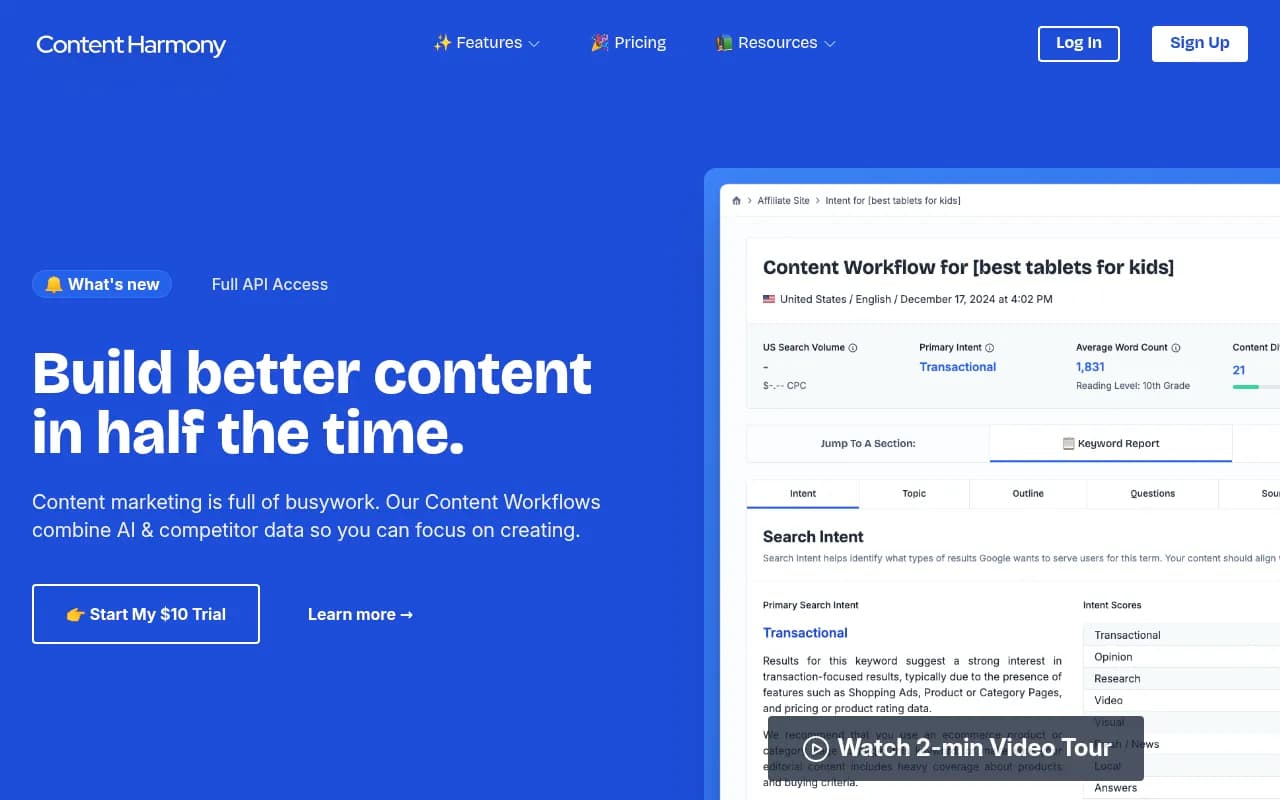
Content Harmony is built around intent-first briefs and has solid SERP analysis that complements fan-out data well.
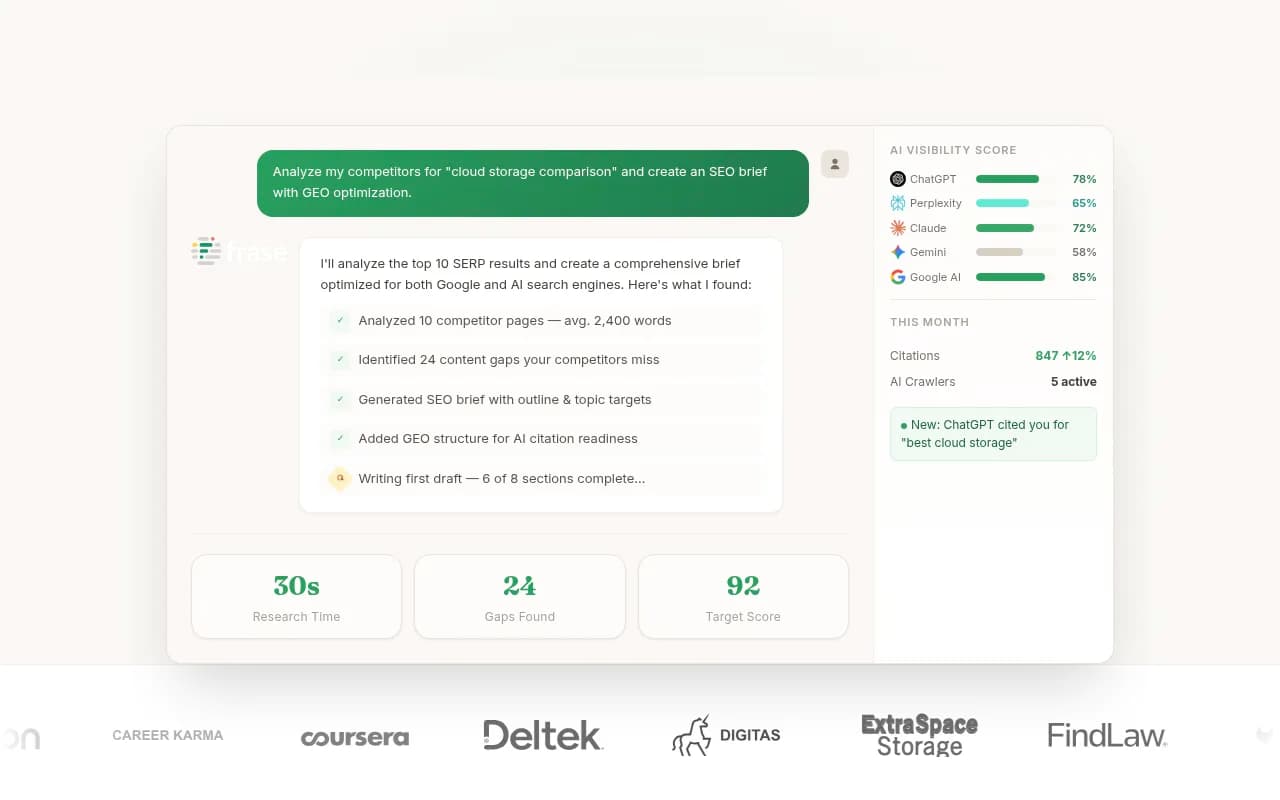
Frase lets you build briefs grounded in what's currently ranking, which you can combine with fan-out data to cover both traditional and AI retrieval surfaces.
For tracking whether your fan-out-optimized content is getting cited:
After publishing, you need to know if the new structure is actually working. Promptwatch's page-level tracking shows which pages are being cited, by which AI engines, and how often -- so you can close the loop between brief, publish, and citation.
For content optimization after drafting:
Clearscope and Surfer SEO help ensure the final draft covers the semantic territory the brief mapped out.

A note on briefing writers vs. briefing AI content agents
The template above works for human writers. If you're using AI content agents (including Promptwatch's Content Agents, which generate articles grounded in real prompt data and citation analysis), the brief structure is similar but the inputs change slightly.
With AI agents, you can feed the fan-out tree directly as structured data rather than prose instructions. The agent can then generate a draft that covers each sub-query systematically. The human review step shifts from "did the writer cover the right topics?" to "did the agent answer each sub-query accurately and with enough depth?"
Either way, the brief is the foundation. A bad brief produces bad content whether a human or an AI writes it.
The one change that matters most
If you take nothing else from this guide, take this: stop writing briefs that target one keyword. Write briefs that cover the fan-out tree of the parent query.
That means the heading structure, the FAQ section, the comparison tables, and the citation targets all flow from the sub-query tree -- not from a keyword tool's "related keywords" list. The keyword tool shows you what people have typed in the past. The fan-out tree shows you what the AI engine is retrieving right now.
Those are increasingly different things, and the gap between them is where your AI search visibility is being lost.
Run the fan-out analysis. Build the brief around the tree. Publish. Track citations. Repeat quarterly. That's the loop.