Key takeaways
- AirOps is a workflow builder: you design Playbooks, define inputs and sections, then run them in batches across a Grid. Promptwatch's Content Agent is gap-driven: it starts from the prompts AI answers and the pages you're missing.
- Most AirOps use cases (new articles, refreshes, repurposing) map to Promptwatch's content gap analysis, Content Creation, Content Refresh and the Content Agent. Pure custom workflow building does not map one to one.
- Setup takes an afternoon: connect your CMS, add Search Console, fill in the Brand Book and Knowledge Base, then pick review-inbox or hands-off publishing.
- Pricing is the other reason people switch. Third-party reports put AirOps at roughly $199 a month for Solo and about $1,999 for Pro, with a big gap in between. Check current numbers on both vendors' pricing pages before deciding.
- Run both side by side for a couple of weeks on the same topic cluster before you cancel anything.
Who this guide is for
You're running content on AirOps, or evaluating it, and you've hit one of the usual walls. Task-based pricing makes high-volume publishing hard to forecast. The jump from the Solo tier to Pro is steep. Or you've noticed that building Playbooks takes more design time than the content itself.
This guide shows how to rebuild the useful parts of that setup in Promptwatch. It is a walkthrough, not a sales pitch. There are things AirOps does that Promptwatch doesn't try to do, and I'll flag them.

The core difference: workflow builder vs gap-driven agent
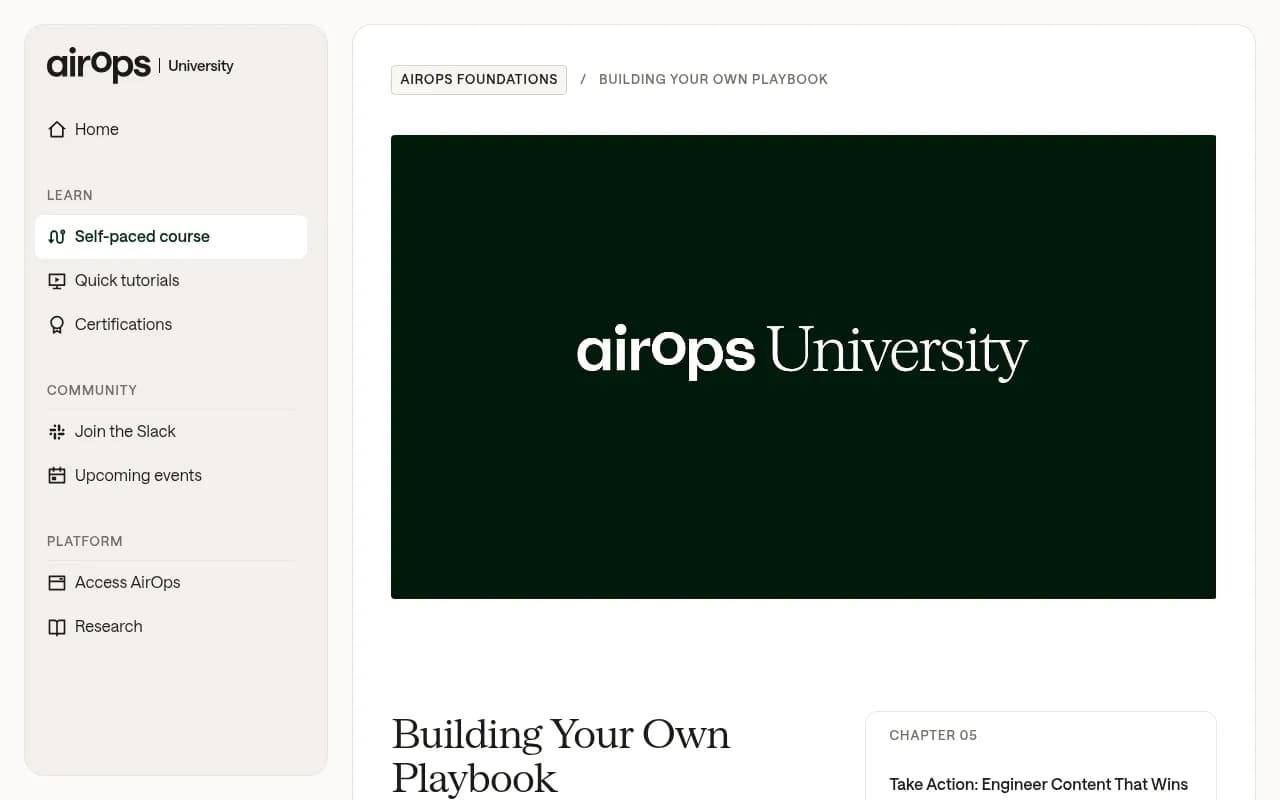
AirOps University teaches you to begin every Playbook with a challenge statement: "I need to [outcome] by [method]." You then answer four design questions (what type of Playbook, what a good outcome looks like, what inputs, what steps), build sections with an objective and instructions, and scale the result across a Grid.
That's a real strength if your work is varied. Blog to LinkedIn post, scout for decaying pages, enrichment of a spreadsheet of products: you can build each one once and rerun it.
Promptwatch's Content Agent works from the other end. You don't design a pipeline. The platform already tracks the prompts that matter to your brand across ChatGPT, Google AI Overviews, Perplexity, Gemini and others, indexes your pages, and shows which prompts you cover, partly cover or miss. The agent drafts the missing page, or edits the weak one.
In practice: AirOps asks "what process do you want to run?" Promptwatch asks "where are you invisible, and what page fixes it?" If your content problem is AI search visibility, the second question is usually the better starting point. If your problem is a custom multi-step process unrelated to AI search, keep AirOps or look at general automation tools like n8n or Zapier.


How AirOps concepts map to Promptwatch
| AirOps concept | Promptwatch equivalent | Notes |
|---|---|---|
| Challenge statement | Prompt monitors and content gap analysis | The gap report is your challenge statement, generated from data |
| Scout Playbook (find underperformers) | Action Board, Content Refresh, Search Insights | Weekly Discovery agent suggests evidence-backed actions |
| Action Playbook (create from input) | Content Creation from a brief, or the Content Agent | Briefs pull in Google results, news, YouTube transcripts, internal links |
| Brand Kit | Brand Book and Knowledge Base | Facts, positioning, tone of voice, source documents |
| Knowledge base sources | Knowledge Base | Available from the Professional plan |
| Grid (batch runs) | Content Agent publishing calendar with monthly budget | Batch by schedule rather than by spreadsheet |
| CMS integrations | WordPress, Webflow, Framer publishing | AI field mapping included |
| Custom Playbook for any task | Agent Chat, MCP server | Conversational and scriptable, but not a visual builder |
The last row matters. If you rely on weird, bespoke Playbooks, Promptwatch will feel narrower. If 80% of your Playbooks are "write article" and "refresh article," it will feel simpler.
Step 1: Pick the plan that actually includes the Content Agent
This trips people up. The automated Content Agent and Agentic AI Search Optimization are on the Business plan ($579 a month, or EUR 499) and Enterprise. Essential ($95 a month) and Professional ($245 a month) include content gap analysis, and Professional adds 5 AEO articles, the Knowledge Base and Content Refresh style tooling. Agency plans don't include AEO articles, the Knowledge Base or the Content Agent.
So a rough map:
| You are | Start here |
|---|---|
| Solo marketer testing the idea | Essential, use the 7-day free trial, check gap analysis |
| Small content team, a few articles a month | Professional |
| Team that wants 5 to 10 pages a week published automatically | Business |
| Large org, managed workflows, SSO | Enterprise |
Always confirm limits at promptwatch.com/pricing. I couldn't verify content-credit details beyond the plan summaries, so don't take any number here as a quote for your specific volume.
For comparison, third-party write-ups of AirOps (SyncGTM and Slate) describe Solo at about $199 to $200 a month with 20,000 tasks, Pro at about $1,999 to $2,000 with 75,000 tasks, and an overage of $0.025 per extra task. SyncGTM estimates 30 articles a month could consume 15,000 to 24,000 tasks. Those are third-party estimates. Verify at airops.com/pricing.
Step 2: Connect your CMS
Publishing is where a replacement either works or doesn't. The Content Agent publishes to:
- WordPress, as drafts or live posts (available to every organization)
- Webflow, syncing CMS collections, including localized collections
- Framer, pushing pages into the Framer CMS
Walk through it in this order:
- Open the integrations settings and authorize your CMS.
- Choose the target collection or post type.
- Set up AI field mapping, so the agent knows which output goes into title, slug, body, meta description and any custom fields.
- Publish one test draft and look at the rendered page. Fix mapping problems now, not after 30 articles.
If you're currently pushing AirOps output to a CMS through a custom mapping, expect to redo that mapping. It's tedious but one-off.
Developers can also use the MCP server (110+ read and write tools) from Claude, ChatGPT, Cursor or Lovable. Cursor lets you edit pages straight in your repo, and Lovable lets you ship new pages from briefs. That is the nearest thing to AirOps' flexibility, just through code tools rather than a visual builder.
Step 3: Add the data sources that ground the content
Content from a blank prompt is generic. This is the part of the AirOps Playbook model that everyone learns the hard way: inputs decide output quality. The same applies here.
Connect these, in order of payoff:
- Google Search Console. The Content Agent uses impressions to pick internal links, and Search Insights shows pages that rank in Google but never get cited by AI.
- Bing Webmaster Tools. ChatGPT leans on Bing-style retrieval more than people assume, so this data is worth having.
- AI crawler logs through Cloudflare, Vercel, Netlify, the WordPress plugin or another supported route. This tells you whether AI systems can even read what you publish.
- The visitor analytics script, so you can see traffic and conversions from AI platforms to the pages you ship.
None of that is strictly required to generate an article. All of it is required to know whether the article worked, which is the part most replacement guides skip.
Step 4: Build your Brand Book and Knowledge Base
This is the equivalent of an AirOps Brand Kit, and it deserves the same care. Fill in:
- Facts about the company: what you sell, who for, pricing language, claims you can and can't make
- Positioning and the competitors you want to be compared against
- Tone of voice, with a few real paragraphs of your best existing writing
- Source documents: product docs, case studies, research PDFs
The Knowledge Base is what lets the agent cite your own data instead of inventing it. If you have proprietary numbers, load them. TreeHouse, the company behind Pararius, grew AI search to roughly 25% of organic conversions partly by publishing proprietary rental data, and that only works if the agent can reach the data.
Tip: write the Brand Book like instructions for a new freelancer. "Never claim X." "Always link pricing to /pricing." The Gumloop guide on building agents makes the same point from the agent-building side: vague instructions give vague output, and specific instructions give sharp output.
Step 5: Run content gap analysis and choose your first batch
Open content gap analysis. It maps your indexed pages against the prompts AI models answer and labels each prompt Covered, Partial or Missing, with a coverage score and monthly gap volume. (The numbers on the product page, like 58 covered, 26 partial and 58 missing, are demo data, not benchmarks. Yours will differ.)
Pick the first batch with some discipline:
- Filter to prompts with real volume and manageable difficulty.
- Prefer prompts where competitors are cited and you aren't.
- Start with 5 to 10 prompts from one topic, not 50 across everything.
Then use the one-click option to draft the missing page, or turn a prompt's citations into a content brief and run Content Creation. The brief pulls in Google results, news, YouTube transcripts, your internal links and live screenshots.
What kind of page to write matters. Promptwatch's ChatGPT citation share by content type data shows product pages as the most cited type (22.4% of citations, Sep 28 to Oct 4, 2026), followed by landing pages and listicles. And per the ChatGPT content half-life report, pages ChatGPT cited on July 6, 2026 lasted longest when they were landing pages and docs, while news lost half its pages within 36 days. So don't spend your first batch on news-style posts.
Step 6: Choose your publishing mode
The Content Agent (Business and Enterprise) has a publishing calendar, a monthly budget, publish windows and a review inbox. You choose how much control to keep.
| Mode | How it works | Use when |
|---|---|---|
| Review inbox | Agent drafts, you approve, edit or decline | First 2 to 4 weeks, regulated or high-stakes content |
| Hands-off | Agent publishes inside your windows and budget | After approval rates are consistently high |
| Manual Content Creation | You write a brief and generate one article | One-off pages, launches |
My recommendation is plain: start in the review inbox and stay there until you've approved a long run of drafts with only light edits. Declining drafts also teaches you what to fix in the Brand Book. Moving to hands-off earlier than that is how you get a site full of pages nobody reviewed.
Writing happens in the prompt's language, with author profiles, so multilingual teams don't need separate setups.
Step 7: Move your refresh workflow over
If your AirOps usage is mostly refresh, this is the feature to test hardest. Content Refresh gives git-diff-style, line-by-line suggestions that you accept or reject. Edit types include Add stats, Rewrite, Add section and Add FAQ, and it flags outdated facts and claims while keeping your brief settings and brand voice. The product page's demo shows a page score going from 62 to 84 after edits, which is an illustration, not a promise.
A sensible refresh routine:
- Check the Action Board each Monday. The weekly Discovery agent suggests up to five evidence-backed actions per run.
- Take pages tracked as losing citations or never cited, and open them in Content Refresh.
- Accept the stats and FAQ edits first, they're the lowest risk.
- Republish and let Page Tracking watch whether crawls and citations move.
AirOps launched Quill in May 2026, an agent lead that monitors, updates and drafts content. If that's what attracted you, the Promptwatch equivalents are the Discovery agent, the Action Board and Agent Chat. Agent Chat can run multi-step research over your live data, build dashboards and work the Action Board when you @-mention it.
Step 8: Close the loop with measurement
This is the difference that matters most when you're swapping tools. A content platform that stops at "published" can't tell you if anything happened.
After publishing, track each page through three questions:
- Did an AI crawler read it? (IP-verified crawler logs)
- Was it cited, and for which prompts? (citation analytics and Page Tracker)
- Did anyone click through and convert? (visitor analytics)
Underperformers come back as actions on the Action Board. Crisp, a Promptwatch customer, reported 2x higher conversion rates from AI traffic than from traditional channels while scaling to 5 to 10 articles a day. Treat that as one case, not a forecast, but it shows what the loop is for.
Also keep an eye on how AI behaves, because it changes. Promptwatch's site: operator fanout report found ChatGPT started using the site: operator at scale on August 8, 2026, jumping from about 0.4% to about 17% of fanout queries. Pages that are clear about what they are and who publishes them do better in that world.
Side-by-side trial plan
Don't cancel AirOps on day one. A two-week parallel run is cheap insurance.
- Pick one topic cluster of 10 prompts.
- Produce half the pages in AirOps and half in Promptwatch, matched for type and intent.
- Use the same brand rules and the same human editor.
- Compare editing time per page, approval rate and cost per published page.
- Four to six weeks later, compare crawls, citations and AI-referred visits.
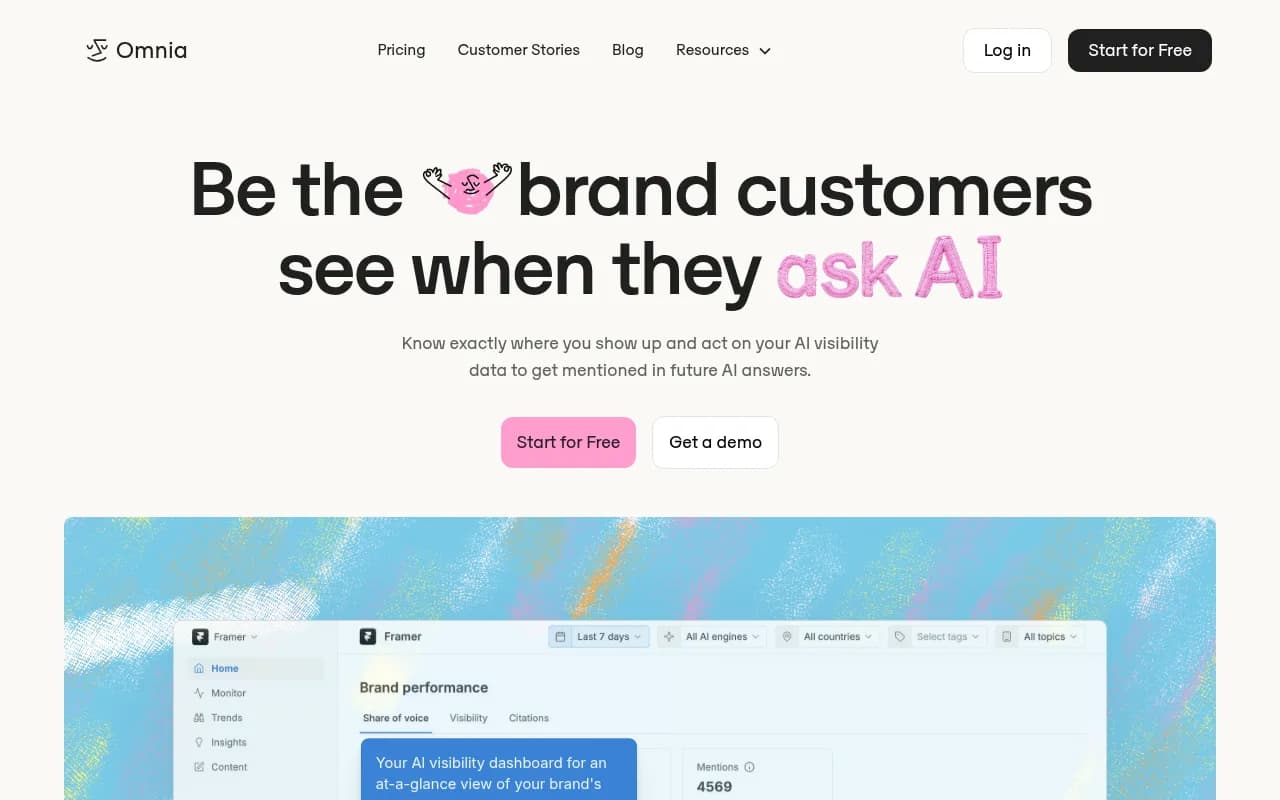
The Omnia write-up on Promptwatch alternatives has a related tip worth stealing: put your realistic prompt count against each plan, because 50-prompt entry tiers run out fast.
What you give up
Being honest about the trade-offs:
- No visual Playbook builder or Grid. Promptwatch's batching is calendar and budget based, not spreadsheet based.
- Less suited to non-SEO workflows such as sales collateral or data enrichment. Use Agent Chat, the MCP server or a tool like Zapier or Make for those.
- Content Agent automation sits on Business and above, so a small team on Essential gets gap analysis and manual creation, not the full autopilot.
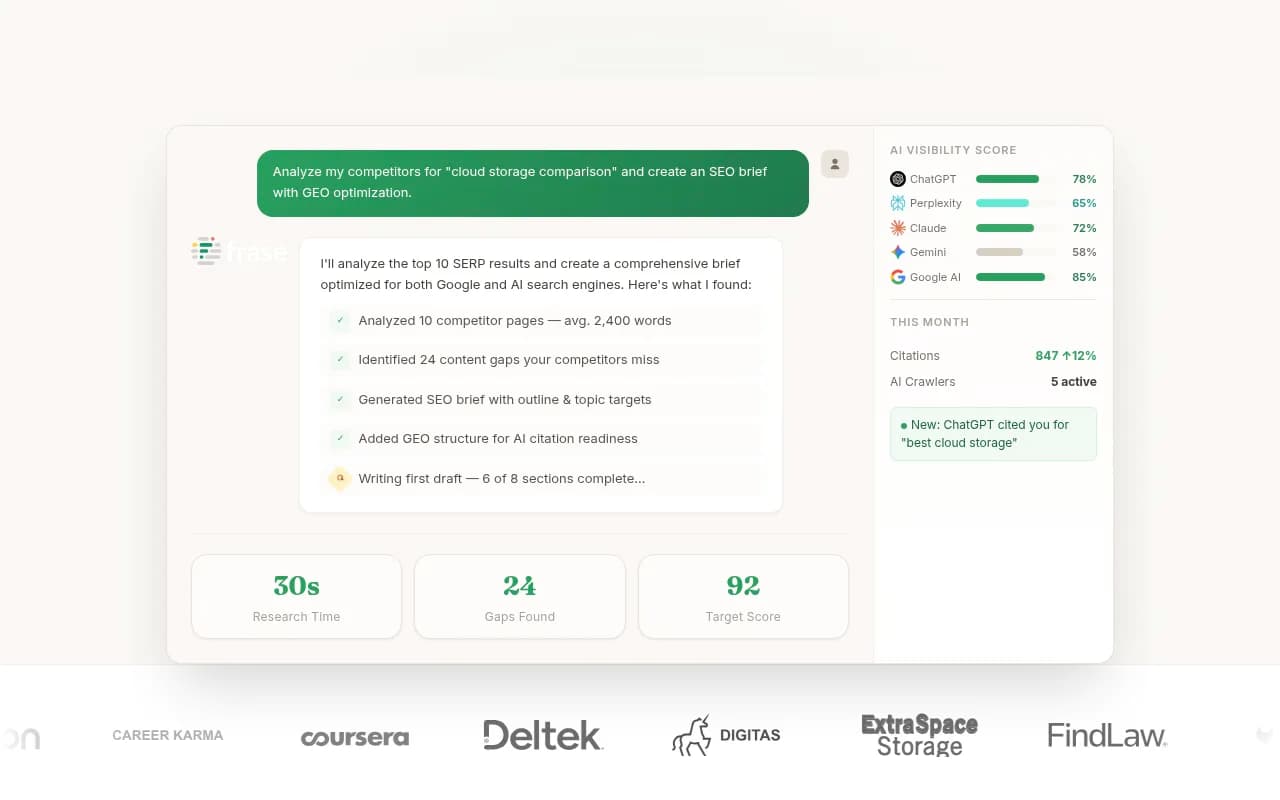
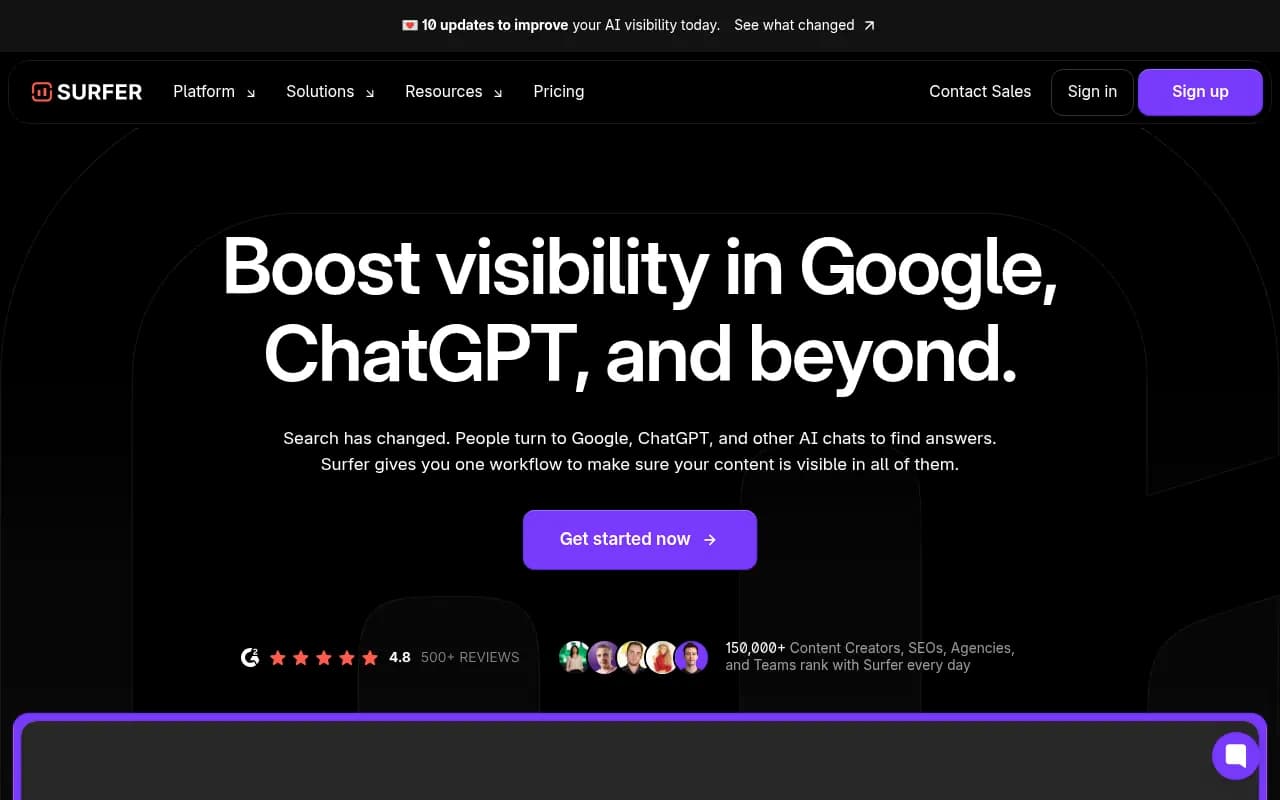
And if you want other options in the same space, the GEO software directory at bestgeosoftware.com lists a wider set of tools, and the catalog includes content-focused platforms like Frase and Surfer SEO.
Migration checklist
- Export your best-performing AirOps outputs and Brand Kit text
- Pick a Promptwatch plan and confirm limits at promptwatch.com/pricing
- Connect WordPress, Webflow or Framer and publish a test draft
- Connect Search Console, Bing and crawler logs
- Fill in the Brand Book and Knowledge Base
- Create monitors for your top prompts by topic and country
- Run gap analysis and choose 5 to 10 pages
- Start in the review inbox
- Review results after 4 to 6 weeks, then decide on hands-off mode
Bottom line
If your AirOps usage is a pile of custom Playbooks, you'll miss the builder. If it's mostly "find gaps, write pages, refresh pages, publish to the CMS," Promptwatch's Content Agent does that without you designing the pipeline, and it shows whether each page got crawled, cited and clicked. Run the two-week trial, compare the numbers, and choose from evidence.