
Key takeaways
- Almost every serious AI visibility platform now ships an API, an MCP server, or both. The differences are in plan gating, sign-in method, and whether the server can write as well as read.
- An API is for code: scheduled jobs, warehouses, BI. An MCP server is for conversation: you ask Claude a question and it calls the platform's tools for you.
- Sign-in matters more than it looks. Some servers are OAuth-only, some take an API key in a header, and some accept both. Clients that cannot send custom headers will not work with key-only servers.
- Most comparison posts on this topic are written by the vendors they rank. Treat the pricing below as a starting point and confirm it on each pricing page, because several figures were checked in October 2026.
- Promptwatch is the option here that closes the loop: its MCP server reads your visibility data and can run actions, not just report on them.
Why connect a GEO platform to Claude at all
Dashboards are fine until you have a real question. "Which competitor does Perplexity name instead of us for our top five prompts, and which pages does it cite for them?" In a dashboard that is six clicks and a spreadsheet. In Claude with an MCP server attached, it is one sentence.
That is the whole pitch of a GEO MCP server. Your assistant gets tools that check whether ChatGPT, Claude, Perplexity, Gemini and Google AI Overviews mention your brand, which competitors they name, and which sources they cite. You stay in the chat. The platform stays the system of record.
The API side serves a different crowd. If your data needs to land in BigQuery, Looker Studio, or a client report that renders itself every Monday, you want REST endpoints, not a conversation.
A caveat before we go further. The roundups I pulled for this guide (from Geoptie, Manifold, NodeMaven and others) each rank their own product first. That does not make the facts wrong, but it does mean you should read the rankings as marketing and the feature tables as claims to verify.
API vs MCP server: which one do you need
People use these terms interchangeably. They shouldn't.
An API is a contract for programs. You write a job, it calls an endpoint, it stores the result. Rate limits and quotas are what you care about.
An MCP server exposes the same kind of data as tools an AI assistant can call. You never write the request. Claude decides which tool to call based on your question, runs several in sequence if needed, and summarizes. What you care about here is the tool list, the auth method, and whether the tools can change things.
Most teams end up wanting both. The API feeds the reporting pipeline, and the MCP server handles the ad hoc questions that never make it into a report.
The platforms compared
The table below pulls from the vendor docs and roundups gathered for this guide. Prices are monthly entry points for MCP or API access as reported in October 2026. Confirm before buying.
| Platform | MCP access | API access | Sign-in | Notes |
|---|---|---|---|---|
| Promptwatch | Hosted, Streamable HTTP | REST API v2 | OAuth or API key | Can run actions from chat, not only read |
| Geoptie | From $99/mo (48-tool server) | From $99/mo | API key in header | No monthly request cap on Professional |
| Peec AI | From $95/mo, every plan | Enterprise | Not confirmed | Aimed at querying through an assistant |
| Otterly.AI | From $189/mo | From $189/mo | OAuth only | Listed in Claude's connector directory |
| SE Ranking | From $129/mo | From $129/mo | Connector for ChatGPT or Claude | AI and classic search data together |
| Ahrefs Brand Radar | From $129/mo | From $129/mo | Not confirmed | Best if you already live in Ahrefs |
| Profound | Enterprise | Enterprise | OAuth or API key | SDKs, SSO, widest engine set |
| LLM Pulse | Free trial, then paid | Paid plans | OAuth 2.1 or API key | Read-write, roughly 90 tools |
| Scrunch | From $500/mo | From $500/mo | Not confirmed | Grounds answers in workspace data |
Promptwatch
Promptwatch is the one I would start with if you want the assistant to do more than read numbers back to you. Its hosted MCP server works with Claude, Claude Code, ChatGPT, Cursor, Lovable, Codex and any MCP client, and per the Academy docs it can also run Promptwatch actions from inside your chat. The REST API v2 covers visibility, prompts, responses, citations, sentiment, crawler and visitor analytics, shopping, Ads Radar, site audit, content, and publishing, with date ranges up to 92 days so a full quarter fits in one request.
That breadth is the point. Because the same platform holds your prompt tracking, IP-verified AI crawler logs, visitor analytics and a Content Agent, Claude can answer "which pages did AI bots fail to crawl, and do we have content gaps on those topics?" without you stitching together three vendors. Every plan, including the free Explore plan, includes MCP and API access, with rate limits that scale from 100 requests per hour on Explore to 24,000 on Enterprise.
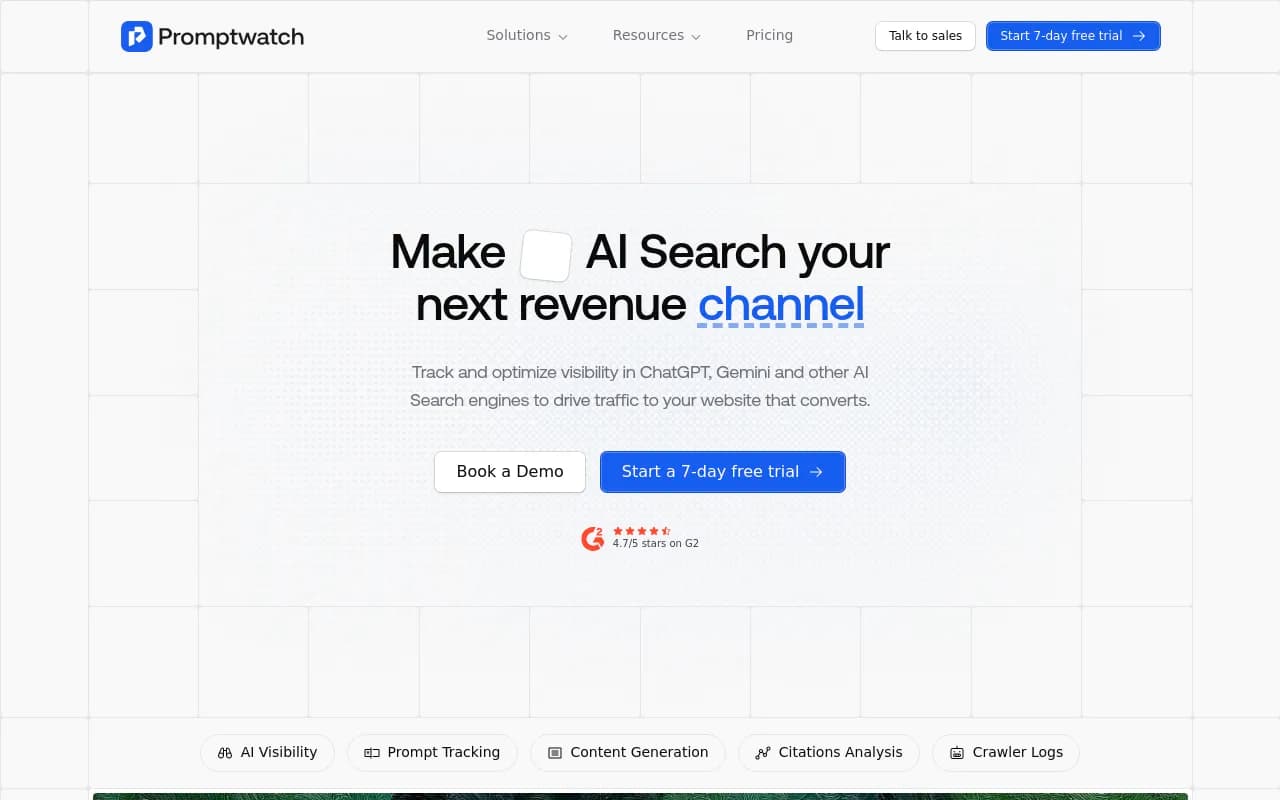
If you want to see how it stacks up against the monitoring-only crowd, the 2026 GEO platform comparison lays it out feature by feature. Pricing starts at $95/mo for Essential, and there is a 7-day free trial on monthly billing. Confirm current numbers at promptwatch.com/pricing.
Geoptie
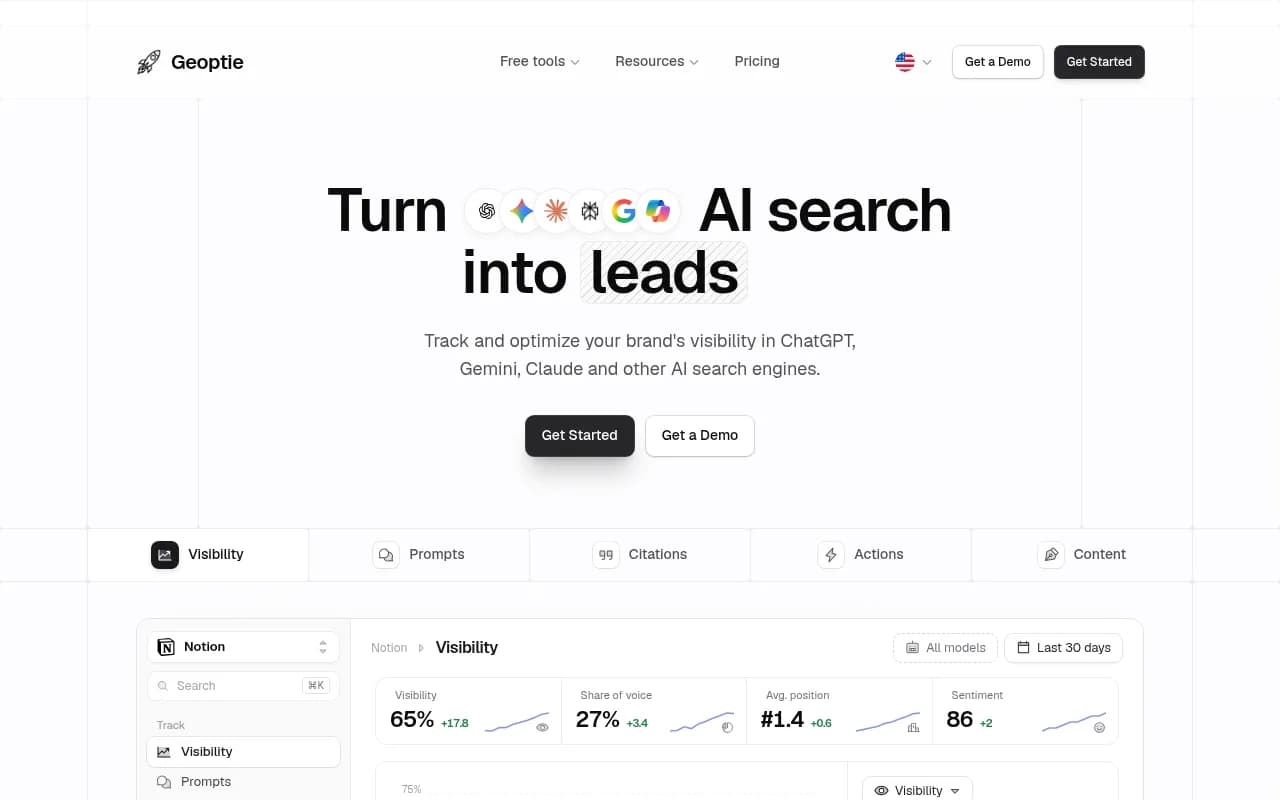
Geoptie's pitch is flat pricing: a 48-tool MCP server and a REST API on the $99 Professional plan, one key for both, no monthly request cap. It covers seven engines including ChatGPT, Claude, Perplexity, Gemini, both Google AI surfaces and Copilot. The catch is the auth model. It uses an API key in a header, so it runs in Claude Code, Cursor and Codex but not in clients that only support OAuth. Good fit for agencies that want data in their own reports without an enterprise contract.
Peec AI
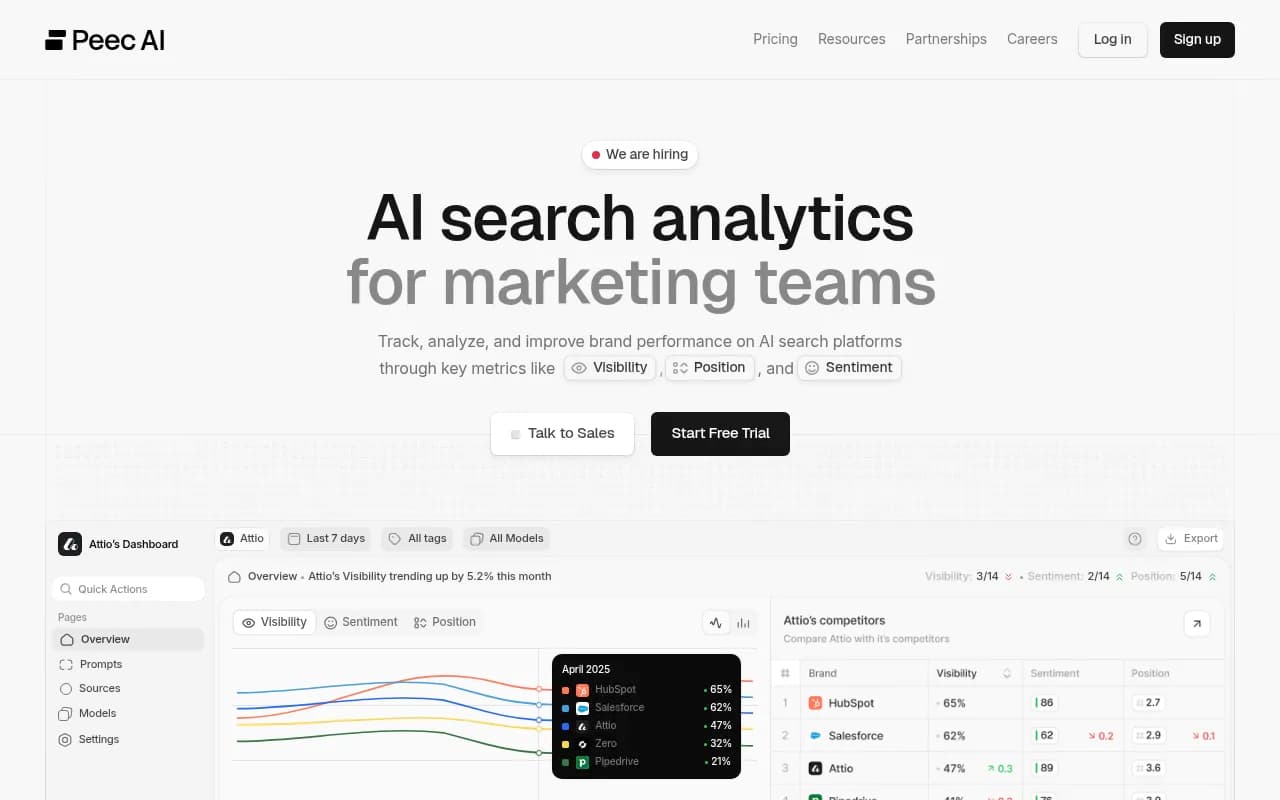
Peec puts an MCP server on every plan from $95, which is unusually generous, and it is built for people who mainly ask an assistant about their data. API access is reserved for Enterprise, so if you want to pipe data into a warehouse, look elsewhere or plan to upgrade.
Otterly.AI
Otterly's MCP server is OAuth-only and listed in Claude's connector directory, which makes setup about as painless as it gets. Entry is the $189 Standard plan with 2,000 MCP requests, and Claude, Gemini and AI Mode coverage are add-ons rather than included. That add-on structure is worth pricing out before you commit.
SE Ranking
SE Ranking sells the combined view: AI visibility next to classic search data, behind one connector you can add straight to ChatGPT or Claude. Access starts at $129. It makes sense for SEO teams who do not want a separate tool just for AI.
Ahrefs Brand Radar
Brand Radar adds AI mentions next to backlink and keyword data from $129/mo. If your team already works inside Ahrefs, the data lives where you already look.
Profound
Profound is the enterprise option: SDKs, SSO, a deep reports API, and a read-write MCP server with the widest engine list, including DeepSeek and Exa. Pricing is custom. If you are already a customer, the MCP server is a natural extension. If you are not, the sales process is the cost.
LLM Pulse
LLM Pulse offers a hosted, read-write server with around 90 tools covering metrics, actions and a content writer, and supports both OAuth 2.1 and API keys. There is a free trial, which makes it easy to kick the tires.
Others worth a look
Scrunch grounds answers in your workspace (presence, position, sentiment, citation ownership) but starts at $500/mo for API and MCP access. [tool:scrunch] Manifold, a hosted MCP server from $29/mo with per-call credits, suits people who want ad hoc AI answer checks alongside SEO and social data, though it is a broader tool than a pure GEO platform. Quattr and Conductor also ship MCP servers and suit teams already on those suites. [tool:quattr] [tool:conductor]
If you want to browse beyond this list, the GEO software directory at bestgeosoftware.com covers many more options.
Authentication: the detail that decides compatibility
This is where most setups fail, so it gets its own section.
| Method | Who uses it | Works in | Watch out for |
|---|---|---|---|
| OAuth only | Otterly | Claude connectors, Cursor, Copilot | No scripted or headless use |
| OAuth or API key | Promptwatch, Profound, LLM Pulse | Nearly everything | Pick OAuth for people, keys for automation |
| API key in header | Geoptie | Claude Code, Cursor, Codex | Clients without custom header support |
OAuth is friendlier for humans. You click approve and you are done. API keys are better for automation and shared setups, but you must protect them. Use scoped, read-only keys where the vendor offers them, which is a sensible default when an assistant is doing the calling.
If you want to be sure ChatGPT can use a given server, check before paying. Key-in-header servers often cannot run there.
Connecting Promptwatch to Claude
Promptwatch's MCP endpoint is https://server.promptwatch.com/mcp and uses Streamable HTTP. These commands come from the setup docs at promptwatch.com/docs.
For Claude Code with OAuth:
claude mcp add --transport http promptwatch https://server.promptwatch.com/mcp
With an API key instead:
claude mcp add --transport http promptwatch https://server.promptwatch.com/mcp --header "Authorization: Bearer YOUR_API_KEY"
For clients that read a JSON config:
{
  "mcpServers": {
    "promptwatch": {
      "url": "https://server.promptwatch.com/mcp",
      "headers": {
        "Authorization": "Bearer YOUR_API_KEY"
      }
    }
  }
}
If your client cannot send remote headers, the fallback is:
npx -y mcp-remote https://server.promptwatch.com/mcp --header "Authorization: Bearer YOUR_API_KEY"
Claude itself is available at [tool:claude] if you need the desktop or web app. Full details are on the MCP integration page.
Prompts worth running once you are connected
A connected assistant is only useful if you ask good questions. These work well because each one forces a tool call against real data rather than a generic answer.
- "Compare my visibility by model for the last 30 days and flag the engine where my position is worst."
- "List the top competitors that appear in responses where I do not, grouped by topic."
- "Which of my pages are cited but rarely crawled, and which are crawled but never cited?"
- "Pull the negative claims AI repeats about us and tell me which source pages they come from."
- "Draft an action list from the content gaps, ordered by prompt volume."
Two data points are worth feeding into your thinking. Promptwatch Data's average sources per response report shows ChatGPT citing about 5 sources per web-search answer, while AI Overviews cites about 10 and Perplexity almost exactly 10. Compare engines separately, because a single blended citation number hides that gap. And Promptwatch's ChatGPT query fanouts report shows average fanout query length falling from about 117 characters in December to about 53 from April, so ask Claude to compare your tracked prompts against those shorter, keyword-style queries. The report's own prose and averages disagree on fanouts per response, so lean on the averages.
How to choose
A short decision guide, based on what you actually need.
- You want the assistant to act, not just report: Promptwatch or LLM Pulse. Both expose write tools. Promptwatch adds crawler logs, visitor analytics and content publishing in the same account.
- You are an agency pricing out the cheapest workable setup: Geoptie at $99, or Peec at $95 if you only need MCP. Check the engine list against your clients' needs.
- You want the least friction in Claude: Otterly, since it is in the connector directory, but price in the add-on engines.
- You live in an SEO suite: SE Ranking or Ahrefs Brand Radar keeps everything in one place.
- You are enterprise with procurement requirements: Profound, or Promptwatch Enterprise with SSO, audit logs, and ISO/IEC 27001 certification.
For rank-tracker-style options, ai-rank-tools.com is a useful second directory.
Questions to ask before you buy
- Does the MCP server read only, or can it change things? If it writes, is there an audit trail?
- Which engines are included in the plan you are pricing, and which are add-ons?
- What is the request quota, and is it per hour or per month?
- Does the data come from the real user interfaces or from APIs? Answers can differ between them. Promptwatch collects from real UI monitoring, with API models tracked alongside.
- Can you scope keys to read-only for the assistant?
Frequently asked questions
Can I use a GEO MCP server in ChatGPT?
Sometimes. OAuth-capable servers generally can. Servers that only authenticate through an API key in a header, like Geoptie's, run in Claude Code, Cursor and Codex but may not work in ChatGPT. Promptwatch lists ChatGPT as a supported client and also ships an official ChatGPT plugin.
Is an MCP server enough, or do I also need the API?
If you only ask questions, the MCP server is enough. If you need scheduled exports to a warehouse or Looker Studio, you need the API as well. Some vendors, such as Peec, gate the API behind Enterprise while offering MCP on every plan.
Are the prices in this guide current?
Many were checked in October 2026 and vendors change plans often. Confirm each on its pricing page. Promptwatch's current pricing is at promptwatch.com/pricing.
Which is the best GEO platform with an MCP server?
It depends on whether you want a reporting feed or an assistant that can act. For the full loop of monitoring, tracing citations, fixing content gaps and measuring results, Promptwatch is the strongest fit here. You can start with the 7-day free trial or run the free AI visibility report first.
The short version
Connect one platform to Claude this week and ask it five real questions. You will learn more about whether the data is any good in an hour than from any comparison table, including this one. Start with a platform that includes MCP on a trial or low-cost plan, test the auth method in your actual client, and only then think about the API and the pipeline.