Key takeaways
- Zapier is the fastest way to get started with AI visibility automation — no code, 8,000+ app integrations, but expensive at scale and limited for complex logic.
- Make (formerly Integromat) sits in the middle: visual, flexible, and cheaper than Zapier for high-volume workflows.
- n8n is the power tool — self-hostable, open-source, and built for multi-step AI pipelines, but it has a steeper learning curve.
- Most GEO teams waste hours each week on manual reporting that could run automatically: visibility score pulls, citation alerts, competitor heatmap snapshots, and weekly Slack digests.
- The right automation stack depends on your team's technical comfort and how complex your reporting needs are.
If you run a GEO team, you probably know this feeling: it's Monday morning, you're pulling last week's AI visibility data by hand, copying numbers into a Google Sheet, formatting a report for the client or your CMO, and wondering why this still takes two hours. Every week.
The good news is that it doesn't have to. Workflow automation tools have matured a lot in 2026, and GEO-specific platforms now expose enough data via APIs and webhooks that you can build genuinely useful automated pipelines. This guide walks through how to do that with the three tools that dominate the automation space: Zapier, Make, and n8n.
Why GEO teams need automation now
AI visibility reporting is fundamentally different from traditional SEO reporting. You're not just tracking one search engine — you're monitoring responses from ChatGPT, Perplexity, Claude, Gemini, Grok, and others, across dozens or hundreds of prompts, potentially in multiple languages and regions. The data volume is high. The update frequency matters. And the gap between "we saw this" and "we acted on this" is where most teams lose time.
Manual workflows break down fast. Someone has to remember to run the report. Someone has to format it. Someone has to send it. And when something changes — your brand drops out of a key AI response, a competitor suddenly appears in prompts you were winning — nobody finds out until the next scheduled check.
Automation fixes all of this. You set the rules once, and the system handles the rest: pulling data, formatting reports, sending alerts, even triggering content creation workflows when gaps are detected.
The three tools: a quick orientation
Before getting into specific workflows, here's how these tools compare at a high level.
| Feature | Zapier | Make | n8n |
|---|---|---|---|
| Learning curve | Low | Medium | High |
| Pricing model | Per task | Per operation | Free (self-hosted) / paid cloud |
| App integrations | 8,000+ | 3,000+ | 400+ native + any API |
| AI/logic support | Basic | Good | Excellent |
| Self-hosting | No | No | Yes |
| Best for | Simple automations, fast setup | Visual multi-step workflows | Complex AI pipelines, custom logic |
| API/webhook support | Yes | Yes | Yes |
| Code execution | No | Limited | Yes (JavaScript/Python) |
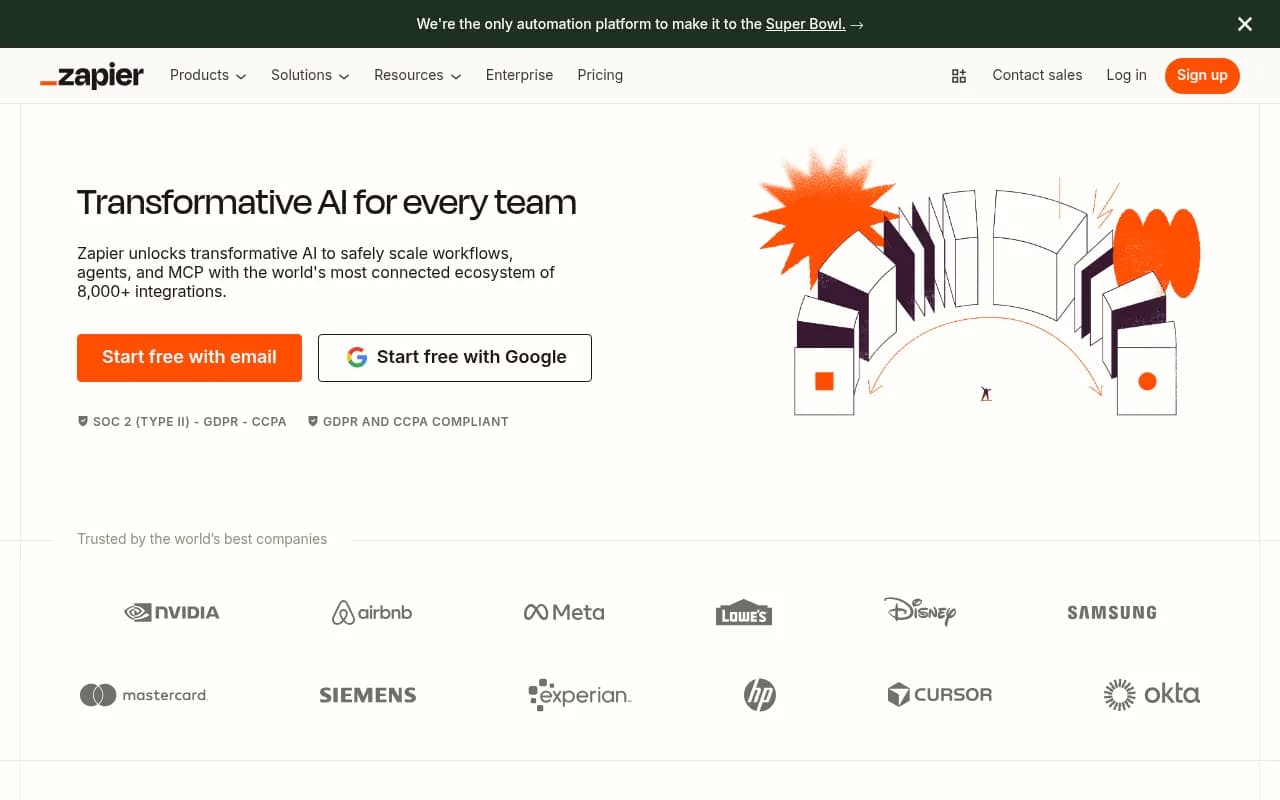
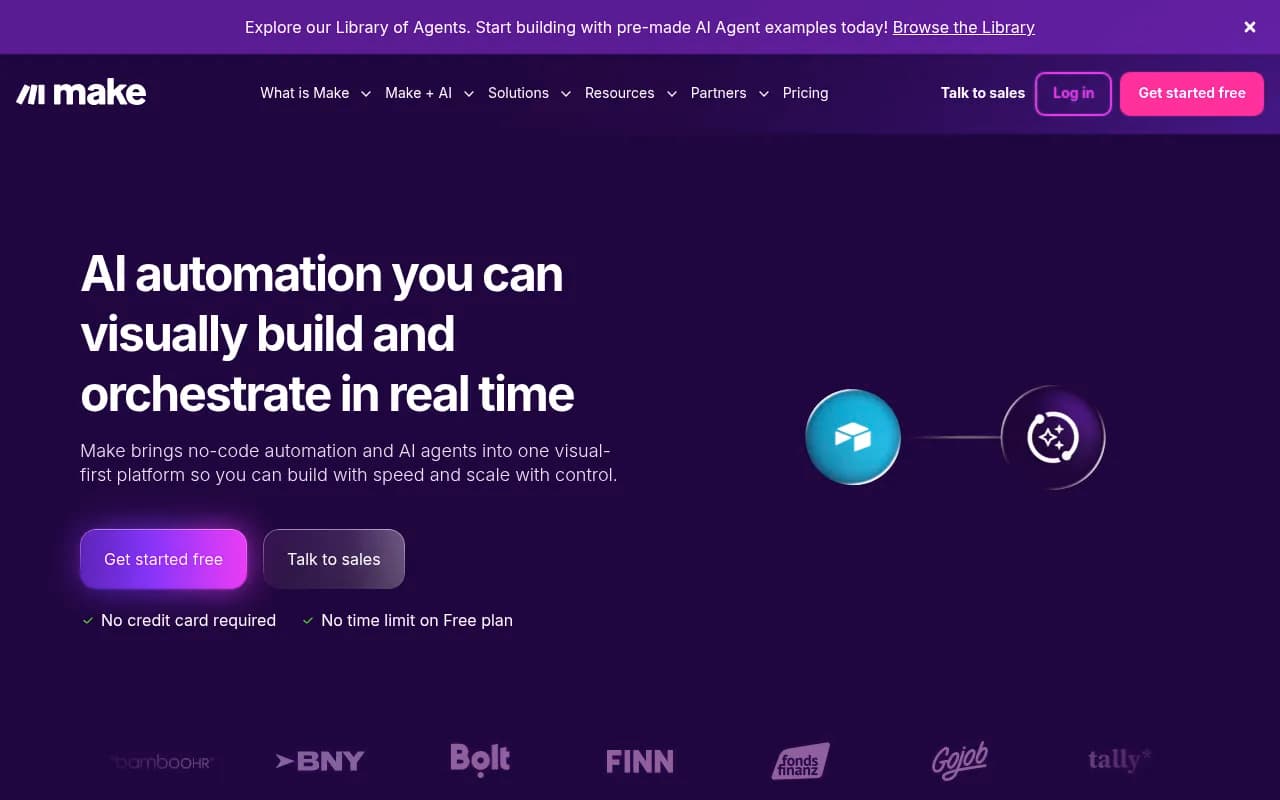
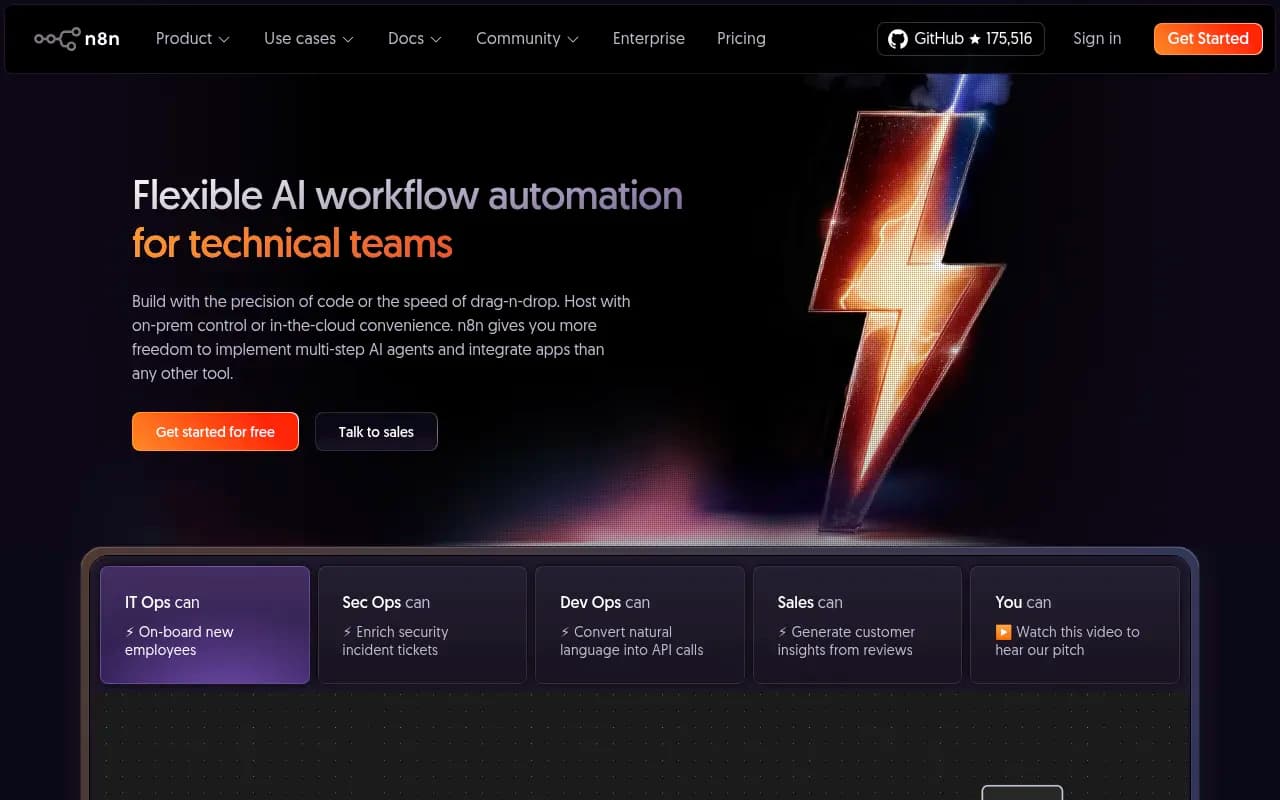
The short version: Zapier is where you start, Make is where you scale, and n8n is where you go when you need real control. Most mature GEO teams end up using a combination.
What to automate: the GEO reporting stack
Before building anything, it helps to map out what you're actually trying to automate. Here are the most common workflows GEO teams run manually that are worth automating.
Weekly visibility score reports
Most AI visibility platforms expose data via API or scheduled exports. The workflow is simple: pull your visibility scores on a schedule, format them into a report, and send it to Slack, email, or a Google Sheet. This alone saves most teams 30-60 minutes per week.
Citation and mention alerts
When an AI model starts citing a competitor in a prompt you were previously winning, you want to know immediately — not at next Monday's review. Set up a webhook or polling workflow that checks for changes in citation data and fires a Slack message or email when something significant shifts.
Answer gap notifications
If your GEO platform identifies new prompts where competitors are visible but you're not, that's a content opportunity. Automating the detection and routing of these gaps — into a content backlog in Airtable or Notion, for example — means nothing falls through the cracks.
Competitor heatmap snapshots
Scheduled screenshots or data pulls of competitor visibility across AI models, dropped into a shared folder or appended to a tracking sheet, give your team a running record without anyone having to remember to do it.
Content performance tracking
When you publish new content optimized for AI citation, you want to track whether it starts getting cited. Automating a weekly check on page-level citation data and logging it to a sheet closes the loop between content creation and results.
Building with Zapier: the fast path
Zapier is the right choice if your team is non-technical and you need something running today. The interface is straightforward: you pick a trigger (something that starts the workflow), then add one or more actions (things that happen as a result).
Example: weekly Slack digest
Here's a simple Zapier workflow for a weekly AI visibility digest:
- Trigger: Schedule (every Monday at 9am)
- Action: HTTP request to your GEO platform's API to pull visibility scores
- Action: Format the data using Zapier's built-in formatter
- Action: Send a Slack message to your team channel with the formatted summary
If your GEO platform doesn't have a native Zapier integration, the "Webhooks by Zapier" step handles raw API calls. Most platforms that expose any API at all will work this way.
Example: citation alert
- Trigger: Schedule (every hour, or every 15 minutes on paid plans)
- Action: API call to check citation data for your tracked prompts
- Action: Filter — only continue if a competitor's citation count changed by more than X%
- Action: Send a Slack DM or email alert with the details
The main limitation with Zapier is cost. At scale — say, checking 50 prompts every hour — you burn through tasks quickly. The per-task pricing model gets expensive fast, which is why teams with high-volume monitoring needs usually migrate to Make or n8n.
Building with Make: visual and flexible
Make's scenario builder is genuinely good. You see the whole workflow as a visual diagram, which makes it much easier to reason about branching logic, error handling, and data transformation than Zapier's linear step-by-step view.
Example: answer gap to content backlog
This is a workflow that takes detected content gaps and routes them into a project management tool:
- Trigger: Webhook (your GEO platform fires this when a new gap is detected, or you use a scheduled HTTP module to poll)
- Module: Parse the JSON response to extract the prompt, the competing domain, and the gap type
- Module: Filter — only continue for gaps in your priority topic clusters
- Module: Create a new record in Airtable (or a card in Trello/Asana) with the prompt, competitor, and recommended content angle
- Module: Send a Slack notification to the content team
Make's operation-based pricing is much more forgiving than Zapier's task-based model for this kind of workflow. A scenario that runs 1,000 times a month with 5 modules each is 5,000 operations — well within the mid-tier plan.
Example: competitor heatmap tracker
- Trigger: Schedule (weekly)
- Module: HTTP request to pull competitor visibility data from your GEO platform
- Module: Parse and transform the data
- Module: Append rows to a Google Sheet with timestamps
- Module: If any competitor's score increased by more than 10 points, send an alert
The Google Sheets module in Make is particularly solid — it handles large datasets cleanly and supports both append and update operations, which matters when you're building a running log.
Building with n8n: the power option
n8n is a different beast. It's open-source, which means you can self-host it on your own server (a $5-10/month VPS handles most GEO team workloads), and it gives you full code execution in JavaScript or Python at any step. This is where you build the complex stuff.
Example: AI-powered gap analysis pipeline
This is a more sophisticated workflow that goes beyond simple data routing:
- Trigger: Schedule (daily at 6am)
- Node: HTTP request to pull all tracked prompts and their current citation data
- Node: Filter to prompts where your brand is not cited but competitors are
- Node: For each gap, make an OpenAI API call to generate a content brief: "Given this prompt and these competitor citations, what content angle would most likely get cited by AI models?"
- Node: Write the brief to a Google Doc or Notion page
- Node: Send a Slack message with a link to the brief and a summary of the opportunity
This kind of multi-step AI processing chain — where you're calling external AI APIs mid-workflow to generate content or analysis — is exactly what n8n was built for. Zapier can't do this cleanly. Make can approximate it but with more friction.
Example: crawler log monitoring
If your GEO platform exposes AI crawler log data (which crawlers hit your site, which pages they read, any errors), you can build an n8n workflow that:
- Polls the crawler log API daily
- Flags pages that haven't been crawled by any AI bot in the past 14 days
- Cross-references those pages against your content inventory
- Sends a prioritized list to your technical SEO team for investigation
This is the kind of workflow that catches real problems — pages that AI models simply aren't discovering — before they show up as visibility drops.
Self-hosting n8n
If you go the self-hosted route, the setup is straightforward with Docker:
docker run -it --rm \
  --name n8n \
  -p 5678:5678 \
  -v ~/.n8n:/home/node/.n8n \
  docker.n8n.io/n8nio/n8n
This gets you a local instance at localhost:5678. For production use, you'd want to run this on a VPS with a reverse proxy (nginx or Caddy) and SSL. The n8n documentation covers this in detail, and the community forum is active if you run into issues.
The cloud version of n8n (n8n.cloud) skips all of this — you get a hosted instance with a free trial, and pricing starts at a flat monthly rate rather than per-execution. For teams that don't want to manage infrastructure, the cloud version is the easier path.
Connecting your GEO platform to automation tools
The automation tools above are only as useful as the data they can access. Here's how to think about connecting your GEO platform.
Most platforms offer one or more of these integration points:
- REST API with authentication (API key or OAuth)
- Webhooks for real-time event notifications
- CSV/spreadsheet exports on a schedule
- Native integrations with Zapier or Make
Promptwatch exposes data via API and integrates with Google Search Console, which means you can pull visibility data, citation counts, and traffic attribution into any of these automation tools using standard HTTP request modules. The Looker Studio integration is also worth noting — if your team already uses Looker Studio for reporting, you can build automated dashboards that refresh on schedule without any custom automation code.

For platforms without a native API, the fallback is usually scheduled CSV exports to Google Drive or Dropbox, which Zapier, Make, and n8n can all monitor and parse automatically.
Choosing the right tool for your team
Here's a practical decision framework:
| Situation | Recommended tool |
|---|---|
| Non-technical team, need something running this week | Zapier |
| Medium complexity, cost-conscious, visual thinker | Make |
| Technical team, complex logic, want full control | n8n (self-hosted) |
| Technical team, don't want to manage servers | n8n Cloud |
| Enterprise, need SSO and audit logs | Workato |
| High-volume, need custom code at every step | n8n |
One thing worth saying directly: don't let perfect be the enemy of good here. A simple Zapier workflow that sends your team a weekly Slack message with visibility scores is infinitely better than a complex n8n pipeline you spend three weeks building and never finish. Start simple, automate the most painful manual task first, then layer in complexity.
Common mistakes to avoid
A few things that trip up GEO teams when they first start automating:
Polling too frequently. Checking your AI visibility data every 5 minutes sounds useful but usually isn't — AI model responses don't update that fast, and you'll burn through API rate limits and automation credits. Hourly is usually fine for alerts; daily or weekly is right for most reports.
Not handling API errors. GEO platform APIs occasionally return errors or empty responses. If your automation doesn't handle this gracefully, you'll get broken reports or missed alerts. Add error handling at every HTTP request step — Make and n8n both have built-in error handling modules.
Building reports nobody reads. Before automating a report, ask whether anyone actually uses the manual version. If the answer is "sort of, sometimes," automate something else first.
Ignoring data freshness. If your GEO platform updates data once per day, there's no point running your automation every hour. Match your automation frequency to the data update frequency.
Skipping the "so what" layer. Raw numbers in a Slack message aren't useful. The best automated reports include context: is this score up or down from last week? Which prompts changed? What should the team do about it? You can add this context with simple conditional logic or, for more sophisticated setups, an AI summarization step in n8n.
A starter automation stack for GEO teams
If you're starting from scratch, here's a reasonable first stack:
- Zapier (or Make) for the weekly visibility score digest to Slack
- Make for the answer gap to content backlog workflow (the visual builder makes the branching logic easier to manage)
- n8n for anything involving AI API calls or custom data transformation
As your team grows and your automation needs get more complex, you'll naturally migrate more workflows to n8n. But there's no shame in keeping simple workflows in Zapier — it's reliable, well-documented, and the 8,000+ app integrations mean you'll rarely hit a wall.
The goal isn't to have the most sophisticated automation stack. It's to spend less time on manual reporting and more time acting on what the data is telling you.
Wrapping up
Workflow automation isn't a nice-to-have for GEO teams in 2026 — it's how you keep up with the pace of AI search. The teams winning at AI visibility aren't the ones with the most analysts manually pulling reports. They're the ones who've automated the data collection and reporting layer so their people can focus on strategy, content creation, and optimization.
Start with one workflow. Pick the most painful manual task your team does every week, build an automation for it, and see how much time it saves. Then build the next one.