Key takeaways
- SERP poisoning (also called SEO poisoning) is when attackers push malicious pages into search results, or buy fake ads, so they look like your brand or a tool your customers trust.
- Marketing usually spots it first, through odd branded-query results, ad account alerts or customer complaints. That makes marketing a core part of the response team, not a bystander.
- A good plan names one cross-functional owner, defines who can declare an incident, and separates takedown work (getting the result removed) from exposure work (finding who was affected).
- Your own ad accounts and SEO tools are targets too. Fake Semrush and Google Ads login pages have been promoted through Google Ads to steal marketers' credentials.
- The 10 steps below cover prep, detection, confirmation, containment, reporting, customer communication, cleanup and a post-incident review.
Why marketing needs its own SERP poisoning plan
Most incident response plans are written by security teams for security teams. They talk about endpoints, malware containment and forensics. That is fine, but a SERP poisoning incident starts somewhere those documents rarely look: the search results page.
Vectra describes SEO poisoning as a search-driven social-engineering technique. Attackers manipulate rankings so malicious pages look legitimate and show up prominently (Vectra). The methods include ranking manipulation, cloaking (clean content for crawlers, malicious content for real users) and compromised legitimate sites. The goals are credential theft, malware delivery, monetization scams, and using compromised servers as trusted hosting or redirect infrastructure.
If your brand name, your product's "official download" query or your login page is the bait, the first person to notice is often someone on the marketing team. Someone searches your brand, sees something odd, and pings Slack. Or customer support starts getting "I clicked your ad and it asked for my password" tickets.
There is also an ownership problem. Memcyco calls it the "Paid Search Trust Gap": marketing sees misuse of brand terms, brand protection sees a lookalike domain, the SOC sees a phishing site, and fraud sees a suspicious login later. Nobody sees the whole thing. Memcyco is a vendor with a product to sell, so take the framing with a grain of salt, but the underlying point holds. Without a single owner, each team closes its own ticket and the campaign keeps running (Memcyco, June 2026).
How SERP poisoning differs from related attacks
These terms get blurred, and your plan should treat them as separate entry points that often chain together.
| Technique | What it is | Where you see it |
|---|---|---|
| SEO poisoning | A high-ranking organic result that is malicious | Organic SERP |
| Malvertising | A paid or injected ad | Paid results, ad networks |
| Typosquatting | A lookalike domain | Landing page, final destination |
| Phishing | A deceptive message | Email, SMS, social DMs |
Vectra notes that campaigns often chain these: SEO poisoning generates visibility, malvertising amplifies traffic, and a typosquatted domain is the final credential-harvesting endpoint. So your response has to cover organic results, paid results and the destination domain at the same time.
The scale of the problem
Treat these numbers as directional, since they come from vendors and are dated. Vectra, citing ReliaQuest and PurpleSec in October 2025, reports a 60% rise in SEO poisoning attacks over six months, 15,000+ sites compromised in major campaigns, and 8,500+ systems hit in one campaign aimed at IT admins searching for PuTTY and WinSCP.
On the paid side, Google's 2025 Ads Safety Report (as cited by Memcyco) says it blocked or removed 8.3B+ ads and suspended 24.9M advertiser accounts in 2025, including 602M scam ads and 4M scam-linked accounts. Interisle's 2025 Phishing Landscape found domains used in phishing rose 38% year over year to more than 1.5M.
Google catches a lot. It does not catch everything, and the gap is where your customers get hurt.
The 10-step SERP poisoning response checklist
The structure borrows from standard incident response frameworks, which generally run through preparation, identification, containment, eradication, recovery and lessons learned. The Coalition and Datto guides in our research follow roughly that arc. What changes here is the content of each step, because the "system" under attack is your brand's search presence.
Step 1: Name an incident owner and a chain of command
Datto's checklist asks the questions that matter: who is the incident commander, who launches the plan, and who has "stop work" authority? For SERP poisoning, add one more: who can pause ad spend and edit landing pages without waiting for approval?
Write down names, backups and 24/7 contact details. Pick one owner across marketing, security, legal, support and fraud. In most organizations that is a security lead with a marketing deputy, but it can be the other way round. What matters is that the person has authority to pull the others in.
Step 2: Map your exposed assets and high-risk queries
You cannot monitor what you have not listed. Build a short inventory:
- Brand terms, product names and common misspellings
- "Official download", "login", "password reset" and support queries for your product
- Your domains, subdomains and known lookalike variants
- Ad accounts, brand-bidding campaigns and who has admin access to each
- Your SEO and ad platform logins (more on this below)
Vectra's list of commonly targeted queries is a good starting point: software and official-download searches, admin and remote-access tools, SaaS login and password-reset pages, and urgent technical fixes. If your product fits any of those, rank those queries first.
Step 3: Set up monitoring before anything goes wrong
Someone has to look at the results regularly. Options, roughly in order of effort:
- A weekly manual check of your top 20 brand and login queries, in an incognito window, from a couple of locations and on mobile
- Brand mention alerts for your name appearing next to words like "download", "login", "crack" or "support"
- Rank and SERP tracking that flags new domains appearing for your branded keywords
- Crawler-based monitoring that notices unexpected changes to your own pages (injected redirects, hidden links)
Tools in our catalog that cover parts of this: Brand24 and Mention for mention alerts, Nozzle for SERP monitoring, and ContentKing for real-time monitoring of your own site.
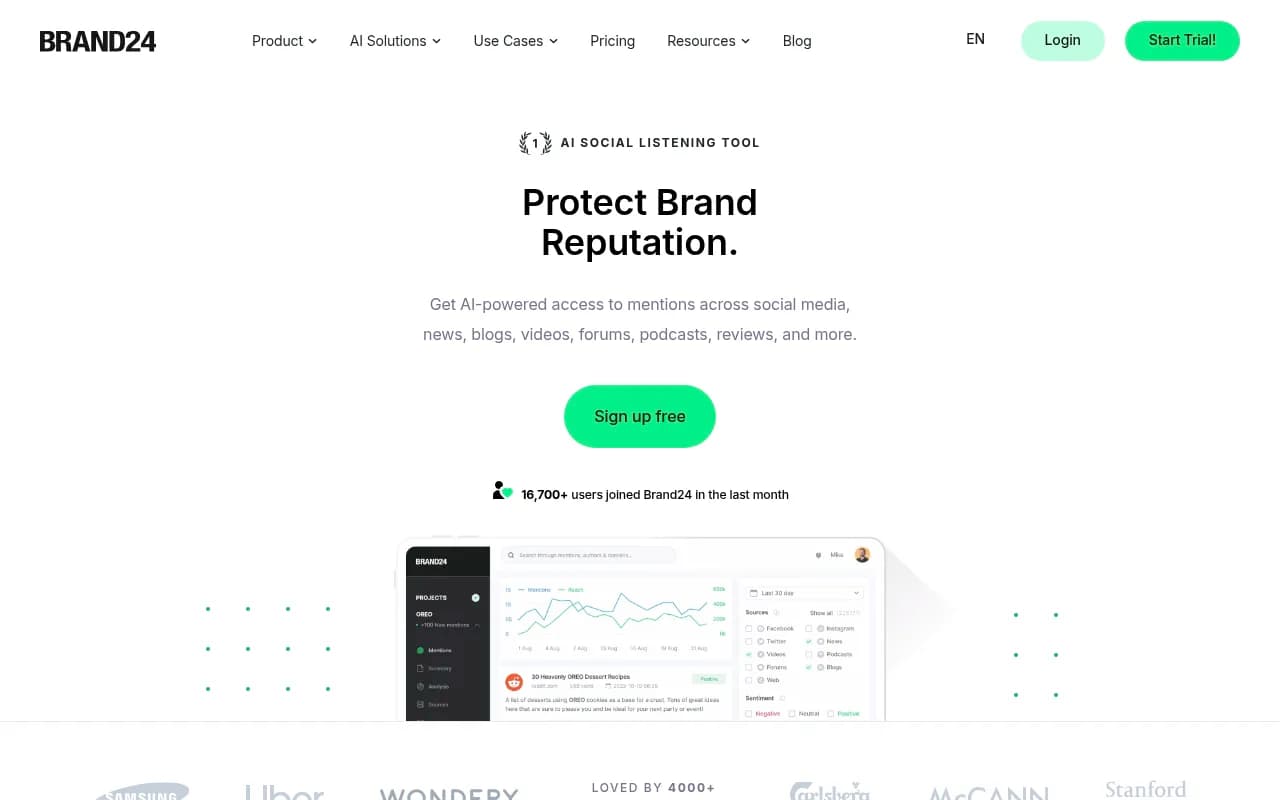
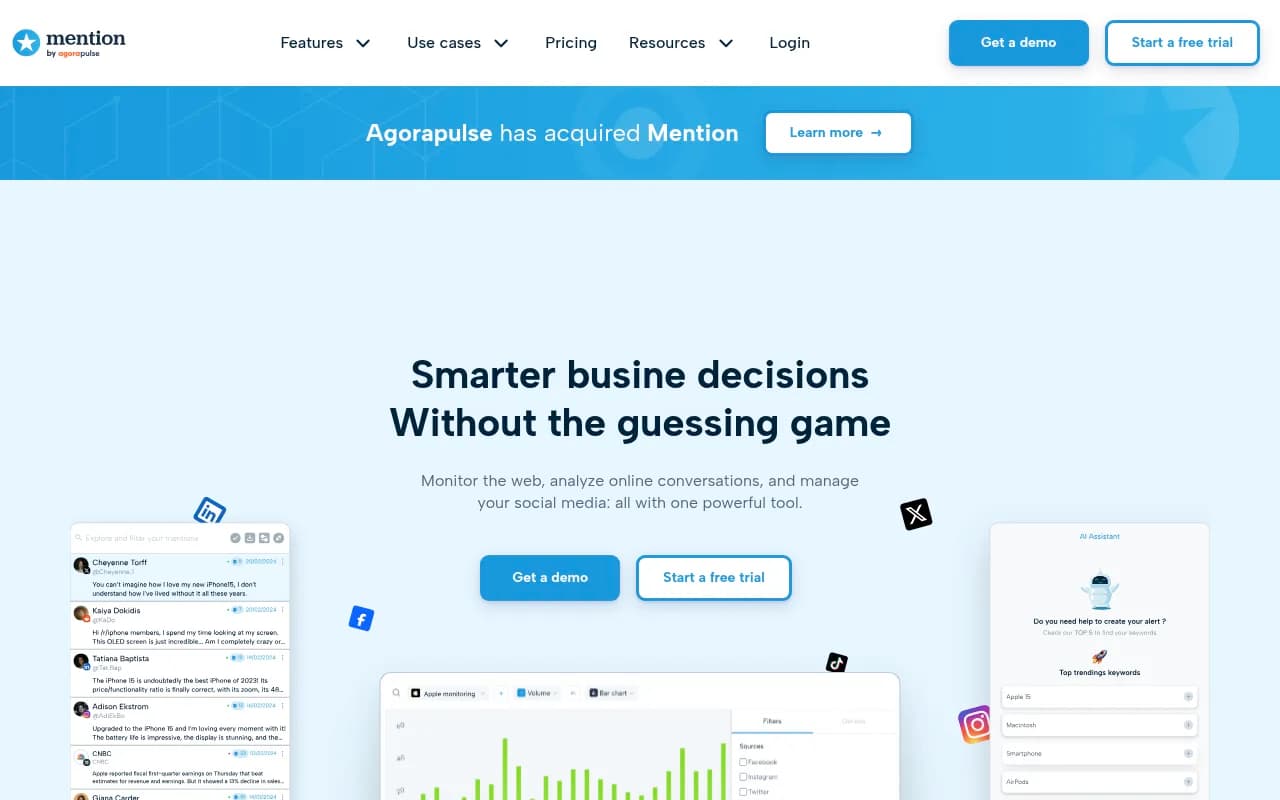
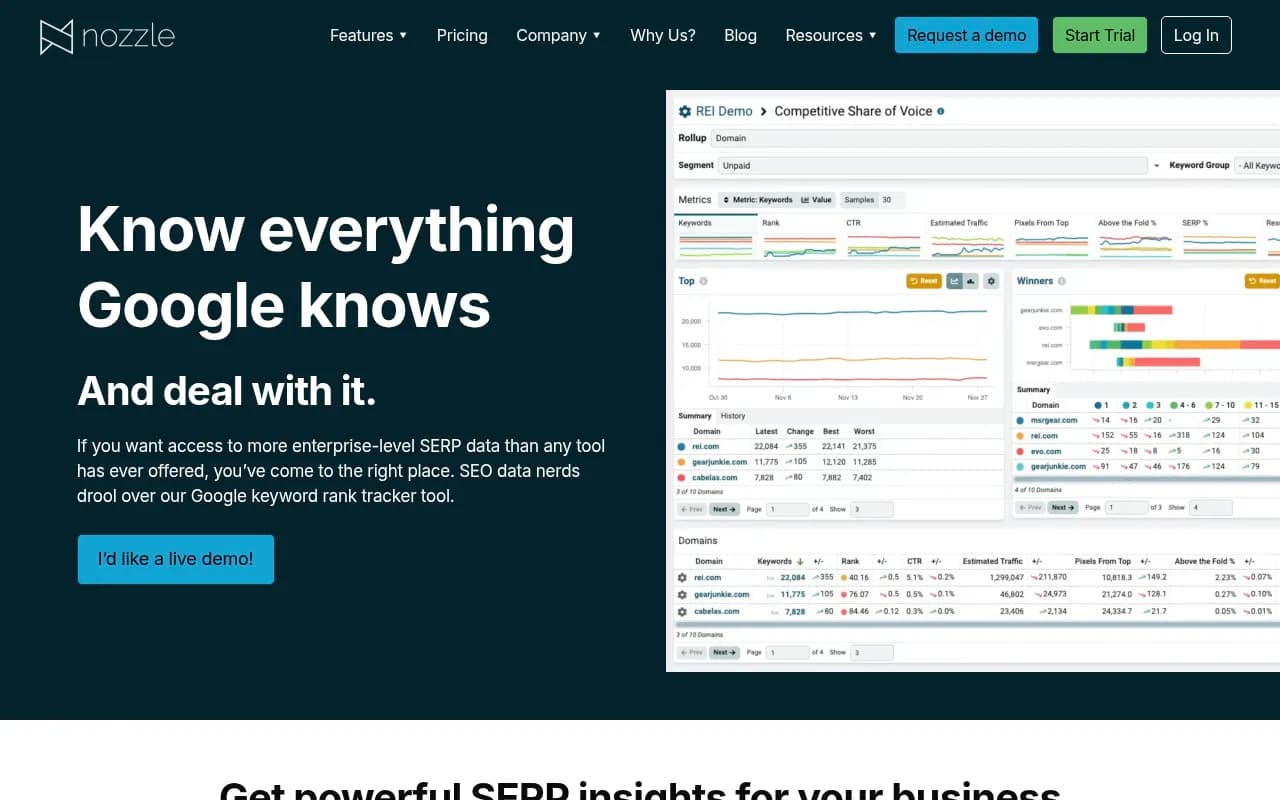
None of these are dedicated brand-protection platforms. Vendors like Memcyco and Doppel sell that, though I could not verify their pricing for this guide. If your brand is a frequent target, get quotes. If you are a smaller company, a disciplined weekly check plus alerts goes a long way.
Step 4: Lock down your own marketing accounts
This step surprises people. Attackers go after marketers directly. Kaspersky documented fake Semrush and Google Ads pages promoted through Google Ads, and Malwarebytes documented "The Great Google Ads Heist," where fake Google Ads results were used to steal advertiser account credentials. Your ad accounts are an attack surface.
Before an incident:
- Require MFA on every ad, analytics, SEO and CMS account
- Use a password manager and bookmarks for logins, so nobody searches "google ads login" and clicks the first result
- Remove access for former employees and agencies you no longer work with
- Limit who can create or edit ads and change billing
The bookmark rule sounds trivial. It is probably the cheapest control in this whole guide.
Step 5: Detect and triage the signal
Signals arrive from odd places. Collect them into one intake channel (a shared Slack channel and a form is enough) so nothing sits in someone's DMs.
Typical triggers:
- A teammate or customer reports a strange result or ad for your brand
- Support tickets mention fake download pages, fake support numbers or credential prompts
- Branded traffic drops while a new domain appears in the top results
- Your security team sees search referrals leading to risky destinations, suspicious downloads or abnormal login behavior (Vectra's recommended correlation approach)
- Google Ads flags policy issues or unusual account activity
Triage asks one question: is this real? Confirm it is not a false positive, a legitimate reseller, or an affiliate you forgot you authorized.
Step 6: Capture evidence before you touch anything
This is the step teams skip when they are panicking. Cloaking means the page may show different content to different visitors, and ads rotate. Once a result disappears, so does your proof.
Record, with timestamps:
- Full-page screenshots of the result, the ad and the landing page
- The exact query, location, device and browser used
- The URL, final redirect destination and domain registration details
- The ad copy and display URL, if it is an ad
- Any downloaded file names and hashes (handled by security, in a safe environment, never by marketing on a work laptop)
Keep a running incident log: who found it, when, how it was reported and each action taken. Datto's checklist stresses the same habit, because it feeds legal, takedown requests and the post-incident review.
Step 7: Declare the incident and contain it
Once it is confirmed, declare an incident formally. Huntress's malware guide lists "declare the incident" as the final confirmation step, and it matters because it triggers the authority and escalation you defined in Step 1.
Containment for SERP poisoning usually means:
- Warn internal teams not to search for or click on the affected query until it is resolved
- Pause or adjust your own ads if the fake ad is exploiting your brand-bidding setup
- Check your own site for compromise (injected redirects, new pages, changed robots rules, unfamiliar admin users)
- Reset credentials for any marketing account that may have been exposed
- Add a visible warning to your site and support pages if customers are at risk
If the poisoned result points to a compromised legitimate site rather than a fake domain, ask whether that site might be yours. Vectra lists compromised legitimate sites as a core method, and "infrastructure leverage" means your server could be hosting someone else's payload.
Step 8: Report and request takedowns
Use the official channels first, and report through every relevant path in parallel.
| Target | Where to report |
|---|---|
| Malicious organic result | Google Search Central's "Report spam, phishing, or malware" page, which includes a phishing report for pages that impersonate other pages (last updated April 2026) |
| Fake or malicious ad | Google Ads Help's "How to report an ad." Its first step is to confirm the result is actually a Google ad |
| Lookalike domain | Domain registrar and hosting provider abuse contacts |
| Fake social profiles or ads | The platform's impersonation report form |
Two caveats. I could not verify typical takedown timelines or registrar abuse procedures for this guide, so do not promise stakeholders a deadline. And involve legal early: a cease-and-desist or a UDRP complaint on a trademark-infringing domain is their call, not yours.
Step 9: Measure exposure, not just removal
This is the step most plans leave out. Memcyco makes a fair point here: removing a fake ad does not reveal which users clicked, which credentials were exposed or which later logins are high-risk. Takedown ends the visible problem. It does not end the damage.
Work with security and fraud to:
- Estimate how many people saw and clicked the result, using your own analytics, referral data and any ad platform reporting
- Flag logins and account changes that follow the attack window for extra scrutiny
- Check support tickets and chargebacks for the same period
- Decide whether a forced password reset for affected users is warranted
If your analytics and attribution stack is solid, you have a head start. Server-side tracking and attribution tools such as Northbeam or Cometly will not identify victims, but they can help you see odd traffic spikes and referral patterns around the incident.
Step 10: Communicate, recover and run a post-incident review
Communicate fast and accurately. Datto's checklist recommends releasing public statements as soon as possible with the nature of the issue, what is being done and when updates will follow. For SERP poisoning, a good customer message includes:
- What the fake result or ad looks like, with a screenshot
- Where your real login, download or support pages live
- What to do if they already clicked (change the password, enable MFA, contact support)
- A dedicated contact, so people do not call the number in the fake ad
Then run a review within a couple of weeks. Ask what the first signal was and how long it took to reach the incident owner. Ask what slowed the takedown, and whether your monitoring would have caught it sooner. Update the plan, the contact list and the query inventory.
A simple role split that works
You do not need a big committee. A realistic division of labor looks like this:
| Role | Owner | Responsibilities |
|---|---|---|
| Incident owner | Security or marketing lead | Declares incident, coordinates, owns the log |
| Search and ads lead | Marketing | Monitors SERPs, pauses ads, files Google reports |
| Security analyst | Security/IT | Checks your site for compromise, handles malware samples, resets credentials |
| Legal | Legal/counsel | Trademark and domain actions, regulatory questions |
| Support lead | Customer support | Collects reports, handles affected customers |
| Comms lead | PR/comms | Customer and public messaging |
Hyperproof's guidance on mapping workflow is worth copying: write down when legal gets involved, when the media is alerted and when outside authorities are contacted. Decide in advance, not mid-incident.
Where AI search fits in
One more thing worth planning for. Fake pages and impersonation do not only show up in classic search results. AI assistants can repeat or cite poisoned sources, and that matters if customers ask ChatGPT or Perplexity where to download your product. Tools like Promptwatch can show what AI models say about your brand and which sources they cite, so you can spot a spoofed domain getting named as an "official" source.

For wider context on how AI engines choose sources, Promptwatch Data publishes regularly updated research on citation behavior. This is a secondary concern next to the ten steps above, but add it to your monitoring list.
Common mistakes
- Treating it as an ad ops ticket and closing it when the ad disappears
- Skipping evidence capture, then having nothing to show the registrar or legal
- Letting everyone investigate by clicking the link on their work laptop
- Forgetting that your own marketing logins can be phished the same way
- Having no named owner, so security, marketing and fraud each assume another team has it
Getting started this week
You can set up the basics in a few hours. List your top 20 risky queries, name the incident owner and backups, put bookmarks for every ad and SEO login in a shared password manager, require MFA everywhere, and create the intake channel and evidence template. Then schedule the first weekly SERP check.
If you want outside help with the search side of this, an agency that handles technical SEO and brand search monitoring can build the monitoring routine for you. 1001 SEO Media does this kind of work, and you can reach them at [email protected]. For a broader set of monitoring options, the directory at surferstack.com lists tools by category.
The plan does not need to be elegant. It needs to be written down before the day someone sends you a screenshot of your brand name above a fake download button.