Key takeaways
- Both tools now price on events. Older comparisons that say Amplitude charges by monthly tracked users are out of date, so recheck any cost math you find online.
- Amplitude's free plan gives 2M events a month. Mixpanel's gives 1M. Both include 10K session replays on Free.
- Mixpanel tends to win on speed to insight and ease for non-analysts. Amplitude tends to win on depth, governance, and bundled extras like Guides and Surveys and Activation.
- Mixpanel's paid ceiling on Growth is 20M events a month. Amplitude's Plus plan goes up to 70M before you need a custom quote.
- Neither tool tells you why users behave the way they do. Pair either with interviews, surveys, or replay review.
The short answer
If your team is mostly product managers and marketers who want funnels, retention, and flows without a data engineer in the loop, start with Mixpanel. If you are engineering-led, run a lot of experiments, need cohort syncing to other tools, or expect enterprise governance requirements, Amplitude is the safer long-term bet.
That is the summary most 2026 comparisons land on, and I agree with it. But the two products have converged enough that the "which is better" question matters less than it did three years ago. Pricing mechanics, data volume, and who on your team will actually open the tool every day matter more.
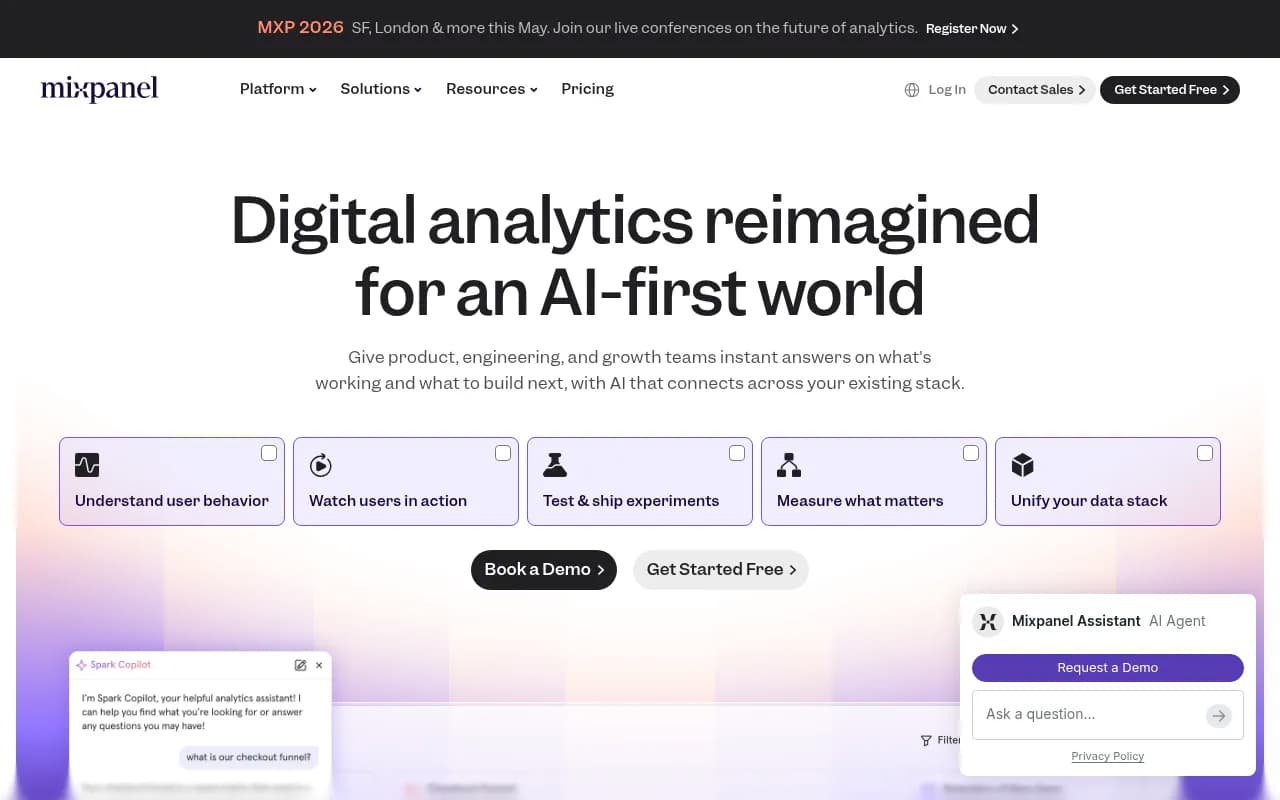
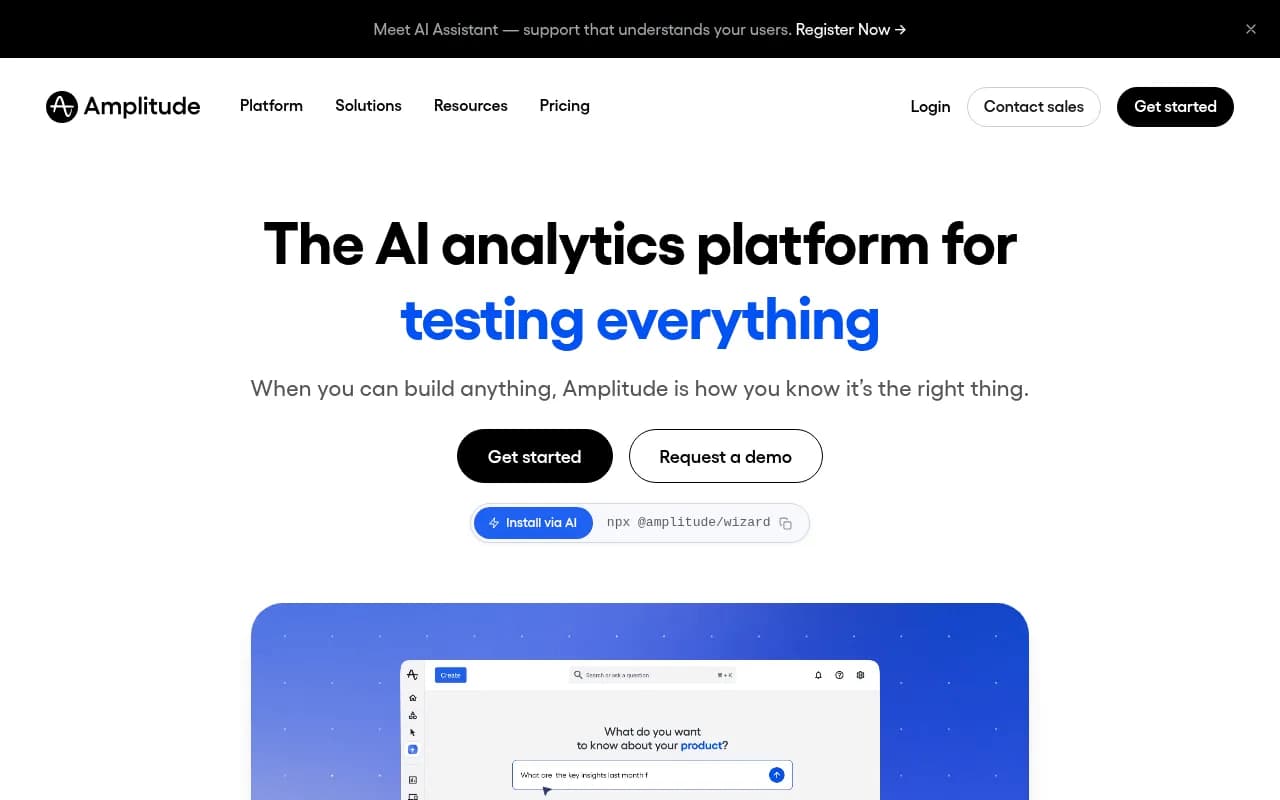
What changed since the old comparisons
A lot of the top-ranking articles on this topic were written before both vendors reworked their plans. Three claims you will still see repeated are now wrong or shaky:
- "Amplitude charges by monthly tracked users." Amplitude's pricing page now labels its Growth and Enterprise plans as event-based. One third-party guide quotes roughly $124 at 5,000 MTUs against roughly $650 for Mixpanel at 5M events. Treat that example as stale and run your own numbers against the current pricing pages.
- "Both lack session recordings." Both now include session replay, with 10K replays per month on the free plan.
- "Mixpanel has a thin free tier." Mixpanel's Free plan has unlimited seats, 1M events, funnels and retention, plus experiments and feature flags with caps.
Mixpanel moved to event-based pricing in February 2025, according to Koji's comparison, which is part of why its bill is easier to forecast from an event graph.
A caveat on that page: it is Mixpanel arguing for Mixpanel. Useful for seeing how the vendor positions itself, not a neutral verdict.
Pricing and plans side by side
Both vendors say every plan includes the full platform and unlimited seats. The differences are in event allowances, replay quotas, and what gets gated.
| Mixpanel | Amplitude | |
|---|---|---|
| Plans | Free, Growth, Enterprise | Free, Plus, Growth, Enterprise |
| Billing metric | Events | Events |
| Free events per month | 1M | 2M |
| Free session replays | 10K per month | 10K per month |
| Free experiments | Up to 1k monthly experiment users, 10 active flags | Limited Experiments, Guides and Surveys |
| Entry paid plan | Growth, starts at $0 with volume discounts | Plus, starts at $0 with first 2M events free, credit card required |
| Paid ceiling before custom quote | 20M events (Growth) | 70M events (Plus) |
| Paid replay quota | Up to 500K per month on Growth | 10K Plus, 20K Growth, 50K Enterprise, add-ons available |
| Enterprise | Custom, up to 1T events per month | Custom, event-based |
| Startup program | First year free if founded under 5 years ago with up to $8M funding | First year of Growth free if under $10M funding and fewer than 20 employees |
I could not confirm Mixpanel's exact per-event rates or the full terms of its startup program, so check mixpanel.com/pricing before you budget. Koji's guide cites roughly $0.00028 per event after the free allotment, which is a decent back-of-envelope figure but not something to put in a finance spreadsheet.
How to estimate your own bill
Do this before you talk to a sales rep:
- Count the distinct events you plan to track. Fewer, well-named events beat hundreds of noisy ones.
- Estimate events per active user per month. Multiply by monthly active users.
- Add a 30 to 50 percent buffer. Event volume rises as soon as people see what is possible.
- Price that number on both pages. Since both bill on events now, the comparison is much more apples to apples than it used to be.
The real cost trap is not the per-event rate. It is auto-capturing everything and paying for clicks nobody analyzes.
Feature comparison
The two platforms overlap heavily. Here is where they diverge according to the vendors' pricing pages and the Userpilot comparison.
| Capability | Mixpanel | Amplitude |
|---|---|---|
| Core product analytics | Yes | Yes |
| Session replay | Web, iOS, Android, React Native, Electron | Web and native mobile SDKs |
| Heatmaps | Included | On Plus and above |
| Experiments and feature flags | Included on all plans, flag caps by tier | Experimentation on all plans, limited on Free |
| Guides and Surveys | Not listed | Included |
| Activation (cohort syncs) | Not listed | Included |
| In-product AI help widget | No | Yes, AI Assistant and Resource Center |
| AI agent analytics | Agent Intelligence | Agent Analytics |
| MCP server | Yes | Yes, plus a Docs MCP |
| Governance at the top tier | Data verification, quality monitoring, root cause analysis | Data Access Controls, RBAC, User Profile API |
Two things stand out. Amplitude bundles more adjacent product-growth tooling, which is attractive if you would otherwise buy a separate onboarding or survey tool. Mixpanel is more generous with replay volume on its paid plan, up to 500K a month on Growth versus 10K to 50K at Amplitude depending on tier.
Where Mixpanel is the better fit
Mixpanel's pitch is speed. You instrument events, then build funnels, retention curves, and flows quickly. Several independent reviewers say the same thing. Vision Labs recommends it over Amplitude for non-technical users because the interface "clicks faster" for most people they have worked with. A Reddit thread on evaluation lists describes the core analytics depth as very strong and the UX as significantly simpler.
It is a good match when:
- Your analysts are scarce and PMs need to self-serve.
- Marketing wants to tie behavior to campaigns without writing SQL.
- You want predictable costs from a single volume metric.
- You want replay, flags, and experiments in the same tool without paying extra for volume.
Mixpanel's weaker spot, according to Koji's write-up, is experimentation and advanced behavioral modeling, which are thinner than Amplitude's. That claim is from a third party, so test it against your own use case during a trial.
Where Amplitude is the better fit
Amplitude is the platform play. Userpilot argues it suits engineering-led organizations that want the ship, measure, iterate loop inside one tool. The extras back that up: experimentation, Guides and Surveys, and Activation sit alongside analytics, and the higher tiers add Advanced Behavioral Exploration, conversion drivers, cart analysis, predictions, and monitoring and alerts.
It is a good match when:
- You run experiments regularly and want results next to behavioral analysis.
- You need to push cohorts to other systems for marketing or lifecycle campaigns.
- Security and permissions matter: SSO and project permissions arrive on Growth, and RBAC and Data Access Controls on Enterprise.
- Your volume is high but not enormous. Plus covers up to 70M events with a card on file.
The tradeoff is complexity. More surface area means more to learn and more to govern.
Which team should pick which
| Team situation | Lean toward | Why |
|---|---|---|
| Early-stage startup, under 1M events | Either, start on Free | Both are free at this size. Amplitude gives 2M, Mixpanel gives 1M. |
| Non-technical PM or marketing-led team | Mixpanel | Faster ramp, simpler UI, less reliance on analysts |
| Engineering-led product org | Amplitude | Experimentation and the ship-measure-iterate loop in one place |
| Growth team syncing cohorts to lifecycle tools | Amplitude | Activation is bundled |
| Heavy session replay needs | Mixpanel | Much larger paid replay allowance |
| Enterprise with strict access controls | Amplitude, or Mixpanel Enterprise | Compare RBAC and data access features directly with both vendors |
| Need replay, flags, and analytics but want developer control | Consider PostHog too | Frequently recommended as a third option for engineering-owned stacks |
Common mistakes when choosing
Picking on features alone
Vision Labs says it plainly: the two are nearly identical for typical non-technical product teams, so choose on cost and usability. I would add a third factor, which is who will own the tool. A tool nobody owns turns into a graveyard of half-built dashboards.
Skipping the event taxonomy
Neither vendor will save you from messy instrumentation. Write down a tracking plan before you ship the SDK: event names, properties, owners. Fewer events with consistent properties give you cleaner funnels and a smaller bill. I found no tool-agnostic benchmark data on governance pitfalls in my research, but every team I have seen struggle with product analytics had this problem first.
Assuming analytics explains behavior
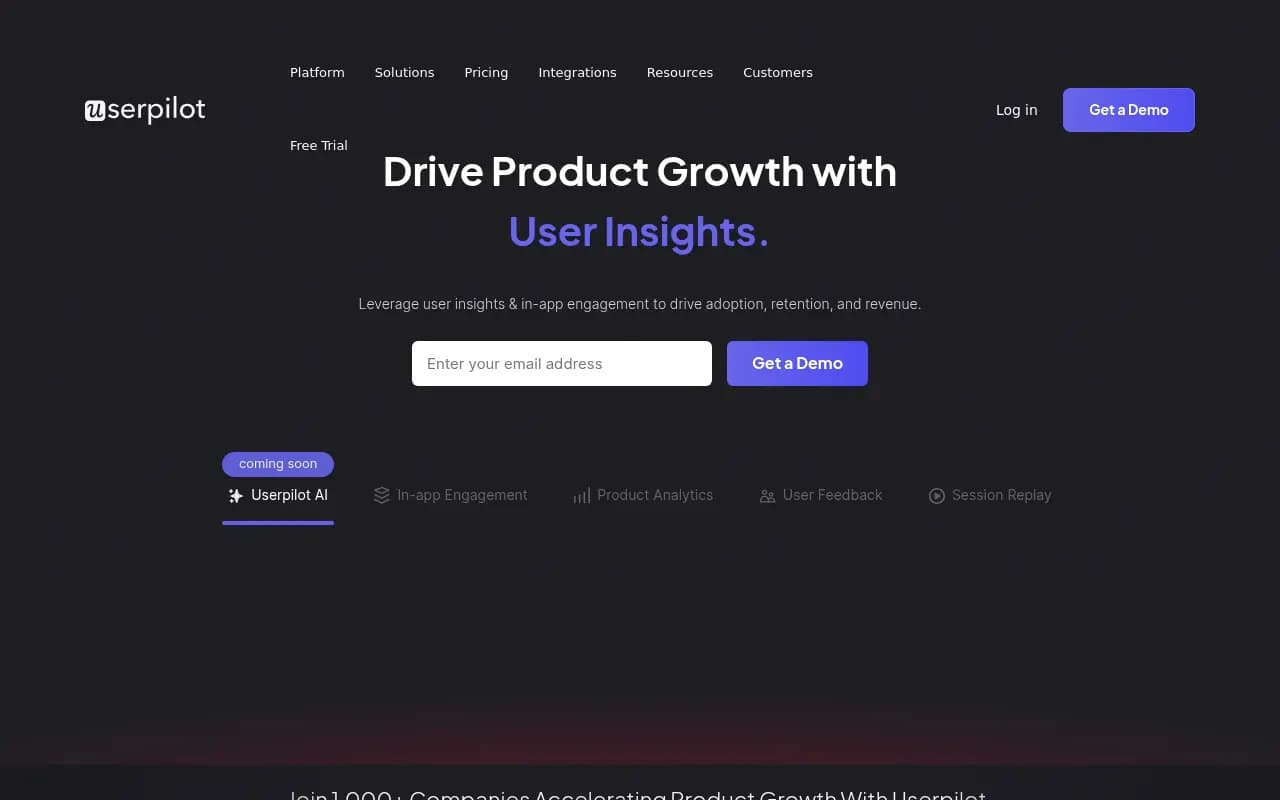
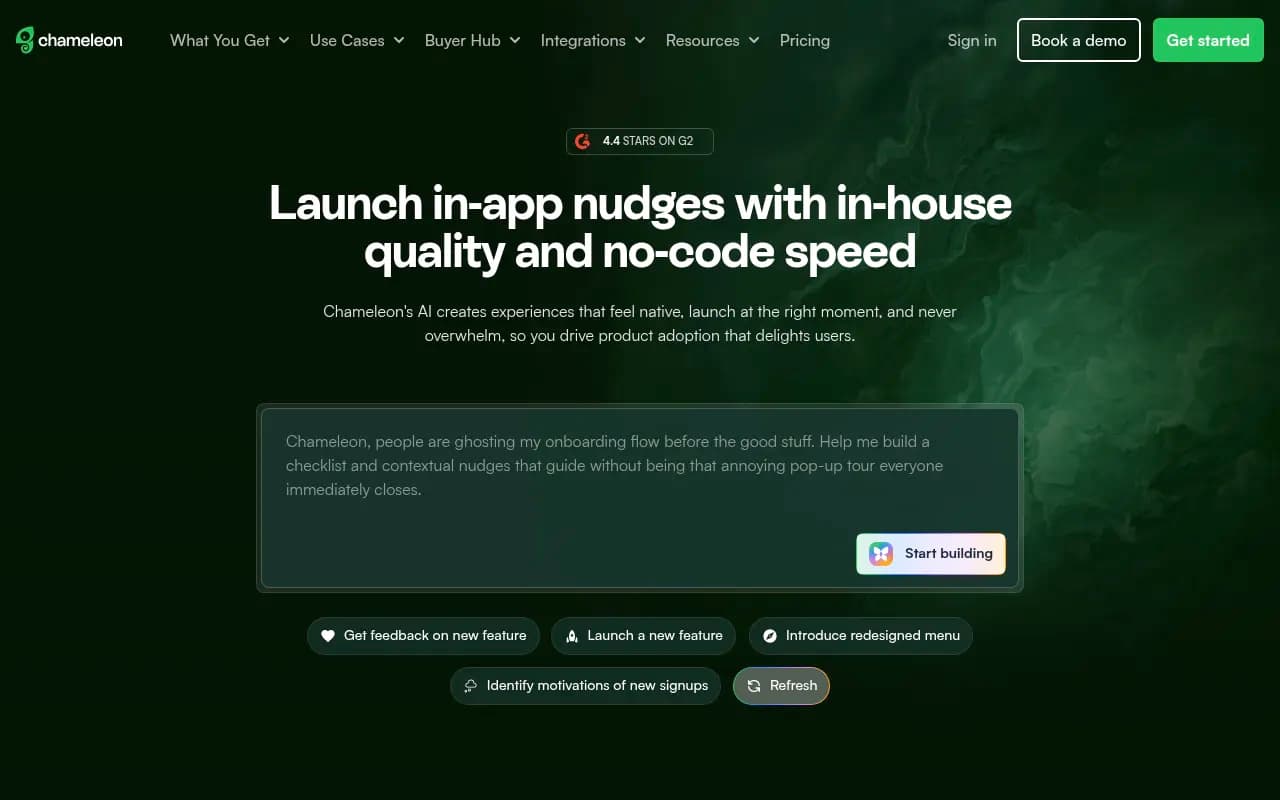
Both tools show what users did and where they dropped off. Neither can tell you why. Replay helps, and both now include it. For deeper answers, add user interviews or in-product surveys. Amplitude bundles Guides and Surveys. Otherwise tools like Userpilot or Chameleon cover in-app prompts and onboarding on top of your analytics.
Forgetting the data pipeline
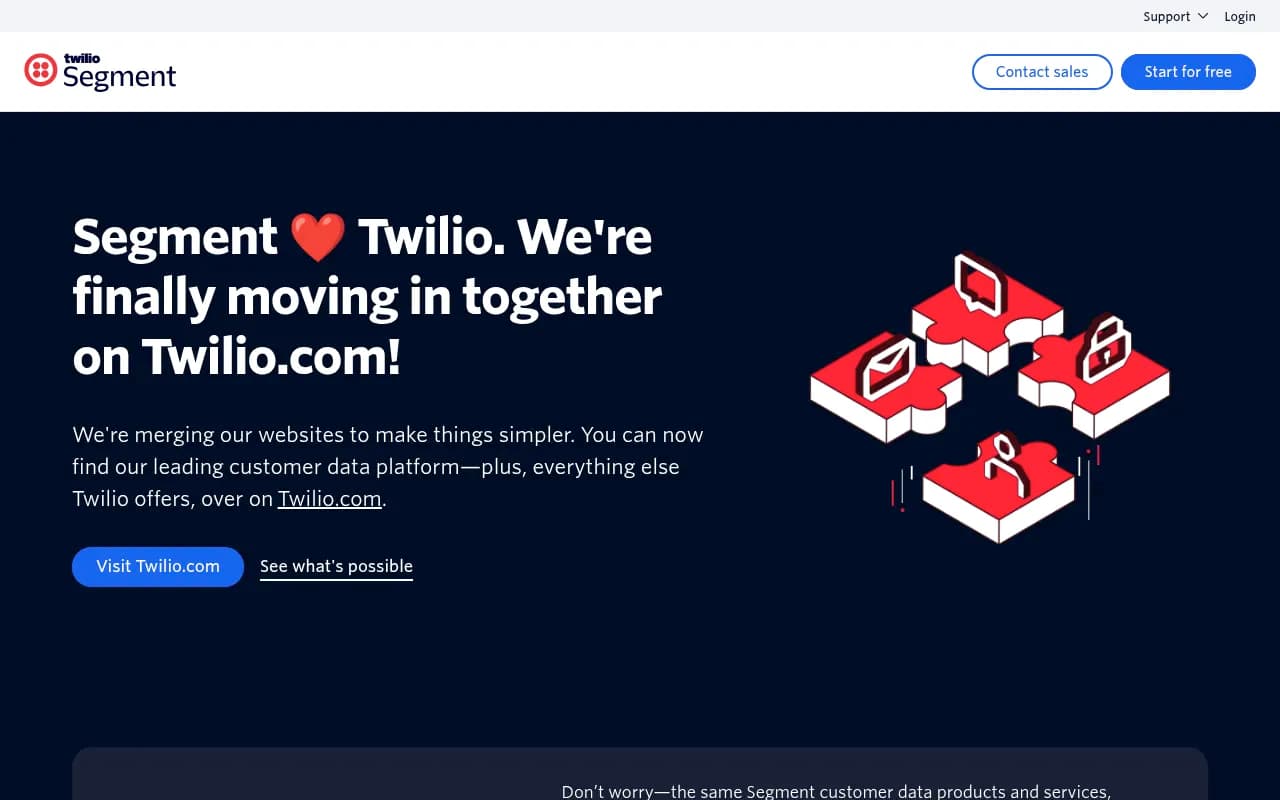
If you already use a customer data platform, check how each analytics tool ingests events from it. Segment is the usual example, and both Mixpanel and Amplitude work with this pattern. Sending clean events once and fanning them out is easier to maintain than two SDKs.
A practical way to run the trial
- Pick three questions your team asks every week. For example: where do signups drop in onboarding, which features correlate with week-4 retention, and which cohort converts best.
- Instrument the same 15 to 25 events in both tools, using one tracking plan.
- Have the people who will use it daily answer the three questions. Time them.
- Compare the monthly cost at your projected event volume with a buffer.
- Ask each vendor about retention limits. Amplitude Plus lists 2-year data retention, and Mixpanel's custom retention sits on Enterprise.
The tool where non-analysts reached answers fastest, at a price you can defend, is usually the right choice.
Does AI matter in this decision?
Both vendors now sell AI features in every plan, and both ship MCP servers so you can query analytics from assistants like Claude or Cursor. Mixpanel pitches a chat agent over your data, headless access, and Agent Intelligence for measuring your own AI agents. Amplitude offers AI Agents and MCP on its free plan, Agent Analytics, and an in-product AI help widget. If you are building AI products, test the agent analytics features directly, because marketing pages for both look similar and the real differences will show up in how well they handle your trace and event shapes.
If you are also tracking how your brand appears inside ChatGPT or Google AI Overviews, that is a separate job from product analytics. Tools like Promptwatch cover AI search visibility and the traffic it sends, while Mixpanel or Amplitude cover what visitors do once they land in your product.

Final recommendation
Pick Mixpanel if your priority is fast, self-serve analysis and you want a lean tool that non-technical people will actually open. Pick Amplitude if you want a broader growth platform with experimentation, surveys, activation, and stronger governance at the upper tiers. If you are under 1M events a month, start on both free plans for two weeks with the same tracking plan and let your team vote with their usage.
Whatever you choose, check the live pricing pages before committing: Mixpanel pricing and Amplitude pricing. Both vendors have changed their plans in the past two years, and comparisons age fast. For more options in the wider tooling space, the software directory at surferstack.com has reviews and alternatives.