Userpilot Review 2026
Helps software teams create in-app experiences, onboarding flows, and feature adoption campaigns without code. Tracks user behavior and engagement analytics.
Summary
- Best for: Mid-market SaaS companies (50-500 employees) with dedicated product teams who need both engagement tools and analytics in one platform
- Standout strength: Combines no-code UI pattern builder with robust product analytics—most competitors force you to buy separate tools for engagement (Appcues, Pendo) and analytics (Amplitude, Mixpanel)
- Pricing reality: Starts at $299/mo for up to 2,500 MAUs, which is higher than pure onboarding tools but competitive when you factor in the analytics included
- Honest limitation: Mobile support is newer and less mature than web—if you're primarily a mobile app, Appcues or Pendo might be stronger
- New in 2026: Lia, an AI agent that analyzes user behavior and suggests personalized campaigns automatically
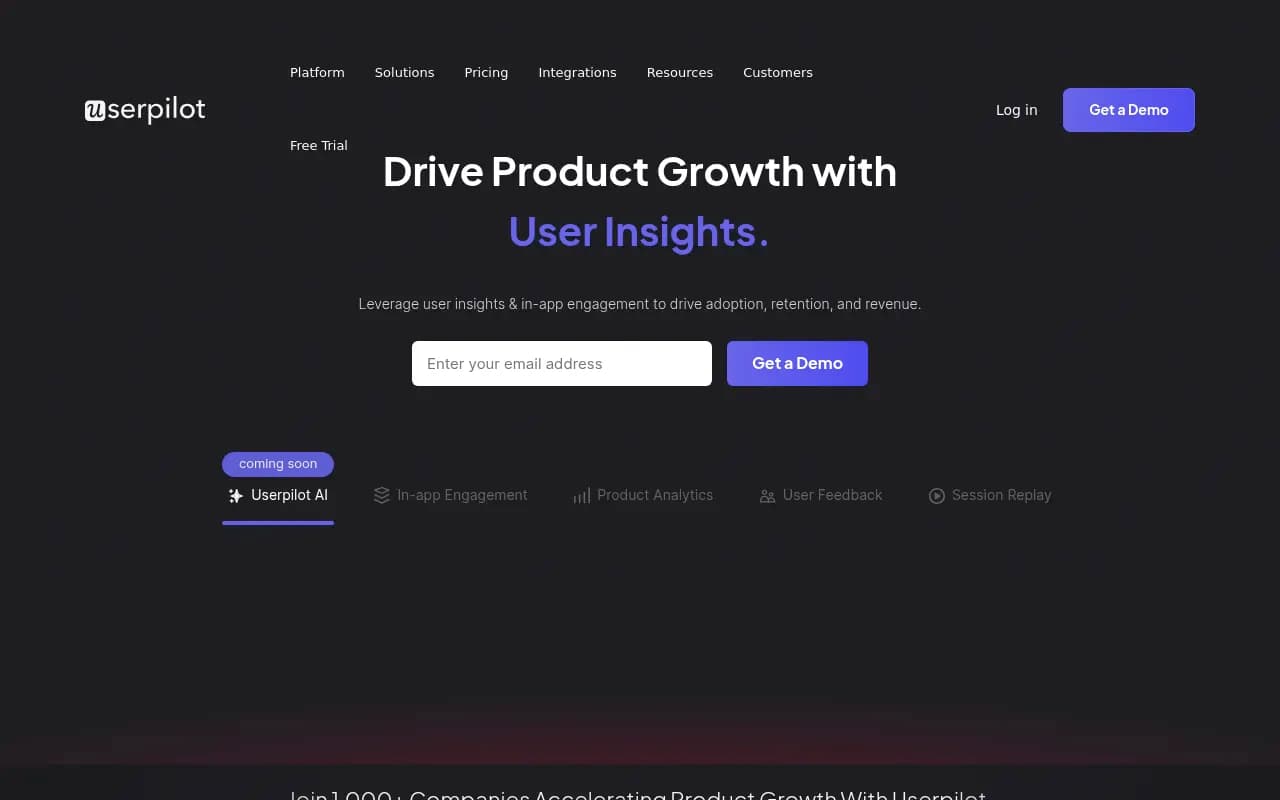
Userpilot is a product growth platform built for SaaS teams who want to improve onboarding, feature adoption, and retention without writing code. Founded in 2017, it's used by over 1,000 companies including DHL, iFood, and Kontentino. The core pitch: instead of buying separate tools for in-app messaging (Appcues), analytics (Mixpanel), feedback (Typeform), and session replay (FullStory), you get all four in one platform. This matters because product teams waste weeks integrating disparate tools and reconciling conflicting data. Userpilot gives you a unified view of what users do, what they say, and how you can guide them—all from one dashboard.
The platform targets mid-market B2B SaaS companies with product-led growth motions. Think companies with 50-500 employees, $5M-$50M ARR, where the product team owns activation and retention metrics. If you're a solo founder or early-stage startup, the $299/mo entry point might feel steep. If you're enterprise with complex compliance needs, you'll likely need the custom Enterprise plan.
No-code in-app engagement builder
The UI pattern builder lets you create onboarding flows, feature announcements, tooltips, modals, slideouts, and checklists without touching code. You install a JavaScript snippet once, then build everything in the visual editor. The builder uses Chrome extension to overlay directly on your live product—you click elements to target them, write copy, style components, and set triggers. This is table stakes for the category, but Userpilot's implementation is cleaner than most. You can:
- Target by user properties: Show different flows to free vs paid users, by role, by feature usage, by custom attributes from your database
- Trigger by events: Launch a tooltip when someone clicks a specific button, completes an action, or reaches a page for the third time
- A/B test everything: Split traffic between variants, measure completion rates and downstream metrics
- Localize content: Serve different languages based on user locale
- Use templates: Pre-built patterns for common use cases (welcome tours, feature announcements, NPS surveys)
The pattern library includes modals, slideouts, tooltips, hotspots, banners, checklists, and driven actions (where you force users to complete a step before proceeding). You can chain patterns into multi-step flows. The editor supports custom CSS if you need pixel-perfect brand matching.
One nice detail: goal tracking per flow. You define what success looks like (e.g. "user creates their first project"), and Userpilot shows you which flows drive that outcome. Most competitors make you export data to analytics tools to answer this.
Product analytics that actually answer product questions
This is where Userpilot differentiates from pure engagement tools like Appcues or Chameleon. You get a full product analytics suite:
- Event tracking: Auto-capture clicks, page views, form submissions, or send custom events via API
- Funnels: Multi-step conversion analysis with drop-off rates at each stage. See where users abandon signup, onboarding, or checkout flows.
- Trends: Track any metric over time—daily active users, feature adoption rates, time to first value
- Paths: Visualize the routes users take through your product. Discover unexpected navigation patterns.
- Cohort analysis: Compare retention curves for different user segments (e.g. users who completed onboarding vs those who didn't)
- Custom reports: Build dashboards with any combination of metrics, filters, and breakdowns
The analytics feel like a lighter version of Amplitude or Mixpanel—not as deep for power users, but more than enough for most product teams. The key advantage: your engagement flows and analytics share the same data model. When you create a tooltip, it's automatically tracked as an event. When you segment users for a flow, you can use the same segment in analytics. No data reconciliation headaches.
Userpilot also offers feature tagging—you mark UI elements as features, and the platform tracks adoption automatically. This is faster than manually instrumenting events for every button.
User feedback and microsurveys
Userpilot includes an NPS/CSAT/CES survey tool that triggers contextually inside your product. You can:
- Launch NPS surveys to specific user segments at specific times (e.g. after 30 days of usage)
- Ask feature-specific questions ("How satisfied are you with our new dashboard?")
- Collect qualitative feedback with open-ended follow-ups
- Analyze sentiment trends over time
- Close the loop by triggering flows based on survey responses (e.g. show a tutorial to users who rate a feature poorly)
The surveys use the same targeting and triggering engine as onboarding flows, so you can get very specific about who sees what and when. This beats generic survey tools like Typeform because the context is built in—you know exactly which users gave which feedback and what they were doing at the time.
One limitation: Userpilot doesn't have a dedicated user research module for things like concept testing or prototype feedback. It's focused on in-product feedback, not pre-launch research.
Session replay for debugging and UX insights
Userpilot added session replay in 2024. It records user sessions (mouse movements, clicks, scrolls, page transitions) so you can watch exactly how people interact with your product. Privacy controls let you mask sensitive data (credit card fields, personal info). You can:
- Filter sessions by user properties, events, or rage clicks
- Jump to specific moments (e.g. when someone abandoned a form)
- Share clips with your team via URL
- See console errors and network requests alongside the replay
This is useful for debugging confusing UI, understanding why users drop off, and validating design decisions. The implementation is solid but not as feature-rich as dedicated tools like FullStory or LogRocket (which offer heatmaps, performance monitoring, and more advanced filtering). For most product teams, Userpilot's replay is enough—especially since it's included in the Growth plan, not a separate purchase.
Mobile support (iOS and Android)
Userpilot launched native mobile SDKs in 2024. You can now build onboarding flows, surveys, and track analytics in iOS and Android apps using mobile-first UI patterns (bottom sheets, native modals, in-app messages). The mobile offering is newer and less mature than the web product—fewer pattern types, less flexible targeting, and some customers report the SDK adds noticeable app size. If mobile is your primary platform, Appcues or Pendo have more battle-tested mobile solutions. But if you're web-first with a mobile app on the side, Userpilot's mobile support is a nice bonus.
Lia: AI agent for product growth (new in 2026)
Userpilot's newest feature is Lia, an AI agent that analyzes user behavior and suggests personalized campaigns. The pitch: instead of manually building segments and flows, Lia identifies opportunities ("Users who sign up on Fridays have 40% lower activation") and drafts campaigns to address them ("Launch a Friday-specific onboarding flow with extra hand-holding"). You review and approve, Lia launches it. This is early and somewhat experimental—it's not replacing your product team, but it can surface insights you'd miss and speed up campaign creation. The AI uses your product data, not generic templates, so suggestions are specific to your product.
Integrations and data infrastructure
Userpilot integrates with:
- CRMs and data warehouses: Salesforce, HubSpot, Segment, Rudderstack, Fivetran. Push Userpilot data to your warehouse or pull CRM data into Userpilot for richer segmentation.
- Analytics tools: Send events to Amplitude, Mixpanel, Google Analytics if you want to cross-reference data
- Communication tools: Slack notifications for survey responses or goal completions
- Customer support: Intercom, Zendesk for linking support tickets to product behavior
The integrations are solid but not exhaustive. If you need deep two-way syncs or custom workflows, you'll use the API (REST API with decent documentation). No Zapier integration, which is a miss for non-technical teams.
Pricing breakdown
Userpilot has three tiers:
- Starter ($299/mo): Up to 2,500 MAUs, 3 team members. Includes in-app engagement, basic analytics (funnels, trends), NPS surveys, and 1 localization. Good for early-stage SaaS products testing product-led growth.
- Growth ($799/mo estimated, custom quote): Up to 10,000 MAUs, unlimited team members. Adds advanced analytics (paths, cohorts, custom reports), session replay, A/B testing, resource center, and unlimited localizations. This is the sweet spot for most mid-market teams.
- Enterprise (custom pricing): Unlimited MAUs, dedicated support, SSO, custom contracts, advanced security. For companies with compliance needs or very high usage.
Pricing scales with MAUs (monthly active users). If you exceed your plan's MAU limit, you pay overage fees or upgrade. Annual billing gets you a discount (typically 15-20%). Free trial available (14 days, no credit card required).
Compared to competitors: Userpilot is more expensive than pure onboarding tools (Appcues starts at $249/mo, Chameleon at $279/mo) but cheaper than buying separate tools for engagement + analytics + feedback. If you were to buy Appcues ($249/mo) + Mixpanel ($200+/mo) + Typeform ($50+/mo) + FullStory ($200+/mo), you'd spend $700+/mo and deal with integration headaches. Userpilot at $299-$799/mo is competitive.
Who should use Userpilot
Best fit:
- B2B SaaS companies with 50-500 employees and product-led growth motions
- Product teams who own activation, onboarding, and retention metrics
- Companies tired of stitching together 4-5 tools for engagement, analytics, feedback, and replay
- Teams with limited engineering resources (the no-code builder is genuinely no-code)
- Web-first products (desktop or web apps) with optional mobile apps
Not ideal for:
- Early-stage startups with <$1M ARR (the $299/mo entry point is steep when you're pre-PMF)
- Mobile-first apps (Appcues, Pendo, or Storyly have stronger mobile offerings)
- Enterprise companies with complex compliance needs unless you're on the Enterprise plan
- Teams who need best-in-class analytics depth (Amplitude or Mixpanel are more powerful for data-heavy orgs)
- Consumer apps or e-commerce (Userpilot is built for B2B SaaS workflows)
Strengths
- All-in-one platform: Engagement, analytics, feedback, and replay in one tool with shared data. This eliminates integration work and data silos.
- No-code builder that actually works: The Chrome extension editor is intuitive and doesn't require developer handholding.
- Goal tracking per flow: See which onboarding flows drive activation, retention, or revenue—most competitors make you export to analytics tools to answer this.
- Contextual feedback: Surveys trigger based on user behavior, so you get higher response rates and more actionable insights.
- Responsive support: Customers consistently praise the support team for fast, helpful responses.
Limitations
- Mobile support is newer: The iOS/Android SDKs launched in 2024 and lack some web features. If mobile is your primary platform, competitors like Appcues or Pendo are more mature.
- Analytics not as deep as specialists: Userpilot's analytics are good enough for most teams, but power users who need advanced SQL queries, data science integrations, or predictive analytics will want Amplitude or Mixpanel.
- No heatmaps: Session replay is solid, but there's no click heatmap or scroll map feature like FullStory or Hotjar offer.
- Pricing opacity: The Growth and Enterprise plans require custom quotes, which slows down evaluation. Competitors like Appcues publish pricing upfront.
- Limited template library: The pre-built flow templates are helpful but not as extensive as Pendo's or Appcues'. You'll build most flows from scratch.
Bottom line
Userpilot is the best choice for mid-market B2B SaaS teams who want to consolidate their product growth stack. If you're currently using (or considering) separate tools for onboarding, analytics, feedback, and session replay, Userpilot gives you all four in one platform with shared data and no integration headaches. The $299-$799/mo pricing is competitive when you factor in what you'd pay for multiple tools, and the no-code builder genuinely empowers product managers to ship without engineering bottlenecks. The mobile support is the main weakness—if you're mobile-first, look at Appcues or Pendo instead. But for web products, Userpilot is a strong, mature option that's gotten better every year since 2017. Best use case in one sentence: Mid-market SaaS product teams who want to own activation and retention metrics without stitching together five tools.
Tags:
Frequently asked questions
What is Userpilot and what does it do?
How much does Userpilot cost?
Who is Userpilot best for?
Does Userpilot require coding to use?
What features does Userpilot include?
How does Userpilot compare to Appcues and Pendo?
Does Userpilot offer a free trial?
Is Userpilot good for mobile apps?
Similar and alternative tools to Userpilot