Key takeaways
- Meta is crawling the web far more aggressively for Meta AI. In Promptwatch's logs, Meta-WebIndexer went from about 2.2% of AI crawler requests in mid-July 2026 to 37.8% on August 9, 2026.
- Meta runs four documented crawlers with different jobs. Treat each one separately in robots.txt, and don't assume blocking one blocks the others.
- Nobody outside Meta has published how WhatsApp's Meta AI picks business recommendations. The checklist below combines Meta's own documentation with sound practice, and I flag where I'm inferring.
- Most fixes are boring: crawl access, consistent business details, clear answer-first pages, and a monitoring habit.
Why Meta AI deserves a spot on your radar
Most AI visibility advice is written for ChatGPT and Google. Meta AI gets less attention, which is a mistake for any business whose customers live in WhatsApp, Instagram or Messenger. Someone asking a chat assistant "who does emergency plumbing near me" inside the app they already have open is a very short path to a purchase.
Here is what we can actually say with evidence. Promptwatch Data shows Meta-WebIndexer rising from roughly 2% of tracked AI crawler requests in mid-July 2026 to nearly 38% by August 9, 2026. That made it the heaviest AI crawler in the logs, around 1 in 3 requests, up from about 1 in 50. The timing matches reports that Meta is building its own search index so Meta AI doesn't lean on Google or Bing. That part is reported, not confirmed by Meta.
Here is what we can't say. I found no official source explaining how WhatsApp's Meta AI chooses local business recommendations, and no Promptwatch report on Meta AI citation shares. So I won't invent numbers. Anyone selling you a precise "Meta AI ranking factor list" is guessing.
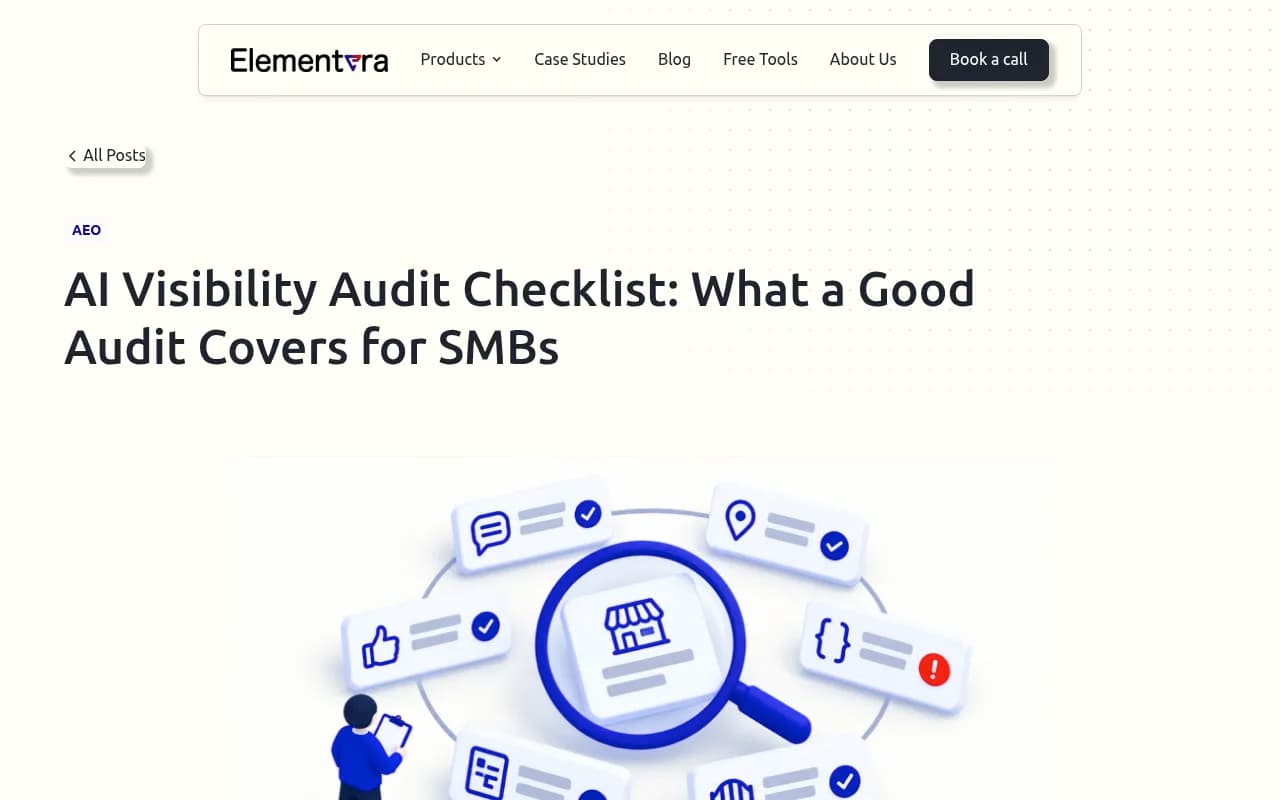
For context on the bigger gap, an Elementera article from June 2026 cites an unnamed industry study of 350,000+ locations. It says ChatGPT recommends about 1% of local business locations versus about 36% for Google's local 3-pack. The study isn't named, so treat it as directional. The point stands either way: ranking on Google doesn't guarantee an AI assistant knows you exist.
The checklist at a glance
| # | Fix | Where | Effort |
|---|---|---|---|
| 1 | Audit robots.txt for Meta crawlers | Website | Low |
| 2 | Check CDN and WAF rules | Infrastructure | Medium |
| 3 | Read your server logs | Infrastructure | Medium |
| 4 | Decide your training vs indexing stance | Policy | Low |
| 5 | Fix your Facebook Page and WhatsApp Business profile | Meta properties | Low |
| 6 | Make business details identical everywhere | Web and directories | Medium |
| 7 | Rewrite key pages to answer first | Content | Medium |
| 8 | Add structured data and clear entity signals | Website | Medium |
| 9 | Earn mentions outside your own site | Off-site | High |
| 10 | Monitor Meta AI and the rest, monthly | Monitoring | Low |
1. Audit robots.txt for every Meta crawler
Meta documents four relevant crawlers on its web crawler page:
- Meta-WebIndexer crawls to improve Meta AI search result quality. Meta says allowing it "helps us cite and link to your content in Meta AI's responses."
- Meta-ExternalAgent crawls for training foundation models, or for indexing content directly.
- Meta-ExternalAds crawls for advertising and business products.
- Meta-ExternalFetcher fetches links at a user's request for agentic functions, and Meta says it may bypass robots.txt.
Open your robots.txt and search for each name. A surprising number of sites blocked everything Meta-related years ago during a scraper panic and forgot about it. If you want to be cited in Meta AI answers, a blanket block is the first thing to remove.
A permissive starting point looks like this:
User-agent: meta-webindexer
Allow: /

User-agent: meta-externalagent
Allow: /
The robots.txt token for Meta-WebIndexer is matched case-insensitively, and Meta says its crawlers cache robots.txt, so changes can take up to 24 hours to register. Don't panic if nothing happens the same afternoon.
2. Check CDN and WAF rules
robots.txt is only a request. Your CDN or firewall decides whether the crawler actually gets a page. Bot-protection presets on Cloudflare, Akamai and similar services often challenge or block unfamiliar user agents by default. A new crawler that wasn't on the vendor's allow list last year may be getting 403s today while your robots.txt says "welcome."
Promptwatch's AI crawler traffic data gives a useful rule of thumb: if a provider is a big share of the overall mix but near zero in your own logs, you are probably blocked or unreachable for it. It also only counts IP-verified requests, which matters because spoofed user agents are everywhere.
3. Read your server logs
This is the step most small businesses skip, and it's the most informative. Search your logs for meta-webindexer, meta-externalagent, meta-externalfetcher and FacebookBot. You want to know three things: are they showing up, which pages do they request, and what status codes do they get back?
Two cautions. First, user agents can be faked, so verify against Meta's published IP ranges if you need certainty. Second, crawl load is real. If your hosting bills per request, budget for sustained Meta traffic. The researcher @levelsio publicly said Meta's scraping triggered server load alerts on his sites in August 2026, which is one person's report, but it's a fair warning for small servers.
If you don't want to parse raw logs, some tools surface crawler activity for you. Promptwatch has IP-verified AI crawler logs with plain-language error explanations, and DarkVisitors is a lighter option focused on tracking AI agents and bots visiting your site.

4. Decide your training vs indexing stance
This is a business decision, not a technical one, and the documentation makes it messier than it should be.
A third-party reading from ppc.land says blocking Meta-WebIndexer doesn't opt you out of model training, and blocking Meta-ExternalAgent doesn't necessarily remove you from Meta AI search results. Their conclusion is that you can allow indexing and refuse training, or the reverse. But Meta-ExternalAgent is documented for both training and direct indexing, so the separation isn't clean.
My take: if you sell to consumers through messaging apps, visibility probably matters more than training opt-outs, so allow Meta-WebIndexer at minimum. If you have licensed or proprietary content, block what you must, then verify at the CDN level, because there's also a trust issue. No independent audit confirms how well Meta follows robots.txt. Drop Site News reported in August 2025 that leaked documents showed Meta harvesting content from 6 million unique websites while ignoring robots.txt, and the community ai.robots.txt registry lists Meta-WebIndexer's compliance as "unclear." If you need hard control, use CDN or WAF rules with IP verification, not robots.txt alone.
5. Fix your Facebook Page and WhatsApp Business profile
Meta owns these properties, so it's reasonable to assume they're easy inputs for Meta AI. I couldn't find official confirmation of that for business recommendations, so call it an informed bet, not a rule. It costs you an hour either way.
Check these:
- Business name spelled exactly as it appears on your website
- Category set to the most specific option available
- Address, service area and hours current
- A real description that says what you do and where, in plain sentences
- Website link pointing to a live, crawlable page
- Products or services listed in the catalog, if you have one
WhatsApp Business profiles are public-facing storefronts. Treat the description field like a page title, not a slogan.
6. Make business details identical everywhere
AI assistants reconcile your details across sources. When your name, address or phone differ between your site, your Page, Google Business Profile and directories, the model gets conflicting evidence and may skip you or state something wrong.
Pick one canonical version of your name, address, phone, hours and service area. Then match it everywhere, down to punctuation and suite numbers. Listing-management platforms like Yext can push consistent data across directories if you have many locations, and for a single location a spreadsheet and an afternoon work fine.
Also run the simplest test available: ask an assistant "What do you know about [my brand]?" Is the answer accurate, outdated, vague or empty? Workshop Digital recommends exactly this quick check, and it takes two minutes.
7. Rewrite key pages to answer first
A retrieval system is looking for a passage it can lift. If your service page opens with three paragraphs of brand story, there's nothing to lift.
For each core page:
- Put a direct, one- or two-sentence answer under each heading
- Add an FAQ written in the way customers actually ask, including "near me" and price questions
- State specifics: prices or ranges, service areas, turnaround times, certifications
- Date your claims and link the source for any number
Promptwatch Data supports the general idea that page type matters. Product pages were the most cited content type in ChatGPT at 22.4% of citations between Sep 28 and Oct 4, 2026, according to its content type report, and the half-life report found landing pages and docs stayed cited longest while news lost half its pages within 36 days. Those are ChatGPT numbers, not Meta AI numbers, but they point at the same basics: clear commercial pages that stay put.
8. Add structured data and clear entity signals
Schema markup won't guarantee anything, but it removes ambiguity. At minimum, add Organization or LocalBusiness markup with name, address, phone, hours, URL and sameAs links to your Facebook Page, Instagram, LinkedIn and Google Business Profile. Add FAQPage and Product or Service markup where it matches visible content.
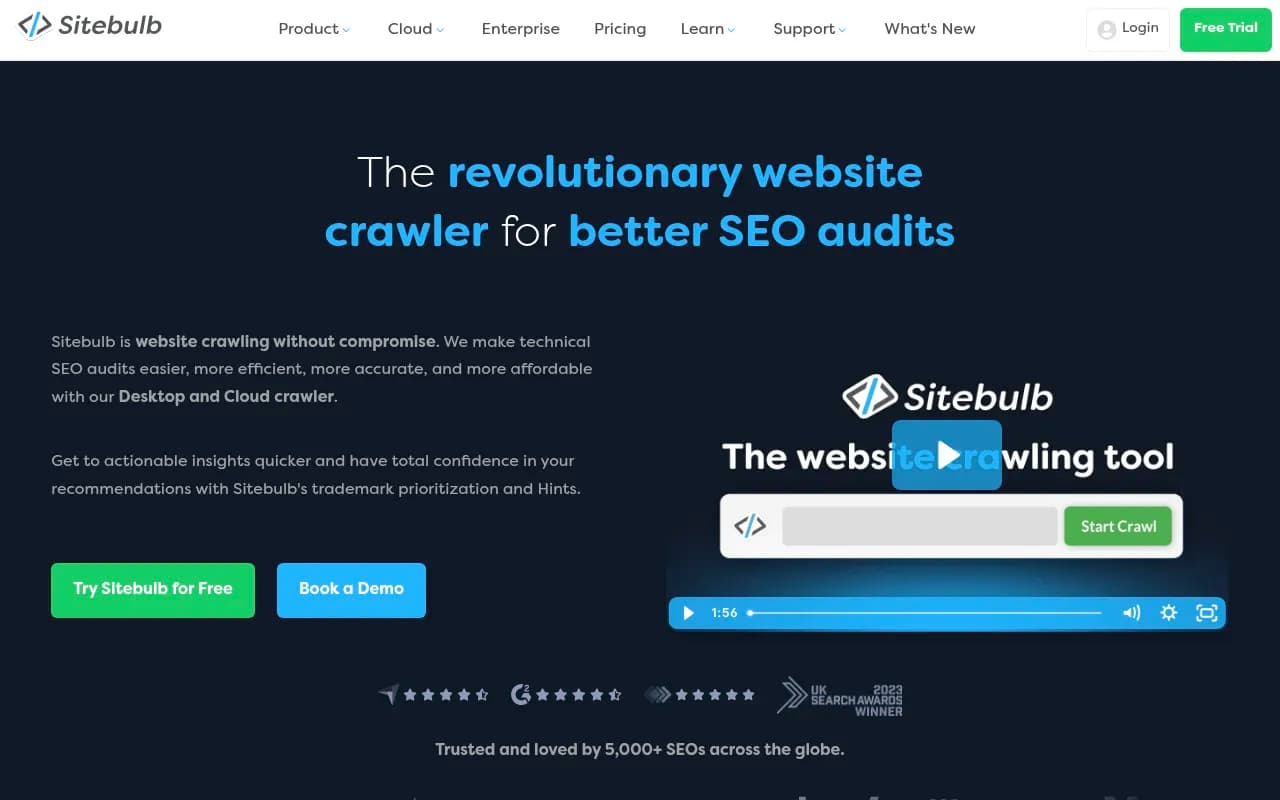
Then make sure the page itself is plain and fast. Content hidden behind heavy client-side rendering is harder for any crawler. A technical crawler such as Screaming Frog or Sitebulb will show you what a bot sees when JavaScript isn't executed.

Don't bother with a markdown version of your site for AI search. Promptwatch's Markdown in AI Search report found markdown files make up just 0.05% of AI search citations. Markdown serves agents, not AI search.
9. Earn mentions outside your own site
AI systems trust what others say about you. Reviews, local press, industry directories, partner pages and forum threads all count as evidence.
One caveat about social platforms. Promptwatch's October 2026 social citations report found ChatGPT drew only 0.46% of its citations from social platforms from Sep 28 to Oct 4, 2026, while Google AI Overviews drew 12.2%. Meta AI may behave differently, especially given it's Meta's own network, but there's no published data. So don't abandon your site for social posts, and don't ignore social either.
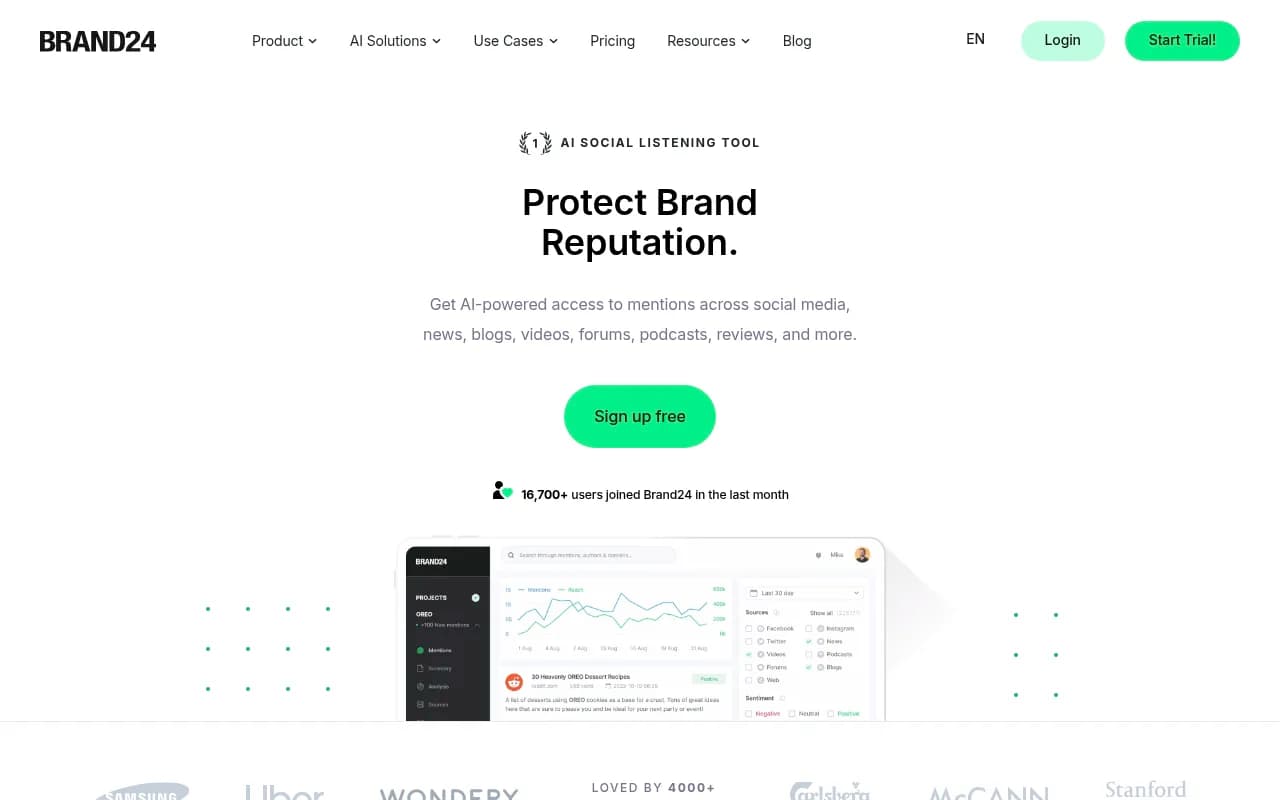
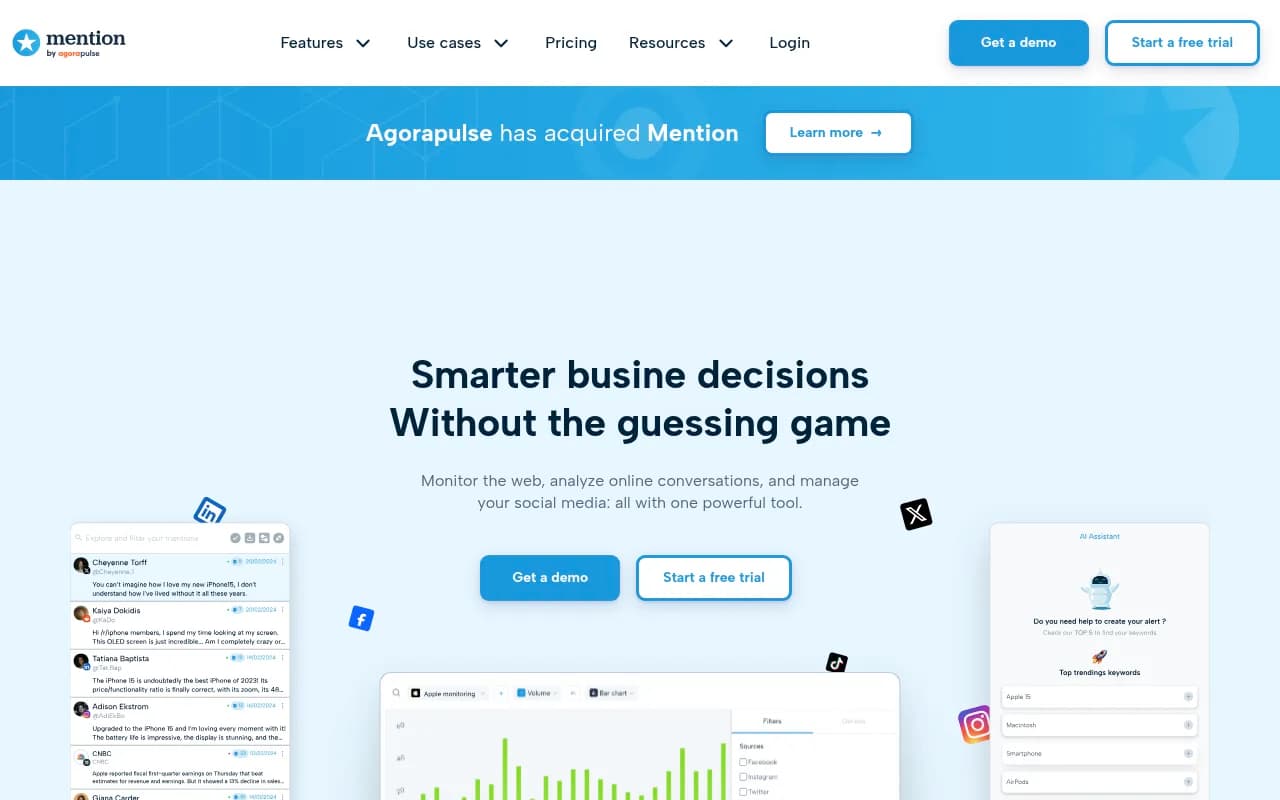
Practical moves: ask happy customers for reviews on the platforms you're listed on, get listed in the two or three directories your industry actually uses, and pitch one local or trade publication a quarter. Brand-mention trackers like Brand24 or Mention can show where you're already named.
10. Monitor Meta AI and the rest, monthly
Build a small prompt library: 15 to 30 questions your customers would type. Mix categories, like "best [service] in [city]", "[your brand] vs [competitor]", and "is [your brand] any good?" Run them in Meta AI (including inside WhatsApp), ChatGPT, Gemini and Perplexity, and record whether you appear, how you're described and who gets named instead.
Doing this by hand works for a first pass. After that it gets tedious, and answers vary by location and wording. Dedicated tools help here. Promptwatch tracks Meta AI alongside ChatGPT, Google AI Overviews, Gemini, Perplexity and others using the real user interfaces, and it adds crawler logs and a content workflow on top, which matters because the fix for most gaps is a page, not a report. If you're comparing options, the directories at bestgeosoftware.com and ai-rank-tools.com list a lot more, and cheaper trackers like Otterly.AI or Peec AI cover basic mention tracking.
| Tool | Meta AI tracking | Crawler logs | Content help | Best for |
|---|---|---|---|---|
| Promptwatch | Yes | Yes, IP-verified | Yes | Teams that want to fix gaps, not only see them |
| Otterly.AI | Check current coverage | No | No | Basic, affordable monitoring |
| Peec AI | Check current coverage | No | No | Multi-language tracking |
| DarkVisitors | No | Bot and agent visits | No | Seeing who crawls you |
Check each vendor's current model list before buying, since coverage changes often.


A 30-day order of operations
- Week 1: do steps 1 to 4. They're free and fast, and they remove the most common blockers.
- Week 2: clean up your Facebook Page, WhatsApp Business profile and every listing (steps 5 and 6).
- Week 3: rewrite your top five pages and add schema (steps 7 and 8).
- Week 4: set up your prompt library and baseline results (step 10), then plan outreach for step 9.
Re-run the prompts monthly. If you're invisible after the technical fixes, the problem is almost always thin or inconsistent evidence about your business, not a hidden switch.
What to remember
Meta AI is a young search surface with sparse public documentation, and the one hard data point we have is a huge jump in crawling. Let the crawlers in on purpose, keep your business facts consistent, write pages that answer questions in the first sentence, and measure results instead of assuming. For a broader view of AI search behavior, Promptwatch's data hub is worth bookmarking.