Key takeaways
- ChatGPT processes over 50 million shopping queries per day, and AI-driven traffic to U.S. retail sites grew 393% year-over-year in Q1 2026, per Adobe Analytics.
- ChatGPT Shopping uses its own product feed specification -- not a copy of your Google Shopping export -- with a 15-minute refresh cycle instead of the traditional 24-hour cadence.
- Tracking your visibility requires a combination of manual prompt testing, dedicated AI visibility tools, and traffic attribution (GSC, server logs, or a tracking snippet).
- Most brands are invisible in ChatGPT Shopping not because of bad products, but because of fixable technical gaps: missing schema, blocked AI crawlers, or incomplete product feed attributes.
- The full tracking loop is: find where you're invisible, fix the underlying content or feed issues, then measure the change in citations and traffic.
Why ChatGPT shopping is a real channel now
A year ago, "ChatGPT shopping" was a novelty. Now it's a traffic source you can't afford to ignore. Shoppers in the U.S. ask ChatGPT over 84 million shopping-related questions every week, and Adobe Analytics found that AI-driven traffic to retail sites grew 393% year-over-year in Q1 2026.
That's not a rounding error. That's a channel.
The problem is that most e-commerce teams are still measuring it the wrong way -- or not measuring it at all. They check Google Search Console, see a new referral source labeled something like chatgpt.com, and call it a day. That tells you almost nothing about which products are being recommended, which prompts are triggering your competitors instead of you, or what's actually broken in your setup.
This guide walks through the full tracking setup: the technical foundation, the feed configuration, the tools, and the measurement loop that actually closes.
How ChatGPT Shopping actually works
Before you can track it properly, you need to understand what's happening under the hood.
When someone asks ChatGPT "best wireless headphones under $200," the model doesn't just search the web. It pulls from a combination of sources: its training data, real-time web search (via Bing integration), and -- for product carousels -- a dedicated product feed that merchants submit directly to OpenAI.
That last part is important. ChatGPT Shopping has its own merchant program, separate from Google Shopping. The feed format accepts JSONL (gzip-compressed), CSV, TSV, or Parquet files, all in UTF-8 encoding. Files are delivered via SFTP to an endpoint OpenAI provides during onboarding. If you're not enrolled in the merchant program, your products can still appear via web search citations, but you won't show up in the structured product carousels.
The other thing that surprises most brands: the feed refreshes every 15 minutes. Traditional shopping feeds update once a day. ChatGPT's 15-minute cycle means your inventory accuracy, pricing, and availability signals need to be genuinely real-time. A product showing as "in stock" when it's sold out is a fast way to get deprioritized.
 A technical breakdown of the ChatGPT Shopping product feed specification -- covering feed formats, refresh cadence, and ranking signals.
The technical foundation you need first
Tracking results is pointless if your technical setup is broken. ChatGPT can't recommend products it can't read. Before you touch any analytics tool, check these three things.
AI crawler access
Your robots.txt file may be blocking OpenAI's crawler (OAI-SearchBot) without you realizing it. Many brands added broad bot-blocking rules during the AI scraping panic of 2023-2024 and never revisited them. Check that OAI-SearchBot is allowed on your product pages. Same goes for PerplexityBot, ClaudeBot, and Googlebot for AI Overviews.
JSON-LD product schema
ChatGPT's web crawler reads structured data to understand your products. Every product page should have server-side rendered JSON-LD with at minimum: name, description, image, offers (including price, priceCurrency, availability), brand, sku, and aggregateRating. Client-side rendered schema (injected via JavaScript after page load) is unreliable for AI crawlers. Render it server-side.
Product feed attribute completion
For the merchant feed specifically, aim for 95%+ attribute completion across your catalog. The fields that most directly influence whether a product surfaces in recommendations are: title, description, price, availability, images, GTIN/MPN, brand, product category, and customer review data. Incomplete feeds don't get rejected outright -- they just rank lower, which in practice means invisible.
New and updated product content typically surfaces in ChatGPT Search within 24-72 hours for sites with a solid technical foundation. If you're not seeing new products appear after 72 hours, that's a diagnostic signal, not a waiting game.
Setting up your tracking stack
Now the actual tracking. There are four layers to this, and you need all of them to get a complete picture.
Layer 1: Manual prompt testing (free, but limited)
The simplest starting point is running buyer-style prompts in ChatGPT yourself. Search for the queries your customers would actually use: "best [product category] for [use case]," "compare [your brand] vs [competitor]," "[product type] under $[price point]."
Note whether your brand appears, where it ranks in the response, what language ChatGPT uses to describe your products, and which competitors show up when you don't. Do this weekly for your top 10-15 priority queries. It's manual and doesn't scale, but it gives you ground truth.
One practical tip: vary the phrasing. ChatGPT's responses aren't deterministic -- the same prompt can return different results on different days. Run each prompt 2-3 times and look for patterns rather than treating any single response as definitive.
Layer 2: Automated AI visibility tracking
Manual testing breaks down fast once you have more than a handful of prompts to track. This is where dedicated AI visibility tools come in.
Promptwatch tracks your brand's appearance across ChatGPT, Perplexity, Claude, Gemini, and other AI models, with specific support for ChatGPT Shopping carousels. It shows you which prompts trigger your products, which pages are being cited, and how your visibility compares to competitors. The Answer Gap Analysis feature is particularly useful here -- it shows you the specific prompts where competitors appear but you don't, which is exactly the list of things to fix.

For e-commerce specifically, Promptwatch's ChatGPT Shopping tracking monitors when your brand appears in product recommendation carousels -- not just text citations. That's a meaningful distinction because carousel appearances and text mentions have different conversion implications.
Other tools worth knowing about:
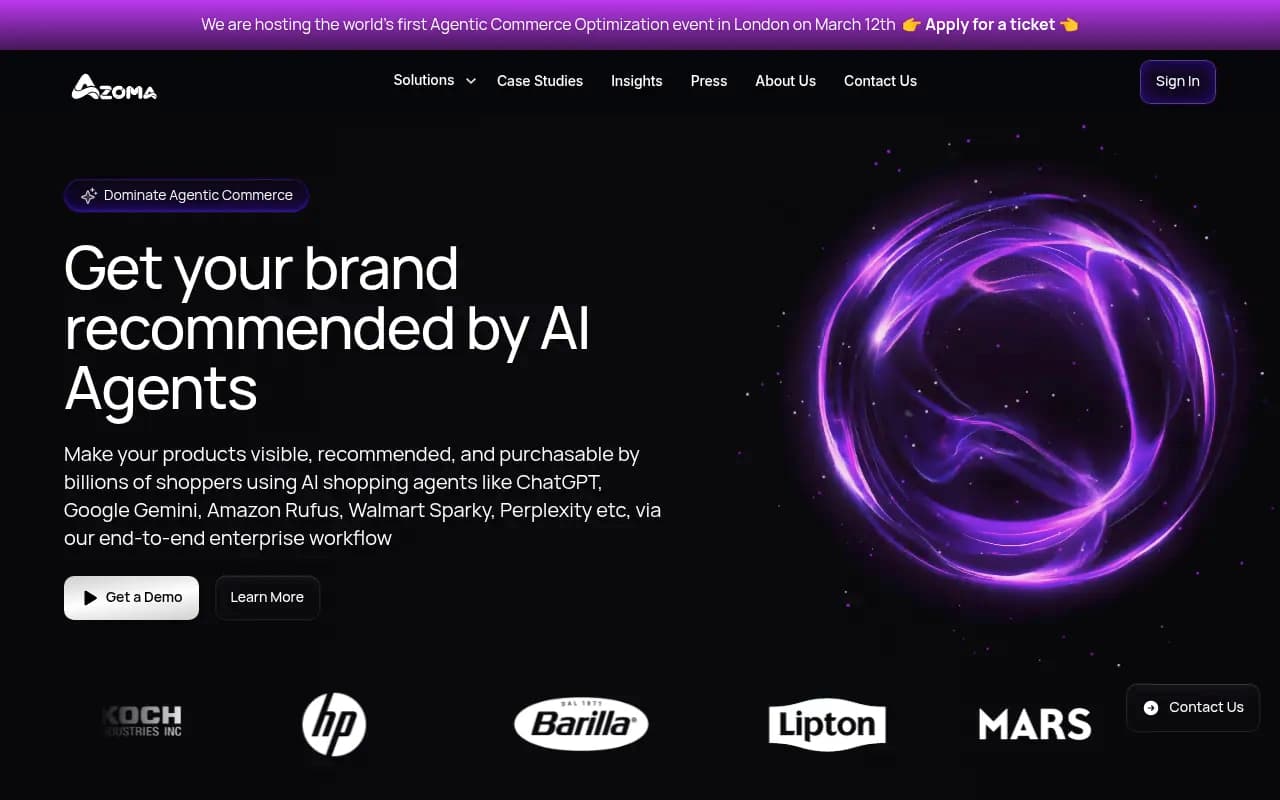
Azoma focuses specifically on AI shopping optimization across ChatGPT, Amazon Rufus, and similar surfaces -- a good fit if you're also selling on Amazon.
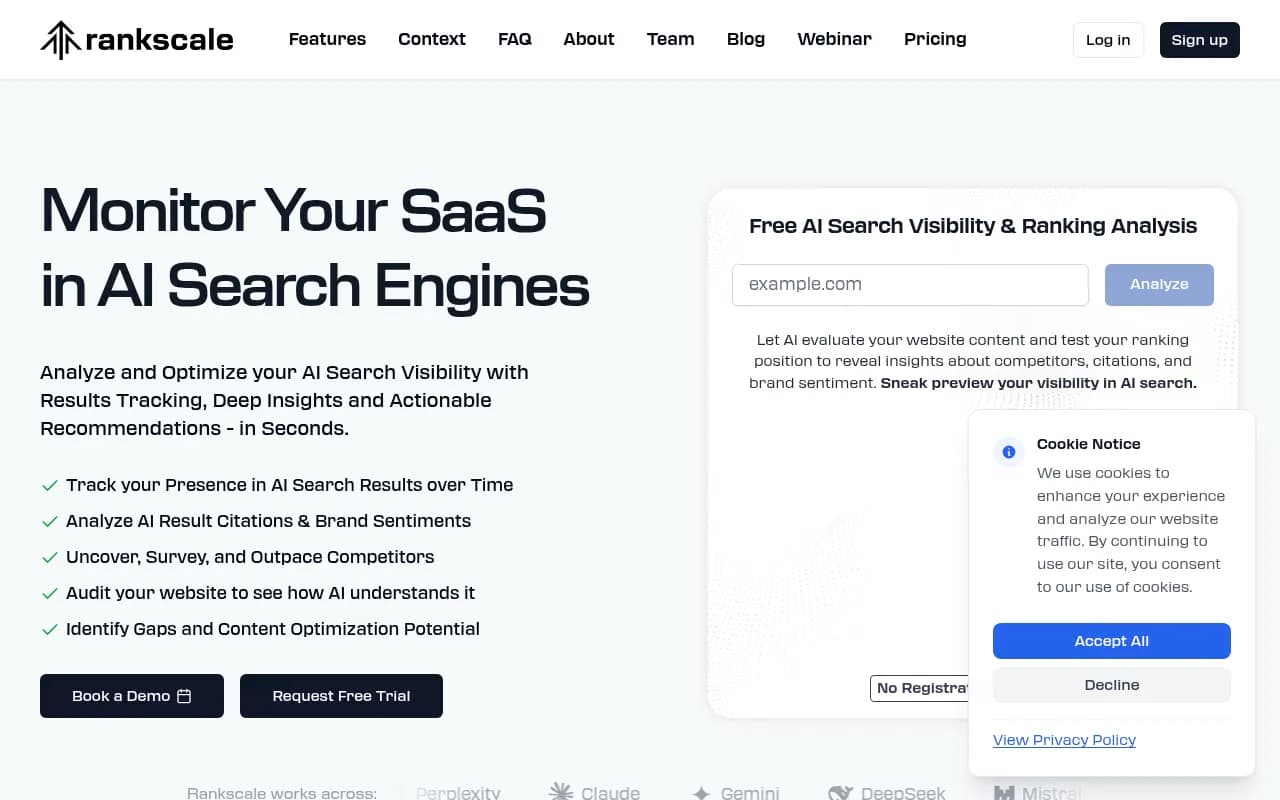
Rankscale tracks AI search rankings with prompt-level granularity, useful for monitoring position changes over time.
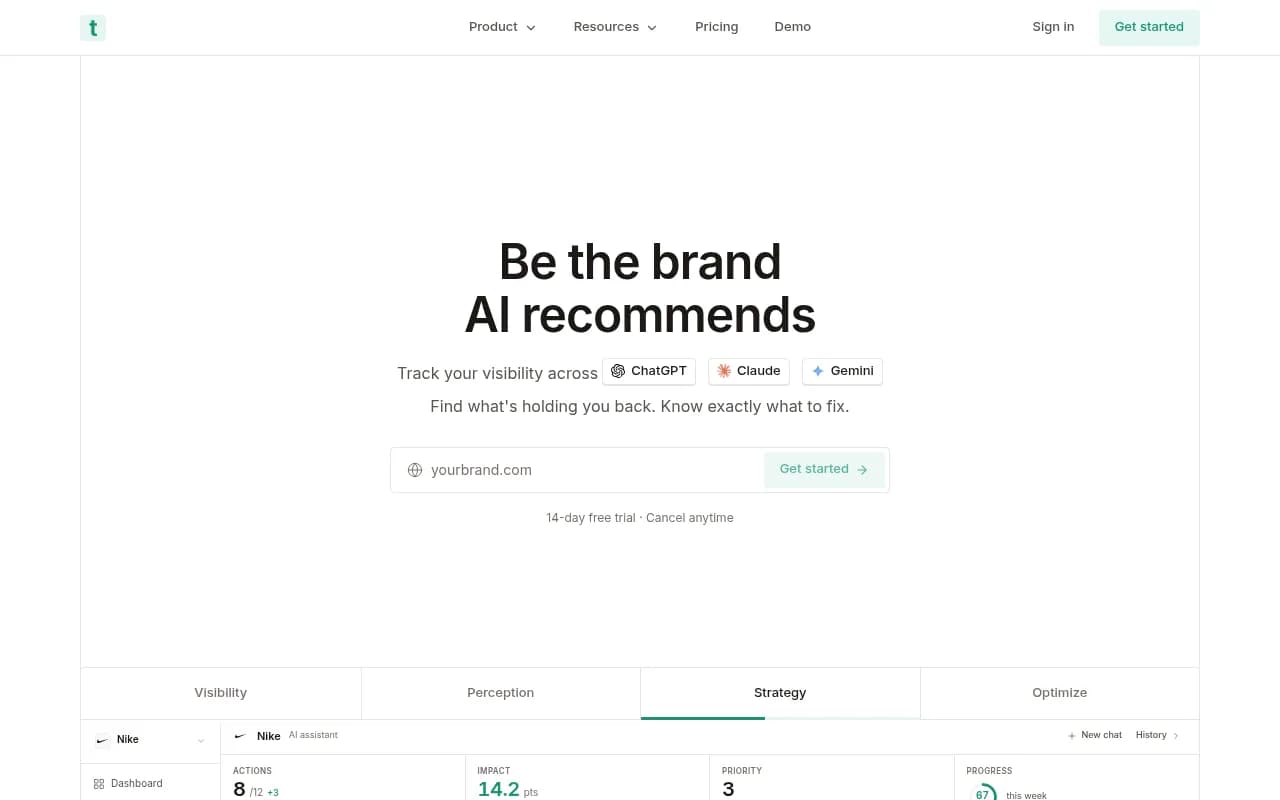
Trakkr.ai covers ChatGPT, Claude, and Perplexity visibility in one dashboard, with brand mention tracking built in.
Layer 3: Traffic attribution
Visibility tracking tells you when ChatGPT mentions you. Traffic attribution tells you when someone actually clicked through. These are different numbers, and both matter.
The most accessible option is Google Search Console. ChatGPT referrals show up under the "Search type: Discover" or as direct referrals from chatgpt.com. It's imperfect -- GSC doesn't break down which specific prompts drove traffic -- but it's free and gives you a baseline trend line.
For more granular attribution, you have two options:
A JavaScript tracking snippet (Promptwatch and several other tools offer this) that fires when a visitor arrives from an AI referral source and captures the referring model, the page they landed on, and whether they converted.
Server log analysis, which is more work to set up but gives you the cleanest data. Your server logs record every request, including the user agent. AI crawler visits show up as OAI-SearchBot, PerplexityBot, etc. Parsing these logs tells you how often AI crawlers are visiting your pages, which pages they're reading, and whether they're encountering errors (404s, redirect chains, slow response times).
Layer 4: Crawler log monitoring
This one is underused and genuinely valuable. Knowing that ChatGPT's crawler visited your product page 47 times last week but only your homepage 3 times tells you something important about which content is being indexed for recommendations.
Tools like Promptwatch surface AI crawler activity in real time -- which pages were hit, how often, and what errors were encountered. If your product pages are returning 5xx errors when OAI-SearchBot visits, you're invisible in ChatGPT Shopping for those products, full stop.
Comparison: AI visibility tracking tools for e-commerce
| Tool | ChatGPT Shopping tracking | Crawler logs | Content gap analysis | Traffic attribution | Starting price |
|---|---|---|---|---|---|
| Promptwatch | Yes | Yes | Yes | Yes | $99/mo |
| Azoma | Yes (AI shopping focus) | No | Limited | No | Custom |
| Rankscale | Limited | No | No | No | Varies |
| Trakkr.ai | Yes | No | No | No | Varies |
| Otterly.AI | No | No | No | No | ~$29/mo |
| Peec AI | No | No | No | No | ~$49/mo |
The pattern here is clear: most tools track mentions but don't connect them to traffic or tell you what to fix. If you're serious about ChatGPT Shopping as a revenue channel, you need the full loop.


What to actually measure
Once your stack is set up, here's what to track on a weekly and monthly basis.
Weekly metrics
- Brand mention rate: what percentage of your tracked prompts return your brand in the response
- Share of voice vs. top 3 competitors on your priority prompts
- New prompts where you appeared (or disappeared)
- Crawler activity: are AI bots visiting your product pages? Are they hitting errors?
Monthly metrics
- Traffic from AI referral sources (GSC + attribution tool)
- Conversion rate from AI-referred traffic vs. other channels
- Product feed health: attribute completion rate, rejection rate, freshness
- Citation quality: is ChatGPT describing your products accurately? Are prices current?
That last point matters more than it sounds. ChatGPT sometimes cites outdated pricing or discontinued products. If the model is recommending your product at a price you no longer offer, that's a trust problem when the customer lands on your site.
Common mistakes that quietly kill your visibility
A few patterns come up repeatedly when brands wonder why they're not appearing in ChatGPT Shopping.
Blocking AI crawlers in robots.txt is the most common. Check it today.
Thin product descriptions are the second. ChatGPT needs enough context to understand when your product is the right recommendation. A 40-word description with just the product name and SKU gives the model almost nothing to work with. Write descriptions that answer the questions buyers actually ask: what problem does this solve, who is it for, how does it compare to alternatives.
No review data is the third. Reviews are a trust signal for AI recommendations, not just for human shoppers. Products with zero reviews or very few reviews are systematically underrepresented in ChatGPT's shopping suggestions. Encourage detailed reviews and make sure your schema includes aggregateRating with a meaningful sample size.
Inconsistent product data across channels is the fourth. If your product is listed at $89 on your site, $94 on Amazon, and $87 in your ChatGPT feed, that inconsistency is a red flag for the model. Consistency across data sources is a ranking signal.
The optimization loop
Tracking is only useful if it drives action. The workflow that actually moves the needle looks like this:
- Run your tracked prompts and identify where competitors appear but you don't.
- Audit the gap: is it a feed issue (missing attributes, stale data), a content issue (thin descriptions, no reviews), or a technical issue (crawler blocked, schema errors)?
- Fix the specific issue -- update the feed, rewrite the product description, fix the schema.
- Wait 24-72 hours for the changes to surface in ChatGPT Search.
- Re-run the prompts and measure the change.
This sounds obvious written out, but most brands skip step 2 and go straight to "post more content" or "get more backlinks." Those things help eventually, but they don't fix a broken product feed or a blocked crawler.
 Tracking ChatGPT Shopping visibility by running buyer-style prompts -- a core part of the measurement workflow.
Getting started: a practical first week
If you're starting from zero, here's a realistic first-week plan.
On day one, audit your robots.txt and confirm AI crawlers are allowed. Run a crawl of your top 20 product pages with a tool like Screaming Frog to check for schema errors and missing structured data.
On days two and three, run 10-15 buyer-style prompts manually in ChatGPT. Document which competitors appear, what language is used, and where your brand shows up (or doesn't). This is your baseline.
On days four and five, set up an AI visibility tracking tool. Connect it to your top priority prompts and configure competitor tracking. If you haven't applied to OpenAI's merchant program, start that process -- approval can take a week or two.
On days six and seven, set up traffic attribution. At minimum, filter your GSC data for chatgpt.com referrals. If you want more granularity, add a tracking snippet or start pulling server logs.
By the end of week one, you'll have a baseline visibility score, a list of competitor gaps, and a traffic baseline. Everything after that is iteration.
A note on the pace of change
ChatGPT Shopping is moving fast. The 15-minute feed refresh cycle, the expansion of product carousels, the integration with ChatGPT's agentic checkout features -- these are all relatively recent. What works today may need adjustment in six months.
The brands that will win this channel aren't the ones who set up a feed once and forget it. They're the ones who treat ChatGPT Shopping as a live channel with its own monitoring, its own optimization workflow, and its own attribution model. The infrastructure described in this guide gives you that foundation. The rest is showing up consistently and iterating on what the data tells you.