Key takeaways
- Local AI visibility is tracked per location and per prompt, not per brand. A franchise can be recommended in one city and invisible in the next.
- ChatGPT and Gemini often disagree on local recommendations. Searchable's data found they agreed on only about a quarter to a third of local service businesses for the same questions, so track each engine separately.
- Your own site, Google Maps data, Yelp, Facebook and niche directories all feed local answers. SOCi's 2026 index, as summarized by Driven Metrics, put Google Maps at 32.5% of local citations across assistants, followed by niche sites (26.3%) and brand websites (23.1%).
- A usable tracking setup has four parts: a location-specific prompt set, daily or weekly runs from the right geography, a record of which sources get cited, and a link from citations to traffic.
- ChatGPT's search behavior changes without warning, so monitor continuously instead of running a one-off audit.
Why local citation tracking is different
Tracking a SaaS brand in ChatGPT is mostly a question of which prompts to run. Tracking a dentist with 14 clinics is harder. The same prompt, "best emergency dentist near me", produces different answers depending on where it is asked from, and the answer that matters is the one a person standing in Leeds sees, not the one your analyst sees from a head office in London.
There are three problems stacked on top of each other:
- Location changes the answer. Proximity, city names and neighborhood language all shift which businesses appear.
- Engines disagree. ChatGPT, Gemini, Google AI Overviews and Perplexity pull from different sources.
- Citations and mentions are separate things. ChatGPT can name your business with a link to Yelp instead of your site, and that is still a visibility win but a different one from being cited at your own URL.
You will see a statistic floating around that ChatGPT recommends only 1.2% of local business locations compared with about 36% that appear in Google's local 3-pack. I could only trace it to social media posts, not an original study, so I would not put it in a client deck. The direction is plausible, though: getting named by an AI assistant is harder than getting into a map pack, which is exactly why measuring it matters.
One more data point worth having. BrightLocal's 2026 consumer survey (n=1,164) found 58% of consumers have used AI to find or get a recommendation for a local business, and 18% of AI users contact an AI-recommended business directly, while 75% head to Google to verify. So AI visibility and Google visibility work as a pair.
Where ChatGPT gets local business data
Before you track anything, know which sources you are trying to show up in. From the SOCi 2026 local index figures reported by Driven Metrics, across ChatGPT, Gemini and Perplexity combined:
| Source | Share of local citations |
|---|---|
| Google Maps | 32.5% |
| Niche sites | 26.3% |
| Brand websites | 23.1% |
| Yelp | 10.5% |
| 7.6% |
I have only seen these figures second-hand, so treat them as directional. The practical takeaway is that roughly a quarter of citations go to your own domain and the rest go to places you do not fully control. Your tracking has to capture both.
Promptwatch Data does not have a local-specific report, but its content-type data is a useful proxy. In Promptwatch's ChatGPT content type report (Sep 28 to Oct 4, 2026), commercial prompts, the "best X" kind closest to "best plumber near me", cited product pages 26.0% of the time, landing pages 20.6% and listicles 15.0%. For branded prompts, reviews made up 5.6% of citations, more than three times their overall share. My inference for local businesses: service pages, location pages, listicles on third-party sites, and reviews are the page types to watch. The report does not say that directly.
Step 1: Build a prompt set per location
This is where most local tracking falls apart. People track five generic prompts for the whole brand and call it done. Build the set in layers instead.
Core prompt patterns
For each location, write prompts in these shapes:
- Category plus city: "best family dentist in Austin"
- Category plus neighborhood: "dentist near Zilker Park"
- Urgency and attributes: "emergency dentist open Sunday in Austin"
- Comparison: "[Your brand] vs [competitor] in Austin"
- Branded: "is [Your brand] on South Lamar any good"
- Service-specific: "Invisalign provider in Austin with payment plans"
Ten to fifteen prompts per location is a reasonable start. Across 40 locations that is 400 to 600 prompts, which immediately rules out some of the cheaper entry-level plans, so do that math before buying.
Use real customer language
Pull phrases from your Google reviews, call tracking transcripts and Search Console queries. Customers say "walk-in clinic", not "urgent care provider". Your prompts should too.
Group by market, not by brand
Tag every prompt with a location, a service line and a prompt type (generic, branded, competitor). You will want to slice results later by city or region, and retrofitting tags onto 500 prompts is painful.
Step 2: Run prompts from the right place
This is the technical hurdle. A prompt asked from a server in Virginia does not reproduce what a customer in Denver sees. Tools that handle local well let you set a country, state, city, or exact coordinates for each monitor.
Promptwatch supports this directly. Its local GEO/SEO targeting pins a monitor to exact coordinates (accuracy radius from 20 m to 5 km), so ChatGPT, Google AI Overviews and Google AI Mode answer as if asked from that spot. It also tracks the real user interfaces rather than only API outputs, which matters because user-facing answers and citations can differ from what the API returns. State and city tracking and exact-coordinate targeting come with the Business plan and above.

Whatever tool you pick, test it with a sanity check: run the same prompt manually from a browser in the target city (or with a VPN) and compare to what the tool reports. If the business lists and sources look nothing alike, location handling is weak.
Step 3: Choose a tracking tool
There is no single right answer. It depends on whether you are a single-location owner, a franchise operator or an agency.
Local-first tools
BrightLocal's Local AI Visibility tracks whether ChatGPT, Google AI Mode and Google AI Overviews recommend your business, shows why competitors appear instead, and routes citation gaps straight into its Citation Builder. It offers a 14-day free trial with no card. If you already use BrightLocal for listings and rank tracking, it is the lowest-friction place to start. I did not retrieve pricing, so check the site.
SOCi and Yext come at the problem from the listings and local presence side, which suits multi-location brands that already manage profiles at scale.
AI visibility platforms with location controls
Promptwatch is the one I would shortlist for multi-location work, mainly because it connects tracking to action. Beyond location-pinned monitors, its IP-verified AI crawler logs show whether ChatGPT's crawlers can actually reach your location pages, visitor analytics attribute AI-referred traffic to specific pages, and the Content Agent and Action Board turn gaps into publishable work. Most monitoring-only tools stop at the dashboard.
Searchable also covers local service businesses and publishes data on ChatGPT-versus-Gemini disagreement.
Other options in the same space worth a look, depending on budget:



For a wider view of the category, the GEO software directory at bestgeosoftware.com and the AI rank tracker listing at ai-rank-tools.com are useful for comparing options.
Comparison
| Tool | Local targeting | Crawler logs | Content help | Best for |
|---|---|---|---|---|
| Promptwatch | Country, state, city, exact coordinates (Business and up) | Yes, IP-verified | Content Agent, Action Board | Multi-location brands and agencies |
| BrightLocal Local AI Visibility | Built for local, per location | Not covered in my research | Citation Builder for gaps | Local SEO teams already on BrightLocal |
| Searchable | Local service business coverage | Not covered in my research | Content Studio | SMBs wanting monitoring plus content |
| SOCi | Local presence platform | Not covered in my research | Listings, reviews, social | Franchise and multi-location marketing teams |
| Generic prompt trackers | Usually country level | Usually no | Usually no | Budget monitoring of a few prompts |
I did not verify feature-by-feature pricing for these tools, so confirm on each vendor's pricing page. Promptwatch pricing lives at promptwatch.com/pricing.
Step 4: Track the right metrics
A mention count is a vanity metric for a local business. Track these instead, per location:
- Mention rate: the share of your prompts for that location where the business is named.
- Citation rate: how often your own URL is a cited source, as opposed to a third party.
- Position: where you appear in the list of recommended businesses.
- Source mix: which domains are cited next to or instead of you (Google Maps data, Yelp, Facebook, niche directories, local news).
- Competitor share: which two or three rivals dominate each market.
- Sentiment: how the answer describes you. "Great but pricey" versus "reliable, fast" shifts conversion.
- Referred traffic and conversions: calls, bookings and form fills that arrive from AI platforms.
Read them together. High mention rate with low citation rate means AI knows you exist from other sources but your own pages are not doing the work. Low mention rate in one city and high in another usually points to inconsistent listings or a thin location page.
Do not average across locations
A brand-level visibility score of 40% hides the fact that 12 locations sit at 80% and 28 at 10%. Report by location and by region, and rank them. The bottom quartile is your work queue.
Step 5: Look at what ChatGPT actually searches
Two Promptwatch Data reports matter here.
First, ChatGPT can now search your domain directly. In Promptwatch's site: operator report, site: queries jumped from 0.37% to 16.8% of all fanout queries on August 8, 2026, and average searches per response rose from about 1.08 to about 1.83. For a multi-location business this means location pages need to be crawlable, indexed and clearly titled. If your 40 location pages are rendered client-side, buried behind a store locator, or duplicated with only the city name swapped, ChatGPT searching your domain will find little.
Second, the ChatGPT query fanouts data shows average fanout size and query length moving around considerably through early 2026 (about 2.15 searches per response in December 2025, back to 1.0 in April). The lesson is not any single number. Platform behavior shifts quickly, and Promptwatch's own advice is to re-run fanout analysis for tracked prompts because keyword mappings built before August 8 are stale. That is the argument for continuous monitoring over a quarterly audit.
If you can see query fanouts in your tool (Promptwatch shows them per response), use them to find the actual searches ChatGPT runs for your local prompts. They often include the city name, "reviews" and "hours", which tells you what your location pages should answer.
Step 6: Audit the sources that feed local answers
Once you know which sources get cited for each location, check them in order.
- Google Business Profile. Correct categories, hours, services, and photos. Inconsistent hours across profiles are a common and fixable problem.
- Your location pages. One unique page per location with real details: address, services offered there, staff, local reviews, FAQs. Not a template with a swapped city name.
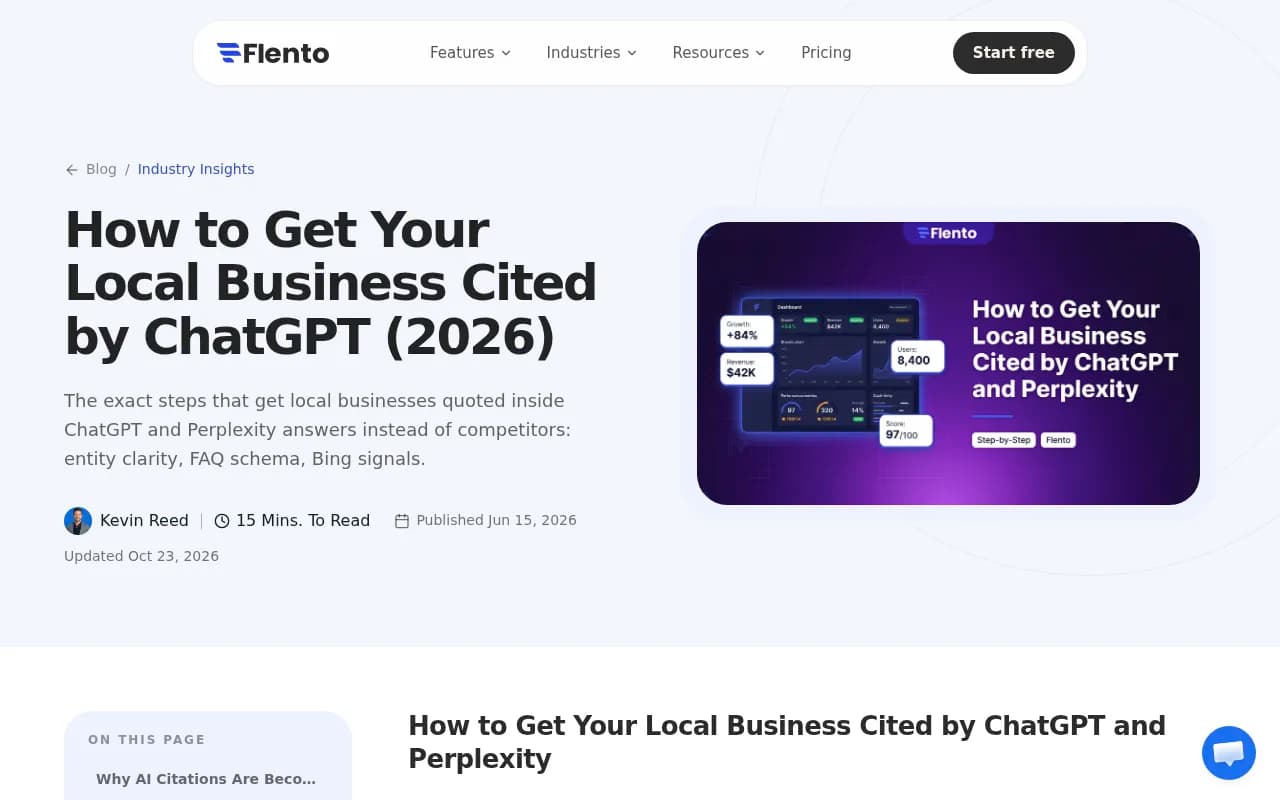
- Bing Places and Apple Business Connect. Flento's local citation guide points to Bing signals as relevant for ChatGPT, and it is cheap to claim and verify these.
- Yelp and Facebook. Together they accounted for 18.1% of local citations in the SOCi figures above.
- Niche directories. The 26.3% niche-site share means industry directories matter. For legal, healthcare, home services, find the two or three that show up in your tracked citations.
- Local news and community sites. Hard to scale, but mentions here show up as third-party sources.
Consistency of name, address and phone across all of them is the unglamorous foundation. Flento's guide frames it well: the businesses that get cited are not always the biggest or best reviewed, they are the most clearly described.
Step 7: Check that AI crawlers can reach your pages
Citation tracking tells you the outcome. Crawler logs tell you the cause. If a location page is never fetched by OAI-SearchBot or ChatGPT-User, it will not get cited no matter how good it is.
Things that block local pages more often than you would expect:
- robots.txt rules that disallow AI crawlers or a /locations/ directory
- Location pages that need JavaScript to render the address and services
- Bot protection on a CDN that blocks legitimate AI user agents
- Location pages missing from the XML sitemap or orphaned from the main navigation
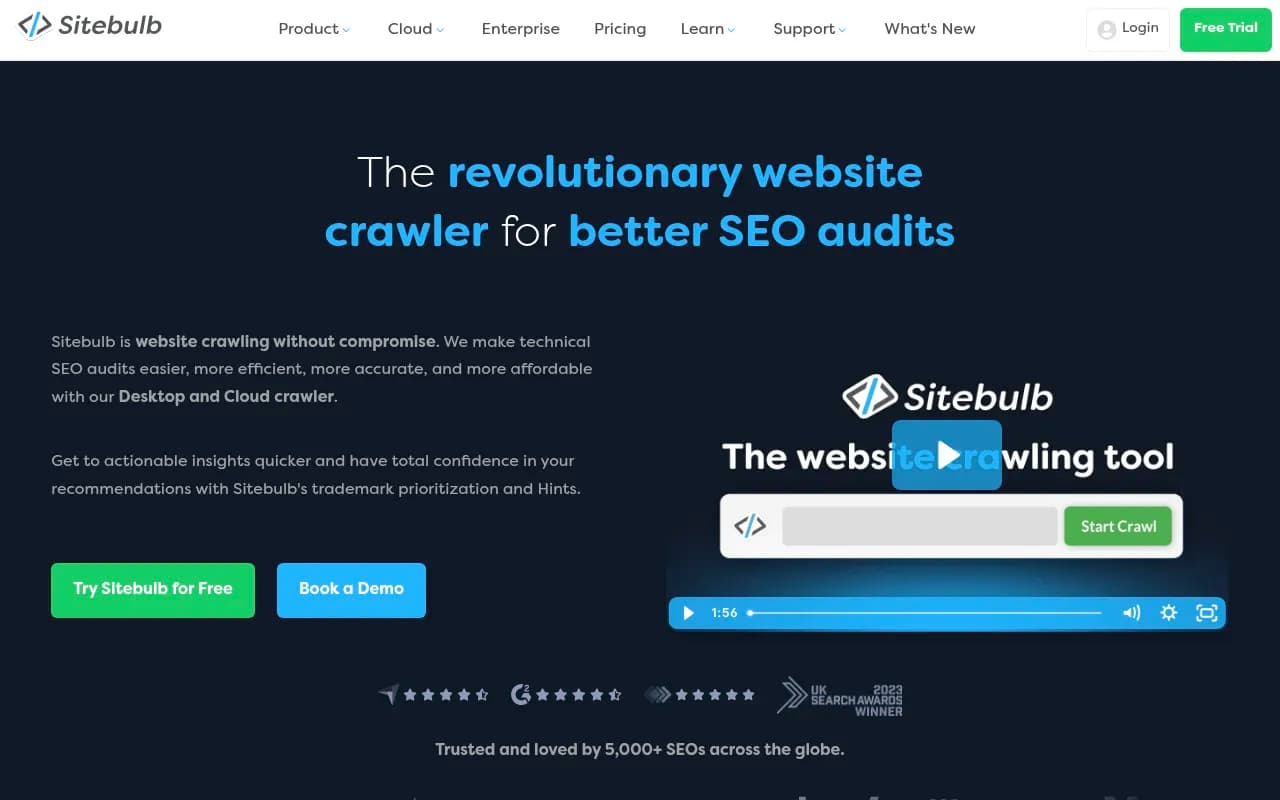
Promptwatch's Agent Analytics shows IP-verified crawler hits per page with plain-language error explanations. Its free Agentic Readiness Check is a quick way to see which AI crawlers can read your site. Screaming Frog or Sitebulb will surface the sitemap and orphan-page problems on the technical side.

Step 8: Connect citations to calls and bookings
Local conversions often happen off-site: a phone call, a map direction request, a walk-in. Referred web traffic undercounts AI's influence. Still, do what you can:
- Install analytics that attributes sessions from ChatGPT, Perplexity, Gemini and Copilot referrers. Promptwatch's visitor analytics does this by script, Google Tag Manager template or WordPress plugin.
- Use call tracking numbers on location pages, and add "How did you hear about us?" with an AI assistant option on booking forms.
- Compare branded search and Google Business Profile views in a location before and after its AI visibility improves.
BrightLocal's finding that 75% of AI users go to Google to verify is the reason this attribution is messy. Expect to see the lift show up in branded search and map actions, not only in AI referral sessions.
Step 9: Set a reporting rhythm
For a multi-location business a sensible cadence looks like this:
| Frequency | What to review |
|---|---|
| Weekly | Visibility drops by location, new competitors appearing, crawler errors on location pages |
| Monthly | Mention and citation rate per location, source mix, sentiment, referred traffic |
| Quarterly | Prompt set refresh, tool and plan review, location ranking and action plan |
Automate what you can. Promptwatch sends a weekly digest and can generate scheduled PDF reports with white-label branding, which is useful if you are an agency reporting to franchise owners. Looker Studio connectors in several tools let you build one dashboard with a location filter.
Common mistakes
- Tracking one brand-level prompt set and assuming it represents every city.
- Running prompts from the wrong geography.
- Treating ChatGPT as a proxy for every AI engine. Given the low agreement between ChatGPT and Gemini on local services, track them separately.
- Counting mentions without checking whether the cited source is yours.
- Cloning location pages with only the city name changed.
- Auditing once and not again. ChatGPT's search behavior changed overnight on August 8, 2026.
A simple starting plan
If you manage a handful of locations and have a week:
- Pick your five most important locations and write 10 prompts each.
- Run them in a tool with location targeting. Free trials from BrightLocal (14 days, no card) and Promptwatch (7-day trial on monthly Essential and Professional plans) let you compare without commitment.
- Record mention rate, citation rate and the top three cited domains per location.
- Fix the cheapest problems first: inconsistent listings, missing Bing Places profiles, crawl blocks.
- Rewrite the weakest location page with real local detail and an FAQ.
- Re-run after two to four weeks and compare.
If you would rather hand the work to specialists, 1001 SEO Media runs local SEO and AI search optimization for multi-location brands, and it uses Promptwatch for the tracking side. Either way, start with the five locations, not the whole map.