Key Takeaways
- A local GEO prompt library is a fixed list of 20 to 50 questions that a real customer in your area would ask ChatGPT, Gemini, or Google AI Overviews, run on a schedule and logged the same way every time.
- Group prompts by intent (discovery, comparison, urgent need, trust check, brand) so the results tell you where you are missing, not just that you are missing.
- Every prompt needs a location. "Best dentist" tells you little; "best emergency dentist open Saturday near downtown Seattle" tells you something.
- ChatGPT cites about 5 sources per web-search answer, so the question is whether you are one of the few named, not whether you appear somewhere in the list.
- Treat results as a consistent test, not a measure of real demand. No AI vendor shows site owners the prompts users actually type.
- The 50 starter prompts below cover five business types. Swap in your city, neighborhood, and service names, then freeze the wording.
Why local businesses need their own prompt library
Generic prompt lists for AI visibility are written for SaaS brands. They ask things like "best CRM for small agencies." A plumber in Leeds or a bakery in Tucson has a different problem. The customer is asking a person-shaped question with a place attached, and the answer is a short list of businesses to call.
There is also a consistency problem. Searchable reported that in its data, ChatGPT and Gemini agreed on only about a quarter to a third of the local service businesses they recommended for the same questions, compared with close to half for B2B software brands. If that holds for your market, checking one assistant tells you very little about the others.
A prompt library fixes this by giving you a stable test. You run the same questions every week or two, log what each assistant says, and watch whether your business shows up more or less often. Without it you are relying on someone on your team typing a random question and feeling good or bad about the result.
What a prompt library can and can't tell you
It can tell you whether an assistant names your business for a given question on a given day, whether the description is accurate, which sources it links to, and which competitors appear instead. Over several runs it shows movement.
It can't tell you how many people ask that question, how many users see your business overall, or what an appearance is worth in revenue. As the eSEOspace guide on building prompt sets points out, a prompt set is a sample you designed, not a record of real user behavior. Be modest about what it proves.
I would add one more caveat. Answers vary by account, session, and location. I could not find solid numbers on how much local answers shift by location, so treat any single run as noise and look at patterns across several.
Step 1: Pick your intent buckets
Before writing any prompts, decide how you want to slice the results. For local businesses, five buckets cover most of what customers ask.
| Intent bucket | What the customer wants | Example shape |
|---|---|---|
| Discovery | A shortlist of options nearby | "Best [service] in [neighborhood]" |
| Qualified discovery | A shortlist with a constraint | "[Service] open Sunday near [landmark]" |
| Urgent need | Someone who can help now | "Emergency [service] in [city] tonight" |
| Trust and comparison | Reassurance or a choice between two | "Is [Brand A] or [Brand B] better for [need]?" |
| Brand check | What the AI says about you | "What do people say about [your business] in [city]?" |
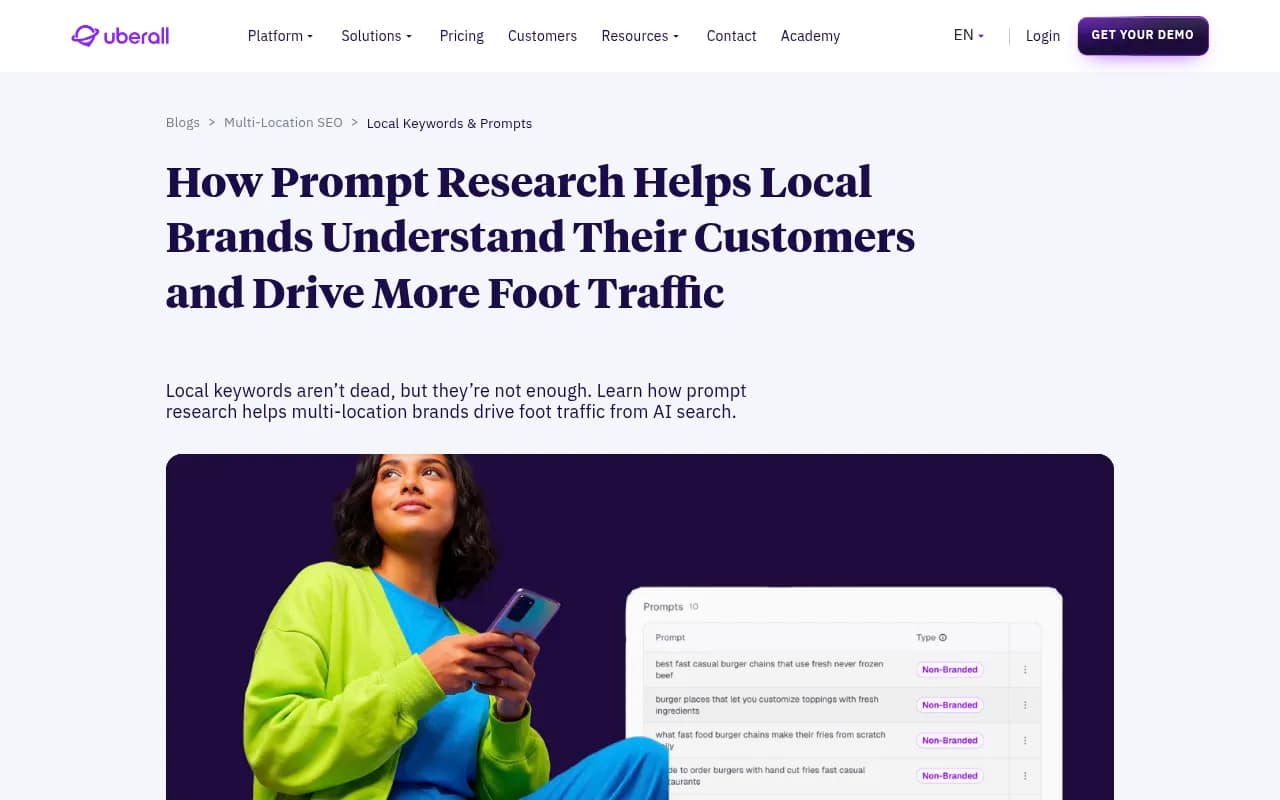
Uberall makes a useful distinction here. High-volume, lower-value prompts shape how AI systems talk about your category and keep you in the conversation. Lower-volume, high-value prompts, the ones closer to booking, are where multi-location brands can win with strong local content, Google Business Profile work, and review signals. Your library should hold both, but weight the second group more heavily.
Step 2: The 50 starter queries
Each business type below has ten prompts. Replace the bracketed placeholders with your real city, neighborhood, and service names. Keep the wording after that. Do not tweak it next month.
Restaurants and cafes (10 prompts)
- Best [cuisine] restaurant in [neighborhood]
- Where can I get a good brunch in [city] without a long wait?
- Restaurants near [landmark] with outdoor seating
- Best place for a birthday dinner for 10 people in [city]
- Vegan-friendly restaurants open late in [neighborhood]
- Cheap lunch spots near [office district]
- Is [your restaurant] worth it?
- [Your restaurant] vs [competitor] for a date night
- Restaurants in [city] that take reservations for large groups
- Best coffee shop to work from in [neighborhood]
Dentists, clinics, and health practices (10 prompts)
- Best family dentist in [neighborhood]
- Emergency dentist open on Saturday in [city]
- Dentists near [landmark] accepting new patients
- Who does Invisalign in [city] and what does it cost?
- Dentist in [city] that takes [insurance provider]
- Pediatric dentist in [city] good with anxious kids
- Is [your practice] a good dentist?
- [Your practice] vs [competitor] for teeth whitening
- Walk-in clinic near [neighborhood] open now
- How do I find a dentist in [city] that offers sedation?
Swap "dentist" for physio, optometrist, vet, or therapist as needed. Healthcare prompts lean on authoritative sources, so Promptwatch Data's healthcare citation report (Sep 9 to Oct 8, 2026) is worth a look. ChatGPT cited NIH, the FDA, and the NHS most, and government and public health sites earned almost half of the citations shown. A local practice should expect to compete mostly on the "find me a provider" prompts, not the medical-information ones.
Home services: plumbers, electricians, HVAC (10 prompts)
- Emergency plumber in [city] available tonight
- Best electrician in [neighborhood] for an older house
- How much does it cost to replace a water heater in [city]?
- Licensed HVAC company near [zip code] with good reviews
- Who can fix a burst pipe in [city] right now?
- Plumbers in [city] that give upfront quotes
- Is [your company] reliable?
- [Your company] vs [competitor] for AC installation
- Who services heat pumps in [city]?
- Best handyman in [neighborhood] for small jobs
These are the most urgent prompts in the set, and they tend to be the most valuable. The customer is ready to call. Log them separately from the "how much does X cost" research prompts, because those often return informational sources rather than businesses.
Retail and boutiques (10 prompts)
- Best independent bookstore in [city]
- Where can I buy [product] near [neighborhood] today?
- Gift shops in [city] open on Sunday
- Best place to buy [product category] in [city] that isn't a chain
- Stores near [landmark] that sell [specific product]
- Is [your store] good for [product]?
- [Your store] vs [competitor] for [product]
- Local shops in [city] that offer gift wrapping and delivery
- Where to find [niche product] in [city]?
- Best vintage or secondhand shops in [neighborhood]
The "where can I buy X near me today" style prompts depend heavily on accurate hours, stock information, and listing data. If you get these wrong in your results, check your Google Business Profile and local listings before you touch your site.
Salons, gyms, and personal services (10 prompts)
- Best hair salon in [neighborhood] for curly hair
- Barber in [city] that takes walk-ins on weekends
- Gyms near [landmark] with a free trial
- Best yoga studio in [city] for beginners
- Nail salon in [neighborhood] open late
- Personal trainers in [city] for post-injury recovery
- Is [your studio] worth the price?
- [Your gym] vs [competitor] for strength training
- Massage therapist near [zip code] with same-day availability
- What do reviews say about [your business] in [city]?
Step 3: Make the prompts local enough
A prompt like "best plumber" returns a different answer for every user because the assistant has to guess location. A prompt with a neighborhood, a landmark, or a zip code gives the model something to anchor on. Use a mix:
- City-level for broad discovery
- Neighborhood-level for the places you actually serve
- Landmark-level ("near [stadium]") for how people really describe location
- Time-based modifiers ("open now," "Sunday," "tonight") for urgent intent
If you run a multi-location brand, build a full set per location rather than swapping city names at the last minute. Each location has different competitors and different review profiles.
Step 4: Set up the tracking sheet
Start with a spreadsheet. It's enough for 50 prompts and forces you to read the answers instead of staring at a score.
| Column | What to record |
|---|---|
| Prompt ID and text | Frozen wording, never edited |
| Intent bucket | Discovery, urgent, trust, etc. |
| Assistant | ChatGPT, Gemini, AI Overviews, Perplexity |
| Date and location | Where and when you ran it |
| Mentioned? | Yes or no |
| Position | Order in the answer, if listed |
| Accuracy | Hours, address, services correct? |
| Sources cited | Domains the answer linked to |
| Competitors named | Who showed up instead |
| Fan-out queries | The sub-searches, if visible |
The fan-out column deserves a note. Promptwatch Data's ChatGPT query fanout report shows that ChatGPT's own sub-queries are short and keyword-like, around 53 characters or roughly six to eight words from April 2026. So when you log them for a local prompt, you will probably see something like "emergency dentist Seattle Saturday" rather than your full question. That tells you which phrases your pages and listings need to match.
Step 5: Freeze, run, and annotate
Freeze the wording. A list that changes each month can't show a trend. If you need a new prompt, add it with a new ID and a start date.
Run on a schedule. Weekly is plenty for most local businesses. Monthly works if you are doing it by hand.
Annotate platform changes. Promptwatch Data's site: operator report documents a good example. On August 8, 2026, ChatGPT began using the site: operator at scale, jumping from about 0.4% to about 17% of fanout queries overnight, and searches per response nearly doubled. If your results shifted that week, the cause might be the platform, not anything you did. Keep a notes column with dates.
Read trends across runs. One missing mention is a coin flip. Four weeks of missing mentions on the same prompt is a signal.
Step 6: Read the results by bucket
Don't average everything into one number. Look at it by intent.
- Discovery prompts low, urgent prompts high: you are known to people who already search for your service, but not to people browsing. Work on category pages and third-party mentions.
- Brand-check prompts wrong: the AI is stating the wrong hours, services, or address. Fix your listings and structured data first.
- Comparison prompts where a competitor always wins: read the sources it cites. Often it is a review roundup or a local directory you are absent from.
- Appearing but never cited: the assistant knows you exist but does not link to you. That points to thin or hard-to-crawl pages.
Because ChatGPT averages around 5 sources per web-search answer according to Promptwatch Data's average sources per response report (published September 2025, so check for newer figures), there are few slots. Google AI Overviews and Perplexity cite closer to 10. A local prompt set should track whether you are one of the few named, because share of citations is a weaker signal when the list is that short.
Step 7: Fix what the library finds
Most local gaps trace back to a short list of causes.
- Inconsistent name, address, and phone across listings
- An incomplete or outdated Google Business Profile
- Few recent reviews, or reviews that never mention the specific service
- Service pages that don't name the neighborhoods you serve
- No structured data
Structured data is worth a few lines. A basic LocalBusiness block with name, address, hours, coordinates, and rating gives machines clean facts to read, and a Service block with areaServed makes the geography explicit:
{
  "@context": "https://schema.org",
  "@type": "Service",
  "name": "Emergency Plumbing Repair",
  "areaServed": "Seattle, WA",
  "provider": {
    "@type": "LocalBusiness",
    "name": "Seattle Plumbing Pro"
  }
}
Google's own guidance on optimizing for generative AI features says the same things in plainer terms: create non-commodity content, keep a clear technical structure, and keep your local business and ecommerce details accurate. One agency, Big Eye, suggests a rough split of 50% traditional local SEO and 50% GEO effort. I would treat that as a starting heuristic, not a rule, since it is an opinion rather than measured data.
Tools for running the library at scale
A spreadsheet breaks down somewhere past 50 prompts, several assistants, and multiple locations. At that point a tracking tool earns its keep. The useful questions to ask are whether it queries the real consumer interface or just an API, whether it supports location-specific tracking, and whether it logs fan-out queries and cited sources.
Promptwatch monitors the actual interfaces of ChatGPT, Google AI Overviews, Google AI Mode, Gemini, Perplexity and others, and its local GEO targeting lets you pin a monitor to exact coordinates so answers come back as if asked from that spot. That is useful for "near me" prompts, where the location changes the answer.

Other options in the same space include Peec AI for multi-language tracking and Otterly.AI as a lower-cost monitor. Yext is more of a listings and local presence platform, which matters because local answers lean on listing data.


For a wider view of the category, the directory at bestgeosoftware.com lists GEO platforms, and ai-rank-tools.com covers AI rank trackers.
| Approach | Best for | Limits |
|---|---|---|
| Spreadsheet and manual runs | One location, up to 50 prompts | Slow, account and location bias, hard to log fan-outs |
| Prompt tracker with real-UI data | Several assistants, weekly runs | Varies by tool on location support |
| Tracker with local coordinates | Multi-location or "near me" prompts | Typically on higher tiers |
| Listings platform plus tracker | Brands with messy listing data | Two tools to manage |
A realistic first week
Day one: choose your business type, copy the ten matching prompts, and add ten of your own drawn from sales calls, reviews, and the questions customers ask at the counter. Day two: fill in the placeholders and freeze the wording. Day three: run every prompt in ChatGPT, Gemini, and Google, and fill in the sheet. Days four and five: read the results by bucket and pick the two biggest gaps. Repeat the run a week later.
That is it. The first run will probably be discouraging. Most local businesses are named for fewer than a third of the prompts they would expect to win, and that is a normal starting point, not a verdict. The value shows up in week four, when you can see which fix moved which prompt.
If you want outside help interpreting local results or fixing the underlying listings and content, an SEO and GEO agency such as 1001 SEO Media works on exactly this kind of problem, but the library itself is something you can build in an afternoon and run without anyone's help.