Key takeaways
- Google AI Mode passed 1 billion monthly users in May 2026, and its shopping experience (product panels, virtual try-on, agentic checkout) pulls product data from the Shopping Graph, which updates over 2 billion listings per hour. Your Merchant Center feed quality decides whether you appear at all.
- Product pages are now the most-cited content format in AI search. In July 2026 they hit roughly a third of all ChatGPT citations and overtook listicles in Google AI Overviews for the first time, per Promptwatch Data.
- Google added a set of Merchant Center attributes specifically for conversational experiences in January 2026: product highlight, product detail, question and answer, document link, and more. Most merchants haven't filled these in yet, which is the cheapest competitive edge available right now.
- Schema.org Product markup and the
native_commercefeed attribute are two separate pipelines. Schema helps with crawling and merchant listing rich results;native_commerceplus a/.well-known/ucpfile gates eligibility for Universal Cart and agentic checkout. - AI Mode rankings don't match traditional search. One study found identical products showed 21.6% higher average prices in AI Mode and that only 1.28% of products appeared in both surfaces for the same query on the same day. You have to monitor AI Mode separately.
What AI Mode shopping actually is
If you've used Google lately, you've probably seen it: instead of ten blue links and a Shopping carousel, you get a conversational answer with a product panel on the right, comparison tables, sometimes a virtual try-on, and increasingly, a checkout button that completes the purchase on your behalf through Google Pay.
Under the hood, this runs on Google's Shopping Graph, a product knowledge graph built from over a decade of Merchant Center data, with more than 50 billion listings and over 2 billion updates per hour. AI Mode combines that graph with your Merchant Center feed and, since January 2026, the Universal Commerce Protocol (UCP), an open standard Google co-developed with Shopify, Etsy, Wayfair, Target, and Walmart that lets AI agents discover products, negotiate checkout, and manage post-purchase across platforms.
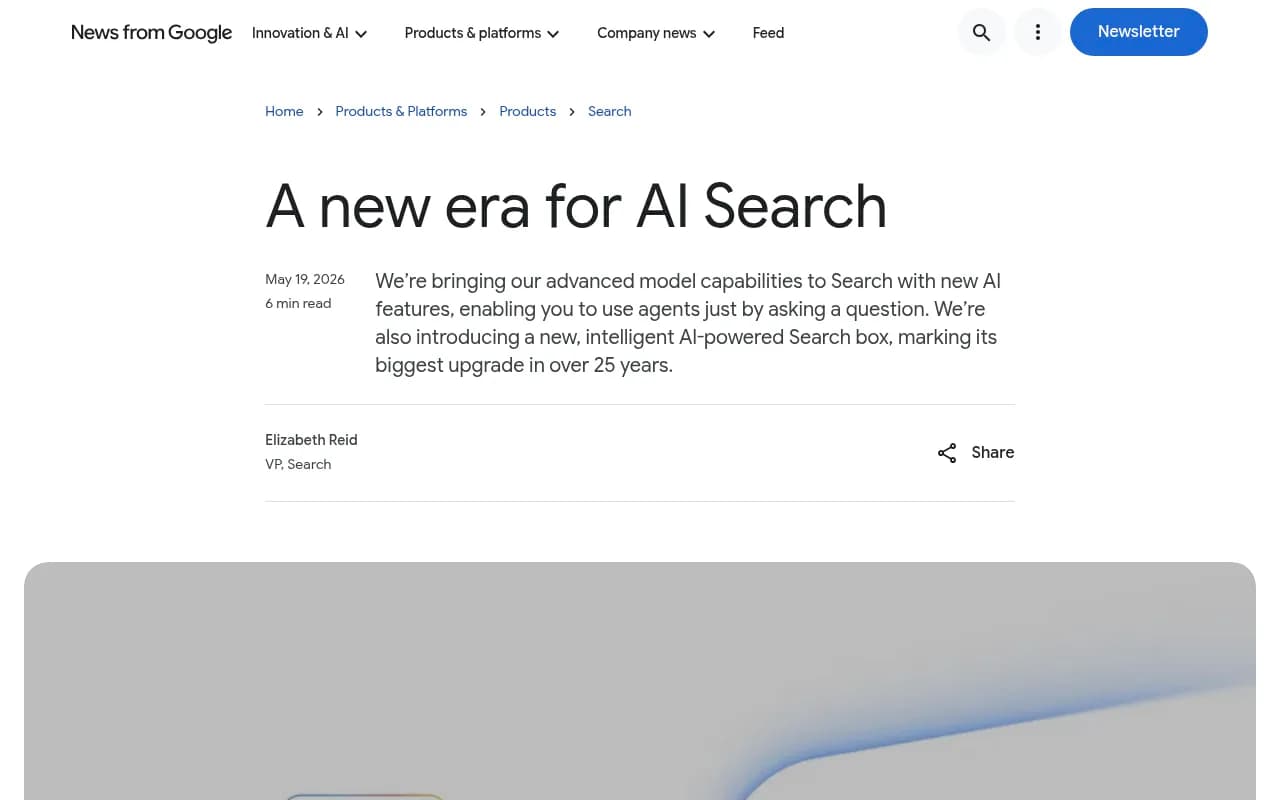
At I/O 2026 in May, Google went further and announced Universal Cart, an AI-powered cart that works across Search, Gemini, YouTube, and Gmail. The scale is real: AI Mode queries have more than doubled every quarter since launch, average queries are roughly 3x longer than traditional searches, and more than 1 in 6 are multimodal.
Here's the part that should reframe how you think about your product pages: the classic awareness-research-decision funnel has collapsed into a single conversation. A shopper asks "warm waterproof winter jacket for commuting in Chicago under $300 that doesn't look technical" and expects a curated answer with prices, reviews, and a buy button. Your product page either gives Google's AI what it needs to match that query, or a competitor's does.
Why product pages specifically
For years, the conventional wisdom in e-commerce SEO was that product detail pages rarely earned AI citations, and listicles ("best X for Y") owned the AI answer. That flipped in 2026.
Promptwatch's citation type data shows product pages became the single most-cited format in ChatGPT Search in July 2026, at roughly 32.8% of daily citations, nearly double their share from March. In Google AI Overviews, product pages overtook listicles as the top-cited format for the first time on July 28, 2026, closing the month at 17.9% versus listicles' 16.2%.
What this tells you is that structured specs, transparent pricing, and current availability data on product pages are now a primary lever for AI citation, not an SEO afterthought. The AI engines got better at reading and trusting product pages, and the merchants who invested in clean, complete product data are the ones getting recommended.
There's a second, Google-specific wrinkle. In Promptwatch's June 2026 analysis of AI Mode citation share, google.com itself accounted for 7.31% of all AI Mode citations, up 72% from May, more than YouTube and Reddit combined. AI Mode routinely resolves shopping queries through Google's own Merchant Center, Maps, and Business Profile data before it reaches the open web. For retailers, that means your Merchant Center feed and Business Profile aren't side projects. They're direct AI visibility channels.
Step 1: Rebuild your Merchant Center feed for conversational queries
This is the highest-leverage work you can do, and most merchants haven't started. In January 2026, Google began rolling out Merchant Center attributes explicitly intended for "conversational experiences such as AI Mode in Google Search." Eight of them matter most:
| Attribute | What it does | Practical notes |
|---|---|---|
| Product highlight | Short, benefit-focused sentence fragments the AI can quote | 1-150 characters each; Google recommends 4-6 per product; submit as repeated entries, not one concatenated string |
| Product detail | Technical specs as structured triples (section / attribute / value) | Group into named sections like Display, Connectivity, Camera; don't duplicate data already in title or description |
| Variant option | Variant dimensions beyond the standard six (color, size, material, pattern, age group, gender) | Example: GPU configuration on a laptop |
| Item group title | Names the parent product for a variant group | Helps AI group your colors and sizes together instead of treating them as separate products |
| Related product | Links accessories, alternatives, and complements with a relationship type and GTIN | Powers "what else do I need" and "alternatives to this" answers |
| Question and answer | Question and answer pairs, up to 1,000 characters each | Write the questions shoppers actually ask in conversational form |
| Document link | PDF manuals and spec sheets | Must be HTTPS, crawlable, stable URLs; Google extracts specs from the PDF directly |
| Popularity rank | Signals relative popularity within your catalog | Feeds recommendation confidence |
The completeness gap is brutal and measurable. AI Mode matches products to queries using attributes, so a product with 5 attributes loses to a competitor with 25 when a shopper asks a detailed question. FeedArmy documented a case where feed data quality alone drove an 80% improvement in ad performance, without touching bids or creative. The same data quality logic now feeds AI Mode recommendations, where there's no bid at all.
Two practical warnings from the feed trenches. If your product highlight text contains commas, a CSV upload will split the value, so use TSV or escape them. And if a document link PDF already contains your specs, don't duplicate those specs in product detail fields, because Google extracts them from the PDF anyway.
Step 2: Rewrite titles and descriptions for AI comprehension
Keyword-stuffed titles were built for a matching algorithm. AI Mode runs on comprehension, so clarity about what the product is and what differentiates it beats term density.
Compare these two titles:
- "Women's Winter Parka Waterproof Insulated Coat Black Hooded Warm Jacket"
- "Patagonia Down Parka, Waterproof, 600-Fill, Hooded"
The first was tuned for 2015 Google. The second tells the AI the brand, the product type, and the differentiating features, which is exactly what it needs to answer "which parka should I buy for a wet Seattle winter."
Descriptions need the same treatment. Instead of listing specs alone, describe when, where, and how someone would actually use the product. Natural language descriptions that answer common consumer questions consistently outperform keyword-stuffed SEO copy in AI surfaces, because the AI is matching your sentences against conversational queries. Think about the questions shoppers ask in long, messy, conditional queries and answer them in plain sentences on the page.
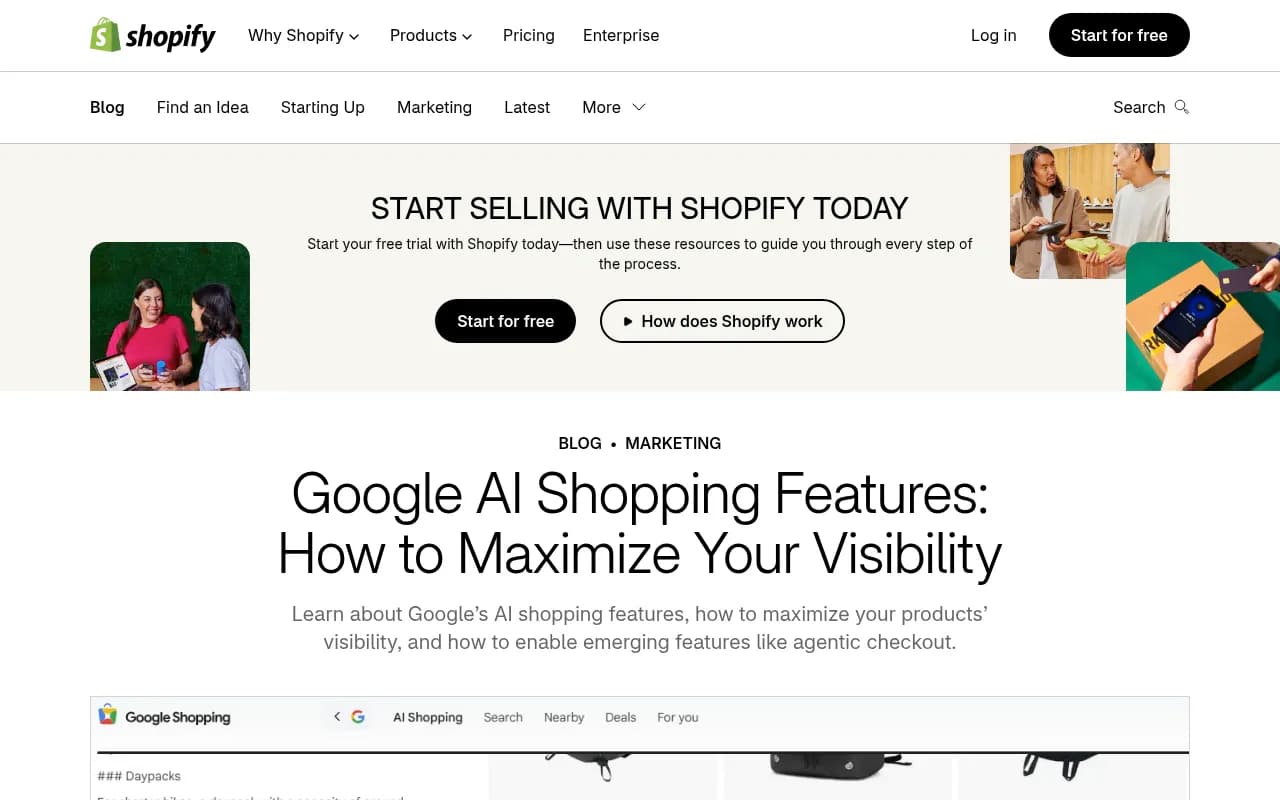
Shopify's guide to Google AI shopping visibility covers this well, including how titles and descriptions feed Google's matching of products to shopper intent:
Step 3: Get your schema right, and understand what it does and doesn't do
Add JSON-LD Product markup to every product page: name, description, image, offers (price, availability), brand, sku, gtin, aggregateRating, and review. Two things changed in 2026 that most teams missed.
First, Google's January 2026 documentation update recommends putting Product markup in the initial HTML rather than injecting it dynamically, and warns that dynamically generated markup sites must handle increased crawler traffic. If your markup only appears after JavaScript execution, you're gambling.
Second, and this is the one that trips up even experienced SEOs: FAQ rich results were retired on May 7, 2026. Existing FAQPage markup is harmless but produces zero SERP lift. Don't spend a sprint removing it, but stop investing in it, and put that Q&A content into the Merchant Center question and answer attribute instead, where AI Mode can actually use it.
One more thing worth being honest about. Google has stated that no special schema is required for AI Mode, and third-party observational studies reporting big citation boosts from structured data (Commercetools cites figures like 71% of ChatGPT-cited pages and 65% of AI Mode-cited pages containing structured data) are correlational. Treat schema as a trust and comprehension signal, not a display trigger. It's cheap, it's correct, and it helps the AI understand your page unambiguously. That's the argument for it.
Step 4: Prepare for agentic checkout before your competitors do
Universal Cart and agentic checkout are gated by things most merchants have never heard of. The Buy button is controlled by the native_commerce Merchant Center feed attribute plus a /.well-known/ucp capability-server profile, not by your Product schema. This is a completely separate pipeline from the markup on your page, and confusing the two is the single most common mistake I see in enterprise e-commerce roadmaps right now.
The prerequisites:
- Set
native_commerce(checkout_eligibility)in your feed for eligible products. Google's docs confirm the attribute remains supported as the alias to checkout eligibility. - Publish a
/.well-known/ucpcapability server profile on your domain. - Configure a return policy in Merchant Center (cost, window, and a link to the full policy) and customer support information (at least one of support URL, email, or phone). These generate the "Contact Merchant" link on AI-completed orders.
- Know the ineligible categories: subscriptions and recurring billing, merchant-financed installments, personalized or customized goods, refurbished or used items, "Final Sale" items, and pre-orders must have checkout eligibility set empty or false.
Universal Cart launched in the US, Canada, and Australia. If you sell in those markets and you're not UCP-ready, you're invisible to the fastest-growing checkout surface Google has shipped in a decade.
Step 5: Treat imagery as data, not decoration
AI Mode's visual results, virtual try-on, and shoppable images all depend on your image quality. The requirements are boringly specific: high-resolution shots, plain or neutral backgrounds, multiple angles, and for apparel, the item shown on multiple body types. Google's virtual try-on feature literally cannot use a lifestyle shot with a busy background. White-background product shots plus lifestyle images plus full-body model shots for apparel is the working stack.
Step 6: Keep prices and availability honest, in real time
The Shopping Graph updates 2 billion listings per hour. Stale data, wrong prices, and out-of-stock products lose confidence scores, and the consequences are weirder than you'd expect.
A study by e-commerce SEO firm Productrise found identical products showing 21.6% higher average prices in Google AI Mode than in traditional search, with the primary vendor differing about half the time for the same product. Only 1.28% of products appeared in both traditional search and AI Mode for the same query on the same day. Google's response was that both surfaces run on the same Shopping Graph, which mostly confirms that AI Mode runs a different ranking pass and that feed sync issues can get you under- or over-represented in ways you won't see in your standard Shopping reports.
SEO consultant Brodie Clark's reading of the data is worth internalizing: even when a higher price shows in the AI Mode grid, the retailer with the lowest price tends to get the click once shoppers compare. So don't panic-optimize your margins around AI Mode pricing displays. Do set up price and availability monitoring that treats AI Mode as a separate surface from Shopping ads and organic.
Step 7: Build review signals everywhere, not just on-site
AI Mode synthesizes reviews from multiple sources: Google reviews, third-party review platforms, and your on-site reviews all feed the recommendation algorithm. AggregateRating in your schema helps, but the off-site review footprint matters just as much, because the AI is forming an opinion about your product from the whole web, not just your page.
Measuring whether any of this worked
Here's the uncomfortable truth: you cannot manage AI Mode visibility from Google Search Console alone. AI Mode citations, product panel appearances, and AI-driven traffic are a separate measurement problem, and the gap between your classic rankings and your AI Mode presence can be enormous (remember that 1.28% overlap figure).
A platform like Promptwatch can track how your products appear across AI Mode, AI Overviews, ChatGPT, and the other AI engines, show which of your pages get cited, and attribute the actual traffic and conversions that come back to your site, rather than just counting mentions.

If you sell on ChatGPT as well as Google, note that the shopping dial there gets tuned in step-changes. Promptwatch's data on ChatGPT shopping feature usage shows trigger rates roughly doubled overnight in late May 2026 before falling back, and concentrate heavily on commercial and transactional prompts. OpenAI can turn shopping on for your category at any moment, so your schema, prices, and feed need to be ready before that happens, not after.
There's also a newer reason to care about your own site's indexation: on August 8, 2026, ChatGPT Search started using the site: operator at scale, jumping from about 0.4% to 17% of all fanout queries overnight. ChatGPT now deliberately queries specific domains directly, which means thin category pages and broken internal search on your site directly cost you visibility in AI answers.
For e-commerce-specific monitoring, a few tools are worth a look depending on your stack:
| Tool | What it does | Best for |
|---|---|---|
| Promptwatch | Full AI visibility stack: citations, crawler logs, AI traffic attribution, content gap analysis | Brands and agencies tracking AI Mode, ChatGPT, and AI Overviews together |
| Goodie | Agentic commerce optimization: feed, schema, and content suggestions in one hub | Merchants focused specifically on AI shopping readiness |
| Azoma | AI shopping optimization for ChatGPT, Rufus, and Google surfaces | Retailers selling across multiple AI shopping assistants |
| Triple Whale | E-commerce intelligence with AI traffic visibility | D2C brands that want AI data inside their existing commerce analytics |
To compare the broader field of AI visibility and GEO platforms, the directories at bestgeosoftware.com and ai-rank-tools.com are good starting points.
Common mistakes to avoid
Treating AI Mode like Google Shopping ads. There's no bid. AI Mode optimizes for structured attribute completeness and intent match, so the muscle memory from paid Shopping campaigns (feed tweaks plus bid adjustments) only covers half the problem.
Assuming Product schema makes you checkout-eligible. It doesn't. Universal Cart eligibility runs through native_commerce and the UCP capability file. I've watched enterprise teams spend a quarter on markup work that had zero effect on checkout eligibility.
Ignoring Google's own properties. With google.com capturing over 7% of AI Mode citations and Google-owned properties over 10% combined, your Business Profile, Maps listing, and Merchant Center data are front-line AI visibility channels. None of the independent websites in the citation mix clear 1% individually.
Monitoring only traditional rankings. The overlap between classic search and AI Mode results is tiny. If your dashboards only show classic positions, you're blind to the surface where the shopping journey is actually happening.
Writing for the algorithm instead of the shopper. The whole reason product pages are winning AI citations is that AI engines got good at reading honest, complete, well-structured product information. Keyword stuffing worked against a matcher. It works against nothing now.
Where to start this week
If you do nothing else: audit your Merchant Center feed for the eight conversational attributes and fill in product highlights and Q&A for your top 50 products, get your native_commerce and UCP setup moving if you sell in the US, Canada, or Australia, and put Product JSON-LD into your initial HTML. Then start tracking AI Mode as its own surface, because the data says your classic rankings tell you almost nothing about whether Google's AI is recommending you. The merchants who treat AI Mode shopping as infrastructure rather than an experiment are the ones ending up in the right conversations, for the right queries, in the right carts.