Key takeaways
- Google AI Overviews now appear in roughly 55% of searches, nearly double last year's rate -- making visibility tracking non-negotiable for any serious SEO or marketing team.
- Tracking AI Overviews is fundamentally different from rank tracking: you're monitoring presence in AI-generated summaries, not positions on a page.
- A weekly routine beats ad-hoc checks because AI Overview appearances fluctuate constantly -- a page cited on Monday may be dropped by Friday.
- Google Search Console now has an AI Overviews filter under "Search Appearance," which gives you a free starting point.
- Dedicated tools (covered below) go much further: historical tracking, competitor comparison, citation-level data, and content gap analysis.
- The goal isn't just to know where you appear -- it's to act on the gaps.
Why AI Overviews demand a dedicated tracking routine
Google AI Overviews have changed the first page of search results more than anything in the past decade. According to Ahrefs data from early 2026, AI Overviews now appear in roughly 55% of Google searches -- up from around 30% a year ago. That means more than half of your target queries now show an AI-generated summary before any traditional result.
The problem: most teams aren't tracking this at all, or they're checking manually once a month and calling it done. That's not enough. AI Overview appearances are volatile. Google's models update constantly, and a page that was cited last week might not be cited this week. If you're not watching on a weekly cadence, you'll miss drops and have no idea why your organic traffic changed.
This guide gives you a concrete weekly routine -- what to check, when to check it, which tools to use, and what to do when you find a gap.
Understanding what you're actually tracking
Before setting up any routine, it's worth being clear on what AI Overviews visibility actually means, because it's different from traditional rank tracking in a few important ways.
Presence vs. position
In traditional SEO, you track keyword rankings -- position 1, position 5, page 2. With AI Overviews, the question is binary to start: does your content appear in the AI-generated summary for a given query, or not? Then it gets more nuanced: are you cited as a source? Is your brand mentioned by name? Is a competitor cited instead of you?
Prompts vs. keywords
AI models respond to conversational prompts, not exact-match keywords. "What's the best project management software for remote teams?" is a prompt. "project management software remote" is a keyword. They're related but not the same, and the set of prompts you need to track is usually much larger and more varied than your keyword list.
Citations vs. rankings
When an AI Overview cites a source, it pulls a link to a specific page. That citation is the equivalent of a #1 ranking -- it's where the traffic comes from. Tracking which of your pages get cited (and which don't) is the core of AI visibility monitoring.
Setting up your tracking foundation
Step 1: Start with Google Search Console
Google added an AI Overviews filter to Search Console under the "Search Appearance" section. This is free, and it's the first place to look. You can see which queries triggered an AI Overview that included your site, how many impressions you got, and what your click-through rate looks like.
The limitation is that Search Console only shows you data for queries where your site already appeared. It won't tell you about queries where a competitor was cited and you weren't. For that, you need a dedicated tool.
Step 2: Build your prompt set
Don't try to track everything. Pick 30-100 prompts that represent real buyer intent in your category. A few ways to build this list:
- Pull your top-performing informational queries from Search Console
- Look at what questions your sales team gets asked most often
- Use a tool with prompt volume data to find high-traffic questions in your niche
- Check what prompts your competitors are visible for (more on this below)
Group prompts into clusters: awareness-stage questions, comparison questions, product-specific questions, and so on. This makes weekly review much faster because you can spot patterns by cluster rather than reviewing 80 individual prompts one by one.
Step 3: Choose your tracking tool
Google Search Console gets you started, but you'll hit its limits quickly. Here are the main options, organized by what they're best at.
For teams focused specifically on Google AI Overviews:
Thruuu is built for SEO content teams and tracks AI Overviews inside Google SERPs at the keyword level. It feeds directly into content brief creation, which is useful if your main goal is figuring out what to write next.
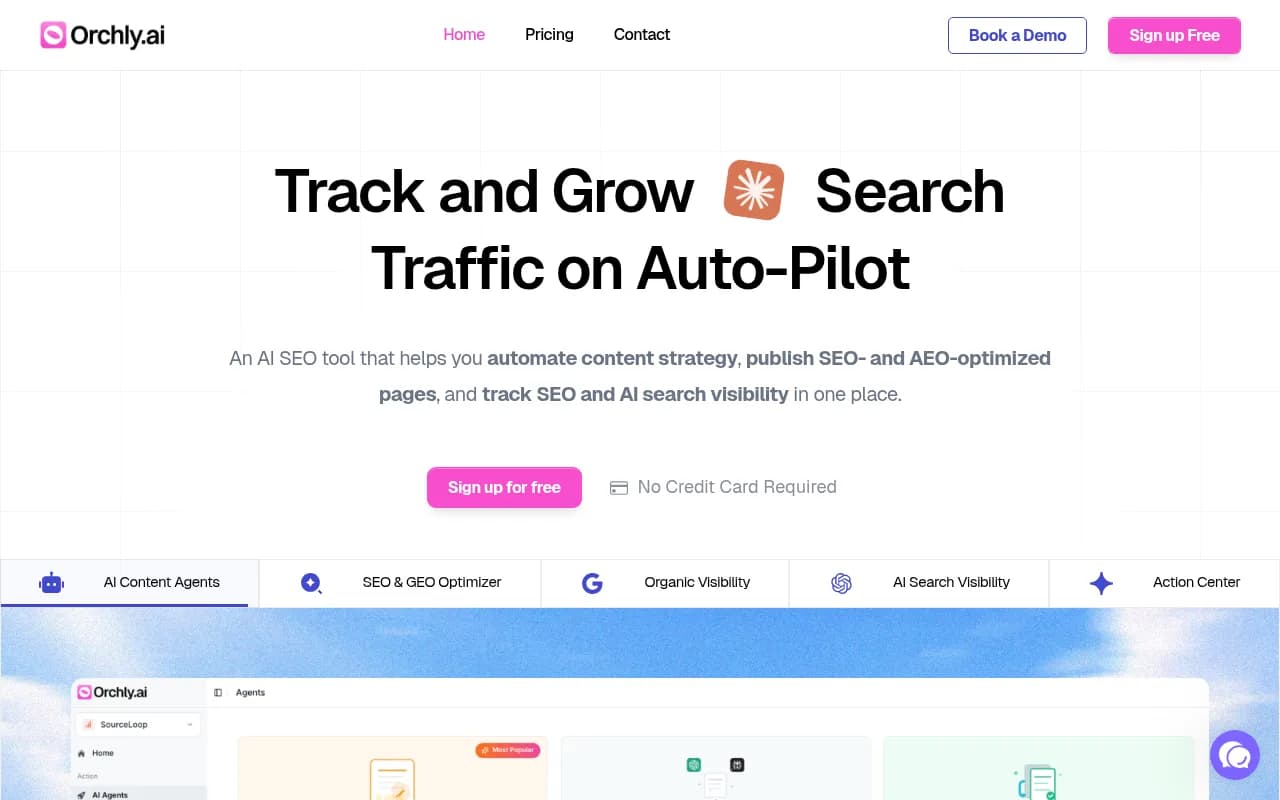
Orchly tracks AI Overviews using headless browser scraping of real Google results, with historical data so you can see how your presence has changed over time. It also has a competitor comparison view, which is one of the more useful features for weekly reviews.

SE Ranking is an all-in-one SEO platform that added AI Overview detection to its rank tracker. If your team already uses SE Ranking for traditional rank tracking, this is the path of least resistance.
For teams tracking AI visibility across multiple models (ChatGPT, Perplexity, Gemini, etc.) in addition to Google:
Promptwatch covers Google AI Overviews alongside nine other AI models -- ChatGPT, Perplexity, Claude, Gemini, Grok, DeepSeek, Copilot, Meta AI, and Mistral. It's the tool to use if you want a single dashboard for all AI search visibility, not just Google.

Semrush added AI Overview tracking to its rank tracker, which works well if you're already in the Semrush ecosystem. The limitation is that it uses fixed prompts rather than letting you define your own, which reduces flexibility.
For budget-conscious teams:

Otterly.AI is one of the more affordable entry points for AI visibility monitoring. It covers the basics -- brand mentions, citation tracking, share of voice -- without the enterprise price tag.
Airefs is another affordable option focused specifically on AI search visibility tracking across multiple models.
Here's a quick comparison of the main tools:
| Tool | Google AI Overviews | Multi-model (ChatGPT, etc.) | Historical data | Competitor tracking | Content gap analysis | Starting price |
|---|---|---|---|---|---|---|
| Thruuu | Yes | No | Limited | No | Via content briefs | $49/mo |
| Orchly | Yes | Partial | Yes | Yes | Limited | $49/mo |
| SE Ranking | Yes | No | Yes | Yes | No | $65/mo |
| Semrush | Yes | No | Yes | Yes | No | $139/mo |
| Promptwatch | Yes | Yes (10 models) | Yes | Yes | Yes | $99/mo |
| Otterly.AI | Partial | Yes | Limited | Basic | No | ~$49/mo |
The weekly tracking routine
Here's a routine that works for most marketing and SEO teams. It takes about 60-90 minutes per week once you're set up.
Monday: Pull your weekly snapshot
At the start of each week, run your full prompt set through your tracking tool and export the results. You're looking for:
- Overall visibility score or mention rate (what percentage of your tracked prompts include your brand or a citation to your site)
- Which specific prompts you appeared in this week vs. last week
- Which prompts you dropped out of
- Which prompts competitors appeared in that you didn't
If you're using a tool with automated weekly reports, this can be a 10-minute review rather than a manual pull. Set up email alerts for significant drops -- most tools support this.
Tuesday: Investigate drops
Any prompt where you lost visibility deserves a closer look. Open the AI Overview for that query manually in Google (use an incognito window to avoid personalization) and ask:
- Who is cited instead of you?
- What does their content cover that yours doesn't?
- Is the cited page more recent, more detailed, or structured differently?
This is where citation-level data becomes valuable. Tools like Promptwatch and Orchly show you exactly which pages are being cited, so you can compare them directly to your own content.
Wednesday: Check competitor movements
Mid-week, look at your competitor heatmap or share-of-voice comparison. The question isn't just "are we visible?" but "are we gaining or losing ground relative to competitors?"
Pay attention to:
- Competitors who gained visibility on prompts where you were previously cited
- New prompts where competitors appear but you don't at all (these are your gap opportunities)
- Prompts where you've been consistently cited for 4+ weeks (these are your strengths -- protect them)
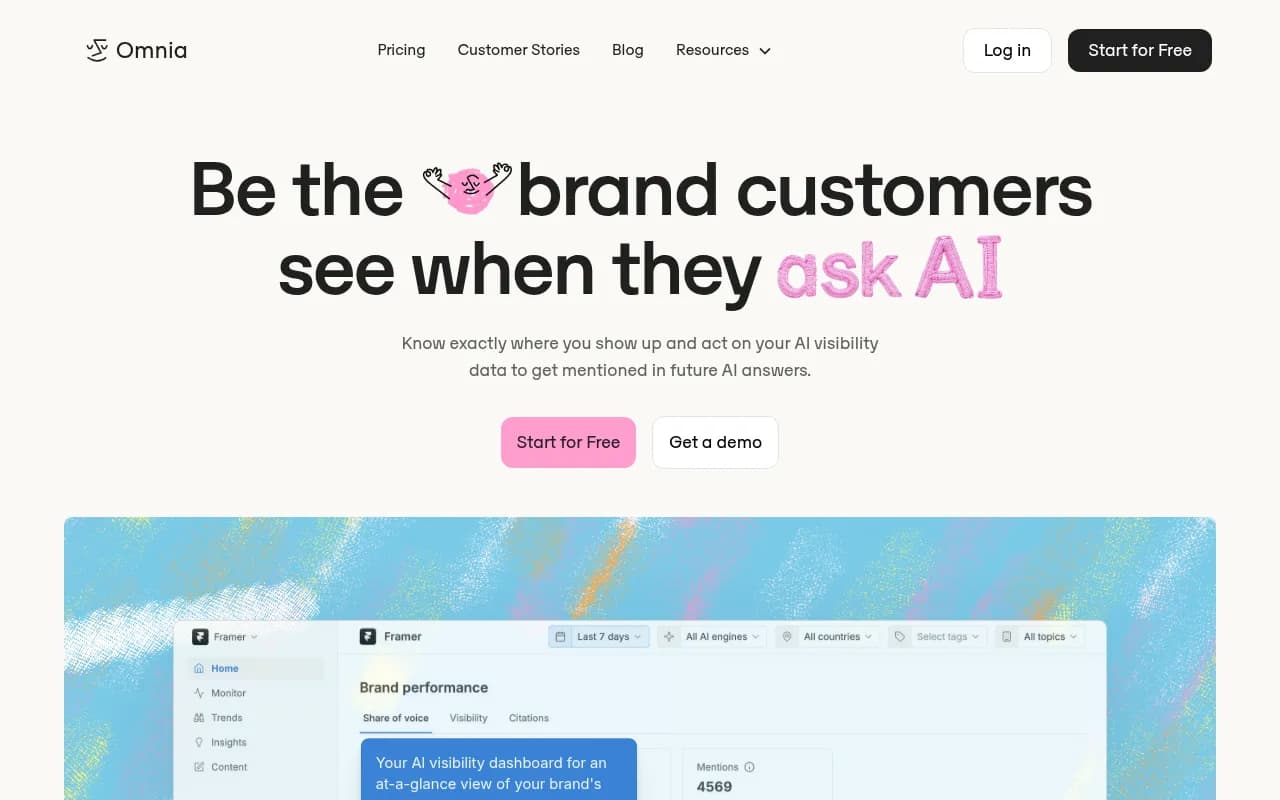
Omnia has solid share-of-voice analytics that work well for this kind of competitive comparison.
Thursday: Content gap review
Once a month (not every week), do a deeper content gap review. Look at the prompts where competitors are consistently cited and you're not. For each gap:
- Does the relevant content exist on your site at all?
- If yes, is it comprehensive enough? Does it directly answer the prompt?
- If no, is this a topic worth creating content for?
Prioritize gaps based on prompt volume and how winnable they look. A prompt where three competitors are all cited is harder to break into than one where only one competitor appears.
This is the step where most monitoring-only tools leave you stuck. You have the data, but you still have to figure out what to write and then actually write it. Platforms that combine gap analysis with content generation (Promptwatch's AI writing agent, for example) compress this from a week-long process to a day.
Friday: Log your weekly metrics
Keep a simple weekly log -- a spreadsheet is fine -- with these numbers:
- Total prompts tracked
- Prompts with brand mention (%)
- Prompts with page citation (%)
- Prompts gained this week
- Prompts lost this week
- Top competitor's visibility score (if your tool provides it)
After 4-6 weeks, you'll have enough data to spot trends. Visibility scores that are slowly declining week-over-week are a warning sign even if any individual week looks fine.
What to do when you find a gap
Finding gaps is the easy part. Acting on them is where most teams stall. Here's a simple decision tree:
Gap: You have content on the topic but aren't cited
Check the structure of your page. AI models tend to cite pages that directly and clearly answer the question being asked. If your page buries the answer in paragraph 8, restructure it. Add a clear answer in the first 100 words. Use headers that match the prompt language. Add structured data where relevant (FAQ schema, HowTo schema).
Gap: You have content but it's thin or outdated
Expand it. Look at what the currently-cited page covers and make sure yours covers at least as much, ideally more. Update any statistics or dates. Add examples, comparisons, or step-by-step instructions if the prompt is procedural.
Gap: You have no content on the topic
Decide if it's worth creating. If the prompt has meaningful volume and aligns with your business, write the piece. Focus on directly answering the question, not on keyword density. AI models cite pages that are genuinely useful, not pages that are optimized for old-school SEO signals.
Gap: Competitors dominate and the prompt is very competitive
Consider building authority through third-party sources first. AI models don't only cite brand websites -- they cite Reddit threads, YouTube videos, review sites, and industry publications. Getting your brand mentioned in those sources can improve your visibility on competitive prompts even before your own pages get cited.
Tracking AI crawler activity
One thing most teams overlook: it's not enough to know whether you appear in AI Overviews. You also want to know whether AI crawlers are actually visiting your site in the first place.
If Googlebot (or the crawlers for ChatGPT, Perplexity, Claude, etc.) isn't reading your pages, those pages can't be cited. Tools that provide AI crawler logs -- showing which pages each AI crawler visited, how often, and whether they encountered errors -- add a useful diagnostic layer on top of visibility tracking.
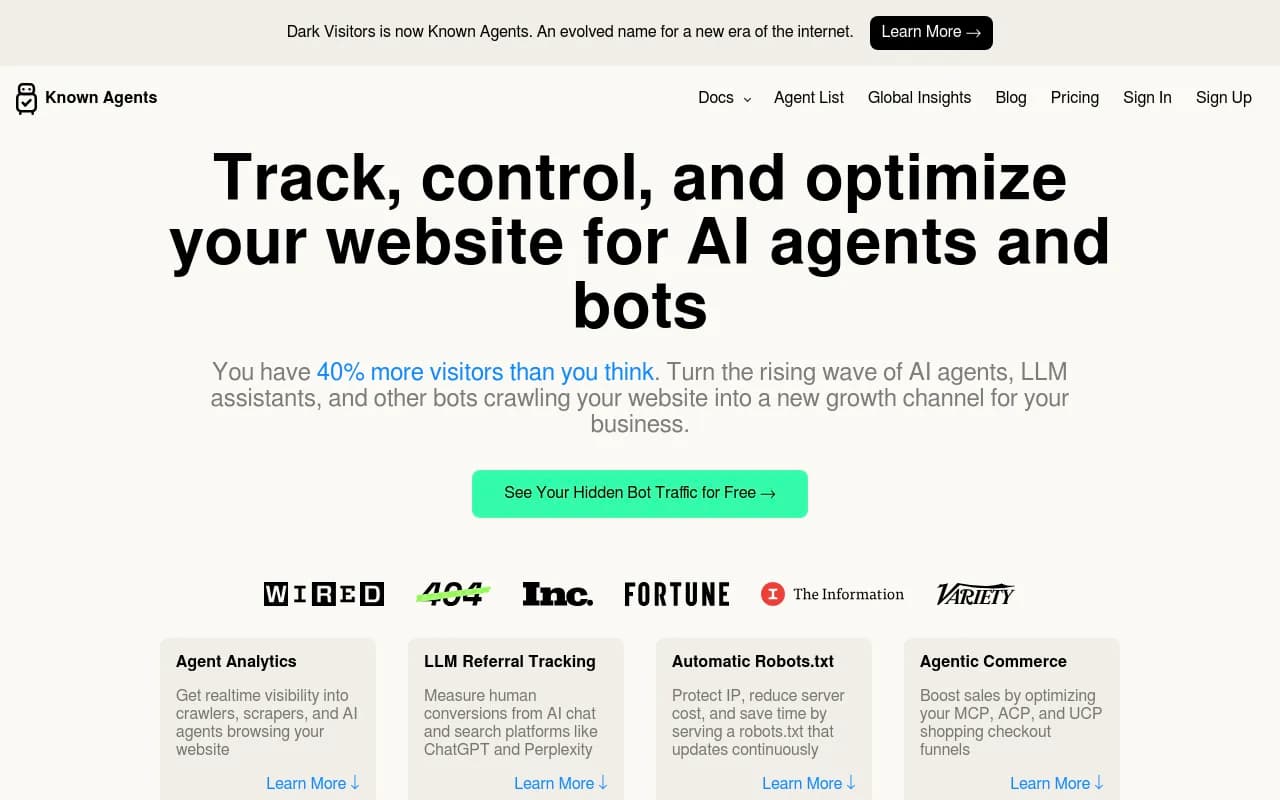
DarkVisitors tracks AI agents and bots visiting your site, which helps you understand which AI systems are reading your content and which pages they're prioritizing.
Promptwatch also includes AI crawler logs in its Professional and Business plans, showing real-time data on which pages ChatGPT, Claude, Perplexity, and other AI crawlers are reading.
Common mistakes in AI Overviews tracking
Checking manually and inconsistently. Manual checks are fine for a first baseline, but they're not a substitute for systematic weekly tracking. AI Overview appearances vary by location, device, and even time of day. A tool that runs consistent checks under controlled conditions gives you more reliable data.
Tracking too few prompts. If you're only tracking 10-15 prompts, you're missing most of the picture. AI Overviews appear across a huge range of queries, including long-tail questions you might not think to check manually. Start with at least 30-50 prompts and expand from there.
Ignoring competitor citations. Your visibility score in isolation doesn't tell you much. What matters is your visibility relative to competitors. A 40% mention rate sounds decent until you find out your main competitor is at 75%.
Not connecting visibility to traffic. AI Overviews visibility that doesn't translate to clicks is interesting but not actionable. Set up traffic attribution -- either through a code snippet, Google Search Console integration, or server log analysis -- so you can connect visibility changes to actual traffic and revenue.
Treating it as a one-time audit. AI Overview appearances change constantly. A page that's cited today might not be cited next month. Weekly tracking is the minimum cadence for staying on top of this.
Building the habit
The teams that get the most out of AI Overviews tracking are the ones that treat it like they treat rank tracking: a regular, scheduled review with clear owners and a documented process for acting on what they find.
Start simple. Pick 50 prompts. Set up one tool. Run a weekly report every Monday. Log your numbers every Friday. After a month, you'll have a baseline. After three months, you'll have trends. After six months, you'll have a clear picture of what content changes actually move the needle -- and that's when the routine starts paying off.
The tools are better than they've ever been. The data is available. The teams winning in AI search right now are the ones who've built the habit of looking at it every week, not just when something breaks.