Key takeaways
- ChatGPT's shopping results are not ads -- products are selected purely by relevance, using structured metadata, web crawl data, and reviews
- Allowing OpenAI's crawler (OAI-SearchBot) to access your site is the first, most important technical step
- Submitting a product feed directly to OpenAI gives you the best chance of accurate, complete listings
- Schema markup, review signals, and high-quality product descriptions all influence whether ChatGPT surfaces your products
- Tracking your ChatGPT shopping visibility requires dedicated tooling -- Google Analytics alone won't cut it
ChatGPT's shopping feature has quietly become one of the more interesting distribution channels for e-commerce brands in 2026. When a user types something like "best ceramic cookware under $150" or "gifts for someone who loves hiking," ChatGPT can now respond with a visual product carousel -- images, prices, descriptions, links to buy. No ads. No affiliate placements. Just the products it thinks are most relevant.
That last part is what makes this both exciting and slightly maddening for merchants. There's no bid to place, no budget to set. You either show up or you don't, and the criteria aren't always obvious.
This guide breaks down exactly how ChatGPT selects products, what you can do to improve your chances, and how to know if it's actually working.
How ChatGPT shopping actually works
Before optimizing anything, it helps to understand what's happening under the hood.
When ChatGPT detects shopping intent in a query, it triggers a product search. According to OpenAI's own documentation, three factors determine what ends up in the carousel:
- Structured metadata from first-party and third-party providers (price, product description, availability, images)
- ChatGPT's own model knowledge -- what it already "knows" about products from training
- OpenAI's safety standards and product policies
The model interprets user intent conversationally, not just as keywords. So "something cozy for my apartment" might surface throw blankets, candles, or a weighted blanket depending on context. If a user has Memory enabled and previously mentioned they hate synthetic materials, ChatGPT might filter out polyester options automatically.
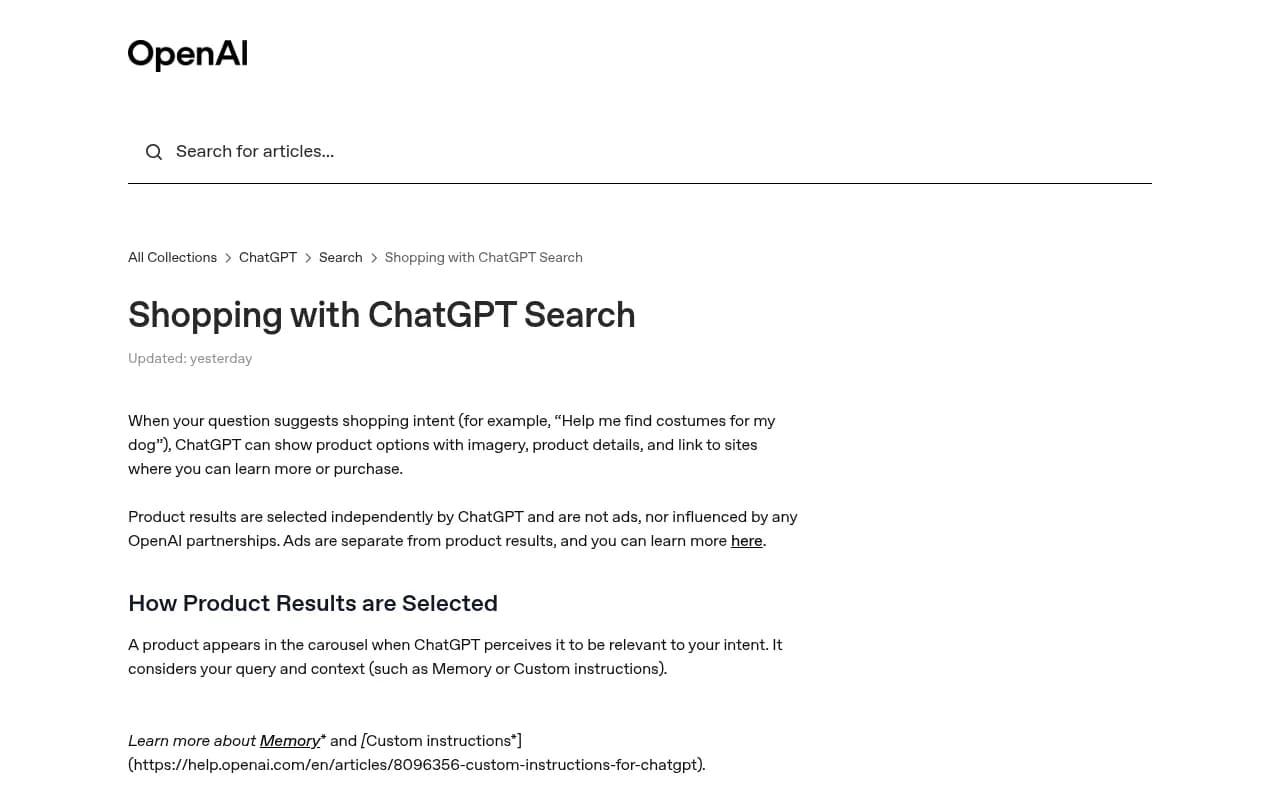
One thing worth knowing: ChatGPT generates simplified product titles and descriptions based on what it receives from data providers. Your original product copy might be rewritten for clarity. That's not necessarily bad -- it means clean, factual source data matters more than clever copywriting.
Product labels like "Budget-friendly" or "Most popular" are generated by ChatGPT based on available data. They're not verified claims, and you can't pay to get them.
Step 1: Make sure OAI-SearchBot can crawl your site
This is the most basic and most overlooked step. ChatGPT uses a crawler called OAI-SearchBot to index web content for product recommendations. If your robots.txt file blocks it, your products simply won't be considered.
Check your robots.txt file (usually at yourdomain.com/robots.txt) and look for any rules that might be blocking OpenAI's crawler. You want to either explicitly allow it or make sure there's no blanket disallow rule catching it.
# Allow OAI-SearchBot
User-agent: OAI-SearchBot
Allow: /
While you're at it, check for GPTBot as well -- that's OpenAI's training crawler, and allowing it helps ChatGPT's model knowledge of your brand over time.
One practical bonus: traffic from ChatGPT shopping results includes utm_source=chatgpt.com in the URL. Set up a filter in your analytics now so you can measure this channel as it grows.
Step 2: Submit your product feed
OpenAI has built a merchant program specifically for this. The pitch is straightforward: share your product feed, reach shoppers who are actively evaluating what to buy.
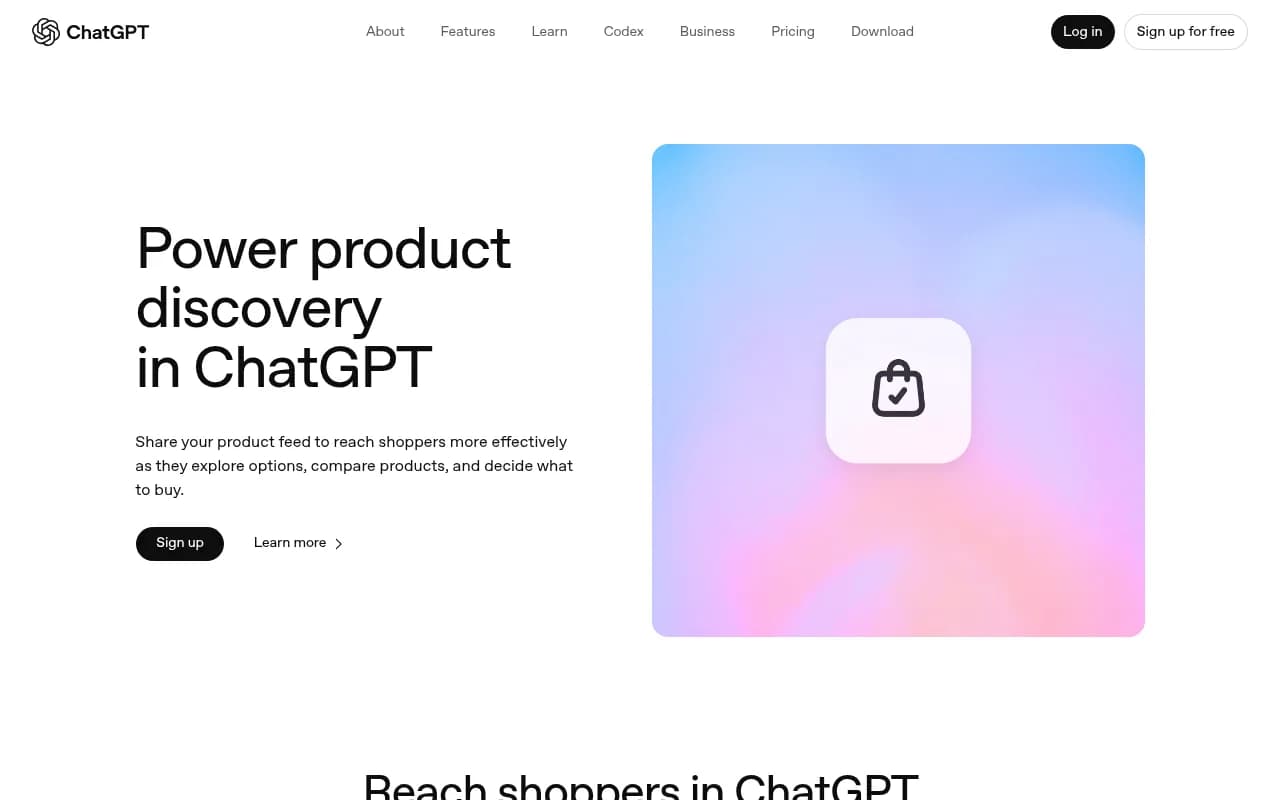
The merchant program lets you connect your existing product catalog through supported feed providers -- no need to rebuild anything from scratch. Checkout still happens on your own site or app, and OpenAI doesn't take a cut of purchases made there.
If the direct feed submission isn't yet available in your region or category, sign up for notifications at OpenAI's product discovery page. Being early matters here -- the merchants who establish a presence now will have a head start as the feature expands.
Step 3: Get your structured data right
Even without a direct feed submission, ChatGPT pulls product data from the web. Structured data (schema markup) is how you make that data legible to AI systems.
For product pages, implement Product schema with at minimum:
name-- the product namedescription-- a clear, factual descriptionimage-- high-quality product imagesoffers-- price, currency, availabilityaggregateRating-- star rating and review count if you have thembrand-- your brand name
Here's a minimal example:
{
  "@context": "https://schema.org/",
  "@type": "Product",
  "name": "Ceramic Pour-Over Coffee Set",
  "description": "Handmade ceramic pour-over dripper with matching carafe. Holds 600ml. Dishwasher safe.",
  "image": "https://example.com/images/pour-over-set.jpg",
  "brand": {
    "@type": "Brand",
    "name": "YourBrandName"
  },
  "offers": {
    "@type": "Offer",
    "price": "89.00",
    "priceCurrency": "USD",
    "availability": "https://schema.org/InStock"
  },
  "aggregateRating": {
    "@type": "AggregateRating",
    "ratingValue": "4.7",
    "reviewCount": "143"
  }
}
Accurate, complete schema is what lets ChatGPT confidently pull your product into a response. Incomplete or inconsistent data means it might skip you in favor of a competitor whose data is cleaner.
Step 4: Build review signals that AI models trust
ChatGPT doesn't just look at your own product pages. It also considers third-party content -- reviews from publications like WIRED, community discussions on Reddit, and aggregated rating data.
This means your off-site presence matters. A few practical moves:
- Make it easy for customers to leave reviews on your product pages and on third-party platforms
- Reach out to relevant publications for product coverage -- not just for traditional SEO, but because AI models treat editorial mentions as trust signals
- Monitor what's being said about your products on Reddit and YouTube, since ChatGPT indexes these heavily for product research queries
If your product has 4.8 stars and 300 reviews, that data can show up as a label in ChatGPT's carousel. If your competitor has the same product with 50 reviews, you have a real advantage.
Step 5: Write product descriptions for humans (and AI)
ChatGPT understands natural language queries, not just keywords. A user asking for "something waterproof for camping that doesn't look too outdoorsy" is expressing a nuanced preference. Your product description needs to contain the information that lets ChatGPT match that query.
This means:
- Be specific about materials, dimensions, use cases, and who the product is for
- Avoid vague marketing language ("premium quality," "best in class") in favor of concrete facts
- Include context about when and how the product is used -- this helps with conversational matching
- Keep descriptions accurate. ChatGPT may simplify them, but it starts from what you provide
A product description that reads like a spec sheet is actually more useful here than one that reads like ad copy.
Step 6: Keep your product data fresh and accurate
ChatGPT considers price, availability, and other dynamic attributes when selecting products. If your product is out of stock, showing it in a recommendation is a bad experience for the user -- and OpenAI's systems are designed to avoid that.
Make sure your structured data reflects real-time inventory status. If you're using a feed, keep it updated. Stale data is a ranking disadvantage.
What you can't control (and shouldn't try to game)
A few things worth being clear about:
ChatGPT's product results are explicitly not ads. There's no way to pay for placement. OpenAI has stated this directly, and the selection algorithm is designed to prioritize relevance over commercial relationships.
The model can make mistakes. It interprets intent, and sometimes it gets it wrong. Users can ask ChatGPT to adjust recommendations, and the model will iterate. This means even if you're doing everything right, you won't appear for every relevant query -- and that's fine.
You also can't directly control the labels ChatGPT assigns ("Budget-friendly," "Most popular"). These are generated based on available data. The best you can do is make sure your data is accurate and your review signals are strong.
How to track your ChatGPT shopping visibility
This is where a lot of brands fall short. They do the technical work, submit the feed, and then have no idea whether any of it is actually driving results.
A few tracking approaches:
- UTM parameters: As mentioned, ChatGPT traffic carries
utm_source=chatgpt.com. Set up a dedicated segment in your analytics to track sessions, conversions, and revenue from this source. - Monitor which products are getting ChatGPT referrals -- not all products will appear equally, and knowing which ones are getting traction helps you prioritize.
- Track your brand's overall presence in ChatGPT responses, not just shopping carousels. Tools like Promptwatch can show you when and how ChatGPT mentions your brand or products across different query types, including shopping prompts.

For e-commerce brands specifically, Promptwatch's ChatGPT Shopping Tracking feature monitors when your products appear in ChatGPT's shopping carousels and entity mentions -- useful for understanding which products are getting AI visibility and which aren't.
Comparison: what affects ChatGPT shopping visibility
| Factor | Impact level | What to do |
|---|---|---|
| OAI-SearchBot access | High | Check robots.txt, allow the crawler |
| Product feed submission | High | Sign up for OpenAI's merchant program |
| Product schema markup | High | Implement complete Product schema |
| Review count and rating | Medium-High | Build reviews on-site and off-site |
| Third-party editorial coverage | Medium | Pursue product reviews in relevant publications |
| Reddit/YouTube mentions | Medium | Monitor and encourage organic discussion |
| Product description quality | Medium | Write factual, specific descriptions |
| Inventory accuracy | Medium | Keep availability data current |
| Brand training data | Lower (long-term) | Allow GPTBot, build brand presence over time |
Tools that can help
Beyond Promptwatch for visibility tracking, a few other tools are worth knowing about for different parts of this workflow.
For monitoring your AI search presence broadly:


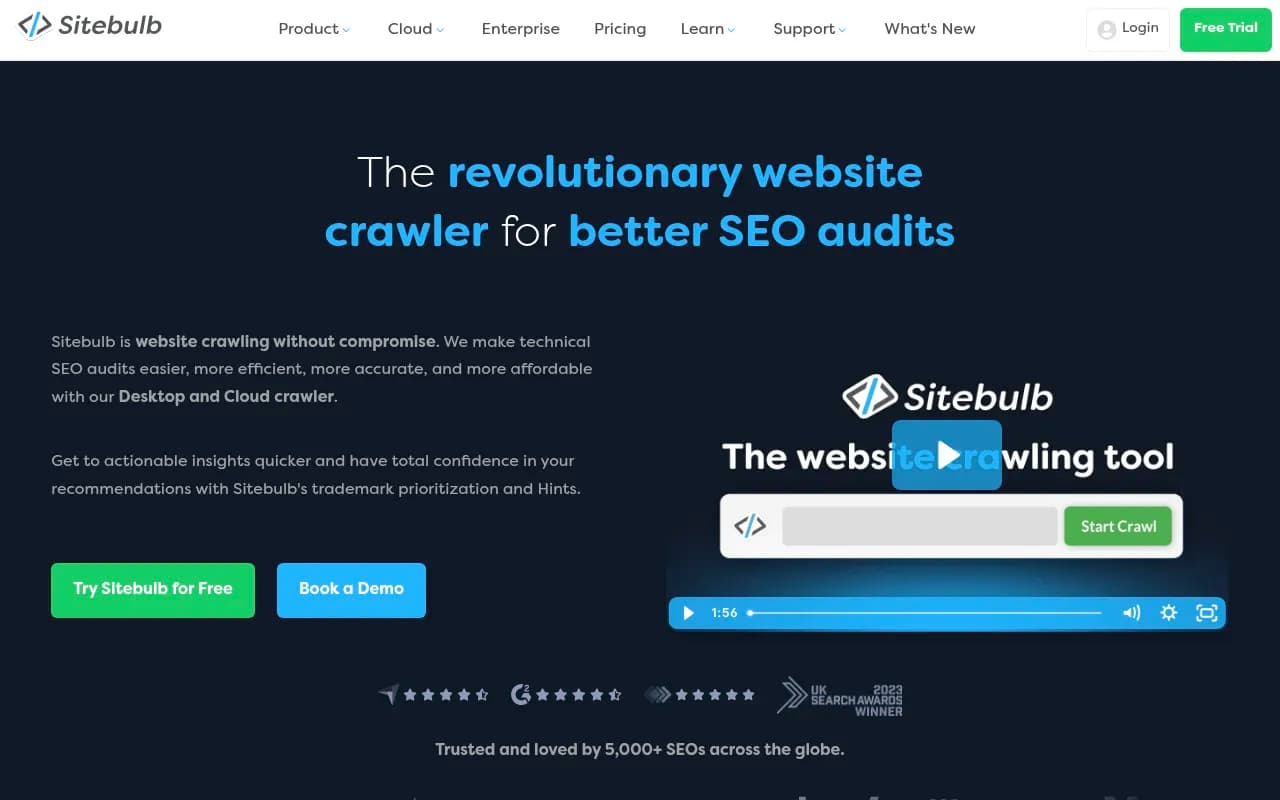
For technical SEO audits to make sure your structured data is clean:

For tracking ChatGPT referral traffic alongside other attribution data:
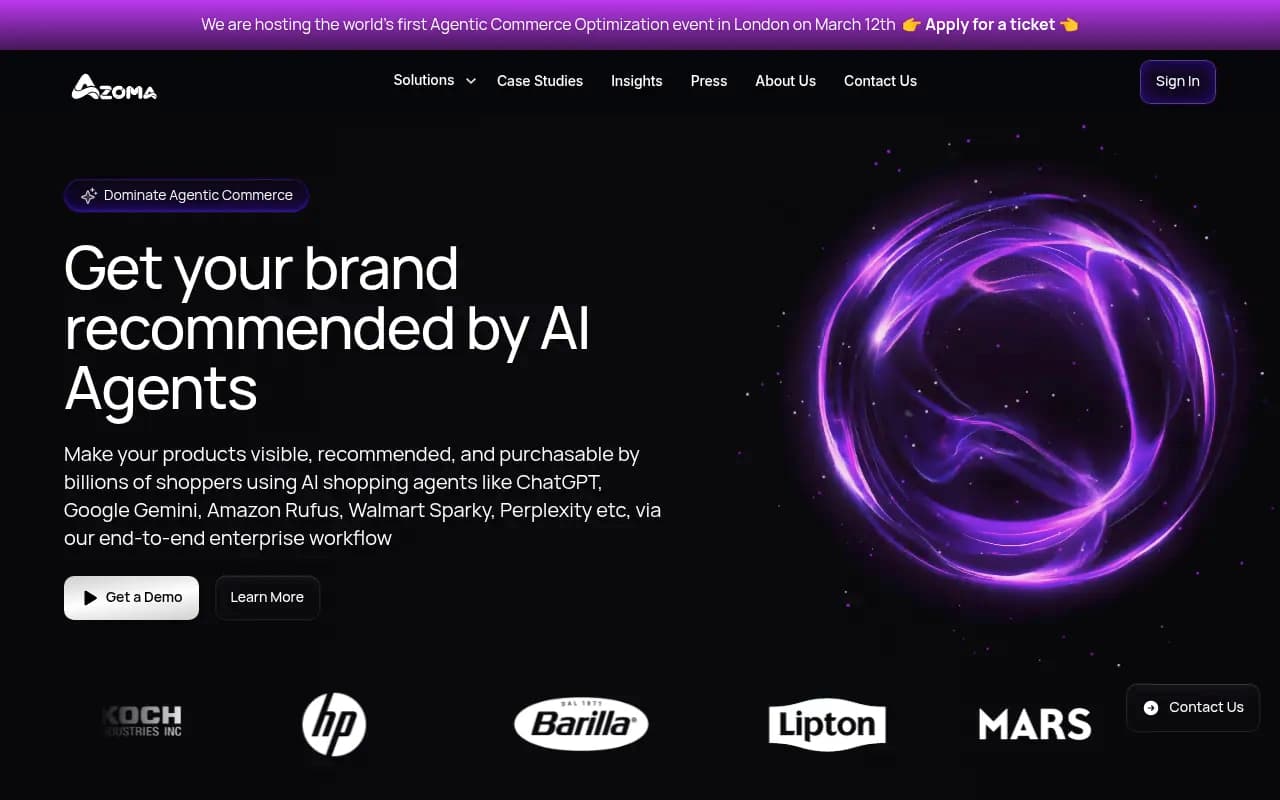
Azoma is specifically built for AI shopping optimization -- it covers ChatGPT, Amazon's Rufus, and other AI-powered shopping surfaces, which makes it relevant if you're selling across multiple channels.
The bigger picture
ChatGPT shopping is still relatively new, and the rules are still being written. OpenAI is actively expanding the merchant program, adding more feed providers, and refining how the model selects products.
What's clear is that the brands showing up in these results aren't paying for placement -- they're winning on data quality, review signals, and content relevance. That's actually good news for smaller merchants who can't compete on ad spend but can compete on product quality and clear communication.
The practical checklist is short: allow the crawler, submit your feed, implement schema, build reviews, write clear descriptions. Most of this overlaps with good SEO practice anyway. The difference is that AI search rewards factual specificity over keyword density -- and that's a shift worth leaning into.