Key takeaways
- Otterly.AI is a solid entry point for AI visibility monitoring, but it stops at tracking -- it doesn't help you fix what's broken or create content that ranks in AI search
- Upgrading your stack doesn't mean throwing away your historical data; with the right export strategy, you can preserve months of citation and visibility trends before switching
- The gap between "monitoring" and "optimization" is where most brands lose ground to competitors who are actively creating content for AI search
- A full GEO stack in 2026 typically combines a monitoring layer, a content generation layer, and a crawler/attribution layer -- tools like Promptwatch bundle all three
- Migration is less painful than it sounds if you follow a structured handoff process before canceling your existing subscriptions
If you started tracking AI visibility with Otterly.AI, you made a reasonable call. It's affordable, covers six major AI platforms, and gets you into the habit of watching how your brand appears in ChatGPT, Perplexity, and Google AI Overviews. For a lot of teams, that's enough to start.
But at some point, the dashboard stops being useful. You can see that competitors are getting cited more than you. You can see that certain prompts never surface your brand. What you can't do -- at least not inside Otterly.AI -- is understand why, or do anything about it automatically.
That's the wall most teams hit in 2026. Monitoring told you there's a problem. Now you need to fix it.
This guide is about what comes next: how to audit what you've built in Otterly.AI, export your historical data before you transition, and build a stack that actually moves the needle on AI visibility.
What Otterly.AI does well (and where it stops)
Before writing off the tool, it's worth being honest about what it's good at.
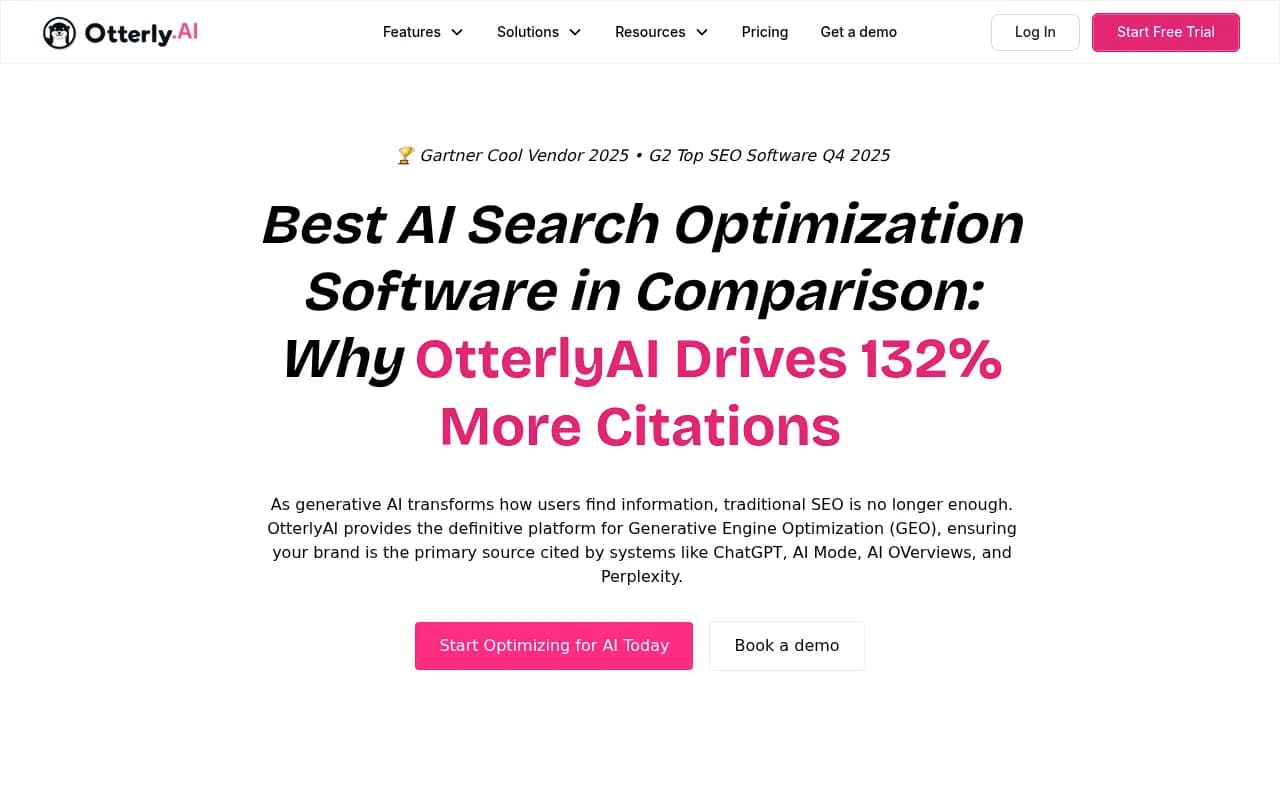
Otterly.AI tracks six AI platforms in a single dashboard -- ChatGPT, Perplexity, Google AI Overviews, Google AI Mode, Gemini, and Microsoft Copilot. For teams that were previously checking these manually (or not at all), that's a real improvement. The GEO Audit Engine evaluates URLs against 20+ on-page factors, which gives you a starting point for content improvements. The prompt research feature surfaces conversational queries your audience is using.
Where it falls short is in the action layer. Otterly.AI shows you data. It doesn't generate content briefs based on that data. It doesn't tell you which specific pages are being crawled by AI agents and which are being ignored. It doesn't connect your visibility scores to actual traffic or revenue. And it doesn't have Reddit or YouTube tracking, which matters because AI models heavily cite community content.
The honest summary: Otterly.AI is a monitoring tool. A good one for its price point. But if you're trying to improve your AI visibility rather than just watch it, you'll eventually need more.

Step 1: Export everything before you migrate
This is the step most teams skip, and they regret it. Historical data -- even from a monitoring-only tool -- has real value. Trend lines showing when your visibility dropped, which competitors gained ground after a specific date, which prompts you've been tracking for six months -- all of that context disappears if you just cancel and start fresh.
Here's what to export from Otterly.AI before you make any changes:
Prompt lists: Export every prompt you've been tracking. Even if your new tool has better prompt discovery, you want to keep the exact phrasing you've been monitoring so you can compare apples to apples over time.
Citation reports: Download brand visibility reports for each tracked domain. These give you a baseline -- your citation rate, sentiment scores, and competitor comparisons at a specific point in time.
Audit results: If you've run GEO audits on specific URLs, save those reports. They show you the state of your content before any optimization work, which is useful for demonstrating ROI later.
Competitor snapshots: Any competitor heatmap or share-of-voice data. This is your benchmark.
Most of this can be exported as CSV or PDF from Otterly.AI's reporting interface. Do it before you downgrade or cancel -- some platforms restrict data access once you're off a paid plan.
Step 2: Understand what "full GEO optimization" actually means
The term gets used loosely, so let's be specific. A full GEO optimization stack in 2026 has three layers:
Layer 1 -- Monitoring: Tracking which prompts surface your brand, which AI models cite you, how your visibility compares to competitors, and how that changes over time. Otterly.AI covers this reasonably well.
Layer 2 -- Gap analysis and content creation: Understanding which prompts your competitors are visible for but you're not, then generating content specifically designed to close those gaps. This is where most monitoring-only tools stop.
Layer 3 -- Attribution and crawler intelligence: Knowing which of your pages AI crawlers are actually visiting, how often, and whether those visits are converting into citations. Then connecting citations to actual traffic and revenue.
Most teams using Otterly.AI have Layer 1. They're missing Layers 2 and 3 entirely.
Step 3: Choose the right upgrade path
Your upgrade path depends on how sophisticated your current setup is and what your biggest gap is.
Option A: Add a content layer on top of Otterly.AI
If you're not ready to switch platforms, you can extend Otterly.AI with dedicated content tools. This works if your main problem is "we know the gaps but can't create content fast enough."
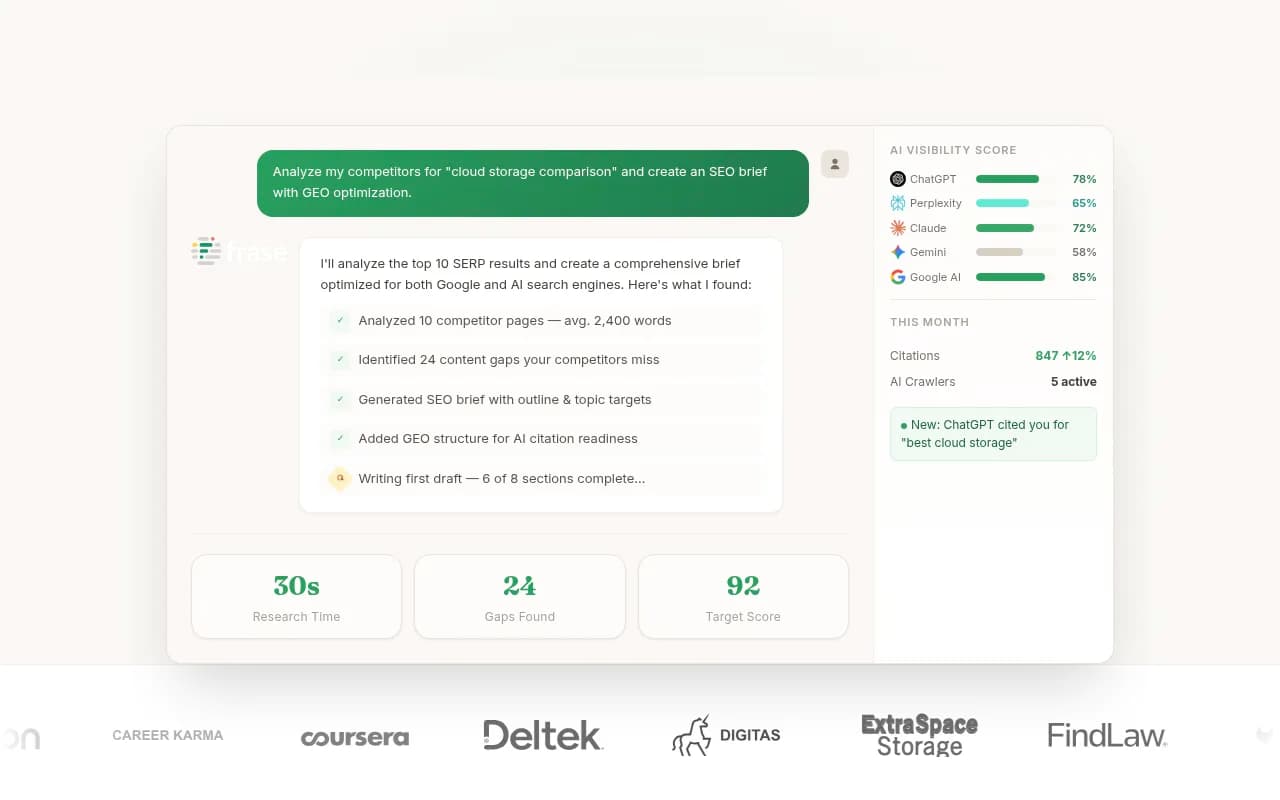
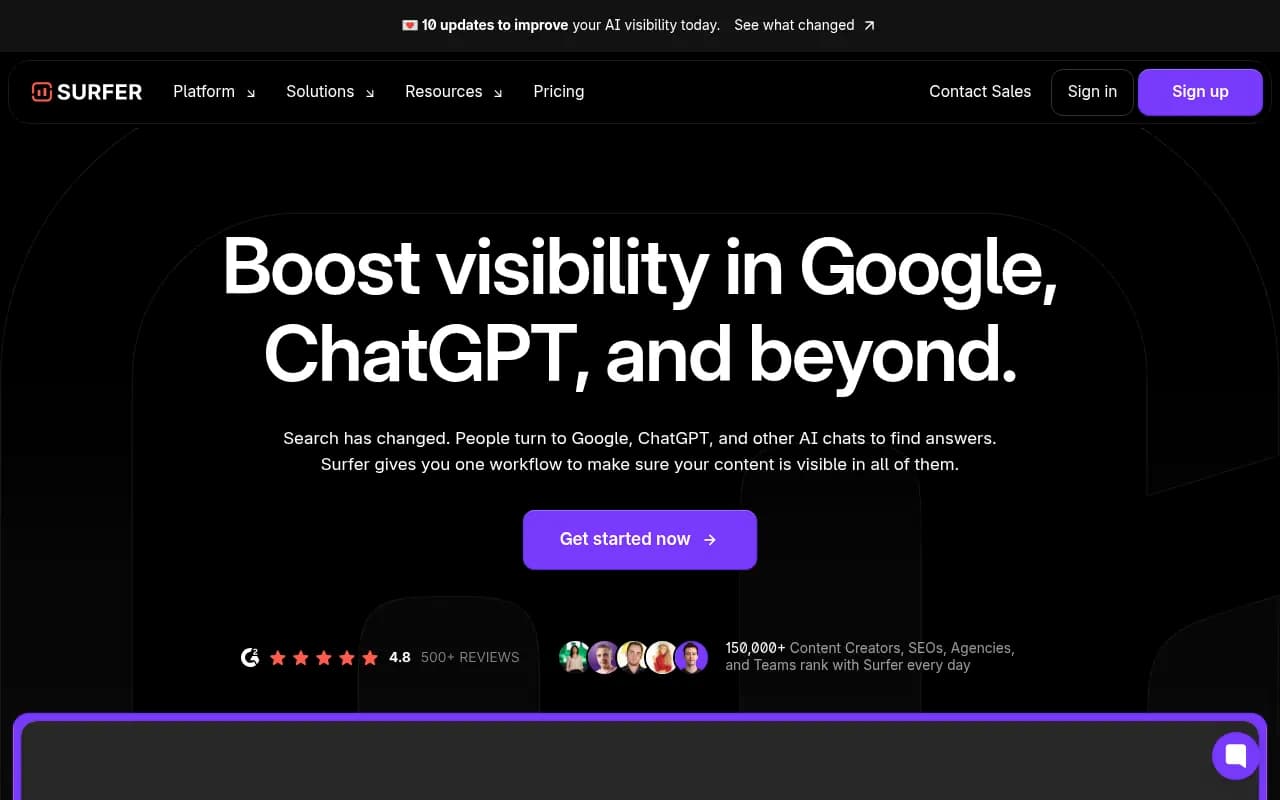
Tools like Frase or Clearscope can help you build content briefs optimized for AI retrieval. Surfer SEO adds semantic optimization. This approach keeps your monitoring in place while adding production capacity.
The downside: you're managing multiple tools, the data doesn't talk to each other, and you still won't have crawler logs or attribution.

Option B: Switch to a platform that does all three layers
This is the cleaner path if you're serious about GEO. Platforms like Promptwatch are built around the full cycle -- find gaps, create content, track results -- rather than bolting features together.
Promptwatch covers all three layers: Answer Gap Analysis shows you exactly which prompts competitors rank for that you don't, Content Agents generate articles and briefs grounded in real prompt data, and AI Crawler Logs show you which pages AI agents are visiting and when those visits turn into citations. It also tracks Reddit and YouTube, which influence AI recommendations more than most teams realize.

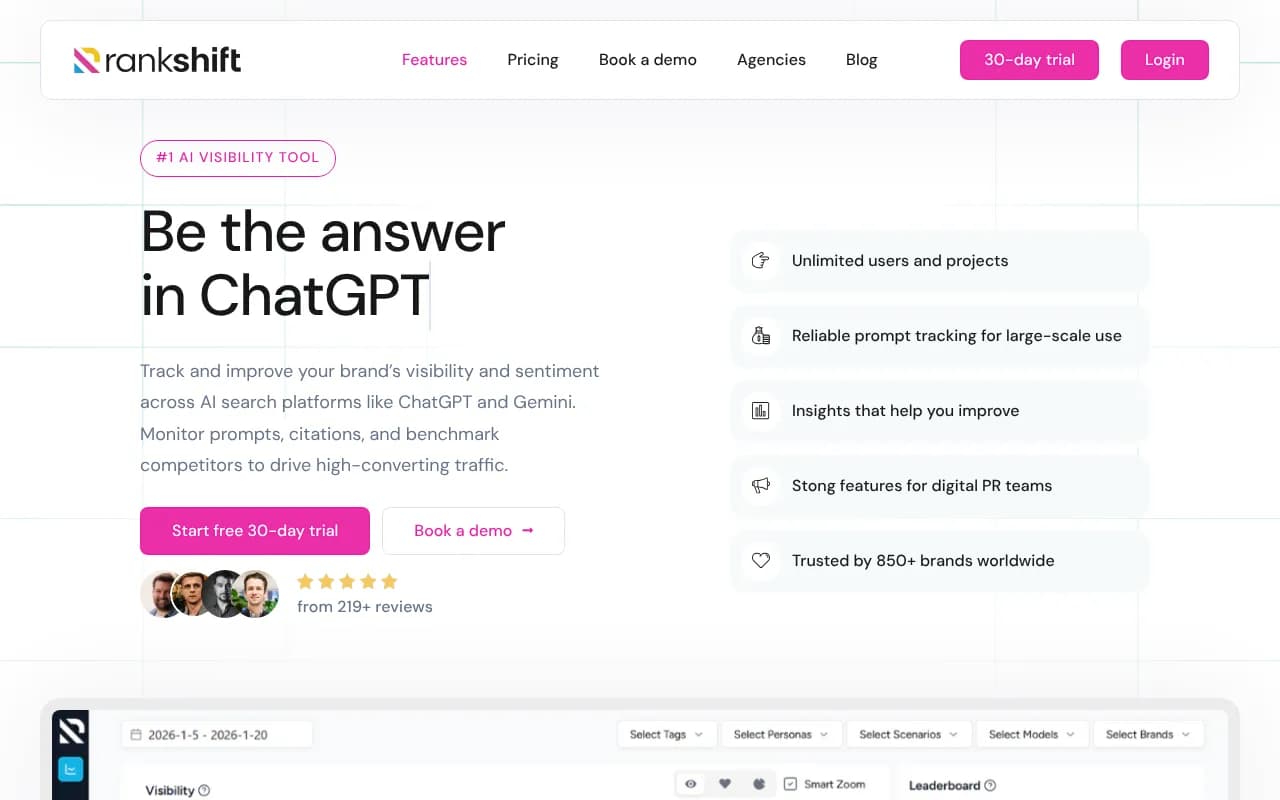
For teams that need something between Otterly.AI and a full enterprise platform, there are mid-tier options worth considering:

Option C: Build a custom stack
Some larger teams prefer to assemble best-in-class tools for each layer. This gives you flexibility but requires more operational overhead.
A reasonable custom stack might look like:
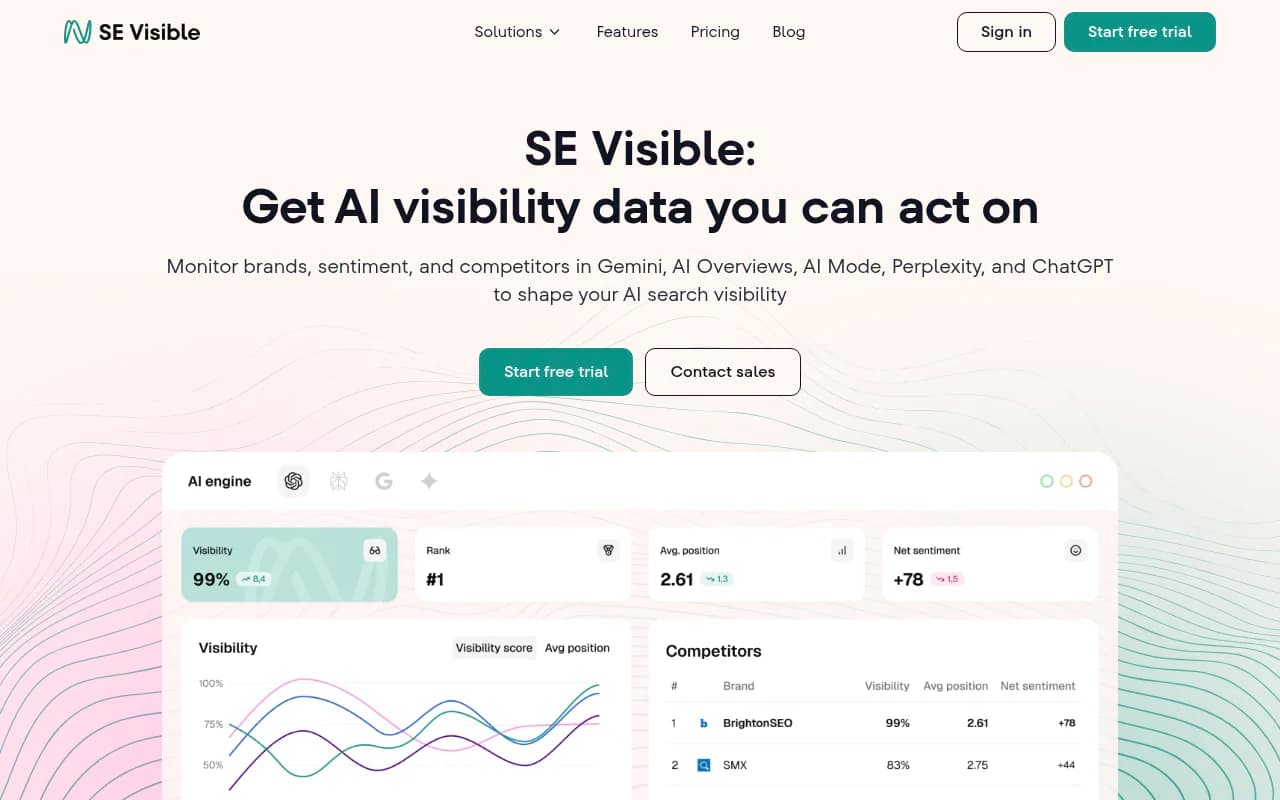
- Monitoring: SE Visible or Peec AI for citation tracking
- Gap analysis: Profound or AthenaHQ for competitive intelligence
- Content: Jasper or Writesonic for AI-assisted content generation
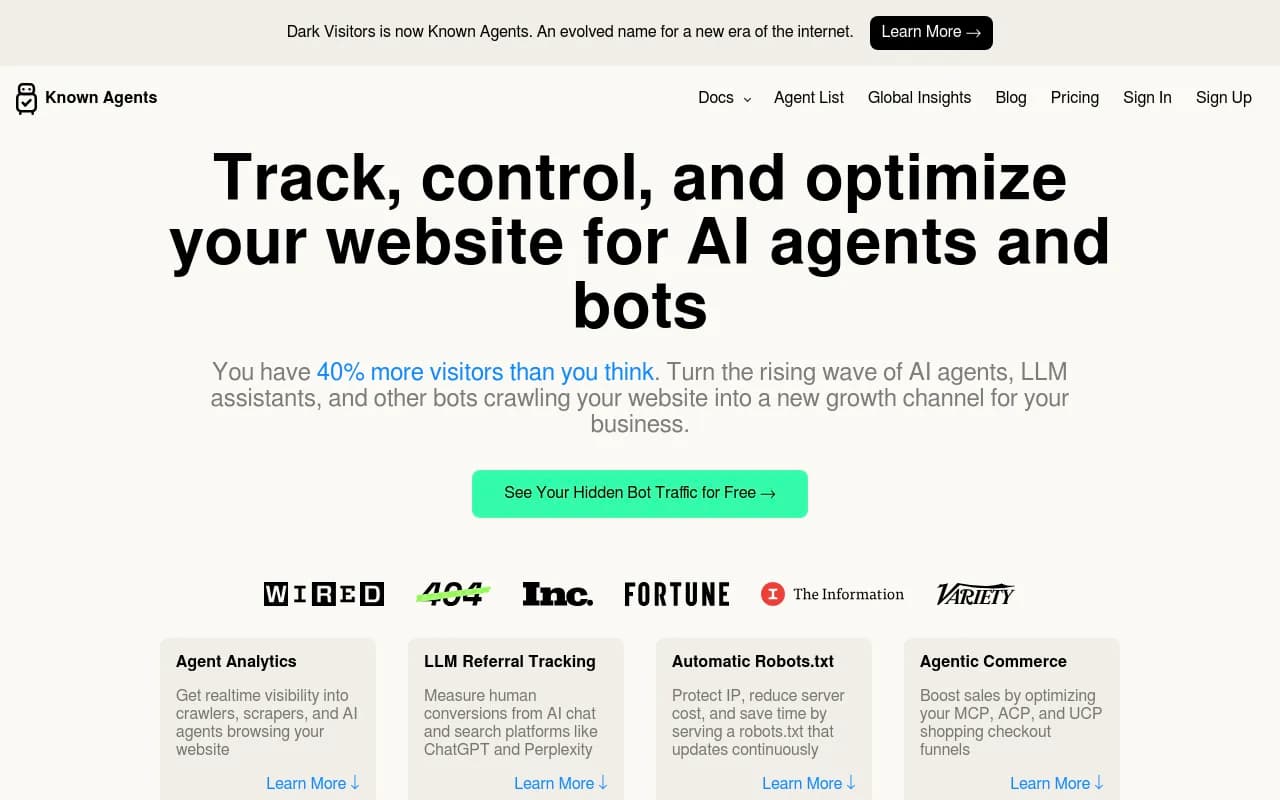
- Attribution: DarkVisitors for crawler log analysis


Comparing your options
Here's how the main upgrade paths stack up against what Otterly.AI currently provides:
| Capability | Otterly.AI | Promptwatch | Peec AI | Profound | Custom stack |
|---|---|---|---|---|---|
| AI platform monitoring | 6 platforms | 10 platforms | Multi-language | Strong | Varies |
| Prompt gap analysis | Basic | Full answer gap | Limited | Yes | Requires separate tool |
| Content generation | No | Yes (Content Agents) | No | No | Requires separate tool |
| AI crawler logs | No | Yes | No | No | DarkVisitors |
| Reddit/YouTube tracking | No | Yes | No | No | Requires separate tool |
| Traffic attribution | No | Yes | No | Limited | Requires separate tool |
| ChatGPT Shopping tracking | No | Yes | No | No | No |
| Historical data export | Yes | Yes | Yes | Yes | Varies |
| Starting price | ~$49/mo | $99/mo | Lower tier | Higher tier | Varies |
The pattern is clear: most tools are strong on monitoring and weak on everything else. The decision comes down to whether you want to manage multiple tools or consolidate.
Step 4: Run a parallel tracking period
Whatever you switch to, don't cancel Otterly.AI immediately. Run both tools in parallel for 30 days.
This serves two purposes. First, you can validate that your new tool is capturing the same prompts and producing comparable citation data. If the numbers look wildly different, you need to understand why before you trust the new data. Second, it gives you a clean handoff point -- you'll have overlapping data that lets you stitch your historical Otterly.AI trends to your new platform's baseline.
During this period, set up identical prompt lists in both tools. Track the same competitors. Run the same brand queries. Then compare outputs weekly.
Small discrepancies are normal -- different tools query AI models at different times and with slightly different configurations. Large discrepancies (more than 20-30% difference in citation rates) suggest a methodology difference worth investigating.
Step 5: Migrate your prompt library
Your prompt library is the most valuable thing you've built in Otterly.AI. These are the specific questions you've been tracking, often refined over months based on what your customers actually ask.
When migrating, don't just copy-paste. Use the transition as an opportunity to audit your prompt list:
- Remove prompts that never surfaced any competitors (they're probably too niche to matter)
- Add prompts your new tool's gap analysis suggests you're missing
- Organize prompts by topic cluster rather than a flat list -- this makes it easier to see which content areas need work
Most platforms let you import prompts via CSV. Structure your file with columns for the prompt text, the topic cluster, the target persona, and any notes about why you added it.
Step 6: Set up your content pipeline
This is where the real work starts -- and where most teams underinvest.
Monitoring tells you that competitors are visible for "best project management software for remote teams" and you're not. But that insight is only useful if you can act on it quickly. A content pipeline means you have a process for turning gap analysis into published content within days, not months.
The pipeline looks like this:
- Gap analysis surfaces a prompt where you're invisible
- You generate a content brief (manually or with AI assistance) that addresses the specific angle AI models are looking for
- Content gets written, reviewed, and published
- You track whether AI crawlers pick it up and whether it starts generating citations
The time from step 1 to step 4 matters. AI models update their indexes frequently -- Otterly.AI's own documentation notes that data should be no more than 24 hours old to be useful. That same freshness logic applies to your content. The faster you can publish in response to a gap, the faster you can close it.
Tools that integrate gap analysis with content generation (like Promptwatch's Content Agents) compress this timeline significantly. If you're building a custom stack, you'll need to create this workflow manually -- which is doable but slower.
Step 7: Don't ignore the technical layer
Most GEO discussions focus on content, but the technical layer matters too. AI crawlers behave differently from Googlebot. They visit pages less frequently, they're more sensitive to page load errors, and they have different preferences for content structure.
Things worth auditing before and after your migration:
- Are AI crawlers actually reaching your key pages? Crawler logs (available in tools like Promptwatch or via DarkVisitors) show you this directly.
- Are you blocking any AI crawlers in your robots.txt? Some teams accidentally block crawlers like GPTBot or ClaudeBot while trying to manage other bots.
- Is your content structured in a way that's easy for LLMs to parse? Short paragraphs, clear headings, and direct answers to questions outperform dense prose.
- Do you have schema markup on key pages? FAQ schema and HowTo schema in particular improve citation probability.
What to expect in the first 90 days
Switching tools and building a content pipeline doesn't produce overnight results. Here's a realistic timeline:
Days 1-30: Setup, parallel tracking, data migration, prompt library audit. You're building the foundation.
Days 31-60: First wave of content published based on gap analysis. AI crawlers start visiting new pages. No citation lift yet -- crawling and indexing takes time.
Days 61-90: You start seeing citation data for new content. Some pages will get picked up quickly; others won't. Use crawler logs to understand which pages are being ignored and why.
By month three, you should have enough data to see whether your new content is improving visibility scores. If it's not, the problem is usually one of three things: the content isn't directly answering the prompt, it's not being crawled, or the prompt itself is dominated by sources with much higher domain authority.
A note on historical data continuity
One thing worth accepting: you will have a gap in your data. Even with a 30-day parallel period, the metrics won't be perfectly continuous. Different tools measure visibility differently, and the numbers won't line up exactly.
The practical solution is to document your Otterly.AI baseline clearly -- screenshot your key dashboards, export your reports, and note the date of your last Otterly.AI data pull. Then start your new platform's baseline from a specific date and treat it as a fresh series. You'll have two data series that you can reference separately.
Over time, the new data becomes more valuable than the old data anyway. What matters is the trend from your migration date forward.
The bottom line
Otterly.AI got you started. It showed you that AI visibility is real, measurable, and competitive. That's genuinely useful.
But monitoring is not optimization. Knowing you're invisible for a prompt doesn't make you visible for it. The teams winning in AI search in 2026 are the ones who closed the loop -- they found the gaps, created content to fill them, and tracked the results until the citations started coming in.
That loop requires more than a monitoring dashboard. Whether you build it with Promptwatch's integrated platform or assemble a custom stack, the goal is the same: turn data into action, and action into citations.
Your historical Otterly.AI data is worth preserving. Your prompt library is worth migrating. And the habits you built around tracking AI visibility are worth keeping. The upgrade is about adding the layers that were always missing -- not starting over.