Key takeaways
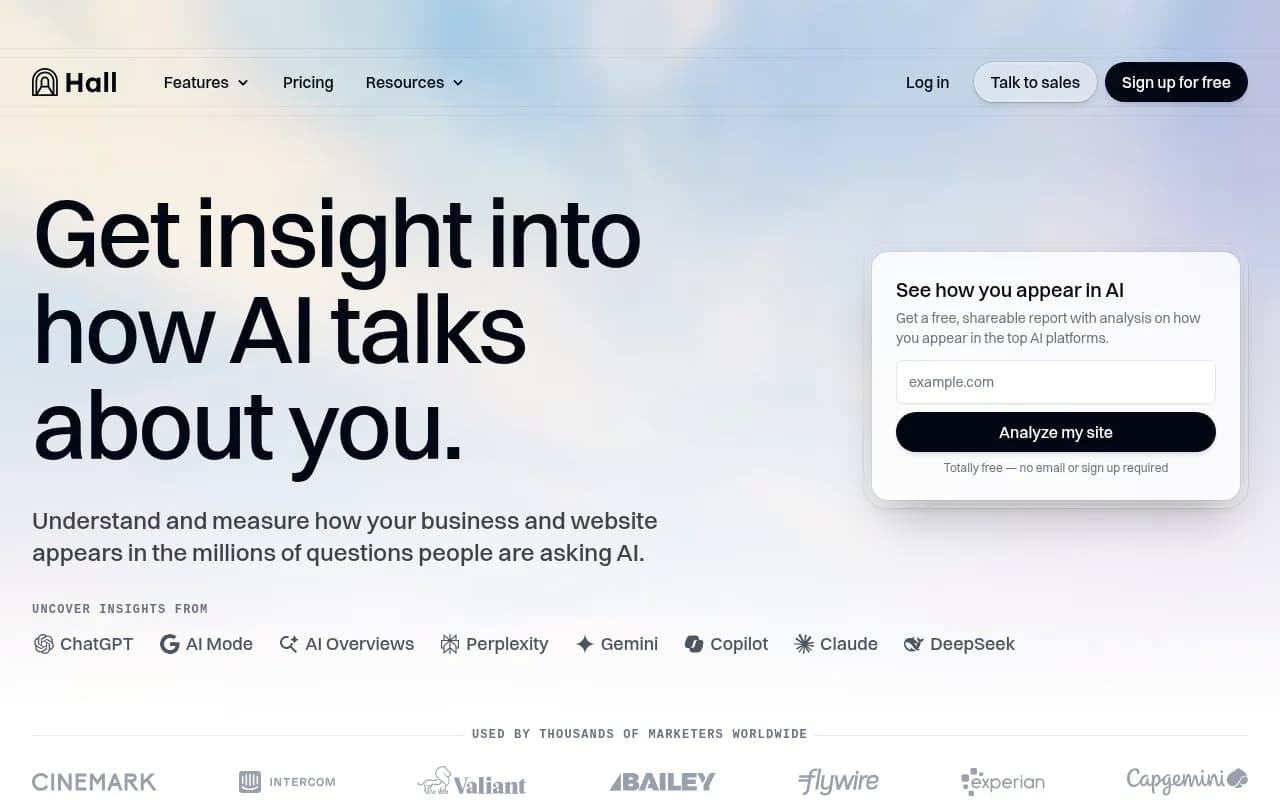
- Hall AI (usehall.com) is an AI brand citation and visibility tracking tool -- if it shuts down or you lose access, your monitoring setup disappears with it
- Export your data first: prompt lists, citation reports, competitor benchmarks, and any historical snapshots
- Document your workflows before they break -- what prompts you tracked, which AI models, which competitors
- Migration is easier than it sounds: several solid alternatives cover everything Hall AI did, and some go further
- Don't wait for a shutdown notice -- the pattern in 2026 is a letter at 5pm and access gone by midnight
There's a pattern emerging in 2026 that nobody talks about enough. A tool you've been relying on for months -- maybe years -- sends a brief notice. Sometimes it's a blog post. Sometimes it's just an email. And then access is gone, often within hours. No graceful wind-down, no data export wizard, no migration guide. Just a locked door.
Hall AI is a brand citation tracking tool that monitors how AI platforms like ChatGPT, Perplexity, and Claude mention and cite your brand. If you're using it and something changes -- a shutdown, an acquisition, a pricing pivot that makes it untenable -- you need a plan before that happens, not after.
This guide walks through exactly what to do, in order, before you lose access to Hall AI.
1. Export everything you can, right now
This is the obvious one, but most people don't do it until it's too late. Log into Hall AI and download every report, every citation snapshot, every competitor comparison you've run. CSV, PDF, whatever format they offer -- grab all of it.
Pay particular attention to:
- Historical citation data (this is the hardest to reconstruct)
- Your tracked prompt list (the exact queries you've been monitoring)
- Competitor visibility comparisons
- Any brand mention timelines or trend data
If Hall AI doesn't offer a bulk export, screenshot the dashboards. Tedious, yes. But a screenshot of last quarter's data is infinitely better than nothing.
2. Document your prompt list in a separate file
Your tracked prompts are arguably the most valuable thing in your account. They represent weeks or months of thinking about how your customers actually search for you in AI engines -- which questions they ask, which competitor comparisons they run, which product categories they explore.
Write them all down in a Google Doc or Notion page. Include:
- The exact prompt text
- Which AI models you were tracking it on
- Why you added it (what business question it was answering)
- Any notes on performance trends
This list becomes the foundation of your setup in whatever tool you migrate to. Don't make yourself rebuild it from scratch.
3. Record your baseline visibility scores
Before you lose access, note your current visibility scores across every AI model Hall AI tracks. These numbers matter because they give you a benchmark to compare against after you've migrated to a new tool.
Without a baseline, you can't tell if your visibility improved or declined during the transition period. You also can't tell if a new tool is measuring things differently. Write down the numbers, the date, and which prompts they correspond to.
4. Capture competitor benchmarks
If you've been tracking how competitors appear in AI search results relative to your brand, that competitive intelligence is worth preserving. Note which competitors were outranking you, on which prompts, and on which AI models.
This is context that takes months to build up organically. A few minutes of documentation now saves you from starting blind in your new tool.
5. Audit which workflows depend on Hall AI
Think through every process that touches Hall AI data. Some common ones:
- Weekly or monthly reporting to stakeholders
- Content briefs that reference AI citation gaps
- PR or comms decisions based on brand mention trends
- Agency reports delivered to clients
For each workflow, write down what data it needs and how often. This tells you exactly what your replacement tool needs to support -- and helps you avoid picking something that covers 80% of your use case but misses the 20% that matters most.
6. Identify who else in your team has access
If multiple people use your Hall AI account, loop them in before anything changes. Someone on the content team might have set up prompts you don't know about. An agency partner might have their own login. A developer might have connected Hall AI data to a dashboard somewhere.
A five-minute Slack message asking "does anyone have anything important in Hall AI?" can surface dependencies you didn't know existed.
7. Choose your replacement tool before you need it
This is where most people waste the most time -- they wait until access is gone, then spend two weeks evaluating alternatives in a panic. Do the evaluation now, while you still have Hall AI running as a reference point.
The AI visibility tracking space has grown significantly in 2026. Here's how the main options compare:
| Tool | Citation tracking | Content generation | Crawler logs | Prompt volume data | Free trial |
|---|---|---|---|---|---|
| Promptwatch | Yes | Yes | Yes | Yes | Yes |
| Profound | Yes | No | No | Limited | Yes |
| Otterly.AI | Yes | No | No | No | Yes |
| Peec AI | Yes | No | No | No | Yes |
| AthenaHQ | Yes | No | No | No | Yes |
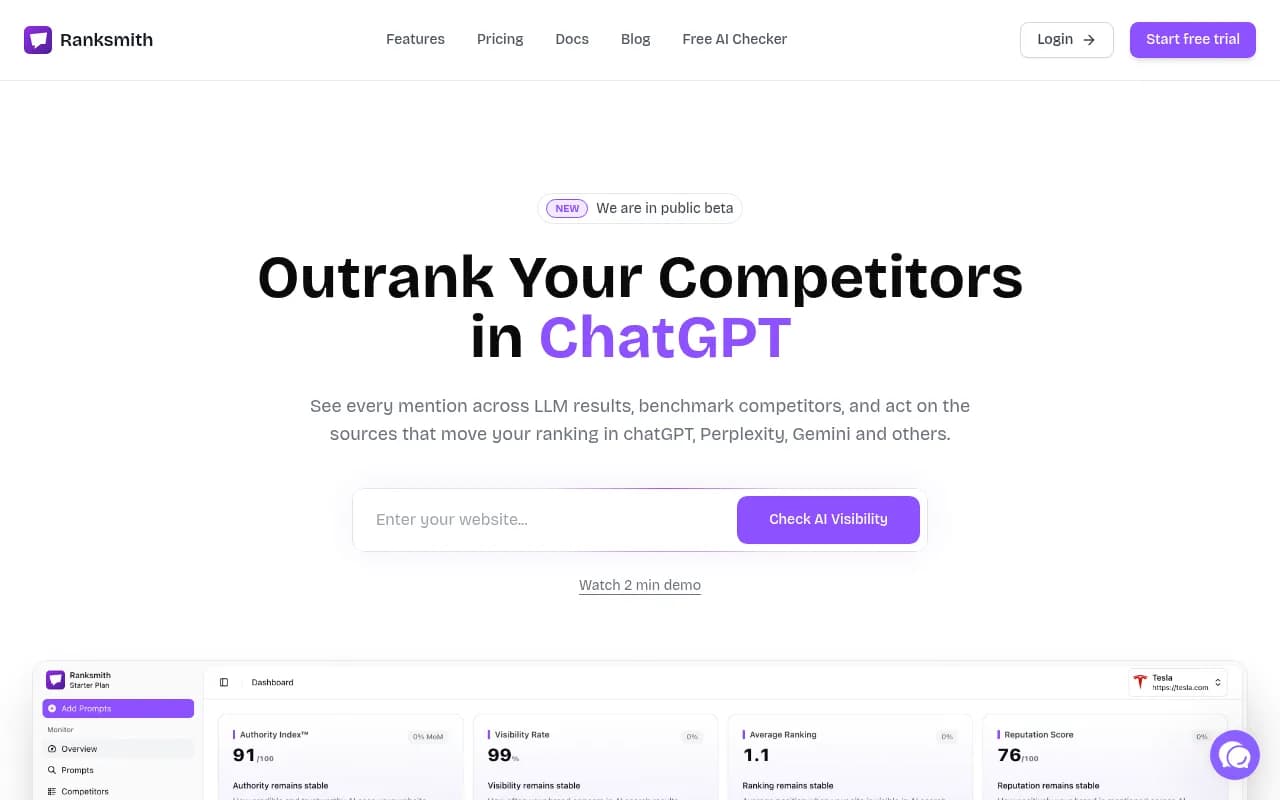
| Ranksmith | Yes | No | No | Limited | Yes |
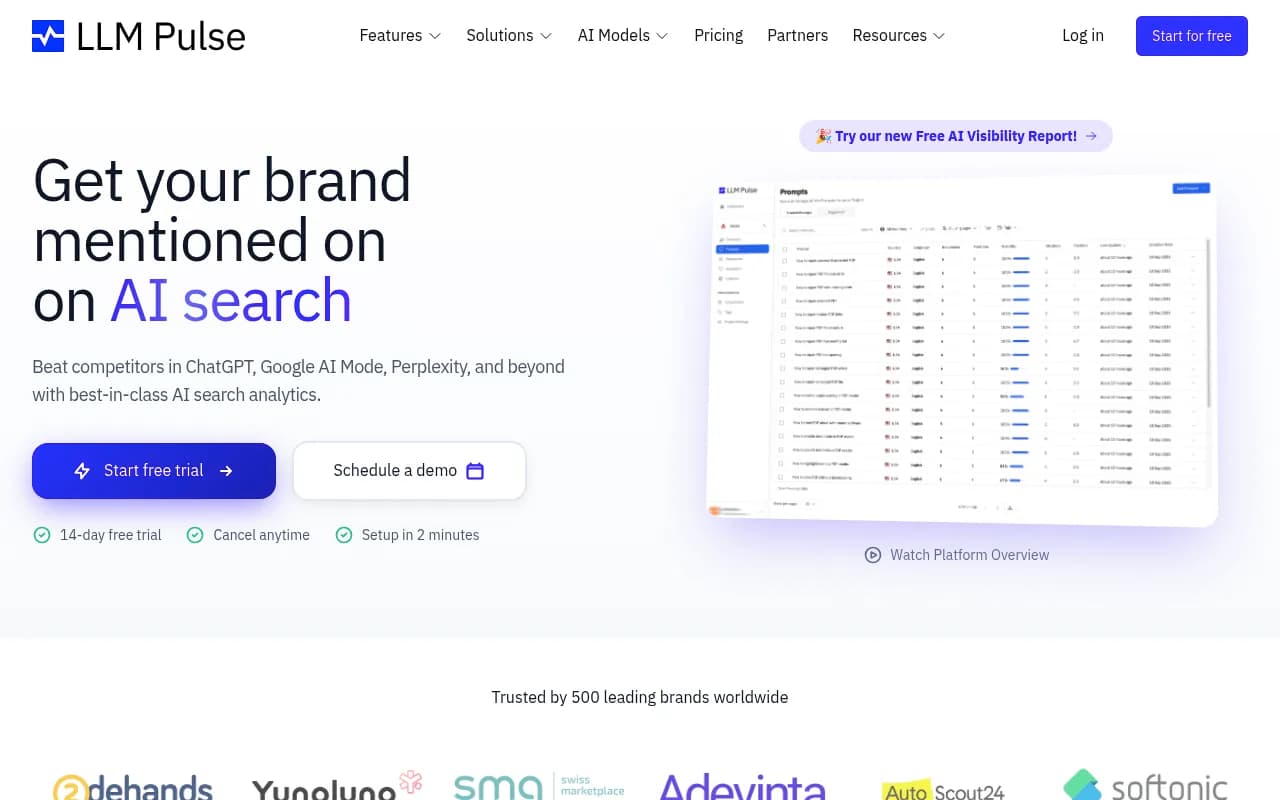
| LLM Pulse | Yes | No | No | No | Yes |
The honest difference between these tools: most of them show you data. Promptwatch is one of the few that also helps you act on it -- with content gap analysis that shows which prompts competitors rank for but you don't, and content agents that generate articles specifically designed to close those gaps.

If your main need is monitoring, several tools here will serve you well. If you want to actually improve your AI visibility (not just watch it), the shortlist gets shorter.
8. Run a parallel tracking period
Once you've picked a replacement, run both tools simultaneously for at least two to four weeks before cutting over. This lets you:
- Verify the new tool is picking up the same citations Hall AI tracked
- Spot any gaps in coverage (different AI models, different prompt handling)
- Build enough historical data in the new tool that you're not starting from zero
Two tools running at once feels redundant, but it's cheap insurance against a rough transition.
Some tools worth considering for different use cases:
If you want something lightweight and affordable to start:


If you want deeper prompt intelligence and competitor analysis:


If you want page-level citation tracking and AI crawler logs:
9. Set up alerts so you're not caught off guard again
The broader lesson from watching AI tools shut down in 2026 is that you rarely get much warning. A few things that help:
- Follow the company on LinkedIn and Twitter -- shutdown announcements often appear there before email
- Set a Google Alert for "Hall AI" so you catch any news coverage
- Check your billing status periodically -- sometimes access issues start as payment problems
- Keep your contact email updated in the account so you actually receive any notices they send
More structurally: don't let any single tool become a single point of failure for your AI visibility program. If your entire understanding of how AI engines see your brand lives in one platform, you're exposed. A simple monthly export to a shared drive costs almost nothing and protects you from the worst-case scenario.
What to prioritize in a replacement
Hall AI's core value was showing you where your brand appeared (or didn't appear) in AI-generated responses. When evaluating replacements, the questions worth asking are:
- Does it track the AI models that matter to your audience? (ChatGPT, Perplexity, Google AI Overviews, Claude, Gemini are the big ones in 2026)
- Does it give you prompt-level data, or just aggregate scores?
- Can it track competitors, not just your own brand?
- Does it show you citation sources -- which pages AI models are actually pulling from?
- Does it help you do something about gaps, or just show them to you?
That last question is the one most tools fail on. Monitoring is useful. Knowing your visibility dropped 12% last month is useful. But if the tool can't tell you why, or what content to create to fix it, you're still doing the hard part manually.
The tools that go beyond monitoring -- showing you specific content gaps, generating briefs, tracking which pages get crawled and cited -- are worth paying more for. The gap between "we track your visibility" and "we help you improve it" is where most of the value lives.
A quick note on timing
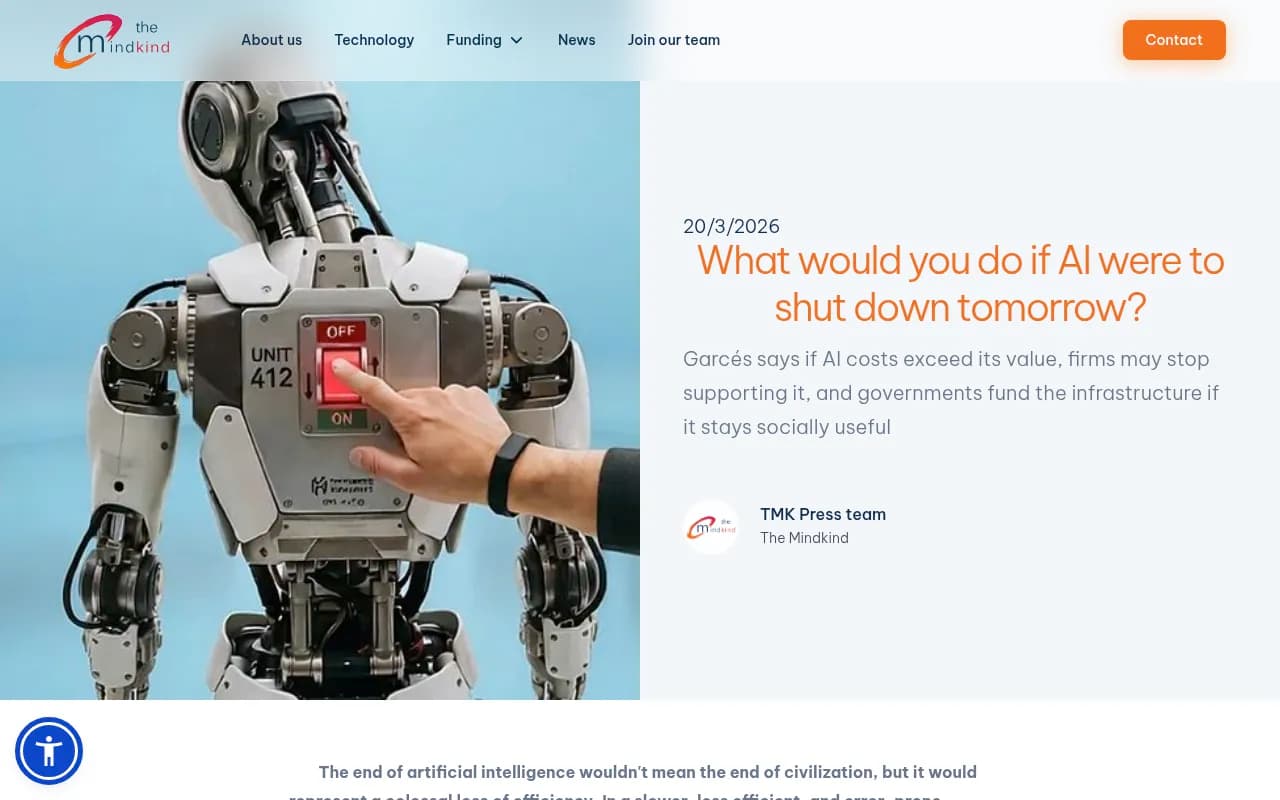
The research is pretty clear on what happens when AI services go down unexpectedly. As Mario Garcés, neuroscientist and founder of The Mind Kind, noted in March 2026: an AI outage is more painful than it used to be because it no longer just interrupts responses -- it disrupts delegated work. Agents don't just assist; they execute tasks. When they fail, they leave processes unfinished.
The same logic applies to your monitoring tools. If your AI visibility tracking disappears mid-campaign, mid-quarter, or mid-client engagement, you're not just missing data. You're missing the ability to make decisions that depend on that data.
The checklist above takes maybe two to three hours to work through properly. That's a reasonable investment to protect months of accumulated insight.
Don't wait for the shutdown notice.