Key takeaways
- The Hall AI shutdown is a platform change, not a strategy failure -- frame it that way from the start.
- Silence is the fastest way to lose confidence. Brief your team first, then clients, with a clear timeline and a named alternative.
- The communication should answer three questions: what's changing, when, and what happens next.
- Picking a replacement before you communicate removes the biggest source of anxiety for both teams and clients.
- Tools like Promptwatch can fill the AI visibility tracking gap Hall AI leaves behind -- and go further with content gap analysis and optimization.
When a platform you've built workflows around announces it's shutting down, the instinct is to scramble. Fix the tech problem first, communicate later. That's usually backwards. The way you handle the communication -- with your team, with your clients -- will shape how much trust you carry into whatever comes next.
This guide is a practical playbook for doing that well. It covers what to say, when to say it, how to pick a replacement, and how to keep the whole transition from feeling like a crisis.
Why the communication matters more than the migration
Platform migrations are annoying but manageable. Lost confidence is much harder to recover from. If your clients find out about the Hall AI shutdown from a notification email before you've said anything, you've already lost ground. If your team hears about it in a Slack message with no context, expect anxiety and questions you're not ready to answer.
The goal of your communication isn't just to inform -- it's to demonstrate that you're in control of the situation. That you saw this coming (or caught it quickly), that you've already thought through the implications, and that there's a plan.
That's a leadership problem, not a tech problem. And it's worth treating it like one.
Step 1: Get your own house in order before you say anything
Before you brief anyone, you need answers to the questions they'll immediately ask:
- When does Hall AI actually shut down? (Get the exact date from official communications.)
- What data do we need to export, and by when?
- What were we using Hall AI for specifically -- brand tracking, citation monitoring, prompt visibility?
- What tool are we moving to, and why?
You don't need a perfect migration plan. But you need a credible one. Walking into a team briefing with "we're looking at options" is very different from "we're moving to [X] because it covers everything Hall AI did and adds [Y]."
Spend a day or two doing the evaluation before you communicate. It's worth it.
Step 2: Brief your team first -- and be specific
Your team should hear about this before clients do. Always. They need time to process it, ask questions, and understand their role in the transition before they're fielding questions from the outside.
Keep the internal briefing short and structured. Cover:
- What happened (Hall AI is shutting down, here's the timeline)
- What it means for current workflows (which tasks are affected, which aren't)
- What the plan is (the replacement tool, the migration timeline, who owns what)
- What you need from them (data exports, workflow documentation, testing the new tool)
Don't over-explain or hedge. People read uncertainty into vague language. "We're evaluating our options" sounds like you don't have a plan. "We're moving to [tool] by [date], and here's what that looks like" sounds like you do.
Give people a specific person to go to with questions. Not a general inbox -- a named human.
Handling the "will this affect my job?" question
If anyone on your team is worried the shutdown signals something bigger -- budget cuts, a pivot away from AI visibility work -- address it directly. Don't wait for the question. Say something like: "This is a vendor decision, not a strategy change. We're still doing this work, just with a different tool."
That one sentence prevents a lot of background anxiety.
Step 3: Choose your replacement before you talk to clients
Clients don't want to hear "we're evaluating alternatives." They want to hear "we've already chosen the replacement and here's why it's better." If you can get to that position before the client conversation, the whole dynamic changes.
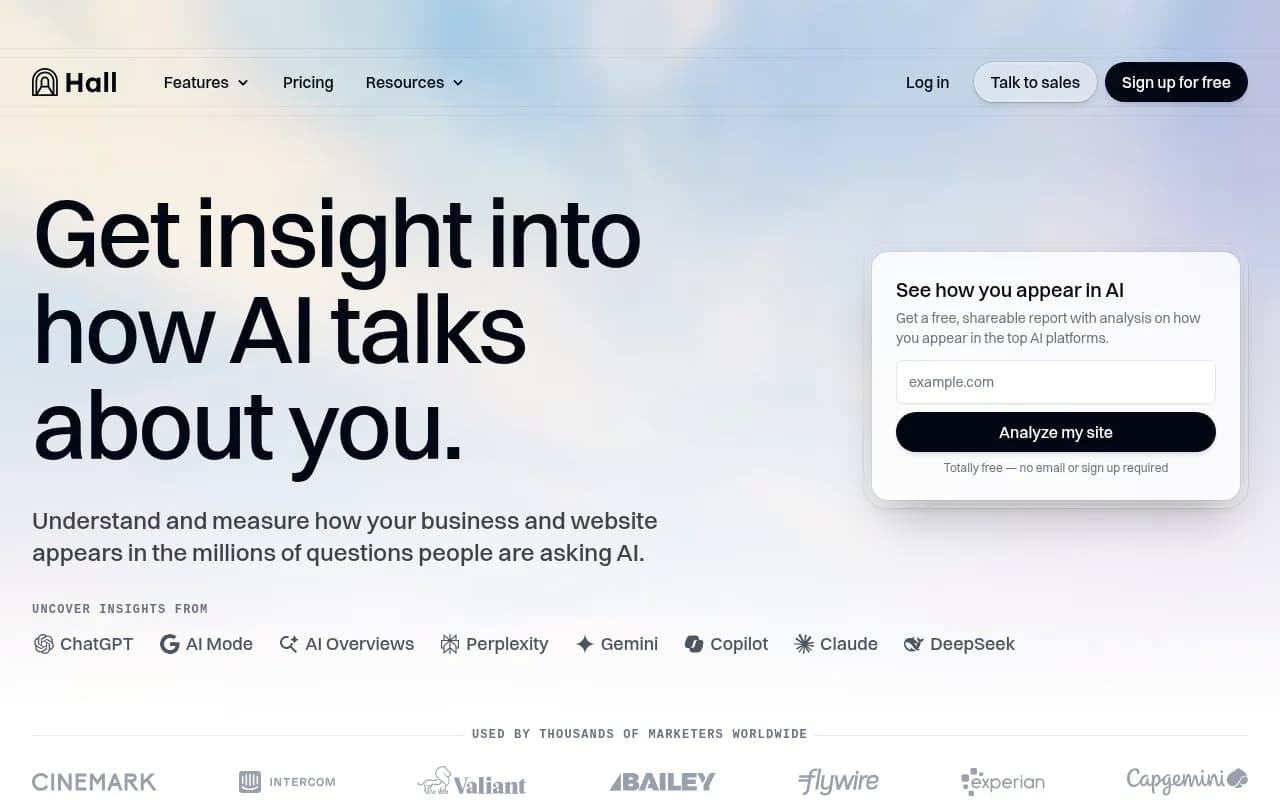
Hall AI focused on tracking how AI platforms cite and talk about your brand. That's a specific capability, and the replacement needs to cover it -- ideally with more depth.
Here's a quick comparison of tools that cover similar ground:
| Tool | AI model coverage | Citation tracking | Content optimization | Crawler logs | Pricing starts at |
|---|---|---|---|---|---|
| Promptwatch | 10+ models | Yes | Yes (Content Agents) | Yes | $99/mo |
| Otterly.AI | Limited | Basic | No | No | Lower tier |
| Peec AI | Multi-language | Yes | No | No | Mid-range |
| AthenaHQ | 8+ models | Yes | No | No | Higher |
| Profound | Several | Yes | Limited | No | Higher |
| Brandlight | Several | Yes | No | No | Mid-range |

Promptwatch is worth looking at seriously here. It tracks brand visibility across 10 AI models (ChatGPT, Perplexity, Claude, Gemini, Grok, DeepSeek, and more), shows you exactly which pages are being cited and how often, and -- this is the part most alternatives skip -- actually helps you fix gaps with content generation tools. Most Hall AI replacements will give you a monitoring dashboard. Promptwatch gives you a monitoring dashboard plus the ability to act on what you find.



If your clients are agencies or brands tracking AI search visibility as part of a broader SEO strategy, the jump from Hall AI to a more capable platform is actually an opportunity to show them more value, not less.
Step 4: Write the client communication
Once you have a replacement chosen and a timeline confirmed, write the client message. Keep it direct. Here's a structure that works:
Subject line: Update on our AI visibility tracking tools
Opening: One sentence stating what's happening. "Hall AI, the platform we've been using to track your brand's visibility in AI search engines, is shutting down on [date]."
Impact: What this means for them specifically. "Your current tracking data is unaffected. We'll be exporting everything before the shutdown and migrating it to our new platform."
The plan: What you're moving to and why. "We're switching to [tool], which covers the same AI models Hall AI tracked and adds [specific capability]. We've already set up your account and the transition will be seamless."
Timeline: When they'll see changes (if any). "You'll receive login details for the new dashboard by [date]. Your weekly reports will continue without interruption."
Call to action: One clear next step. "If you have questions, reply here or book a 15-minute call with [name]."
That's it. No lengthy explanations, no defensive language, no "we apologize for any inconvenience." Just the facts and the plan.
What not to say
Avoid phrases like "unfortunately" or "we regret to inform you." They signal that something bad happened to you, rather than that you're managing a situation. The tone you want is calm and competent, not apologetic.
Also avoid over-promising. Don't say "the new platform is better in every way" if you haven't fully tested it. Say "it covers everything Hall AI did, plus [specific thing]." Specific and honest beats enthusiastic and vague.
Step 5: Prepare for the follow-up questions
After you send the communication, expect questions. The most common ones:
"Will we lose any historical data?" -- Answer this before they ask. In your communication, confirm whether you're exporting historical data and in what format. If there are limitations, say so.
"How long will the migration take?" -- Give a specific window, not "a few weeks." Even if it's an estimate, a date is more reassuring than vagueness.
"Why did Hall AI shut down?" -- You probably don't know the full story, and that's fine to say. "We don't have full details on their decision, but we've been monitoring the situation and have a plan in place."
"Should we be worried about this happening again?" -- This is a good question and worth a real answer. Talk about how you evaluate tools, what signals you watch for, and how you'd handle a similar situation in the future.
Step 6: Use the transition to demonstrate expertise
A platform shutdown is uncomfortable, but it's also a moment where you can show clients something valuable: that you understand the AI visibility space well enough to navigate it when things change.
Most clients don't know the difference between Hall AI and its alternatives. They don't know which models each tool monitors, or what "citation tracking" actually means in practice. This transition is a chance to educate them -- briefly -- and position yourself as the expert who's keeping them ahead of the curve.
When you introduce the new tool, don't just say "it does what Hall AI did." Explain one or two things it does better. If you're moving to a platform that tracks AI crawler logs, or that shows prompt volume data, or that monitors ChatGPT Shopping recommendations -- mention it. Not as a sales pitch, but as context for why you made the choice you did.
That kind of specificity builds confidence faster than any reassurance.
Step 7: Document the new workflow
Once the migration is done, document the new workflow clearly -- for your team and, if relevant, for clients. This doesn't need to be elaborate. A one-page summary of what's being tracked, how often, and where to find the reports is enough.
The goal is to make the new normal feel stable as quickly as possible. People stop worrying about a change when it stops feeling like a change.
If your new platform has onboarding resources, use them. Tools like Chameleon can help if you're building internal product tours or training flows for your team.
A note on the broader pattern
Hall AI shutting down isn't an isolated event. The AI visibility tracking space is young and moving fast. Tools launch, pivot, and sometimes close. That's the reality of building on a category that's still being defined.
The lesson isn't to avoid specialized tools -- it's to understand what each tool does, have a sense of the alternatives, and build workflows that can survive a vendor change. If your entire AI monitoring setup lives in one platform with no export capability and no backup, that's a risk worth addressing regardless of what happens to any specific tool.
Diversifying doesn't mean using ten tools. It means knowing what you'd do if your primary tool disappeared tomorrow. After this transition, that's a good question to have an answer to.
The short version
Brief your team before your clients. Pick a replacement before you communicate. Be specific about the timeline, the tool, and what's changing. Don't apologize -- manage. And use the moment to show that you understand this space well enough to navigate it when things get messy.
That's what keeps confidence intact.