Key takeaways
- Agencies should judge AI monitoring tools on three things: engine coverage, client capacity, and whether the reports are something a client will actually read.
- Test any shortlisted tool on at least two or three real clients for 30 days. Multi-account friction only shows up once you are living in the tool.
- Engines behave very differently, so insist on per-engine reporting rather than one blended score. Promptwatch's data shows ChatGPT cites about 5 sources per answer, while AI Overviews and Perplexity cite about 10.
- Monitoring-only tools are fine for small portfolios. If you also need to fix gaps, look for crawler data, content workflows, and traffic attribution in the same product.
- This guide gives a shortlist and a test protocol. It does not publish invented benchmark scores, because the right winner depends on your clients.
Why agencies need a different kind of tool
A freelancer tracking five brands and an agency running forty accounts have different problems. The freelancer wants a cheap dashboard. The agency wants fast client switching, sane pricing per client, exports, scheduled reports, and some way to explain to a client why their brand disappeared from an answer last Tuesday.
The second part is harder than it sounds. AI answers are not stable the way a rank position is. Promptwatch Data on average sources per response shows ChatGPT cites roughly 5 sources per web-search answer, Google AI Overviews about 10, and Perplexity almost exactly 10 every day. Copilot's average swung from under 2 to nearly 17 sources per response within a few weeks before settling low. So a citation drop on Copilot or ChatGPT can be an engine-side retrieval change, not something your client did. A tool that cannot show you per-engine trends will have you apologizing for things that were never your fault.
There is a second reason to demand per-engine views. In Promptwatch's November 2026 domain rank report (Nov 3 to 16, 2026), domains at exactly DR 100 earned 13.7% of AI Overviews citations but only 0.3% of ChatGPT citations. Mid-authority sites (DR 31 to 75) earned roughly 59% to 66% of citations across engines. Good news for small client sites, but it means the engines reward different things, and one blended number hides that.
The three-client test protocol
I would not trust any listicle, including this one, to pick your tool. Vendor comparison pages are written by vendors. One of them, RankMonster's own roundup, gives the same advice: test with two clients for 30 days, because poor multi-account UX becomes intolerable at scale. Agreed. Here is how to run that test so the result means something.
Pick three different client archetypes
Choose accounts that stress different features:
- A local service business (a dental group, a law firm, a multi-location franchise). This tests location targeting, since local answers change by city.
- A B2B SaaS client. This tests competitor comparison prompts, citation sources like review sites and docs, and sentiment tracking.
- An ecommerce brand. This tests product and shopping visibility, which most pure monitoring tools handle poorly.
If you only have one archetype in your portfolio, pick three clients at different maturity levels instead: one with strong organic presence, one mid-pack, one that is basically invisible.
Use the same prompt set logic everywhere
For each client, build 25 to 50 prompts split four ways: branded, category ("best X for Y"), competitor comparison, and problem-led questions from their real buyers. Write the prompts once in a spreadsheet and load the same set into every tool you test. Otherwise you are comparing prompt choices, not tools.
Score each tool on the same sheet
| Criterion | What to check | Red flag |
|---|---|---|
| Engine coverage | ChatGPT, AI Overviews, AI Mode, Perplexity, Gemini, Copilot, Claude | Only 2 or 3 engines, or API-only data with no real interface collection |
| Per-engine reporting | Separate visibility and citation views per engine | One blended score |
| Multi-client workflow | Switching clients, bulk prompt import, shared templates | Each client is a separate login or billing item |
| Location and language | Country, state, city monitors | Country only |
| Reporting | Scheduled PDFs, white-label options, CSV export | Screenshots only |
| Citation data | Which URLs get cited and which domains compete | Mentions only, no sources |
| Cost per client | Total monthly cost divided by active clients | Per-seat or per-client add-ons that compound |
| Action layer | Gap analysis, content workflows, crawler data | Dashboard only |
Run it for 30 days. Check week 2 for data consistency (do repeated runs of the same prompt look sane?), week 3 for the first client report you would actually send, and week 4 for how many minutes per client the whole thing takes. That last number decides most agency purchases.
Things to log during the test
- Minutes spent per client per week
- Number of times a number looked wrong and you had to verify manually
- Whether the client understood the report without a call
- Whether the tool told you what to do next, or only what happened
The shortlist
Grouped by what the tool is good at, not ranked. Pricing quoted is from vendor pages and changes often, so confirm before buying.
Tools that monitor and also help you fix
Promptwatch is the one I would put in the test first if your agency sells results rather than reports. It tracks ChatGPT, Gemini, Claude, Perplexity, Google AI Overviews, AI Mode, Copilot, and others from real interfaces by country and language, then goes further than a dashboard: content gap analysis, a Content Agent that writes and publishes to WordPress, Webflow, or Framer, an Action Board for prioritized to-dos, and IP-verified AI crawler logs and visitor analytics so you can show whether a published page was crawled, cited, and clicked. Those last two matter for client conversations, because they separate an access problem from a content problem.

For agencies specifically, the plans are Kick-off at $199/mo, Growth at $399/mo, and Scale at $799/mo, each with unlimited projects, prompts, and team seats, country/state/city tracking, crawler logs, visitor analytics, and MCP and API access. Check promptwatch.com/pricing for current details. Content generation and white-label client portals sit in Enterprise rather than the agency plans, so if those matter, ask about it early. There is a head-to-head view at Promptwatch vs Profound and a broader 2026 platform comparison. Trial first with the 7-day free trial, or run the free AI visibility report on a prospect before you pitch them.
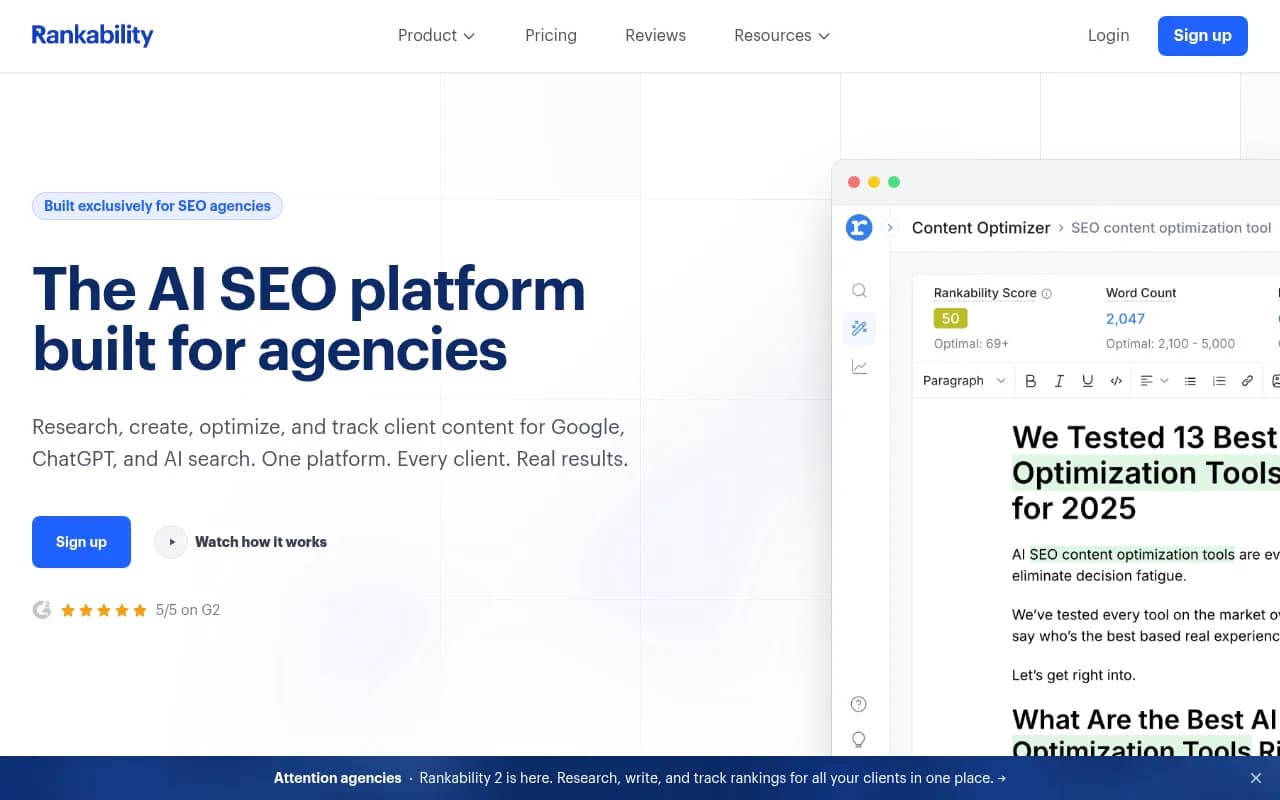
Rankability is built around agencies and shows up in agency roundups as a mid-market option for portfolios of roughly 20 to 100 clients, per RankMonster's comparison.
Monitoring-focused platforms
Profound is a strong monitoring product aimed at larger brands and enterprise portfolios. Expect a higher price point than the lightweight trackers.

Scrunch AI is another enterprise-leaning monitoring option. Worth testing if your clients are big brands and you need depth over price.
Peec AI has multi-language tracking, which helps if you run clients across several European markets.

Otterly.AI is a self-serve tracker with daily checks and link citation analysis. Spyro's roundup lists it as covering ChatGPT, AI Overviews, Perplexity, and Copilot, while Otterly's own agency page says six platforms. Good for a small team testing AI monitoring on a few clients before investing more.

Agency-labelled newcomers worth a look
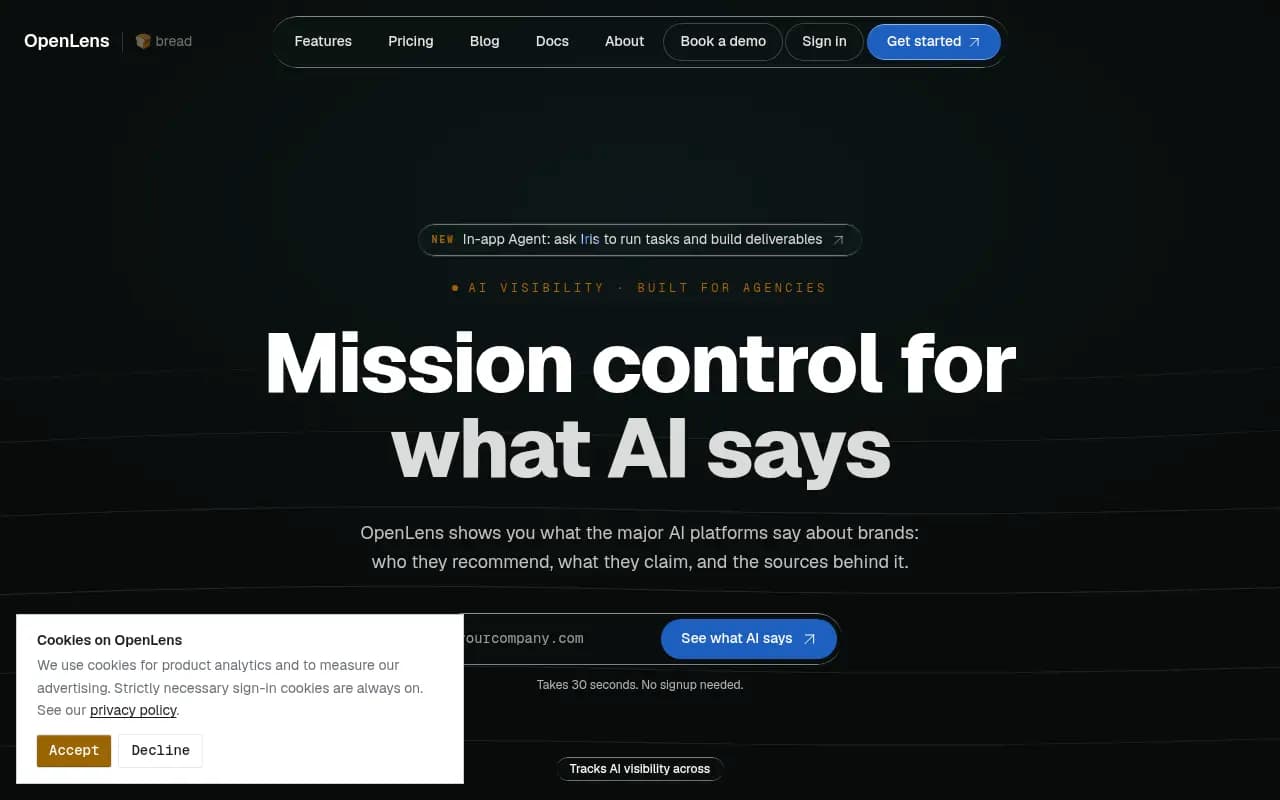
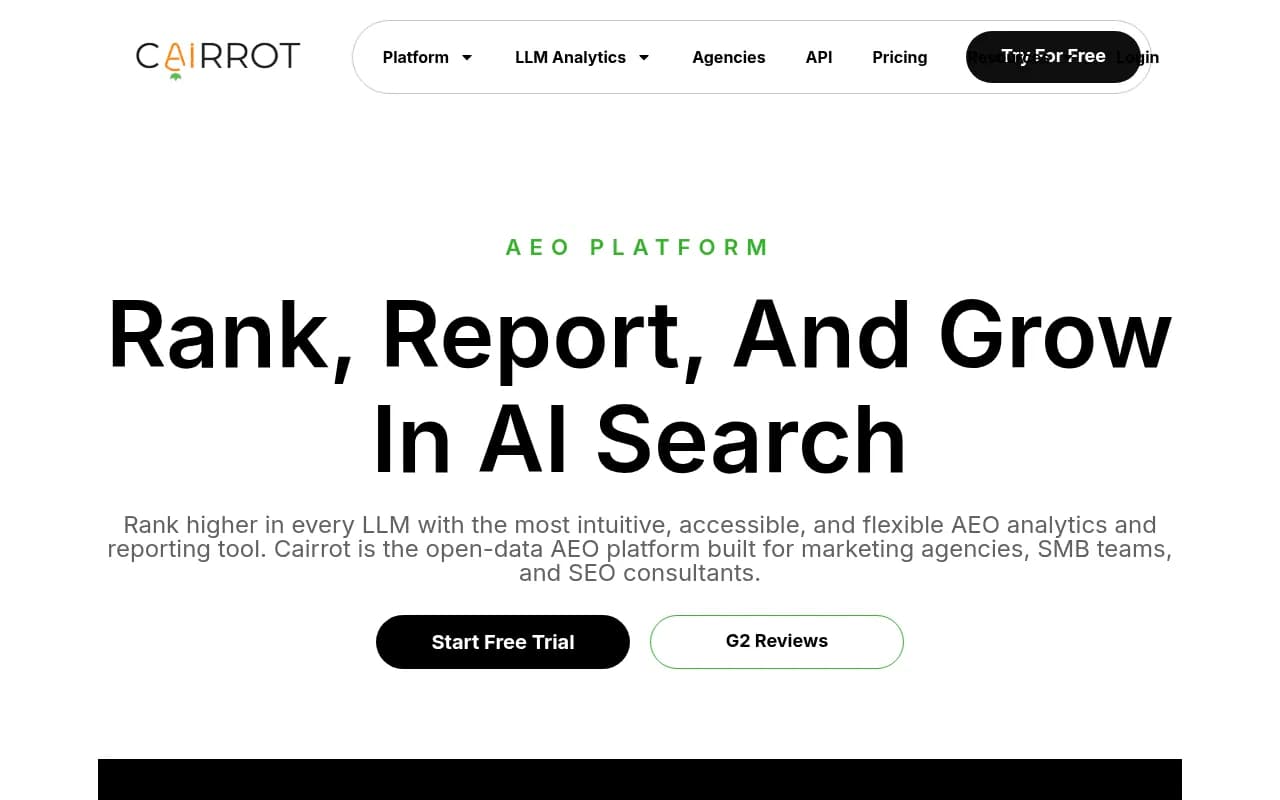
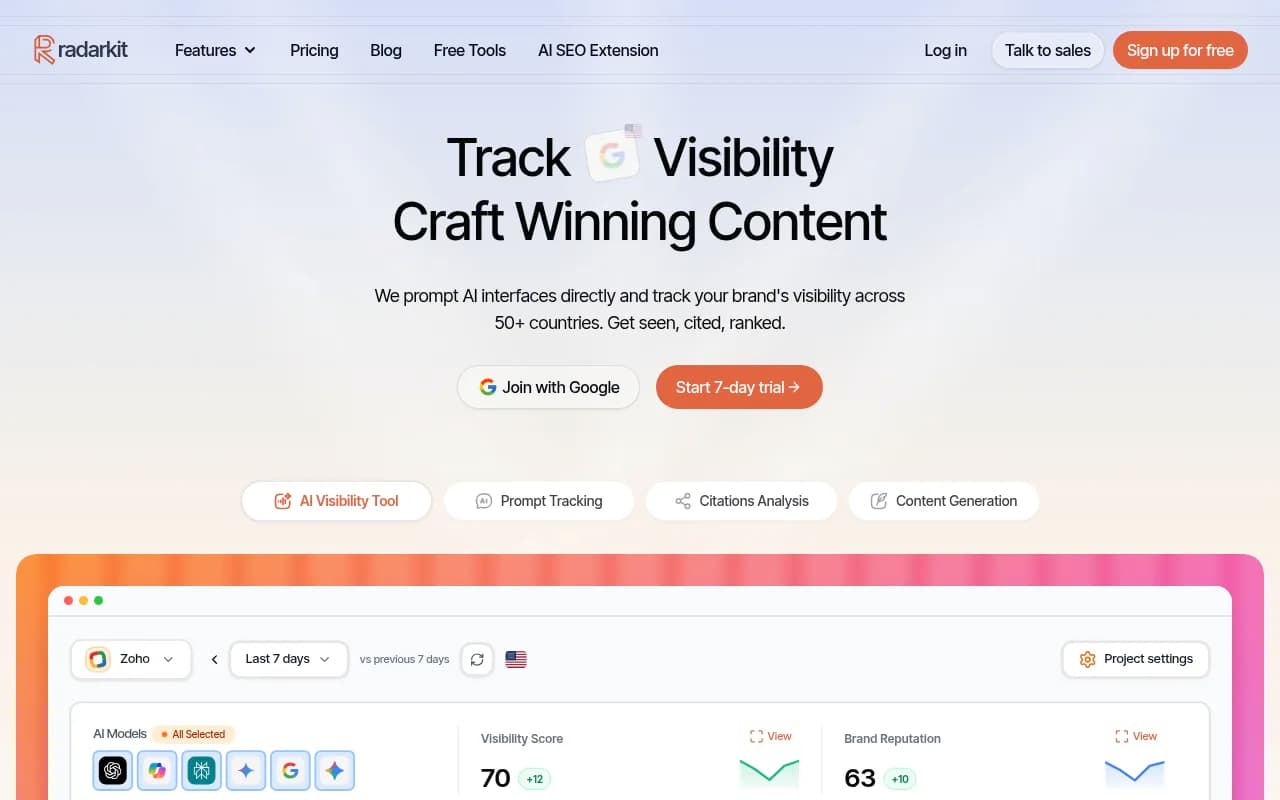
These are agency-oriented tools in our catalog that I have not verified for multi-client or white-label features, so test them against your checklist rather than trusting the positioning: OpenLens, Cairrot, Radarkit, and RankZero.
Add-ons to the SEO suite you already pay for
If your agency lives inside Semrush, its AI toolkit is the low-friction option. Zapier's roundup says as much: it is solid if you want SEO data and AI search tracking in one place. SE Ranking and Ahrefs Brand Radar fit the same pattern. The tradeoff is usually shallower AI-specific data than the dedicated platforms, so use the 30-day test to see whether that depth gap matters for your clients.
Budget options
RankMonster's own page lists paid plans from $87/mo (up to 200 prompts per brand across six engines), and Spyro AI lists Starter $29, Pro $99, and Agency $399 per month with a 3-day trial. Both are vendor-stated numbers. Cheap tools are reasonable for pilots, but price per response and per client matters more than the headline number once you scale.
Quick comparison
| Tool | Positioning | Best fit | Verify before buying |
|---|---|---|---|
| Promptwatch | Monitor, trace, act, measure in one platform | Agencies that fix gaps, not only report them | Agency plan limits vs Enterprise for white-label |
| Rankability | Agency-focused analytics | Mid-sized agency portfolios | Engine coverage, reporting |
| Profound | Enterprise monitoring | Large-brand clients | Price per client |
| Scrunch AI | Enterprise monitoring | Big portfolios | Price, action layer |
| Peec AI | Multi-language tracking | European or multilingual clients | Crawler and traffic data |
| Otterly.AI | Self-serve daily monitoring | Small pilots | Engine count, scale limits |
| Semrush / SE Ranking / Ahrefs | SEO suite add-on | Agencies already on that suite | Depth of AI-specific data |
If you want to browse beyond this list, the directories at bestgeosoftware.com and ai-rank-tools.com cover far more tools than any one article can.
What to look for in the reports you send clients
Most agencies lose clients' attention with raw visibility scores. A few habits help.
Report per engine. A client on a B2B SaaS budget cares more about ChatGPT and Perplexity. A consumer brand may care about AI Overviews, which pulls in far more social content: Promptwatch's November social citation data shows social platforms earned 13.16% of AI Overviews citations (YouTube alone 6.71%), versus 1.94% for Perplexity and 0.64% for ChatGPT.
Pair visibility with a cause. "Your share of voice fell 8 points" invites panic. "Your pricing page stopped being crawled by GPTBot after a robots.txt change" invites a fix. That is why crawler logs matter more than they look on a feature list. You can check basic access for free with the Agentic Readiness Check.
Use monthly trends for volatile engines. Copilot in particular swings enough that weekly snapshots mislead.
Tie it to traffic when you can. Visibility is a leading indicator; clicks and conversions are what the client pays for. Note that ChatGPT stopped sending a referrer on October 8, 2026, so make sure your analytics setup can count visits tagged with utm_source=chatgpt.com.
How to choose
A rough decision path:
- Under 10 clients, mostly reporting: a lightweight tracker or your existing SEO suite's AI add-on is probably enough.
- 10 to 50 clients, selling optimization: you need per-engine data, citation sources, and some action layer. Put Promptwatch and one monitoring-focused rival into the 30-day test.
- Large-brand clients with procurement: check security certifications. Promptwatch is ISO/IEC 27001 certified and GDPR compliant, which tends to shorten security reviews.
- Local multi-location clients: confirm city-level or coordinate-level targeting, since answers shift by location.
- Ecommerce clients: confirm shopping visibility coverage, not only text answers.
Final checklist before you sign anything
- Run the same 25 to 50 prompts per client in every candidate tool.
- Compare two repeated runs of the same prompt for consistency.
- Export a report and send it to a colleague who does not know the client. Can they follow it?
- Calculate real monthly cost per active client, including add-ons.
- Ask what happens when an engine changes behavior, because it will.
The tool that wins is rarely the one with the longest feature list. It is the one that costs you the fewest minutes per client while still telling the client something they can act on.