Key takeaways
- Treat a platform switch as a measurement-continuity project, not a software swap. A new dashboard does not give you a trustworthy new baseline.
- Export and archive raw history from the old tool before you do anything else, and store it outside the vendor.
- Run both tools side by side for 7 to 14 days and compare engine by engine. Perplexity is the most stable engine to use as a control.
- Recreate your prompt set with owners, priority and tags, then reconnect Search Console, Slack and automation workflows.
- Define go/no-go criteria, a cutover date, and a rollback plan, and annotate the cutover date everywhere your team reads reports.
Why migrations break baselines
Most teams switch AI visibility tools for good reasons: price, coverage, a missing feature, or a vendor that tracks but never helps you fix anything. The problem is what happens afterwards. Two weeks into the new tool, citation rate is down 12 points and someone asks whether the content work failed. Nobody can answer, because the new tool uses a different prompt set, a different engine mix, a different sampling method and a different scoring model.
That is the core risk. A change in a visibility number can come from buyer behavior, your content, engine behavior, or the measurement itself. A migration adds a fourth cause and makes the other three harder to see.
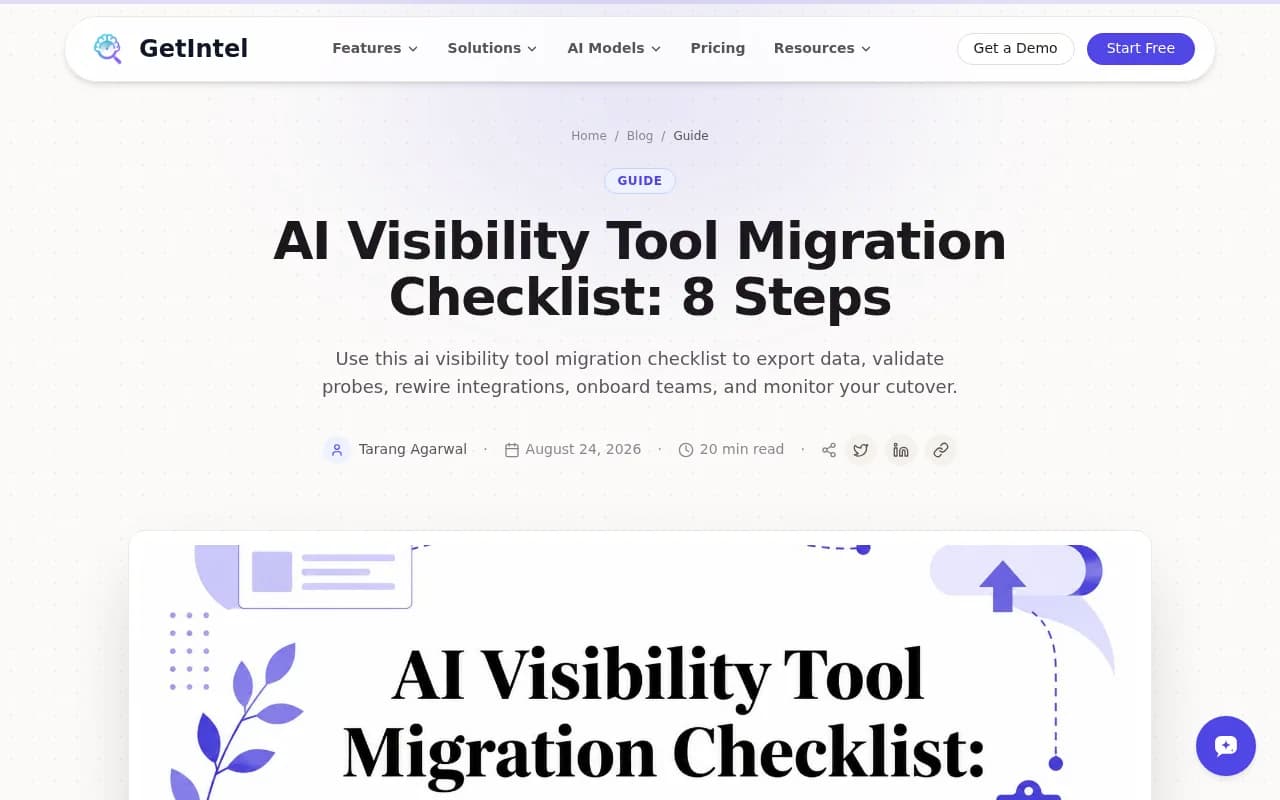
The GetIntel migration checklist frames this well: the first move is not account setup, it is exporting historical trend data. I would go further. Before you sign a new contract, decide what you will be able to say about your trendline in six months, and work backwards from that.
The checklist at a glance
| Step | What you do | Typical time | Main risk if skipped |
|---|---|---|---|
| 1. Export and archive | Pull raw history, prompts, citations, competitor sets | 1 to 3 days | Lost trendline |
| 2. Document methodology | Record engines, sampling, scoring, locations | 1 day | Metrics you cannot compare |
| 3. Recreate prompts | Rebuild the prompt register with owners and tags | 2 to 5 days | Different questions, different numbers |
| 4. Overlap testing | Run both tools in parallel | 7 to 14 days | Silent bias in the new tool |
| 5. Rewire integrations | Search Console, Slack, automation, exports | 1 to 3 days | Missed alerts |
| 6. Access and training | Roles, SSO, onboarding | 2 to 4 days | Wrong permissions, low adoption |
| 7. Cutover and rollback | Go/no-go criteria, switch date, fallback | 1 day plus a stabilization window | No way back |
| 8. Post-migration governance | Prompt reviews, access audits, QA | Ongoing | Slow drift back into noise |
Step 1: Export and archive your history
Do this first, while your old subscription is still active and your account manager is still answering emails. Vendors rarely make it easy to get data out after you cancel.
Export at minimum:
- Prompt-level results with the date each answer was captured
- The engine, model and country or language for each result
- Cited URLs and domains, not just a summary citation rate
- Brand mentions kept separate from actual citations
- Competitor sets and the share-of-voice calculations that used them
- Any sentiment or position scores, plus the definitions behind them
Use CSV or JSON, and keep the raw files untouched. Build any cleaned or merged version as a separate copy. Store the archive somewhere your company owns, with a README that explains what each file is. The wislr migration checklist makes the same point in plain terms: the baseline has to sit outside the platform, otherwise you lose it along with the platform and have nothing to argue from afterwards.
Also preserve your first-party baselines. If you use Google Search Console AI reporting, GA4 AI assistant traffic or Bing's AI visibility fields, export those too. GetIntel's article dates some of these launches to mid-2026, which I have not independently verified, so check the current state of each in your own accounts before relying on it. Either way, saving your own first-party history costs you an afternoon.
Build an archive someone else can use
Imagine the person who inherits your reporting a year from now. Can they tell what a "visibility score" meant in March 2026? If the vendor defined it in a help article that later changed, screenshot or copy that definition into the archive. This is boring work and it is the part people regret skipping.
Step 2: Document the methodology of both tools
Before comparing numbers, compare how the numbers are made. Ask each vendor, and write down the answers:
- Does the tool monitor the real user interface of ChatGPT, Gemini, Perplexity and AI Overviews, or call APIs? The two can give different answers, citations and shopping recommendations.
- How many times is each prompt run, and how often?
- Which locations and languages are covered?
- How is a visibility score, position or share of voice calculated?
- How are mentions and citations counted, and how are duplicates handled?
- What happens to old data when a model version is retired?
This is where many migrations quietly fail. Two tools can both report "share of voice" and mean different things. If the definitions differ, you have a methodological break, and you should mark it on every chart as a break, not smooth it over.
Step 3: Audit and recreate your prompts
Your prompt set is your measuring stick. If you recreate it carelessly, you are measuring something else.
Start from your exported register and sort prompts by business value: the questions buyers ask at evaluation, comparison and purchase stages come first. Then:
- Have two people review the list independently, then reconcile.
- Add an owner, a priority, a product area and a review status to every prompt, using tags or custom fields in the new tool.
- Keep a frozen "baseline set" that never changes, separate from an "expansion set" where you add new prompts. That separation lets you widen coverage without constantly shifting your baseline.
- Check wording. Promptwatch Data on ChatGPT query fanouts shows average fanouts per response and fanout query length moving in steps between December 2025 and April 2026. Phrasing that matched last quarter's behavior may already be stale, so re-audit periodically.
If your old tool supported prompt volumes or difficulty scoring and the new one does not, or the other way round, note it. Prioritization may shift even if the prompts do not.
Step 4: Run an overlap period and validate
This is the step that costs money and is worth every dollar. Run both tools on the same priority prompts for 7 to 14 days. Yes, that means two licenses for a short window. Most vendors will give a trial or a monthly plan for exactly this.
Compare engine by engine
Do not compare blended totals. Compare by engine, because engines behave very differently. According to Promptwatch's average sources per response data:
- ChatGPT cites about 5 sources per web-search answer, and the average drifts with model and retrieval updates.
- Google AI Overviews cites about 10 sources per answer, steady over time.
- Perplexity cites almost exactly 10 sources per answer every day, which makes it a useful test bench. If the two tools disagree on Perplexity, suspect the tools. If they disagree on ChatGPT, suspect engine noise first.
- Copilot's average swung from under 2 to nearly 17 within a few weeks, so judge it on monthly trends, not weekly snapshots.
That last point matters for migration. Citation counts move on their own, so a difference between tools is not automatically a defect in the new one. Log engine-behavior changes alongside your cutover date. Promptwatch Data on ChatGPT's use of the site: operator is a good example: on August 8, 2026, site: queries jumped from about 0.4% to about 17% of fanout queries overnight. A migration that happened that week would have blamed the wrong cause.
Diagnose disagreement before declaring a winner
When the tools disagree, sort the cause:
- Different prompt wording or run counts
- UI collection versus API collection
- Different location or language settings
- Different counting rules for mention versus citation
- Real engine volatility between capture times
Set an acceptable tolerance up front, for example directional agreement on rank order of competitors and within an agreed range on citation rate. Decide it before you see the data, not after.
Step 5: Reconnect integrations
Integrations are where unglamorous breakage happens. Alerts stop, a weekly Slack digest vanishes, and nobody notices for three weeks.
List every connection and check each one:
- Google Search Console and Bing Webmaster Tools
- Slack channels and scheduled summaries
- Automation workflows built in Zapier, n8n or Make, including payload field mappings
- Looker Studio or BI dashboards that read the old tool's exports
- CMS connections, crawler log sources and API keys


Re-authenticate, send a test event through each one, and confirm the downstream action actually fires. If an automation creates tasks from alerts, check that the new tool's field names still map correctly. A silent mapping failure looks exactly like "nothing happened this week."
Step 6: Re-onboard people and permissions
A tool nobody trusts is a tool nobody uses. Provision roles deliberately: who can edit prompts, who can export, who sees client data if you are an agency. Set up SSO if you need it, and remove old-tool accounts at sunset.
Train people on the metric definitions, not just the buttons. If "visibility score" now means something different, the whole team needs to hear it once, in writing. Agencies should also plan for white-label reports and client portals if clients expect continuity.
Step 7: Plan the cutover and rollback
Treat this like a small project. Assign one accountable owner and name the contributors. Write go/no-go criteria in a shared document in Notion, Google Docs, Asana or wherever your team already works. Then track these tasks, each with an owner:
- Historical export and schema reconciliation
- Prompt recreation and overlap testing
- Search Console connection and Slack and automation rewiring
- Access provisioning and training
- Parallel reporting, cutover, stabilization
- Old-tool sunset, license cancellation and archive retention
Record the switchover date, validation window, stabilization period and communication checkpoints. Annotate the cutover date in every report and dashboard where someone will read a trend line.
For rollback, keep the old subscription active through the stabilization period. Define what would trigger a return: for example, key integrations still failing after a set number of days, or overlap results outside your agreed tolerance. Cancel only after you have met the criteria and confirmed the archive is complete.
Step 8: Govern the new baseline
The migration is not done when the old subscription is canceled. It is done when the new tool is operationally dependable. After launch:
- Schedule recurring prompt reviews and access audits
- Sample citations by hand to check that tracked answers match what you see in the engines
- Check integrations monthly
- Review reporting methodology when vendors change models or scoring
- Record every shipped fix against the metric it is meant to move, whether that is answer rate, share of voice or citation rank
Keep brand mentions and citations on separate lines in your dashboards. And do not treat a single control such as an llms.txt file as your AI governance strategy. It is one control next to schema, entity cleanup, crawler access and citation monitoring.
Choosing the destination tool
A migration is a good moment to ask whether you are moving to the same kind of tool or a different kind. There is a real difference between prompt trackers that answer "was my brand mentioned?" and platforms that also show why you are or are not visible and help you fix it. When you shortlist, check these points against your checklist:
| Question | Why it matters for migration |
|---|---|
| Real UI or API collection? | Affects comparability with your old data |
| Can you export raw prompt-level history? | Protects you from the next migration |
| Are prompt volumes, tags and personas supported? | Keeps your prompt register intact |
| Crawler logs and AI traffic analytics? | Connects visibility to business results |
| Search Console and Bing data alongside AI data? | Preserves first-party baselines |
| API, MCP or Looker Studio access? | Keeps reporting automation alive |
| Content and action workflows? | Moves you from monitoring to fixing |
Promptwatch is one option that covers most of that list: real-UI tracking across ChatGPT, AI Overviews, AI Mode, Gemini, Perplexity and Copilot, IP-verified AI crawler logs, visitor analytics, an Action Board, and a Content Agent that can publish to Webflow, Framer or WordPress. It also has an API and MCP server, which is helpful for keeping automated reporting alive after a switch. Confirm current plans on its pricing page, since it offers a free tier and a 7-day trial on monthly plans that are handy for an overlap period.

Other tools in the category that you may want to include in a shortlist, depending on budget and team size:
| Tool | Positioning |
|---|---|
| Profound | Enterprise-oriented AI visibility tracking |
| Peec AI | Multi-language prompt tracking |
| Otterly.AI | Affordable monitoring |
| AthenaHQ | Tracking across many AI engines |
| Scrunch AI | AI search visibility monitoring |
| Semrush One | SEO suite with AI visibility |
| Ahrefs Brand Radar | Brand monitoring in AI results |



For a wider survey, the GEO software directory at bestgeosoftware.com lists many more options.
If your migration involves a website too
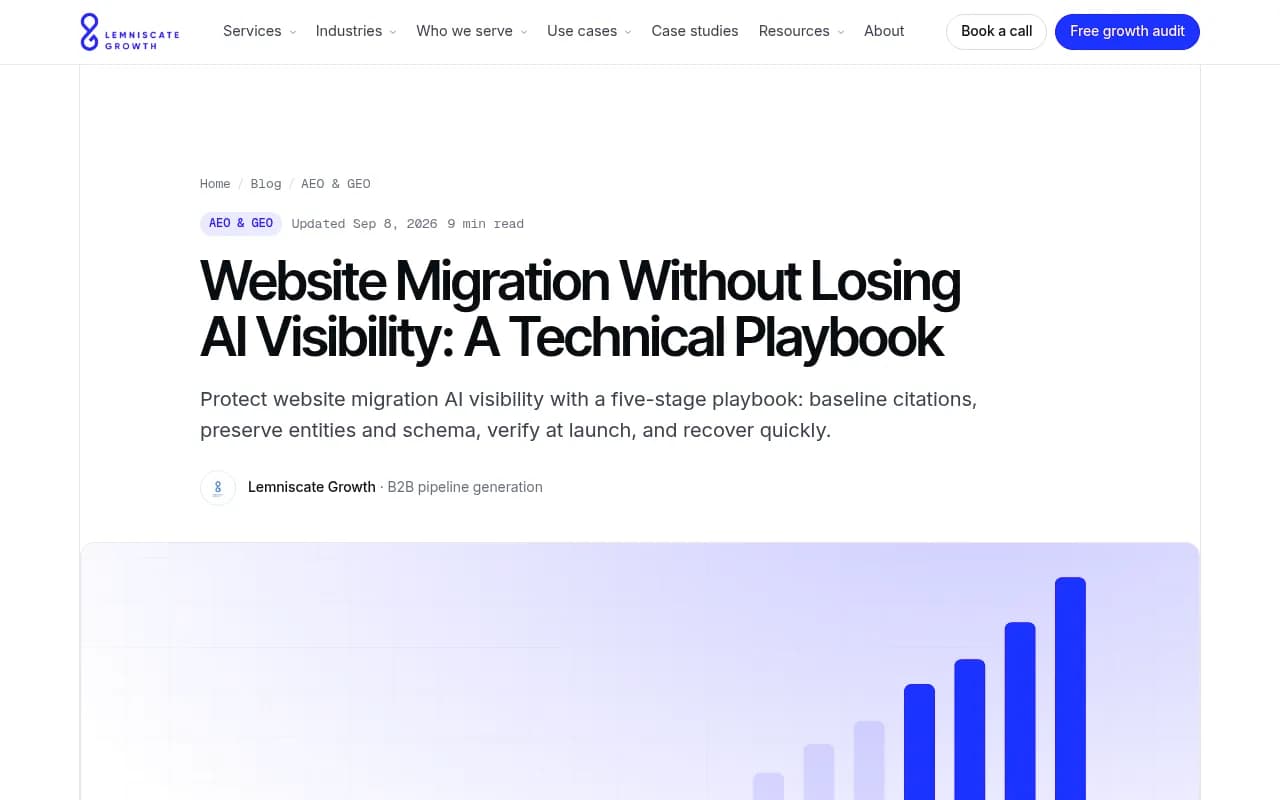
Sometimes the thing you are migrating is the website, not the tool. That is a different risk. Lemniscate Growth's technical playbook argues that AI citation recovery lags organic recovery, with eight to sixteen weeks to return to the pre-migration baseline on larger moves. That is their estimate, not a universal figure, but the logic holds: AI systems refresh on their own clocks. Timothy Prestianni's migration guide suggests benchmarking 25 to 45 questions across ChatGPT, Perplexity, Gemini and Google before you move.
If you change tools and site at the same time, you will not be able to separate the causes. Don't. Stagger them by at least one full stabilization window.
Common mistakes
- Cancelling the old tool the day the new one goes live
- Comparing blended scores instead of engine-level results
- Changing the prompt set during the overlap, which ruins the comparison
- Forgetting to annotate the cutover date on charts
- Assuming mention rate and citation rate are interchangeable
- Leaving no owner for the old-tool sunset and archive retention
A simple final test
Six months after the switch, someone will ask why visibility moved. If you can say whether it was buyer behavior, content work, engine behavior or a measurement change, and point to a dated record for each, the migration worked. If you cannot, fix that before you do anything else.