Key takeaways
- You can build a working ChatGPT visibility baseline using free tools, manual prompt testing, and Google Search Console data -- no paid subscription required.
- The free approach works well for initial benchmarking but has real limits: no historical tracking, no competitor comparison, and no automated alerts.
- The most useful free methods are manual prompt audits, GSC referral monitoring, AI crawler log inspection, and brand mention tracking with free-tier tools.
- Once you've confirmed AI search is driving meaningful traffic or leads, the ROI case for a paid platform becomes straightforward.
- Tools like Promptwatch exist specifically to close the gap between "I know I'm invisible" and "here's the content that will fix it" -- but you can get surprisingly far before you need one.
Why bother tracking ChatGPT visibility at all?
A year ago this was a niche concern. Now it's not. ChatGPT has over 200 million weekly active users, and a growing share of them are using it to research products, compare services, and ask for brand recommendations. If someone asks "what's the best project management tool for remote teams?" and your product isn't in the answer, that's a lost lead -- and you'd never know it happened.
The problem is that ChatGPT doesn't send referral traffic the way Google does. There's no click, no session, no UTM parameter. The user just gets an answer and either acts on it or doesn't. That invisibility makes tracking feel hard, but it's not impossible -- especially if you're willing to do some of it manually.
This guide covers a practical free stack you can set up today, what each method actually tells you, and where the limits are.
Method 1: Manual prompt auditing (the foundation of everything)
Before you spend a single dollar, do this: open ChatGPT and ask it the questions your customers ask. Not branded queries -- category queries.
Examples:
- "What are the best tools for [your category]?"
- "Which [your product type] do experts recommend in 2026?"
- "Compare [your product] vs [competitor]"
- "What should I look for when choosing [your product type]?"
Run each prompt 3-5 times. ChatGPT's responses vary, so a single run gives you a misleading picture. Note:
- Whether your brand appears at all
- Where it appears (first mention, buried in a list, not mentioned)
- How it's described (accurate? outdated? positive?)
- Which competitors appear consistently
This is your baseline. It's manual, it doesn't scale, and you'll need to repeat it regularly to spot trends -- but it costs nothing and gives you real signal.
One practical tip: keep a simple spreadsheet. Columns for prompt, date, model (ChatGPT-4o, Claude, Gemini, etc.), whether your brand appeared, position, and any notable framing. Even 20 prompts tracked weekly will show you directional trends over a month.
Method 2: Google Search Console for AI referral traffic
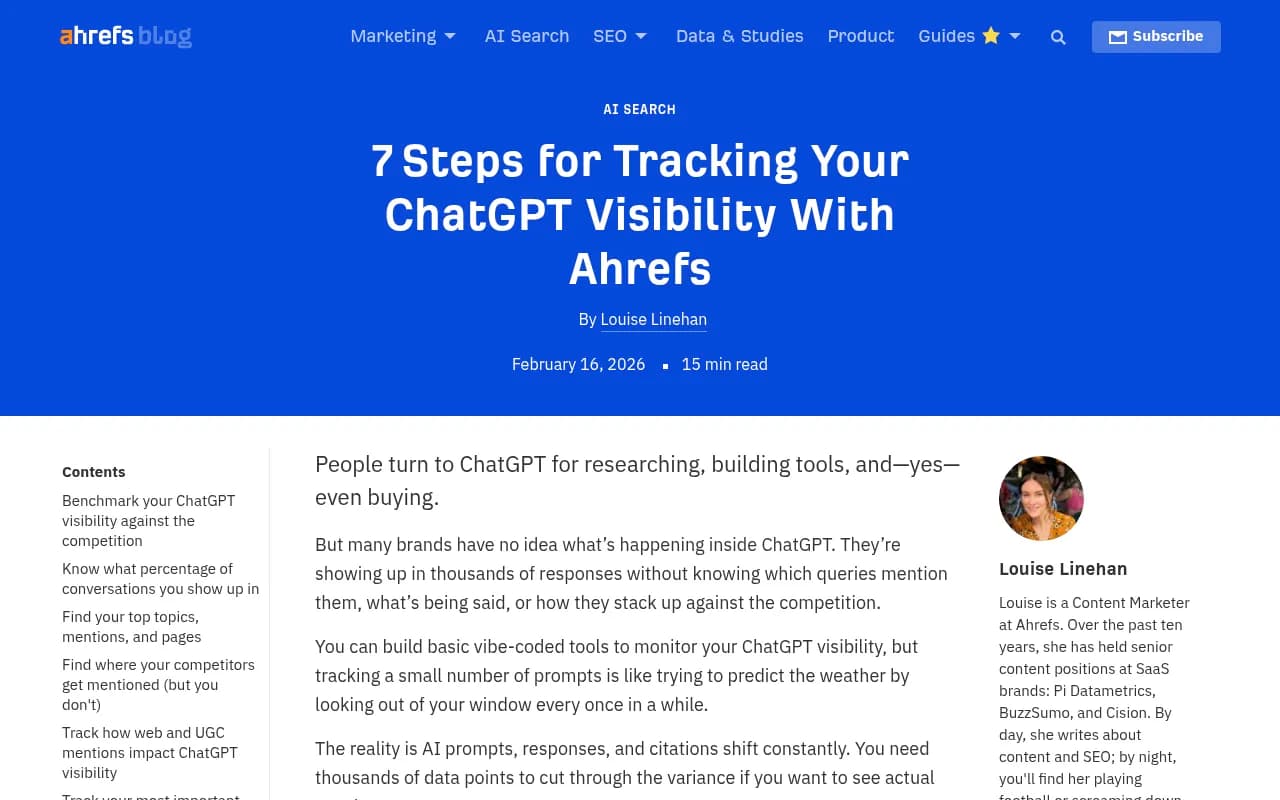
GSC won't show you ChatGPT mentions directly, but it does show you something useful: traffic from ChatGPT.com.
Go to GSC > Performance > Search type: Web > Filter by page or query, then check your referral sources in the Links report. You can also check Google Analytics 4 for sessions where the source is chatgpt.com or chat.openai.com.
This tells you which pages on your site are being linked to by ChatGPT when it cites sources. If ChatGPT recommends your brand and includes a link, that click shows up here. It's not comprehensive (ChatGPT often mentions brands without linking), but it's a real signal.
What to look for:
- Which pages get ChatGPT referrals? Those are your "AI-cited" pages.
- Are referral numbers growing month over month?
- Which queries are driving those sessions (if GA4 captures them)?
Pages that already get cited are worth protecting and expanding. Pages that should be cited but aren't are your content gaps.
Method 3: AI crawler log monitoring
This one is underused and genuinely useful. AI companies send crawlers to index web content -- GPTBot (OpenAI), ClaudeBot (Anthropic), PerplexityBot, and others. These crawlers appear in your server logs just like Googlebot does.
If you have access to your server logs (most hosting providers give you this), you can filter for these user agents:
GPTBot-- OpenAI's crawlerClaudeBot-- AnthropicPerplexityBot-- PerplexityGoogle-Extended-- Google's AI training crawler
What this tells you: which pages AI crawlers are visiting, how often, and whether they're hitting errors (404s, 500s, redirects). If GPTBot visits your homepage but never touches your product pages, that's a problem worth fixing.
You can do this analysis in a spreadsheet if your log files aren't too large. Filter by user agent, then pivot by URL and date. Look for pages that get crawled frequently -- those are the ones AI models are actively reading.
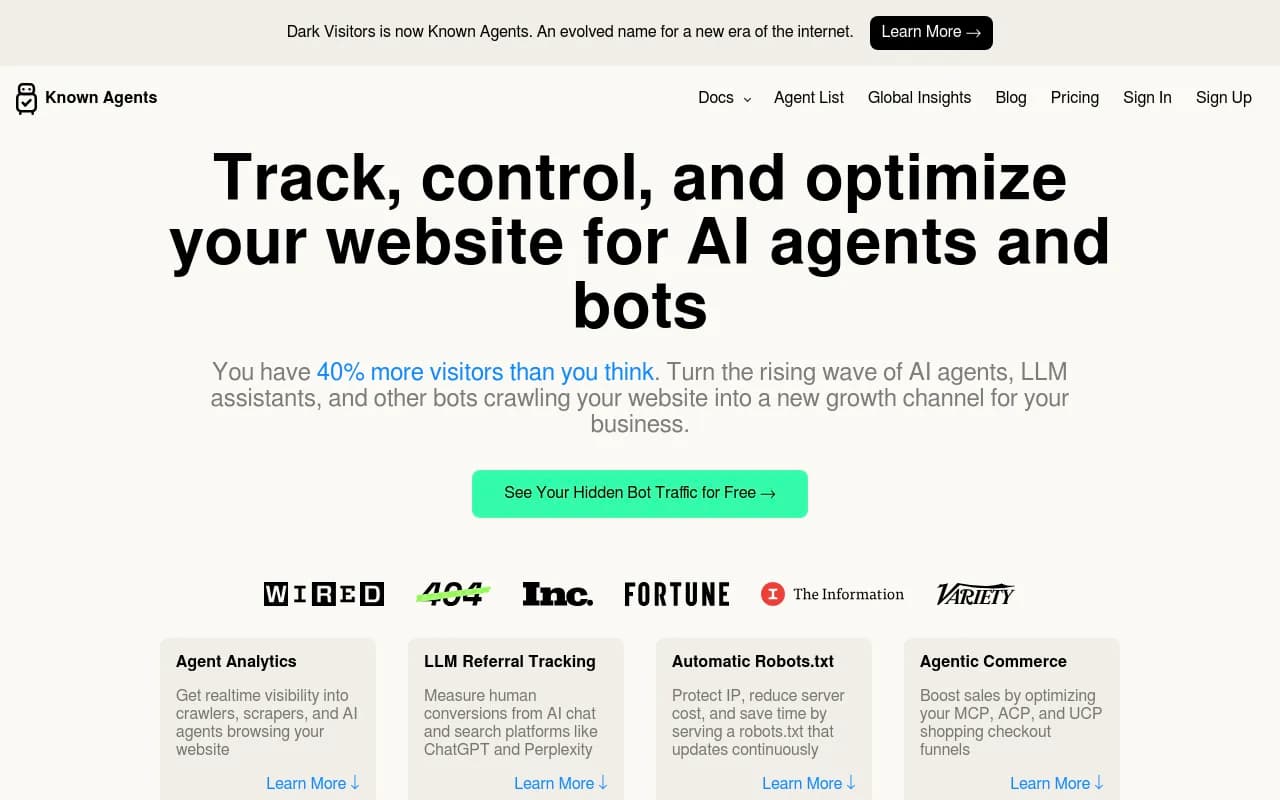
For a more automated approach, tools like DarkVisitors track AI agent activity and can help you understand the broader landscape of bots hitting your site.
Method 4: Free-tier AI visibility tools
Several dedicated AI visibility platforms offer free plans that are genuinely useful for getting started. They won't give you everything, but they'll give you more than manual prompting alone.
Here's an honest comparison of what's available at no cost:
| Tool | Free tier limits | What you get | Best for |
|---|---|---|---|
| Otterly.AI | Limited prompts | Brand mention tracking across models | Quick baseline |
| Peec AI | Free trial | Multi-model monitoring | Multi-language brands |
| GPT Rank Tracker | Free tier | ChatGPT-specific rank tracking | Single-model focus |
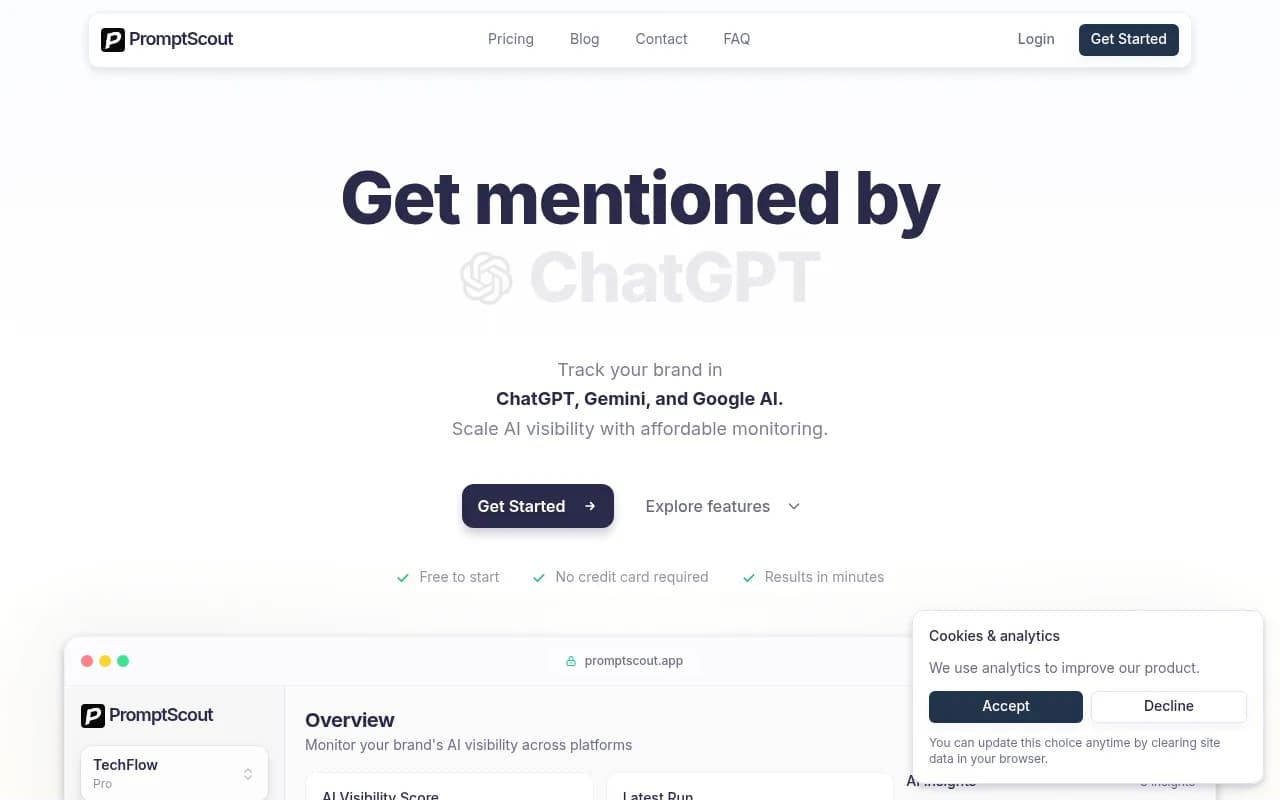
| Promptscout | Free plan | ChatGPT, Gemini, Google AI mentions | Lightweight monitoring |
| Mentions.so | Free tier | Brand mention tracking in AI | Simple brand alerts |
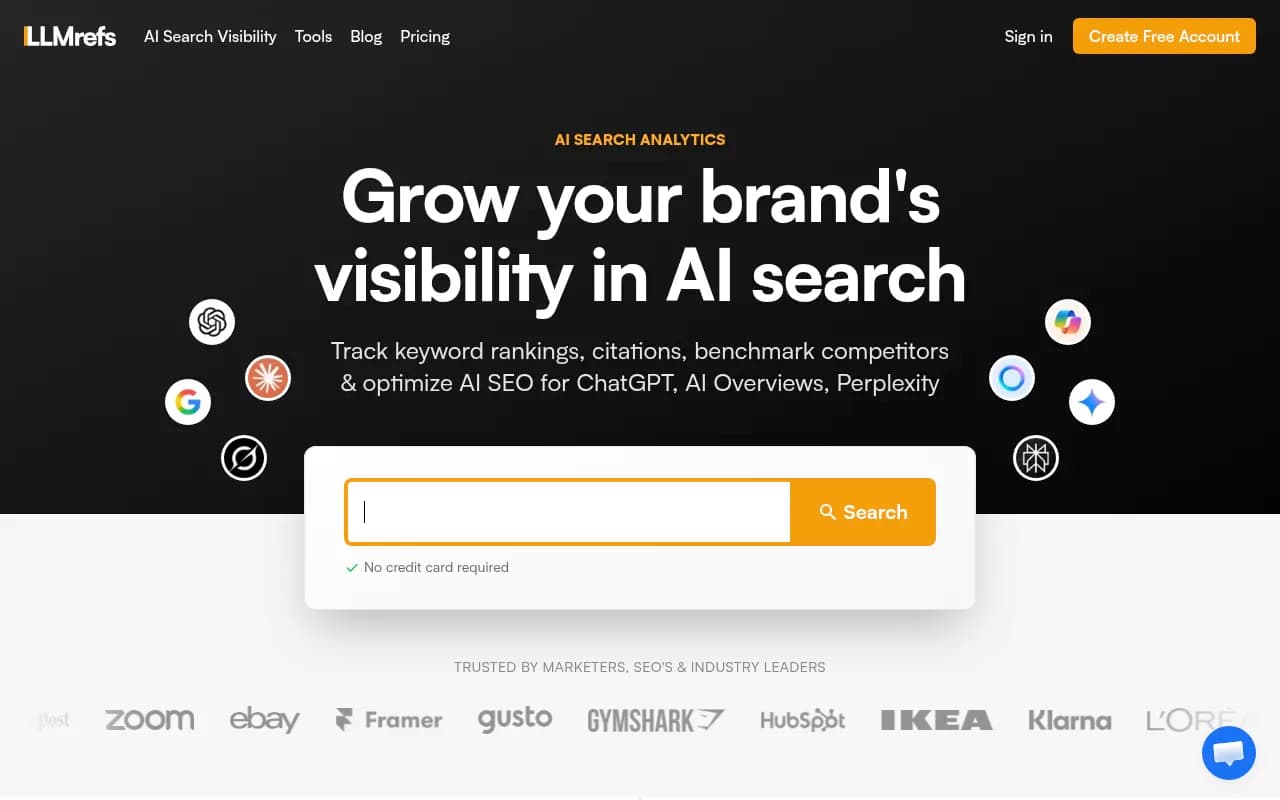
| LLMrefs | Free plan | Cross-model citation tracking | Citation-focused teams |
| AI Rank Checker | Free | Basic AI search rank checks | One-off audits |
The honest caveat: free tiers are designed to show you enough to want more. You'll typically get 5-20 prompts, limited historical data, and no competitor comparison. That's enough to confirm whether you have a visibility problem -- not enough to systematically fix it.



Method 5: Brand mention monitoring with free tools
Traditional brand monitoring tools -- the kind built for social media and news -- are increasingly picking up AI-generated content. Some of them track mentions across forums, Reddit, and web pages that AI models frequently cite.
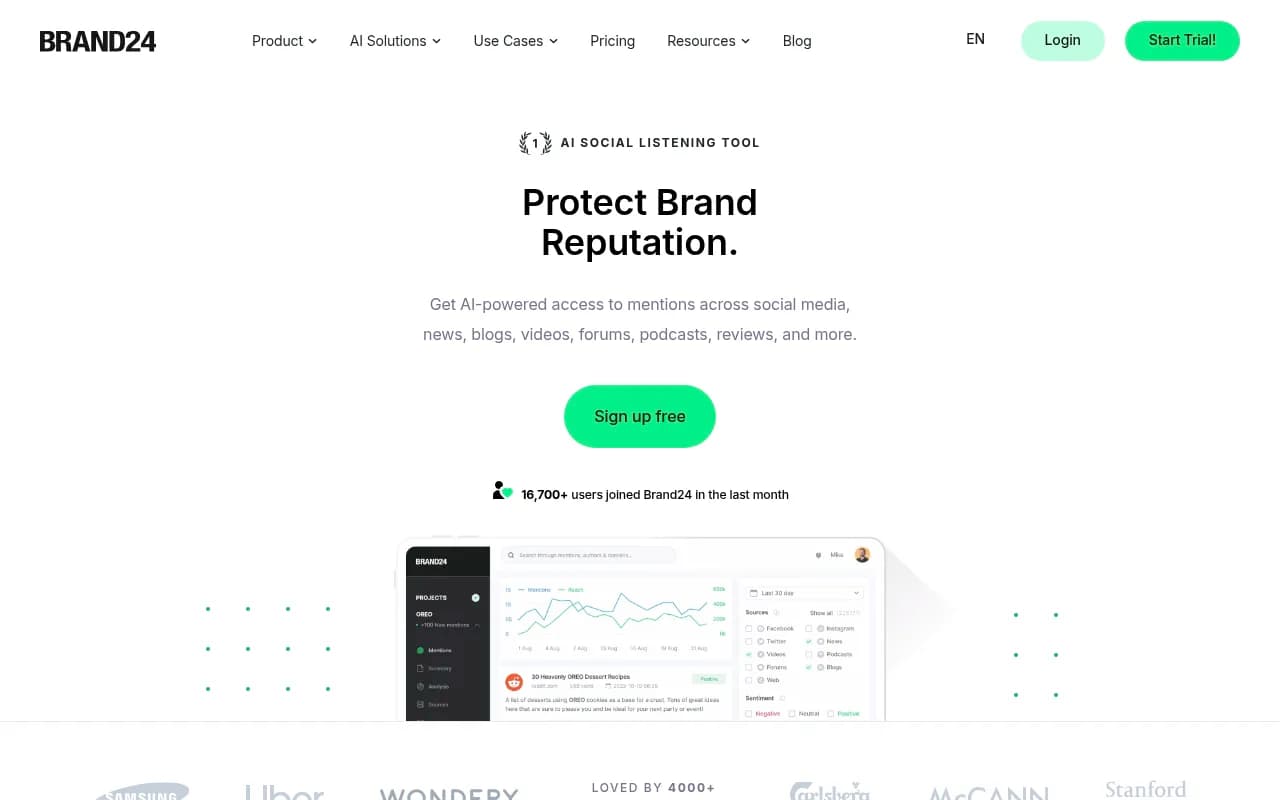
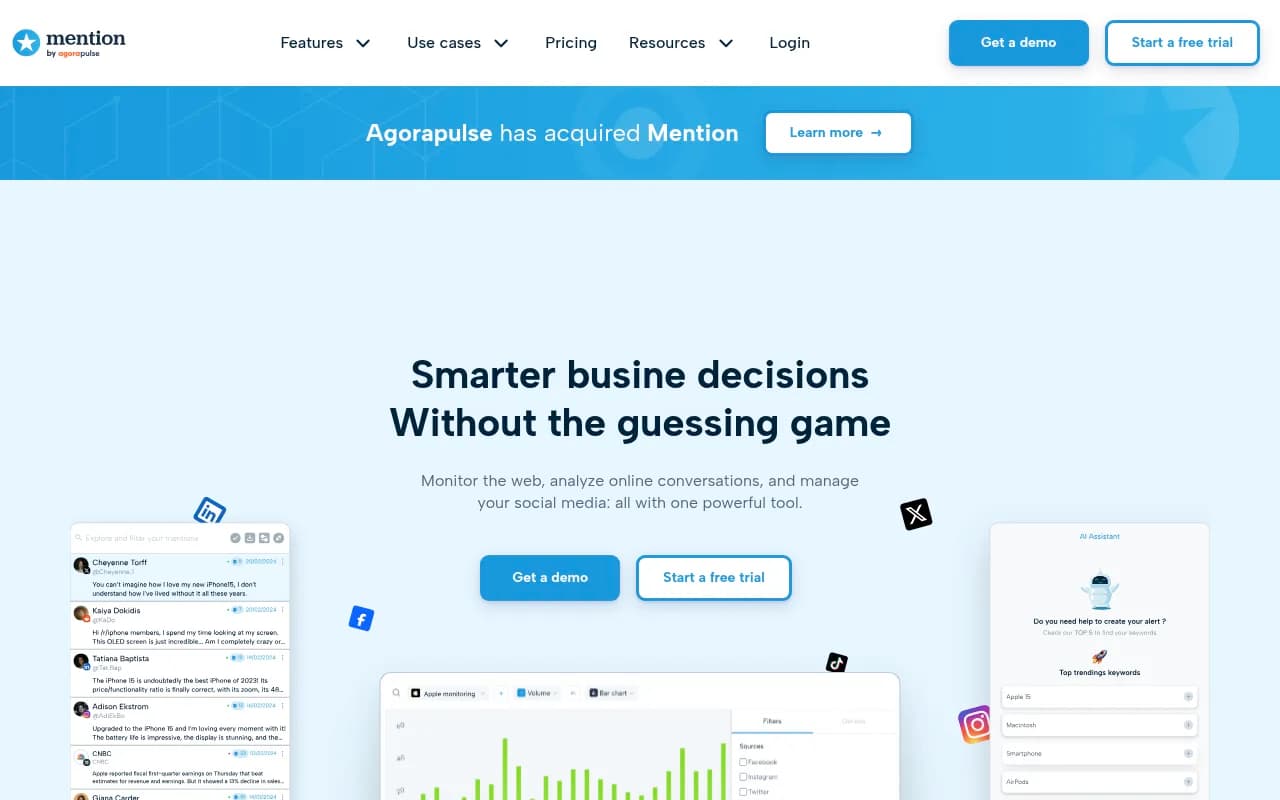
Brand24 has a free trial and tracks mentions across 25M+ sources. Mention.com has a free plan with limited alerts. Neither is purpose-built for AI visibility, but both can surface discussions happening in places like Reddit threads -- which matter more than most people realize, because AI models frequently cite Reddit when answering questions.
Why Reddit matters here: when someone asks ChatGPT "what do real users think of [your product]?", the model often pulls from Reddit discussions. If your brand is discussed positively in relevant subreddits, that feeds into AI recommendations. If it's not discussed at all, or discussed negatively, that shapes what ChatGPT says about you.
Free approach: set up Google Alerts for your brand name + key competitors. Check relevant subreddits manually. It's slow, but it gives you a sense of the narrative AI models are drawing from.
Method 6: Competitor gap analysis (manual version)
One of the most valuable things a paid AI visibility tool does is show you which prompts your competitors appear for but you don't. You can approximate this manually.
Take your list of 20-30 category prompts. Run them in ChatGPT, Claude, and Perplexity. For each prompt, note every brand mentioned. Build a simple matrix:
| Prompt | Your brand | Competitor A | Competitor B | Competitor C |
|---|---|---|---|---|
| "Best [category] tool for startups" | No | Yes | Yes | No |
| "Compare [category] tools" | Yes | Yes | No | Yes |
| "What do experts recommend for [use case]?" | No | Yes | Yes | Yes |
Prompts where competitors appear but you don't are your gaps. Those are the topics you need content for. This is exactly what paid tools automate -- but you can do a rough version by hand.
The limitation is obvious: you can realistically track maybe 30 prompts manually. A paid platform might track 150+ with automated daily runs. But 30 well-chosen prompts will tell you a lot.
Method 7: Tracking changes over time
The free stack has one significant weakness: it doesn't track changes automatically. You have to do it yourself.
Set a recurring calendar reminder -- weekly or biweekly -- to run your prompt audit. Each time, log results in your spreadsheet. After 6-8 weeks, you'll have enough data to see whether your visibility is improving, declining, or flat.
What to watch for:
- New prompts where you start appearing (content you published is working)
- Prompts where you drop out (a competitor published something better, or AI model training updated)
- Changes in how you're described (sentiment shifts)
- New competitors appearing that weren't there before
This is tedious. It's also the only way to know if the content you're creating is actually moving the needle -- unless you upgrade to a tool that does it automatically.
When the free stack isn't enough
The free approach works well for:
- Initial benchmarking ("do I have a visibility problem?")
- Small brands with a handful of key prompts
- Teams that are just starting to think about AI search
It breaks down when:
- You need to track more than 20-30 prompts consistently
- You want competitor comparison at scale
- You need to understand which specific pages are being cited (and which aren't)
- You want to know which AI models are crawling your site and how often
- You need to connect AI visibility to actual revenue
At that point, a dedicated platform makes sense. The question is which one -- and the answer depends on what you actually need to do with the data.
Most tools in this space are monitoring dashboards. They show you numbers. They don't tell you what to do about them. If you're looking for a platform that closes the loop -- finds the gaps, helps you create content to fill them, then tracks whether that content gets cited -- Promptwatch is built specifically for that workflow.

The difference matters in practice. Knowing you're invisible for "best [category] tool for remote teams" is useful. Having a content brief generated from 880M+ citation data points that tells you exactly what to write to appear for that prompt is more useful.
Putting the free stack together
Here's the complete free monitoring setup, in order of priority:
- Run a manual prompt audit across 20-30 category queries in ChatGPT, Claude, and Perplexity. Log everything in a spreadsheet.
- Check Google Search Console and GA4 for chatgpt.com referral traffic. Identify which pages are already being cited.
- Pull your server logs and filter for AI crawler user agents (GPTBot, ClaudeBot, PerplexityBot). Note which pages they visit and which they ignore.
- Sign up for free tiers on 1-2 dedicated AI visibility tools to get automated monitoring for your most important prompts.
- Set up Google Alerts and check relevant Reddit communities for brand discussions that shape AI narratives.
- Build a competitor gap matrix manually. Identify the 5-10 prompts where competitors appear but you don't.
- Set a recurring reminder to repeat the audit every 2 weeks and log changes.
This stack won't give you everything. But it will tell you whether you have a problem, roughly how big it is, and where to focus first. That's enough to get started -- and enough to make a data-driven case for investing in a proper platform when the time comes.
The AI search landscape is moving fast. The brands that are tracking their visibility now, even imperfectly, will be better positioned than those who wait until the data is perfect. Start with what's free. Upgrade when you've outgrown it.