Key takeaways
- AI Mode and AI Overviews are separate Google AI features with different triggers, content sources, and user intents -- tracking them requires distinct approaches
- AI Mode appears when users explicitly opt into conversational search; AI Overviews trigger automatically for informational queries on standard Google search
- Most AI visibility tools track both, but setup differs: AI Overviews need keyword-based monitoring while AI Mode requires conversational prompt tracking
- Citation patterns differ significantly -- AI Mode pulls from a broader web index and favors depth, while AI Overviews prioritize quick answers from featured snippet-style content
- You can't optimize for both with the same content strategy -- AI Mode rewards comprehensive guides and original research, AI Overviews reward concise, structured answers
What AI Mode and AI Overviews actually are (and why the confusion exists)
Google launched AI Overviews in May 2024 as automatic AI-generated summaries that appear at the top of search results for certain queries. You don't opt in -- they just show up when Google decides a query benefits from an AI summary. They're short, cite 2-5 sources on average, and aim to answer your question without requiring a click.
AI Mode launched in late 2024 as an opt-in conversational search experience. You toggle it on in Google Search, then interact with an AI agent that can handle multi-turn conversations, follow-up questions, and more complex research tasks. It pulls from a wider range of sources and generates longer, more detailed responses.
The confusion: both features use Google's Gemini model under the hood, both appear in Google Search, and both cite sources. But they serve completely different use cases and pull from different content pools. Treating them as the same thing when tracking visibility is like treating YouTube search and Google Images as the same because they're both owned by Google.
Core differences that matter for tracking
| Dimension | AI Overviews | AI Mode |
|---|---|---|
| Trigger | Automatic for informational queries | User must opt in and activate |
| Response length | 2-4 paragraphs, concise | 5-15+ paragraphs, conversational |
| Citation count | 2-5 sources typical | 8-15+ sources common |
| Content preference | Structured, list-based, FAQ-style | Long-form guides, research, analysis |
| User intent | Quick answer, low research depth | Deep research, comparison, exploration |
| Visibility metric | Impression share per keyword | Citation frequency per prompt |
| Optimization target | Featured snippet content | Topical authority and depth |
AI Overviews prioritize speed. They're designed for users who want an answer and want to move on. The content that gets cited tends to be concise, well-structured, and directly answers the query. Think FAQ pages, glossary entries, and how-to guides with clear steps.
AI Mode prioritizes comprehensiveness. Users who activate AI Mode are signaling they want to go deeper. The content that gets cited here tends to be long-form guides, original research, case studies, and detailed comparisons. It's closer to what Perplexity or ChatGPT cite than what appears in a featured snippet.
How to track AI Overviews visibility
AI Overviews are keyword-driven. You track them the same way you'd track featured snippets: pick your target keywords, monitor whether an AI Overview appears for each one, and check if your brand or URLs are cited.
Manual tracking approach
- Build a list of your target keywords (informational queries where you want visibility)
- Search each keyword in Google from a logged-out browser or incognito window
- Check if an AI Overview appears at the top of the results
- If it does, note whether your brand, domain, or specific URLs are cited
- Record the position of your citation (first source, second source, etc.)
- Repeat weekly or monthly to track changes
This works for small keyword lists (10-20 terms) but breaks down fast. AI Overviews don't appear for every query, and they change frequently based on Google's quality filters and your search location.
Tool-based tracking
Most AI visibility platforms now include AI Overview tracking. The setup process looks like this:
- Add your target keywords to the tool's monitoring dashboard
- The tool runs automated searches and captures AI Overview appearances
- It logs which sources are cited, in what order, and how often
- You get a visibility score showing what percentage of your keywords trigger AI Overviews that cite you
Promptwatch tracks AI Overviews alongside 9 other AI search engines, with keyword-level visibility scoring and page-level citation tracking. You can see exactly which pages are being cited, for which queries, and how your visibility changes over time.

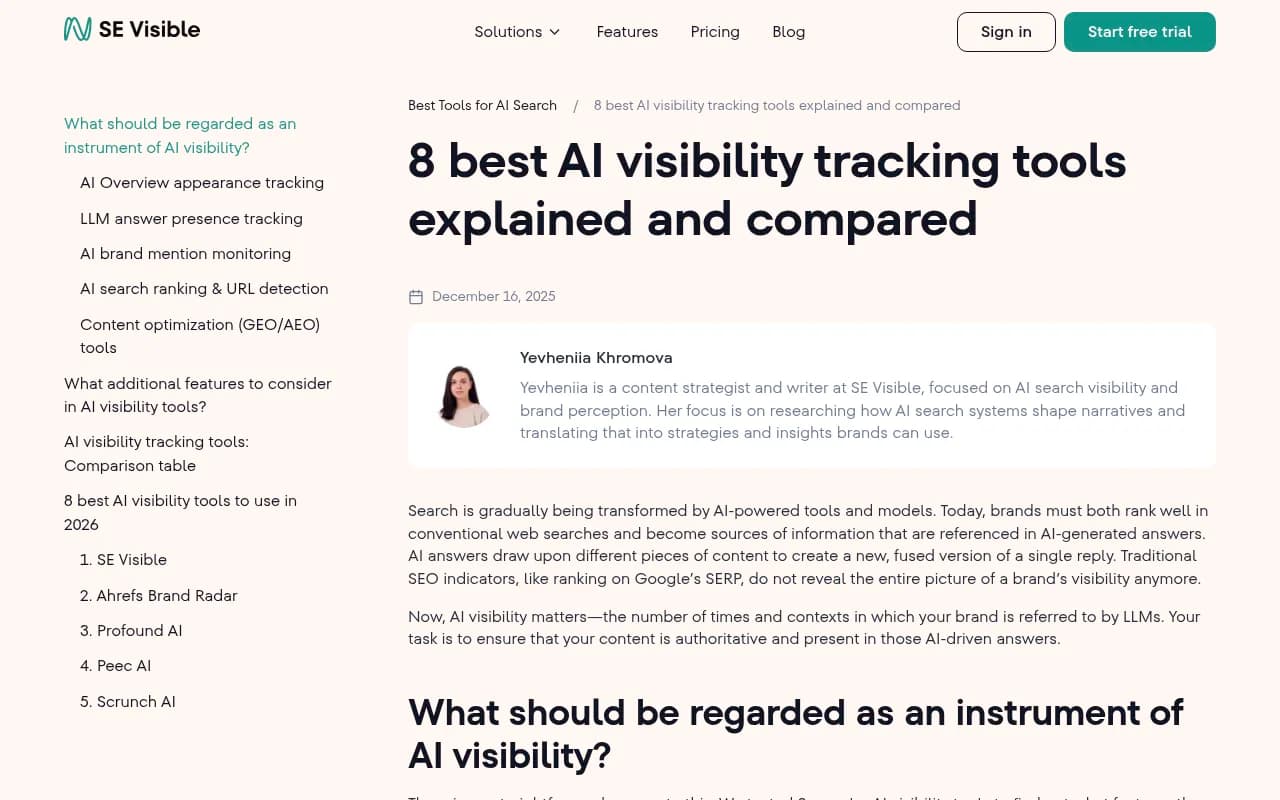
Other tools with strong AI Overview tracking include SE Ranking's AI Visibility Toolkit, Semrush One, and Conductor. The key difference: some tools use fixed keyword lists (you can't customize prompts), while others let you track any query you want.
What to track beyond citations
- Impression share: What percentage of your target keywords trigger AI Overviews at all? If 60% of your keywords don't generate AI Overviews, you're optimizing for a feature that isn't showing up.
- Citation position: Being the first cited source matters more than being the fifth. Track your average citation position across all keywords.
- Competitor benchmarking: Which competitors are getting cited for your target keywords? Are they consistently beating you, or is visibility fragmented?
- Content gaps: Which keywords trigger AI Overviews that never cite you? Those are your optimization targets.
How to track AI Mode visibility
AI Mode is prompt-driven, not keyword-driven. Users don't just type "best project management software" -- they ask "I'm managing a remote team of 12 people across 3 time zones, what project management software should I use and why?"
This changes everything about tracking.
Manual tracking approach
- Activate AI Mode in Google Search (toggle in the search interface)
- Enter conversational prompts related to your product, service, or industry
- Review the AI-generated response and note all cited sources
- Check if your brand, domain, or specific pages appear
- Try follow-up questions to see if your brand remains visible in multi-turn conversations
- Document the context in which you're cited (positive, neutral, or negative framing)
The problem: AI Mode responses are longer and cite more sources, which means more manual work per prompt. And unlike AI Overviews, you can't just search a keyword -- you need to craft realistic conversational prompts that match how real users would interact with AI Mode.
Tool-based tracking
AI Mode tracking tools work differently than AI Overview tools. Instead of monitoring keywords, they monitor prompts -- often hundreds or thousands of variations.
Setup process:
- Define your prompt categories (product research, competitor comparisons, how-to guides, industry trends)
- Generate prompt variations that match real user behavior (tools like Promptwatch include prompt intelligence that shows you actual query volumes and difficulty scores)
- The tool runs these prompts through AI Mode and logs all citations
- You get visibility metrics showing citation frequency, share of voice vs competitors, and sentiment analysis
Promptwatch's Answer Gap Analysis is built for this. It shows you which prompts your competitors are visible for but you're not, then surfaces the exact content gaps on your site -- the topics, angles, and questions AI Mode wants answers to but can't find on your pages.
Other tools with AI Mode tracking: Profound, AthenaHQ, and Conductor. Most platforms launched AI Mode support in Q4 2024 or Q1 2025, so feature maturity varies.
What to track in AI Mode
- Citation frequency: How often does AI Mode cite you across your prompt set? This is your core visibility metric.
- Share of voice: What percentage of citations in your category go to you vs competitors?
- Conversational persistence: Does your brand stay visible across multi-turn conversations, or do you only get cited in the first response?
- Sentiment and framing: Are you cited as a top recommendation, an alternative, or a cautionary example?
- Source diversity: Is AI Mode citing the same 2-3 pages repeatedly, or pulling from across your site? Narrow citation patterns signal weak topical authority.
Setup tips that apply to both
Start with a baseline audit
Before you set up ongoing tracking, run a one-time audit to understand your current state:
- Pick 20-30 high-priority keywords (for AI Overviews) and 20-30 high-priority prompts (for AI Mode)
- Manually check visibility for each one
- Document your current citation rate, average position, and competitor landscape
- Use this baseline to set realistic goals (e.g. "increase AI Overview citation rate from 15% to 30% in Q2")
Most brands discover they're invisible in AI search. That's fine -- it means there's room to improve. But you need the baseline to measure progress.
Choose tools based on your actual needs
Not every brand needs the same tracking setup. Consider:
- Budget: Tools range from $99/mo (Otterly.AI, Airefs) to $500+/mo (Profound, Conductor, Promptwatch Business tier). Free trials let you test before committing.
- Scale: Tracking 50 keywords is different from tracking 500. Some tools charge per keyword/prompt, others offer unlimited tracking at higher tiers.
- Team size: Solo marketers need simple dashboards. Agencies need white-label reporting and multi-client management.
- Integration requirements: Do you need API access, Looker Studio integration, or webhook alerts?

Set up alerts for visibility drops
AI search visibility is volatile. Google updates its AI models frequently, and citation patterns shift as new content is published. Set up alerts so you know immediately when visibility drops:
- Keyword-level alerts: notify you when a specific keyword stops generating AI Overview citations
- Prompt-level alerts: notify you when a high-value prompt stops citing your brand
- Competitor alerts: notify you when a competitor's citation frequency suddenly increases
Most tools support email or Slack alerts. Configure them to fire when visibility drops by more than 20% week-over-week.
Track traffic attribution, not just visibility
Visibility metrics are leading indicators, but traffic and conversions are what matter. Set up proper attribution:
- Google Search Console integration: See which queries are driving traffic from AI Overviews (GSC labels these separately as of late 2024)
- UTM parameters: If you're running paid campaigns or tracking referral sources, use UTM tags to separate AI-driven traffic from organic search
- Server log analysis: Tools like Promptwatch can analyze server logs to show you which AI crawlers (ChatGPT, Claude, Perplexity, Google's AI agents) are reading your content and how often
The goal: connect visibility improvements to actual business outcomes. If your AI Overview citation rate doubles but traffic doesn't move, something's broken in the conversion path.
Why you can't optimize for both with the same content
This is the part most guides skip. AI Overviews and AI Mode have different content preferences, and optimizing for one can hurt your performance in the other.
AI Overviews prefer:
- Concise, structured answers (2-4 paragraphs max)
- Bulleted or numbered lists
- Clear headings that match the query intent
- FAQ-style content that directly answers common questions
- Schema markup (FAQPage, HowTo)
AI Mode prefers:
- Long-form, comprehensive content (1500+ words)
- Original research, data, and case studies
- Detailed comparisons and analysis
- Multiple perspectives and nuanced takes
- Topical clusters that demonstrate expertise across a subject area
If you write a 3000-word deep-dive guide, it might perform well in AI Mode but get ignored by AI Overviews (too long, not concise enough). If you write a 300-word FAQ answer, it might get cited in AI Overviews but never appear in AI Mode (too shallow, no depth).
The solution: create both types of content. Build a content hub with a concise overview page (optimized for AI Overviews) that links to detailed sub-pages (optimized for AI Mode). This gives AI engines multiple entry points depending on the user's intent.
Common tracking mistakes to avoid
Tracking vanity metrics instead of business metrics. Citation count feels good but doesn't pay the bills. Track traffic, conversions, and revenue from AI search, not just how often you're mentioned.
Ignoring negative citations. Being cited isn't always good. If AI Mode cites you as an example of what not to do, or frames your product negatively, that's a visibility problem that requires a different fix (reputation management, not SEO).
Not tracking competitors. Your absolute visibility score is meaningless without context. If you're cited 20% of the time but your top competitor is cited 60% of the time, you're losing.
Assuming correlation equals causation. Your visibility might increase because you published new content, or because a competitor's site went down, or because Google changed its citation algorithm. Don't assume you know why visibility changed without digging into the data.
Tracking too many keywords/prompts. Start small (20-50 terms) and expand once you have a system that works. Tracking 500 keywords without a plan just generates noise.
What to do with the data once you have it
Tracking is pointless if you don't act on the insights. Here's the loop:
- Identify gaps: Which keywords/prompts are you invisible for? Which competitors are beating you?
- Prioritize: Focus on high-value, winnable opportunities (high search volume or business impact, low current competition)
- Create or optimize content: Write new pages to fill gaps, or rewrite existing pages to better match AI citation patterns
- Track results: Monitor whether your changes improve visibility over the next 2-4 weeks
- Iterate: Double down on what works, kill what doesn't
Tools like Promptwatch close this loop by showing you the gaps, then helping you create content that fills them. The built-in AI writing agent generates articles grounded in real citation data (880M+ citations analyzed), prompt volumes, and competitor analysis. This isn't generic SEO content -- it's engineered to get cited by AI models.
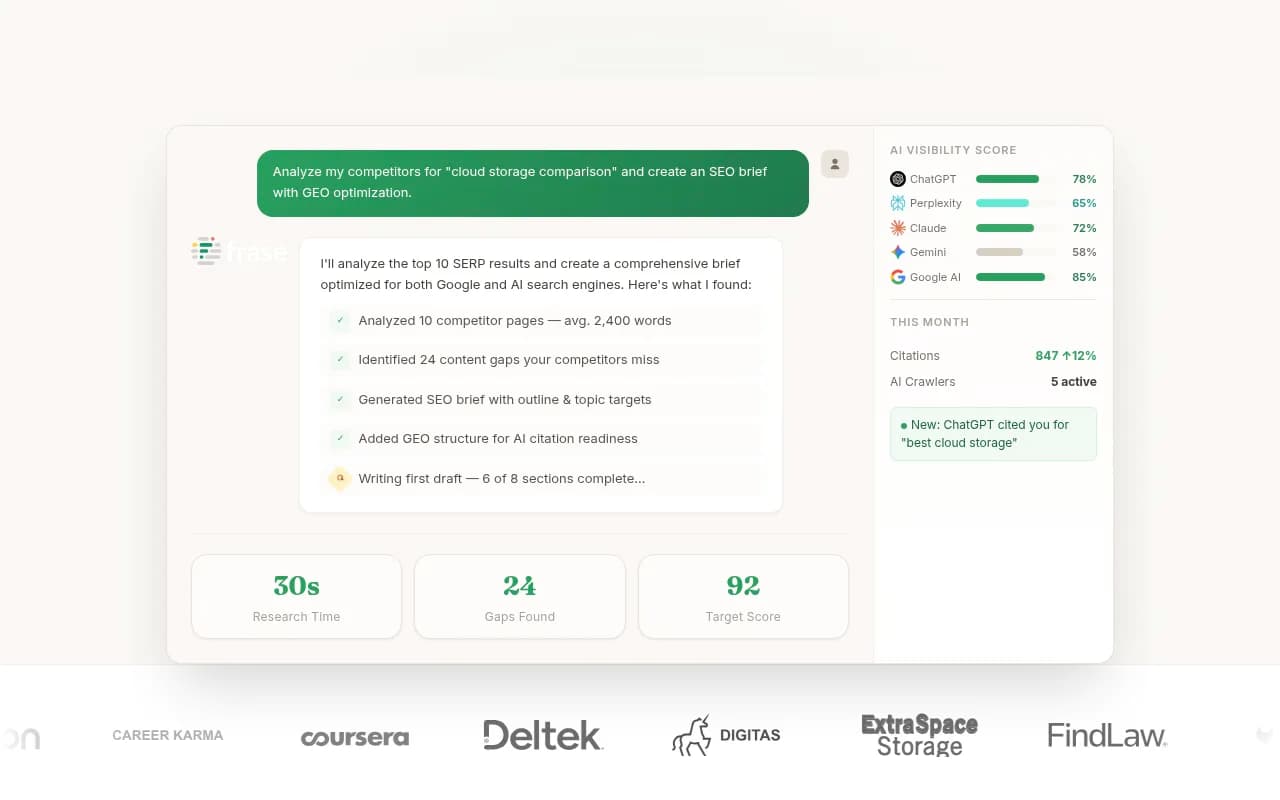
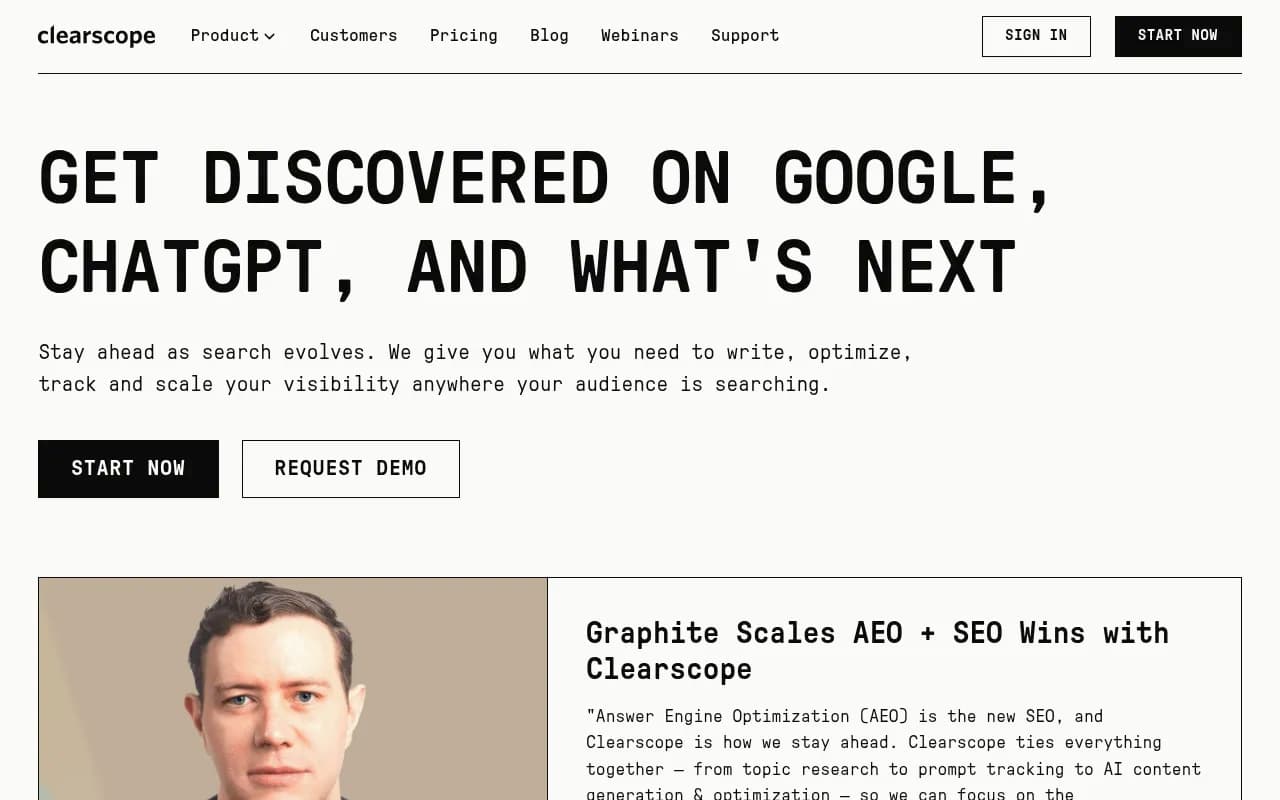
Other tools with content optimization features: Frase, Clearscope, and Searchable. The difference: most tools optimize for Google rankings, not AI citations. Make sure the tool you choose actually tracks AI search, not just traditional SEO.
The reality of AI search tracking in 2026
AI Overviews and AI Mode are both moving targets. Google updates the models, changes citation logic, and adjusts which queries trigger which features. What works today might not work in three months.
This doesn't mean tracking is pointless. It means you need a system that adapts:
- Track consistently (weekly or monthly) so you can spot trends
- Monitor multiple AI engines (ChatGPT, Perplexity, Claude) alongside Google, because citation patterns differ across platforms
- Focus on relative performance (you vs competitors) more than absolute scores
- Build content that's genuinely useful, not just optimized for citations -- AI models are getting better at detecting and deprioritizing SEO spam
The brands winning in AI search in 2026 are the ones treating it as an optimization problem, not a monitoring problem. They track visibility, yes, but they also act on the data -- creating content, fixing gaps, and iterating based on results. That's the loop that matters.