Key takeaways
- Peec.ai's base price of €89/mo is just the starting point -- tracking Claude and Gemini costs an extra €20-30/mo each, pushing real costs well above what most teams expect
- Before switching, export your prompt list, competitor baselines, and any historical data you can access -- these are the hardest things to rebuild
- The best alternatives depend on your priority: budget-first, feature parity, or adding content optimization on top of monitoring
- Migration takes about a week if you're methodical: export, set up the new tool, run both in parallel for 2-3 weeks, then cut over
- Some alternatives (like Promptwatch) go beyond monitoring and actually help you fix visibility gaps -- worth considering if you want more than a dashboard
Why people are leaving Peec.ai in 2026
Peec.ai is a decent tool. It covers multiple languages, tracks brand mentions across AI engines, and has a clean interface. For a lot of teams, it was one of the first AI visibility tools they tried.
But there's a pricing issue that keeps coming up. The base plan is €89/mo, which sounds reasonable. Then you realize Claude tracking is an add-on. Gemini tracking is another add-on. Each one runs €20-30/mo on top of the base. By the time you're tracking the four or five AI engines that actually matter -- ChatGPT, Perplexity, Claude, Gemini, and maybe one more -- you're paying €150-170/mo for what should be table stakes.
That's the core frustration. It's not that Peec.ai is bad. It's that the pricing structure feels like it was designed to obscure the real cost.

There's also the monitoring-only problem. Peec.ai shows you where you're visible and where you're not. What it doesn't do is help you fix it. For teams that just want a dashboard, that's fine. For teams that want to actually improve their AI search presence, it leaves a gap.
What to do before you cancel
This is the part most people skip, and it's the part that causes the most pain later.
Export everything you can
Log into Peec.ai and pull down whatever data is available:
- Your full prompt list (every query you're tracking)
- Competitor names and domains you've been benchmarking against
- Any historical visibility scores or trend data
- Any reports you've shared with stakeholders
The prompt list is the most important. Building a good prompt set from scratch takes weeks. If you've already done that work in Peec.ai, don't throw it away.
Document your baseline
Before you switch, take screenshots or export your current visibility scores for each AI engine. You want a benchmark to compare against once you're in the new tool. Different platforms measure visibility differently, so the numbers won't be directly comparable -- but having a rough baseline helps you know if things are moving in the right direction.
Check your contract
Peec.ai is subscription-based, but check whether you're on a monthly or annual plan. If you're mid-year on an annual contract, you may want to plan the migration for your renewal date rather than eating the cost of two tools simultaneously.
The migration process, step by step
Step 1: Choose your replacement (more on this below)
Don't start the migration until you know where you're going. Spend a week trialing two or three alternatives with your actual prompt list -- not a demo set. The tool that looks great in a sales demo sometimes falls apart when you load your real use case.
Step 2: Recreate your prompt setup
Once you've chosen a new tool, import or manually recreate your prompt list. Most tools let you paste in a list of queries. Some have CSV import. A few have no bulk import at all, which is annoying but manageable if your list is under 50 prompts.
Group your prompts the same way you did in Peec.ai -- by topic, funnel stage, or competitor comparison. Consistent organization makes it easier to spot changes over time.
Step 3: Set up your competitors
Add the same competitor domains you were tracking in Peec.ai. This is usually quick -- most tools just need a domain name.
Step 4: Run both tools in parallel for 2-3 weeks
This is the step most people skip because it costs money. Don't skip it. Running both tools simultaneously lets you:
- Verify the new tool is picking up the same visibility signals
- Catch any prompts that aren't working correctly
- Build enough data history in the new tool before you lose Peec.ai's history
Two to three weeks is usually enough. If the data looks consistent, cancel Peec.ai at the end of that period.
Step 5: Rebuild your reporting
If you've been sharing Peec.ai reports with clients or internal stakeholders, you'll need to rebuild those in the new tool. Most platforms have some kind of export or dashboard sharing. Check this before you commit to a tool -- some have much better reporting than others.
The best Peec.ai alternatives in 2026
Here's an honest look at the main options, organized by what you're optimizing for.
If you want the cheapest option that still works
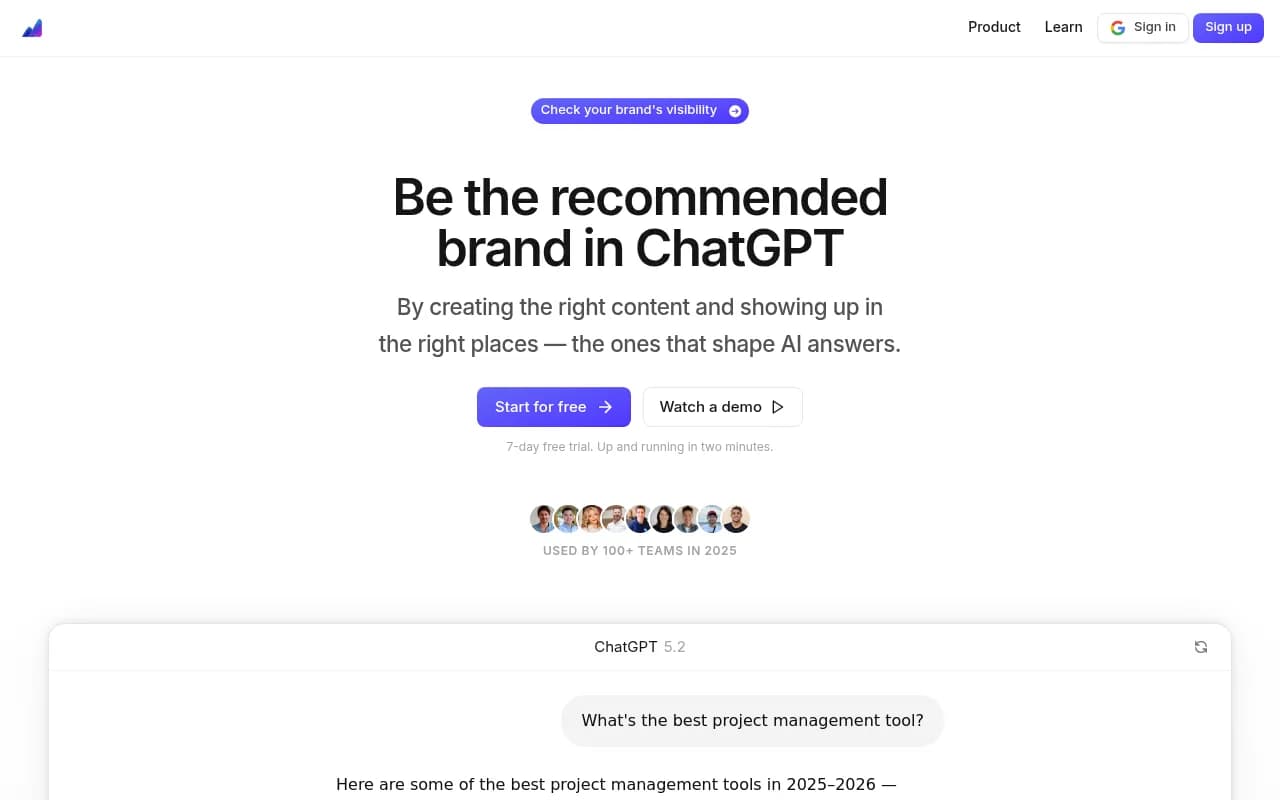
Otterly.AI is the most commonly recommended budget option. It covers the main AI engines, has a clean interface, and costs less than Peec.ai's base price. The trade-off is that it's monitoring-only -- no content gap analysis, no crawler logs, no traffic attribution. If all you need is a visibility dashboard, it's a solid pick.

Airefs is another affordable option worth looking at, particularly if you're tracking a single brand and don't need multi-site support.
If you want feature parity or better
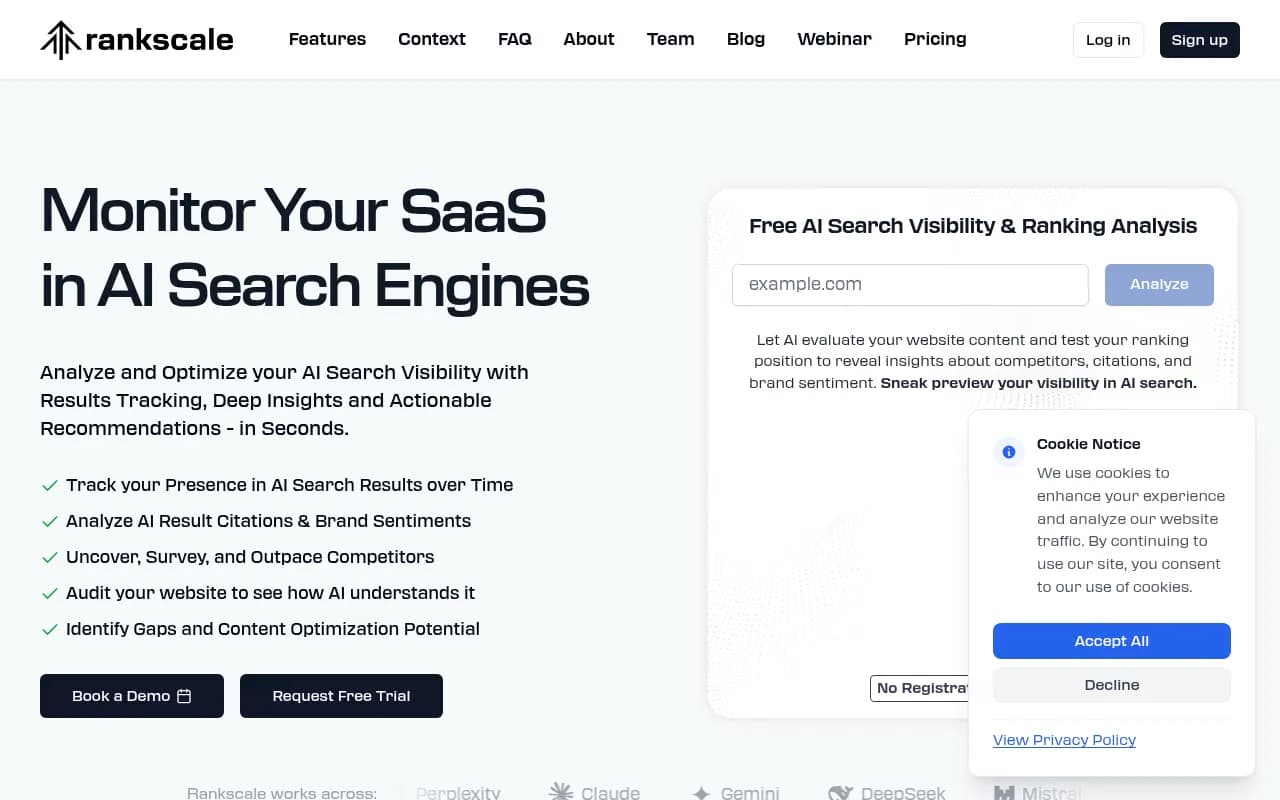
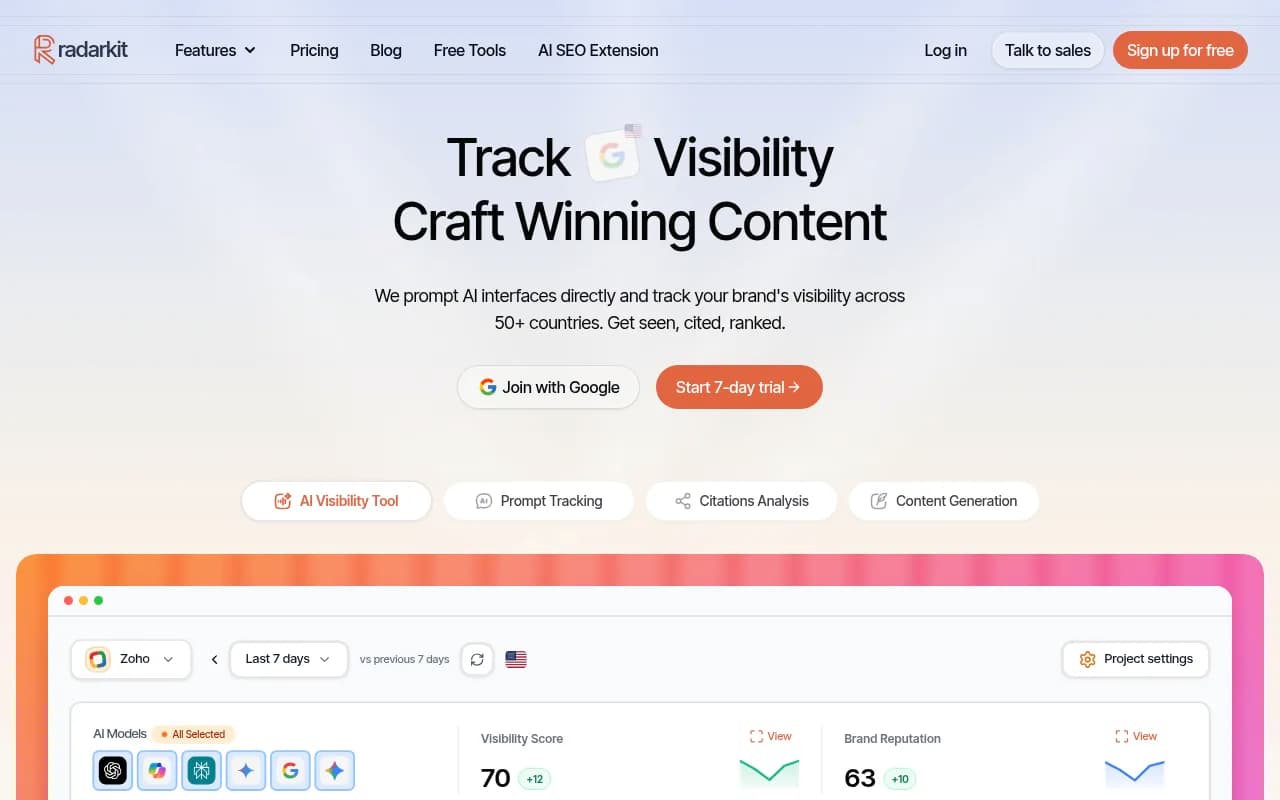
Rankscale and Radarkit both offer comparable monitoring to Peec.ai without the per-engine add-on pricing. Both cover the major AI models in their base plans.
SE Ranking's AI visibility toolkit is worth considering if you're already using SE Ranking for traditional SEO. Bundling saves money and you get a unified view of both traditional and AI search performance.

If you want to go beyond monitoring
This is where the conversation gets more interesting. Most Peec.ai alternatives are still just dashboards -- they show you data and leave you to figure out what to do with it. A few tools have started building actual optimization workflows on top of the monitoring layer.
Promptwatch is the most complete option here. It monitors 10 AI engines (including Claude and Gemini, without add-on fees), but the more useful part is what happens after you see the data. The Answer Gap Analysis shows you exactly which prompts competitors are visible for that you're not -- and the built-in AI writing agent generates content designed to fill those gaps. It's the difference between knowing you're invisible and actually doing something about it.

Profound is another option with strong monitoring and some optimization features, though it sits at a higher price point than most teams switching away from Peec.ai for budget reasons will want to consider.

Comparison table
| Tool | Base price | Engines covered | Content optimization | Crawler logs | Best for |
|---|---|---|---|---|---|
| Peec.ai | €89/mo + add-ons | ChatGPT, Perplexity + extras | No | No | Monitoring only |
| Otterly.AI | Lower than Peec.ai | Main engines | No | No | Budget monitoring |
| Airefs | Budget-friendly | Core engines | No | No | Single-brand tracking |
| Rankscale | Mid-range | Multiple engines | No | No | Feature parity |
| Radarkit | Mid-range | Multiple engines | No | No | Brand monitoring |
| SE Ranking | Bundled with SEO | Growing coverage | No | No | SEO + AI combo |
| Promptwatch | $99-249/mo | 10 engines (all included) | Yes | Yes (Pro+) | Full optimization loop |
| Profound | Higher | Multiple engines | Partial | No | Enterprise monitoring |
What to look for that Peec.ai doesn't offer
Since you're switching anyway, it's worth thinking about what you actually want from an AI visibility tool -- not just what Peec.ai gave you.
Prompt volume and difficulty data
Knowing you're visible for a prompt is useful. Knowing how often that prompt gets asked, and how hard it is to rank for, is much more useful. Some tools now provide volume estimates and difficulty scores for each prompt, which lets you prioritize instead of tracking everything equally.
Traffic attribution
AI visibility scores are interesting. Knowing that AI visibility is actually driving traffic to your site is actionable. Look for tools that offer some form of traffic attribution -- whether through a code snippet, Google Search Console integration, or server log analysis.
Crawler logs
A few platforms now show you when AI crawlers (ChatGPT, Claude, Perplexity, etc.) actually visit your site, which pages they read, and how often they return. This is genuinely useful for diagnosing why certain pages aren't getting cited. Peec.ai doesn't offer this at all.
Content gap analysis
If you want to improve your AI visibility rather than just measure it, you need to know what content you're missing. Answer gap analysis -- showing you which prompts competitors rank for that you don't -- is the starting point for any real optimization work.
Common migration mistakes to avoid
Switching too fast. The temptation is to cancel Peec.ai the day you sign up for something new. Resist it. You need overlap time to validate the new tool and build up data history.
Not exporting your prompt list. This is the most common regret. Even if you plan to refine your prompts in the new tool, start with what you have.
Choosing based on price alone. The cheapest tool that doesn't actually track the engines you care about isn't saving you money -- it's wasting your time. Make sure whatever you pick covers ChatGPT, Perplexity, Claude, and Gemini at minimum, ideally without add-ons.
Ignoring reporting requirements. If you report AI visibility metrics to clients or leadership, check how the new tool handles exports and dashboards before you commit. Some tools have excellent data but terrible reporting interfaces.
Picking a monitoring-only tool when you need optimization. If your goal is to actually improve your AI visibility -- not just track it -- make sure the tool you pick has some path to action, whether that's content recommendations, gap analysis, or something else.
A realistic timeline
Here's what a clean migration looks like in practice:
- Week 1: Export Peec.ai data, document your baseline, trial 2-3 alternatives with your real prompt list
- Week 2: Choose your replacement, set up prompts and competitors, start collecting data
- Weeks 3-4: Run both tools in parallel, validate data consistency, rebuild any reports
- End of week 4: Cancel Peec.ai (or let it lapse at renewal)
The whole process is about a month. If you're on a monthly plan, that means one month of paying for both tools -- usually €89-150 depending on your Peec.ai tier. That's the cost of a clean migration versus a rushed one that loses your historical context.
Final thought
Switching AI visibility tools isn't complicated, but it does require some patience. The teams that do it well are the ones that treat the migration as a project with a checklist, not just a cancellation followed by a signup.
The bigger question is whether you want to end up in the same place -- a monitoring dashboard that shows you data without helping you act on it -- or whether this is a good moment to move to something that actually helps you improve your AI search presence, not just measure it.
That's a real choice, and the answer depends on your team's capacity and goals. But if you're going to spend the time migrating anyway, it's worth asking.