Key takeaways
- AI Mode answers are generated fresh for every session, so classic tools like Google Alerts physically cannot see them. Reliable alerting requires a system that runs your prompts against AI Mode on a schedule and flags changes.
- Google's native options each stop short: Search Console's generative AI reports have no alerting (and are still in limited rollout), and AI Mode's information agents are built for consumers tracking topics, not brands tracking visibility.
- Dedicated AI visibility platforms are the practical answer. Promptwatch, Otterly.AI, Semrush, and Ahrefs Brand Radar all cover AI Mode, at prices running from $29 to $300+ per month with very different depth.
- If you can code a little, a DIY tracker built on DataForSEO's AI Mode SERP API runs under $100 per month.
- Alert on disappearances as aggressively as appearances. In June 2026, google.com's own share of AI Mode citations jumped 72% in a single month, which means your Business Profile and YouTube channel now count as AI Mode real estate too.
Why you can't just "subscribe" to an AI Mode answer
Traditional rank tracking works because a ranking is a stable, public object. Position 3 for "crm pricing" exists at a URL anyone can check. An AI Mode answer is different. It gets assembled at query time, shaped by the session and the searcher, and it evaporates when the session ends. There is no page to crawl, no feed to subscribe to, no fixed position to monitor.
Google Alerts, which has been matching keywords against newly crawled pages since 2003, is blind to all of this by design. It can tell you when a blogger mentions your brand. It cannot tell you that AI Mode just started recommending your competitor instead of you, because that recommendation lives inside a generated answer that was never a web page in the first place.
This is why the entire AI visibility tool category exists. These platforms don't crawl the web looking for mentions. They repeatedly run your prompts against AI Mode and diff the results over time. That's the only way to know whether you appeared, disappeared, or got demoted inside an answer.
The stakes keep growing, too. Google confirmed at I/O 2026 that AI Mode passed 1 billion monthly active users, with queries more than doubling every quarter since launch. Whatever your opinion of AI answers, that's too much demand to monitor by occasionally typing your brand name into Google and hoping for the best.
What "appearing in AI Mode" actually means
Before you set up alerts, decide what you're alerting on, because there are two distinct states:
- Mentioned: your brand name appears in the answer text itself ("Acme CRM starts at $29 per seat...").
- Cited: your site appears as a source link under the answer, whether or not the text names you.
Both matter, and they can diverge. A model can cite your comparison page while recommending a rival, or name you without linking to you. Disappearance is the mirror image, and it's the state most teams under-monitor. Losing a citation you'd held for months is often the first visible symptom of a content or crawling problem.
Two data points should calibrate your expectations. First, Google's AI surfaces cite more sources per answer than ChatGPT does. Promptwatch's data on average sources per response puts AI Overviews at roughly 10 sources per answer and ChatGPT at around 5, with Perplexity also near 10. More slots means more chances to appear, which makes Google's surfaces comparatively forgiving for mid-authority sites trying to break in.
Second, the citation mix inside AI Mode is unusual. In Promptwatch's June 2026 AI Mode citation share data, google.com itself captured 7.31% of citations, up from 4.24% in May, and adding YouTube (2.88%) puts Google-owned properties over 10% of everything AI Mode cites. Reddit is the biggest non-Google source at 2.52%, and below the top names every other domain sits under 1%.
The practical takeaway: your alerting setup should watch more than your website. Your Google Business Profile, your YouTube channel, and the Reddit threads where you get discussed are all AI Mode citation sources now.
Step one: make sure AI Mode shows up for you at all
If AI Mode isn't appearing in your own browser, fix that before anything else, or you'll spend an afternoon debugging your monitoring stack for what is actually a settings issue. Google's own support community thread on missing AI features lists the usual suspects:
- You must be signed into a personal Google account, not a Workspace account, for some experimental features.
- Check google.com/search/labs and confirm "AI Overviews and more" is toggled on.
- Clear your cache and cookies, or try another browser.
- AI features don't appear in Incognito mode.
- Some features require Web & App Activity (search history) to be enabled.
- Disable your VPN.
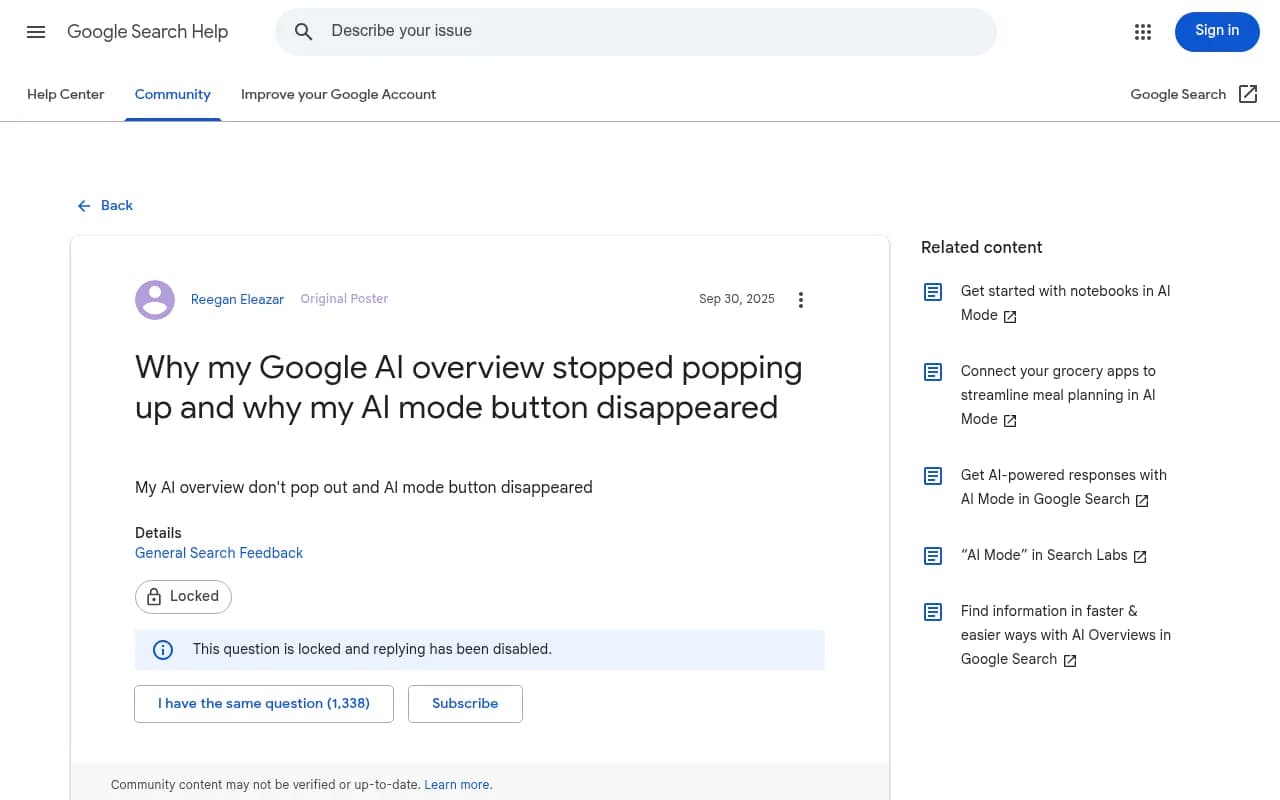
One warning, though. Getting AI Mode visible for yourself is a sanity check, nothing more. AI Mode answers are personalized, so what you see is one slice of one session. Manual spot checks confirm the feature works; they will never tell you what your market sees. That's the job of the tooling below.
What Google gives you natively, and where each option stops
Google Alerts: useful, but only as a proxy
Google Alerts still does what it has always done: emails you when newly indexed pages match your keywords. That's worth keeping, because fresh web mentions are the raw material AI Mode later cites. A new review-site roundup or a Reddit thread praising you is a leading indicator.
You can modernize the delivery, too. Every Google Alert can be exported as an RSS feed, and you can pipe that feed into Slack, a spreadsheet, or a task tracker with Zapier, optionally running each item through an LLM to summarize relevance before it lands.

Just be clear about what this is. A Google Alerts-to-Slack pipeline monitors the open web. It cannot detect your brand appearing or disappearing inside an AI Mode answer, because that answer was never crawled or indexed. Treat it as a proxy signal, not the alert itself.
AI Mode information agents: Google's "next evolution of Google Alerts," for consumers
In June 2026, Google began rolling out information agents inside AI Mode, and it explicitly framed them as the successor to Google Alerts. Instead of keyword rules, you type a natural-language request like "keep me updated on apartment listings downtown under $2,500," and the agent runs continuously, pushing notifications through the Google app when something changes. The rollout started with Google AI Ultra subscribers ($199.99/month), with AI Pro promised for later in the summer.
It's a genuinely interesting feature, and it's the wrong tool for this job. Information agents monitor topics for users: blogs, news, social posts, real-time finance and shopping data. Google hasn't disclosed how agents select or weight sources, and there's no citation history, no coverage guarantee, no export, and no team workflow. Asking an agent "alert me when people mention Acme" might work as a founder's personal radar. It is not a system a marketing team can rely on to know when AI Mode stopped recommending the company.
Search Console's generative AI reports: real data, no alarm clock
On June 3, 2026, Google added dedicated generative AI performance reports to Search Console, splitting out impressions from AI Overviews, AI Mode, and Discover's AI features, with breakdowns by page, country, device, and date. If you have access, this is the closest thing to an official answer about whether Google's AI surfaces are showing your URLs.
Two problems. The rollout is limited to a subset of sites while Google tests, so plenty of site owners are still locked out. And there's no alerting mechanism at all; it's a dashboard you have to remember to open. Impressions also tell you that you appeared, not for which prompt, and not whether the answer recommended you or a rival. Check it weekly if you can, but don't mistake it for monitoring.
The reliable approach: a dedicated AI visibility platform
Every serious option here works the same way at its core. You give it a list of prompts, the questions real buyers actually ask. It runs those prompts against AI Mode (and usually other engines) on a schedule, from the locations you care about. It compares each result against the previous run and alerts you when something changed: a new mention, a lost citation, a competitor appearing where you used to be.
The differences are in coverage, price, and how much the tool helps you fix what the alert tells you.
Promptwatch tracks AI Mode alongside AI Overviews, ChatGPT, Perplexity, Claude, Gemini, Grok, and the rest, and it sends a weekly action digest plus Slack alerts when visibility shifts. Two features matter specifically for the "disappeared" half of this guide: its crawler logs show whether Google's AI crawlers can actually read your pages (crawl errors are one of the most common reasons a citation quietly dies), and its citation analytics show which of your pages AI Mode is citing, so an alert arrives with context instead of a bare "you dropped." Plans start at $95/month for 50 prompts, with state- and city-level tracking from $245/month.

Otterly.AI is the cheapest credible entry point at $29/month, and it sells itself directly on alerts when brand mentions change. One honest catch: on the Lite tier, Google AI Mode is a paid add-on, so budget for a higher tier if AI Mode is your priority.

Semrush's AI Visibility Toolkit lets you select AI Mode as a platform inside its Visibility Overview report, at $99/month per domain (billed annually) with 25 tracked prompts. If your team already lives in Semrush, this is the least disruptive addition.
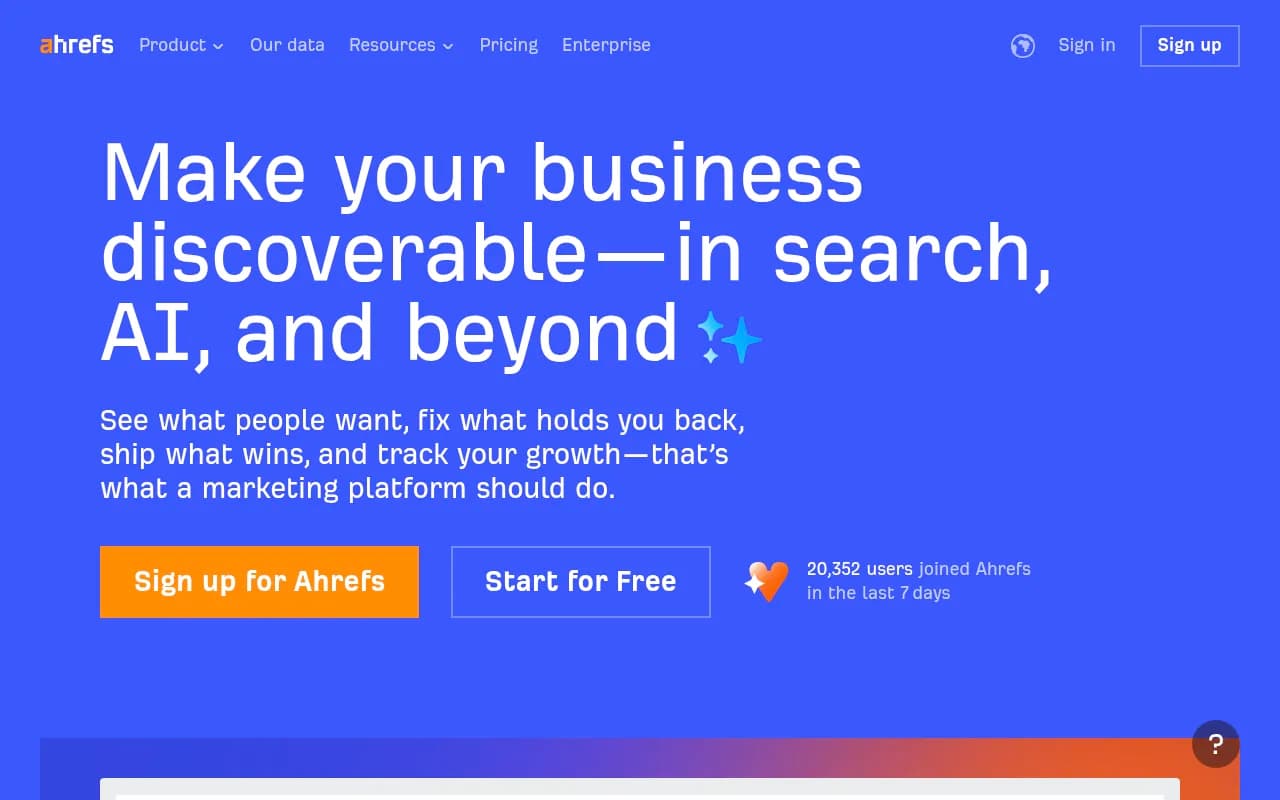
Ahrefs Brand Radar deserves a mention with eyes open. It requires a base Ahrefs subscription from $129/month, then charges $199/month per AI platform index, or $699/month for the six-engine bundle. Reviews also flag a 2,500 monthly prompt-check cap, where one check equals one prompt, one engine, one location; tracking 10 prompts across 6 engines in 3 locations daily burns through that in under two weeks. Solid if you're already deep in the Ahrefs ecosystem and budget isn't the constraint.
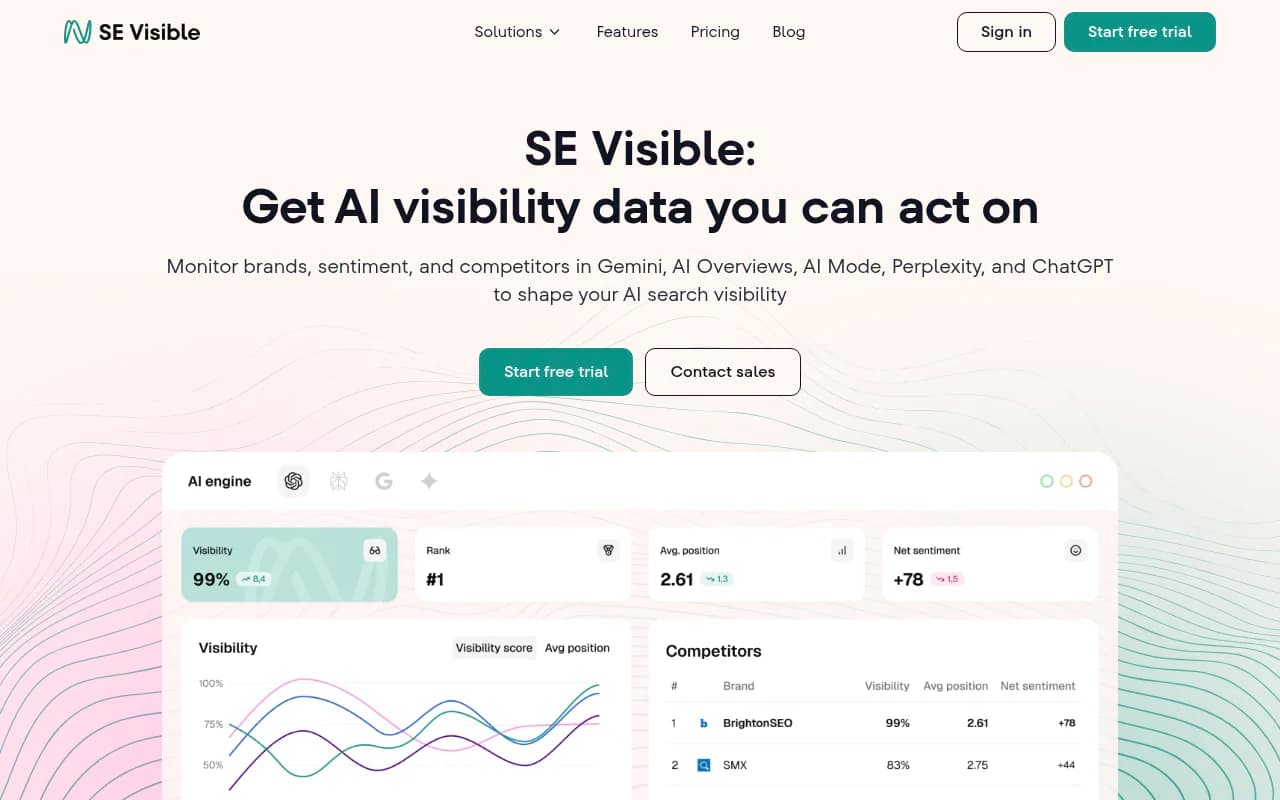
SE Visible (from SE Ranking) covers AI Mode among its engines and is strong on multi-country tracking across the US, UK, Canada, and much of Europe, with a free trial if you want to test before committing.
How the options stack up
| Tool | AI Mode coverage | Entry price | Alerting | Best for |
|---|---|---|---|---|
| Promptwatch | Included on all paid plans, plus 10+ other engines | $95/mo | Weekly action digest, Slack, crawler-log context | Teams that want alerts plus a fix-it workflow |
| Otterly.AI | Paid add-on on Lite; included on higher tiers | $29/mo | Mention-change alerts | Solo marketers and small budgets |
| Semrush AI Visibility Toolkit | Selectable platform | $99/mo per domain | Dashboard-driven | Existing Semrush subscribers |
| Ahrefs Brand Radar | $199/mo per-platform add-on | $129/mo base + add-ons | Dashboard and reports | Ahrefs-first teams with budget |
| SE Visible | Included | Trial, then SE Ranking plans | Rank-change alerts | Multi-country tracking |
| Scrunch AI | Included | $300/mo | Monitoring dashboard | Brands mapping the full answer surface |
Prices are the vendors' listed monthly rates in 2026 and change often enough that you should verify before buying. If you'd rather browse the whole category than pick from these six, the AI rank tracking tools directory at ai-rank-tools.com and the GEO software directory at bestgeosoftware.com both keep current lists.
Configuring alerts so they're signal, not noise
The tool is the easy part. The setup decisions determine whether you get useful warnings or spam.
- Write 10 to 30 prompts that mirror how buyers actually ask. Mix brand-name prompts ("is Acme CRM good for agencies") with category prompts ("best CRM for agencies") where nobody names you yet. The category prompts are where disappearances hurt most, because that's demand you never see in your analytics.
- Pick your locations deliberately. AI Mode answers vary by country and language, and each engine's source mix differs enough that visibility in one surface tells you little about another. Track the markets you actually sell in.
- Set frequency by stakes. Daily for the handful of prompts tied to revenue, weekly for the rest. Hourly checking of AI answers mostly measures randomness.
- Choose your alert events: new mention, lost mention, position change within the answer, sentiment shift, and new competitor cited. If your tool supports it, alert on competitor appearances too. Knowing a rival just entered an answer you owned is worth as much as knowing you left it.
- Route alerts to a dedicated Slack channel, not email. Email alert digests die in inboxes; a channel creates a searchable, shared record. Set filters so a single fluctuation doesn't page anyone.
- Assign an owner and write the playbook before the first alert fires. Who investigates? What's the threshold for action? An alert nobody owns is just a notification, and notifications get muted.
The DIY route: under $100 a month if you can code a little
Search Engine Land documented a build in April 2026 that assembled a multi-engine tracker using Replit Agent (about $20/month) plus DataForSEO's APIs, keeping total cost under $100/month. The interesting piece for AI Mode specifically is DataForSEO's Google AI Mode SERP API: $0.0012 per SERP at standard priority, so a thousand pulls cost $1.20, and even the fastest queue works out to about $4 per thousand. The minimum deposit is $50.
The design choice that separates a good DIY tracker from a toy is scoring. Don't record a binary mentioned/not-mentioned flag. Score each response on a small rubric: is the brand named, is the description accurate, is the pricing correct, is the answer actionable, is your site cited. A five-point scale across those dimensions turns "we dropped" into "we're still named but the pricing is now wrong," which is a different problem with a different fix.
The tradeoffs are real. You own the plumbing when Google changes the AI Mode interface. You'll spend the first weeks building a baseline with nothing to compare against. And personalization means your scraper sees one configuration among many. It's a fine option for a technical founder; most marketing teams should buy rather than build.
When the alert fires: reading appearances and disappearances
An appearance alert is a lead, not a trophy. Find which prompt triggered it, which page got cited, and which part of your site the answer drew from. Then protect it: keep the page current and crawlable, and reinforce the surrounding topic so the citation isn't a one-off.
A disappearance alert deserves a calm diagnostic sequence:
- Re-run the prompt a few times. AI Mode answers vary run to run; one dropped answer is noise, a week-long trend is signal.
- Check whether Google's AI crawlers hit errors on the page that used to be cited. Tools like Promptwatch expose this in their crawler logs, and it's the most common silent killer of citations.
- Look at what changed on the page itself. A redesign, a rewrite, or a noindex mistake during a migration explains a surprising number of "we disappeared" stories.
- Check whether a competitor published something that displaced you, or whether the answer's source mix shifted underneath you. Promptwatch's June 2026 data shows google.com's citation share inside AI Mode climbing from 4.24% to 7.31% in a month. When Google cites itself more, third-party slots shrink, and there may be nothing to fix on your site. The counter-move is investing in the Google-owned surfaces: an accurate Business Profile, a maintained YouTube channel, and a credible Reddit presence, since Reddit is the largest non-Google citation source at 2.52%.
Pitfalls worth knowing in advance
- Your AI Mode is not everyone's AI Mode. Personalization means your own checks are anecdotes. Use tooling that samples consistently, from consistent locations.
- Don't generalize across engines. ChatGPT cites roughly 5 sources per answer against roughly 10 for Google's AI surfaces, and the source mixes barely overlap: Promptwatch's June 2026 reports show Reddit leading ChatGPT's citations while google.com dominates AI Mode. A brand invisible in ChatGPT can be well covered in AI Mode, and vice versa. Set alerts per engine, not one blended score.
- Don't panic on single fluctuations. Alert on trends. A good rule: one run means nothing, three consecutive runs means investigate.
- Don't assume Search Console access. The generative AI reports are still rolling out to a subset of sites.
- Don't confuse mention monitoring with visibility monitoring. Google Alerts and social listening tools like Brand24 catch web pages and posts. Only AI visibility platforms catch what happens inside generated answers. Both belong in your stack; neither substitutes for the other.
Where to start
If you sell into a market where AI Mode is live, set this up this week rather than "eventually." The shortest path: start a Promptwatch or Otterly trial (or the Semrush toolkit if you're already subscribed), load 15 buyer prompts, route alerts to a dedicated Slack channel, and let it run for 30 days before acting on anything but clear trends. The first month is baseline. Everything after that is an early-warning system for a search surface that a billion people now use.