Key takeaways
- GEO platforms work best when connected to Google Search Console, Looker Studio, and your CMS -- not used in isolation
- GSC integration lets you compare traditional search traffic against AI visibility in a single view
- Looker Studio is the most practical place to build unified dashboards combining GEO data, GSC, and GA4
- CMS integrations close the loop: your content team can act on AI visibility gaps without leaving their workflow
- Tools like Promptwatch offer native Looker Studio integration and API access, which makes this kind of unified reporting much easier to set up
Most GEO platforms are islands. You log in, check your AI visibility scores, maybe look at which prompts you're winning or losing, and then... switch to another tab to check your organic traffic. Then another tab for your content calendar. Then another for your reporting dashboard.
That context-switching is where insight goes to die. The brands getting the most out of GEO in 2026 are the ones treating AI visibility data as one layer in a larger analytics stack -- connected to GSC, piped into Looker Studio, and wired into the CMS so content teams can actually act on what they find.
This guide walks through exactly how to do that.
Why integration matters more than it used to
A year ago, most marketing teams were still figuring out whether AI search visibility was worth tracking at all. Now it's table stakes. The question has shifted from "should we monitor this?" to "how do we connect it to everything else we already measure?"
The problem is that AI visibility data in isolation is interesting but not actionable. Knowing you appear in 34% of ChatGPT responses for your category is a data point. Knowing that the 66% of prompts where you're invisible correspond to pages that also have low GSC impressions -- and that fixing those pages could recover measurable organic traffic too -- is a strategy.
That's the difference integration makes.
Step 1: Connect your GEO platform to Google Search Console
GSC is the foundation. Before you build any unified dashboard, you want your traditional search data and your AI visibility data living in the same reporting layer.
What you're actually connecting
GSC gives you clicks, impressions, CTR, and average position for traditional Google search. Your GEO platform gives you citation rates, prompt visibility scores, and share-of-voice across AI models. These are different signals, but they're measuring the same underlying question: is your content findable?
The overlap is where it gets interesting. Pages with high GSC impressions but low AI citation rates are often structurally fine but missing the kind of direct-answer formatting that AI models prefer. Pages that AI models cite frequently but that get low GSC clicks might be great candidates for schema markup or featured snippet optimization.
How to do it
Most GEO platforms don't have a direct GSC connector -- you'll need to route through Looker Studio or a data pipeline tool. Here's the standard approach:
- In Looker Studio, add Google Search Console as a data source using the native connector (it's free and takes about two minutes)
- Add your GEO platform data as a second source -- either via a native Looker Studio connector if your platform offers one, or by exporting to Google Sheets and connecting that
- Blend the two data sources on a shared dimension, typically URL or page path
Promptwatch has a native Looker Studio integration and API, which makes step 2 significantly cleaner than the manual export route. If you're using a platform that only exports CSV, you'll spend more time on data wrangling.

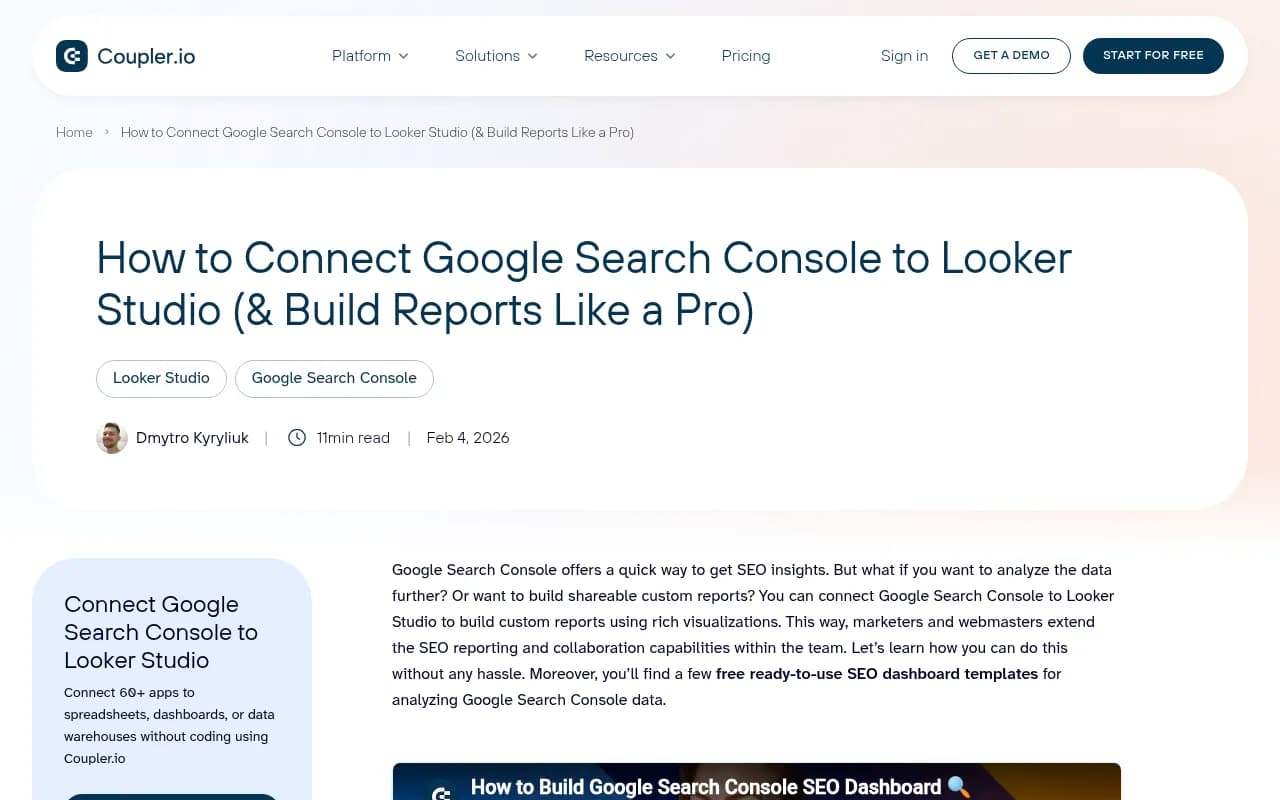
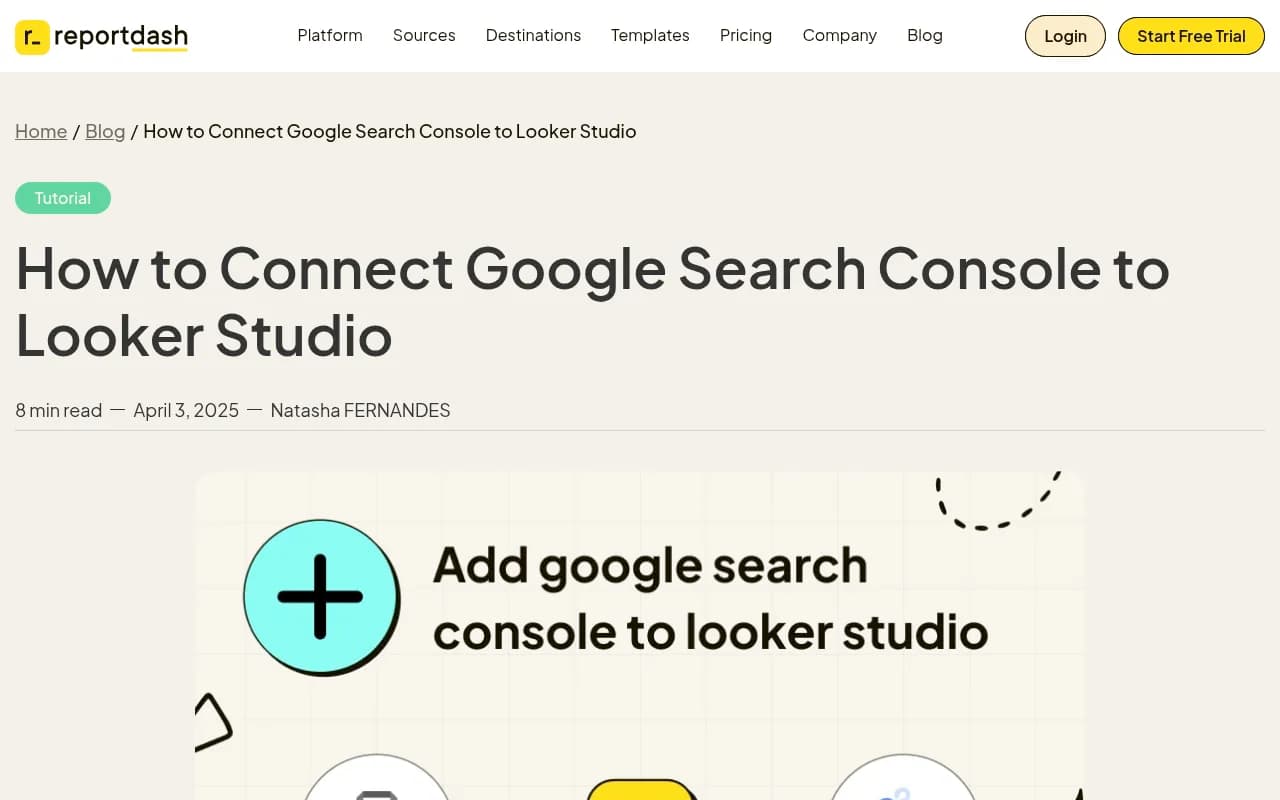
For platforms without native connectors, tools like Coupler.io or Windsor.ai can automate the data pipeline from GSC into Looker Studio on a schedule, so your dashboard stays fresh without manual exports.
Step 2: Build a unified dashboard in Looker Studio
Once your data sources are connected, the goal is a single dashboard that shows both AI visibility and traditional search performance side by side. Here's what that should include.
Core metrics to include
A useful unified GEO + GSC dashboard typically has four sections:
AI visibility overview -- citation rate by AI model, share of voice vs competitors, top prompts where you appear, top prompts where you're invisible
Traditional search performance -- impressions, clicks, CTR, and average position from GSC, ideally segmented by page type or topic cluster
Page-level overlap -- a blended table showing, for each URL, both its GSC performance and its AI citation frequency. This is the most actionable view.
Content gap tracker -- prompts or topics where competitors are visible but you're not, linked to specific pages (or the absence of pages) on your site
Building the blended data source
In Looker Studio, blending data sources works by joining on a shared key. For GSC + GEO data, that key is usually the page URL. A few things to watch:
- GSC reports on landing page URLs; your GEO platform may report on canonical URLs or slightly different formats. Normalize these before blending (strip trailing slashes, lowercase everything).
- GSC data has a 2-3 day lag. Most GEO platforms update daily or near-real-time. Account for this in your date filters.
- Use calculated fields to create composite metrics -- for example, an "AI + organic opportunity score" that weights both low GSC impressions and low AI citation rates.
Dashboard templates vs building from scratch
Building from scratch gives you exactly what you need but takes time. Several connector tools (Coupler.io, Windsor.ai, Catchr) offer pre-built Looker Studio templates for GSC that you can adapt. None of them include GEO data out of the box -- you'll need to add that layer yourself.
If you're using Promptwatch, the Looker Studio integration means you can pull AI visibility data directly into a template and add GSC as a blended source on top.
Step 3: Connect your GEO platform to your CMS
This is the step most teams skip, and it's the one that actually changes behavior.
The gap between "we know we're invisible for these prompts" and "we published content to fix it" is almost always a workflow problem. If your content team has to log into a separate GEO platform, export a list of gaps, paste it into a brief, and then manually track whether the published content improved visibility -- most of that will never happen.
The fix is getting AI visibility data into the tools your content team already uses.
CMS integration approaches
There are a few ways to do this depending on your stack:
WordPress + Zapier/n8n: Set up an automation that pulls new content gap alerts from your GEO platform's API and creates draft posts or content briefs in WordPress. When a new high-priority prompt gap is detected, a draft appears in the CMS with the prompt, competitor context, and suggested angle pre-filled.
Headless CMS (Contentful, Sanity, etc.) + API: If you're on a headless CMS, you can use your GEO platform's API to push gap data directly into a custom content type. Editors see a "GEO opportunities" queue alongside their normal editorial calendar.
HubSpot CMS: HubSpot's CMS has reasonable API access. You can pipe GEO gap data into HubSpot as custom properties on blog post records, or use the workflow automation to trigger content creation tasks.

Notion or Airtable as a content hub: Many content teams use Notion or Airtable as their editorial calendar regardless of which CMS they publish to. Both have APIs that make it straightforward to push GEO gap data in as new rows or pages.
What data to push into your CMS
Not everything from your GEO platform belongs in your CMS. Focus on:
- Prompt gaps with high search volume and low difficulty (the winnable ones)
- Competitor citation data for those prompts (what are they saying that you're not?)
- Suggested content format (article, FAQ, comparison, listicle) based on what AI models tend to cite
- A target URL field -- either an existing page to optimize or a new page to create
Promptwatch's Answer Gap Analysis surfaces exactly this kind of prioritized, actionable data. Combined with its built-in AI writing agent, you can go from "we're invisible for this prompt" to "draft article ready for editorial review" without leaving the platform -- and then push the brief or draft to your CMS via the API.
Step 4: Close the loop with traffic attribution
Integrations are only worth building if you can measure whether they're working. The full loop is: find gaps, create content, track visibility improvement, connect visibility to traffic and revenue.
Connecting AI visibility to actual traffic
Most GEO platforms show you citation rates but not clicks. That's a real limitation -- being cited doesn't always mean traffic. To close the loop, you need to track when AI-referred traffic actually lands on your site.
There are three main approaches:
| Method | How it works | Best for |
|---|---|---|
| JavaScript snippet | Small tracking code on your site captures AI referral signals | Most websites, quick setup |
| GSC integration | Monitor "chatgpt.com", "perplexity.ai" etc. as referral sources in GSC | Existing GSC users |
| Server log analysis | Parse server logs to identify AI crawler and referral patterns | Technical teams, enterprise |
Promptwatch supports all three methods. The server log approach is particularly useful because it also captures AI crawler activity -- you can see which pages ChatGPT, Claude, and Perplexity are actually crawling, not just citing.
Building the attribution report in Looker Studio
Once you have AI traffic data flowing, add it as a third data source in your Looker Studio dashboard. Now you can build a report that shows:
- Prompt visibility score (from your GEO platform)
- Page citations by AI model (from your GEO platform)
- AI-referred sessions (from your tracking snippet or server logs)
- Organic search sessions (from GSC or GA4)
- Conversions from AI-referred traffic (from GA4)
This is the report that gets GEO taken seriously in budget conversations. It's not "we improved our AI visibility score" -- it's "these five pages we optimized for AI search generated X sessions and Y conversions last month."
Choosing the right GEO platform for integration
Not all GEO platforms are equally integration-friendly. Here's a quick comparison of what matters when you're building a connected stack:
| Platform | Looker Studio integration | API access | CMS-ready | AI traffic attribution |
|---|---|---|---|---|
| Promptwatch | Native connector | Yes | Via API | Yes (snippet, GSC, logs) |
| Profound | Limited | Partial | No | No |
| Otterly.AI | No | No | No | No |
| Peec.ai | No | Limited | No | No |
| AthenaHQ | No | Partial | No | No |
| Semrush | Yes (via connector) | Yes | Limited | No |




The pattern is pretty clear: most GEO platforms are monitoring dashboards. They'll show you data, but they're not built to plug into a broader reporting or content workflow. Promptwatch is the exception -- the Looker Studio integration, API, and traffic attribution are all first-class features, not afterthoughts.
Common integration mistakes to avoid
A few things that trip teams up when building these integrations:
Blending on mismatched URLs -- GSC and your GEO platform will format URLs differently. Spend 20 minutes normalizing URL formats before you build your blended data source. It saves hours of debugging later.
Ignoring data freshness -- GSC has a 2-3 day lag. If your GEO platform updates daily and your Looker Studio dashboard auto-refreshes, you'll have mismatched time windows. Set your date filters to exclude the last 3 days or use a rolling 7-day window.
Pushing too much data into your CMS -- If every prompt gap becomes a CMS task, your content team will ignore the queue. Filter to high-priority gaps only (high volume, low difficulty, competitor is visible but you're not) before pushing to your editorial workflow.
Not tracking baseline before you start -- Before you optimize anything, export your current AI visibility scores by page. You need a before/after comparison to show the impact of your work. This sounds obvious but most teams forget to do it.
Building the dashboard but not the habit -- A Looker Studio dashboard that nobody looks at is just a vanity project. Schedule a weekly 30-minute review where someone is responsible for checking the page-level overlap report and flagging pages for optimization. The integration only works if there's a human process behind it.
Putting it together
The integration stack described here -- GEO platform connected to GSC, piped into Looker Studio, wired into your CMS, with traffic attribution closing the loop -- isn't technically complex. Most of it can be set up in a day or two.
What it requires is treating AI visibility as a first-class signal in your marketing stack, not a separate thing you check occasionally in a standalone tool. The teams doing this well in 2026 aren't necessarily using more sophisticated tools. They're just connecting the tools they have so the data flows to where decisions get made.
That's the whole game.