Key takeaways
- Impersonation shows up in four places in Google: paid ads, organic results, Google Business Profiles and Maps, and shopping listings. Each needs its own check.
- A weekly manual search of your brand, executives and support phrases catches most of the obvious abuse for free. Do it from a clean browser, in multiple countries if you sell internationally.
- Every channel has a different reporting route. Ads go through the ad reporting troubleshooter, Business Profiles through "Suggest an edit", and organic spam through a search quality user report.
- Google's own spam documentation says user reports mostly feed its automated systems, so do not expect each one to trigger a takedown. Pair reports with domain registrars and hosting providers.
- Past a certain size, manual searching stops scaling. That is when a brand protection tool or a monitoring service starts to earn its cost.
Why impersonation in Google Search is a bigger problem than it looks
Most brands think about impersonation as a social media issue. Fake Instagram accounts, cloned Facebook pages. Those are real, but Google Search is where people go when they actually want to do something: log in, call support, get a refund, find a login page. That intent is exactly what scammers want to intercept.
Google reported blocking or removing over 8.3 billion ads and suspending 24.9 million accounts in 2025, including 602 million scam ads and 4 million scam-linked accounts (Google's 2025 Ads Safety Report). That is a lot of enforcement, and a lot of it still leaks through. One agency write-up of the same period says malicious advertising still rose about 10% year over year, which matches what I would expect: the volume goes up faster than the filters improve.
The practical result for you is simple. If you have never searched your own brand name with a critical eye, you probably do not know what is showing up for your customers.
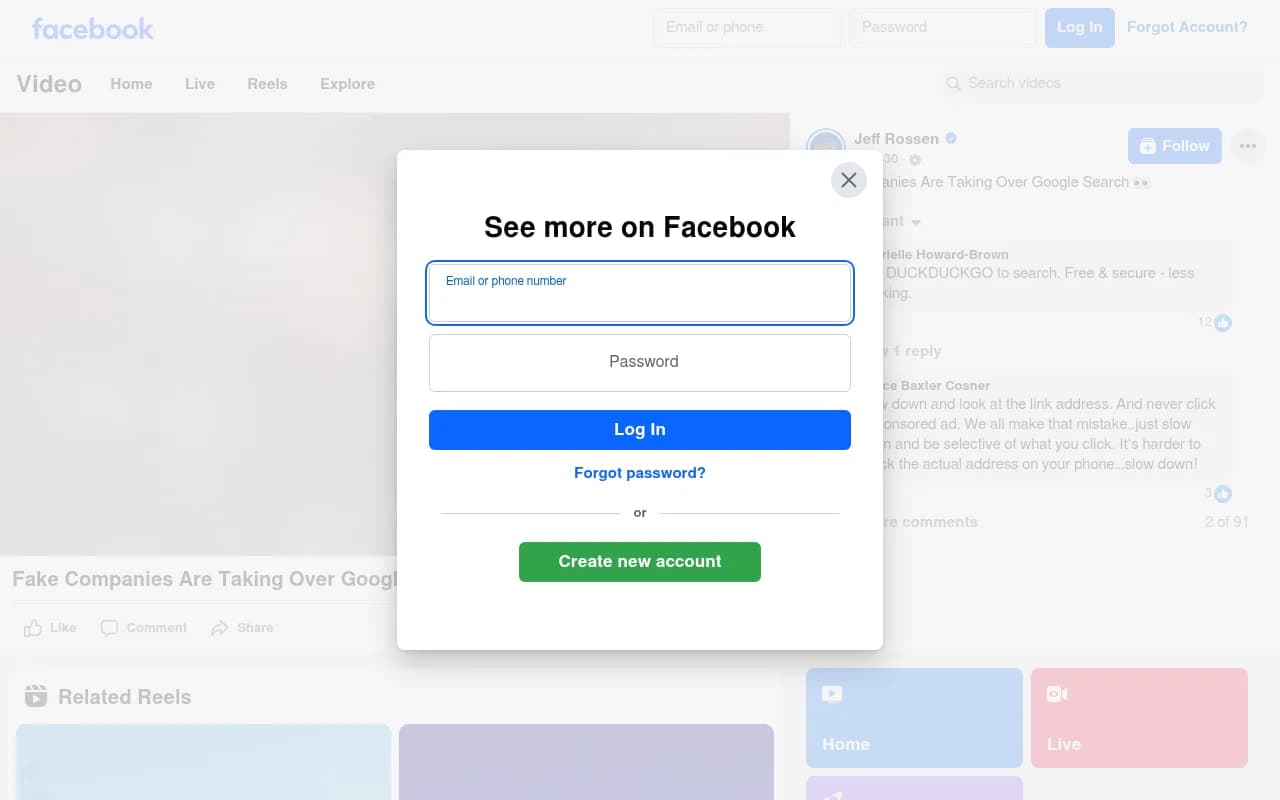
The video above is a consumer-facing example of the same pattern: a fake company that looks legitimate in the results, and a customer who clicks it because Google put it there.
The four places impersonation hides
Before you start checking, it helps to know what you are looking for.
Paid ads that bid on your brand
This is the most common and the most damaging. A scammer or an unscrupulous competitor bids on your brand name, writes an ad that looks like yours, and sends clicks to a fake site that harvests logins, payment details or support-call leads. Reported targets include airlines and software companies, and one campaign even impersonated Google Ads itself.
The tell is usually a mismatch: the display URL looks right, but the landing page domain does not match your real one.
Organic lookalike sites
Cloned sites with slightly different domains (extra hyphen, different TLD, swapped letter) can rank for your brand plus words like "login", "customer service", "refund" or "phone number". These are often built with SEO tactics, not ads, so they sit in normal results.
Google Business Profiles and Maps
Fake or duplicated listings that copy your business name, often with a scammer's phone number. These are particularly nasty for local businesses and for brands with support lines, because the phone number is right there in the result.
Shopping and product listings
Counterfeit or fake storefront listings that use your product images and name. If you sell physical goods, check the Shopping tab specifically.
Step 1: Run a clean manual search audit
This takes 20 minutes and costs nothing. Do it before spending money on anything.
- Open a private or incognito window, signed out of Google. Personalised results hide things from you because Google knows you are the brand owner.
- Search your exact brand name. Look at the ads, the first two pages of organic results, the map pack and the Shopping tab.
- Search combinations that customers use when they are in trouble: "[brand] login", "[brand] customer service", "[brand] phone number", "[brand] refund", "[brand] support", "[brand] coupon", "[brand] discount".
- Search your product names and any common misspellings of your brand.
- Search your founders and executives by name. Impersonation of public figures is a growing problem in ads.
- Repeat from a mobile device. Mobile results and ad layouts differ, and scam ads often target mobile.
- If you operate in several countries, check each one. A VPN or location-specific search settings will do. Scam ads are frequently geo-targeted, so you will not see them from your home market.
Keep a simple spreadsheet. Record the query, the date, the result type, the URL and a screenshot. Screenshots matter more than you think: ads rotate, and without evidence you cannot report or escalate.
How to tell a result is fake
Fraud analysts and brand-protection vendors give broadly the same checklist for spotting fake sponsored results and sites:
- The domain does not match your official domain, even by one character.
- The page was registered recently (a WHOIS lookup will show the creation date).
- Contact details differ from yours, especially phone numbers and payment methods.
- The site pushes urgency, unusual discounts or only accepts payment methods like gift cards or crypto.
- Your logo is present but the page copy has odd phrasing or mismatched details.
- The page behaves differently when you arrive from an ad compared to a direct visit (a form of cloaking).
That last one is worth pausing on. Google's spam documentation defines cloaking as showing different content to users and to search engines, and lists it as a spam violation. Scam pages do this constantly to survive review.
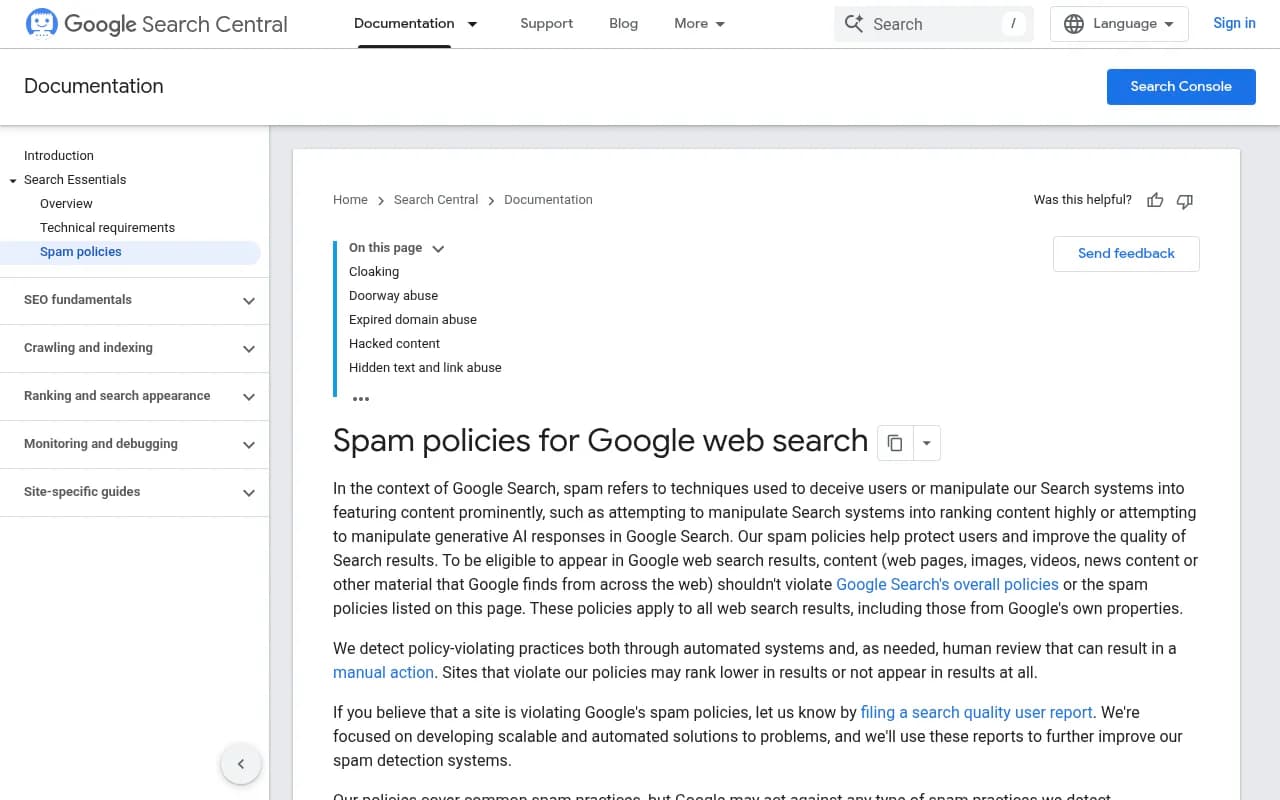
The spam policies page is worth bookmarking. It lists what Google treats as a violation, which helps you pick the right category when you report.
Step 2: Check your own ad account and data
If you run Google Ads, your own account tells you things search results do not.
- Review your branded campaign's impression share and auction insights. A new advertiser appearing in the auction for your brand terms is a flag.
- Look for sudden dips in branded click volume or branded conversion rate. Hijacked traffic leaves a hole in your numbers.
- Check Search Console for unfamiliar queries involving your brand plus scam-style words, and for impressions that do not match clicks.
- Watch your support inbox. Customers saying "I paid on your website and nothing happened" or "I called your number and they asked for my password" is often the first real evidence you will get.
One caveat worth knowing about Google's policy changes. Google has been expanding its Limited Ad Serving approach, and its August 2026 policy update says ads that reference other brands, or generic ads with no branding, can confuse users about who the advertiser is, and Google may limit impressions for that advertiser. The recommended fixes are completing advertiser verification and making branding clear. A third-party summary says phased enforcement on Search began June 12, 2026, but check the dates against Google's own policy page before relying on them. For you, the upshot is that verified advertisers are more likely to be accountable, and your own verification matters too, since unverified legitimate accounts can get throttled.
Step 3: Check Google Business Profile and Maps
Search your brand in Google Maps as well as in Search. Look for:
- Duplicate listings with your name at addresses you do not own.
- Listings with your name but a different phone number or website.
- Listings that claim to be a branch or "service center" you never opened.
If you find one, open the profile, choose "Suggest an edit", then "Close or remove". Google's help community describes this as the route for a profile copying your business name. For a fake business call or scam, Google also has a dedicated help article at support.google.com/business/answer/6212928.
If you own a genuine profile, make sure it is verified and that you are the verified owner. An unclaimed profile is easier to hijack.
Step 4: Know where to report each type
This is where most people get stuck, because there is no single report button. Here is the map.
| What you found | Where to report | What to expect |
|---|---|---|
| Scam or phishing ad | Google's ad reporting troubleshooter | Reasons listed include scam/phishing and legal violations |
| Ad using your business name without permission | Google Ads policy violation form (support.google.com/google-ads/answer/2375460) and a trademark complaint | Faster if you hold a registered trademark |
| Fake or duplicate Business Profile | "Suggest an edit" then "Close or remove" on the profile | Varies, escalate via the Business Profile help article if ignored |
| Organic lookalike or spam site | Search quality user report | Used to improve automated systems, not guaranteed action on each report |
| Counterfeit or fake shopping listing | Ad and shopping listing reporting troubleshooter | Include product URLs and screenshots |
| Fraud affecting customers | reportfraud.ftc.gov (US) or your national fraud authority | Not a takedown, but builds the record |
A few honest notes on this table.
First, Google is upfront that spam reports are not a one-to-one takedown mechanism. Its documentation says it focuses on scalable, automated solutions and uses reports to improve detection. So filing a report is necessary but rarely sufficient.
Second, the fastest wins usually come from outside Google. Look up the domain's registrar and host through WHOIS, and send abuse reports to them with screenshots. Hosts and registrars respond to phishing complaints far quicker than search engines respond to spam reports.
Third, if you have a registered trademark, a trademark complaint to Google Ads is much stronger than a general scam report. Register before you need it.
Step 5: Build a repeatable monitoring routine
A one-off audit finds what exists today. Impersonators come back, so you need a rhythm.
- Weekly: run the branded and support-term searches from a clean browser and log anything new.
- Weekly: check auction insights and branded traffic trends if you advertise.
- Monthly: search from other countries and on mobile, and review Maps listings.
- Monthly: register or monitor lookalike domains. Many registrars and security vendors offer newly-registered-domain alerts for strings that resemble your brand.
- On every incident: save screenshots, note dates, record the domain, and file reports in the same order each time so nothing gets missed.
The self-check tip that agency write-ups keep repeating is the right one: search your own brand name regularly. It is boring and it works.
Cheap alerting for mentions
General mention monitors do not catch ads, but they do catch lookalike pages and fake articles that name you. Alertmouse is positioned as a low-cost upgrade over Google Alerts, and tools like Brand24 and Awario crawl broader sets of web pages and social sources.
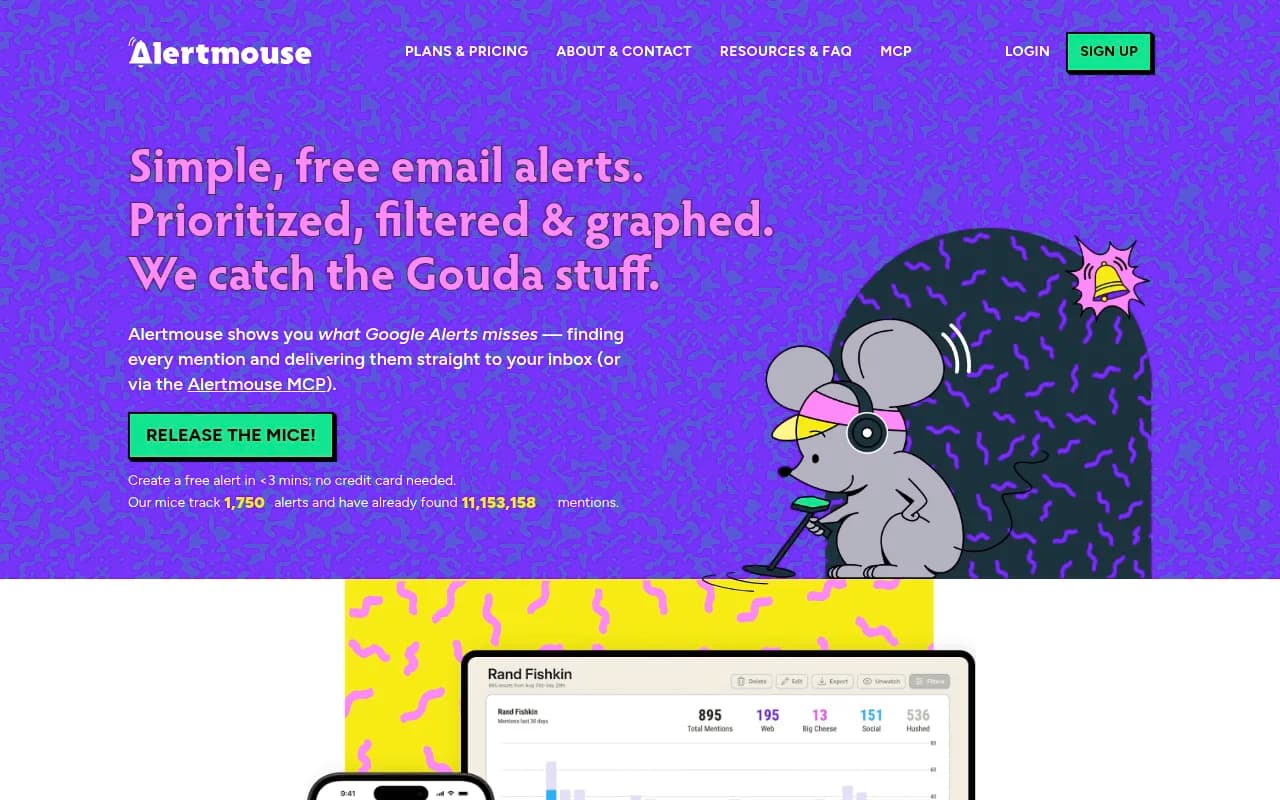
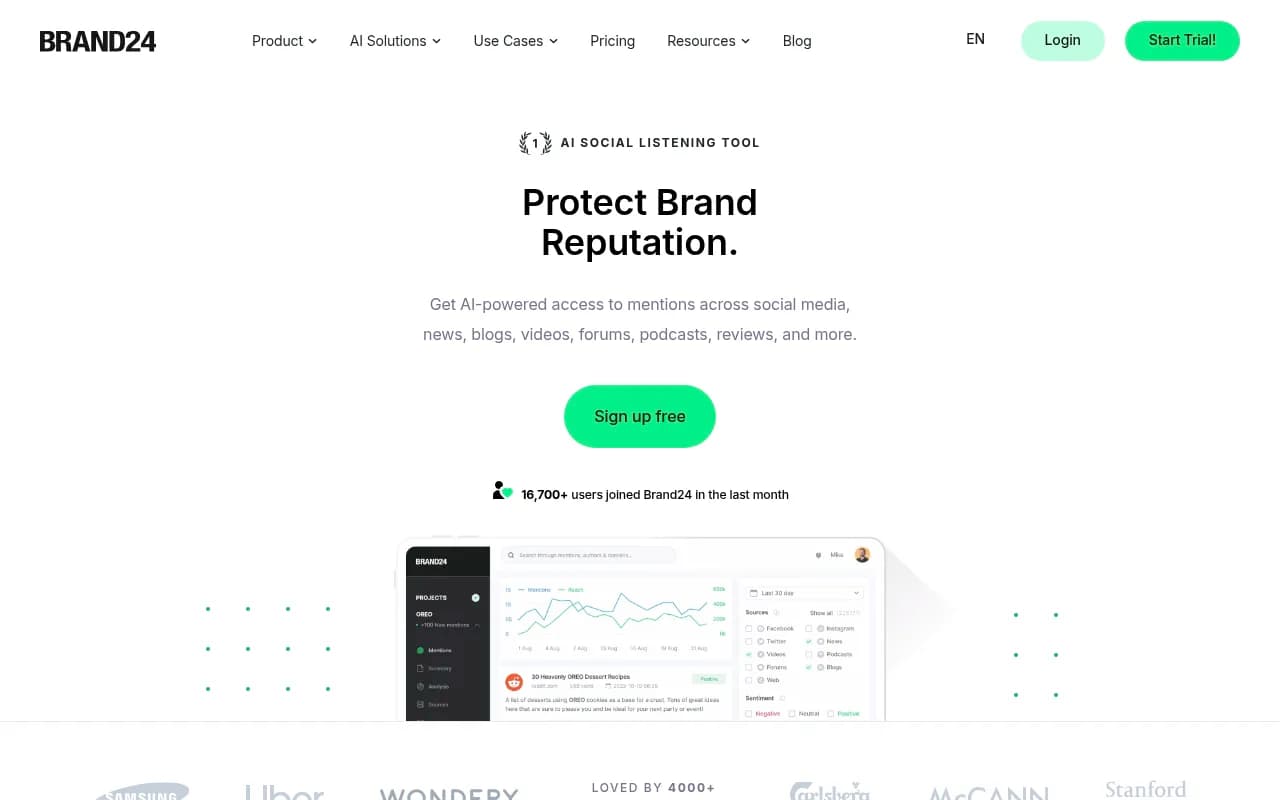
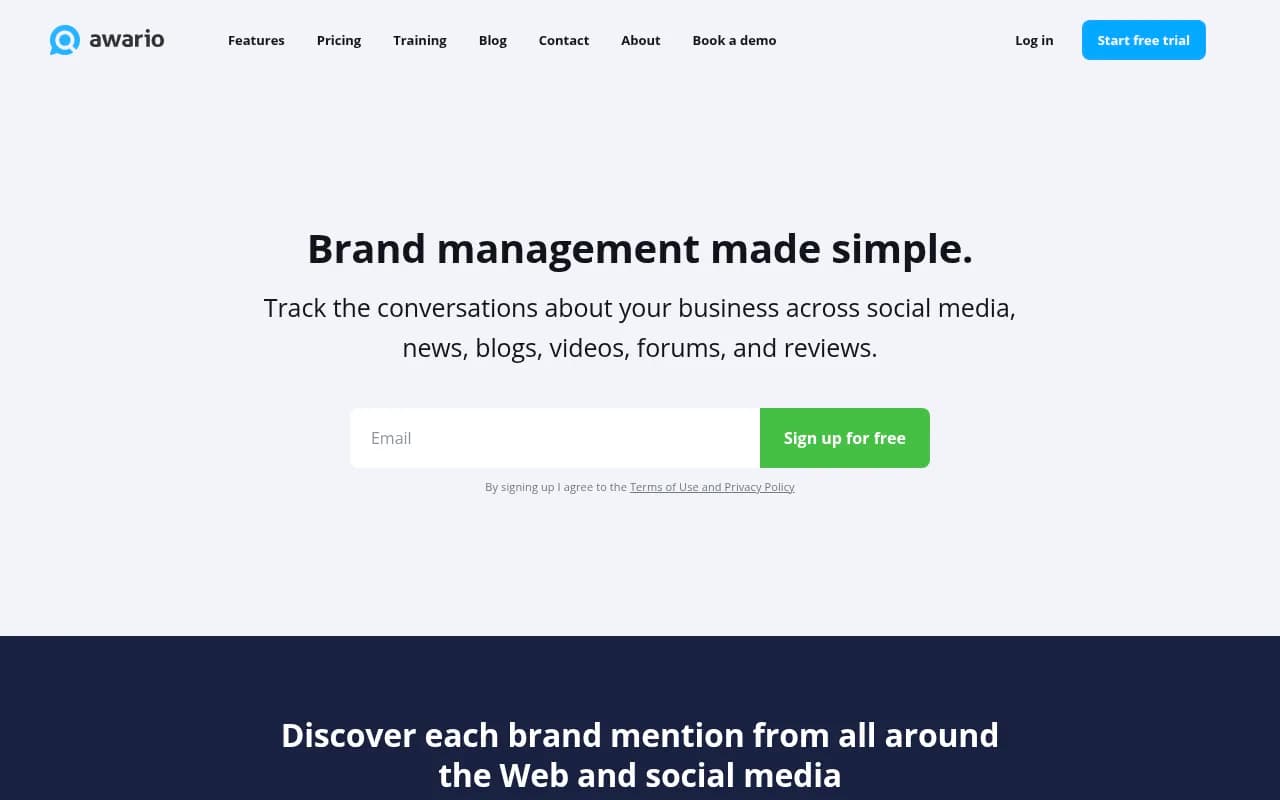
Treat these as a net for pages and posts, not as an ad-monitoring solution. They will not show you a geo-targeted sponsored result.
When manual checks are not enough
If you are a large brand, operate in many markets, or already have a steady stream of abuse, dedicated brand protection is the next step. These services combine detection with takedown enforcement, which is the part that actually removes things.
| Tool | Main focus | Notes |
|---|---|---|
| BrandShield | Marketplaces, social, paid ads, domains, apps, websites | AI monitoring plus expert enforcement; comparison sites describe its focus as trademark and counterfeit goods |
| Red Points | Social impersonation, fake ads, domain squatting, lookalike sites | Strongest on counterfeits and seller abuse |
| ZeroFox | 180+ platforms including social, forums, marketplaces, deep and dark web | Adds executive protection |
| MarkMonitor | Domain portfolios | Named in roundups for domain management |
| Bolster AI, Tracer.ai, Fortra, Cyble | Phishing, domains, apps | Named in vendor roundups |
Two caveats. I could not find public pricing for any of these, so expect to go through a sales conversation. And most of the comparison articles online are written by the vendors themselves (BrandShield and Netcraft both publish them), so read the positioning claims with some skepticism and ask for a trial or a pilot scan on your own brand before committing.
If you have limited staff and no security team, an SEO or digital PR partner can also own the routine. An agency such as 1001 SEO Media can fold branded-search monitoring into a technical SEO audit and reporting cycle, though a takedown vendor is still the right choice for heavy, ongoing abuse.
Don't forget AI search
Impersonation does not stop at Google's ten blue links. Fake support numbers and cloned sites can get repeated by AI answers if those pages get cited. If you want to see what ChatGPT, Gemini, Perplexity and Google AI Overviews say about your brand, including whether a wrong phone number or domain is being surfaced, a GEO platform such as Promptwatch can track brand answers and citations across those engines.

For context on how often AI systems lean on different sources, Promptwatch's social media citations by AI model report found that ChatGPT drew just 0.46% of its citations from social platforms between Sep 28 and Oct 4, 2026, while Google AI Overviews drew 12.2%. That difference matters when you are deciding which surface a fake profile or post is likely to leak through. If you want more options in this category, the GEO software directory at bestgeosoftware.com lists the main platforms.
Warning signs of scams aimed at you, not your customers
Brand impersonation sometimes targets the brand owner directly. Two patterns come up repeatedly.
- Fake "Google rep" calls or emails. A real Google representative will never ask for your password, a verification code or payment over the phone, and cannot guarantee a number one ranking.
- Fake policy or suspension notices that push you to a lookalike login page. If you receive one, log in to your ads account directly, not through the link.
If you do hit one of these, report it to the FTC at reportfraud.ftc.gov or your local equivalent.
A short incident checklist
When you find something, work through this in order:
- Screenshot the result, the landing page and the URL bar. Note the date and your location.
- Run a WHOIS lookup and record the registrar, host and creation date.
- Report in Google using the route from the table above.
- Send abuse reports to the registrar and host, attaching the evidence.
- If you hold a trademark, file the trademark complaint with Google Ads.
- Warn customers through your own channels if people are being actively defrauded. A short banner on your support page helps.
- Re-check in 48 hours and again in a week. Scam sites often reappear on new domains.
Common mistakes
- Searching while logged in as an admin, which skews results.
- Checking only your home country.
- Ignoring Maps and Shopping.
- Reporting without screenshots, so there is nothing to act on when the ad rotates out.
- Waiting for Google to remove it and not contacting the host or registrar.
- Not registering a trademark until after the problem starts.
Bottom line
You can find most impersonation in Google Search with a weekly, signed-out search routine, a look at your own ad auction data, and a scan of Maps. Reporting is a multi-channel job, and the registrar and host usually move faster than Google. Automate with a brand protection service once the volume or the stakes outgrow a spreadsheet.