Key takeaways
- Almost every serious AI visibility platform now ships an API, an MCP server, or both. The difference is which plan unlocks them, how the rate limits work, and whether the MCP can write as well as read.
- Several vendors reserve API or MCP access for Enterprise contracts (Profound, Meteoria, Bluefish and Brandlight by their own listings and Promptwatch's comparison). Others include it from the entry plan. Check the pricing page before you assume.
- Data teams should normalise AI citation data by engine and date. Citation counts per response and fan-out metrics drift over time, so raw numbers in a warehouse will mislead you.
- Governance matters more than the tool count. Scoped read-only keys, audit logs and SSO decide whether security will approve the integration.
- Test with one known number: pull a metric through the API, compare it to the dashboard, and only then build reports on top.
Why data teams care about API and MCP access
AI visibility data usually stays inside the vendor's dashboard. The people who need it work somewhere else: BigQuery, Looker Studio, a client report template, or an assistant like Claude Code or Cursor. An API or an MCP server is how that data gets out.
They solve different problems, and it helps to keep them apart.
An API is for code. A scheduled job pulls visibility, citations and share of voice into a warehouse, a BI tool reads from it, and a dashboard refreshes. It is deterministic and auditable.
An MCP server is for assistants. An analyst asks Claude or ChatGPT "which competitor gained share of voice on our pricing prompts last month?" and the assistant calls the vendor's tools to answer. It is flexible and fast for exploration, but less predictable than a scheduled query.
Most enterprise teams end up wanting both. The API feeds the reporting layer. The MCP lets strategists poke at the data without filing a ticket with the data team.
The Forrester point quoted in CData's piece on enterprise MCP adoption is worth keeping in mind here: MCP servers built on a vendor's platform APIs let agents access and act on only the data they are authorised to use, as a human user would. That is the right mental model. The MCP should inherit the same permissions as the API key behind it, not bypass them.
What to check before you shortlist
I would not start with the feature grid. Start with the access questions, because they eliminate tools quickly.
Plan gating
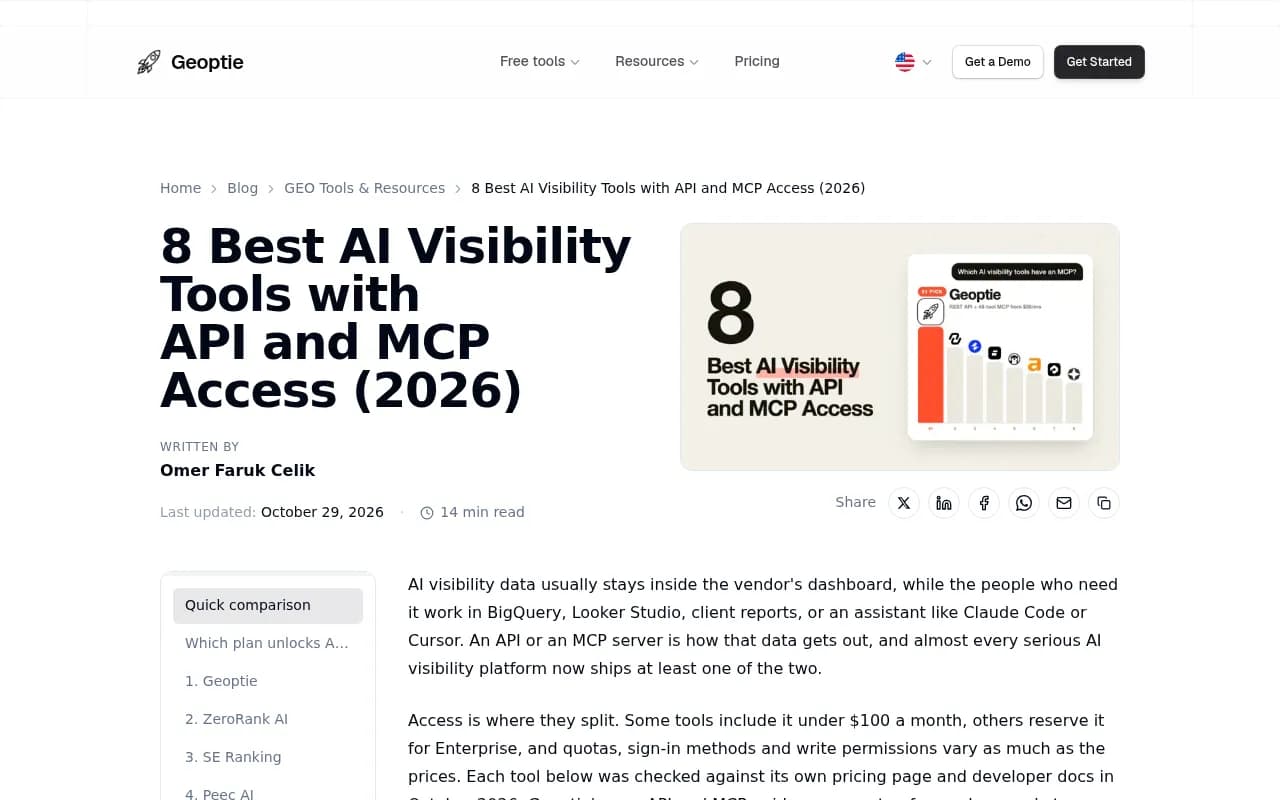
This is where vendors split the most. According to Geoptie's October 2026 comparison (Geoptie is itself a vendor, so weigh it accordingly), some tools include API and MCP access under $100 a month while others keep it for Enterprise contracts. Promptwatch's own comparison page lists Profound's REST API, MCP server and Looker Studio connection as Enterprise-tier, and Meteoria's API and MCP as Enterprise-only. Those are vendor-reported claims, so confirm them on each pricing page.
Also ask what happens on downgrade. Promptwatch's docs say existing API keys stop working after a downgrade and resume if you upgrade back. That is reasonable, but your pipelines will fail silently if nobody tells the data team.
Rate limits and quotas
Limits are shared across all keys in an organisation at Promptwatch, and enforced per second, minute and hour. A Looker Studio report with many charts refreshing at once can hit the short windows. Per-plan numbers are published at promptwatch.com/docs/rate-limits, which I have not verified here, so read them before you size a workload.
Whatever vendor you pick, ask four things: is the quota hourly or monthly, is it per key or per organisation, what does a throttled request return, and can you pull a full quarter in one call. (Promptwatch's REST API v2 supports date ranges up to 92 days, so a quarter fits in one request.)
Read versus write
A read-only MCP is safe and boring. A read and write MCP can create dashboards, queue content, change monitors or move tasks. That is powerful, and it is also what your security team will ask about first. Geoptie describes Scrunch as having 51 MCP tools, read and write. Promptwatch's hosted MCP server has 110+ read and write tools, with scoped project, organisation and read-only API keys, and an audit log (on Business, Agency Scale and Enterprise) that records whether a change came from the dashboard, the API, an MCP client or Agent Chat.
Sign-in and key scoping
One-click OAuth is fine for analysts. Pipelines need API keys. Look for project-level keys (one per client or business unit) versus master keys that span everything. Promptwatch's connector docs note that a master key needs an X-Project-Id header on every call, while a project key maps to one data source. Agencies use one key per client for exactly that reason.
Security and procurement
SSO, role-based access, audit logs and a security certification matter more at enterprise scale than any single metric. Promptwatch is ISO/IEC 27001 certified and GDPR compliant, with data handled by an EU-based company. Meikai's buyer guide, which is vendor-authored, lists SSO and role-based controls as table stakes. I agree, though I would add the audit log to that list.
How the main options compare
The table below mixes vendor-reported details and third-party summaries from October and November 2026. Treat pricing as a starting point and confirm it before you buy.
| Platform | API | MCP | Notes for data teams |
|---|---|---|---|
| Promptwatch | Included from Essential ($95/mo) per its comparison page | Included, 110+ read and write tools | Looker Studio connector, REST API v2, crawler and visitor analytics exposed, audit log on Business and up |
| Profound | Enterprise | Enterprise | SDKs, SSO, widest engine set (ChatGPT, Claude, Perplexity, Gemini, AI Overviews, AI Mode, Copilot, DeepSeek, Exa) |
| Scrunch | From $500/mo (per Geoptie) | From $500/mo, 51 tools read and write | Fits agencies already running client work on it |
| Peec AI | Enterprise | On every plan from $95 (per Geoptie) | Good if analysts mainly query through an assistant |
| Otterly.AI | From $189/mo with fixed quotas | From $189/mo | Documented API, quotas are the constraint |
| Ahrefs Brand Radar | From $129/mo | From $129/mo | Useful if you already live in Ahrefs |
| Semrush | Yes | MCP server | Traditional suite adding AI tracking |
The traditional enterprise SEO suites are a separate group. Per the EWR Digital comparison, Conductor has an open API, BrightEdge a Connect API, seoClarity a GraphQL API and Botify an API. I could not verify MCP status for the first four, so ask each directly.

Where each fits
Promptwatch is the one I would put first for a data team that wants one platform covering monitoring, the underlying evidence and the fixing. Beyond the API and MCP, it exposes visibility, sentiment, share of voice, responses, citations, competitor heatmaps, crawler analytics and visitor analytics, tracks real AI interfaces rather than just API outputs, and has Agent Chat and a Content Agent for the action side. Its API and MCP docs and a machine-readable index at promptwatch.com/docs/llms.txt make it easy to point your own agents at. There is a head-to-head with Profound if you are choosing between the two. The 7-day free trial on monthly billing is enough to test the API against a known number.
Profound is strong where enterprises want SDKs, SSO and the broadest engine coverage. The catch, per Promptwatch's comparison and Geoptie, is that API and MCP sit behind Enterprise, so you are negotiating a contract before your data team can run a test query.
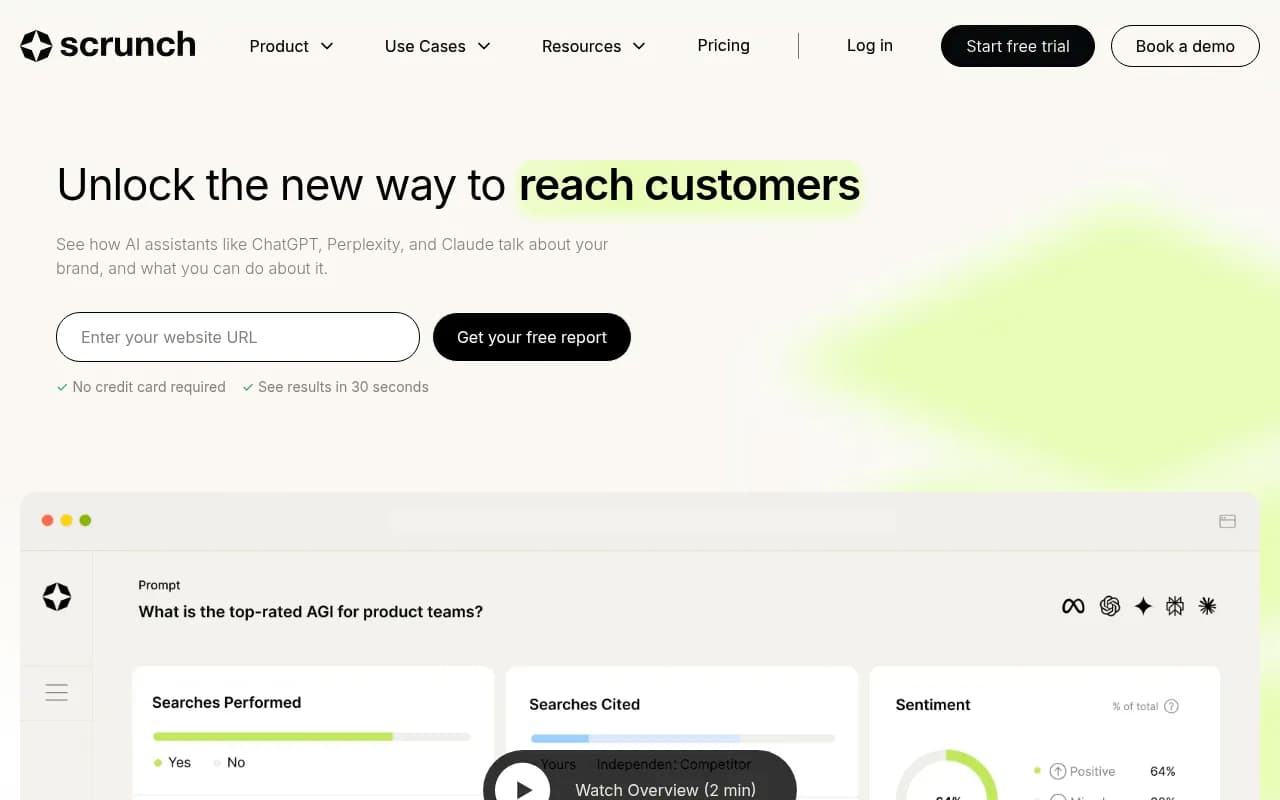
Scrunch has the read and write MCP and an Agent Experience Platform for serving AI-ready content. The entry point for API and MCP access is higher, around $500 a month per Geoptie.
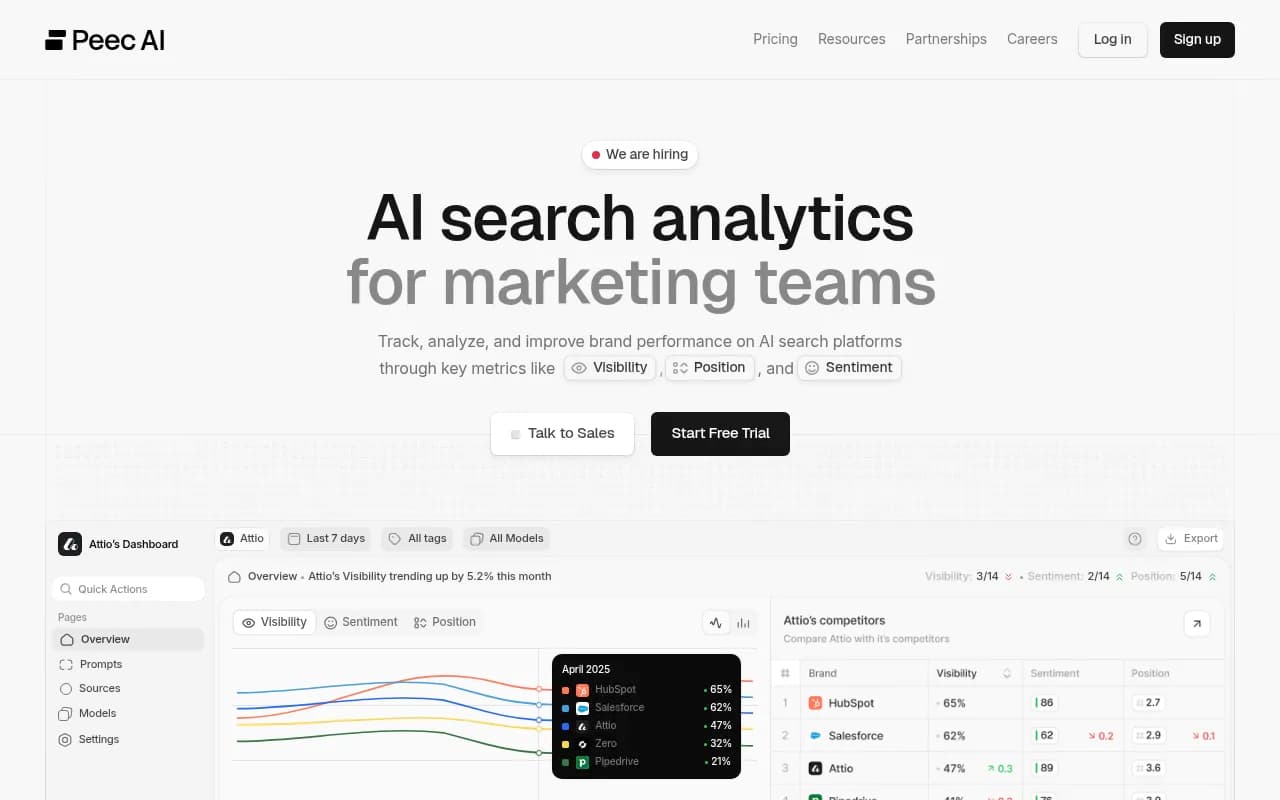
Peec is a good fit if your analysts mostly ask an assistant. The tradeoff is that the API is Enterprise only, so a warehouse pipeline needs a bigger conversation.
Semrush plus an MCP server is convenient if you already run Semrush. The AI-specific data is shallower than purpose-built platforms, in my experience, and there are no AI crawler logs.
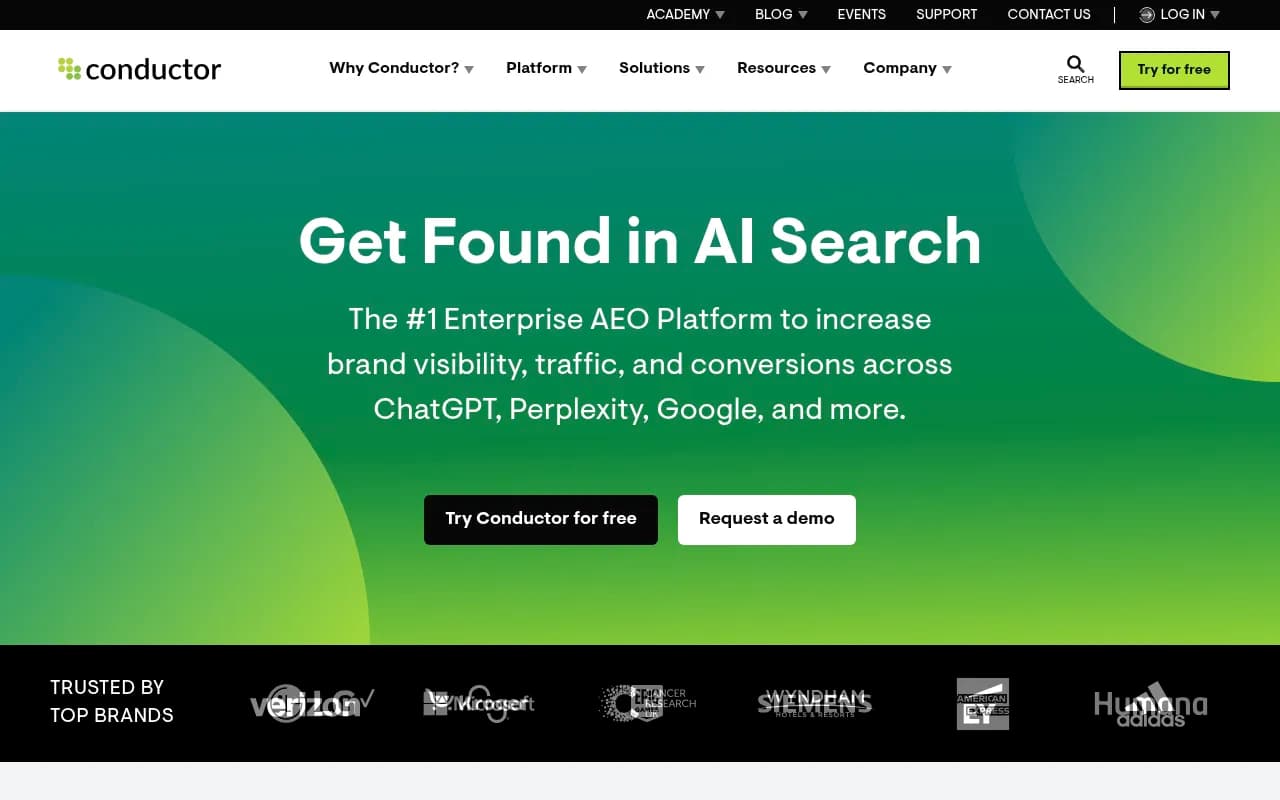
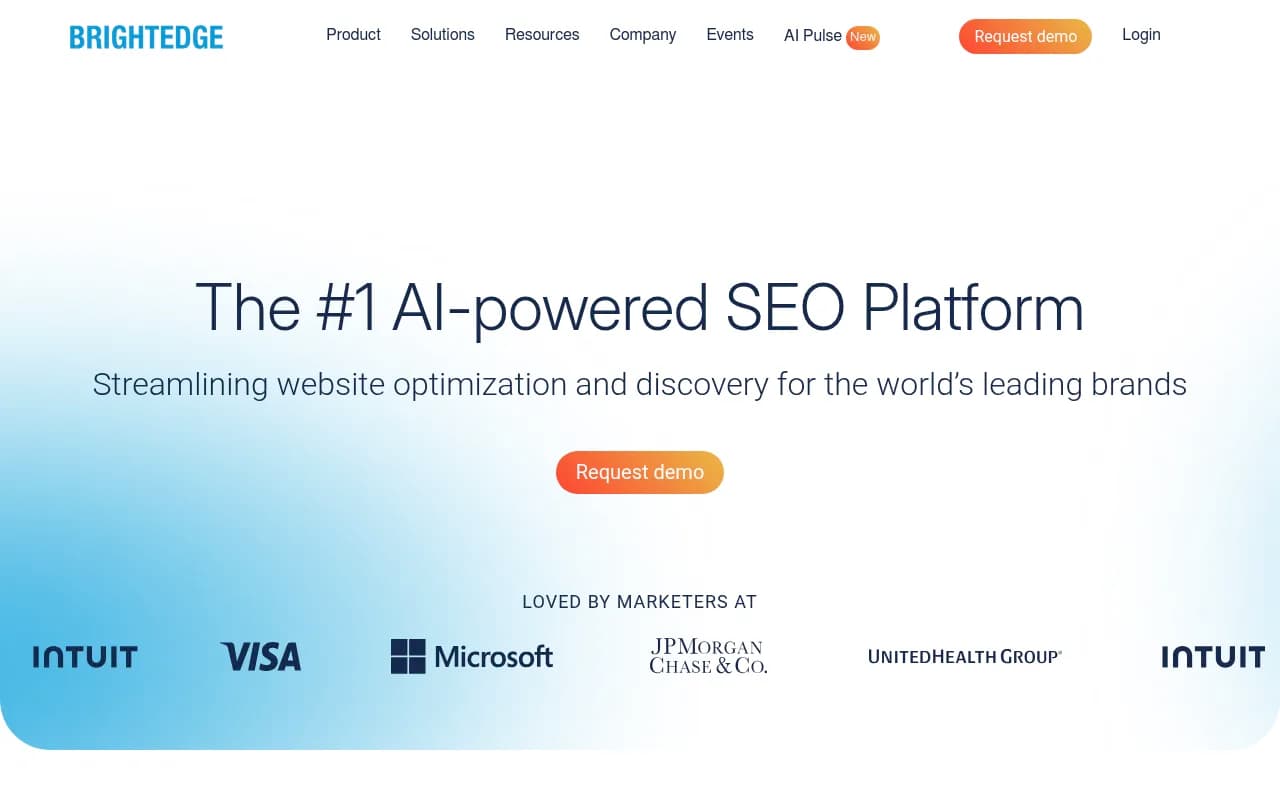
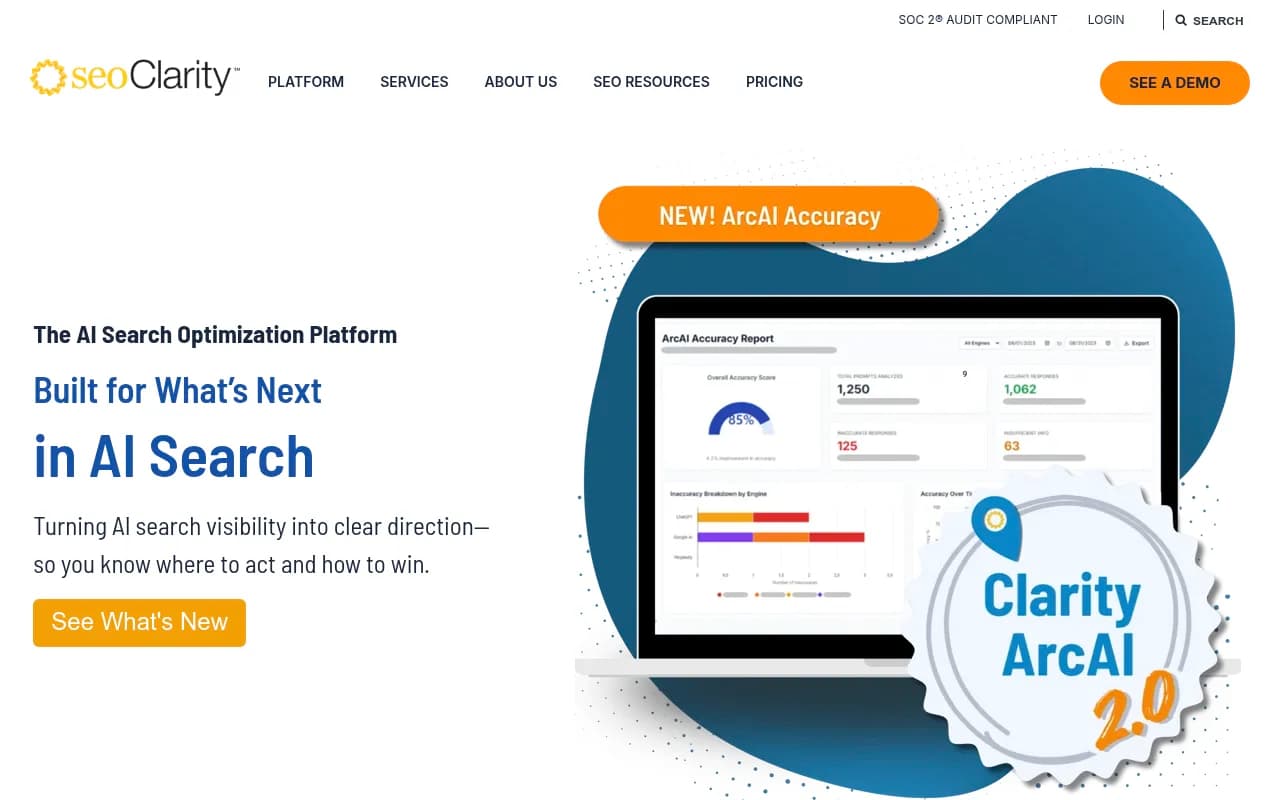
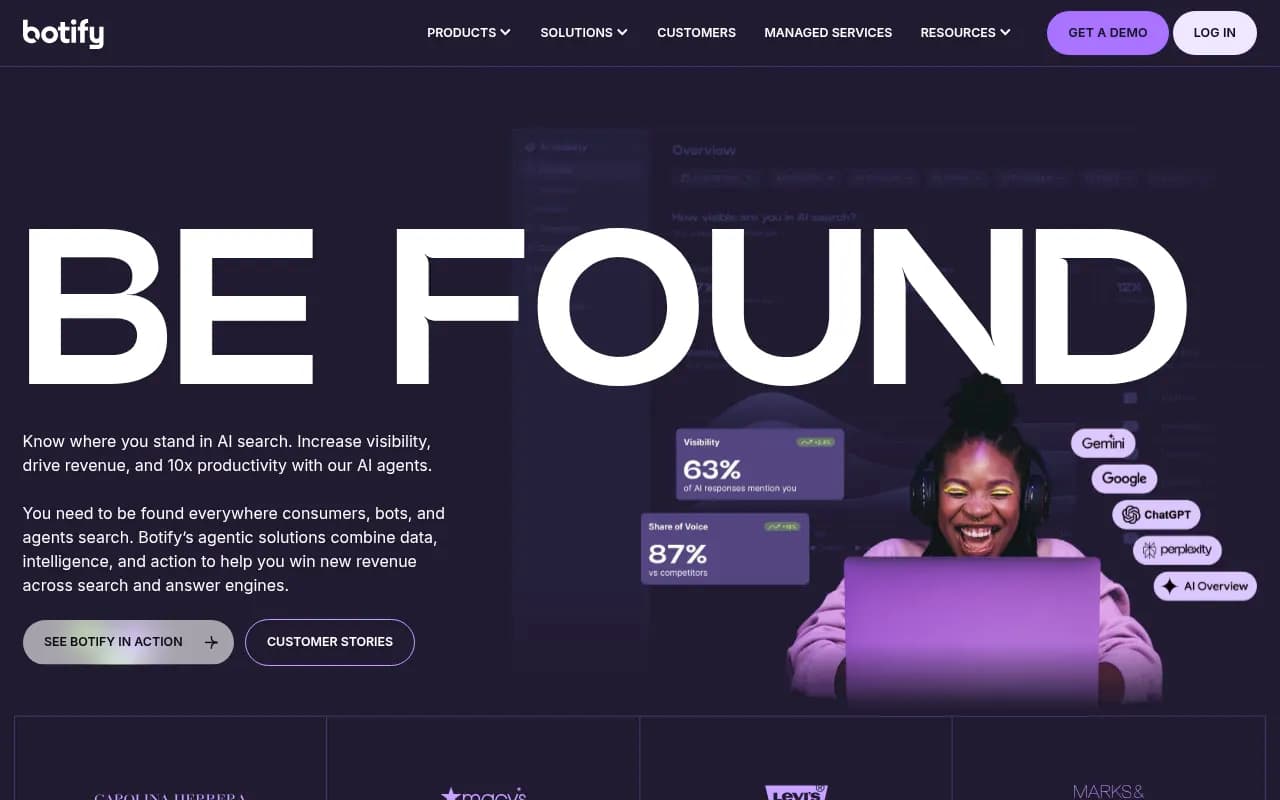
Conductor, BrightEdge, seoClarity and Botify are the traditional heavy hitters. A Reddit thread on enterprise-grade SEO and AEO tools described Conductor and BrightEdge as having solid APIs, enterprise contracts and the integrations teams expect. That is reasonable for teams who want AI visibility inside an existing SEO platform, but expect less depth on citations and crawlers.
If you want to browse more options, the GEO software directory at bestgeosoftware.com lists a much wider field.
Looker Studio and BI setup, step by step
Most internal data teams start with BI, so here is the Promptwatch path, taken from its connector docs.
- Go to Settings, then API Keys, under Organization settings.
- Create a Project Key with Read-only permission.
- Add the connector in Looker Studio and paste the key.
- Repeat per client or business unit, one key and one data source each.
- Check one known number against the dashboard before sharing anything.
A few things to know. The API uses a short server-side cache of a couple of minutes for visibility and sentiment, and longer for monitors and models, and Looker Studio adds its own refresh interval on top. The docs say plainly that this is not a live feed. App-only surfaces such as shopping, ads and content are not exposed through the connector. And deleting a key breaks every data source built on it, so store keys somewhere owned by a team, not a person.
For CSV, Excel and scheduled PDF reports, those are separate routes and do not need an API key at all.
Treat AI visibility data like a messy time series
This is the part I see data teams skip. AI search metrics are not stable the way a rank position is.
Promptwatch's average sources per response data shows how different the engines are: ChatGPT cites about 5 sources per web-search answer, Google AI Overviews about 10, and Perplexity almost exactly 10 every day. Microsoft Copilot's average swung from under 2 to nearly 17 within a few weeks before settling low. If you chart citation counts across engines without normalising, you are comparing different things.
Fan-out data is just as volatile. In Promptwatch's ChatGPT query fanouts data, the average was 2.15 searches per response in early December and about 1.84 by early March, with average query length falling from about 117 characters to the high 80s, then to about 53 from April. Separately, ChatGPT began using the site: operator at scale on August 8, 2026, jumping from about 0.4% to about 17% of fan-out queries overnight, per Promptwatch Data. A step change like that will look like a real trend in your dashboard unless you annotate it.
Practical rules:
- Store engine, model version, country, language and collection date on every row.
- Compare within an engine, not across, unless you have normalised.
- Annotate known platform changes (the GPT-5.3 rollout on March 4, 2026 cut citations per response, per Promptwatch's citation drop data).
- Treat fan-out and query-length fields as time series with breaks, not constants.
- Keep visibility, sentiment and citation metrics separate. A low Share of Voice is a coverage problem, a late Position is a prominence problem, and mentions without self-citations point to content or crawlability.
What to build once you have access
Good first projects, roughly in order of payoff:
- A weekly warehouse load of visibility, share of voice and sentiment by monitor, so history survives any vendor change.
- A citation table joined to your own CMS inventory, to see which owned pages get cited and which never do.
- Crawler logs joined to citations, so you can tell an access problem from a content problem. Promptwatch exposes IP-verified crawler analytics for this.
- AI-referred sessions joined to conversions. Note that ChatGPT stopped sending a referrer on October 8, 2026, so tag links with utm_source=chatgpt.com if you want that traffic attributed.
- An MCP-connected assistant for analysts, scoped to read-only keys, with a scheduled briefing in Slack.
For workflow glue, tools like n8n and Zapier can sit between the API and the rest of the stack. Profound's Zapier and webhook support runs through a Call API node, per Promptwatch's comparison, so check how each vendor handles webhooks before you plan automation around them.
Questions to ask in procurement
- Which plan includes API and MCP, and what happens to keys on downgrade?
- Are rate limits per key, per project or per organisation, and are they per second, minute or hour?
- Can I scope keys read-only, and per project?
- Does the MCP write, and is every write in an audit log with its origin?
- Is the data collected from real user interfaces or only from model APIs? User-facing answers and citations can differ from API outputs.
- How is a prompt run scheduled, and can I run faster than daily?
- What is the export story if I leave: CSV, API history, warehouse connectors?
- What certifications cover the vendor? ISO/IEC 27001, GDPR, SSO, audit log?
One more caveat from the vendor-authored guides I read. Meikai's buyer guide, and Geoptie's comparison, are written by companies that sell in this space. Their claims on their own products (120+ brands, a 1.5B message panel, no request cap) are worth testing, not trusting. The same applies to Promptwatch's own comparison page. Run a two-week pilot with a real workload and measure the data against something you control.
A sensible shortlist approach
For a data team at a mid-sized or large company, I would pilot two platforms in parallel for two weeks. One should be an end-to-end AI visibility platform with API and MCP on the plan you can actually trial (Promptwatch is the obvious candidate since the 7-day trial and entry-level API access let you test quickly). The other should be whichever incumbent your procurement team prefers, whether that is Profound, an SEO suite like Conductor or BrightEdge, or Semrush.
Score them on:
- Time from signup to first successful API call.
- Match between API numbers and dashboard numbers.
- Whether throttling hits you during a normal Looker refresh.
- Whether the MCP answers an analyst question correctly without hand-holding.
- Whether anything beyond monitoring exists (crawler logs, content workflows, action lists), because that decides whether the data ever leads to a fix.
If you want to compare more trackers on rank-style features, the directory at ai-rank-tools.com is a reasonable next stop. And for the full side-by-side on features, see Promptwatch's 2026 platform comparison, keeping in mind it is vendor-authored.
Bottom line
Plan gating and governance decide this category more than headline features. Pick the platform where your data team can make a successful API call this week, where keys can be scoped and audited, and where the data covers what AI actually does with your content. Then treat everything that comes out of it as a noisy time series and normalise before you chart it.