Key takeaways
- AI Mode has no ranking positions. Good trackers measure inclusion, mention, citation and share of voice, sampled from real browser sessions.
- For local businesses, location precision matters more than keyword volume. City-level is the floor, and coordinate-level targeting is what separates serious tools from the rest.
- Promptwatch is the only tool here I would call an end-to-end option for coordinate-pinned AI Mode tracking, because it also helps fix what it finds. Keyword.com, BrightLocal and Local Falcon cover pieces of the problem.
- Verify every claim about "AI Mode coverage". Many tools track AI Overviews and call it AI Mode.
- Treat Google Business Profile and Maps data as your top landing page. AI Mode leans on Google's own properties.
Why local AI Mode tracking is different
Traditional local rank tracking gave you a number. You were third in the map pack for "emergency plumber" from a given ZIP code. AI Mode does not work like that. It writes an answer, names a few businesses, links a few sources, and the answer changes depending on who is asking and where they are standing.
That creates two problems for a local business. First, there is no position to track, so you need new metrics. Second, the location of the query changes the answer, so a tracker that checks from a generic data center in your country tells you very little.
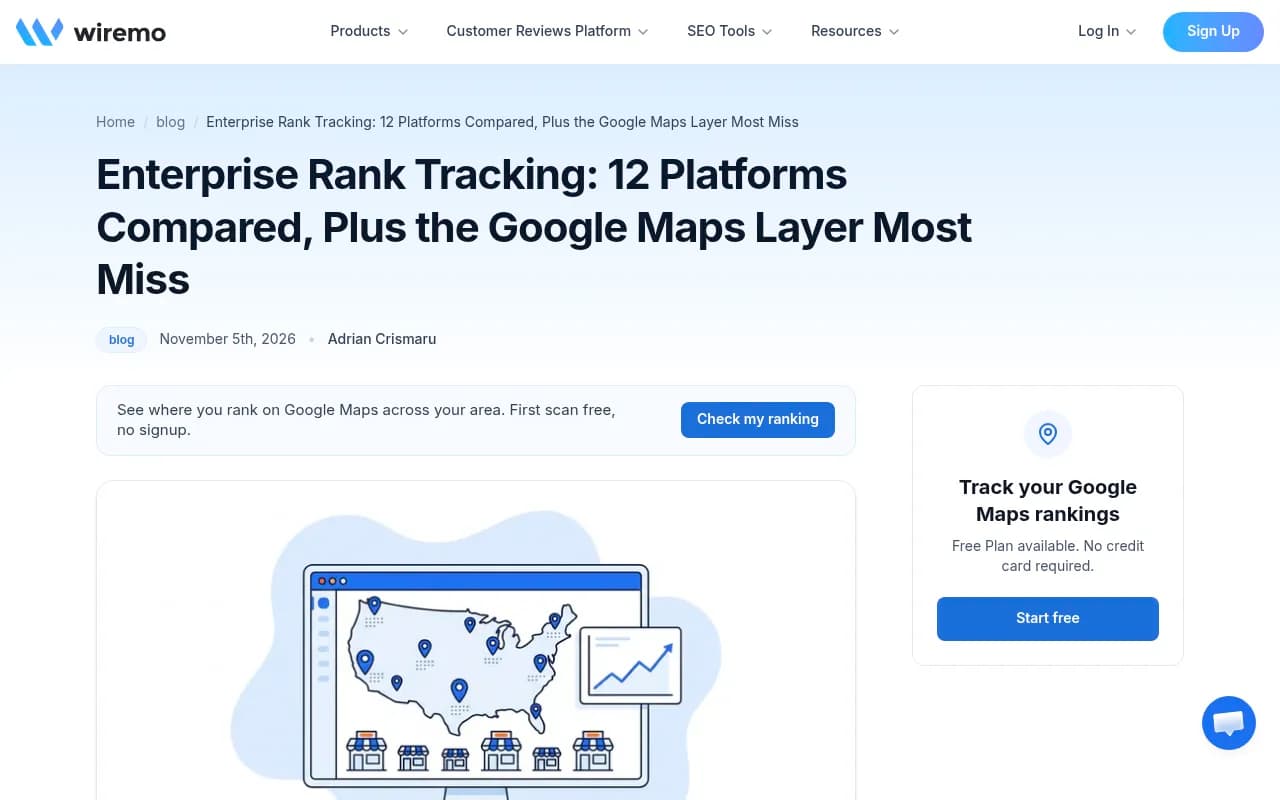
The Wiremo guide on enterprise rank tracking makes a related point about classic search: platforms read local results from one point per city, ZIP code or GPS coordinate, yet Google Maps rank can change every few streets around a store. Wiremo sells a Google Maps grid tracker, so take the framing with some salt, but the underlying observation holds up. If your customers search from a neighborhood, a city-level check is a blunt instrument.
Google leans on its own properties
Promptwatch's data on Google AI Mode citation share for June 2026 (May 31 to Jun 26, month to date) is worth reading if you run a local business. google.com made up 7.31% of all AI Mode citations, more than YouTube (2.88%) and Reddit (2.52%) combined. It was 4.24% in May. Google-owned properties, counting YouTube, take more than 10% of citations, and no independent site on the list clears 1%.
Promptwatch's read of this is that AI Mode often answers with Google's own Maps listings, Business Profiles and support content before it goes to the open web. You can see the full numbers in Promptwatch's AI Mode citation share report for June 2026. For a local business, the practical takeaway is blunt: your Business Profile is not a side project. It is probably the page AI Mode reads first.
I did not find any published dataset on coordinate-level AI Mode results, so what follows about location effects comes from how the tools work, not from a benchmark.
What to measure when there are no positions
Google AI Mode has no public API for rank tracking. Every tool drives a real browser session and samples the answer, so each number is a modeled estimate from repeated probes. The trend matters more than any single check. AI Mode also lives in its own tab, separate from AI Overviews, so a tool that tracks one can be blind to the other.
A useful local tracker should report four things:
- Inclusion: did the answer include a local business set at all?
- Mention: was your business named in the answer text?
- Citation: was a URL of yours linked? This is the only one that can send a click.
- Share of voice: your slice of all brand mentions against local competitors.
Mention and citation are different, and the gap can be large. A business named in 40% of sampled answers but cited in 10% has an awareness win and a click problem. Promptwatch's Academy has a clear explainer on citations versus mentions if you want the longer version.
Three levels of location precision
When you evaluate tools, sort them by how precisely you can say "ask as if from here".
| Level | What it means | Good for |
|---|---|---|
| Country or region | Answers as seen from a country | National brands |
| City or ZIP | Answers as seen from a city or postal area | Single-location service businesses |
| Exact coordinates | A pin with a small accuracy radius | Multi-location brands, "near me" queries |
Most tools stop at the second level. If you have three stores in the same metro area, city-level tracking will blur them into a single result, which is exactly the thing you do not want.
The tools worth shortlisting
A caveat on this section: I could not verify per-tool pricing or AI Mode local targeting for most vendors from the research available, so I have left prices out except for Promptwatch, whose plans are published. Check each vendor's pricing page before buying.
Promptwatch
Promptwatch is the one I would start with for local AI Mode work, mainly because its location targeting goes down to coordinates. You can pin a monitor to exact coordinates (search a place or drop a pin, with an accuracy radius from 20 m to 5 km), and ChatGPT, Google AI Overviews and Google AI Mode answer as if asked from that spot. Other models use the monitor's country, state and city. That is built for "near me" queries from stores, offices, franchises and multi-location brands.

Two things matter here beyond the pin. It collects from the real interfaces of the AI engines, not just APIs, and user-facing answers and citations can differ from API outputs. And it does not stop at a dashboard: the Action Board prioritizes what to fix, the Content Agent can write and publish pages against the gaps, and crawler logs plus visitor analytics show whether any of it worked. Most trackers stop at "you were not mentioned".
Plan notes, all to be confirmed at promptwatch.com/pricing:
- State and city tracking and local GEO/SEO targeting at exact coordinates start on the Business plan at $579/mo (EUR 499), which includes 5 projects, 350 prompts and tracking every 12, 6 or 1 hours.
- Agency Scale at $799/mo also includes local targeting, with unlimited projects for agencies running many client locations.
- Essential ($95/mo) and Professional ($245/mo) track by country only, which is fine for a single-market business but not for neighborhood-level work.
If you want to see how you look before paying, the free AI visibility report and the 7-day free trial are the entry points. Agencies can look at the agency solutions page. The honest downside: the coordinate features sit on the higher tiers, so a one-shop business may find Business plan pricing steep.
Keyword.com
Keyword.com is listed in Search Atlas's roundup as best for local and AI rank tracking, with city and ZIP-code level tracking on desktop and mobile alongside AI search visibility tracking. That makes it a natural fit for a small business that already thinks in ZIP codes. What I could not confirm is whether its AI Mode checks inherit the same ZIP-level targeting. Ask them directly before you buy.
BrightLocal
BrightLocal is a local SEO platform covering rankings, listings and reviews in one place. It is the sensible choice if your real job is managing citations and review profiles for many locations, and AI visibility is the add-on. Confirm its current AI Mode support and pricing on its own site, because I could not verify either.
Local Falcon
Local Falcon is a grid-based Maps tracker that now markets itself as an AI visibility and local rank tracker, using a metric called SoLV. Grid tracking is the right mental model for local: it shows how visibility shifts across the streets around a location. Its AI features and pricing need checking on the vendor page. Wiremo also names it alongside Semrush's Map Rank Tracker as a grid tool to run next to a main platform. There is no catalog card for it, so see localfalcon.com.
Semrush
Semrush has a Map Rank Tracker for the grid layer and an AI visibility toolkit. It is a reasonable pick if you already live in Semrush. As with everyone else, the thing to test is whether the AI visibility side tracks AI Mode specifically and how finely it localizes.
Others that claim AI Mode coverage
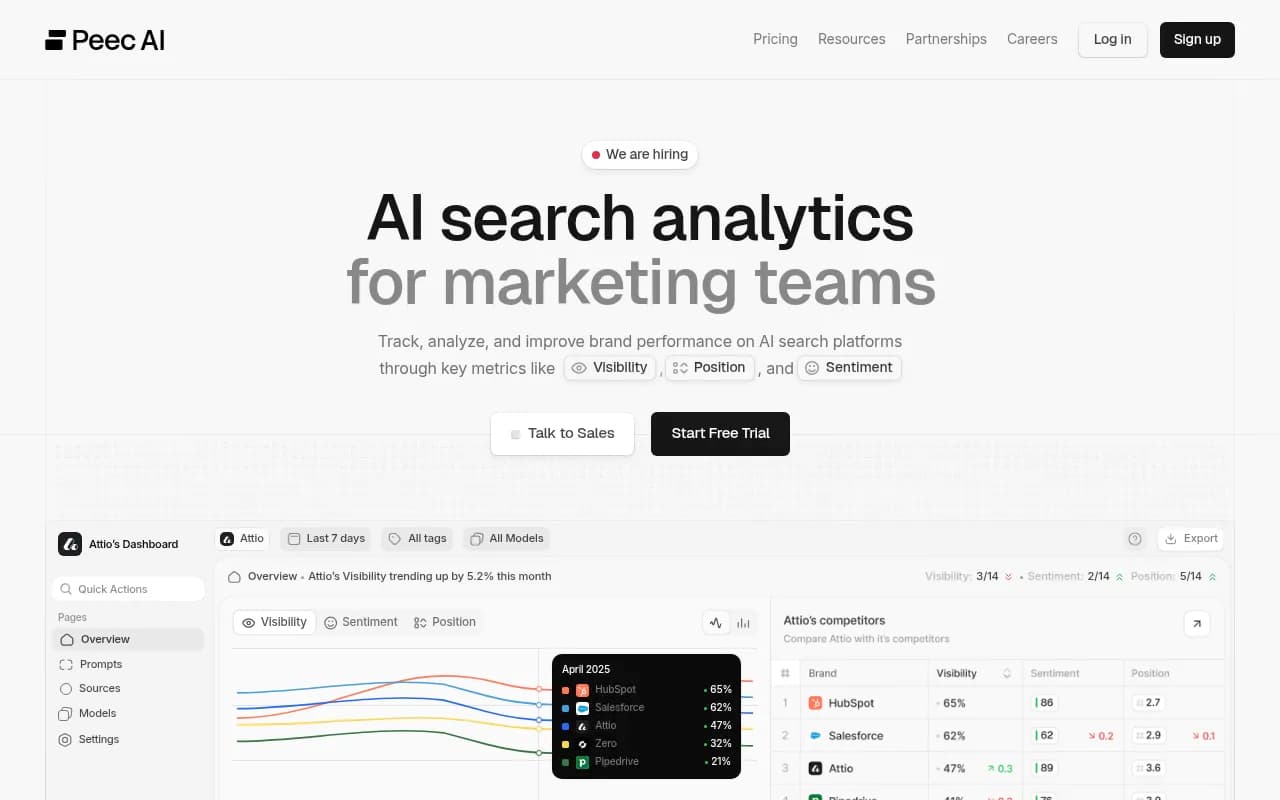
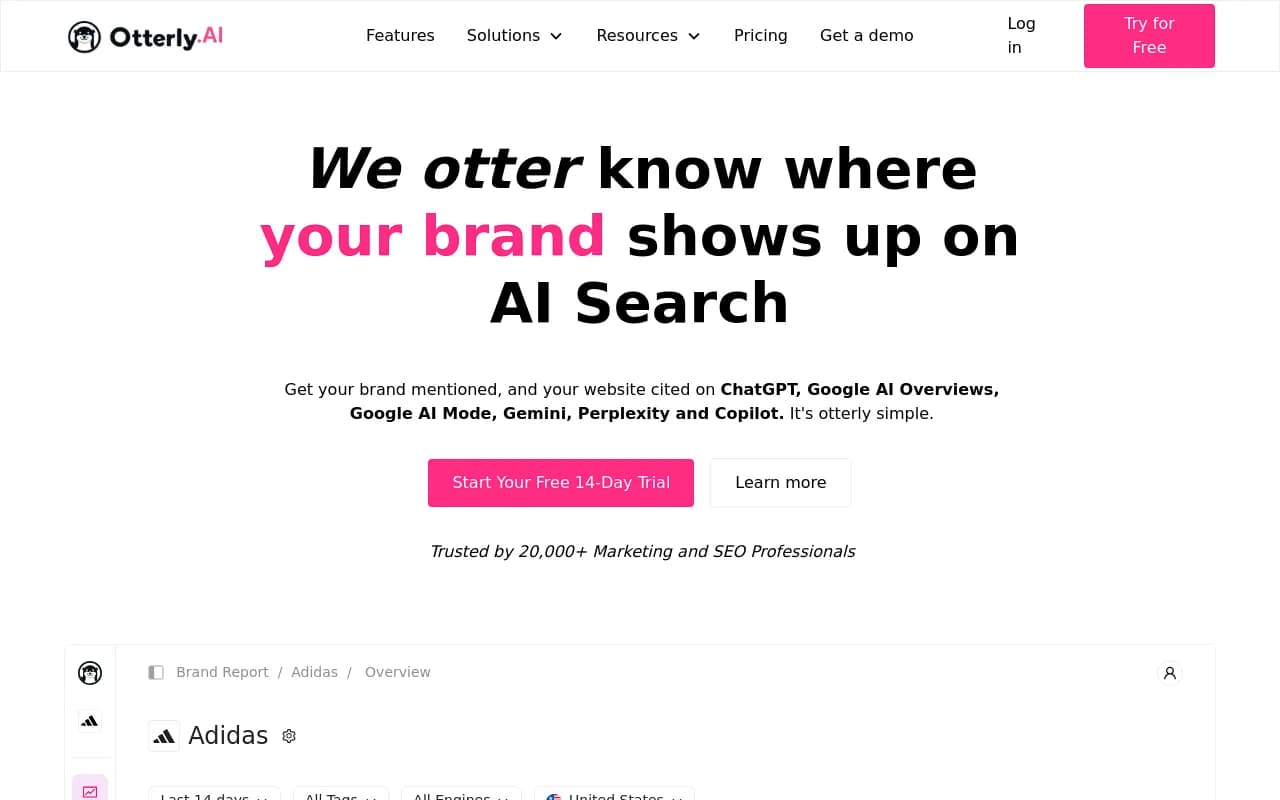
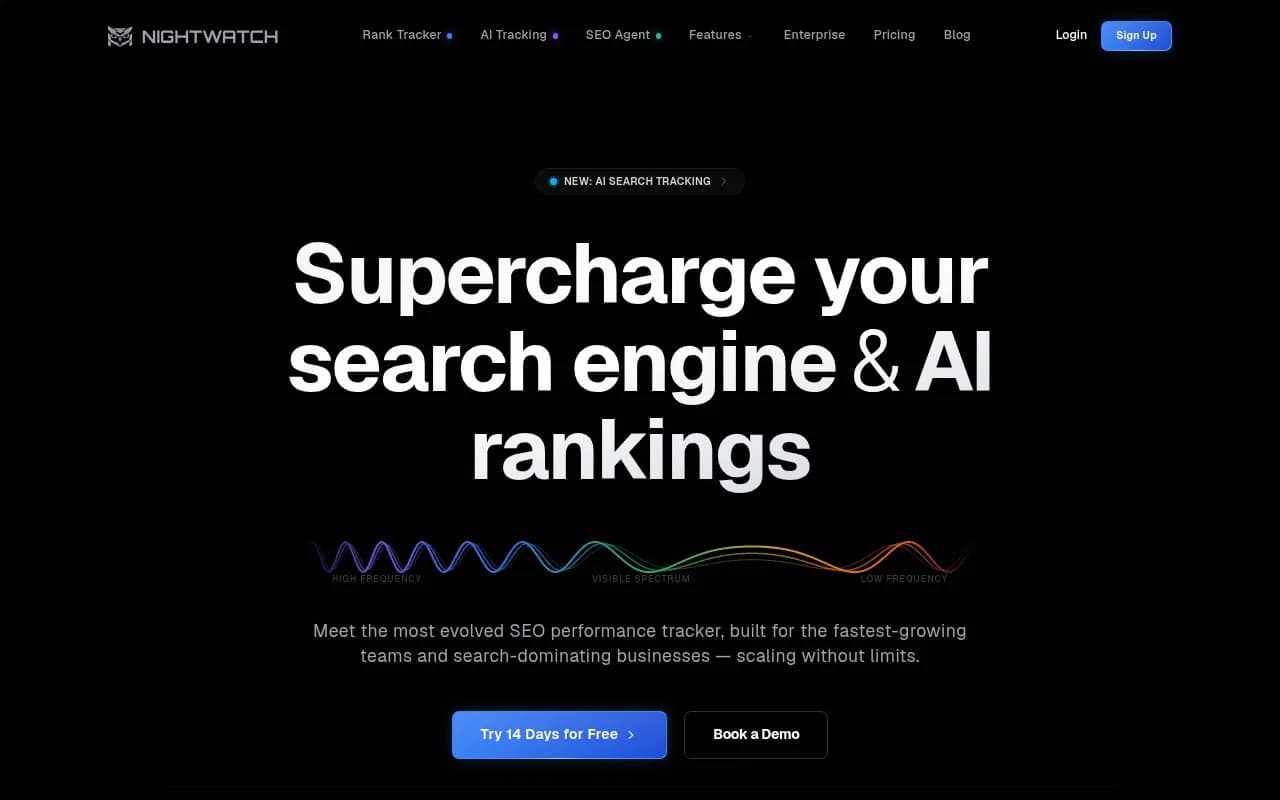
The geotoolbox comparison lists LLM Pulse, Rankscale, Otterly.ai, Nightwatch, Omnia, Peec AI, Rankability, SE Ranking, Ahrefs Brand Radar, Profound and Scrunch AI as AI Mode options. That page is by a vendor that lists its own tool last, and its scrape was truncated, so I have no per-tool local-targeting details. It also notes that AI Mode coverage is often gated above entry tiers. A few cards if you want to look:
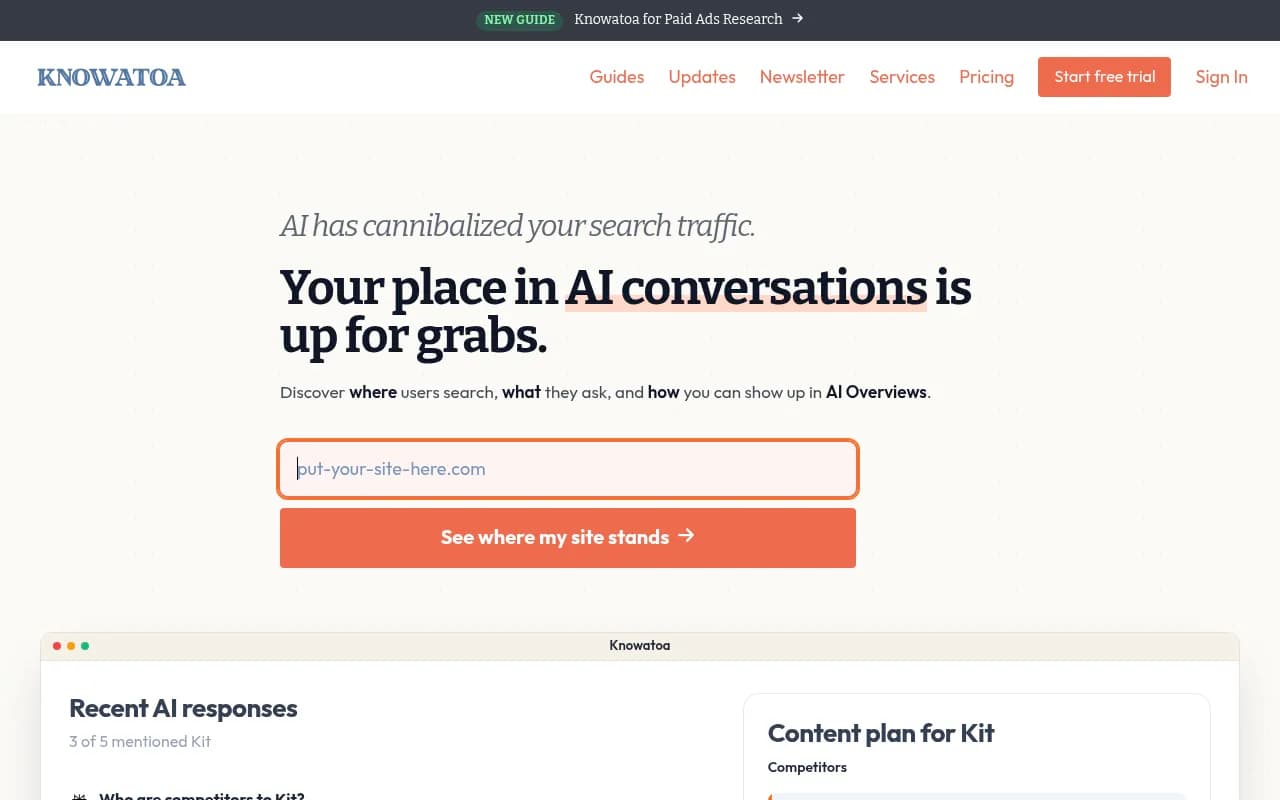
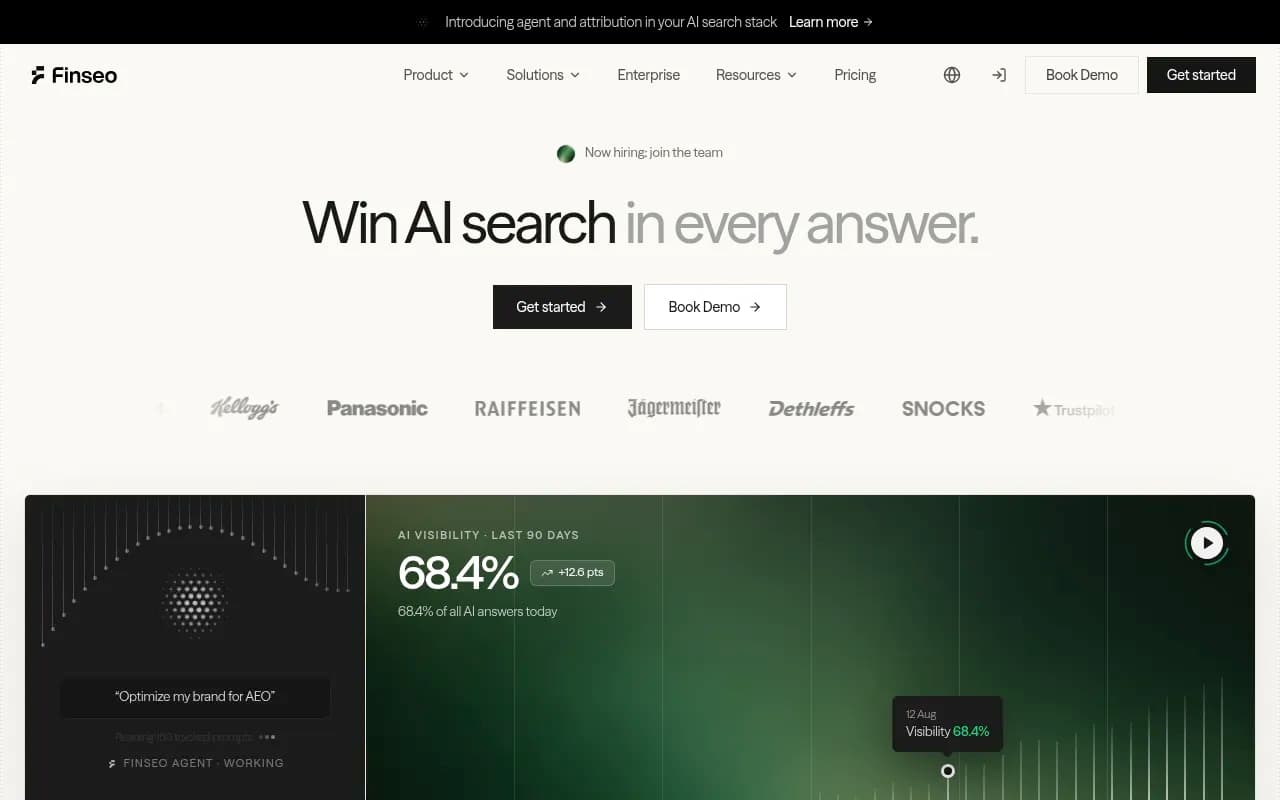
Knowatoa and Finseo are described in our catalog as focused on AI Overviews and AI Mode monitoring. Neither is confirmed here for city or coordinate targeting.
Comparison at a glance
| Tool | Best at | Location precision (verified) | Fixes issues too? |
|---|---|---|---|
| Promptwatch | AI Mode and AI visibility with actions | Coordinates, 20 m to 5 km radius (Business and up) | Yes, Action Board and Content Agent |
| Keyword.com | Local rank plus AI tracking | City and ZIP for Google rankings | Monitoring |
| BrightLocal | Listings, reviews, local rankings | Check vendor | Local SEO workflows |
| Local Falcon | Maps grid visibility | Grid-based, check AI details | Monitoring |
| Semrush | Existing Semrush users | Map grid tool, check AI details | Suite tools |
| Peec AI, Otterly.ai and similar | Cheap prompt monitoring | Not confirmed for local | Mostly monitoring |
For a wider sweep of options, the GEO software directory at bestgeosoftware.com and ai-rank-tools.com list more trackers by category.
How to confirm a tool really tracks AI Mode
Before you pay, run through these checks:
- Ask for a sample result and look for the
udm=50AI Mode view, not the AI Overview that sits above standard results. - Ask how the location is set. "We use a country proxy" is not local tracking.
- Ask how many probes per prompt they run. One sample is noise.
- Check whether the report separates mention from citation.
- Check whether location is fixed per monitor. Mixing markets inside one monitor ruins trend lines. Promptwatch, for instance, fixes a monitor's language and location at creation so markets never blend.
Setting up a local tracking plan
Choose prompts the way customers ask them
Skip the generic keyword list. Use things like "best dentist near me open Saturday" or "who fixes cracked iPhone screens nearby". Prompts with a service, a qualifier and local intent behave like the queries AI Mode answers with Maps data.
Track each location separately
Create one monitor per store or service area, pinned to that location. Then compare. If store A is named in most sampled answers and store B almost never is, the cause is usually a thin or inconsistent Business Profile, not the website.
Fix the profile before the blog
Given that Google's own properties dominate AI Mode citations, audit your Business Profile first: categories, hours, services, photos, reviews and consistent name, address and phone. Then add tightly scoped pages that each answer one question, which is the second piece of advice from Promptwatch's June report.
Read the trend, not the day
Because results are sampled, a one-day dip means little. Look at weekly averages across a set of prompts. Faster refresh helps here: Promptwatch Business can run monitors every 12, 6 or 1 hours, which gives a steadier number around a launch or promotion.
Which one should you pick?
- Single-location shop on a tight budget: start with Keyword.com or BrightLocal, and use the free AI visibility report from Promptwatch as a baseline.
- Multi-location brand or franchise: Promptwatch Business, because coordinate pins per store are the whole point.
- Agency with local clients: Promptwatch's agency plans (Scale, at $799/mo, includes local targeting), or a grid tool plus a monitor.
- Already heavy on Semrush: try its map grid, then verify the AI side before relying on it.
If you would rather hand the work to people, 1001 SEO Media runs local SEO and AI search work for brands, and uses Promptwatch for the AI visibility side.
What I would not trust yet
Any vendor that promises an "AI Mode rank" as a single number. There is no such thing. Any tool that cannot tell you how it sets location. And any price comparison built on a list I could not verify, including this one, so open each pricing page before you commit.
Start with the AI Mode tab, one location and ten real customer prompts. That small test will show you quickly which tools can actually see your neighborhood.