Key takeaways
- Agency-oriented AI visibility tools prioritize multi-client management, white-label reporting, and seat-based access -- in-house tools prioritize depth, content workflows, and revenue attribution.
- Using an agency tool when you're in-house (or vice versa) creates real friction: wasted features you pay for, missing features you need, and reporting that doesn't connect to business outcomes.
- Most tools in this space are monitoring-only regardless of who they're built for -- the gap that actually costs money is the lack of optimization capabilities.
- The total cost difference between a well-matched tool and a mismatched one can easily exceed $5,000/year once you factor in workarounds, extra seats, and missed opportunities.
- Before choosing a platform, map your workflow first: how many clients/brands, who owns content production, and how you connect visibility to revenue.
There's a version of this decision that feels simple: pick the tool with the best reviews, sign up, and start tracking. But anyone who's actually managed AI visibility at scale -- whether for a roster of clients or for a single brand -- knows the reality is messier.
The AI visibility tool market has exploded in 2026. There are now well over 50 platforms claiming to track how brands appear in ChatGPT, Perplexity, Claude, Gemini, and the rest. They all show dashboards. They all show citations. They all have a "visibility score" of some kind. But underneath that surface similarity, they're built around fundamentally different assumptions about who's using them and what they need to do next.
Agencies need to manage 10, 20, sometimes 50+ brands simultaneously. They need white-label reports they can send to clients on Friday afternoon. They need to onboard a new brand in an hour, not a day. They need to show ROI to clients who are paying a retainer and want to know what they're getting.
In-house teams have the opposite problem. They manage one brand (or a handful), but they need to go much deeper. They need to understand why they're not being cited, what content to create, how AI crawlers are actually reading their site, and whether any of this is moving revenue. They don't need white-label reports -- they need to close the loop between visibility and business outcomes.
When you pick a tool built for the wrong workflow, you pay for it in ways that don't always show up on the invoice.
What "built for agencies" actually means
Agency-mode features aren't just cosmetic. They reflect a genuinely different operational reality.
The core agency challenge is parallelization. You're running the same analysis across dozens of brands, and any friction that takes 5 minutes per brand takes 5 hours across a client roster. So agency tools tend to invest heavily in:
Multi-client workspace management. The ability to switch between brands instantly, with separate prompt sets, separate visibility scores, and separate reporting environments. Some tools call this "workspaces," others call it "brand configurations" or "projects." Whatever the name, it's table stakes for agency use.
White-label and client-facing reporting. Agencies need to send reports that look like they came from the agency, not from a third-party SaaS tool. This means custom branding, scheduled report delivery, and often a client portal where clients can log in and see their own data.
Pitch environments. A few tools -- Profound is one example -- have built specific features for pitching new clients, letting agencies run a quick visibility audit on a prospect's brand before they've signed a contract.

Seat and permission management. Agencies have account managers, analysts, and sometimes clients all needing different levels of access. Role-based permissions matter more here than they do for a single in-house team.
Efficiency at scale. Bulk prompt management, templated setups, and the ability to clone a brand configuration and apply it to a new client.
What agency tools often trade away for this operational efficiency: depth. When you're managing 30 clients, you can't afford to spend 3 hours doing a deep-dive content gap analysis for each one. So agency tools tend to be lighter on the optimization side -- they show you the data, they generate the report, and they move on.
What "built for in-house teams" actually means
In-house teams have a different problem. They have time to go deep, but they need tools that actually support that depth.
The in-house challenge is accountability. Someone in the marketing or SEO team owns AI visibility as a channel, and they need to show that their work is moving the needle. That means connecting visibility data to content production, to site crawlability, and ultimately to traffic and revenue.
Tools built for in-house use tend to invest in:
Content gap analysis. Not just "here's where you're invisible" but "here are the specific prompts and topics your competitors rank for that you don't, and here's what content you'd need to create to close those gaps." This is where most monitoring-only tools fall short.
Content generation. Some platforms now include AI writing capabilities specifically designed to produce content that gets cited by LLMs -- not generic blog posts, but articles engineered around real citation data and prompt patterns.
Crawler log analysis. Understanding how ChatGPT, Claude, Perplexity, and other AI engines are actually crawling your site is genuinely useful for in-house teams. Which pages are they reading? Which are they ignoring? Are there crawl errors? This data is invisible in most agency-focused tools.
Traffic and revenue attribution. The question "is our AI visibility actually driving traffic?" is critical for in-house teams justifying budget. This requires either a tracking snippet, a Google Search Console integration, or server log analysis -- none of which are standard in agency-focused platforms.
Prompt intelligence. Volume estimates, difficulty scores, and query fan-outs that show how a single prompt branches into sub-queries. This helps in-house teams prioritize which visibility gaps to close first.
Promptwatch is the clearest example of a platform built around this in-house optimization loop -- it's designed to move from gap identification to content creation to tracking results, rather than stopping at the monitoring layer.

The real cost of a mismatch
Let's get concrete about what using the wrong tool actually costs.
The agency using an in-house tool
An agency that signs up for a deep in-house platform gets a lot of features they'll never use. Crawler logs for a single domain are useless when you're managing 40 clients. Content generation workflows are hard to scale when each client has different brand guidelines. The attribution features require implementation work that agencies can't do on behalf of clients.
More practically: the pricing models don't fit. In-house tools typically price by number of brands and prompts tracked. An agency tracking 30 brands at $249/month per brand is looking at $7,500/month -- which is why most agencies end up on custom enterprise plans or use tools specifically designed for multi-client management.
The time cost is real too. An agency analyst who has to navigate a complex in-house workflow for each client is slower than one using a tool built for parallelization. At agency billing rates, that time adds up fast.
The in-house team using an agency tool
This is arguably the more common and more damaging mismatch. Agency tools are built for breadth, not depth. An in-house team using an agency-focused platform gets:
- Clean reports they don't need to send to anyone
- Multi-client management features they'll never use
- No content gap analysis
- No crawler logs
- No traffic attribution
- No content generation
They're paying for a monitoring dashboard when what they actually need is an optimization platform. The cost isn't just the subscription -- it's the opportunity cost of not knowing which content to create, not understanding how AI crawlers see their site, and not being able to connect visibility to revenue.
A mid-sized brand spending $300/month on a monitoring-only tool that doesn't tell them what to do next is essentially paying for a report that sits in a dashboard. The real cost is the content they're not creating, the citations they're not getting, and the AI search traffic they're not capturing.
How to read a tool's DNA before you buy
Most tools won't tell you directly whether they're built for agencies or in-house teams. Here's how to figure it out:
Look at the pricing structure. Agency tools tend to price by number of brands/clients or offer white-label tiers. In-house tools tend to price by prompts tracked and features like content generation or attribution.
Check for white-label features. If a tool prominently features white-label reporting, it's primarily built for agencies. That's not a flaw -- it's just a signal.
Ask about content workflows. "Does your tool help me create content that ranks in AI search?" is a question that separates monitoring tools from optimization platforms. Most tools will hedge or redirect. The ones built for in-house optimization will have a direct answer.
Look for crawler log access. This feature is almost exclusively useful for in-house teams. If a tool has it, it's probably built with in-house depth in mind.
Check the attribution story. How does the tool connect AI visibility to actual traffic and revenue? If the answer is vague or nonexistent, it's a monitoring tool regardless of what the marketing says.
A comparison of how tools line up
Here's how some of the major platforms break down across the key dimensions:
| Tool | Best for | Multi-client mgmt | White-label | Content generation | Crawler logs | Traffic attribution |
|---|---|---|---|---|---|---|
| Promptwatch | In-house / agencies | Yes (workspaces) | Yes | Yes (AI writing agent) | Yes | Yes (snippet, GSC, logs) |
| Profound | Agencies | Yes (agency mode) | Yes | No | No | Limited |
| Otterly.AI | Small teams / agencies | Basic | No | No | No | No |
| Peec AI | In-house / SMB | Limited | No | No | No | No |
| AthenaHQ | In-house / enterprise | Limited | No | No | No | No |
| Search Party | Agencies | Yes | Yes | No | No | No |
| Rankability | Agencies | Yes | Yes | No | No | No |
| SE Visible | In-house / SMB | Limited | No | No | No | No |



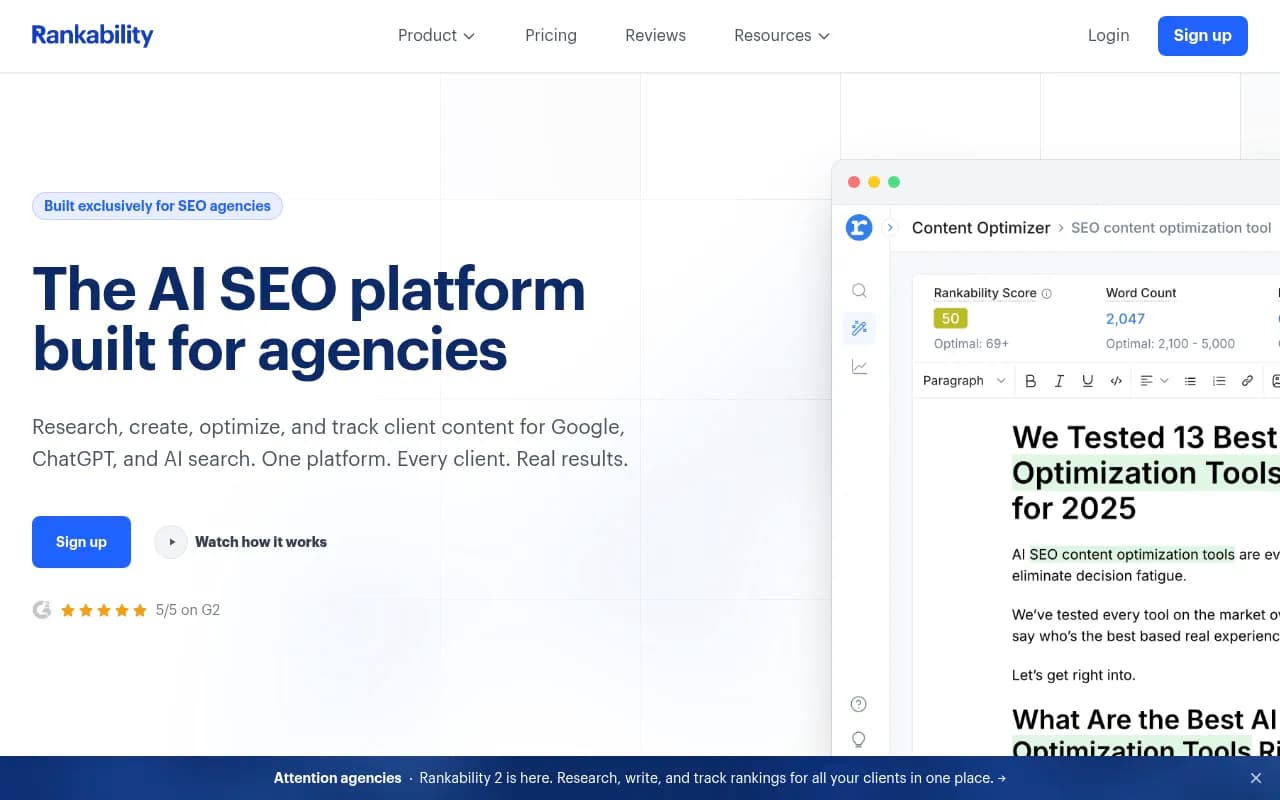
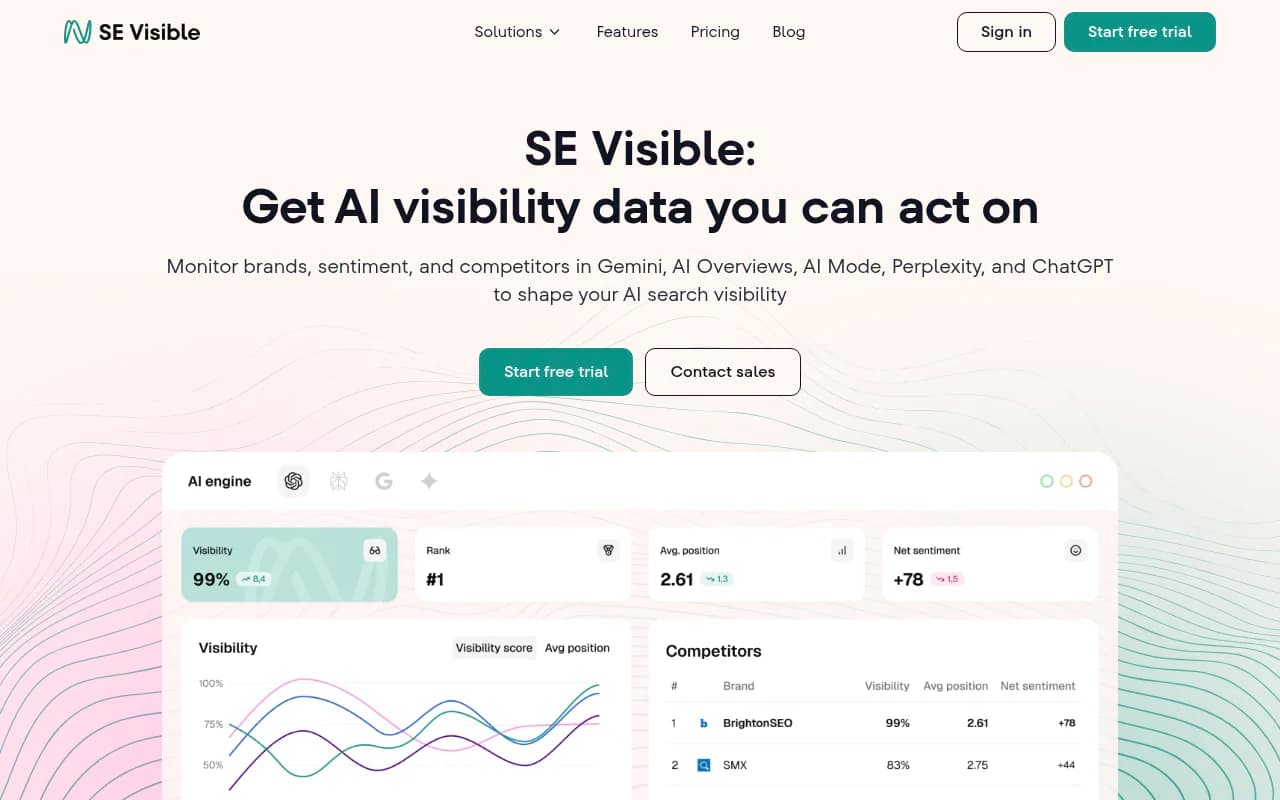
A few things worth noting in that table. First, the "monitoring-only" pattern is widespread -- most tools stop at showing you data. Second, Promptwatch is unusual in covering both agency and in-house needs because it's built around the full optimization loop rather than just the reporting layer.
The hidden cost most people miss: the monitoring trap
There's a pattern worth naming explicitly. A lot of teams -- both agency and in-house -- buy an AI visibility tool, set up their prompts, watch the dashboard for a few weeks, and then... aren't sure what to do next.
The tool shows them they're invisible for certain queries. It shows them competitors are getting cited. It might even show them which pages are being cited. But it doesn't tell them what to create, how to create it, or whether what they've already created is working.
This is the monitoring trap. You're paying for data you can't act on.
The cost of the monitoring trap isn't the subscription fee -- it's the 6 months you spend watching your visibility score while competitors are actively creating content that gets cited. In AI search, where citation patterns can shift quickly as models update, that lag matters.
The tools that break out of the monitoring trap are the ones that close the loop: gap analysis that shows you exactly what content to create, generation tools that help you create it, and attribution that shows you whether it worked.
Practical recommendations by situation
You're a solo SEO or small in-house team: Start with a tool that gives you monitoring plus some content guidance. SE Visible or Peec AI work for basic tracking. If you're serious about optimization, Promptwatch's Essential plan ($99/month) gives you gap analysis and content generation without the enterprise overhead.

You're an in-house team at a mid-sized brand: You need the full loop -- gap analysis, content generation, crawler logs, and attribution. Promptwatch's Professional plan ($249/month) covers this. The crawler logs alone are worth it if you're trying to understand why certain pages aren't getting cited.
You're a boutique agency (under 20 clients): Profound's agency mode or Search Party work well here. If you want to offer clients actual optimization work rather than just reporting, Promptwatch's agency/enterprise tier gives you the content generation capabilities to differentiate your service.
You're a large agency (20+ clients): You need custom pricing regardless of which tool you choose. The question is whether you want to offer monitoring as a service or optimization as a service. The latter commands higher retainers and is harder to commoditize.
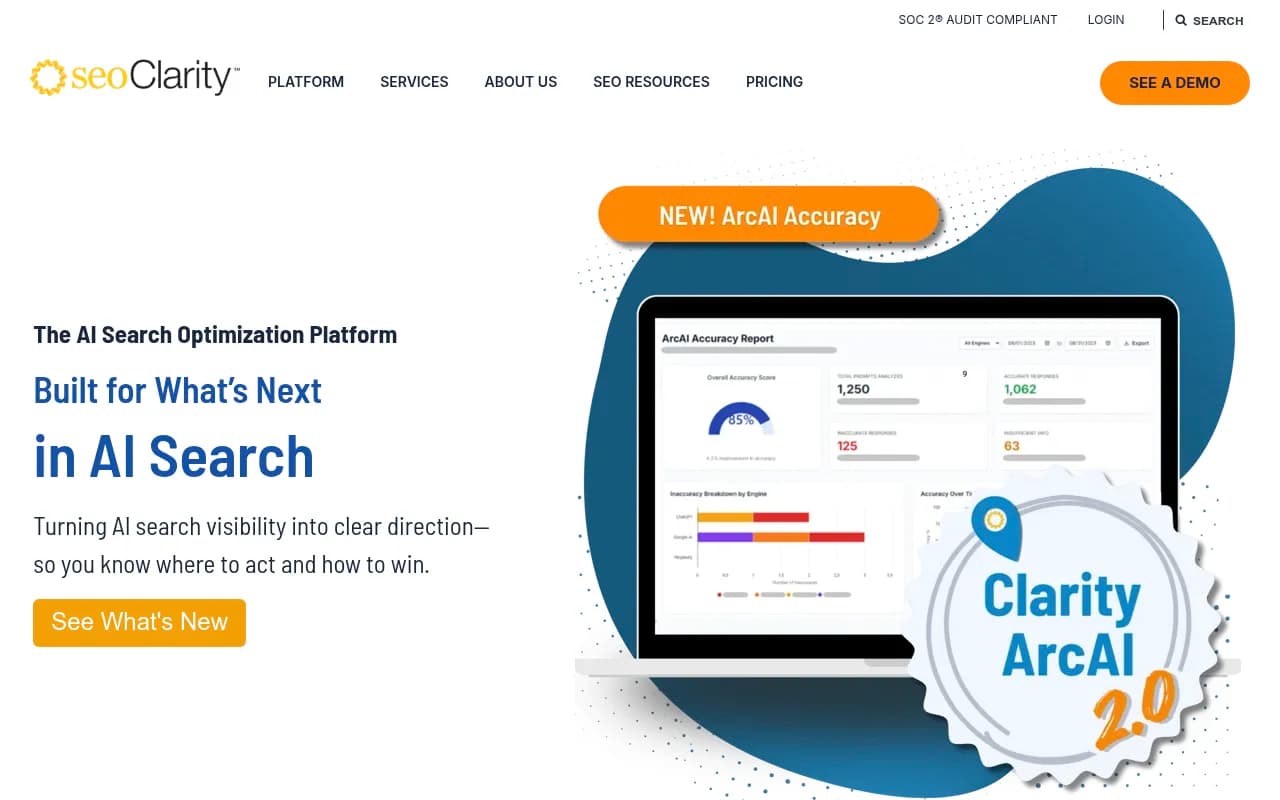
You're an enterprise in-house team: Look at platforms with enterprise-grade attribution, multi-region/multi-language support, and API access. Promptwatch, BrightEdge, and seoClarity all play here, though their approaches differ significantly.
The question that cuts through the noise
After all the feature comparisons and pricing analysis, there's one question that cuts through: "What happens after I see the data?"
If the answer is "I write a report and send it to the client," you need an agency tool.
If the answer is "I figure out what content to create and then create it," you need an in-house optimization platform.
If the answer is "I'm not sure," that's the monitoring trap -- and the cost of staying there is measured in the AI search traffic your competitors are getting while you're watching a dashboard.
The AI visibility market is still young enough that most teams are still figuring out their workflows. The tools that will matter most by the end of 2026 are the ones that help teams move from "we know we're invisible" to "we fixed it."