Key takeaways
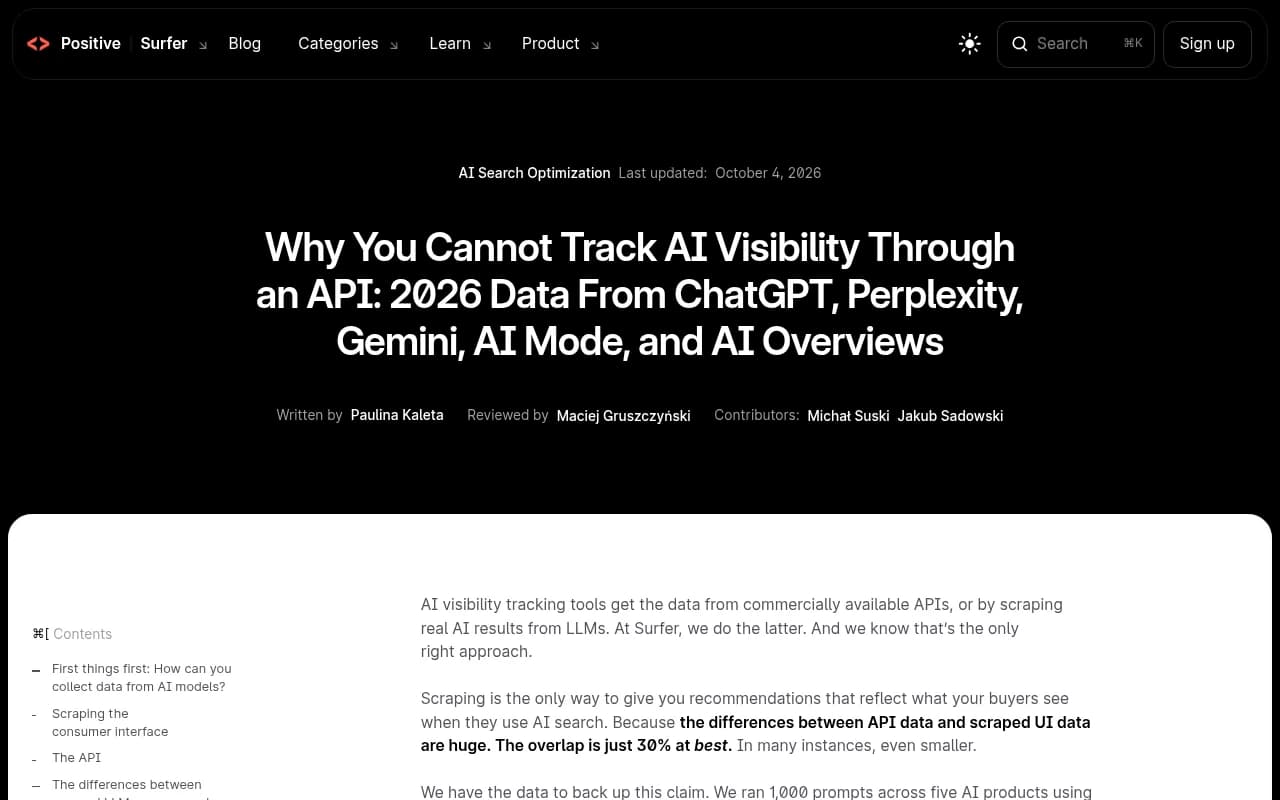
- Surfer ran 1,000 prompts across five AI products, once by scraping the consumer interface and once through the API, and collected 13,779 answers. The overlap was 30% at best.
- On ChatGPT, the API named 13.8 brands per answer versus 7.9 in the real interface, so API tracking tends to overreport who makes the cut.
- Cited sources swing both ways: ChatGPT showed 12.1 sources in the interface vs 3.1 via API, while AI Mode showed 22.2 vs 14.6.
- Gumshoe's rebuttal has a fair point: a well-configured API with a replicated system prompt can narrow the gap. But the raw API calls most trackers rely on do not.
- One prompt tells you little either way. Whatever the collection method, you need many prompts, repeated runs, and a vendor that says plainly how it collects data.
The problem in one paragraph
You open your AI visibility dashboard and see your brand named in 60% of tracked prompts. Then your CMO asks ChatGPT the same question and your brand is nowhere. Both things can be true. If the dashboard pulled its data from an API, it measured a system that looks like the product your buyers use but is not the same thing.
This is an explainer, not a takedown. API data is useful for some jobs. It becomes misleading when it is presented as a record of what real users see.
How AI visibility data gets collected
There are two ways a tracker can get an AI answer.
Scraping the consumer interface
The tracker opens ChatGPT, Perplexity, Gemini, AI Mode or AI Overviews the way a user would, submits a prompt, and parses the text, brand mentions and citation links. Whatever retrieval, ranking, safety filtering, personalization and answer shortening the product applies is baked into what gets captured.
The tradeoff is cost and fragility. Interfaces change, rendering is slower than an API call, and scrapers need maintenance every time the UI shifts.
Calling the official API
The tracker sends the prompt to an official endpoint and gets structured output back. It is cheap, fast and stable. Each vendor sells API access to a model closely related to the one behind its product. Closely related is the catch.
| Factor | Interface scraping | API calls |
|---|---|---|
| What it captures | What users actually see | What the raw model returns |
| System prompt and product layers | Included | Missing unless you rebuild them |
| Cost per response | Higher | Lower |
| Maintenance | Constant UI updates | Stable endpoints |
| Good for | Brand visibility reporting | Model evaluation, structured testing |
What the Surfer study found
Surfer's team compared both methods across ChatGPT, Perplexity, Gemini, AI Mode and AI Overviews. One caveat from them: the AI Overviews API method is borrowed from AI Mode, because Google documents that AI Overviews runs on Gemini 3 and no such model is sold. Treat those results as indicative.
Brand counts are inflated
The API named more brands per answer than the real interface on all five products. ChatGPT was the extreme case: 13.8 brands per answer through the API versus 7.9 in the app. AI Overviews showed almost twice as many. Gemini and AI Mode were close to parity, at 1.10x and 1.06x.
For a tracker, this means a mention in your report may not show up for any of your buyers. You are being graded on a longer list than the one they see.
Source counts go in both directions
This is the messiest finding. ChatGPT cited 12.1 sources in the interface against 3.1 through the API. AI Mode cited 22.2 against 14.6 through its API. For other models the pattern flipped.
Search behavior itself differed too. Only Perplexity's API searched on 100% of prompts. ChatGPT's API searched on 83%, AI Mode and AI Overviews on 94%, and Gemini on 85%. If the model does not search, it cannot cite your page, no matter how good the page is.
Overlap is low
Surfer's headline claim is that overlap between API and scraped data is 30% at best, and often smaller. A Facebook post from an agency circulating the same argument quoted a figure of 4% overlap in one comparison, and Gumshoe's rebuttal cited 24% for brand overlap. I would not hang a strategy on any single one of those numbers. The direction is consistent, though: the two methods disagree a lot.
Why the same model gives different answers
A consumer product is not a model. It is a model plus a system prompt, a retrieval stack, formatting rules, safety filters and, for logged-in users, memory and custom instructions. A single sentence in a system prompt can swing a response dramatically, and consumer apps carry long instructions that differ by product.
That is why the API and the app disagree even when the model name matches. You are testing the engine, not the car.
The counterargument, and what it gets right
Gumshoe published a rebuttal, and it deserves a fair hearing. Its argument:
- The gaps exist because researchers compared raw API calls with default parameters to the web interface.
- Interface behavior is driven by system messages, which can be replicated. Surfer itself tested a leaked system prompt from GitHub as a third condition.
- Personalization features like memory and custom instructions can be injected through system messages in a controlled way.
- Anonymous scraping captures only what logged-out users see, which differs from the logged-in experience, and scraping is resource-intensive and fragile.
Some of that holds up. The study shows that default API settings differ from interface behavior. It does not prove an API can never come close. And logged-out scraping really is a partial view of reality.
But look at what the rebuttal concedes: raw API calls with default settings will differ from interface scrapes. That is what most budget trackers run. Surfer's leaked-prompt test also did not close the gap. And rebuilding a product's hidden instructions, retrieval layer and personalization is a moving target that changes whenever the vendor ships an update. Replicating the interface through an API is possible in principle, and in practice it means chasing a product you cannot see.
The LinkedIn framing I found most sensible: API monitoring is useful for structured model evaluation, and becomes misleading only when results are presented as an exact record of what users see.
Even perfect collection has limits
Scraping is not a cure-all. A tracker cannot see what your buyers actually typed, which answer a specific buyer received, or what happened afterward. Answers vary by run, account history and location. Anyone selling a single visibility number as truth should be asked how it is calculated.
Promptwatch's data on ChatGPT shows how much one response varies. In its Sep 28 to Oct 4, 2026 report, 47.6% of ChatGPT responses cited 10 or more unique domains, but brand-specific prompts averaged far fewer, with only 21.3% reaching 10 or more. The takeaway from that report is the same as ours: one prompt tells you little, so measure across many.
A note on comparing studies. Promptwatch's average sources per response report puts ChatGPT at about 5 citations per web-search answer, while Surfer's interface figure is 12.1. They were collected at different times and probably count differently, so do not set the numbers side by side as if they measure the same thing.
How to evaluate a tracker
Ask these questions before you trust a dashboard.
- Does it collect from the real user interface, or from an API? Ask for it in writing.
- If it uses APIs, does it disclose which parameters, system prompts and search settings it applies?
- How many prompts and how many runs per prompt sit behind each metric?
- Can it track by country and language? Answers are location dependent.
- Does it show citations and the pages behind them, not just a mention count?
- Does it connect visibility to something real, like crawler activity or AI referral traffic?
I would also run a manual sanity check. Take ten prompts, run them yourself in the actual apps, and compare against what the tool reports. If the tool says you appear in nine and you see two, you have your answer.
Tools worth looking at
I could not verify every vendor's collection method from public sources, so treat the list below as a starting point and ask each vendor directly.
Promptwatch collects data from the actual user interfaces of ChatGPT, Google AI Overviews, Google AI Mode, Gemini, Perplexity, Copilot and others, in each country and language you choose, and tracks API models separately to show what models believe from training data. It goes beyond monitoring: AI crawler logs and visitor analytics show whether visibility turns into traffic, and the Content Agent helps fix gaps. Plans start at $95/mo (check promptwatch.com/pricing), and there is a 7-day free trial plus a free AI visibility report.

Other trackers in our catalog that you can put through the same questions:



If you want to build your own pipeline, API-driven options such as [tool:dataforseo] and [tool:bright-data] exist for pulling data, but then the collection-method question is yours to answer. For a wider list, the GEO software directory at bestgeosoftware.com is a good place to compare more options.
| Question | Why it matters |
|---|---|
| Real UI or API? | Decides whether the data reflects what buyers see |
| Prompts and runs per metric | Single answers are noisy |
| Country and language control | Answers differ by market |
| Citations, not just mentions | Shows which pages AI actually uses |
| Traffic or crawler tie-in | Links visibility to outcomes |
When API data is still fine
I am not arguing APIs are useless. They work well for:
- Testing how a base model describes your brand from training data, which is what you get with no live search.
- Controlled experiments where you want to isolate a variable, like a persona or a specific instruction.
- Cheap, large-scale directional checks, as long as the report says it is directional.
They do poorly as the single source for a board-level visibility number.
Measure beyond the dashboard
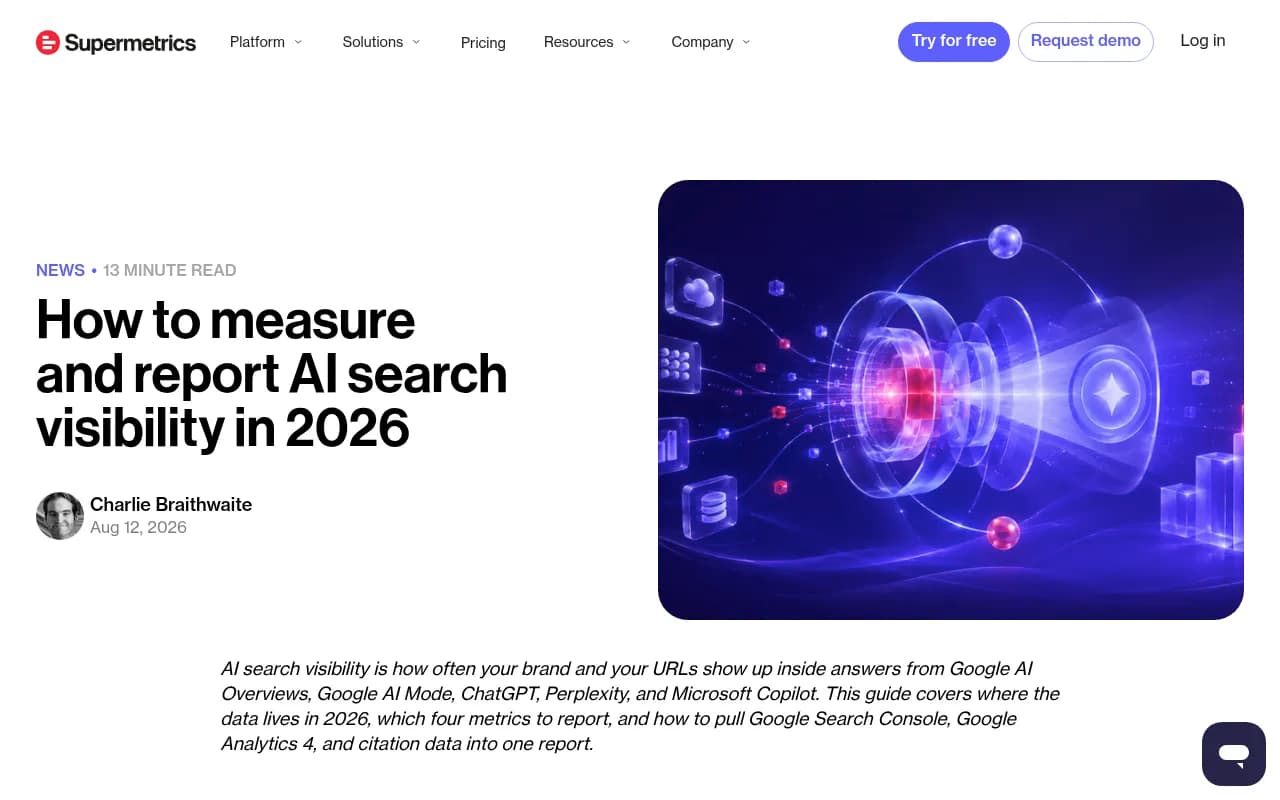
Whatever collection method your tool uses, cross-check against sources you own. Google's Search Console now reports generative AI impressions for AI Overviews and AI Mode by page, country and device, though without click or query data, and Bing Webmaster Tools has an AI Performance report. Supermetrics walks through combining these with GA4 in its measurement guide.
AI referral traffic and crawler logs are the other two anchors. They record real events on your site rather than inferred answers, so they make a good reality check on any visibility score.
Bottom line
The fair reading of the evidence: API and interface answers disagree enough that an API-fed visibility score should not be presented as what your buyers see, and a better-configured API narrows but does not erase that gap. Pick a tracker that tells you how it collects data, run enough prompts to smooth out the noise, and verify against your own traffic. If a vendor cannot answer the collection question in one sentence, that is your answer.