Key Takeaways
- Manual ChatGPT checks work for a first look at your visibility. They break down once you track more than a handful of prompts, several locations, or any change over time.
- ChatGPT answers vary by run, by model version, and by location. A single screenshot is one sample, not a measurement.
- Platform behavior can change overnight. Promptwatch Data found that ChatGPT's average citations per search-enabled response fell from about 6.4 to roughly 4.7-4.9 around the GPT-5.3 rollout on March 4, 2026.
- The best setup for most teams is hybrid: manual spot checks to build your prompt list and sanity-check results, automated local tracking for everything you report on.
- One caveat up front: much of the public claim that manual testing "breaks" past 10 prompts comes from tool vendors. It matches common sense, but treat the exact number as opinion.
What we are actually comparing
"Local GEO tracking" in this guide means automated, repeated monitoring of how AI answers (ChatGPT, Gemini, Perplexity, Google AI Overviews and others) mention your brand for a defined set of prompts, run from specific countries, regions, or cities. Some tools in the local SEO world do this with geo-grids, scanning from real geographic points. Others do it for AI answers by running prompts through the real interface with a location set.
"Manual ChatGPT checks" means a person opening ChatGPT, typing a prompt, reading the answer, and writing the result in a spreadsheet. Everyone starts here, and I think that is the right place to start.
The question is where manual stops being good enough. The answer depends less on how much you care and more on four practical problems: variance, location, change over time, and scale.
How manual checks work (and what they get right)
A decent manual process looks like this, based on the workflow most tracking guides recommend:
- Write a list of the questions a buyer or local customer would actually ask. "Best plumber in Leeds" and "which accounting software for freelancers" are different kinds of prompts, so include both if both matter.
- Run each prompt in ChatGPT and record the query, whether your brand was mentioned, where in the answer, the context, the top three competitors named, and the date.
- Re-run each prompt about three times per session and average the result, because answers differ from run to run.
- Repeat weekly.
This is cheap, it teaches you how the answers read, and it surfaces things dashboards miss. You will notice that ChatGPT describes your pricing wrongly, or that a competitor is always framed as the budget option. That kind of qualitative insight is worth the hour.
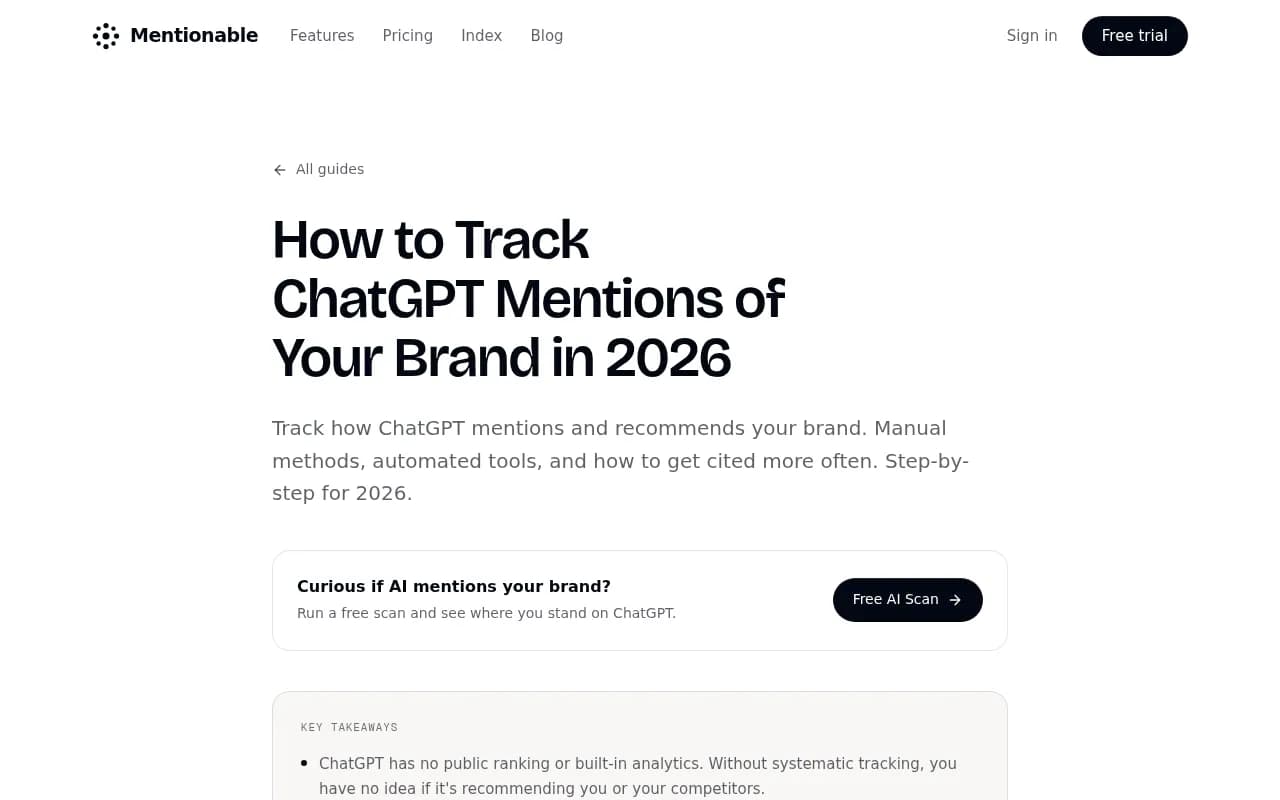
The guide above is a reasonable template for the manual process, including the five metrics worth tracking: citation rate, position in the answer, context, sentiment, and competitor presence.
Where manual checks fall apart
Response variance
Ask ChatGPT the same question twice and you can get different brands, different ordering, and different framing. Running each prompt three times helps. But at 30 prompts, three runs each, that is 90 manual queries per week for one location. Nobody keeps that up for long.
The prompts you type are not the searches ChatGPT runs
When ChatGPT uses web search, it splits one prompt into several shorter searches, called query fanouts. Promptwatch Data's ChatGPT query fanouts report shows the average was 2.15 searches per response in early December 2025, about 1.84 by early March 2026, and exactly 1.0 when the data returned in April. Average query length also shrank, from about 117 characters in December to about 53 characters in April.
That matters for manual testing. The conversational prompt you type by hand does not reproduce what the model searches for behind the scenes. You are testing the outer layer only. Tools that expose fanouts show you the actual retrieval step, which is where local content either gets found or does not.
Model updates change the ground under you
The clearest example is in Promptwatch Data's ChatGPT citation drop report. GPT-5.3 rolled out on March 4, 2026. In the week before, ChatGPT cited about 6.4 sources per search-enabled response. By late March it had settled around 4.7 to 4.9, roughly 27% fewer, and it had not recovered a month later. The change happened within a day, not gradually, and it hit GPT-5.3, GPT-5.4, and GPT-5-Mini alike.
If you only check manually once a week, you might notice your citations dropped. You will not know whether you lost visibility or ChatGPT started citing fewer sources for everyone. Continuous tracking of citations per response over time separates the two. It also gives you a habit worth adopting: check any traffic dip against model release dates before blaming your content.
Location is where manual checks really struggle
This is the weak spot for the "just open ChatGPT" approach. A single person on a single laptop sees answers shaped by one location, one language setting, and one account history. If you serve several cities or countries, you need a way to run the same prompt as if from each place.
I should be honest about what the research here does and does not show. I could not find independent, verified data on exactly how ChatGPT weights location signals, or how much answers differ between two nearby cities. Vendor blogs claim big differences by locale, and it is plausible, but treat specific percentages with caution until you measure your own market. The practical point stands without the numbers: you cannot know how much location matters for your category unless you test from those locations.
Local-pack style tools make the same point from the other direction. Geo-grid trackers like Local Falcon and Local Dominator scan from actual geographic points because a business can rank first for a searcher a block away and nowhere for one two miles off. One of these vendors also reported catching ChatGPT, Gemini, and Perplexity getting local business facts wrong, which is a reminder that accuracy (hours, addresses, services) is part of local AI visibility, not just mentions.
What local GEO tracking adds
Automated tracking tools do a few things a person with a spreadsheet cannot:
- Run a maintained prompt set on a schedule, across models, from set countries or cities.
- Capture the exact citation URLs, so you see which pages and third-party sources the answer relied on.
- Store history, so a dip can be compared against model releases and competitor movements.
- Report share of voice and position against named competitors.
- Ideally, tell you what to do next.
The quality gap between tools is mostly about how they collect data. Some query model APIs. Others drive the real user interface, the way a customer would. The two can give different answers, which is why real-interface collection is worth asking about in any demo. Omnia, for example, describes opening actual browsers, typing queries, and extracting citations from live responses.

Promptwatch tracks the actual interfaces of ChatGPT, Gemini, Perplexity, Google AI Overviews, Google AI Mode and others, by country and language, with state and city tracking on its Business and agency plans. It also pairs that with crawler logs and a content workflow, so the data leads to actions. Check current plans at promptwatch.com/pricing.

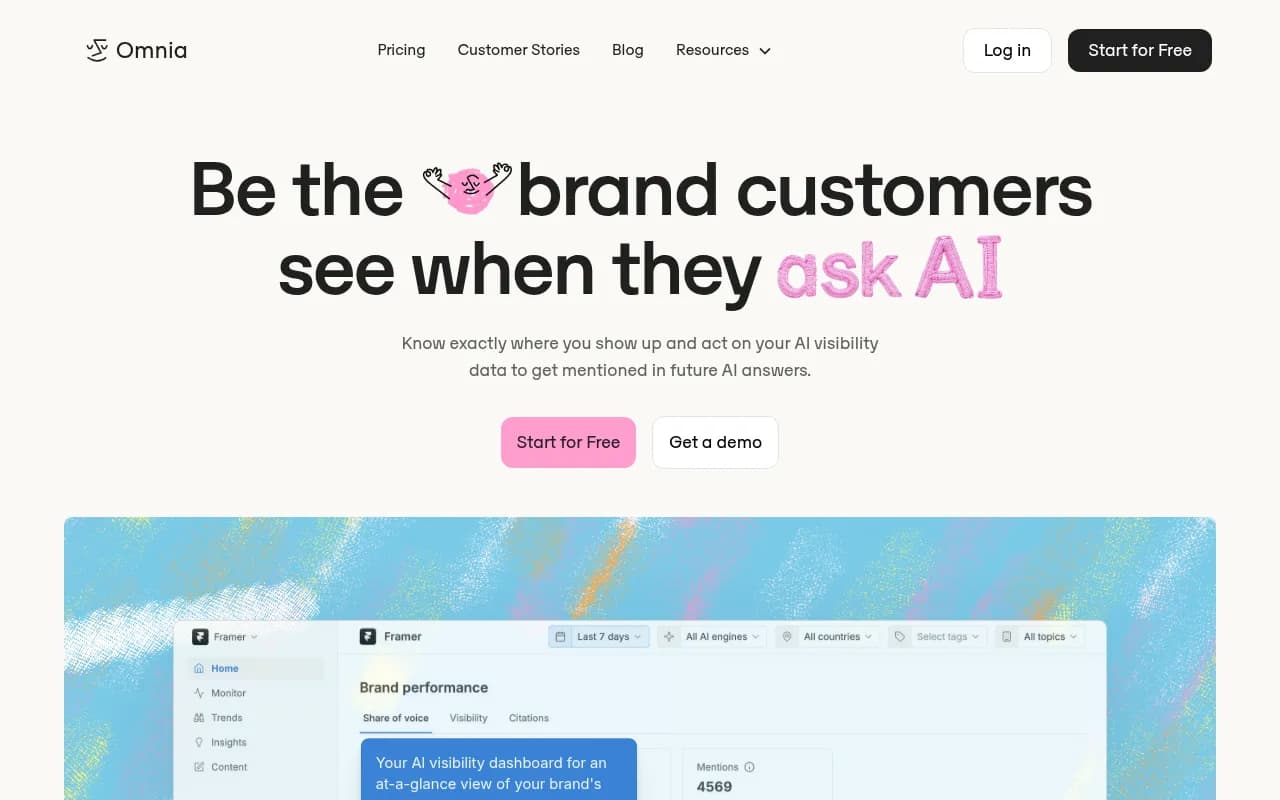
Other tools in the same space with a location or multi-region angle in their pitch include Peec AI for multi-language tracking and Omnia for share-of-voice analytics:

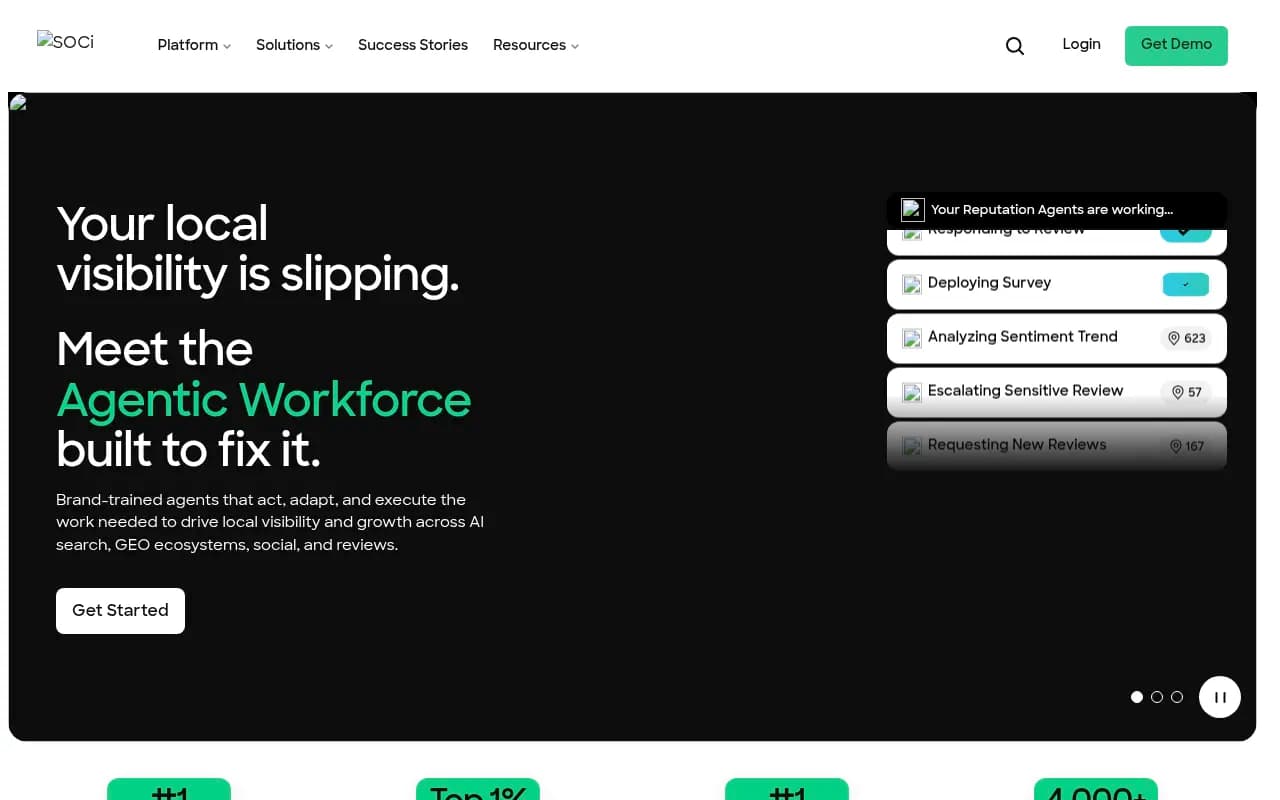
For local SEO teams that already run reviews and listings, SOCi and Yext sit closer to the local-presence side of the problem:

If you want to browse the wider field, the GEO software directory lists far more options than any single guide can cover.
Side-by-side comparison
| Factor | Manual ChatGPT checks | Automated local GEO tracking |
|---|---|---|
| Cost | Free, plus your time | Paid, from roughly $95/mo at the low end on some platforms |
| Prompts you can handle | Roughly 10 to 30 before it becomes a chore | Hundreds to thousands |
| Handles response variance | Only if you repeat runs by hand | Repeated runs and averages built in |
| Location coverage | One location, yours | Multiple countries, and on some tools states or cities |
| Historical trends | Whatever your spreadsheet holds | Automatic, comparable over time |
| Spots model update effects | Rarely | Yes, if you track citations per response |
| Shows fanout queries and cited URLs | Only with extra tools or extensions | Often built in |
| Qualitative insight | Strong | Weaker unless you read the answers |
| Reporting to clients or execs | Manual | Scheduled dashboards and PDFs |
The 10-prompt threshold some vendors cite is their own rule of thumb. Your tolerance will depend on how many locations, models, and competitors you track. The multiplication is what hurts: prompts times runs times locations times models.
Which method fits which situation
Stick with manual checks if
- You are exploring and have not yet decided whether AI visibility matters for your business.
- You are a single-location business with a small set of obvious prompts.
- You need to understand how answers are phrased before choosing a tool.
Move to automated tracking if
- You serve more than one city, region, or country and want to see differences.
- You report on AI visibility to a boss or client every month.
- You need to tell "we lost visibility" from "the platform changed".
- You want to connect AI mentions to traffic and conversions, not just screenshots.
- You manage multiple brands, which is the agency case. Manual checking across ChatGPT, Perplexity, Claude, and Gemini for every client every week is the kind of work that quietly eats a team.
Agencies in particular should look for multi-brand workspaces, scheduled prompt monitoring, and exportable reports. 1001 SEO Media builds this kind of measurement into its GEO and AI search work for clients, and uses Promptwatch for it.
A hybrid workflow that works
Most teams do best with both methods, each used for what it is good at.
- Seed the prompt list manually. Spend an afternoon running 20 to 30 prompts yourself, noting phrasing, competitors, and wrong facts. Add real customer questions from sales calls and support tickets.
- Load the list into a tracker. Set the countries or cities that matter. Keep prompts grouped by topic and by intent (local-service, comparison, brand).
- Review the dashboard weekly, read raw answers monthly. Numbers tell you where to look. Reading full answers tells you why.
- Annotate model releases. When a major model change lands, mark it. Compare citations per response before and after before you rewrite anything.
- Fix what the data points to. Mentions without citations to your own pages usually mean a content or crawlability problem. Wrong facts mean your listings and on-site details need cleaning. Competitors cited from third-party pages means you need presence on those pages.
- Spot check again manually after changes. A tracker confirms a trend, and a quick manual look confirms the answer reads the way you want.
For writing content that fits how ChatGPT actually searches, the fanout data suggests keyword-style headings with the entity and category first, plus focused pages for sub-questions like pricing, comparisons, alternatives, and how-tos. Re-audit after major ChatGPT updates.
Questions to ask any vendor
- Do you collect from the real interface or from an API?
- Can I set country, state, or city, and how many locations are included in my plan?
- Do you run each prompt more than once to handle variance?
- Can I see the exact cited URLs and the fanout queries?
- How do you flag model updates?
- Can I export data and white-label reports?
Vendor trials are the cheapest test. Run the same ten prompts manually and in the tool, then compare. If the tool cannot explain differences, it is a dashboard, not a measurement.
The verdict
Manual checks win on cost and on insight per prompt. Local GEO tracking wins on everything that scales: locations, repetition, history, and reporting. In 2026, with citation behavior capable of shifting 27% in a day, relying on manual snapshots alone is a risk, not a strategy.
Start by hand for a week. Then automate whatever you would otherwise have to defend in a meeting. For a wider look at what else is out there, browse the AI rank tracking tools directory and compare a couple of options against your own ten test prompts before you commit.