Key takeaways
- Google Search Console doesn't have a dedicated "AI Overviews" filter yet, but specific click/impression patterns can strongly suggest a page is being cited in one
- A regex filter in the Queries report lets you surface long, conversational queries that are typical of AI-assisted searches
- Comparing date ranges before and after AI Overviews expanded in your niche is the fastest way to spot the impact on individual pages
- Pairing GSC data with GA4 referral traffic gives you a more complete picture -- especially for traffic coming from AI tools directly
- For deeper visibility across ChatGPT, Claude, Perplexity, and other AI engines, GSC alone won't cut it -- that's where dedicated platforms come in
Why this matters in 2026
Something strange is happening in Google Search Console for a lot of websites right now: impressions are climbing while clicks are flat or falling. If you've noticed that and assumed something was broken, it probably isn't. What you're likely seeing is the footprint of AI Overviews.
Google's AI Overviews now appear on a significant share of queries -- estimates put it somewhere around 13% of all Google searches triggering an AI Overview, and that number keeps growing. When your page gets cited in one, Google counts it as an impression. But because the AI Overview answers the question directly, many users never click through to your site. Hence the gap.
The frustrating part: Google Search Console doesn't label any of this. There's no "AI Overview" column, no filter you can toggle. You have to infer it from behavioral patterns in the data. This guide shows you exactly how to do that.
Step 1: Set up GSC correctly (if you haven't already)
Before anything else -- GSC only collects data from the day you verify your site. It doesn't backfill historical data. If you're not set up yet, every day you wait is data you lose permanently.
Verification takes about 10 minutes. Go to search.google.com/search-console, add your property, and verify ownership via DNS record, HTML file, or Google Analytics. Once you're in, give it a few days to populate meaningful data before trying to analyze anything.
One thing worth noting: GSC captures far more keyword data than third-party tools. Studies have found that GSC records significantly more long-tail queries than any single SEO platform, because those tools sample data while GSC pulls directly from Google's index. That makes it uniquely valuable for spotting AI-style queries -- the long, conversational ones that AI Overviews tend to trigger.
Step 2: Find the click/impression pattern that signals AI Overview inclusion
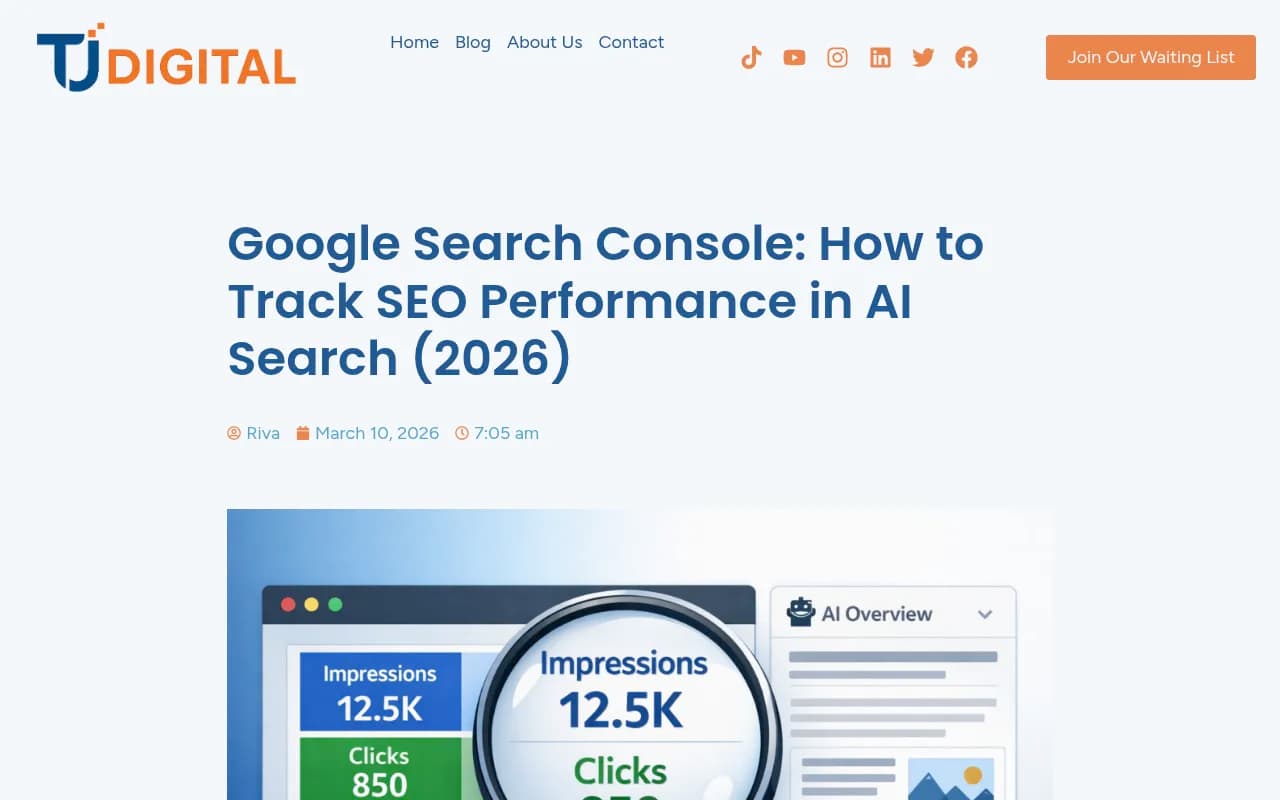
This is the core diagnostic. Navigate to the Performance report in GSC, then click on a specific page you want to investigate. Enable all four metrics: Total clicks, Total impressions, Average CTR, and Average position.
Now set a comparison date range. The most useful comparison is the last 3 months vs. the 3 months before that. Click "Compare" in the date picker and apply it.
What you're looking for is a specific pattern:
- Impressions are up (sometimes significantly)
- Clicks are flat or down
- CTR has dropped
- Average position has stayed roughly the same or improved slightly
That combination -- more people seeing your page in search results, but fewer clicking -- is a strong signal that your page is being cited in an AI Overview. The AI is answering the question for users before they need to visit your site.
The inverse is also worth noting. If impressions and clicks both dropped together, that's more likely a ranking issue or a competitor taking your position. The impression-up/click-down pattern is what's distinctive to AI Overviews.
Step 3: Use a regex filter to surface AI-style queries
AI Overviews tend to trigger on longer, more conversational queries. Someone asking "what's the best way to politely decline a job offer without burning bridges" is much more likely to get an AI Overview than someone searching "decline job offer."
GSC lets you filter queries using regular expressions. Here's the one to use:
^(?:\S+\s+){9,}\S+$
Paste that into the query filter (select "Custom (regex)" from the filter dropdown in the Queries tab). This surfaces any query that's 10 words or longer -- a reasonable proxy for AI-style searches.
If you want to go even further and catch the most conversational queries, change the 9 to 19 to show queries of 20+ words:
^(?:\S+\s+){19,}\S+$
Once you apply this filter, look at what comes up. These are the queries where AI Overviews are most likely to appear. Check which pages GSC associates with each query, and then look at the click/impression ratio for those pages. Low CTR on high-impression queries = likely AI Overview territory.
Export the data to a spreadsheet and sort by impressions descending. The pages at the top of that list are your highest-priority candidates for AI Overview optimization.
Step 4: Cross-reference with GA4 to confirm AI referral traffic
GSC tells you what's happening in Google search. GA4 tells you where traffic is actually coming from. Used together, they give you a more complete picture.
In GA4, go to Reports > Acquisition > Traffic Acquisition. Look at the "Session source/medium" dimension. You're looking for traffic tagged as coming from AI tools -- things like chatgpt.com, perplexity.ai, claude.ai, or gemini.google.com showing up as referral sources.
If a page shows the impression-up/click-down pattern in GSC and you can see referral traffic from AI tools in GA4, that's a pretty strong case that the page is being cited in AI responses -- both in Google's AI Overviews and potentially in other AI engines too.
One caveat: AI referral traffic is still relatively small for most sites, and some AI tools don't pass referrer data consistently. Don't be discouraged if GA4 shows nothing -- the GSC pattern alone is still a useful signal.
Step 5: Use GSC's AI feature to build custom reports
Google has been rolling out a conversational AI feature inside Search Console that lets you describe what you want to see in plain language, and it builds the report for you. It's genuinely useful for non-technical users who don't want to mess with regex.
You can ask it things like "show me pages with high impressions but low click-through rate" or "which queries are driving the most impressions for my blog posts this quarter?" It translates your request into the appropriate filters and date ranges.
This won't give you a direct "AI Overview" label -- that data still isn't surfaced explicitly -- but it speeds up the process of getting to the patterns that matter.
What GSC can and can't tell you
It's worth being honest about the limits here. GSC is a Google product, and it only shows you what Google chooses to expose. Right now, that doesn't include:
- A direct flag for "this impression came from an AI Overview"
- Data about how often your page is cited in ChatGPT, Claude, Perplexity, or Gemini
- Which specific AI model is citing you and in what context
- Whether your competitors are appearing in AI responses where you're not
The click/impression pattern is an inference, not a confirmation. It's useful, and it's free, but it's also indirect.
For anything beyond Google's own AI Overviews -- and for understanding why you're not being cited in AI responses -- you need a different kind of tool.
When to move beyond GSC
If you're managing a brand that cares about AI visibility across multiple platforms, GSC will eventually hit its ceiling. It's a Google-only view, and AI search is happening across ChatGPT, Perplexity, Claude, Gemini, Grok, and others simultaneously.
Promptwatch is built specifically for this. Where GSC shows you impressions and clicks, Promptwatch shows you exactly which prompts your competitors are appearing for that you're not -- and then helps you create content to close those gaps. It monitors 10 AI models, tracks which pages are being cited, and connects visibility to actual traffic through GSC integration and server log analysis.

For teams that want to go deeper on Google AI Overviews specifically, a few other tools are worth knowing about:
Semrush has added AI Overview tracking to its platform, which lets you see which keywords trigger AI Overviews and whether your pages appear in them -- more direct than the GSC inference method.

SE Ranking has an AI Overview tracker that monitors SERP features including AI Overviews across your tracked keywords, with historical data so you can see when your pages entered or exited AI Overview citations.
Nightwatch added AI search monitoring that tracks when your pages appear in AI-generated results, useful for agencies managing multiple clients.
Comparison: GSC vs. dedicated AI visibility tools
| Capability | Google Search Console | Semrush | SE Ranking | Promptwatch |
|---|---|---|---|---|
| AI Overview impression data | Inferred only | Yes (direct) | Yes (direct) | Yes |
| Long-tail query analysis | Yes (regex filter) | Yes | Yes | Yes |
| ChatGPT / Claude / Perplexity tracking | No | No | No | Yes (10 models) |
| Competitor AI visibility | No | Limited | Limited | Yes (full gap analysis) |
| Content gap identification | No | No | No | Yes |
| AI content generation | No | Partial | No | Yes |
| Crawler log analysis | No | No | No | Yes |
| Cost | Free | From ~$140/mo | From ~$65/mo | From $99/mo |
The honest takeaway: GSC is the right starting point because it's free and the data is authoritative. But it's a monitoring tool for one channel. If AI search is a meaningful part of your traffic strategy -- and in 2026, it should be -- you'll eventually want something that covers the full picture.
A practical workflow to run every month
Here's a repeatable process you can run in about 30 minutes:
- Open GSC Performance report, set date range to last 28 days vs. previous 28 days
- Apply the regex filter
^(?:\S+\s+){9,}\S+$to surface long queries - Export to a spreadsheet, sort by impressions descending
- Flag any page where impressions grew but clicks didn't follow (CTR dropped)
- For flagged pages, check GA4 for AI referral traffic from chatgpt.com, perplexity.ai, etc.
- For pages with strong AI Overview signals, review the content -- is it directly answering the question the query implies? Is it structured clearly with headers and concise answers?
- Update or expand those pages to better match what AI Overviews are pulling from
The pages that get cited in AI Overviews tend to be the ones that answer questions directly, use clear structure, and have enough topical authority that Google trusts them as a source. That's not a coincidence -- it's the same content quality that's always mattered, just now with a new distribution channel attached.
Final thought
GSC is genuinely useful for spotting AI Overview signals, and the regex trick for surfacing long queries is something most people aren't using yet. Start there. It costs nothing and the data is as close to ground truth as you'll get for Google search.
But don't mistake "I can see the pattern" for "I understand what's happening." The impression/click gap tells you something is going on. It doesn't tell you what to do about it, or how you're performing across the other AI engines where your customers are increasingly searching. That part requires more.