Key takeaways
- AI search visibility is a distinct channel that needs its own reporting section -- traditional SEO dashboards don't capture it
- The core metrics to track monthly are: citation rate, share of voice across LLMs, prompt coverage, and AI-referred traffic
- Month-over-month comparisons only work if you're tracking the same prompt set consistently -- changing prompts mid-cycle breaks your trend lines
- The most useful reports connect visibility data to business outcomes (traffic, leads, pipeline), not just mention counts
- Tools like Promptwatch close the loop between tracking and action -- most monitoring-only tools leave you with data but no clear next step
Why AI search needs its own reporting section
Most monthly marketing reports in 2026 still look like they were built in 2021. There's a section for organic search, one for paid, maybe social and email. AI search gets lumped into "other" or ignored entirely.
That's a problem, because AI search is no longer a rounding error. ChatGPT processes over a billion queries per day. Perplexity has become a default research tool for a significant chunk of B2B buyers. Google AI Overviews appear on the majority of informational searches. If your brand isn't being cited in those answers, you're losing consideration before a user ever visits your site.
The challenge is that AI search doesn't behave like traditional search. There are no rank positions in the classic sense. There's no Google Search Console equivalent that just hands you the data. Visibility is probabilistic -- your brand either appears in a response to a given prompt or it doesn't, and that changes depending on the model, the phrasing, the user's location, and a dozen other variables.
So you need a different mental model for reporting on it. And you need a consistent template that your team can run every month without reinventing the wheel.
This guide gives you that template.
The metrics that actually matter
Before building a report, you need to know what you're measuring. There are a lot of vanity metrics floating around in the GEO space right now -- "AI mentions" counts that sound impressive but don't tell you anything actionable. Here's what to focus on instead.
Citation rate
This is the percentage of tracked prompts where your brand is cited in the AI response. If you're monitoring 100 prompts and your brand appears in 34 of them, your citation rate is 34%.
Citation rate is your headline metric. It's the clearest single number that tells you whether AI models are recommending you. Track it per model (ChatGPT, Perplexity, Gemini, Claude, etc.) because the numbers vary significantly -- a brand can be well-cited on Perplexity and nearly invisible on Google AI Overviews.
Share of voice
Where citation rate tells you your absolute visibility, share of voice tells you your visibility relative to competitors. If you appear in 34 prompts and your top competitor appears in 61, your share of voice is roughly 36%.
This is the metric executives actually care about. "We're cited 34% of the time" is abstract. "We're third in our category behind Competitor A and Competitor B, but we've closed the gap by 8 points this month" is a story.
Prompt coverage
How many of the prompts relevant to your category does your brand appear in at all? This is different from citation rate. A brand might have a high citation rate on the 20 prompts it tracks, but those 20 prompts might represent only a fraction of the queries buyers actually use.
Prompt coverage pushes you to expand your tracking set and find the gaps -- the questions your customers are asking that you're not showing up for.
AI-referred traffic
This is where visibility connects to revenue. How much traffic is actually arriving from AI search engines? This requires either a code snippet on your site, a Google Search Console integration, or server log analysis to separate AI referrals from organic traffic.
AI traffic attribution is still messy in 2026 -- not all AI engines pass clean referral data -- but the signal is good enough to track directionally. Month-over-month growth in AI-referred sessions, combined with conversion rate data, is what justifies the investment in GEO to a CFO.
Content gap score
This one is forward-looking. How many prompts are competitors being cited for that you're not? This tells you where the opportunity is. A shrinking gap score month-over-month means your content strategy is working.
The monthly reporting template
Here's a structure you can adapt for your team. The goal is a report that takes under two hours to produce and under five minutes to read.
Section 1: Executive summary (1 page)
Three numbers, one paragraph of context, one recommendation.
The three numbers: citation rate this month vs. last month, share of voice vs. top competitor, AI-referred traffic sessions.
The paragraph: what changed and why. Did a new piece of content start getting cited? Did a competitor publish something that ate into your share of voice? Did one AI model shift its behavior?
The recommendation: one specific action for next month. Not "continue improving content" -- something like "publish a comparison page targeting the 'best [category] tools for [use case]' prompt cluster where Competitor X is currently dominating."
Section 2: Citation performance by model
A table showing your citation rate across each AI model you track, compared to the previous month.
| AI model | Last month | This month | Change |
|---|---|---|---|
| ChatGPT | 28% | 34% | +6pp |
| Perplexity | 41% | 43% | +2pp |
| Google AI Overviews | 19% | 22% | +3pp |
| Claude | 31% | 29% | -2pp |
| Gemini | 24% | 27% | +3pp |
| Grok | 18% | 21% | +3pp |
This table immediately surfaces where you're winning and where you're losing ground. A drop on Claude while everything else improves might mean a specific piece of content that Claude was citing has been updated or replaced.
Section 3: Share of voice vs. competitors
A heatmap or table showing how you stack up against your top three to five competitors across the same prompt set.
| Competitor | Citation rate | MoM change | Top prompt cluster |
|---|---|---|---|
| Your brand | 34% | +6pp | "best [category] for [use case]" |
| Competitor A | 51% | +2pp | "how to [task]" |
| Competitor B | 29% | -3pp | "[category] pricing" |
| Competitor C | 22% | +1pp | "[category] alternatives" |
The "top prompt cluster" column is useful context -- it tells you where each competitor is strongest, which helps you decide where to compete vs. where to concede.
Section 4: Prompt coverage and gap analysis
List the prompt clusters you're tracking, your coverage in each, and the gap vs. the category leader.
| Prompt cluster | Your coverage | Category leader | Gap |
|---|---|---|---|
| "best [category] tools" | 67% | 89% | -22pp |
| "[category] for enterprise" | 45% | 71% | -26pp |
| "how to [core use case]" | 78% | 82% | -4pp |
| "[category] pricing comparison" | 31% | 58% | -27pp |
| "[category] vs [alternative]" | 52% | 44% | +8pp |
The rows with the largest gaps are your content priorities for next month. The row where you're ahead of the category leader is where you should defend by keeping that content fresh.
Section 5: AI-referred traffic and conversions
| Metric | Last month | This month | Change |
|---|---|---|---|
| AI-referred sessions | 1,240 | 1,580 | +27% |
| AI-referred conversion rate | 3.1% | 3.4% | +0.3pp |
| AI-referred leads | 38 | 54 | +42% |
| AI-referred pipeline | $94k | $127k | +35% |
This section is what makes the report credible to finance and leadership. Visibility scores are internal metrics. Pipeline is real.
Section 6: Content actions taken and results
A brief log of what you published last month that was intended to improve AI visibility, and whether it worked.
"Published 'Complete guide to [use case]' on [date]. Citation rate for related prompts increased from 22% to 31% within three weeks. Now appearing in ChatGPT and Perplexity responses for '[prompt]' cluster."
This closes the loop and builds institutional knowledge about what content formats and topics actually get cited.
Section 7: Next month's priorities
Three to five specific actions, each tied to a metric target. Not vague goals -- actual content briefs, page updates, or technical fixes.
Setting up your tracking infrastructure
The template above is only as good as the data feeding it. Here's how to set up the infrastructure.
Choose a consistent prompt set
Start with 30 to 50 prompts that represent how your buyers actually search. Include:
- Category-level prompts ("best [category] tools")
- Use-case prompts ("how to [core task]")
- Comparison prompts ("[your brand] vs [competitor]")
- Problem-aware prompts ("how do I fix [problem your product solves]")
The key word is "consistent." Don't change your prompt set month-to-month or your trend data becomes meaningless. Add new prompts in a separate tracking group so you can build history before mixing them into your main set.
Pick your monitoring tool
You need a tool that queries AI models on a schedule and logs the responses. Manual spot-checking doesn't scale and introduces too much variance.
Promptwatch is worth looking at here -- it tracks across 10 AI models (ChatGPT, Perplexity, Claude, Gemini, Grok, DeepSeek, Copilot, Google AI Overviews, Meta AI, and Mistral), gives you prompt-level citation data, and includes crawler logs that show you which pages AI bots are actually reading on your site. The answer gap analysis is particularly useful for the prompt coverage section of the report -- it surfaces the specific prompts where competitors are visible and you're not.

Other tools worth considering depending on your budget and needs:



Here's a quick comparison of what these tools offer for monthly reporting purposes:
| Tool | Models tracked | Content gap analysis | AI traffic attribution | Crawler logs | Starting price |
|---|---|---|---|---|---|
| Promptwatch | 10 | Yes | Yes | Yes | $99/mo |
| Otterly.AI | 5 | No | No | No | ~$49/mo |
| Peec.ai | 6 | No | No | No | ~$79/mo |
| Profound | 7 | Partial | No | No | ~$299/mo |
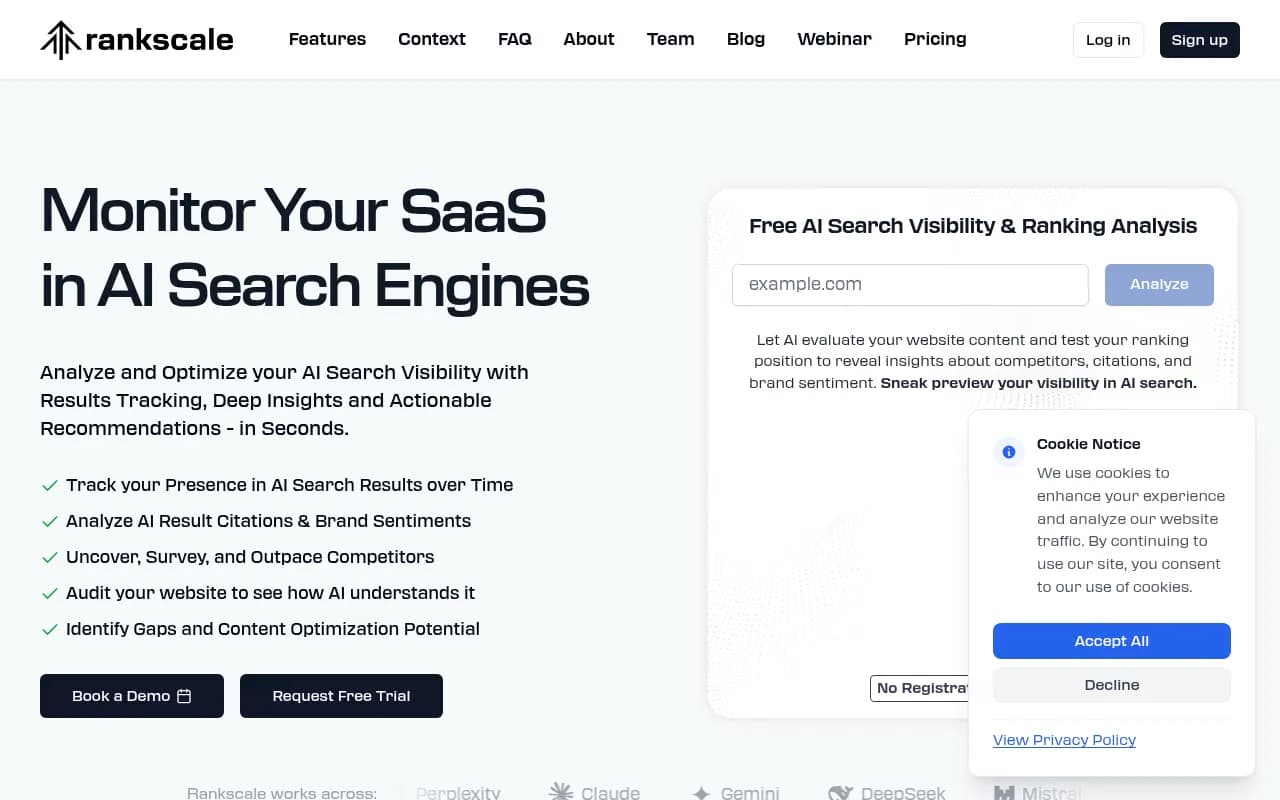
| Rankscale | 5 | No | No | No | ~$49/mo |
The core difference: most tools give you citation counts and stop there. For a monthly report that actually drives decisions, you need the gap analysis and traffic attribution layers too.
Set up AI traffic attribution
This is the step most teams skip, and it's the one that matters most for proving ROI.
Three options, roughly in order of reliability:
-
Server log analysis -- the most accurate but requires engineering help to set up. AI crawlers and referrers show up in your server logs. Promptwatch's crawler log feature automates this.
-
Google Search Console integration -- GSC now surfaces some AI Overview data. Limited but free and easy.
-
UTM tracking via referral source -- some AI engines pass referral data. Set up a segment in your analytics tool for known AI referral sources (perplexity.ai, chatgpt.com, etc.).
None of these are perfect. Use all three and triangulate.
Build your reporting cadence
Monthly reports work best when the data collection is automated and the analysis is human. Set your monitoring tool to run prompt queries daily or weekly, then pull a monthly snapshot on a fixed date (the first Monday of each month works well).
Reserve the actual report writing for analysis, not data entry. If you're spending more than 30 minutes pulling numbers, something in your setup needs automation.
Common mistakes that break your month-over-month data
Changing your prompt set mid-cycle
If you add 20 new prompts in month three, your citation rate will appear to drop even if your actual visibility improved. Keep your core prompt set stable for at least six months before making changes.
Tracking only one AI model
Teams often start with just ChatGPT because it's the most familiar. But your buyers might be using Perplexity for research and Google AI Overviews for quick lookups. A brand that's strong on ChatGPT but invisible on Google AI Overviews has a real gap that won't show up in a single-model report.
Reporting visibility without traffic
Citation rate is a leading indicator. Traffic and pipeline are the lagging indicators that confirm it's real. A report that shows only visibility scores will eventually lose credibility with leadership. Build the traffic attribution layer early, even if the numbers are small at first.
Ignoring the "why" behind changes
A 6-point jump in citation rate is great. But if you don't know what caused it, you can't repeat it. Every significant change in your monthly numbers should have a hypothesis attached. Did you publish new content? Did a competitor's content get removed? Did an AI model update its training data? Document your guesses even when you can't confirm them -- over time, patterns emerge.
Turning the report into action
The whole point of a monthly report is to change what you do next month. Here's a simple decision framework:
If citation rate is growing but AI traffic is flat, the problem is likely click-through. Your brand is being mentioned but not linked. Focus on getting cited in contexts where users are likely to click through -- comparison queries and "best tools" lists tend to drive more clicks than informational "how to" answers.
If AI traffic is growing but conversion rate is low, the problem is landing page relevance. Users arriving from AI search often have high intent but specific expectations based on what the AI told them. Make sure your landing pages match the context of the prompts driving traffic.
If share of voice is declining despite publishing new content, check which competitors are gaining ground and on which prompt clusters. It's often one competitor with a specific piece of content that's getting heavily cited. Analyze what they published and why AI models prefer it.
If prompt coverage is low in a specific cluster, that's a direct content brief. The prompts where you have zero coverage are the easiest wins -- you're not competing against your own existing content, just filling a gap.
A note on reporting to different audiences
The template above is designed for a marketing team's internal use. When presenting to different stakeholders, adjust the emphasis:
For executives: lead with share of voice and pipeline impact. Skip the model-by-model breakdown unless asked.
For the content team: the prompt coverage and gap analysis sections are most relevant. These translate directly into content briefs.
For finance: AI-referred pipeline and the content actions log. They want to see that the investment in GEO tooling and content production is generating measurable return.
For agency partners: the full template works, but add a section on which specific pages are being cited and which aren't. Page-level citation data helps agencies prioritize optimization work.
Getting started
If you're building this reporting process from scratch, don't try to implement everything at once. A practical three-month ramp:
Month one: set up your prompt set and monitoring tool, establish baseline citation rates across at least three AI models, set up basic AI traffic attribution in your analytics tool.
Month two: add competitor share of voice tracking, run your first gap analysis, publish one piece of content targeting a high-gap prompt cluster.
Month three: add AI traffic attribution to your monthly report, document the results from month two's content, present the full report to leadership for the first time.
By month three, you'll have enough data to tell a coherent story about where you started, what you did, and what changed. That's when AI search visibility stops being a speculative channel and starts being a line item in the marketing plan.
The tools exist. The template is here. The only thing left is to start tracking.