Key takeaways
- Google Search Console doesn't isolate AI Overview clicks, so traditional rank trackers give you an incomplete picture of your actual visibility.
- Effective tracking requires a defined query set, a consistent weekly cadence, and page-level citation recording -- not just brand-level mentions.
- Several dedicated tools now track AI Overview appearances, from lightweight options like SE Ranking to full-stack platforms like Promptwatch.
- Tracking is only useful if it connects to action: knowing you're missing from an AI Overview is step one; fixing it requires content changes, schema, and E-E-A-T signals.
- Manual spot-checking is still worth doing, but it breaks down fast at any meaningful query volume.
Google AI Overviews have been around long enough now that the initial panic has settled. Marketers have moved past "will this kill SEO?" and landed on a more practical question: "How do I actually know if I'm showing up in them?"
That's what this guide is about. Not theory. Not vague advice about "being authoritative." A real setup you can run as a marketer, starting this week.
Why your existing tools aren't enough
Let's get this out of the way first, because a lot of teams waste months thinking they're covered when they're not.
Google Search Console doesn't separate AI Overview traffic
GSC lumps AI Overview clicks and impressions into your standard web search data. There's no dedicated filter. So if your click-through rate drops on a query where you still rank #2, you might assume something's wrong with your title tag -- when actually an AI Overview appeared above you and absorbed the click. You'd never know from GSC alone.
This is a real problem. The data exists; it's just not surfaced in a way that's useful for AI Overview analysis.
Traditional rank trackers measure the wrong thing
Rank trackers tell you your position in the blue-link results. That's still useful, but it's a different layer from AI Overviews. You can rank #1 organically and not appear in the AI Overview at all. You can rank #8 and get cited in the AI Overview summary. Position and citation are separate signals.
Most rank trackers weren't built to capture whether an AI Overview appeared for a query, whether your brand was cited in it, or which specific page was referenced. Some are adding this capability now, but it's worth checking what your current tool actually measures.
Manual checking breaks at scale
Manually searching queries in incognito mode is genuinely useful for spot-checking. One practitioner described spending 15 minutes every morning doing exactly this for their most important queries. For a handful of high-priority terms, it works. For 50+ queries across multiple competitors, it's not sustainable.
What accurate AI Overview tracking actually requires
Before picking a tool, it helps to understand what you're actually trying to measure. There are three layers:
Query-level visibility: Does an AI Overview appear at all for this query? If yes, is your brand cited? Which page?
Historical tracking: How has your citation rate changed over time? Did a content update improve your visibility? Did a competitor's new article push you out?
Competitive citation tracking: Which competitors are being cited for queries where you're not? What pages are they using?
Most teams start with layer one and never get to layers two and three. That's a mistake, because the trend data is where the actionable insights live.
Step-by-step setup for tracking AI Overview rankings
Step 1: Build your query set before you track anything
This sounds obvious but most teams skip it. Tracking everything is expensive and noisy. Tracking the wrong queries is useless.
Start with three buckets:
- Queries where you currently rank well organically (positions 1-5). These are the ones where an AI Overview could cannibalize your traffic most directly.
- Queries where competitors rank but you don't. These are gap opportunities.
- High-intent queries directly related to your product or service. These matter most for revenue.
Aim for 30-100 queries to start, depending on your budget and team capacity. You can always expand later.
Step 2: Establish a dated baseline
Run your full query set on day one and record:
- Whether an AI Overview appeared
- Whether your brand was cited
- Which specific page was cited (not just your domain)
- Which competitors were cited
This baseline is what everything else gets measured against. Without it, you can't tell if your optimization efforts are working.
Step 3: Set a tracking cadence
Weekly is the right default. AI Overviews can change quickly -- Google updates them in response to new content, algorithm changes, and query shifts. Monthly tracking misses too much. Daily tracking is overkill for most teams and expensive with most tools.
The key insight from Omnia's research on this: your tracking cadence should be tighter than your publishing schedule. If you publish new content every two weeks, track weekly so you can see the impact of each piece.
Step 4: Record which page is cited, not just whether your brand appeared
This is the detail most teams miss. If Google's AI Overview cites your homepage for a query about a specific product feature, that's useful information -- it means your dedicated feature page isn't being picked up. Page-level tracking tells you where to focus your optimization.
Keep a simple log: query, date, cited URL, competitor cited URLs. A spreadsheet works fine for small query sets. A dedicated tool is better at scale.
Step 5: Review competitive shifts weekly
When a competitor gets cited for a query where you used to appear, or vice versa, that's a signal worth investigating. What changed? Did they publish new content? Did they add schema markup? Did they get a major backlink?
Competitive citation shifts are often the earliest warning sign that your content needs updating.
Tools for tracking Google AI Overviews
The tool landscape has grown fast. Here's a breakdown of the main options, from lightweight to full-stack.
SE Ranking
SE Ranking's AI Overviews Tracker monitors when your target keywords trigger AI Overviews, detects brand mentions and links inside those overviews, and tracks changes over time. It sits inside an existing SEO platform, which is convenient if you're already using it for rank tracking.

Semrush
Semrush has added AI Overview tracking to its platform. The limitation worth knowing: it uses fixed prompt sets rather than custom queries, which means you're tracking what Semrush decides to track rather than the specific queries that matter to your business.
Ahrefs Brand Radar
Ahrefs Brand Radar tracks brand mentions in AI search results. Similar limitation to Semrush -- fixed prompts, no AI traffic attribution. Useful if you're already deep in the Ahrefs ecosystem.
Omnia
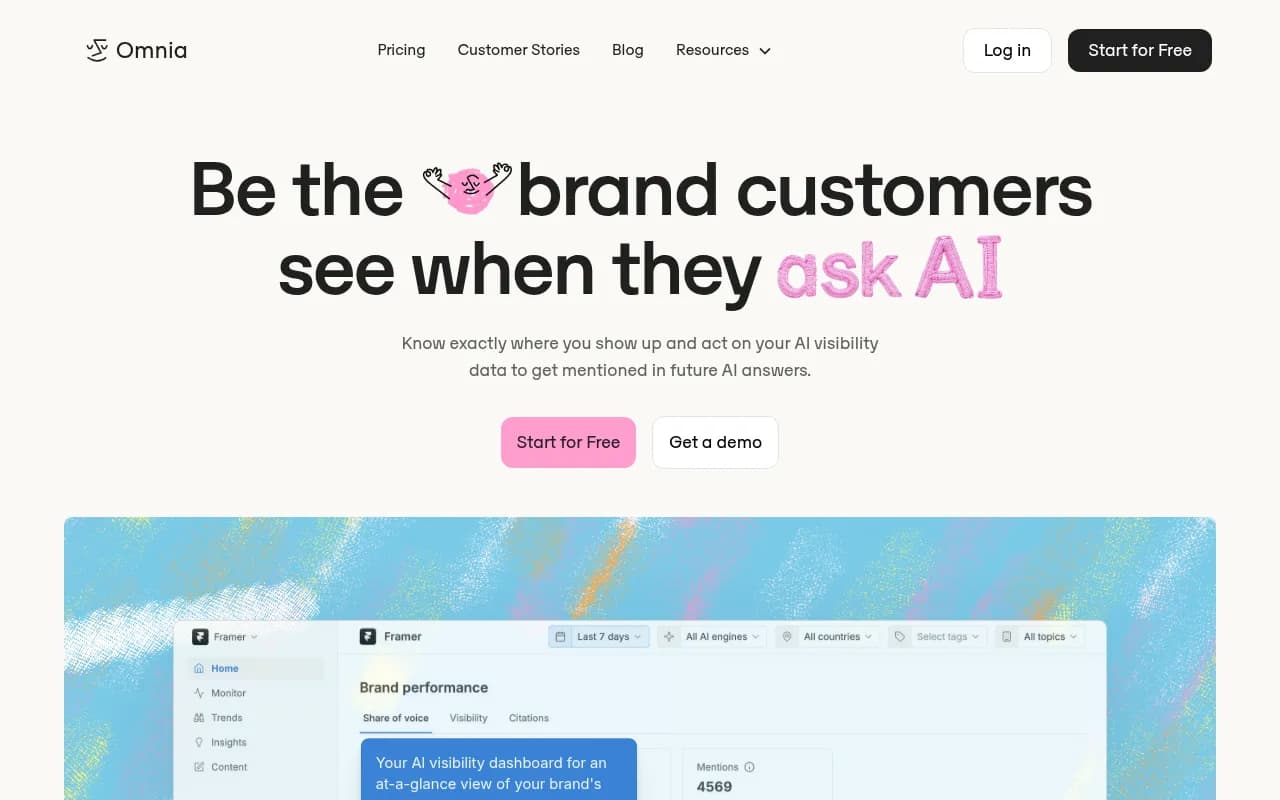
Omnia focuses specifically on AI visibility and share of voice analytics. Good for teams that want a dedicated AI monitoring tool rather than an add-on to a traditional SEO platform.
Nightwatch
Nightwatch has added AI search monitoring for marketers alongside its traditional rank tracking. Worth considering if you want a single tool that handles both.
SE Visible
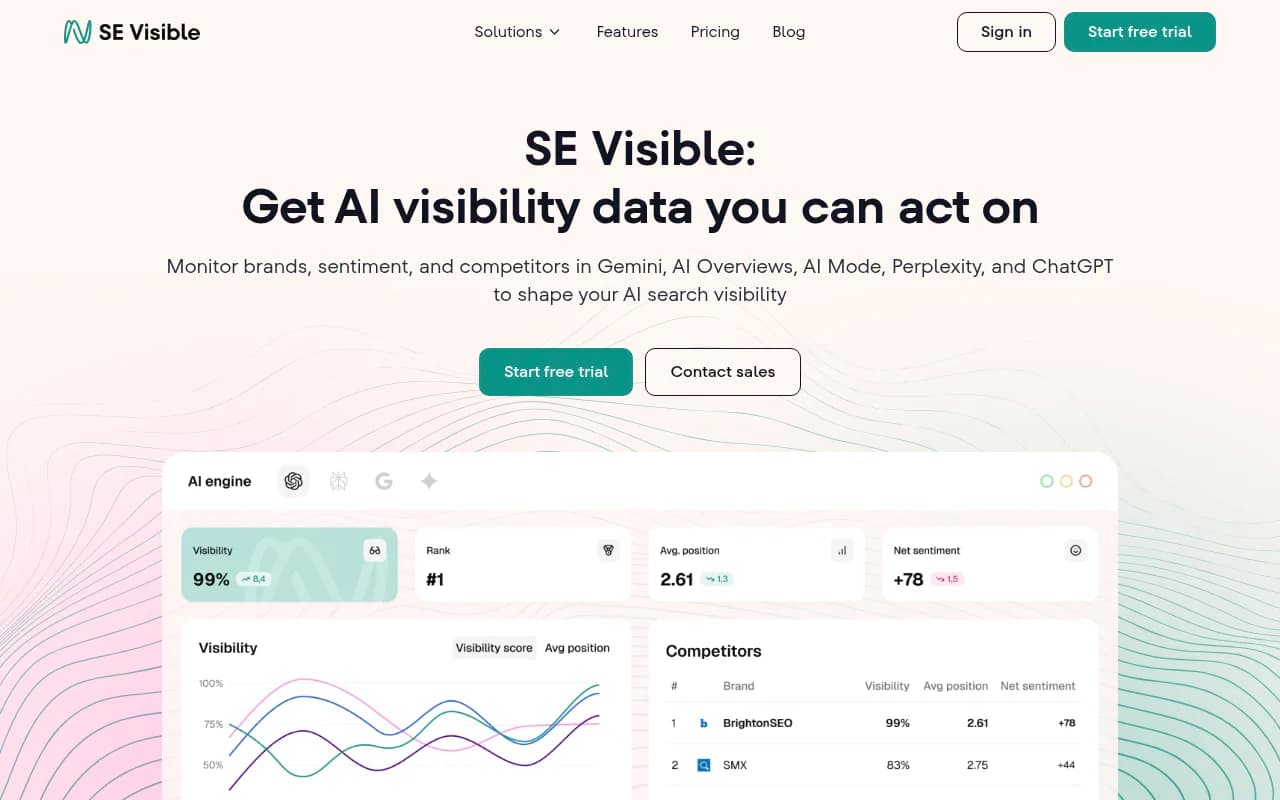
SE Visible from SE Ranking is a user-friendly AI visibility tracker that's worth a look for teams that want something approachable without a steep learning curve.
Promptwatch
For teams that want to go beyond monitoring into actual optimization, Promptwatch tracks Google AI Overviews alongside nine other AI models (ChatGPT, Claude, Perplexity, Gemini, Grok, and more). The key difference from most tools: it doesn't stop at showing you where you're missing -- it includes an Answer Gap Analysis that shows exactly which prompts competitors are visible for but you're not, and a built-in AI writing agent that generates content engineered to get cited. It also logs AI crawler activity on your site, so you can see which pages Google's AI crawler is actually reading and fix indexing issues.

Comparison table
| Tool | Custom queries | Historical tracking | Competitor citations | Content generation | AI crawler logs |
|---|---|---|---|---|---|
| SE Ranking | Yes | Yes | Yes | No | No |
| Semrush | Fixed prompts | Yes | Limited | No | No |
| Ahrefs Brand Radar | Fixed prompts | Limited | No | No | No |
| Omnia | Yes | Yes | Yes | No | No |
| Nightwatch | Yes | Yes | Limited | No | No |
| Promptwatch | Yes | Yes | Yes | Yes | Yes |
How to measure the traffic impact of AI Overviews
Tracking citations is one thing. Connecting that to actual traffic and revenue is harder, but not impossible.
Proxy method: CTR against position data
Pull your GSC data and look at click-through rates for queries where you know an AI Overview appears (you'll know this from your tracking tool). Compare CTR for those queries against similar queries without AI Overviews. The gap is a rough estimate of how much traffic the AI Overview is absorbing.
This isn't perfect -- there are other variables -- but it gives you a directional signal.
UTM parameters and referral traffic
Some AI Overview citations do drive direct clicks. If you're using UTM parameters consistently, you can track referral traffic from Google in a way that isolates AI-driven visits. This is imperfect because Google doesn't always pass referral data cleanly, but it's worth setting up.
Server log analysis
The most accurate method. Your server logs record every visit, including the user agent and referrer. Tools like Promptwatch can analyze server logs to attribute traffic specifically to AI search engines. This is more setup work but gives you the cleanest data.
What to do with your tracking data
Tracking without action is just expensive reporting. Here's how to close the loop.
Identify your highest-priority gaps
Sort your query set by two dimensions: query importance (traffic potential, commercial intent) and current citation status (cited, not cited, competitor cited). The high-importance queries where competitors are cited but you're not are your first priority.
Audit the pages that are getting cited
When a competitor gets cited for a query, look at their page. What format are they using? Do they have a clear direct answer at the top? Do they use structured data? Is the content more recent than yours?
The BinaryVast team's experience is instructive here: they found that AI Overviews favor pages with an answer-first format -- a direct, clear response to the query in the first 100-150 words, before any preamble or context-setting. Long introductory paragraphs that build up to the answer tend to get skipped.
Technical fixes that affect AI Overview inclusion
A few technical factors consistently come up in research on AI Overview citations:
- Structured data and schema markup help Google understand what your content is about and extract specific facts
- Server-side rendering matters because AI crawlers sometimes struggle with JavaScript-heavy pages
- Allowing AI crawler access in your robots.txt is a prerequisite -- if you're blocking Googlebot-Extended, you're blocking AI Overview consideration
- Page speed affects crawl frequency; slow pages get crawled less often
E-E-A-T signals
Google's AI Overviews draw heavily on Experience, Expertise, Authoritativeness, and Trustworthiness signals. This means author credentials on the page, citations to primary sources, and content that demonstrates first-hand experience with the topic. Generic content that could have been written by anyone tends not to get cited.
Setting up a sustainable tracking workflow
Here's a practical weekly workflow that doesn't require hours of manual work:
- Monday: Tool runs automated checks across your full query set
- Tuesday: Review the summary report -- which queries changed? Any new competitor citations?
- Wednesday: Flag the two or three most significant changes for investigation
- Thursday: Assign content updates or new content briefs based on gaps identified
- Following week: Check whether the previous week's changes had any effect
The whole active review process should take 30-45 minutes per week once you're set up. The setup itself -- building your query set, establishing your baseline, configuring your tool -- takes a few hours upfront.
For teams tracking AI visibility across multiple AI models beyond just Google, platforms like Promptwatch handle this in a single dashboard rather than requiring separate tools for each model.
Common mistakes to avoid
A few patterns that consistently lead to wasted effort:
Tracking too many queries too soon. Start focused. 50 well-chosen queries will teach you more than 500 random ones.
Measuring brand mentions instead of page citations. Knowing your brand appeared in an AI Overview is less useful than knowing which specific page was cited. The page-level data tells you what's working and what to replicate.
Ignoring the queries where you're not appearing at all. It's tempting to focus on queries where you're already cited and try to maintain that position. But the biggest gains usually come from queries where competitors are cited and you're invisible -- those are winnable with the right content.
Treating AI Overview tracking as separate from your content strategy. The tracking data should directly feed your editorial calendar. If you're not using citation gaps to decide what to write next, you're leaving the most valuable part of the data unused.
Where to start today
If you're starting from scratch, here's the minimum viable setup:
- Pick 30-50 queries that matter to your business
- Do a manual baseline check in incognito mode -- record what you find
- Sign up for a dedicated AI Overview tracking tool (SE Ranking is a reasonable starting point; Promptwatch if you want the full optimization loop)
- Set a weekly calendar reminder to review the data
- Identify your top three citation gaps and assign content work to address them
That's it. You don't need a perfect system on day one. You need a consistent system that you actually run.
The teams getting the most value from AI Overview tracking in 2026 aren't the ones with the most sophisticated tools -- they're the ones who check their data every week and actually update their content based on what they find.