Key takeaways
- The official Promptwatch MCP server (
https://server.promptwatch.com/mcp) lets Claude query your visibility, citation, traffic and competitor data directly, so a monthly report becomes one well-written prompt instead of a pile of CSV exports. - Connect through the Claude directory (OAuth) or Claude Code CLI. Scope access to only the projects the report needs.
- Pin the metric definitions in your prompt. Visibility Score counts non-mentions as zero and ignores sentiment, so always pair it with Share of Voice, position and sentiment, and cut by model.
- Do not compare raw citation counts across assistants. ChatGPT cites about 5 sources per answer, AI Overviews and Perplexity about 10, so normalize first.
- Run the same prompt on the same day each month and keep last month's output, so the report compares like with like.
What you are building
A monthly cross-assistant report answers four questions: where did our brand show up, where did it not, who beat us, and what changed since last month. Doing that by hand across ChatGPT, Gemini, Perplexity, Google AI Overviews and others means logging into several dashboards and stitching screenshots together. I have done it that way. It takes half a day and nobody trusts the result by the third month.
The alternative is to let Claude do the reading. Promptwatch exposes its data through an MCP server, and Claude can call that server, pull the numbers, and write the narrative. The MCP docs list the relevant capabilities: querying brand visibility across ChatGPT, Claude, Gemini, Perplexity and AI Overviews, analyzing citation sources, tracking AI-referred traffic, comparing competitors and identifying content gaps.

Claude is the client here, so a quick pointer to it:
Before you start
A few things to check first, because they decide how the setup goes.
- A Promptwatch account with monitors already running. The MCP reads your tracked data. It does not invent it. If your prompts have run for less than a month, your first report is a baseline, not a comparison.
- Your assistant coverage. Promptwatch tracks 12 AI platforms from their real user interfaces, and Brands plans let you pick 4 per project (per the Promptwatch guide on which assistants to track). That caps how many assistants appear in a per-project report. Check promptwatch.com/pricing for current limits, since I could not confirm per-plan MCP availability.
- Claude access. On Claude Team or Enterprise, an organization owner has to enable the connector before members can connect.
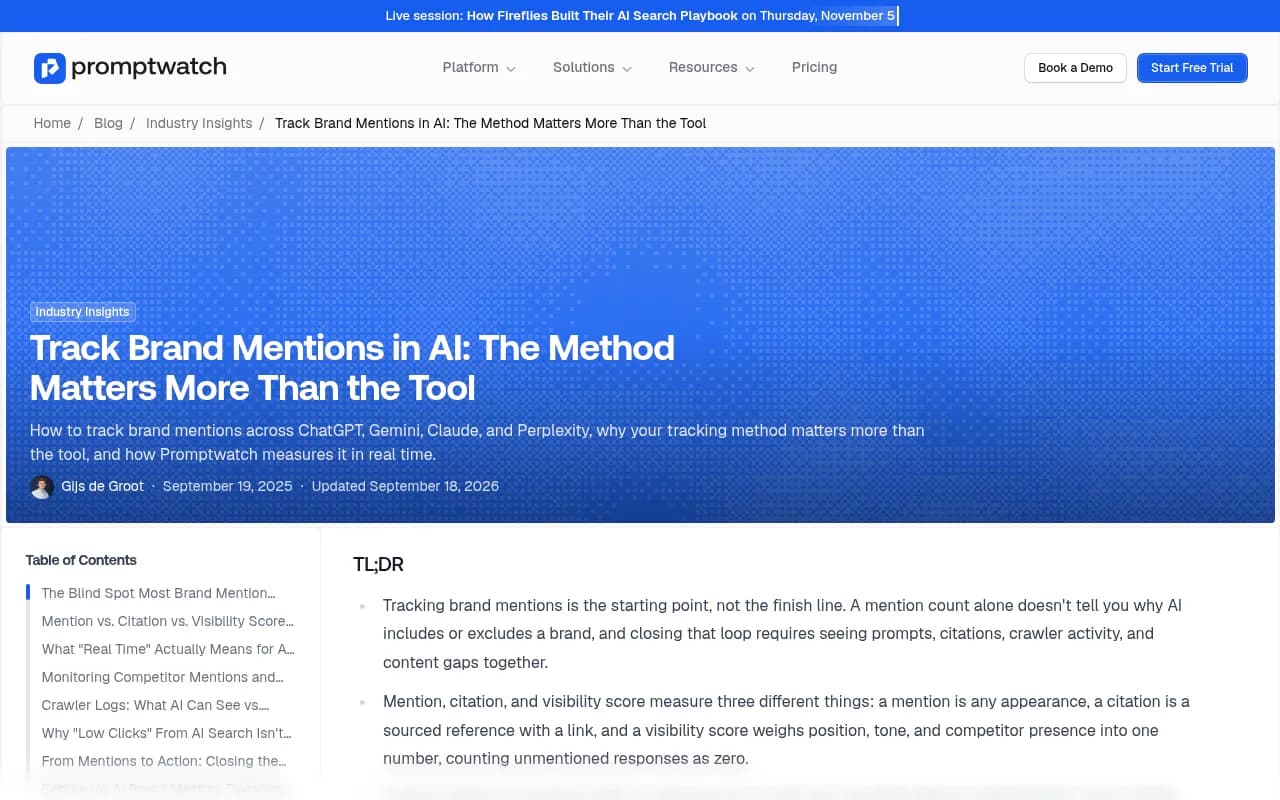
A note on method. Promptwatch collects data from automated sessions on ChatGPT and other live-search platforms, real Google results pages, and provider APIs for models that answer from training data. That matters for a report people will act on, because API responses and what a user actually sees can differ. The Promptwatch tracking-method guide covers this in detail.
Step 1: Connect Promptwatch to Claude
Option A: Claude web or Claude Desktop
This is the simplest route and uses OAuth through the Claude directory.
- Go to Customize, then Connectors.
- Click Browse and search for "Promptwatch".
- Click Connect. You are redirected to Promptwatch.
- Pick the organization and projects the connector can access, then click Accept.
That last step is the one people rush. Access is scoped by organization and project, so connect only what the report needs. If an agency runs twenty client projects, a report for one client should not be able to see the other nineteen.
Option B: Claude Code CLI with OAuth (recommended for scheduled work)
claude mcp add --transport http promptwatch https://server.promptwatch.com/mcp
Do not pass --header. Doing so switches to API-key auth and skips OAuth. Then, inside a session:
- Run
/mcp. - Select
promptwatchand choose Authenticate. - Approve on the Promptwatch consent page.
- Verify with
claude mcp list. The server should show Connected.
By default the server is added at local scope, which is private to you and active only in the current project. For a report you will run from anywhere, add it with --scope user. Shared team setups can use project scope, which writes a .mcp.json into the repo.
Option C: Claude Code CLI with an API key
Useful for headless environments where an interactive OAuth approval is awkward.
- In Promptwatch, go to Settings, then API Keys, and click Create API Key.
- Run:
claude mcp add --transport http promptwatch https://server.promptwatch.com/mcp --header "Authorization: Bearer YOUR_API_KEY"
Treat the key like a password. Keep it out of shared config files that get committed.
Troubleshooting the connection
/mcp shows one of four statuses: Connected, Needs authentication, Failed to connect, or Connection error. Startup timeout defaults to 30 seconds. If you see Needs authentication, redo the Authenticate step. One more gotcha: API-key and third-party-provider Claude Code sessions do not inherit claude.ai connectors, so a connector you set up in the web app will not appear there. Add the server through the CLI instead.
Clients that cannot use remote HTTP servers can go through the mcp-remote proxy with npx -y mcp-remote. Cursor and similar clients use the same URL with Streamable HTTP transport and a Bearer header.
There is also an unofficial hosted wrapper from Truto. It works, but adds a vendor between you and your data. The official server is simpler.
Step 2: Fix your metric definitions
If you skip this section the report will quietly mislead you. Put these definitions into your prompt so Claude interprets numbers the same way every month.
Visibility Score
Promptwatch's Visibility Score runs 0 to 100. Each response is scored, then averaged across all analyzed responses, with non-mentions counted as zero. Placement sets the baseline: a sole recommendation is 100, first in a ranked list is 90 to 94, second place is 65 to 80, fourth or later is 25 to 49, and a brief passing mention is 10 to 24.
Three details to bake in:
- A name that appears only in cited URLs or source titles does not count as a mention.
- Criticism does not lower visibility. A response mostly about problems with your product can score in the 90s. Always read it next to sentiment.
- A strong blended score can hide one assistant where you barely appear. Filtering to a single model is the most revealing cut.
The supporting metrics
| Metric | What it tells you | If it is low or bad |
|---|---|---|
| Visibility Score | Average prominence across all responses | Coverage or prominence problem |
| Share of Voice | Your presence relative to competitors | Competitors own the answer space |
| Position in answer | Where you land when mentioned | Prominence problem |
| Sentiment (0-100, ~50 neutral) | Tone, scored independently | Reputation problem |
| Citation rank | Where your domain lands in the source list | Content or authority gap |
| Mentions vs citations | Named versus sourced with a link | Content or crawlability problem |
The Promptwatch docs also have diagnostic pages for "Why is my visibility zero?" and "Why did my score drop?", which are worth linking into your report template for the person who has to act on it.
Step 3: Normalize across assistants
Here is where a cross-assistant report goes wrong most often. Assistants do not cite the same number of sources.
According to Promptwatch's average sources per response data, ChatGPT cites about 5 sources per web-search answer, while Google AI Overviews and Perplexity cite about 10. Copilot's average swung from under 2 to nearly 17 sources within a few weeks before settling low. So:
- Raw citation counts are not comparable across assistants. Compare each assistant against its own prior month, or express your citations as a share of that assistant's slots.
- Perplexity is a stable test bench. Its steady source count means a change in your pickup there is more likely your content than engine noise.
- Judge Copilot on monthly trends, never weekly snapshots.
Social sources need the same care. In Promptwatch's October 2026 social citation data (Sep 28 to Oct 4), social platforms made up 0.46% of ChatGPT's citations, 2.7% of Perplexity's, and 12.2% of Google AI Overviews'. Reddit in ChatGPT fell from 5.19% to 0.09% versus the earlier report, tied to the August 14 collapse in Reddit citations. If your report still tells the team to chase Reddit threads for ChatGPT visibility, that is stale advice. Tell Claude to flag it.
Also watch for platform events that move your baseline without any change on your side. The ChatGPT citation drop around the GPT-5.3 rollout on March 4, 2026 is a good example: average citations per response fell across several models at once. A dip in your numbers that week was the platform, not you. Add a line to the prompt asking Claude to note any known model changes in the period.
Step 4: Write the report prompt
A prompt you can reuse beats clever one-off questions. Here is a template. Adjust the project name, competitors and date logic.
Using the Promptwatch connector, build a monthly AI brand mention report
for project "[PROJECT NAME]" covering [FIRST DAY] to [LAST DAY].
Compare against the previous calendar month.

For each tracked assistant, separately, report:
1. Visibility Score, Share of Voice, average position, sentiment.
2. Change versus last month, in points.
3. Top 5 competitors by Share of Voice and their change.
4. Top 10 cited domains and which of our pages were cited.

Then report:
- Prompts with the biggest visibility gain and loss.
- Content gaps: prompts where competitors are mentioned and we are not.
- AI-referred traffic and conversions by assistant, if available.

Rules:
- Non-mentions count as zero. Names appearing only in source titles
  or URLs are not mentions.
- Do not compare raw citation counts across assistants. Normalize
  or compare each assistant to itself.
- Show visibility and sentiment together. Flag any prompt with high
  visibility and low sentiment.
- If data is missing for a metric, say so. Do not estimate.
- End with 5 prioritized actions, each tied to a number above.
The "say so, do not estimate" line earns its place. Without it, language models happily smooth over gaps.
Starter questions that work well
The Promptwatch docs suggest these for exploring before you lock the template:
- How visible is my brand in AI search results?
- Which sources are LLMs citing when they mention us?
- Compare our AI visibility against competitors.
- What content gaps should I address?
- How much traffic are we getting from AI tools?
Run them interactively first. You will learn what your data looks like and which sections of the template need tightening.
Step 5: Schedule it
Claude Code has a scheduled-tasks feature ("Run prompts on a schedule" in its automation docs) that is the likely route for a recurring monthly run. I did not test it end to end, so check the current docs before relying on a specific command. Whatever route you pick:
- Authenticate Promptwatch with OAuth or an API key before the first scheduled run, and confirm
claude mcp listshows Connected. - Use
--scope userso the server is available wherever the job runs. - Write output to a dated file, for example
reports/2026-11-brand-mentions.md. - Feed last month's file into the prompt so Claude compares against its own previous write-up as well as the live data.
Pick one day and keep it. Run it on the 1st or 2nd of the month so the prior month is complete. Model updates land on their own schedule, so a consistent cadence is your only defense against comparing a partial month with a full one.
Alternatives to a Claude-run schedule
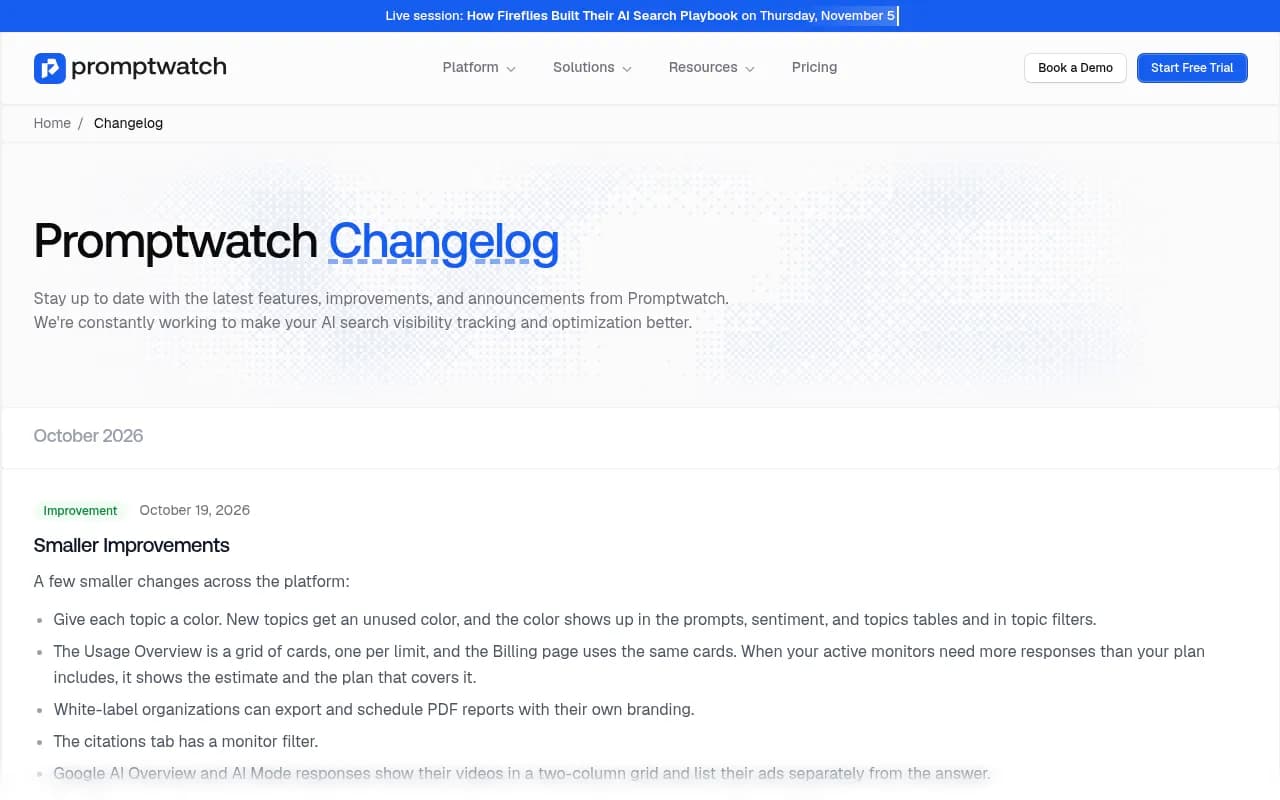
- Scheduled PDFs inside Promptwatch. The October 19, 2026 changelog notes white-label organizations can export and schedule PDF reports with their own branding. Useful for agencies sending clients a polished file, but it is limited to white-label setups.
- Dashboards built from chat. Per the changelog, Agent Chat and MCP can create and edit dashboards from widgets, saved filters and widget settings, or from a template. Ask Claude to build a monthly dashboard once, then use the narrative report for commentary.
- Workflow tools. If you want the output posted to Slack or a doc automatically, automation platforms like Zapier or n8n can pick up the finished file.


Step 6: Review the output like a skeptic
Claude will produce a clean, confident report. Your job is to check it. A five-minute review covers most of the risk.
- Spot-check two numbers against the Promptwatch dashboard. If they match, trust the rest more. If not, find out why before sending anything.
- Look at the per-assistant cut first. A healthy blended score with one assistant near zero is a finding, not a footnote.
- Check that sentiment and visibility were read together.
- Confirm any month-over-month claim has a real prior month behind it, not a first-run baseline.
- Remove any action that is not tied to a specific number.
How often to re-baseline? A Promptwatch blog heuristic says cited content holds relevance for roughly 8 to 14 weeks before a refresh helps. Compare that with Promptwatch's content half-life data, where landing pages and docs stayed cited longest and news lost half its pages within 36 days. In practice: treat news-style pages as monthly refresh candidates, and evergreen landing pages and docs as quarterly.
What the report should contain
A structure that has held up for me:
| Section | Content | Why it is there |
|---|---|---|
| Headline | One paragraph: up, down or flat, and the main reason | Busy readers stop here |
| Per-assistant table | Visibility, SoV, position, sentiment, change | The core cross-assistant view |
| Competitor movement | Top 5 by SoV with deltas | Context for your own change |
| Citation sources | Top domains and own pages cited | Shows where AI finds you |
| Gaps | Prompts where you are absent | Feeds next month's content plan |
| Traffic | AI-referred visits and conversions | Ties visibility to business results |
| Actions | 5 items, each tied to a number | Makes the report useful |
When a Promptwatch-plus-Claude setup is not the right fit
If you only need a quick mention check and no analysis, a lighter tracker will do. The directory at bestgeosoftware.com lists GEO and AI visibility tools if you want to compare options. Semrush also offers an MCP with Claude and ChatGPT prompts, though access comes with a Semrush One plan and I did not verify pricing. Promptwatch's advantage here is that the same platform holds prompt tracking, citations, crawler logs and AI traffic, so Claude can answer "why" questions and not only "how many".
If you would rather hand the whole program to specialists, 1001 SEO Media runs generative engine optimization for brands on Promptwatch, but the setup above is something most in-house teams can run themselves.
Common mistakes
- Connecting every project when the report needs one.
- Comparing raw citation counts across assistants.
- Reading Visibility Score without sentiment.
- Changing the prompt wording every month, which makes deltas meaningless. Version your prompt like code.
- Trusting a first-month "change" figure that has no prior data behind it.
- Forgetting that a platform update, not your content, may explain a sudden swing.
A first-month checklist
- Confirm monitors have run for at least 30 days.
- Connect Promptwatch to Claude and verify the connection.
- Run the five starter questions interactively.
- Paste the report template, tune it, and run it once manually.
- Spot-check against the dashboard.
- Save the output as your baseline and schedule the next run.
That is the whole system. The first report is mostly a baseline, and the second is where you start learning what moved your numbers.