Key takeaways
- Google AI Overviews appear at the top of search results for millions of queries -- if you're not in them, you're invisible before users even reach organic results.
- You can check your AI Overview visibility manually by searching relevant queries in an incognito window and looking for your favicon in the source cards.
- Google Search Console now surfaces some AI Overview impression data, but it's incomplete -- you need to combine it with manual checks and dedicated tools.
- Dedicated AI visibility platforms give you systematic, scalable coverage across hundreds of prompts that manual checking can't match.
- Showing up requires more than good SEO -- your content needs to be structured so AI can extract and summarize it cleanly.
If you've noticed that Google search results look different lately, you're not imagining it. The big blue links are still there, but above them sits an AI-generated answer that synthesizes information from multiple sources. That's Google AI Overviews, and it's now the first thing most users read.
The uncomfortable reality: if your site isn't cited in that AI-generated block, you might as well not exist for that query. Users get their answer and move on. They never scroll to your organic listing.
So the first question most marketers and site owners ask is a simple one: am I even in there? This guide walks you through every method to find out, from a two-minute manual check to a systematic audit across hundreds of queries.
What Google AI Overviews actually are (and why they matter)
Google AI Overviews are AI-generated summaries that appear at the very top of search results, above all organic listings. They pull from multiple web sources, synthesize an answer, and display it with small "source cards" linking back to the pages Google cited.
They show up most often for:
- Question-based queries ("how do I...", "what is...", "why does...")
- Complex multi-part searches
- Informational and research queries
- Some local and product queries
The traffic implications are real. When a user gets a complete answer from the AI Overview, click-through rates to organic results drop. But here's the flip side: if your site is cited as a source inside the Overview, you get a different kind of visibility -- authority signaling, brand exposure, and a direct link that users can click to read more. Being cited in an AI Overview is increasingly the new "position 1."
Method 1: Manual checking (the quick-and-dirty approach)
The fastest way to see if you show up is to just search for your target queries and look. It's not scalable, but it tells you immediately whether you're in the game.
Step 1: Open an incognito window
Your search history and personalization can affect what Google shows you. Open a private/incognito browser window to get a cleaner, more representative result.
Step 2: Search your target queries
Think about the questions your customers actually ask. Not your brand name -- that's a different thing. Focus on informational queries where AI Overviews are likely to appear:
- "how to [thing your product/service does]"
- "best [your category] for [use case]"
- "what is [concept you explain on your site]"
- "[problem your customers have] solution"
Type these into Google and watch for the AI Overview block at the top. It usually has a distinctive card-style layout with a "Generated by AI" label.
Step 3: Check the source cards
If an AI Overview appears, look at the source cards on the right side or below the generated text. These are small tiles showing the favicon, site name, and a snippet from the cited page. Scan them for your domain.
If you see your favicon and URL in those cards -- congratulations, you're cited. If you don't, you're not in this Overview for this query.
Step 4: Check image attributions
If the AI Overview includes images, look for small favicon overlays in the corner of each image. Google sometimes pulls images from cited sources and overlays the site's favicon as attribution.
What this method misses
Manual checking works for spot-checking a handful of queries. But you probably have dozens or hundreds of relevant queries, and AI Overviews don't appear for every search -- they're triggered inconsistently based on query type, user location, device, and Google's own confidence in the answer. Checking manually at scale is impractical.
Method 2: Google Search Console (partial data)
Google Search Console added some AI Overview data, though it's limited. Here's how to find it:
- Log into Google Search Console for your property.
- Go to "Search results" under the Performance section.
- Look for the "Search type" filter and see if AI Overviews impressions are broken out.
- Filter by query to see which searches are generating AI Overview impressions for your site.
The catch: GSC shows impressions and clicks when your site is cited in an AI Overview, but it doesn't show you the full picture of queries where AI Overviews appear and you're not cited. It only shows your own data. You can't see competitor citations or identify gaps from GSC alone.
Still, it's free and worth checking. If you see queries where you're getting AI Overview impressions, that confirms you're being cited. If a query you expected to rank for shows zero AI Overview impressions, that's a signal worth investigating.
Method 3: Dedicated AI visibility tools
For anything beyond spot-checking, you need a tool. The AI visibility tracking space has grown quickly in 2026, and there are now platforms built specifically for monitoring how brands appear across AI search engines including Google AI Overviews, ChatGPT, Perplexity, Claude, and others.
These tools work by running your target prompts against AI models on a schedule, recording the responses, and tracking whether your brand or pages are cited. Some also show you competitor citations, so you can see exactly which queries they're winning that you're not.
Here are some worth knowing about:
For systematic AI Overview monitoring:
Promptwatch tracks your visibility across 10 AI models including Google AI Overviews, ChatGPT, Perplexity, and more. What sets it apart from most monitoring tools is that it doesn't stop at showing you where you're invisible -- it shows you the specific content gaps causing the problem and has a built-in AI writing agent to help you fix them. If you're serious about AI search visibility, the gap analysis alone is worth it.

Otterly.AI is a more affordable entry point for monitoring AI visibility. Good for teams that want to get started without a large budget.

Peec AI covers multi-language monitoring, which matters if you're targeting non-English markets.

SE Ranking has added AI visibility tracking to its broader SEO platform, so if you're already using it for traditional SEO, the AI Overviews data is accessible without switching tools.

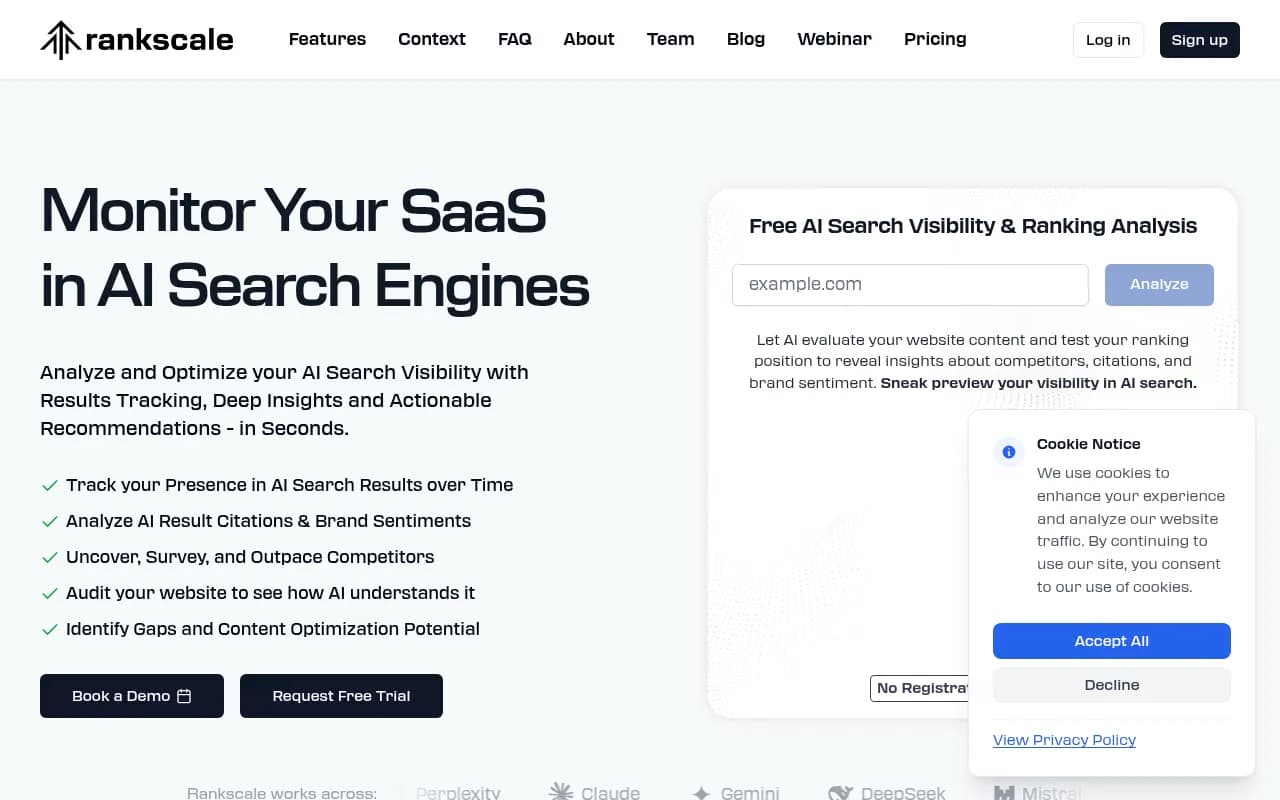
Rankscale focuses specifically on AI search ranking and visibility, with tracking across multiple LLMs.
Comparison: manual vs. GSC vs. dedicated tools
| Method | Cost | Scale | Competitor data | Gap analysis | Frequency |
|---|---|---|---|---|---|
| Manual incognito search | Free | Very low (5-10 queries) | No | No | On demand |
| Google Search Console | Free | Medium (your data only) | No | No | Daily |
| Dedicated AI visibility tool | Paid | High (100s of prompts) | Yes | Yes (some) | Automated |
The honest answer: use all three. Manual checking for quick sanity checks, GSC for your own citation data, and a dedicated tool for systematic monitoring and competitive intelligence.
Method 4: Checking entity mentions within AI Overviews
Sometimes your brand is mentioned in the AI Overview text itself without being listed as a source card. This is called an entity mention -- the AI references your brand by name in its generated answer, even if it doesn't link to your page.
To check for this:
- Search your target queries in incognito.
- Read the full AI Overview text carefully, not just the source cards.
- Look for your brand name, product names, or specific claims that match your content.
Entity mentions without source citations are a mixed signal. Your brand is getting exposure, but you're not getting the traffic benefit of a direct link. It often means the AI has absorbed information about you from third-party sources (review sites, news articles, Reddit discussions) rather than directly from your own pages.
If you're seeing entity mentions but no source citations, that's a gap worth closing -- it means AI models know about you but aren't treating your own site as the authoritative source.
What to do when you're not showing up
Finding out you're not cited is actually useful information. It tells you where to focus. Here's a practical response:
Audit your content structure
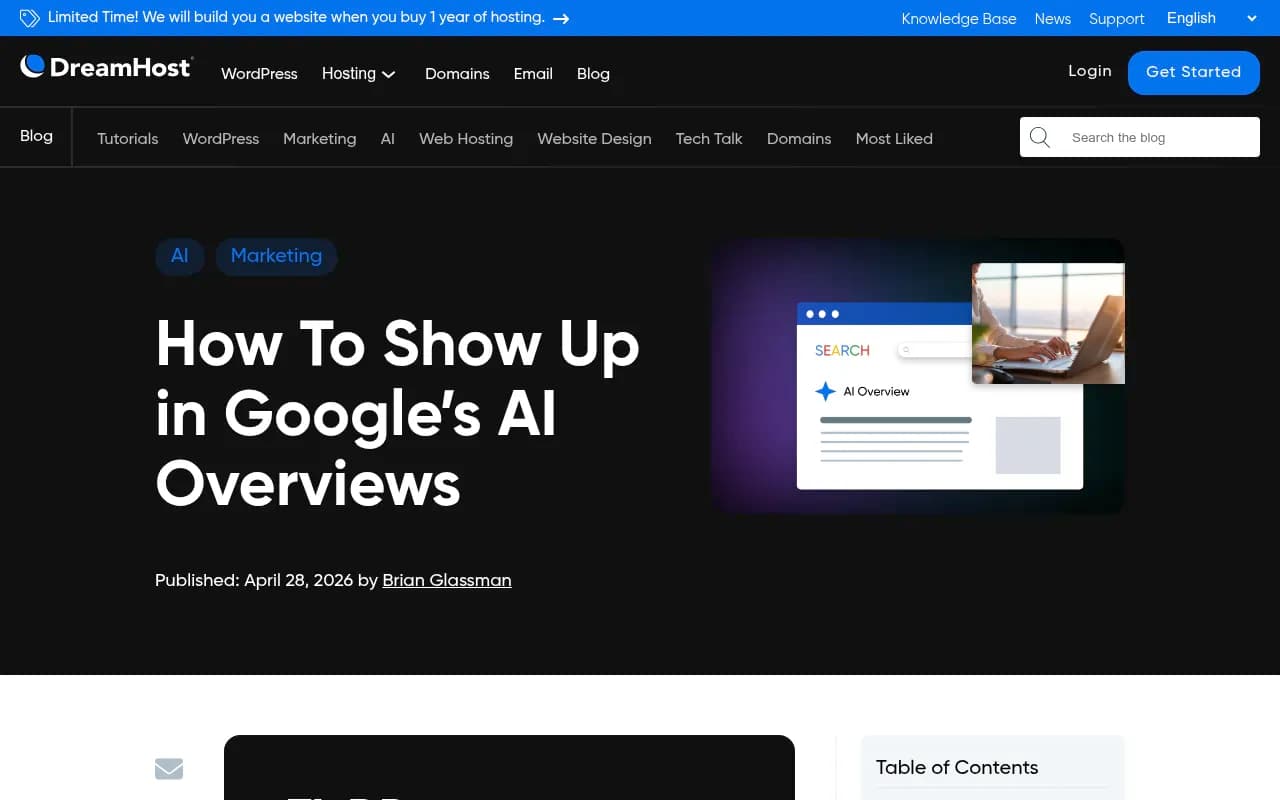
AI Overviews pull from pages that directly answer the query in a clear, extractable way. The DreamHost guide on this topic puts it well: start each section with a 2-3 sentence direct answer to the main question, use headers that match real search queries, and format key information in lists, tables, and step-by-step structures.
If your content buries the answer in the middle of a long paragraph, or uses vague headings like "Our Approach," the AI can't easily extract what it needs.
Add structured data (schema markup)
Schema.org markup gives Google's AI clearer signals about what your content means. FAQ schema, HowTo schema, and Article schema are particularly relevant for the types of queries that trigger AI Overviews. This isn't a magic bullet, but it reduces ambiguity about what your page is about and what questions it answers.
Build topical authority
AI Overviews tend to cite sources that cover a topic comprehensively, not just one page that happens to answer one question. If you have a single article on a topic but competitors have 15 interconnected pieces covering every angle, they're more likely to be treated as the authoritative source.
Map out the full topic cluster around your key queries and identify what's missing. Tools like Promptwatch have answer gap analysis that shows you exactly which prompts competitors are visible for that you're not -- which is a faster way to find these gaps than guessing.
Check your technical accessibility
AI crawlers need to be able to access your pages. If you're blocking crawlers in your robots.txt, have slow page load times, or have content locked behind JavaScript that doesn't render properly, AI models may not be able to read your pages at all.
Some platforms now offer AI crawler logs that show you exactly which AI bots are visiting your site, which pages they're reading, and whether they're encountering errors. That kind of data is hard to get from traditional analytics.
Improve your E-E-A-T signals
Google's quality guidelines emphasize Experience, Expertise, Authoritativeness, and Trustworthiness. AI Overviews appear to weight these signals heavily. Practical improvements:
- Add clear author bios with credentials
- Include first-hand experience and specific examples in your content
- Get cited by other authoritative sources in your space
- Keep your content updated with accurate, current information
Tracking AI Overview visibility over time
Checking once isn't enough. AI Overviews are dynamic -- your citations can appear and disappear as Google updates its models, as competitors publish new content, and as query patterns shift. You need ongoing monitoring.
A few approaches:
Weekly manual spot-checks: Pick your 10-15 most important queries and check them manually each week. Takes 20 minutes and keeps you aware of major changes.
GSC weekly review: Set a recurring task to review your AI Overview impressions in Search Console. Look for queries where impressions are dropping or new ones appearing.
Automated monitoring: If you're managing AI visibility at scale (agency, larger brand, multiple product lines), manual checking won't cut it. Platforms like Promptwatch, Otterly.AI, or SE Ranking run your prompts automatically and alert you to changes.
Beyond Google: AI Overviews aren't the only game
Google AI Overviews get the most attention because Google still handles the majority of searches. But in 2026, a meaningful share of information-seeking happens directly in ChatGPT, Perplexity, Claude, and other AI assistants. Users ask these tools questions and get cited answers -- the same dynamic as AI Overviews, just on a different platform.
If you're only monitoring Google AI Overviews, you're missing a growing slice of how people find information. The same content optimization principles apply across platforms, but you need separate tracking to know where you stand on each one.
Platforms that monitor across multiple AI engines give you a more complete picture. The query "how do I [solve problem X]" might trigger an AI Overview on Google, a cited response in Perplexity, and a recommendation in ChatGPT -- three separate visibility opportunities, each worth tracking.
A practical audit checklist
Run through this when you want a thorough snapshot of your AI Overview visibility:
- Search your top 20 queries in incognito and record which ones trigger AI Overviews
- Check source cards for your domain in each AI Overview that appears
- Read AI Overview text for entity mentions (brand name without source link)
- Pull your AI Overview impressions from Google Search Console
- Check robots.txt to confirm AI crawlers aren't blocked
- Review your top pages for direct-answer formatting (does the first paragraph answer the query clearly?)
- Confirm schema markup is implemented on key pages
- Check page load speed -- slow pages get crawled less frequently
- Identify 3-5 competitor domains and manually check if they appear in Overviews where you don't
That last step is often the most motivating. Seeing a competitor cited for a query you should own makes the problem concrete and gives you a clear target.
The bottom line
Checking whether you appear in Google AI Overviews isn't complicated, but it does require more than a single search. The manual incognito method gives you a quick read. Google Search Console gives you your own citation data. And dedicated AI visibility tools give you the systematic, competitive view you need to actually improve your position.
The brands winning in AI search right now aren't the ones with the most backlinks or the highest domain authority -- they're the ones whose content is structured clearly enough for AI to extract, comprehensive enough to be treated as authoritative, and monitored closely enough to catch and fix gaps before competitors do.
Start with the manual check today. Then build a monitoring habit. The gap between brands that show up in AI Overviews and those that don't is widening fast, and it's largely a content structure and visibility tracking problem -- both of which are solvable.