Key takeaways
- Sitecore acquired Scrunch on June 3, 2026, folding it into Sitecore's digital experience platform (DXP) -- which means Scrunch's roadmap, pricing, and independence are now tied to Sitecore's enterprise priorities
- If you're a standalone Scrunch user (not a Sitecore DXP customer), your use case may no longer be the product's primary focus
- Promptwatch is the most direct like-for-like replacement -- and then some -- covering AI monitoring, crawler logs, content gap analysis, and AI content generation in one platform
- Migration takes roughly 2-3 hours of active work if you're organized; the bulk is recreating your prompt library and connecting your site
- You don't need to cancel Scrunch immediately -- run both in parallel for 2-4 weeks to validate data continuity
Sitecore announced the acquisition of Scrunch on June 3, 2026. The press release framed it as a move to help brands "influence discovery and buying decisions in the AI-search era" by combining Scrunch's monitoring capabilities with Sitecore's content and personalization stack.

That's a reasonable strategic bet for Sitecore. For Scrunch's existing customers, though, the picture is more complicated. When a standalone GEO tool gets absorbed into an enterprise DXP, a few things tend to happen: pricing gets restructured around larger contracts, the product roadmap shifts toward integration with the parent platform, and standalone users find themselves in a support tier that wasn't designed for them.
If you're a marketing team or agency that signed up for Scrunch because it was a focused AI visibility tool -- not because you run Sitecore -- now is a good time to evaluate your options.
This guide walks through exactly how to migrate to Promptwatch, step by step.
Understanding what you'll lose (and what you won't)
Before you start exporting anything, it's worth being clear about what Scrunch actually did for you and whether your replacement covers it.
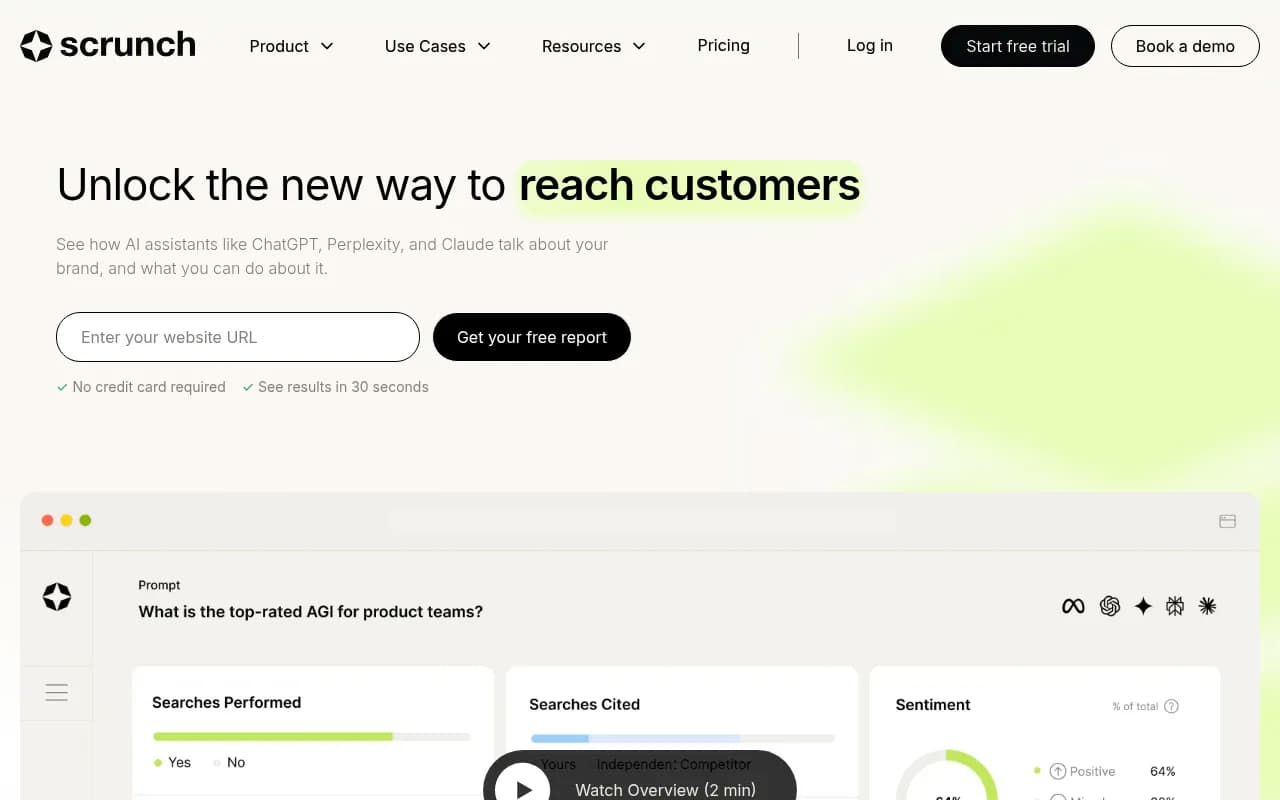
Scrunch's core capabilities were:
- Brand monitoring across AI search engines (ChatGPT, Perplexity, Gemini, etc.)
- Citation tracking -- which sources AI models were citing in responses about your brand
- Agent traffic analysis -- seeing AI crawler activity on your site
- Site maps showing how AI consumed your content
- Shopping visibility at the product level
- Insights and recommendations for improving AI presence
Promptwatch covers all of these, plus adds content gap analysis, AI content generation, prompt volume and difficulty scoring, Reddit and YouTube citation tracking, and query fan-outs. The monitoring foundation is comparable; the optimization layer goes further.

One thing worth noting: if you were using Scrunch's Agent Experience Platform (AXP) to deliver optimized experiences to AI agents at the infrastructure level, that's a more specialized capability. Promptwatch handles the visibility and optimization side; if you had deep AXP integrations, you'll want to assess those separately.
Step 1: Export your Scrunch data before anything changes
Do this first, before you touch anything else. Acquisitions often come with platform changes that happen faster than customers expect.
From your Scrunch dashboard, export:
- Your tracked prompt list (every query you were monitoring)
- Historical share of voice data by AI model
- Citation reports -- which URLs were being cited, and by which models
- Agent traffic logs if you had them enabled
- Any competitor benchmarks or comparison reports
- Insights and recommendations that were generated
Save these as CSVs or PDFs. The prompt list is the most important asset -- it represents weeks or months of curation work, and you'll use it directly in the next step.
If Scrunch's export functionality is limited (it varies by plan), take screenshots of your key dashboards. Not elegant, but it works.
Step 2: Audit your prompt library
Your Scrunch prompt list is probably a mix of:
- Brand queries ("what is [your brand]", "[your brand] reviews")
- Category queries ("[your category] tools", "best [product type] for [use case]")
- Competitor comparison queries ("[your brand] vs [competitor]")
- Bottom-funnel decision queries ("should I use [your brand]")
Before importing anything into Promptwatch, clean this list. Remove prompts that never showed useful data. Add prompts you wanted to track but never got around to. Think about the queries your actual buyers type into ChatGPT or Perplexity when they're evaluating options in your category.
Promptwatch gives you prompt volume estimates and difficulty scores, so once you're set up, you can prioritize based on data rather than gut feel. But start with your existing list -- it's your baseline.
Step 3: Set up your Promptwatch account
Go to promptwatch.com and start a free trial. The onboarding asks for:
- Your website URL
- Your brand name and any common variations
- Your primary competitors (up to 5 on most plans)
- The AI models you want to monitor
On the Essential plan ($99/mo), you get 1 site and 50 prompts. If you were tracking more than 50 prompts in Scrunch, you'll want the Professional plan ($249/mo) which gives you 150 prompts, crawler logs, and state/city-level tracking.
For agencies managing multiple clients, the Business plan ($579/mo) covers 5 sites and 350 prompts total.
| Plan | Price | Sites | Prompts | Articles/mo | Crawler logs |
|---|---|---|---|---|---|
| Essential | $99/mo | 1 | 50 | 5 | No |
| Professional | $249/mo | 2 | 150 | 15 | Yes |
| Business | $579/mo | 5 | 350 | 30 | Yes |
| Agency/Enterprise | Custom | Custom | Custom | Custom | Yes |
Step 4: Connect your website
This is where Promptwatch goes beyond what Scrunch offered. To get crawler logs and traffic attribution, you need to connect your site. There are several ways to do this:
- Cloudflare integration (fastest if you're already on Cloudflare)
- Fastly or Vercel integrations
- Server log upload
- Google Search Console connection
- A lightweight tracking snippet
The Cloudflare integration takes about 5 minutes. You authorize Promptwatch to read your Cloudflare zone, and it starts pulling AI crawler activity in real time -- which AI agents visited, which pages they read, any errors they hit, and how often they return.
This is the equivalent of Scrunch's Agent Traffic feature. The difference is that Promptwatch also connects crawler activity to citation outcomes, so you can see the timeline from "AI crawler visited this page" to "AI model started citing this page."
If you were using Scrunch's site maps feature to understand how AI consumed your content, the crawler logs in Promptwatch give you the same picture, with more granularity on individual page performance.
Step 5: Import your prompt library
Once your account is set up, add your prompts. You can do this manually or via bulk import (CSV upload on Professional and above).
A few tips for structuring your prompts in Promptwatch:
- Group prompts by intent (brand, category, comparison, decision)
- Include the persona context where relevant -- Promptwatch lets you set custom personas that match how your actual customers prompt, including language and region
- Don't try to track everything at once. Start with your 20-30 highest-priority prompts and expand from there once you've validated the setup
After adding prompts, Promptwatch runs them across the AI models you've selected (ChatGPT, Perplexity, Google AI Overviews, Claude, Gemini, Grok, DeepSeek, Copilot, Meta AI, Mistral) and returns your current visibility scores. This becomes your baseline.
Step 6: Run an answer gap analysis
This is the step that has no direct equivalent in Scrunch, and it's worth spending time here.
Promptwatch's Answer Gap Analysis shows you the specific prompts where your competitors are being cited but you're not. Not vague categories -- the actual queries, with the actual AI responses, showing exactly which competitor got cited and why.
From that analysis, you can see:
- Which topics your site is missing entirely
- Which topics you cover but AI models aren't finding or trusting
- Which competitor pages are being cited (and what makes them citable)
This turns your migration from a like-for-like swap into an upgrade. You're not just replicating what Scrunch did -- you're identifying the content gaps that were costing you visibility before you even knew to look.
Step 7: Set up your baseline reports
Before you cancel Scrunch, run a final report export and set up equivalent tracking in Promptwatch. You want to be able to compare:
- Share of voice by AI model (week over week)
- Citation count and citation sources
- Which of your pages are being cited, and how often
- Competitor visibility scores
Promptwatch's competitor heatmaps show you side-by-side visibility across AI models -- you can see at a glance who's winning for each prompt category and by how much.
Set up a weekly or bi-weekly report cadence. If you were sending Scrunch reports to stakeholders, Promptwatch's Looker Studio integration lets you pipe data into existing dashboards without rebuilding your reporting workflow from scratch.
Step 8: Run both platforms in parallel for 2-4 weeks
Don't cancel Scrunch the day you set up Promptwatch. Run them side by side for a few weeks.
This serves two purposes. First, it lets you validate that Promptwatch is capturing the same signals -- if a competitor suddenly appears in AI responses, you want to see it in both tools before you trust either one fully. Second, it gives you continuity if the Sitecore transition introduces any disruption to Scrunch's data pipeline (which is a real risk in the months following an acquisition).
During this parallel period, pay attention to:
- Discrepancies in share of voice scores (different tools query AI models differently, so some variance is normal)
- Whether Promptwatch's crawler logs are capturing AI bot activity you weren't seeing in Scrunch
- How the content gap analysis compares to Scrunch's insights and recommendations
After 2-4 weeks, you'll have enough data to make a clean switch.
Step 9: Use content agents to close the gaps you found
Once you've identified your content gaps, Promptwatch's Content Agents can generate articles, listicles, comparisons, and content briefs grounded in the actual prompt data.
This isn't generic AI writing. The content generation is informed by:
- Which prompts you're invisible for
- Which competitor pages are currently being cited
- Prompt volume and difficulty scores
- Your brand guidelines and tone
- Real citation data showing what AI models actually trust
Scrunch had an insights and recommendations layer, but content generation wasn't part of its offering. This is where Promptwatch's action loop -- find gaps, create content, track results -- goes beyond monitoring into actual optimization.
How Promptwatch compares to Scrunch (and other alternatives)
If you're evaluating options beyond Promptwatch, here's an honest comparison of the main alternatives:
| Tool | AI monitoring | Crawler logs | Content generation | Prompt volume data | Reddit/YouTube tracking |
|---|---|---|---|---|---|
| Promptwatch | Yes (10 models) | Yes | Yes | Yes | Yes |
| Scrunch (pre-acquisition) | Yes | Yes | No | No | No |
| Profound | Yes | No | No | Limited | No |
| AthenaHQ | Yes | No | No | No | No |
| Otterly.AI | Yes | No | No | No | No |
| Peec.ai | Yes | No | No | No | No |




The monitoring-only tools (Otterly, Peec, AthenaHQ) are cheaper but leave you with data and no clear path to acting on it. Profound has a stronger feature set but sits at a higher price point and doesn't cover Reddit tracking or ChatGPT Shopping.
For most teams migrating from Scrunch, Promptwatch is the closest match in terms of what it tracks, with a meaningful upgrade in what you can do with that data.
What happens to Scrunch after the acquisition?
The honest answer is: it's too early to know exactly. Sitecore's stated plan is to integrate Scrunch's capabilities into its DXP, creating a "connected platform" that ties AI visibility to content publishing and personalization.
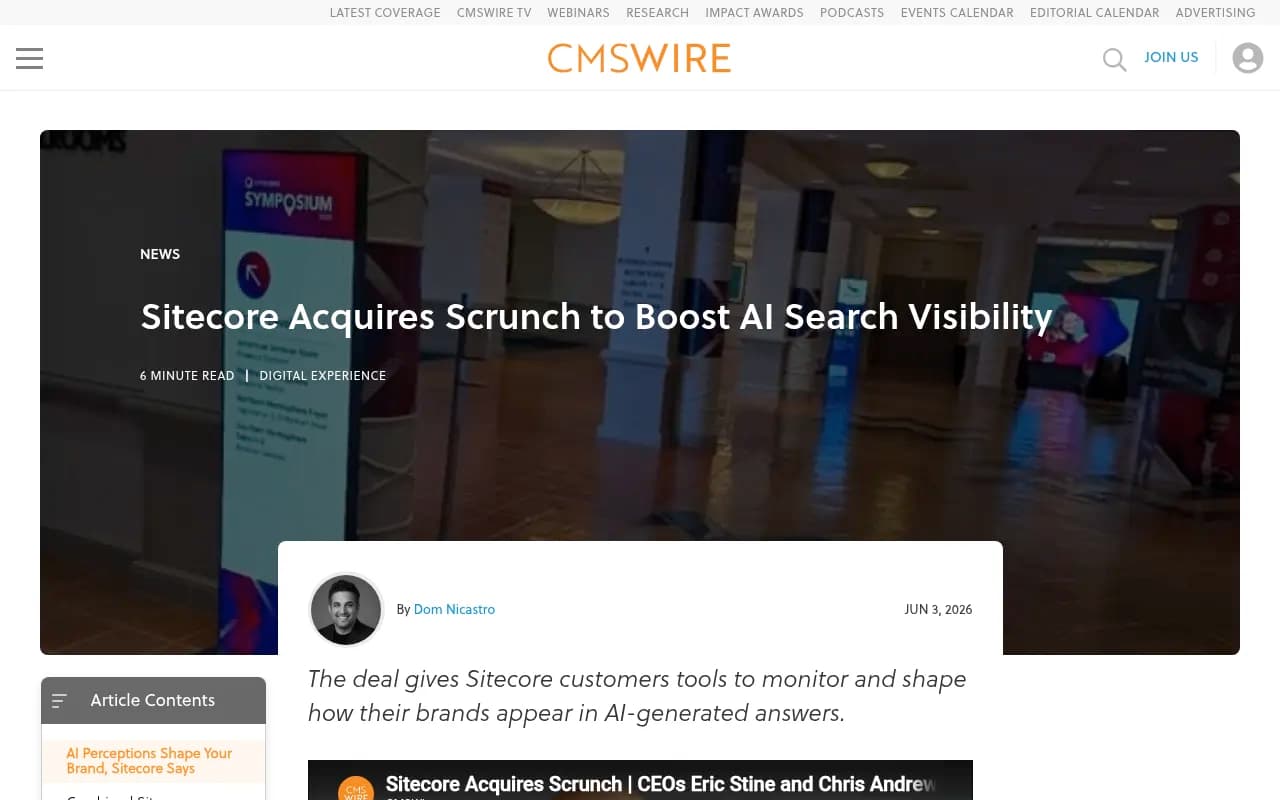
For Sitecore customers, that's potentially interesting. For standalone Scrunch users, it likely means the product evolves toward a Sitecore-native experience -- which may require a Sitecore DXP contract to access fully.
Scrunch's blog confirmed the acquisition with a post titled "Scrunch is now a Sitecore company," framing it as a move to create "a tighter connection between AI-driven discovery and customer decision." That's the enterprise pitch. The question for smaller teams and agencies is whether Scrunch's standalone pricing and accessibility survive the integration.
Watch for pricing changes, plan restructuring, and any announcements about Scrunch's standalone product availability over the next 6-12 months. If you're on a month-to-month plan, you have flexibility. If you're mid-contract, check your terms around acquisition clauses.
Migration checklist
Use this as your working list:
- Export all Scrunch data (prompts, reports, citations, agent traffic logs)
- Clean and prioritize your prompt library
- Sign up for Promptwatch (free trial available)
- Connect your website via Cloudflare, Vercel, or tracking snippet
- Import your prompt library (bulk CSV or manual)
- Set up competitor tracking
- Run initial visibility scan to establish baseline
- Run Answer Gap Analysis to identify content gaps
- Set up weekly reporting (Looker Studio or native reports)
- Run Promptwatch and Scrunch in parallel for 2-4 weeks
- Validate data consistency between platforms
- Cancel Scrunch once you're confident in the new setup
- Use Content Agents to start closing the gaps you found
The Sitecore acquisition isn't necessarily bad news for the industry -- integrating AI visibility into a full DXP is a reasonable product direction. But if you signed up for Scrunch because you wanted a focused, independent AI visibility tool, the acquisition changes the calculus. Getting ahead of that now, rather than waiting to see how the integration plays out, puts you in a better position.
The migration itself is straightforward. The bigger opportunity is using the switch as a forcing function to actually act on the visibility data -- not just collect it.