Key takeaways
- Export your history first. Profound's Trial has no exports or API, and only Enterprise lists CSV/JSON export and API access, so history is the main lock-in.
- Profound's public pricing changed several times in 2026. Confirm what you pay and when your contract renews before you plan anything.
- Run the old and new tools in parallel for two weeks on the same 20 buyer prompts, markets and models. Numbers will not match exactly, and that is normal.
- Compare cost per tracked prompt, engine and market combination, not headline prompt counts.
- Pick the replacement based on what you need to do next (monitor, fix, publish), not on who has the prettiest dashboard.
Why teams leave Profound (and why you should be careful about it)
People move off Profound for a few predictable reasons. The price moved out of reach, the seat or engine limits got in the way, or the team wants a tool that helps with the fixing rather than just the reporting. Some simply want a different mix of integrations.
Profound is a strong product. Its own materials list Agent Analytics, Agents, Workflows, FactCheck and a long integration list, and several roundups still rank it near the top for enterprises. So this is not a "run away" guide. It is a checklist for doing a move without losing your history, your team's trust in the numbers, or a month of reporting.
One warning about sources. Most "Profound alternatives" articles are written by competing vendors, including Otterly, Maintouch, 3RD, Demand-Genius and Frase. They are useful for ideas and still biased. I flag that where it matters below.
Profound is in our catalog if you want to review it again before deciding.

Step 0: Work out what you are actually paying for
This is where most migrations go wrong, because the pricing information online is stale.
According to the pricing timeline on geotoolbox.ai, Profound's public pricing looked like this in 2026:
- Before June 11: no dollar amounts on the pricing page.
- June 11: Starter at $99/mo (ChatGPT only, 50 prompts) and Growth at $399/mo were published.
- Around mid-September: the brand self-serve plans disappeared from the public brand tab.
- October 14: the brand tab showed only a free Trial and a custom Enterprise plan.
The agency side showed Agency Growth at $99/mo base plus $399/mo per client workspace, with Agency Enterprise as custom. Maintouch, a competing vendor, estimates Enterprise at $2,000 to $5,000+ per month. Treat that as an estimate, not a quote.
There is conflicting evidence too. SlateHQ reported on October 9 that Starter and Growth still appear in the in-app checkout after sign-up. So the honest summary is that self-serve pricing is no longer public, and you should confirm in the app or with sales. Otterly's comparison page also claims Profound plans are annual-only. That is a competitor's claim, so check your own contract rather than trusting it.
Before anything else, write down:
- Your current plan and monthly or annual cost.
- The renewal date and the notice period for cancelling.
- How many seats, prompts, engines and client workspaces you use.
- Which features you actually opened in the last 90 days.
That last list becomes your requirements list. If nobody touched Workflows or Documents, you do not need a replacement that has them.
Step 1: Export everything before you do anything else
I would do this on day one, not in week three. The practical constraint is simple: export access depends on your plan. The Trial has no history, exports or API. Enterprise has CSV/JSON export and API. Agency Growth has no API. I found no official Profound documentation on bulk prompt export formats or on an import tool at the destination end, so expect to do some of this by hand.
Export or screenshot the following:
| Asset | Why it matters | Priority |
|---|---|---|
| Full prompt library with tags, topics and markets | Rebuilding this from memory is painful | Must have |
| Historical visibility, share of voice and position data | Your baseline for before and after comparison | Must have |
| Citation and source lists | Shows which pages and domains drove results | Must have |
| Competitor list and brand aliases | Controls what counts as a mention | Must have |
| Dashboards and scheduled reports | Stakeholders will ask where they went | High |
| Agent Analytics or crawler data | The new tool may not carry history over | High |
| Sentiment and FactCheck findings | Open accuracy issues need an owner | Medium |
| Custom Agents, Workflows, templates | These rarely port, so document the logic | Medium |
If you cannot export something, take dated screenshots. Ugly evidence beats no evidence when someone asks in March why the numbers dropped.
Also write a one-page note on what you measure and why. Demand-Genius's "switch in 30 days" playbook makes the same point for its week one: audit your setup, export prompts, dashboards and reports, and document the reasoning behind each.
Step 2: Define the pilot before you touch the new tool
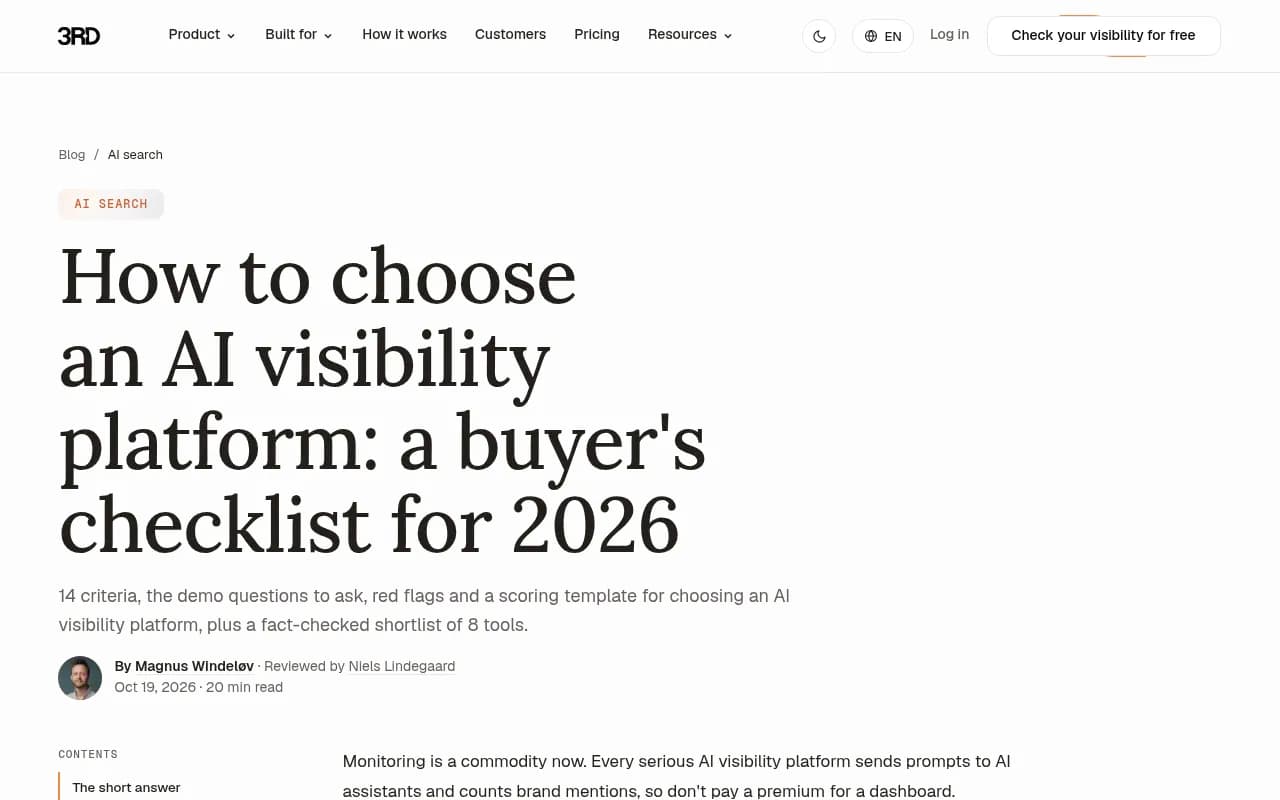
The buyer's checklist from 3RD, itself a vendor on the shortlist, has a good framing. Before talking to vendors, fix your inputs:
- Your 20 most valuable buyer questions, written the way a buyer would ask an AI assistant.
- Your markets. Denmark in Danish and Denmark in English are two different markets.
- The AI assistants your buyers use. ChatGPT is almost always on the list. Add AI Overviews, Copilot, Perplexity or Claude depending on your audience.
- Who will act on the findings and how many hours a week they have.
That last point decides more than any feature list. A team with two hours a week needs a tool that tells it what to do. A team with a dedicated analyst can live with a raw data tool.
Then use the exact same prompts, markets and models in both tools for two weeks. Do not let the new tool auto-suggest a different prompt set and then compare. That is the fastest way to confuse yourself.
Step 3: Rebuild your tracking in the new platform
Frase's switch guide gives a sensible order for recreating setups, and I would follow it:
- Recreate your tracked prompts.
- Add brand variants and competitors.
- Assign each prompt to its country or market.
- Let the tool classify prompts by funnel stage.
- Take one real gap into content work as a test.
A few things I would add from experience.
Keep your aliases consistent. If Profound counted "Acme" and "Acme Inc" together and the new tool does not, your share of voice will look worse for reasons that have nothing to do with AI. Look for brand alias and merge settings.
Be careful with prompt volumes. AuthorityTech suggests treating Profound's prompt volume figures as a panel estimate and checking them against your own Search Console and Bing data. The same discipline applies to any new vendor. Ask where the conversation data comes from.
Check how the tool collects data. Some tools monitor the real user interface of ChatGPT, Gemini, Perplexity and AI Overviews, while others query APIs. Answers and citations can differ between the two, which is a common reason two platforms disagree.
Step 4: Expect the numbers to differ, then work out by how much
This is the step teams skip, and then panic when the new dashboard shows a different visibility score.
Some of the difference is just the engines being noisy. Promptwatch's Average Sources Per Response data shows how uneven the engines are. ChatGPT cites about 5 sources per web-search answer, Google AI Overviews about 10, and Perplexity almost exactly 10 with barely a decimal of movement. Copilot swung from under 2 to nearly 17 sources within weeks before settling low. So Perplexity is the steadiest engine for a side-by-side check, while Copilot and ChatGPT will be noisier.
ChatGPT's behavior also moves under you. According to Promptwatch's ChatGPT query fanout data, the tracked average was about 2.15 fanouts per response in early December, falling to about 1.84 by early March, with average fanout query length dropping from roughly 117 characters to about 53 from April. If your old and new tools collected data at different times or in different ways, some of the gap is just ChatGPT changing. Re-baseline after major ChatGPT changes.
A sensible tolerance approach:
- Compare direction and rank order first, not absolute values. Do both tools agree on which competitor leads, which prompts you win, and which pages get cited?
- Use Perplexity as your anchor engine and treat Copilot differences with suspicion.
- Check that the tool counts per model and per market, not once overall.
- Run the same prompt set daily for at least a week. A platform that checks each question once a week cannot separate real change from noise.
The 3RD guide also notes that the leading competitor changes by model for many brands, which is another reason to compare per engine rather than on one blended score.
Step 5: Compare costs properly
Headline prompt counts mislead. Tools count prompts differently, a point Tim Soulo's roundup makes explicitly when it contrasts Peec and Profound. The fair unit is cost per tracked prompt, engine and market combination.
Example: 100 prompts across 4 engines in 3 countries is 1,200 tracked combinations. A cheap plan that charges extra for engines and countries can end up costing more than a pricier all-inclusive one.
Starting prices reported by third parties (verify before you buy, because these can be stale and some come from vendors):
| Tool | Reported entry price | Notes |
|---|---|---|
| Otterly.AI | $29/mo Lite; $189/mo Standard | Gemini and AI Mode are paid add-ons per Otterly's own comparison page |
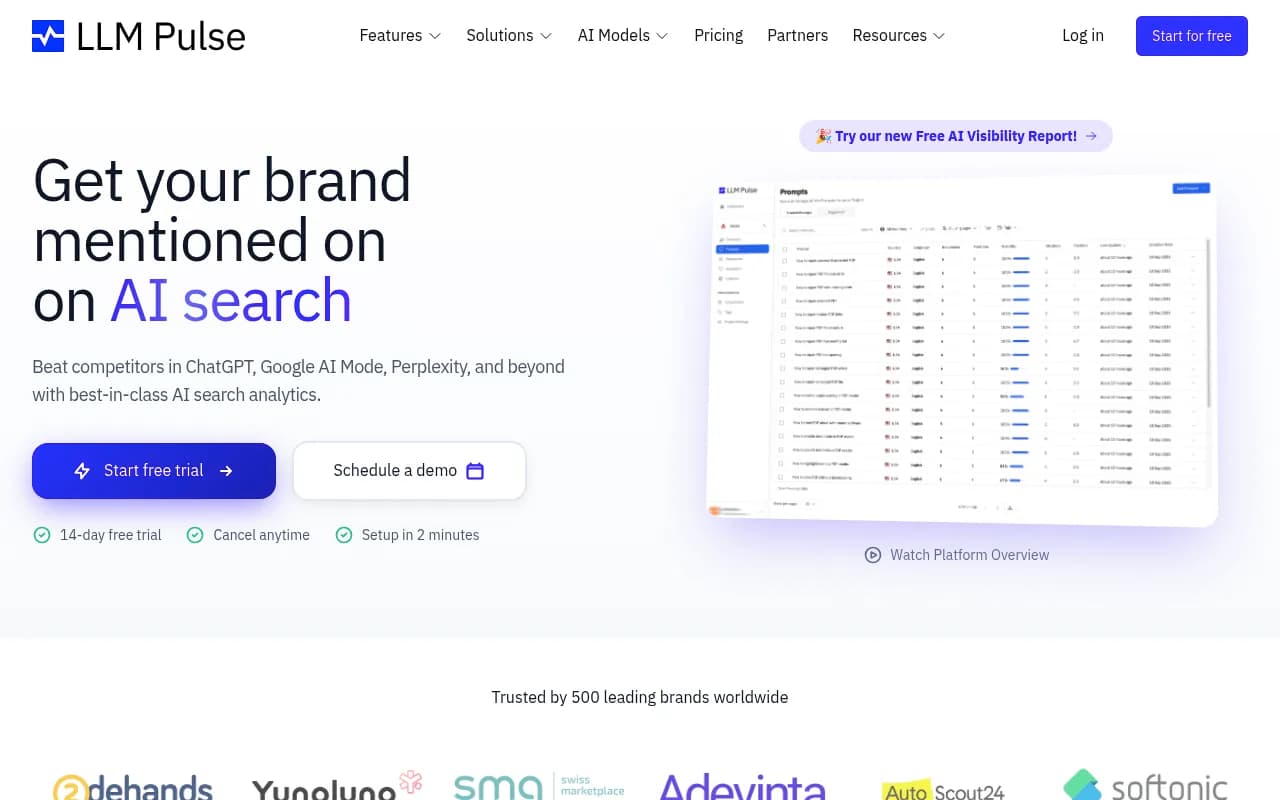
| LLM Pulse | from $53/mo | 14-day trial, per Demand-Genius |
| Peec AI | from about $103/mo (EUR 89 in Profound's own post) | Extra engines may cost more |
| Scrunch | from about $250/mo | 7-day trial per Demand-Genius |
| Goodie | $295/mo for 200 prompts | Per Tim Soulo's roundup |
| Semrush | from $99/mo | Enterprise pricing for the AI toolkit varies |
| Ahrefs Brand Radar | add-on from $29 | Ahrefs plans from $129/mo |
| Promptwatch | Essential $95/mo; Professional $245/mo; Business $579/mo | Free Explore tier; confirm at promptwatch.com/pricing |
I did not verify current pricing on Peec, Scrunch, Semrush or Ahrefs directly on their own sites, so go to the source before putting any of these into a budget.
The same caution applies to seats and engines. Plans differ on seat limits, and engine coverage is often gated by tier. Ask which engines sit behind add-ons.
Step 6: Pick the replacement by job, not by logo
Here is how I would sort the field.
If you mainly want monitoring on a budget
Basic trackers are cheaper and fine if your team just needs numbers. Otterly.AI and Peec AI are the usual picks. Profound's own post recommends Peec for small teams starting out, which is a fair summary.


If you already live in an SEO suite
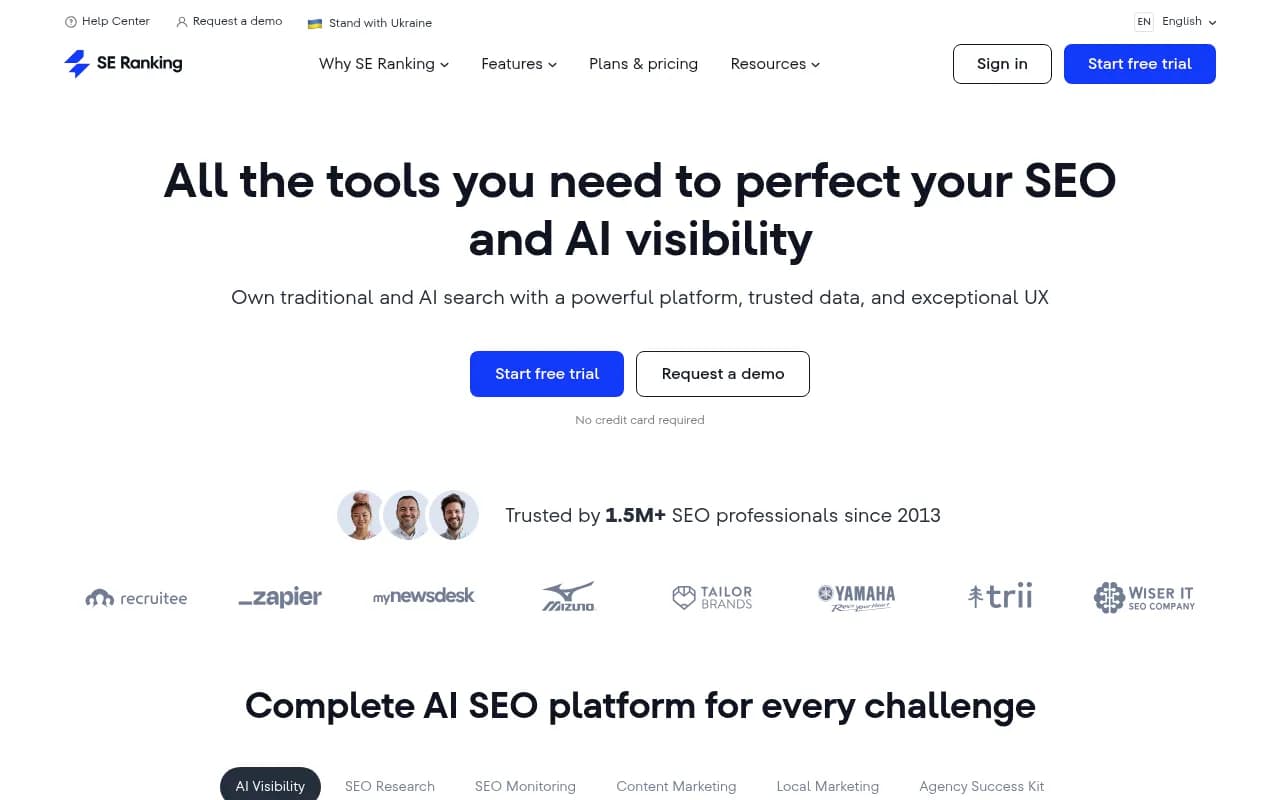
SE Ranking, Semrush and Ahrefs Brand Radar fold AI tracking into tools you may already pay for. SE Ranking lists CSV export, a Looker Studio connector and an API, which matters for migration reporting. The trade-off is usually a shallower AI-specific dataset.

If you are an enterprise and want a like-for-like replacement
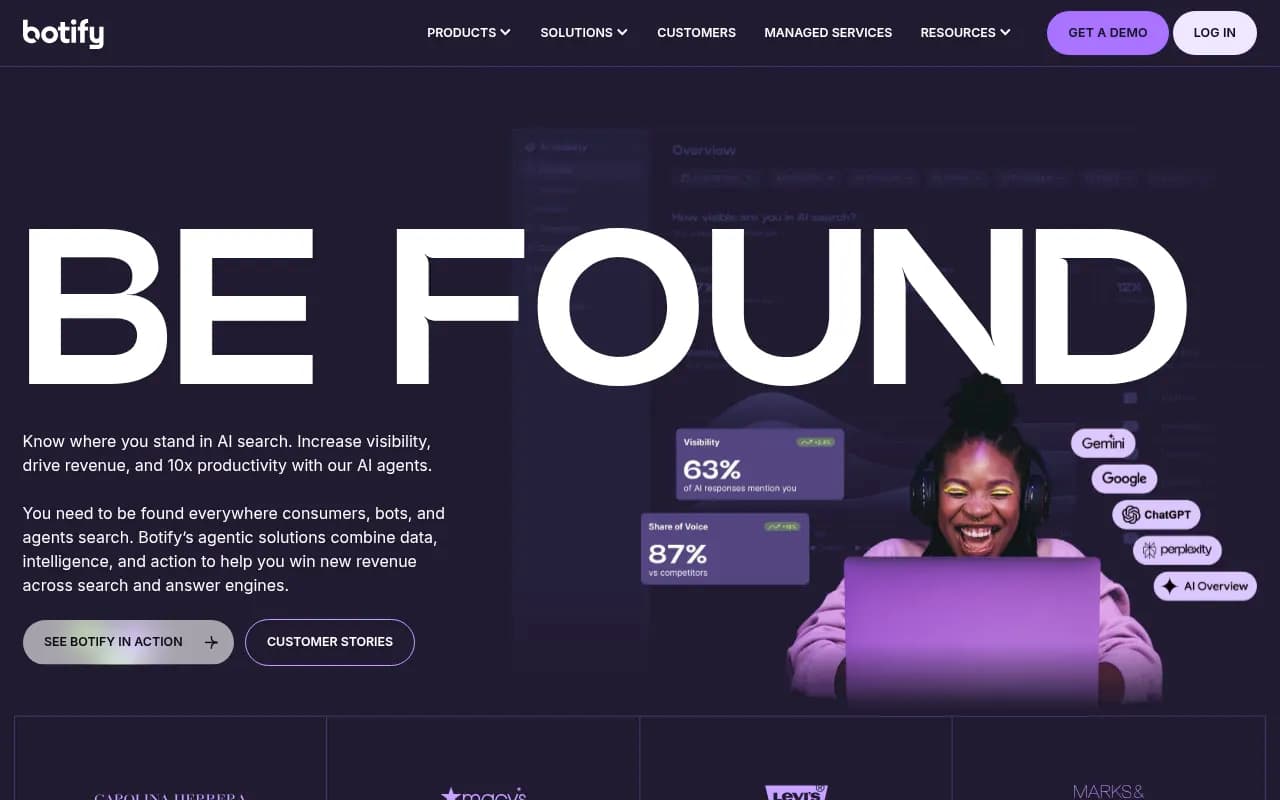
Scrunch, Conductor, Botify and BrightEdge are the names that come up for large organizations. Expect sales-led pricing.

If you want a platform that helps you fix the gaps, not just show them
This is where I would put Promptwatch. Our network uses it at 1001 SEO Media, so declare that bias up front. The reason it fits a Profound migration is that it overlaps with the things Profound customers tend to value: IP-verified AI crawler logs, visitor analytics for AI-referred traffic, Search Console and Bing data per page, and a hosted MCP server and API. On top of that it tracks real-UI answers across ChatGPT, AI Overviews, AI Mode, Gemini, Perplexity, Copilot, Meta AI and Alexa, and its Content Agent plans, writes and publishes to WordPress, Webflow or Framer. The Action Board turns gaps into a prioritized to-do list. Essential starts at $95/mo, so you can run a real pilot cheaply, and there is a 7-day trial on monthly plans.

It also has a free Explore tier (ChatGPT only, 10 prompts), which is useful for a first look at how its interface handles your prompts before you commit to a pilot.
If you want to browse more options, the GEO software directory at bestgeosoftware.com and the AI rank tracker list at ai-rank-tools.com are the places to start.
Step 7: Run the two-week parallel pilot
Here is a schedule that works.
Days 1 to 3: setup
Load the same 20 prompts, markets, competitors and aliases into the new tool. Confirm the engine list matches. Write down every setting that differs.
Days 4 to 10: parallel running
Let both tools collect daily data. Each day, spot-check three or four answers by reading the actual responses in both tools. If you cannot open the underlying answer and see the sources, that is a red flag. A score without a visible base is hard to trust.
Days 11 to 14: scoring
Score each tool against the same criteria. A simple version:
| Criterion | Weight | Old tool | New tool |
|---|---|---|---|
| Data trustworthiness (can you inspect real answers?) | 25% | ||
| Engine and market coverage on your plan | 20% | ||
| Tells you why you lose, not just that you lose | 20% | ||
| Exports, API, reporting and integrations | 15% | ||
| Cost per tracked combination | 10% | ||
| Team fit and time to value | 10% |
Then take one real gap and act on it in the new tool. If it can brief, draft or publish a fix, and then show whether the page got crawled and cited, you will learn more in a week than from any demo.
Step 8: Cut over cleanly
Once the pilot is done:
- Confirm that your exports are complete and stored somewhere outside either vendor.
- Rebuild the three or four dashboards stakeholders actually open. Skip the rest.
- Tell stakeholders the date of the switch and that a small step-change in the numbers is expected. Mark the date on every chart.
- Keep Profound running for one reporting cycle if your contract allows, so you can splice trends.
- Cancel before the notice deadline. Put it in a calendar now.
- Reconnect anything that fed on Profound data: Slack alerts, Looker Studio, MCP connections, CMS integrations.
A tidy note in your reporting doc beats a lot of explanations: "From 3 November we moved from Tool A to Tool B. Absolute visibility values are not directly comparable across this date."
Common pitfalls
- Trusting old pricing. Review sites and AI answers still quote the withdrawn $99 and $399 brand plans. Older figures such as $82.50, $332.50, $499 and $1,499 are not current either.
- Comparing different prompt sets. If the new tool's suggested prompts replace yours, the pilot is meaningless.
- Blaming the tool for engine noise. Some movement is the engines, not the platform.
- Ignoring seats. Agency and team plans differ a lot on seat counts and per-client workspace fees.
- Choosing on the demo account. Every vendor's demo workspace looks great. Use your own prompts.
- Forgetting that the fix is the point. Monitoring is nearly a commodity now. The tool that moves your citations is worth more than the one that charts them nicely.
A short migration checklist
- Confirm current plan, renewal date and notice period
- Export prompts, history, citations, competitors, reports
- Screenshot anything that cannot be exported
- Fix the 20 pilot prompts, markets and engines
- Shortlist two or three tools by job, not logo
- Rebuild tracking with matching aliases and competitors
- Run both tools in parallel for two weeks
- Compare rank order and direction, not just absolute numbers
- Compare cost per prompt-engine-market combination
- Test one real fix end to end
- Cut over, annotate charts, cancel on time
If you would rather have someone else run the evaluation, an agency such as 1001 SEO Media handles AI search and GEO work and can manage a platform switch as part of an engagement. Either way, the order above holds: export first, pilot second, cancel last.