Key takeaways
- A GEO tool scorecard works when you weight criteria by what your team will actually do with the tool, not by how long a vendor's feature list is.
- The 20 criteria below fall into five groups: data quality, coverage, analysis, action, and operations. Data quality gets the heaviest weight.
- Ask every vendor whether data comes from real user interfaces or from API calls. Answers can differ, and this one question removes a lot of noise.
- Run a two-week pilot with the same 25 prompts in every tool before you score anything. Demos prove very little.
- Copy the spreadsheet layout in this guide into Google Sheets or Excel. It takes about ten minutes to set up.
Why a scorecard beats a feature checklist
I have watched marketing teams pick a GEO platform because the demo dashboard looked good. Three months later nobody opens it. The tool tracked mentions fine, but it could not tell anyone what to do next, and the data team could not export anything.
A checklist asks "does it have X?" A scorecard asks "how well does it do X, and how much do we care?" That second question is what separates a tool you keep from a tool you cancel.
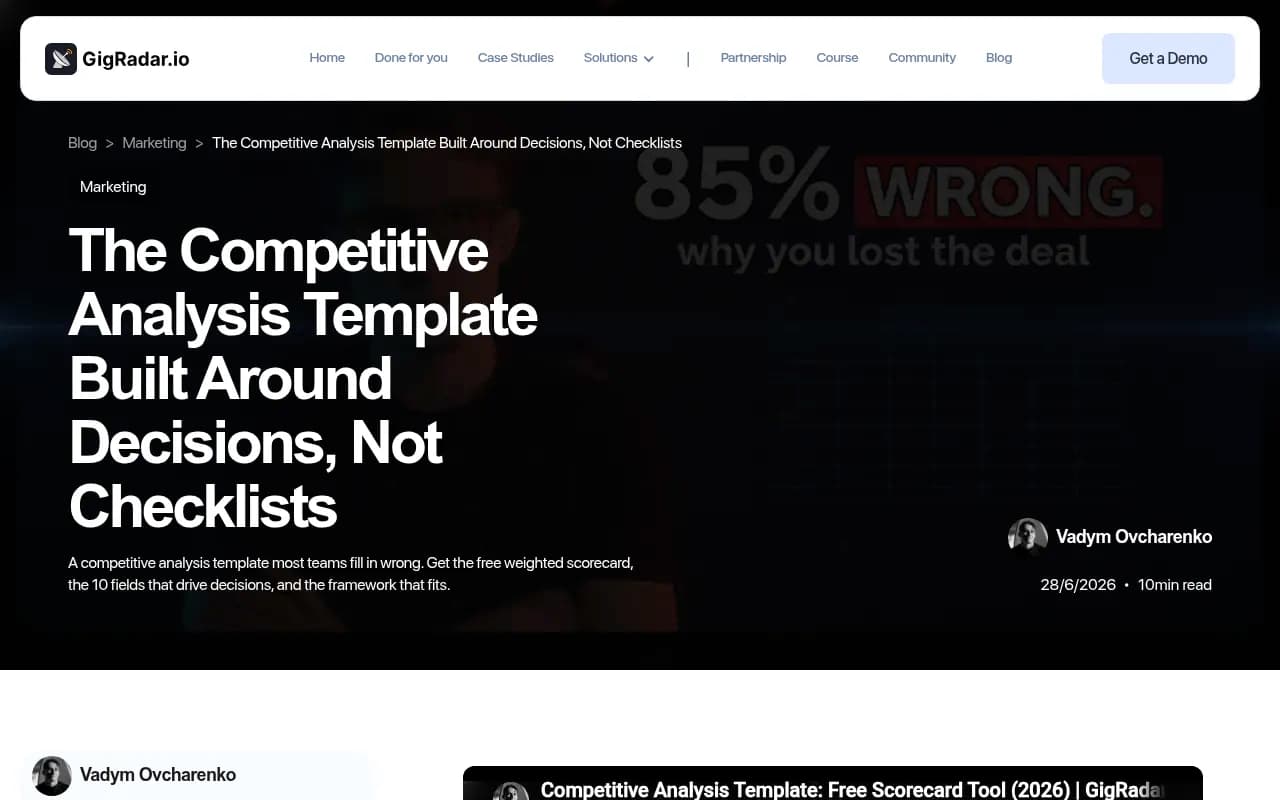
The generic scorecard templates floating around (the balanced scorecard layouts from Smartsheet, the weighted competitor scorecard from GigRadar, the performance templates from Icypeas) share a few ideas worth stealing:
- Weighted dimensions, so a nice-to-have cannot outvote a must-have.
- Export to CSV or Sheets, so the scoring lives where your team already works.
- A fixed refresh cadence, so the scorecard does not go stale.
- A split between strategic and operational views.
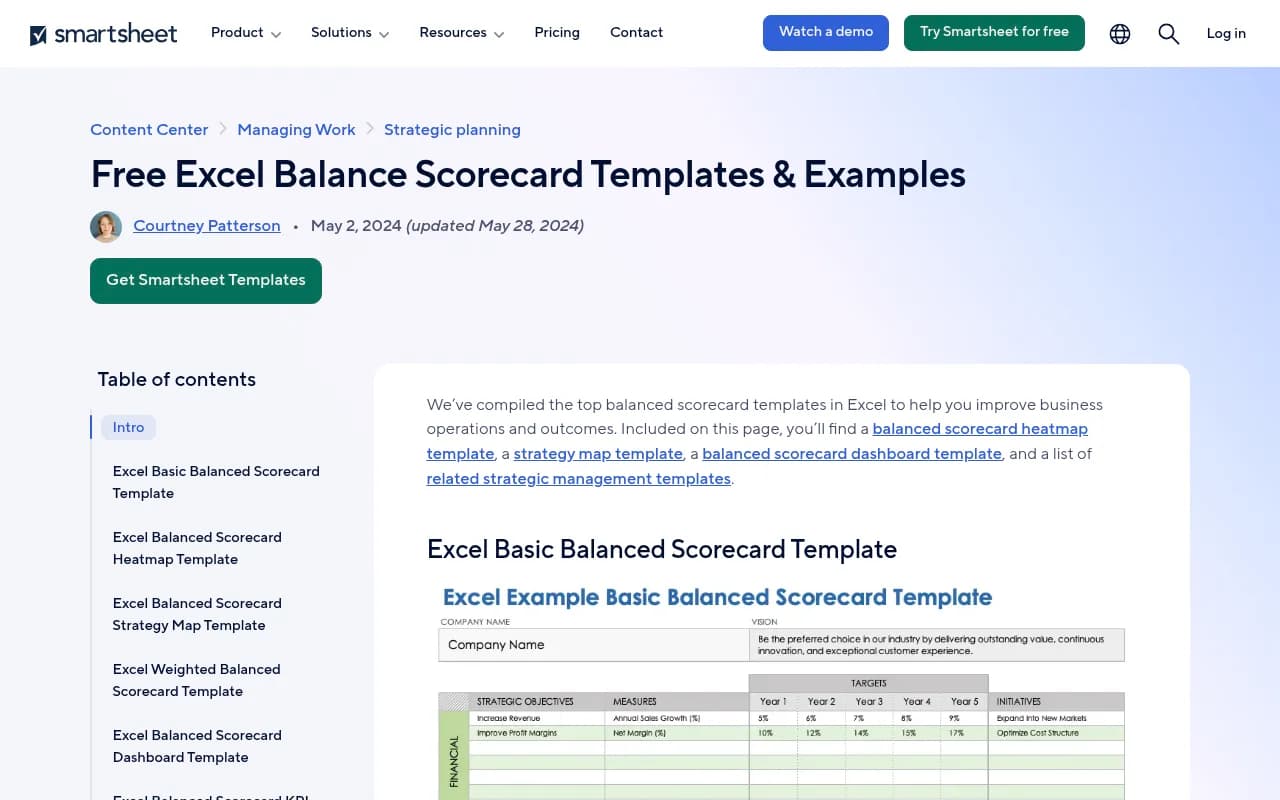
None of those templates cover GEO, though. Generative engine optimization has quirks that a generic vendor scorecard misses: the data source matters enormously, engines behave very differently from each other, and the point of the tool is to change what AI says about you, not just to report on it. So the 20 criteria below are built for this category.
How the scorecard works
The method is simple.
- List your 20 criteria in rows.
- Give each criterion a weight from 1 to 5 based on how much it matters to your team.
- Score each vendor from 0 to 5 per criterion after a hands-on pilot.
- Multiply score by weight, sum it, and divide by the maximum possible total.
The result is a percentage you can compare across vendors. Keep the raw scores visible too, because a 78% tool with a zero on a must-have criterion is not a 78% tool.
Scoring rubric
| Score | Meaning |
|---|---|
| 0 | Missing, or the vendor could not demonstrate it |
| 1 | Exists but is unusable in practice |
| 2 | Works with significant limits |
| 3 | Solid, meets the baseline |
| 4 | Strong, saves real time |
| 5 | Best in your trial, changes how you work |
One rule: nobody scores a criterion on the strength of a sales call. If you did not see it work on your own data, it is a 0 or a 1 until proven otherwise.
The 20 criteria
Group 1: data quality (suggested weight 4-5)
If the numbers are wrong, everything downstream is wrong. This group deserves the most weight.
1. Data source: real UI or API. Does the tool query the actual consumer interfaces of ChatGPT, Gemini, Perplexity and Google AI Overviews, or does it call model APIs? Answers, citations and shopping results can differ between the two. Some platforms, Promptwatch among them, collect from the real interfaces and track API models alongside. Ask for this in writing.

2. Refresh frequency. Daily is the practical minimum for prompt monitoring. Weekly snapshots miss the step changes that matter. ChatGPT's behavior moves in jumps tied to product updates, such as the site: operator shift on August 8, 2026, when site: queries went from about 0.4% to about 17% of fan-out queries overnight. A weekly tool would have shown that as a blur.
3. Response volume and sampling. How many responses do you get per prompt per day? AI answers vary run to run, so a single sample is noise. Ask how the vendor handles repeated runs and what it does with variance.
4. Location and language accuracy. Can you set country, state, city or even exact coordinates? Can you track in the languages your customers use? Local and multi-market brands should weight this a 5. Everyone else can drop it to 2.
5. Transparency of methodology. Can you see the raw response behind every metric? If a visibility score cannot be traced back to actual answers, you cannot audit it.
Group 2: coverage (suggested weight 3-4)
6. Engine coverage. ChatGPT, Google AI Overviews, AI Mode, Gemini, Perplexity, Copilot, Claude, Meta AI and Grok are the usual list. Per-engine reporting matters because engines cite very differently. Promptwatch's sources-per-response data shows ChatGPT citing about 5 sources per web-search answer, while Google AI Overviews and Perplexity sit around 10. Copilot swung from under 2 to nearly 17 within weeks before settling low. One engine's visibility does not predict another's, so a tool that blends everything into one number hides the story.
7. Prompt capacity and flexibility. How many prompts can you track, and can you organize them by topic, persona, intent and funnel stage? Cheap plans often cap prompts hard. Do the math on your real list, not the vendor's example.
8. Competitor tracking. Can you add competitors, auto-discover new ones, and compare share of voice? Check that competitor limits are not hidden behind a higher tier.
9. Social and community sources. Reddit, YouTube and LinkedIn behave differently in each engine. Per Promptwatch Data from Sep 28 to Oct 4, 2026, ChatGPT drew 0.46% of its citations from social platforms while Google AI Overviews drew 12.2%. A tool that lumps social into "other" will mislead you.
10. Shopping and ads. Only matters if you sell products. If you do, check whether the tool covers product carousels and sponsored placements in AI answers, since both are growing surfaces.
Group 3: analysis (suggested weight 3-5)
11. Citation analysis. Which of your pages get cited, in what position, and which third-party pages mention you instead? Citation data is where most of the useful work comes from. Mentions without self-citations usually point to a content or crawlability problem.
12. Query fan-out visibility. Does the tool expose the searches an AI runs behind a single prompt? Promptwatch's fan-out report shows averages shifting from about 2.15 per response in December to about 1.84 by early March, and average query length shrinking from around 117 characters to the high 80s. Fan-outs tell you what content to write. They also go stale fast, so check how often the tool refreshes them.
13. AI crawler analytics. Does the tool show which AI bots hit your site, which pages they read, and which errors they hit? The key detail is IP verification. Spoofed user agents inflate numbers. Promptwatch's AI crawler traffic report counts only requests matching operators' published IP ranges, and found OpenAI at 79.8% of verified requests in the week of Aug 31 to Sep 6, 2026, down from 94.8% in mid-June. Most monitoring-only tools do not offer crawler logs at all, so this criterion separates platforms fast.
14. Traffic and conversion attribution. Can the tool connect AI visibility to sessions and revenue, via a script, GTM or a plugin? Without this, you are reporting mentions, not outcomes. If the tool lacks it, check whether your analytics stack can fill the gap.
15. Sentiment and positioning. Per-response sentiment, plus where in the answer you appear. A mention in the last line of a list is not the same as the first recommendation.
Group 4: action (suggested weight 4-5)
This is the group most teams under-weight, then regret.
16. Content gap analysis. Does it show which prompts you lose and which pages are missing? A gap report you can turn into a brief in one click is worth more than a prettier chart.
17. Content creation and publishing. Can it draft content grounded in citation data, and push it to your CMS (WordPress, Webflow, Framer)? Check whether it is a real workflow or a generic writing box. Also check the review step: you want an approval inbox, not a firehose.
18. Prioritized recommendations. A to-do list ranked by impact, with an owner and a status. Monitoring tools tend to stop at charts. Platforms built around action produce a task list and then check whether the fix worked.
Group 5: operations (suggested weight 2-4)
19. Integrations and exports. API, MCP server, Looker Studio, Slack, CSV and PDF. If your analyst cannot get the data out, it will die inside the tool. White-label reporting matters if you are an agency.
20. Security, pricing and support. SSO, audit logs, ISO 27001, GDPR, role-based access, and a pricing model that does not punish you for growth. Compare cost per response, not just monthly price, because prompt and response caps vary a lot.
The spreadsheet template
Build this in Google Sheets. Three tabs are enough.
Tab 1: Criteria and weights
| # | Criterion | Group | Weight (1-5) | Must-have? |
|---|---|---|---|---|
| 1 | Data source: real UI or API | Data quality | 5 | Yes |
| 2 | Refresh frequency | Data quality | 4 | Yes |
| 3 | Response volume and sampling | Data quality | 4 | No |
| ... | ... | ... | ... | ... |
| 20 | Security, pricing and support | Operations | 3 | No |
The "must-have" column is a gate. Any vendor scoring 0 or 1 on a must-have gets flagged, no matter how high their total.
Tab 2: Vendor scores
| # | Criterion | Weight | Vendor A score | Vendor A weighted | Vendor B score | Vendor B weighted |
|---|---|---|---|---|---|---|
| 1 | Data source | 5 | 4 | =C2*D2 | 3 | =C2*F2 |
At the bottom, add a total row and a percentage row:
Total weighted score:  =SUM(E2:E21)
Max possible:          =SUM(C2:C21)*5
Score percentage:      =E22/E23
Must-have failures:    =COUNTIFS(Tab1!E2:E21,"Yes",D2:D21,"<2")
Adjust the ranges to match your layout. Add conditional formatting so any must-have score under 2 turns red.
Tab 3: Pilot log
Record what you actually did during the trial: date, prompts loaded, issues hit, support response time, and screenshots. When someone asks six months from now why you chose the tool, this tab is the answer.
How to set your weights
Do not copy the suggested weights blindly. Different teams should weigh differently:
| Team type | Weight up | Weight down |
|---|---|---|
| In-house SaaS marketing | Content gap analysis, attribution, integrations | Shopping, local accuracy |
| E-commerce brand | Shopping and ads, citation analysis, sentiment | Crawler logs (unless you run your own CDN) |
| Multi-location business | Location accuracy, language coverage | Prompt capacity |
| Agency | White-label reporting, multi-client workspaces, pricing model | Content publishing (if you write elsewhere) |
| Enterprise | Security, methodology transparency, support | Price |
A useful exercise: have three people weight the criteria separately, then average. Disagreements show you where the team has not agreed on what success means.
Run a fair pilot
Scores are only as good as the pilot behind them.
- Pick 25 prompts that cover brand, category and competitor-comparison questions. Use the same list in every tool.
- Run each tool for at least two weeks. One week hides daily variance.
- Pre-check results by hand. Ask the same prompts in the real chat interfaces and compare. If a tool's answer does not resemble what you see, note it.
- Test the exports. Pull a CSV and open it. Try the API on one real question.
- Test support. Send a genuine question and time the reply.
- Score at the end, not during. Daily impressions bias you toward whichever tool you opened last.
Shortlisting tools to score
The GEO category is crowded. A sensible shortlist has three to five vendors from different archetypes, so you learn what you actually need.
| Archetype | Examples | What to watch |
|---|---|---|
| End-to-end platforms (monitoring, crawler logs, content, attribution) | Promptwatch | Check plan limits on content features |
| Prompt trackers | Otterly.AI, Peec AI | Usually cheaper, but crawler data and content tools are typically missing |
| Enterprise visibility suites | Profound, Scrunch AI | Pricing and what is included at each tier |
| SEO suites with AI add-ons | Semrush One, Ahrefs Brand Radar | Prompt sets can be fixed, AI data can be shallow |
| Content-first tools | AirOps, Writesonic | Confirm how much visibility data grounds the content |




I have not verified current pricing for the tools above, so check each vendor's pricing page before you fill in criterion 20. Promptwatch lists plans from a free tier up through enterprise at promptwatch.com/pricing, with a 7-day trial on monthly Essential and Professional. For a wider list to pull from, the GEO software directory at bestgeosoftware.com is a good place to find candidates.
Common scorecard mistakes
The five mistakes that turn any template into busywork, adapted from what the competitive analysis templates get right:
- Scoring everything equally. If every weight is 3, you have a checklist with extra steps.
- Scoring from demos. Demos use clean data. Your data is messier.
- Ignoring the people who will use it. Ask the analyst, the writer and the SEO lead to each score the criteria they touch.
- Forgetting the exit cost. Check what happens to your data if you cancel. Can you export historical responses?
- Never revisiting. Engines change. Re-score every six months or after a major model rollout. Promptwatch's citation drop data shows how a single GPT-5.3 rollout on March 4, 2026 reduced average citations per response across several ChatGPT models. A tool that was strong before a shift may not be after it.
A refresh cadence that survives a busy quarter
Treat the scorecard as a living document.
- Monthly: update scores for the tool you already use. Note drift in data quality.
- Quarterly: check whether your weights still reflect your priorities.
- Every six months: re-run a mini pilot with one challenger tool.
- After any big engine update: spot-check criteria 2, 6 and 12 first.
If you need outside help running a vendor evaluation or building the strategy around the tool, 1001 SEO Media works with GEO platforms for clients and can sit in on a pilot.
Final thoughts
The scorecard will not pick a tool for you. What it does is force the argument about priorities to happen before the purchase, not after. Weight data quality and action highest, make vendors prove things on your prompts, and keep the pilot log. A tool that scores 70% with no failed must-haves is a better buy than one that scores 85% with a zero on how its data is collected.