Key takeaways
- Treat the migration as a measurement project, not a data transfer. Your clients care that the trend line stays readable, not which tool draws it.
- Run both platforms in parallel for at least one full reporting cycle, and freeze the prompt set while you do.
- Normalise by engine before comparing old and new numbers. Citation counts per response differ by AI engine and drift over time.
- Document a metric mapping (visibility, share of voice, sentiment, position) before cutover, and annotate the switch in every client report.
- Keep Slate access and a rollback plan until the new platform has produced two clean reports.
A note on which Slate this guide covers
Search for "Slate migration" and you will mostly find Technolutions' admissions CRM, Microsoft Power Platform geo-to-geo moves, and HubSpot data-center transfers. None of that is relevant here. This guide is about Slate, the AI visibility platform for agencies (listed in our catalog as [tool:slate]), and about moving client brands to a different GEO platform.
One honest caveat up front. I could not find public Slate documentation on data export formats, prompt-history retention, or API limits. Anything below that depends on those details is marked as something to verify with Slate support before you start. The rest of the plan comes from standard migration practice, which transfers well to this problem.
Why reporting breaks during GEO migrations
Most reporting damage is self-inflicted. A few usual causes:
- The new platform samples prompts differently, so the same prompt list produces different mention rates.
- Metric definitions differ. One tool's "visibility" is a mention rate; another's is a weighted score based on position and share of attention.
- History stays behind. The client's six-month trend line stops at the cutover date and a new line starts somewhere else.
- Engines change underneath you. This one is easy to blame on the migration.
That last point deserves attention. According to Promptwatch Data's average sources per response report, ChatGPT cites about 5 sources per web-search answer, Google AI Overviews about 10, and Perplexity almost exactly 10 every day. Copilot's average swung from under 2 to nearly 17 within a few weeks before settling at the low end. If a client's Copilot numbers jump in the middle of your migration, that may be the engine and not your setup. Promptwatch also documented an engine-side shift in its ChatGPT citation drop analysis, where average citations per response fell across GPT-5.3, GPT-5.4 and GPT-5-Mini around the March 4, 2026 rollout.
So the first rule: separate platform effects from engine effects. Everything else follows from that.
Step 1: Decide whether you should migrate at all
Migrations cost real hours. Before committing, write down the specific reason you are leaving. Slate's own evaluation criteria for agencies are a decent checklist for the comparison, even though the vendor ranks itself first in that post and you should read it as biased:
- AI model coverage
- Multi-client workspace architecture
- White-label reporting and scheduled delivery
- Competitive intelligence and share of voice
- Roles and permissions
- Pricing scalability per brand
- Integrations (Looker Studio, Slack, SEO platforms)
Score your current setup against each one. If the gap is only price, ask Slate about agency-tier pricing first, since it is not published. If the gap is that you want to act on the data (content creation, crawler logs, publishing) and not just track mentions, that is a stronger reason to move.
Step 2: Take a full inventory of every client account
Borrowing from the generic SaaS migration advice at Chameleon: start with a complete snapshot of the legacy system, and document not just what exists but why it exists. For each client workspace, capture:
- Tracked brand, competitor list, and aliases or misspellings
- Full prompt list, with topics, tags, personas and countries
- Which AI engines are tracked for that client
- Reporting cadence, recipients, and template or white-label settings
- User roles (account manager, strategist, client viewer)
- Integrations such as Looker Studio connections and Slack alerts
- Any custom dashboards that clients have bookmarked
Put it all in one spreadsheet or Airtable base, one row per client. Tools like [tool:airtable] work fine for this. The inventory is also where you spot the edge cases: the client with a prompt list in three languages, the one with a white-label domain, the one whose CFO reads a PDF every Monday.
Step 3: Export baselines before you touch anything
This is the step people skip and regret. Before the new platform is even configured, pull from Slate:
- The full prompt list per client, as CSV.
- Historical visibility, share of voice, sentiment and position data, at the finest granularity available (daily or weekly).
- Raw response and citation data if it can be exported.
- Every scheduled and past report as PDF, as a fallback archive.
- Screenshots of dashboards for the current reporting period.
Ask Slate support directly about export formats, retention windows, and API limits. I could not verify any of these publicly, and you do not want to learn that history is capped at 90 days after you cancel. If raw history cannot be exported, your PDFs and screenshots become the historical record, so treat them as primary data.
Step 4: Pick the new platform with migration in mind
Beyond features, check how easily each candidate can ingest your existing setup. Bulk prompt import, multi-client workspaces, white-label reports and Looker Studio support matter more here than a long feature page.
| Platform | Angle | Worth checking for agencies |
|---|---|---|
| Promptwatch | Tracking plus action: content gap analysis, Content Agent, crawler logs | Agency plans with unlimited projects and prompts, white-label reports and client portal |
| Profound | Granular citation tracking across many engines | Pricing tier and per-brand cost |
| Peec AI | Multi-language prompt tracking | Depth of reporting and exports |
| Otterly.AI | Affordable monitoring | Multi-client workspace limits |
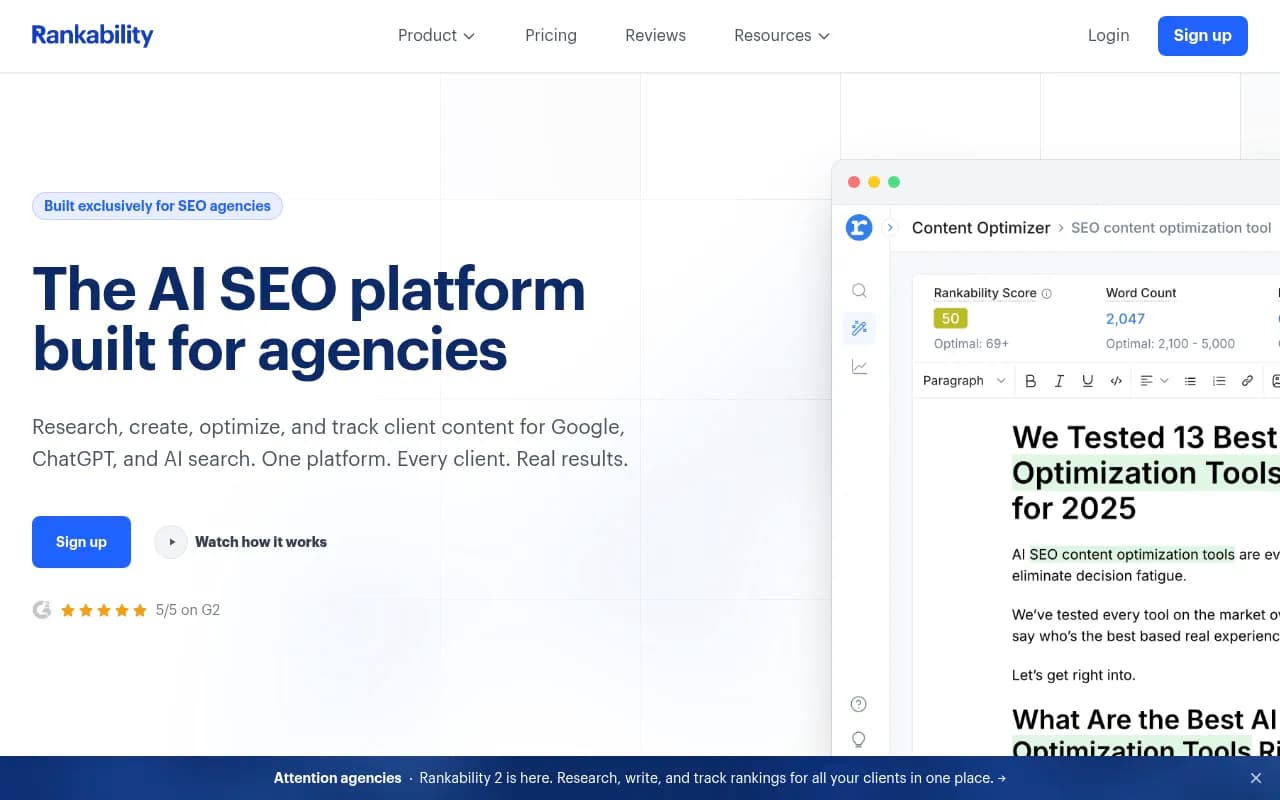
| Rankability | Agency-focused analytics | Reporting templates |
| Cairrot | LLM visibility built for agencies | Maturity and integrations |
Pricing for most of these was not verified for this guide, so check each vendor's pricing page before shortlisting.
If you want a platform that goes beyond tracking, Promptwatch is the one I would put on the shortlist for agency work. It tracks the real UIs of ChatGPT, AI Overviews, AI Mode, Gemini, Perplexity and Copilot, and it adds IP-verified AI crawler logs, visitor analytics, and a Content Agent that plans and publishes content against visibility gaps. Agency plans start at $199/month (Kick-off) with unlimited projects and prompts, but confirm current pricing at promptwatch.com/pricing.

Other candidates worth a look:



For a wider list, the directories at bestgeosoftware.com and ai-rank-tools.com are useful starting points.
Step 5: Freeze the prompt set
The single best piece of advice I can give: do not change the prompts during the migration. Chameleon's version of this is "focus on parity first, then iterate" after things are stable, and it applies directly. If you rewrite prompts while changing platforms, you will never know which change moved the numbers.
Import the exact Slate prompt list, with the same countries, languages and personas if the new tool supports them. Where it does not, note the gap in your inventory sheet. Improvements to the prompt set (new topics, volume-based prioritisation, query fan-out research) come in a second phase, after two clean reporting cycles.
Step 6: Map metrics before you compare them
Build a metric mapping table and keep it with the client documentation.
| Metric | Slate definition (verify) | New platform definition | Comparable? |
|---|---|---|---|
| Visibility | Check Slate docs | Check new docs | Often no, treat as new baseline |
| Share of voice | Brand mentions vs competitors | Same idea, different weighting | Roughly, with caveats |
| Sentiment | Scale and method vary | Scale and method vary | Rarely |
| Position in answer | Rank of brand in the response | Same | Usually |
| Citation or mention count | Raw count | Raw count | Yes, if prompts and engines match |
Expect most composite scores to be non-comparable. Raw counts (was the brand mentioned, how many times, which URL was cited) are the safest bridge between tools. Report on those during the overlap period and bring composite scores in later as a new series.
Step 7: Run both platforms in parallel
Parallel runs are the standard pattern for low-risk migrations, and they work here. Plan for at least one full reporting cycle (a month for most agencies), longer for clients with quarterly reviews.
What to compare
- Mention rate per engine, same prompts, same week
- Competitor rankings: is the order the same?
- Cited URLs: do both tools see roughly the same sources?
- Alert behaviour: does the new tool flag the same big movements?
How to interpret differences
Normalise by engine. Because ChatGPT, Perplexity and AI Overviews return different numbers of sources, a blended average hides real differences. Per the Promptwatch Data sources report, Perplexity is the steadiest of the engines, so use it as your parity test bench. If the two platforms agree on Perplexity and disagree on Copilot, suspect the engine, not the migration.
Set a tolerance up front (say, mention rates within a few percentage points per engine) and write it down. AI answers are non-deterministic, so exact matches are not realistic. What you want is the same direction and similar magnitude.
Step 7b: Test the unglamorous parts
The Chameleon playbook stresses automated validation and negative tests. In GEO terms:
- Can a client viewer see only their own workspace? Test with a real client login.
- Do scheduled reports arrive at the right addresses, on the right day, with the right branding?
- Does the Looker Studio connector populate the same dashboards, or do you need to rebuild fields?
- Do Slack alerts fire into the right channels?
- Does the white-label domain resolve properly?
Reports that arrive late or with the wrong logo do more reputational damage than a slightly different mention rate.
Step 8: Communicate with clients early
Most clients do not care which platform you use. They care about surprises. A short note works:
- What is changing and when
- That their prompts and competitors are carried over
- That one report will contain a note about a methodology change
- That nothing about their results has changed in reality
Agencies sometimes hide migrations to avoid questions. I think that backfires, because the first discrepancy becomes a mystery instead of a footnote. If you are explaining the change as part of a broader agency overhaul, 1001 SEO Media is an example of an agency that publishes this kind of reporting transparency as part of its standard monthly process.
Step 9: Cut over, annotate, and keep a rollback
Cutover day should be boring. A reasonable sequence:
- Confirm the last parallel-run report was signed off internally.
- Switch scheduled client reports to the new platform.
- Annotate every trend chart with a "tracking platform changed" marker at the cutover date.
- Keep Slate active, read-only if possible, for another full cycle.
- Only cancel after two clean reports from the new tool and confirmed archives of all exports.
Define a rollback trigger in advance: for example, if a client report goes out with wrong data twice, or the new tool misses a major engine, you revert that client to Slate for the next cycle. Having the trigger written down removes the argument in the moment.
Step 10: Measure whether the migration worked
Chameleon's point that "if users can't log in, nothing else matters" translates to agencies as: if reports do not go out, nothing else matters. Track these after cutover:
- On-time report delivery rate, per client
- Number of client questions about numbers, compared with the previous period
- Internal hours spent on reporting per client
- Prompt coverage retained (percentage of the Slate prompt list that was imported)
- Gaps remaining on the inventory sheet
If reporting hours do not fall within two cycles, the migration did not pay for itself, whatever the feature list says.
Common pitfalls
- Changing prompts, engines and platform in the same month.
- Comparing composite scores from two tools as if they were the same unit.
- Blaming the migration for an engine-side change, or the reverse.
- Cancelling the old subscription before verifying exports.
- Forgetting client-specific settings such as languages, regions and personas.
- Letting the migration drag out because nobody owns it. Name one person.
A realistic timeline
| Week | Work |
|---|---|
| 1 | Inventory, exports, support questions to Slate |
| 2 | Shortlist, trial, import prompt lists for two pilot clients |
| 3-4 | Parallel run on pilots, metric mapping, validation tests |
| 5-6 | Roll out to remaining clients in waves, annotate reports |
| 7-8 | Cutover, keep Slate read-only, review metrics |
Start with two low-risk pilot clients, not your biggest account. Waves are slower, but one broken report is easier to survive than ten.
Final thoughts
The technical move between GEO platforms is the easy part. What protects your reporting is a frozen prompt set, saved baselines, an engine-by-engine comparison, and a clear note to clients about the switch. Do those four things and the trend line survives, even if the tool drawing it changes.