Key takeaways
- Start with crawl access. If robots.txt, your CDN, or a WAF blocks AI bots, nothing else you build matters.
- llms.txt is cheap to ship (an afternoon) and useful for agents and developer tools, but there is no evidence it earns citations in AI search.
- MCP Server Cards are still a draft proposal. Adopt them only if you have an MCP server or API worth exposing.
- Promptwatch Data found markdown files make up just 0.05% of AI search citations, so keep your effort on clean HTML for search and use markdown for coding agents.
- Verify with real logs and a scanner, not assumptions.
What "agent-ready" actually means
The phrase gets used loosely, so let me pin it down. An agent-ready website is one that AI systems can reach, read, and (where it makes sense) act on. That covers three different audiences, and mixing them up is the most common mistake I see.
- AI search crawlers and answer engines that fetch your pages to cite them (ChatGPT, Perplexity, Google AI Overviews).
- Coding agents and developer tools that read your docs mid-task (Claude Code, Codex, Cursor).
- Autonomous agents that want to call your tools or API.
Different files serve different audiences. robots.txt and good HTML serve the first. llms.txt and markdown docs mostly serve the second. MCP Server Cards serve the third.
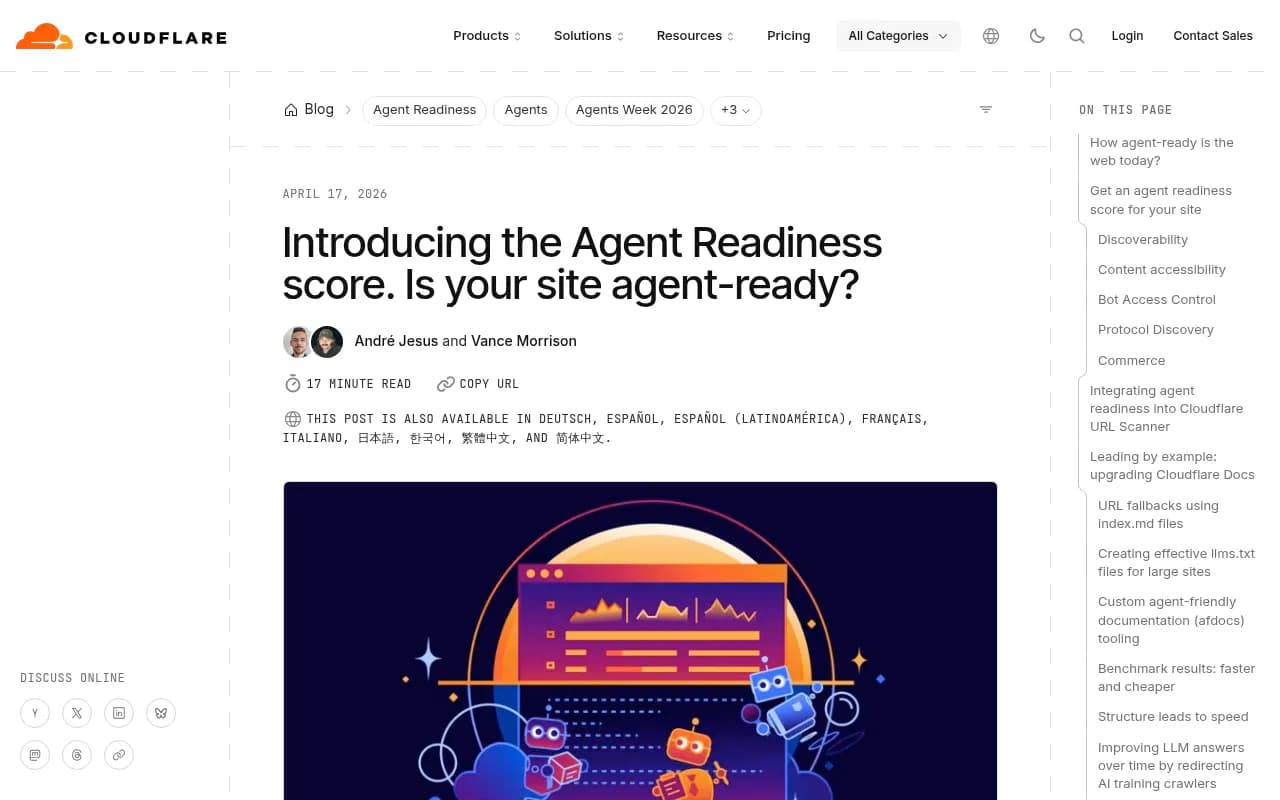
How ready is the web today? Cloudflare scanned the 200,000 most visited domains for its Agent Readiness work. About 78% have a robots.txt, but most are written for traditional search crawlers. MCP Server Cards and API Catalogs (RFC 9727) together appear on fewer than 15 sites in that dataset. Early, in other words. That is an opportunity, though not necessarily an urgent one.
The four layers, in the order you should build them
| Layer | What it does | Effort | Who benefits |
|---|---|---|---|
| Crawl access (robots.txt, CDN, WAF) | Decides who can fetch you | 5 to 60 minutes | Every AI system |
| Readable pages (semantic HTML, no JS-only content) | Makes content parseable | Ongoing | AI search, agents |
| llms.txt and markdown | Gives agents a reading list | About 30 minutes to an afternoon | Coding agents, doc tools |
| MCP Server Card, A2A card, WebMCP | Advertises tools and actions | Hours to days | Autonomous agents |
Build top to bottom. Skipping to MCP before you have confirmed GPTBot can load your homepage is like decorating a house with no front door.
Step 1: fix crawl access first
Write robots.txt for AI bots on purpose
Most robots.txt files were written years ago for Googlebot and Bingbot. AI operators run several bots each, and they do different jobs: training, search indexing, and user-triggered fetches. OpenAI alone has GPTBot, OAI-SearchBot and ChatGPT-User. Anthropic has ClaudeBot, Claude-User and Claude-SearchBot. Perplexity has PerplexityBot and Perplexity-User.
A sensible default for a site that wants AI visibility looks like this:
# Allow AI search and user-triggered fetchers
User-agent: OAI-SearchBot
Allow: /

User-agent: ChatGPT-User
Allow: /

User-agent: Claude-SearchBot
Allow: /

User-agent: Claude-User
Allow: /

User-agent: PerplexityBot
Allow: /

User-agent: Perplexity-User
Allow: /

# Training crawlers: your call
User-agent: GPTBot
Disallow: /private/

Sitemap: https://example.com/sitemap.xml
Blocking training while allowing search is a legitimate choice. Just make it a choice. The free AI bots and web crawlers directory lists 400+ AI crawlers with robots.txt guidance, and the robots.txt generator for AI can draft the file for you.
Check the layer above robots.txt
This is where sites quietly fail. Your robots.txt can say Allow while your CDN or WAF returns a 403 or a bot challenge. Two things worth knowing:
- Cloudflare changed its AI crawler defaults on 1 July 2026. From 15 September, new Cloudflare domains block Agent and Training bots by default on pages that show ads, and "Verified" no longer means "allowed".
- According to Suganthan Mohanadasan's write-up, blocking Training bots in Cloudflare can also block Googlebot, Bingbot and Applebot, because multi-purpose crawlers get judged by the strictest rule you set. A tick-box aimed at AI can cost you Google traffic.
Check your rules after every CDN or security change. Don't trust the dashboard toggle; test.
Compare your logs with the market
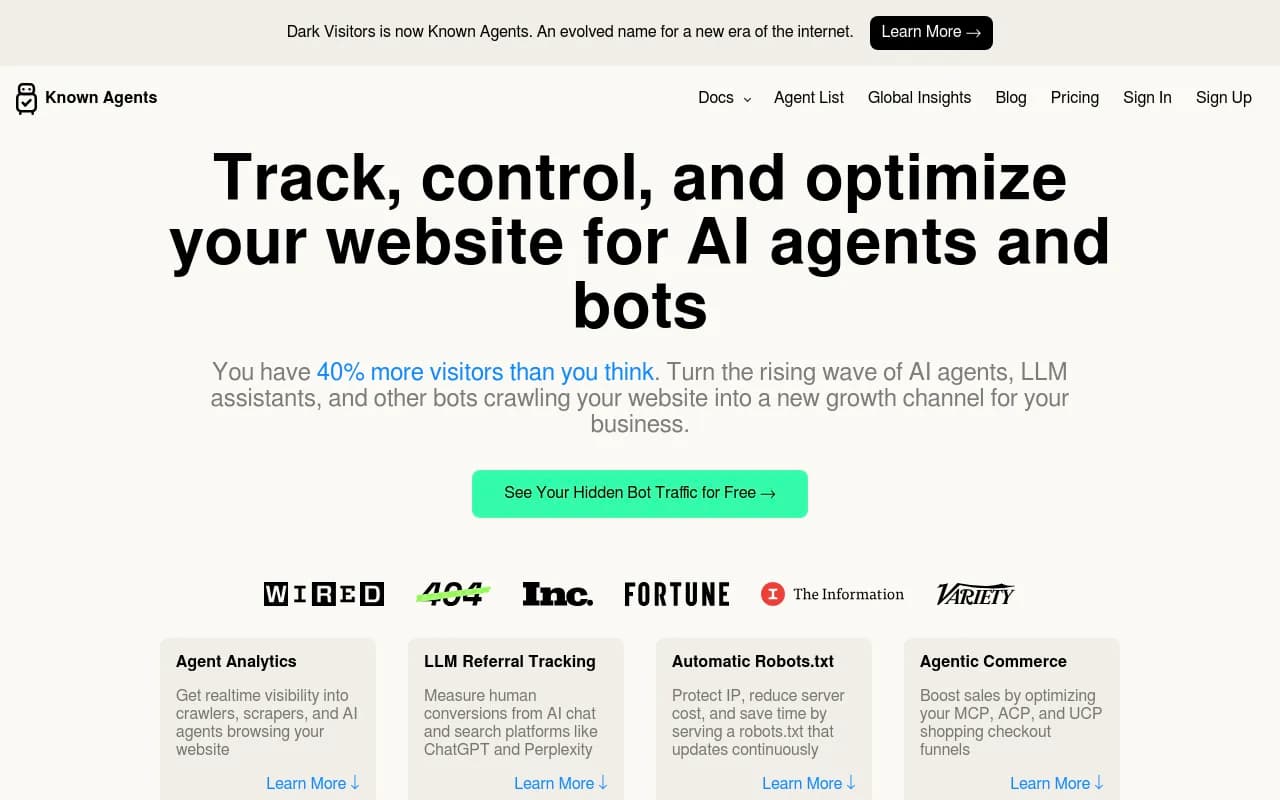
Promptwatch Data's AI crawler traffic report (IP-verified requests, June 8 to September 6, 2026) shows OpenAI at 79.8% of verified AI crawler requests in the week of Aug 31 to Sept 6, down from 94.8% in early June. The practical advice from that report is useful: if a provider is large in the market chart but near zero in your own logs, you are probably blocked or unreachable for it.
Seeing that requires crawler logs. Tools like Promptwatch record IP-verified AI crawler visits (so spoofed user agents are filtered out) and show which pages bots read and which errors they hit; its AI crawler logs work through Cloudflare, Vercel, Fastly, other CDNs, or a WordPress plugin.

If you only want to watch bot traffic and nothing else, DarkVisitors is a lighter option.
Step 2: make the pages themselves readable
Before any agent-specific file, check the boring stuff.
- Content must be in the server-rendered HTML. Many AI crawlers do not run JavaScript. A page that renders only client-side hands the agent an empty shell.
- Use a real heading hierarchy, semantic elements, and descriptive titles.
- Avoid logins and bot challenges on content you want cited.
- Return proper status codes. Soft 404s that return 200 confuse everything downstream.
A quick test: run curl -A "GPTBot" https://yoursite.com/page and read what comes back. If the answer to your page's main question is not in that output, an agent will not see it either.
For a broader audit, a crawler like Screaming Frog or Sitebulb will catch rendering and status code issues.
Step 3: publish llms.txt
llms.txt was proposed in September 2024. It is a plain text (markdown-formatted) file at your site root that gives an agent a structured reading list: what the site is, what is on it, and where the important content lives. Think of a sitemap written for an LLM instead of a crawler.
A minimal one:
# Example Co

> Example Co makes invoicing software for freelancers. Docs, pricing and API reference are linked below.

## Docs

- [Quickstart](https://example.com/docs/quickstart.md): Create your first invoice in five minutes.
- [API reference](https://example.com/docs/api.md): REST endpoints, auth, and rate limits.

## Pricing

- [Plans](https://example.com/pricing): Current plans and limits.
What makes a good one
Cloudflare rebuilt llms.txt for its developer docs and the lessons are transferable:
- Every entry needs a semantic name, a matching URL, and a useful description. If your CMS already holds titles and descriptions in frontmatter, generate from that rather than writing by hand.
- Drop directory-listing pages. They add a redundant list of links and force the agent into another request.
- For big sites, use hierarchical files (a root llms.txt pointing to section-level files) so a single file does not overwhelm a context window.
- Keep links alive. A llms.txt that points to 404s or HTML-only pages is worse than none. Documentation.AI ranks a missing llms.txt, JS-only rendering, and login-walled docs as blocking failures, and dead links in the file as high severity.
- Regenerate it on build, so it never goes stale.
Second-hand reports from Redline Soft cite Cloudflare numbers: serving markdown to agents cut token use by 31% and sped responses by 66% versus HTML. That is a docs-site result, so treat it as relevant mostly if agents are already reading your documentation.
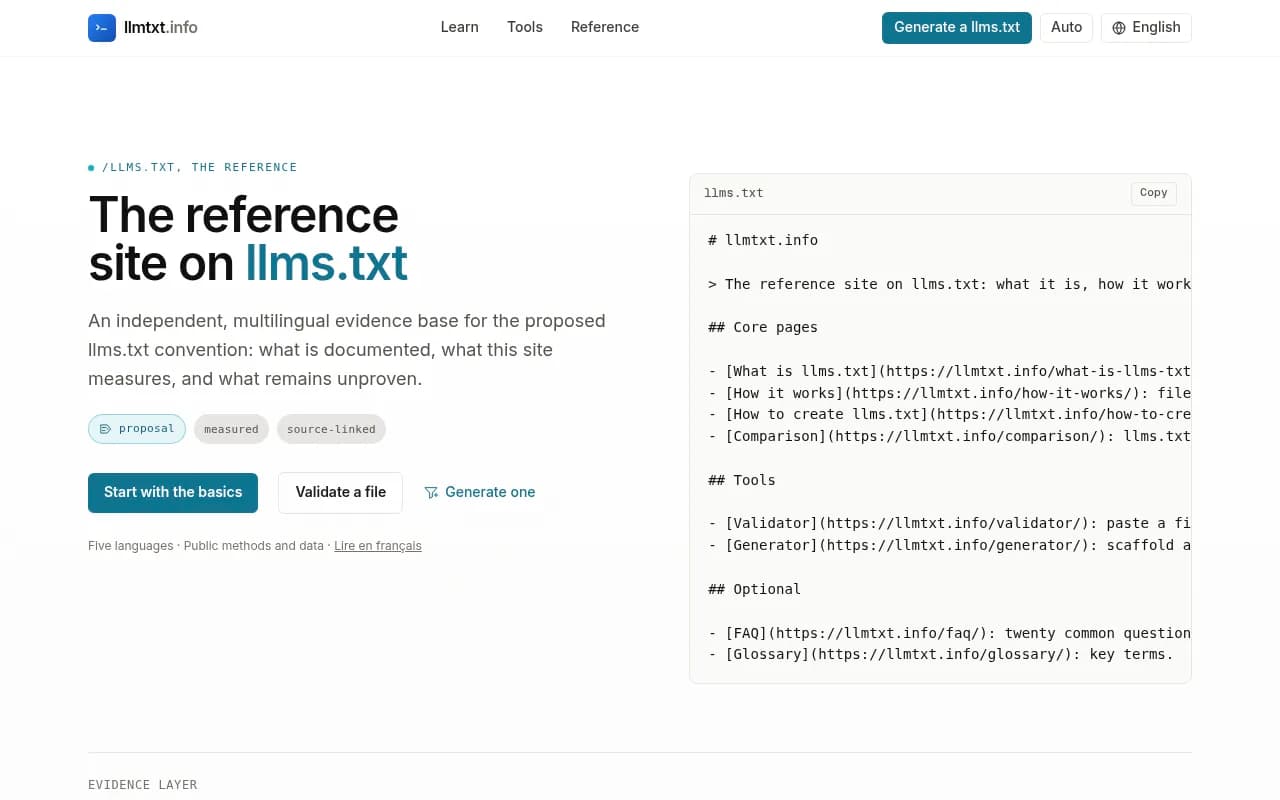
You can draft a file with the free LLMs.txt generator or llmtxt.info, which also validates.
The honest caveat
This is the part many guides skip. Google says Markdown and llms.txt are not required for Search, and Lighthouse treats a missing llms.txt that returns 404 as not applicable. Some agents fetch the file and some do not. None of it proves citation.
Promptwatch Data backs that up: in its markdown in AI search report (7 days of citations, published February 2026), HTML made up 99.94% of citations and markdown files 0.05%, roughly 2,000 to 1. For AI search citations, .md mirrors have essentially no payoff. The same report did find rising .md requests from Claude Code and Codex, which is the real use case: developer documentation read by coding agents.
My take: ship llms.txt because it costs an afternoon, but do not expect it to move AI search visibility. Put the serious effort into the HTML pages. Reserve .md endpoints for developer docs.
Step 4: add an MCP Server Card (if you have something to expose)
The Model Context Protocol lets you build one server that any compatible agent can use, instead of custom integrations per AI tool. An MCP Server Card is a JSON file that describes your server before an agent connects: tools, transport, endpoint, and authentication.
Status matters here. Server Cards are a draft proposal (SEP-1649) and an experimental extension. The canonical path in the draft is /.well-known/mcp/server-card.json, though some sites also serve the older /.well-known/mcp-server.json during the transition. Build knowing it may change.
A basic card, adapted from Cloudflare's example:
{
  "$schema": "https://static.modelcontextprotocol.io/schemas/mcp-server-card/v1.json",
  "version": "1.0",
  "protocolVersion": "2025-06-18",
  "serverInfo": {
    "name": "search-mcp-server",
    "title": "Search MCP Server",
    "version": "1.0.0"
  },
  "description": "Search across all documentation and knowledge base articles",
  "transport": {
    "type": "streamable-http",
    "endpoint": "/mcp"
  },
  "authentication": { "required": false },
  "tools": [
    {
      "name": "search",
      "title": "Search",
      "description": "Search documentation by keyword or question",
      "inputSchema": {
        "type": "object",
        "properties": { "query": { "type": "string" } },
        "required": ["query"]
      }
    }
  ]
}
Do you need an MCP server at all?
llms.txt hands an agent a list of pages to choose from. An MCP server hands it a search tool that returns the relevant passage for a question. That gets more valuable as your site grows. A ten-page marketing site does not need one. A large docs site, an API product, or an app with real actions probably does.
If you run docs on a platform, check whether it ships one. Redocly projects get a built-in docs MCP server at /mcp, plus an MCP server card and an A2A agent card. Documentation.AI sites get a reader MCP server at /_mcp. Whatever you run, publish the endpoint URL on the site and in llms.txt, because an agent has no other way to find it.
The newer discovery pieces
Two other things are worth knowing about without rushing to build them:
- WebMCP lets a page register tools for an agent in the user's browser. It is in a Chrome origin trial and replaces neither llms.txt nor a remote MCP server.
- On 17 June 2026, Google and ten others shipped Agentic Resource Discovery, an
/.well-known/ai-catalog.jsonthat lists your MCP server, A2A agent card and OpenAPI spec in one index. Suganthan has it live on his site; it is a reasonable later step, not a first one.
Step 5: pick a minimum viable setup for your site type
| Component | Content site | Docs or API site | Ecommerce |
|---|---|---|---|
| AI bot rules in robots.txt | Must | Must | Must |
| CDN and WAF check | Must | Must | Must |
| Server-rendered semantic HTML | Must | Must | Must |
| llms.txt | Should | Must | Should |
| Markdown per page | Optional | Should | Optional |
| MCP Server Card | Skip unless you run MCP | Should | If you expose an API |
| WebMCP | Optional | Pilot | Pilot |
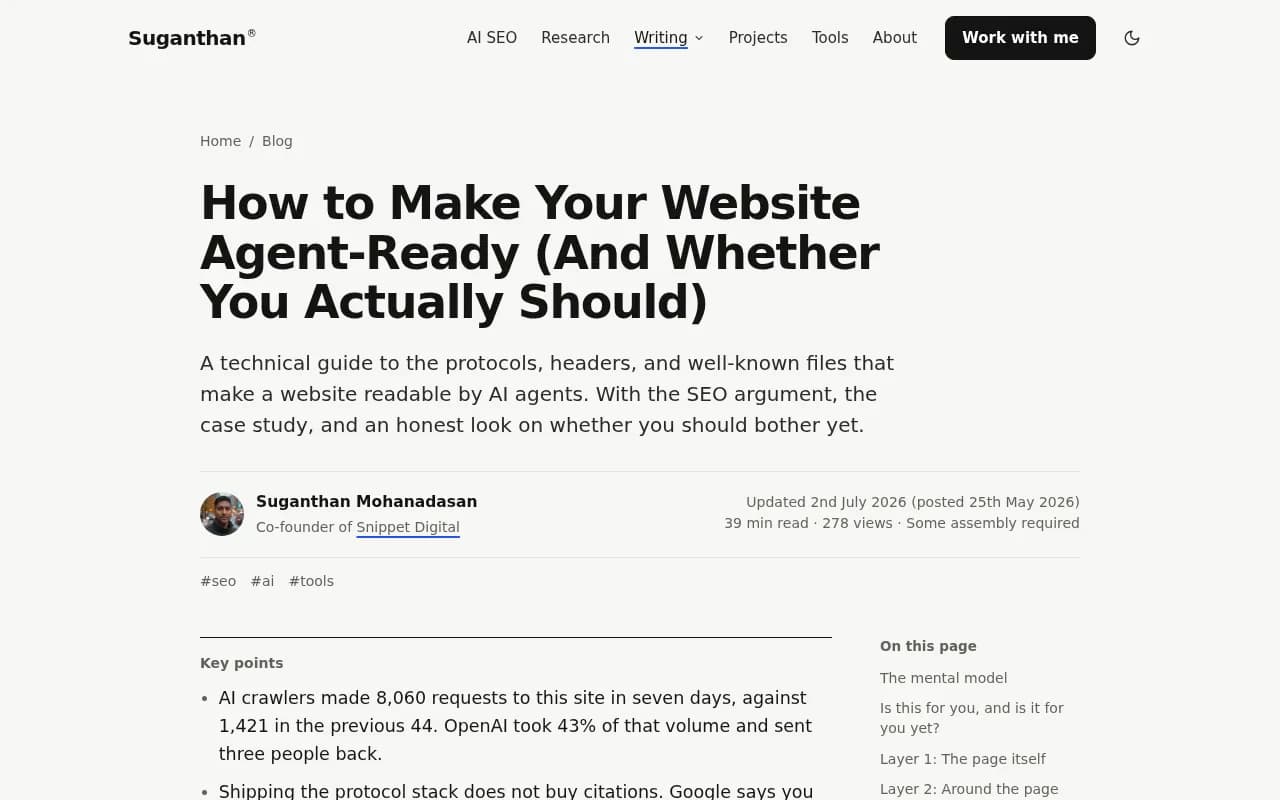
The pattern in Suganthan's checklist is sensible: content sites gain more from cheap-to-parse markdown for the agents already fetching them, while tool-rich sites gain more from MCP. Pick based on what your site is, not on what is trendy.
Step 6: audit and verify
Ship, then test. A few options, in rough order of effort:
- Run isitagentready.com, Cloudflare's scanner. It checks content accessibility, bot access control, protocol discovery and more, and the tool itself exposes an MCP server with a
scan_sitetool. - Run Promptwatch's free Agentic Readiness Check, which shows which AI crawlers can read your site and which agent standards (llms.txt, MCP server cards, A2A agent cards, OAuth discovery, Content Signals) you support.
- Use the AI crawler URL inspector on specific pages that matter.
- Check server or CDN logs weekly. Look for 403s, 429s, and bots that never show up.
- Test with curl and a user agent string for each major bot.
Static scanners tell you whether the files exist. They do not tell you whether bots came, read the page, or cited it. That second half needs logs plus citation tracking.
Step 7: close the loop with measurement
Agent readiness is a means. The goal is being read, cited and clicked. A realistic measurement stack has three parts:
- Crawl logs showing which bots fetched which pages and where they failed.
- Citation tracking showing which of those pages AI actually cites.
- Visitor analytics showing whether any traffic arrives.
Promptwatch covers all three in one product, linking the crawl-to-citation path per page, so you can tell an access problem from a content problem. Pages that get crawled but never cited need better content. Pages never crawled need access fixes. If you want to compare options, the GEO software directory lists alternatives.
For AI search specifically, Promptwatch Data also shows what gets cited: product pages led ChatGPT citations at 22.4% in the week of Sep 28 to Oct 4, 2026 (content type report). That is HTML content, not a text index file. It points again at where the effort pays.
A realistic order of operations
If you have one afternoon:
- Audit robots.txt, CDN and WAF rules for AI bots (1 hour).
- Confirm key pages render in raw HTML (30 minutes).
- Generate and publish llms.txt, with links verified (30 to 60 minutes).
- Run a scanner and fix what it flags (1 hour).
If you have a week and run an API or docs product, add a markdown version of docs pages, an MCP server with a Server Card, and a plan to monitor crawler logs.
Skip anything that promises guaranteed citations. Nobody has shown that any of these files do that. What you are buying is access and efficiency: agents that already want your content can get it faster, cheaper and with fewer errors.
Common mistakes
- Writing llms.txt entries with no descriptions, so the agent has no reason to pick one.
- Linking llms.txt entries that 404 or redirect to login pages.
- Allowing bots in robots.txt while a WAF challenges them.
- Blocking "AI" with one toggle and accidentally blocking Googlebot.
- Building an MCP server for a brochure site with no tools to expose.
- Treating a green scanner score as proof of AI visibility.
FAQ
Does llms.txt improve AI search rankings?
No evidence says it does. Google states it is not needed for Search, and Promptwatch Data shows markdown files at 0.05% of AI search citations. Its value is for agents and developer tooling.
Are MCP Server Cards a finished standard?
No. They are a draft proposal and an experimental extension. Build them if you have a real MCP server, and expect the path or schema to shift.
Should I block training crawlers?
That is a business decision. Blocking training bots while allowing search and user-fetch bots is common. Just verify the setup does not take Googlebot down with it.
How do I know if AI bots actually visit?
Check IP-verified logs from your CDN or a log-based tool. User agent strings alone can be spoofed.
Where to go next
Start with access, then readable HTML, then the optional files. If you want help planning the technical side of AI search visibility across a whole site, 1001 SEO Media runs technical SEO and GEO audits, and you can see more tools for the job in the agentic SEO tools directory.