Key takeaways
- Time-to-first-insight varies wildly across GEO platforms -- some show you data within 10 minutes, others require days of configuration before anything useful appears.
- The biggest onboarding bottleneck is prompt setup: tools that let you import or suggest prompts automatically get you to data far faster than those requiring manual entry.
- Monitoring-only tools tend to onboard faster but leave you stuck once you have the data -- you still need to figure out what to do with it.
- Platforms with built-in content generation and gap analysis (like Promptwatch) compress the full workflow -- from gap discovery to content creation to tracking -- into a single interface.
- For most marketing teams, the right question isn't just "how fast can I see data?" but "how fast can I act on it?"
There's a specific kind of frustration that comes from signing up for a new analytics tool, going through the setup flow, and then staring at a dashboard full of zeros. You know data is coming. You just don't know when, or whether the setup you just did was even right.
GEO tools -- platforms that track and optimize your brand's visibility in AI search engines like ChatGPT, Perplexity, and Google AI Overviews -- have this problem more than most. The category is young. Onboarding flows range from genuinely slick to "please email our team to get started." And because the underlying data (AI responses, citation patterns, prompt volumes) takes time to accumulate, the gap between "signed up" and "actually useful" can stretch from minutes to weeks depending on which platform you pick.
This guide breaks down how the major GEO platforms handle onboarding, where they lose you, and which ones get you to actionable data the fastest.
What "useful data" actually means in GEO
Before comparing platforms, it's worth being specific about what you're waiting for. In traditional SEO tools, "useful data" usually means rank positions -- and most tools can show you those within a day or two of connecting your site.
GEO is different. Useful data here means:
- Which AI models mention your brand, and how often
- Which prompts trigger your competitors but not you
- Which pages on your site are being cited (and which are being ignored)
- What content gaps are costing you visibility
Some of these are available immediately after setup. Others require the platform to run queries over time and build a baseline. The distinction matters a lot when you're trying to justify a new tool to your team.
The onboarding variables that separate fast from slow
Prompt setup
Every GEO tool is built around prompts -- the queries you want to track across AI models. How you set those up is the single biggest factor in how quickly you get to useful data.
Some platforms make you enter every prompt manually, one by one. If you're tracking 50 prompts across 10 AI models, that's a lot of typing before anything happens. Better platforms suggest prompts based on your domain, import from existing keyword lists, or generate prompt sets automatically from your site content.
Tools like Promptwatch and Profound both offer prompt suggestions during onboarding, which meaningfully cuts setup time. Simpler tools like Otterly.AI and Peec AI tend toward manual entry, which is fine if you have a small prompt set but becomes tedious at scale.
Domain verification and crawling
Some platforms need to verify your domain or install a tracking snippet before they can show you traffic attribution data. This is usually fast (a DNS record or a small JS snippet), but it's a step that can stall non-technical users.
Platforms that don't require any site-side setup -- just enter your domain and go -- onboard faster, but they also tend to have shallower data. You can see AI mentions, but you can't connect them to actual traffic or revenue.
AI model coverage and query execution
After you set up prompts, the platform needs to actually run those prompts across AI models and collect responses. Some tools do this in near-real-time. Others batch queries on a schedule (daily, weekly). If you sign up on a Tuesday and the platform runs queries on Sundays, you're waiting almost a week for your first data point.
This is rarely disclosed clearly during signup, which is one of the more frustrating parts of evaluating GEO tools.
Baseline establishment
Visibility scores and trend data require a baseline. Most platforms need at least 7-14 days of data before trend lines mean anything. This isn't really an onboarding problem -- it's just the nature of the data -- but it's worth knowing upfront so you're not confused when your "visibility score" looks flat for the first two weeks.
Platform-by-platform onboarding breakdown
Promptwatch
Promptwatch is one of the faster platforms to get running, partly because the onboarding flow is structured around getting you to a first insight rather than just completing a setup checklist. You enter your domain, get prompt suggestions based on your site content, and can be looking at initial AI visibility data within about 10-15 minutes.
The crawler log feature -- which shows you real-time AI bot activity on your site -- starts populating almost immediately if you install the tracking snippet, which gives you something concrete to look at even before your first prompt run completes.
Where Promptwatch goes further than most is what happens after onboarding. The Answer Gap Analysis shows you exactly which prompts your competitors rank for that you don't, and the built-in AI writing agent lets you create content to close those gaps without leaving the platform. That full loop -- find gap, create content, track improvement -- is available from day one.

Profound
Profound is a capable platform with strong enterprise positioning, but its onboarding reflects that. The setup process is more involved, and the platform is clearly designed for teams that are treating AI search as a serious, ongoing program rather than something to check occasionally.
Getting to your first meaningful data point takes longer than with lighter tools -- expect a day or two of configuration if you want to set up proper prompt organization, competitor tracking, and reporting. For enterprise teams with dedicated SEO resources, that's fine. For a solo marketer trying to get a quick read on AI visibility, it can feel heavy.

Otterly.AI
Otterly.AI is one of the simpler tools in the category, and that simplicity pays off during onboarding. You can set up a basic monitoring configuration in under 10 minutes. The trade-off is depth: Otterly is primarily a monitoring tool, so once you've seen your visibility numbers, you're largely on your own for figuring out what to do next.
For teams that just need a lightweight way to track AI mentions without a lot of infrastructure, Otterly gets you to data fast. Just don't expect it to tell you why your visibility is low or what to do about it.

Peec AI
Peec AI has a clean onboarding flow with decent multi-language support, which makes it a reasonable choice for international teams. Setup is straightforward -- enter your brand, add prompts, select markets -- and you can see initial data within a day.
Like Otterly, it's primarily a monitoring platform. The data is useful for tracking share of voice across AI models, but there's no content optimization layer to act on what you find.

AthenaHQ
AthenaHQ covers a solid range of AI models and has a reasonably clean setup experience. Onboarding takes roughly 20-30 minutes to get a proper configuration in place. The platform is monitoring-focused, which means you'll get good visibility data but will need to take your findings elsewhere to act on them.

SE Ranking (AI visibility toolkit)
SE Ranking is an established SEO platform that added AI visibility tracking to its existing suite. If you're already an SE Ranking customer, onboarding to the AI features is fast because your domain and settings are already configured. For new users, you're onboarding to a full SEO platform first, which adds time.
The advantage is integration: your AI visibility data sits alongside your traditional rank tracking, which makes it easier to see the full picture of search performance.

Semrush
Semrush's AI visibility features are bolt-ons to an existing SEO platform, which means onboarding is really "onboarding to Semrush" rather than a purpose-built GEO experience. If you're already a Semrush user, adding AI tracking is relatively quick. The limitation is that Semrush uses fixed prompt sets rather than letting you define custom prompts, which constrains how targeted your monitoring can be.
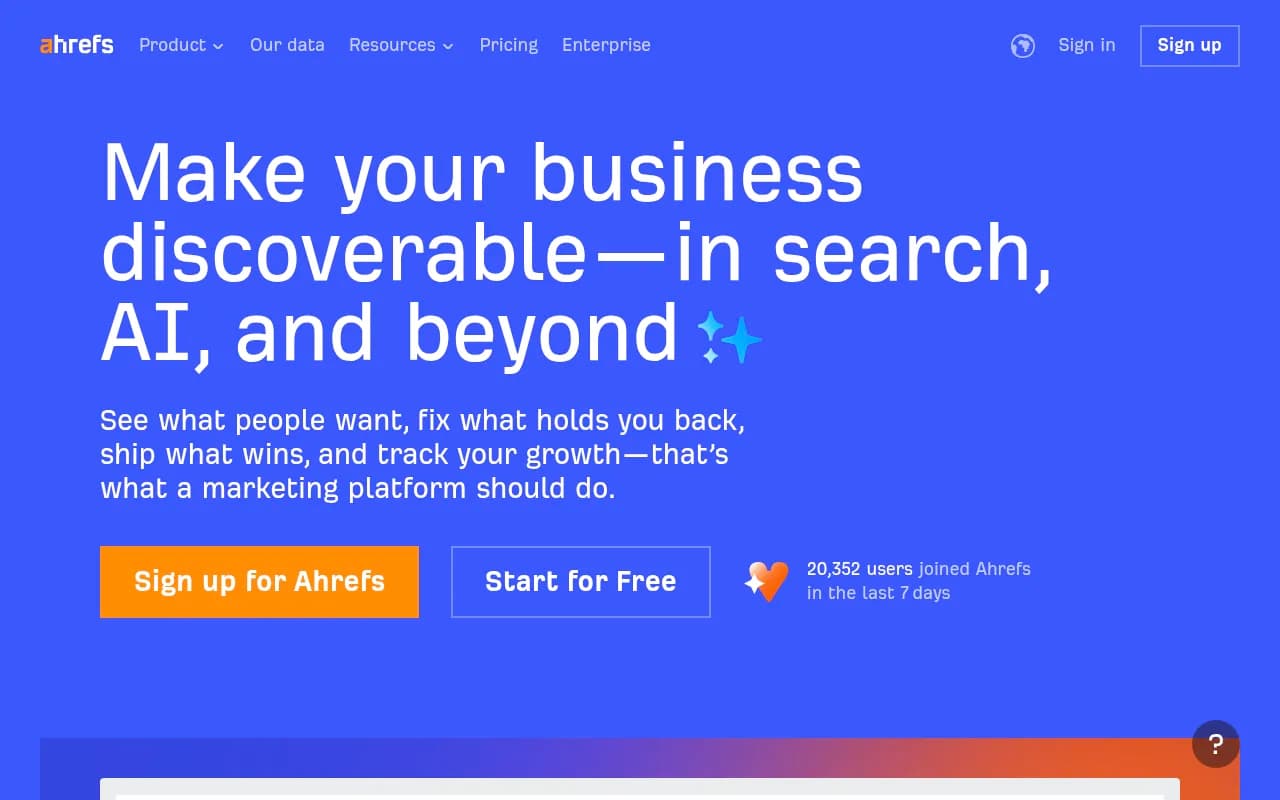
Ahrefs Brand Radar
Similar story to Semrush -- existing Ahrefs users can add Brand Radar quickly, but the fixed prompt structure limits customization. There's also no AI traffic attribution, so you can see mentions but can't connect them to actual site visits.
Rankscale
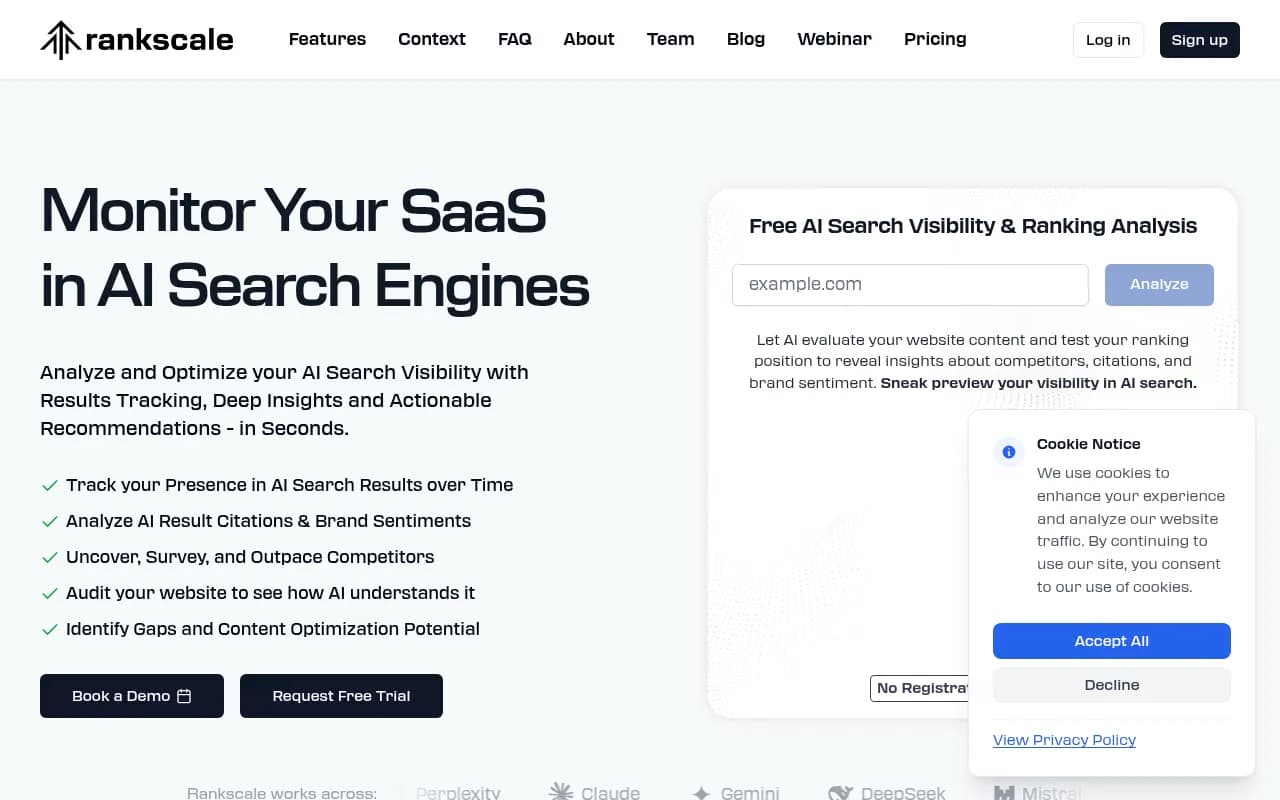
Rankscale has a clean, modern interface and gets you to initial data reasonably quickly. It's a solid mid-tier option for teams that want more depth than Otterly but less complexity than Profound.
ZipTie
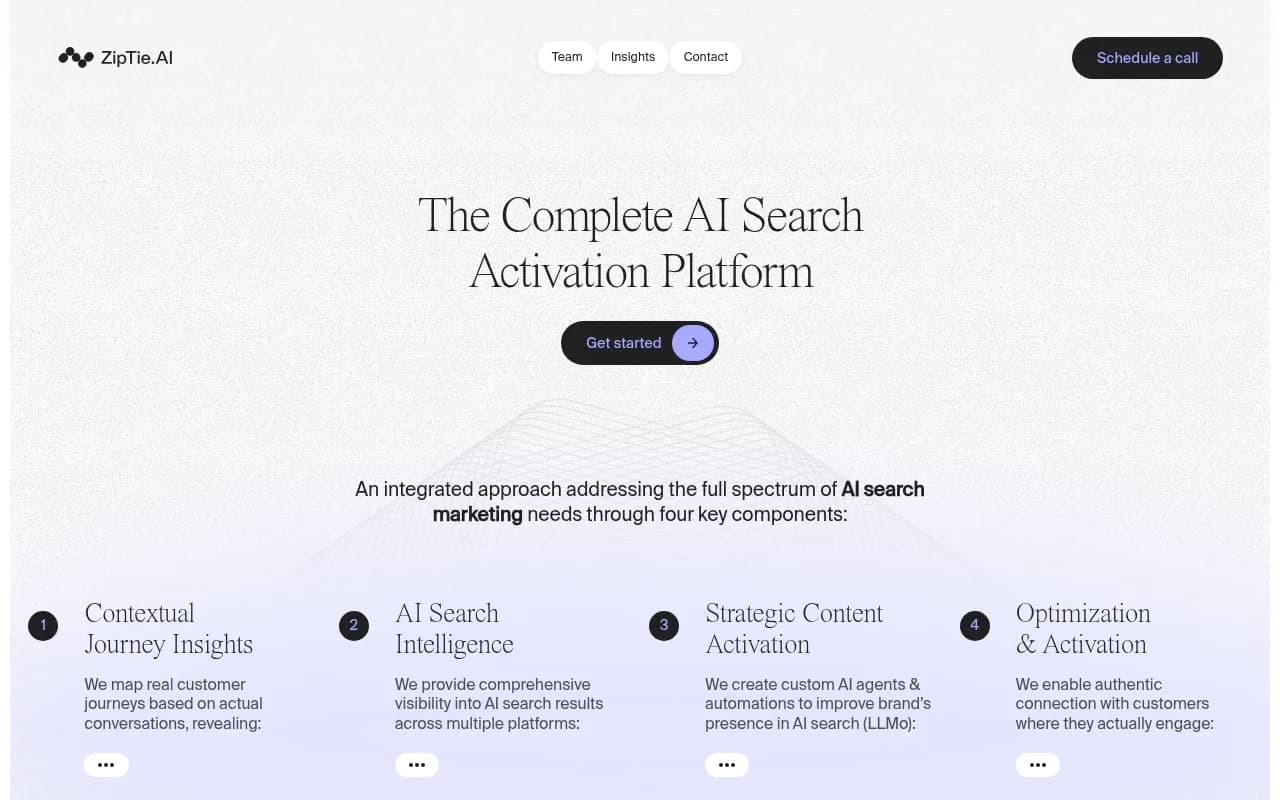
ZipTie is positioned around deep analysis for AI search visibility. The onboarding is more involved than lighter tools, but the depth of analysis you get in return is meaningful -- particularly for competitive intelligence.
Comparison table: onboarding speed and depth
| Platform | Time to first data | Prompt setup | Content generation | Traffic attribution | Best for |
|---|---|---|---|---|---|
| Promptwatch | ~10-15 min | Auto-suggested | Yes (built-in AI writer) | Yes (snippet, GSC, logs) | Teams that want to act, not just monitor |
| Profound | 1-2 days | Manual + organized | No | Limited | Enterprise AI search programs |
| Otterly.AI | ~10 min | Manual | No | No | Quick, lightweight monitoring |
| Peec AI | ~1 day | Manual | No | No | Multi-language monitoring |
| AthenaHQ | ~20-30 min | Manual | No | No | Multi-model monitoring |
| SE Ranking | ~30 min (new users) | Manual | No | Via existing suite | Teams already using SE Ranking |
| Semrush | ~30 min (new users) | Fixed prompts | No | No | Existing Semrush customers |
| Ahrefs Brand Radar | ~20 min (new users) | Fixed prompts | No | No | Existing Ahrefs customers |
| Rankscale | ~20 min | Manual | No | No | Mid-tier monitoring |
| ZipTie | ~30-45 min | Manual | No | No | Deep competitive analysis |
The onboarding trap: fast setup vs. fast value
Here's the thing about onboarding speed: it's not the same as time-to-value.
A tool that gets you looking at a dashboard in 5 minutes but shows you data you don't know how to act on hasn't actually saved you time. You've just moved the bottleneck from "setup" to "now what?"
This is the core problem with monitoring-only GEO tools. They onboard quickly because there's not much to set up -- enter your brand, pick some prompts, watch the numbers. But when you see that your AI visibility score is 23% and your competitor's is 61%, the tool has nothing more to tell you. You're left exporting a CSV and trying to figure out the next step on your own.
The platforms that deliver the fastest actual value are the ones that connect monitoring to action. That means:
- Showing you which specific prompts you're losing (not just an aggregate score)
- Identifying the content gaps that explain why you're losing them
- Giving you a way to create content that addresses those gaps
- Tracking whether that new content actually improves your visibility
That full loop is rarer than you'd think. Most platforms stop at step one or two.
What to look for in your first week
If you're evaluating a GEO tool, here's a practical checklist for your first seven days:
Day 1: Can you see initial AI visibility data for your brand? Even rough numbers are fine -- you just want to confirm the platform is working and tracking the right prompts.
Day 2-3: Can you see competitor data? Knowing your own visibility score is less useful without context. You want to see how you compare to two or three direct competitors on the same prompts.
Day 4-5: Can you identify specific gaps? Not just "your visibility is lower than competitor X" but "competitor X appears in responses to these 12 specific prompts and you don't." That specificity is what makes the data actionable.
Day 6-7: Can you do something about those gaps? Whether that's creating new content, optimizing existing pages, or publishing on external sources that AI models tend to cite -- the platform should give you some direction here, not just a list of problems.
If a platform can't get you through all four of those steps in a week, it's either too slow to onboard or too shallow to be useful long-term.
A note on crawler logs
One underrated onboarding feature that most platforms don't have: real-time AI crawler logs. These show you when AI bots (ChatGPT's crawler, Claude's crawler, Perplexity's crawler) are visiting your site, which pages they're reading, and whether they're encountering errors.
This data is available from day one -- you don't need to wait for query runs or baseline periods. It tells you immediately whether AI models are even finding your content, which is foundational information for any GEO program.
Very few platforms offer this. Promptwatch includes crawler logs in its Professional plan and above. Most competitors don't have this feature at all, which means they're missing a whole category of diagnostic data that's immediately available after setup.
Recommendations by use case
If you're a solo marketer or small team and want to get started quickly without a lot of configuration overhead, Otterly.AI or Peec AI will get you to basic monitoring data fast. Just go in knowing you'll hit a ceiling.
If you're an SEO team that's already deep in Semrush or Ahrefs, adding their AI visibility features is the path of least resistance. The data is shallower than purpose-built GEO tools, but the integration with your existing workflow has real value.
If you want to actually move the needle on AI visibility -- not just track it -- you need a platform that goes beyond monitoring. Promptwatch is the most complete option here: faster onboarding than Profound, deeper action capabilities than Otterly or Peec, and the only platform that combines crawler logs, gap analysis, and content generation in one place.
If you're an enterprise team with dedicated resources and AI search is a strategic priority, Profound is worth the longer onboarding investment. It's built for that use case.
The bottom line
Most GEO tools will get you to a dashboard quickly. Fewer will get you to useful data quickly. And very few will get you to action quickly.
The onboarding experience matters, but it's really just a proxy for the bigger question: how long until this tool is actually changing something about your AI visibility? For monitoring-only tools, that answer is "never, you'll have to figure that out yourself." For platforms built around the full optimization loop, the answer can be a matter of days.
Pick the tool that matches where you want to be in 30 days, not just where you want to be in 30 minutes.