Key takeaways
- ChatGPT, Google AI Overviews and Google AI Mode adapt "near me" answers to the user's location, so a prompt tracker without a real location signal gets an answer for wherever the engine guesses.
- There are four ways tools set location: point and radius, city or state, geo-grid scan, and business-location anchor. Only point and radius lets you track a neighborhood or a competitor's block.
- Promptwatch is the only platform in this comparison that pairs exact-coordinate tracking with content creation and crawler analytics. Local Falcon, BrightLocal and Yext Scout are strongest on classic local SEO workflows.
- Verify pricing on each vendor's site before buying. Local tracking is often gated to higher plans.
Why local GEO tracking is its own problem
A normal prompt tracker asks ChatGPT something like "best dentist near me" and records whether your brand shows up. That sounds fine until you realize the answer depends on where the question is asked from. According to Promptwatch's own write-up on local GEO (published November 3, 2026), ChatGPT added location sharing in March 2026, and a user who shares a precise location gets a shortlist built around that spot, with distances, ratings and map links.
That breaks a few assumptions:
- A city is too wide. Two neighborhoods in the same city can get different shortlists for the same question.
- A chain can be recommended in one district and be absent a few kilometers away.
- The sources differ by area. Neighborhood guides, review sites and local directories decide who AI names, and those change from place to place.
- A "near me" prompt run with no location signal returns an answer for whatever place the engine picks. That tells you almost nothing about any one branch.
A useful local GEO tool records four things for each location: whether you are mentioned, where you rank in the shortlist, which nearby competitors are named instead, and which sources were cited.
One caveat before we go further. The location-method comparison later in this guide draws on research published by Promptwatch, which is also on the list. I have flagged where that matters, and you should check each vendor's pricing page yourself.
The four ways tools set location
This is the most useful lens for comparing tools, because the method decides what questions you can answer.
Point and radius
The prompt runs as if asked from exact coordinates, with a radius around them. It is the closest match to what ChatGPT does when a user shares a precise location. It is also the only method that lets you monitor a neighborhood, or a competitor's block, without owning a listing there.
City or state targeting
Shows what AI recommends across a whole city or state. Good for regional brands, too coarse for individual branches.
Geo-grid scan
One keyword is checked from many points on a grid. This comes from Google Maps rank tracking, and some tools have extended it to AI answers. It is excellent for visualizing how visibility fades with distance.
Business-location anchor
Prompts are tied to each listed business address, usually with a capped prompt set. Simple to set up, but you only see locations you own.
The 9 platforms compared at a glance
| Platform | Location method | Best for | Pricing signal |
|---|---|---|---|
| Promptwatch | Point and radius (20 m to 5 km), plus country, state, city | Multi-location brands and agencies that want to fix gaps, not only see them | Country, state, city on every plan; point and radius from Business ($579/mo) |
| Local Falcon | Geo-grid scan, 3x3 to 21x21 points | Visualizing visibility spread around a store | Credit-based, from $24.99/mo |
| BrightLocal | Anchored to each business location | Agencies already doing local SEO | From $31/mo |
| SE Ranking (SE Visible) | City and region | Teams already on SE Ranking | Basic plan $89/mo and up |
| Yext Scout | Per business location, by GBP category and region | Enterprises managing listings at scale | Not published |
| Peekaboo | City (65,000+ cities) | Budget city-level checks | Paid plans from $30/mo |
| RadarKit | City-level residential IPs | Enterprise, custom needs | Custom pricing |
| Semrush | Country and market level, local controls vary by plan | Teams standardized on Semrush | Check vendor |
| Peec AI | Multi-language and multi-country tracking | Cross-market prompt monitoring | Check vendor |
Location methods and engine coverage for the first seven rows come from Promptwatch's local GEO research, and pricing was not independently verified. Semrush and Peec AI rows reflect their general positioning, so confirm local-specific controls with each vendor.
1. Promptwatch
Promptwatch is the only tool here that tracks from exact coordinates and then helps you act on what it finds. Local GEO/SEO Targeting, released October 27, 2026, lets you create a monitor, search an address, city or landmark (or click the map, or type coordinates), and pick a radius from 20 m to 5 km. Small radius for a single store, larger for a town.
Answers come from the live ChatGPT and Google interfaces rather than APIs, which is why they include distances, ratings and map links. Point and radius works for ChatGPT, Google AI Overviews and Google AI Mode. Other models use the monitor's country, state and city.

A few practical details that matter for multi-branch brands:
- Each monitor holds one location, with its own time series and competitor set. Copying a monitor keeps the location, so rolling out 40 branches takes minutes rather than days.
- The Citations view shows which sources sit behind the answer at that pin, and content gap analysis tests the sub-queries behind those answers against your site.
- The REST API and MCP server accept and return the same location fields, so monitors can be created and reported on in bulk.
- Beyond local, it has crawler logs, visitor analytics, a Content Agent that publishes to WordPress, Webflow or Framer, and Agent Chat.
Limitations are worth knowing. A monitor's location is fixed once created, so moving a pin means a new monitor. Point and radius is only on Business ($579/mo), Agency Scale ($799/mo) and Enterprise. City, state and country tracking are on every plan. Confirm current numbers at promptwatch.com/pricing. There is a 7-day free trial on monthly billing, and a free AI visibility report if you just want a first look.
Agencies get unlimited projects and prompts on the agency plans, which suits client rollouts. See the agencies page for details.
2. Local Falcon
Local Falcon is the geo-grid specialist. It checks one keyword from a grid anywhere from 3x3 to 21x21 points and extends the method to ChatGPT, Gemini, Google AI Overviews, Google AI Mode and Grok. The heatmaps are the draw: you see exactly where visibility drops off as you move away from the store.
The tradeoff is scope. It is a tracking tool, not a content or crawler platform, and credit-based plans (from $24.99/mo) mean costs climb when you scan a lot of grid points. Best for single-location or few-location businesses that think in Google Maps terms.
3. BrightLocal
BrightLocal anchors AI tracking to each business location and covers ChatGPT, Google AI Overviews and Google AI Mode. Plans (Track, Manage and Grow) start from $31/mo. Its real value is that AI tracking sits next to listings, reviews and local rankings, which agencies already juggle.
Because prompts are tied to listed addresses, you can't easily look at a competitor's neighborhood where you have no presence. For existing local SEO customers it is the lowest-friction option.
4. SE Ranking (SE Visible)
SE Ranking and its AI visibility product SE Visible track at city and region level, down to state where supported, across ChatGPT, Google AI Overviews, Gemini and Google AI Mode. The Basic plan is $89/mo and up.
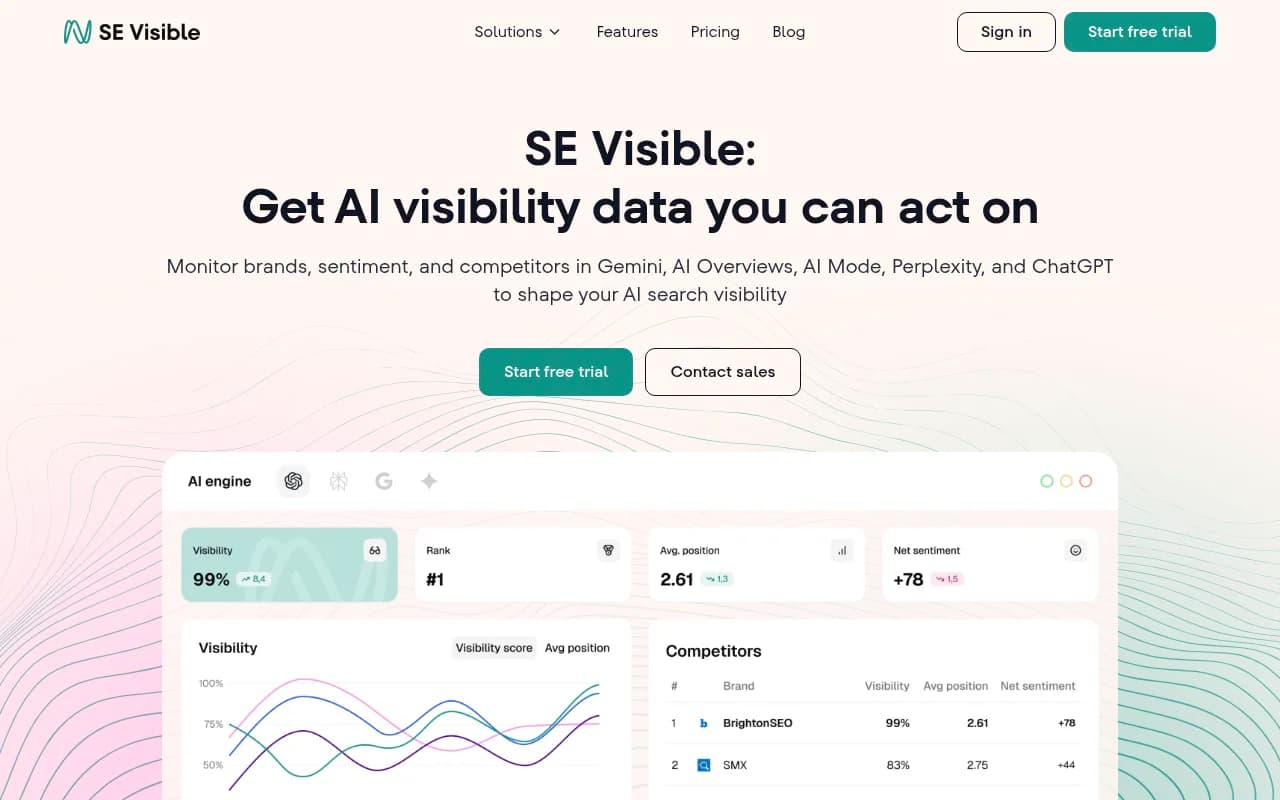
Good fit if your team already lives in SE Ranking and wants one login. City-level is enough for regional brands but not for branch-by-branch comparison. SE Ranking also publishes a useful guide on choosing which prompts to track, which is worth reading before you build any monitor.
5. Yext Scout
Yext Scout is the pick Zapier's roundup gives for local tracking. It works per business location, organized by Google Business Profile category and region, and covers ChatGPT, Gemini, Perplexity and Grok alongside Google search. Pricing is not published, which usually signals enterprise sales cycles.
Its strength is the link to Yext's listings management: tracking and the thing you'd change (listings data) are in one system. If you manage hundreds of locations and already pay for Yext, start here.
6. Peekaboo
Peekaboo covers more than 65,000 cities, with paid plans from $30/mo, and focuses on Google AI Mode with other engines on expanded coverage. It is a cheap way to sanity-check city-level answers. City is the floor, though. No neighborhood-level control.
7. RadarKit
Radarkit uses city-level residential IPs to simulate users in different places. Local engine coverage isn't clearly specified in what I could find, and pricing is enterprise and custom. Worth a conversation if you have unusual proxy or compliance requirements, less obvious otherwise.
8. Semrush
Semrush added AI visibility tracking on top of its SEO suite. It is a sensible choice if your team already runs keyword research and audits there, and you only need market-level (country) AI monitoring. I would not pick it for branch-level local GEO. Check current local controls before buying, since these features shift between plans.
9. Peec AI
Peec AI is built around multi-language and multi-country tracking. That makes it good for answering "how do we look in Germany versus the UK", and weaker for "how do we look two kilometers from our Leeds store".

For country-level comparisons it is a clean, reasonably priced option. Verify whether it has added finer location targeting since this was written.
How to choose
| Your situation | Likely pick |
|---|---|
| 20+ branches, want to track and then fix content gaps | Promptwatch |
| One store, want a visual map of visibility spread | Local Falcon |
| Agency already running citations and reviews | BrightLocal |
| Enterprise with a listings program | Yext Scout |
| Already on SE Ranking, city-level is enough | SE Visible |
| Tight budget, city-level checks | Peekaboo |
| Cross-country brand comparison | Peec AI |
Two questions settle most decisions. First, do you need neighborhood precision, or is city enough? If city is enough, almost everything on this list works and price decides. If you need neighborhood or competitor-block precision, point and radius is the method to look for. Second, do you want a tool that reports, or one that helps you change the result? Most trackers stop at reporting.
Setting up local prompt tracking well
Write prompts the way locals ask
Use real phrasing: "emergency plumber open now", "best pizza near the station". Keep a mix of branded, generic and competitor-comparison prompts. Tools like Promptwatch can suggest prompts from Search Console data and People Also Ask, which beats guessing.
One monitor per location
Mixing locations in one monitor blurs the data. Separate time series and competitor sets per location let you see which branch is losing ground, and why.
Pick radius deliberately
A 20 m radius fits a single storefront. A few kilometers fits a town where customers travel. Test two radii on a pilot branch before copying the setup everywhere.
Read the sources, not just the rank
The cited sources tell you what to fix. If AI keeps citing a neighborhood guide that omits you, the work is outreach or listings, not a new blog post.
What the data says about AI answers more broadly
Local behavior sits on top of general AI citation patterns. Promptwatch Data found that almost half of ChatGPT responses cite 10 or more unique domains (Sep 28 to Oct 4, 2026), and that product pages are the most cited content type at 22.4% in the same week. For a local business, that suggests your location and service pages carry real weight, not only reviews and directories. Promptwatch Data has no local-specific report yet, so treat the local findings above as methodology rather than measured benchmarks.
Where to look next
If none of these fit, the GEO software directory at bestgeosoftware.com lists many more platforms, and the roundup from Zapier is a decent vendor-neutral starting point.
Bottom line
For city-level monitoring, pick whatever fits your existing stack and budget. For neighborhood precision across many branches, point-and-radius tracking is what you want, and Promptwatch is the one here that also publishes the fixes and measures whether they worked. For a single store where you want a heatmap, Local Falcon is hard to beat on price. Run a two-week pilot on three locations before committing, and check each vendor's pricing page, because local features are often locked to higher tiers.