Key takeaways
- E-commerce tracking happens at two levels. Prompt-level tracking tells you if your brand is named in a buying answer. Product-level tracking reads the product cards (price, merchant, rating, carousel position) and matches them to your catalog.
- Most tools on the market only do the first level. Few read shopping carousels, and the ones that do tend to sit on higher plans.
- Track category and budget prompts like "best self-tanner for sensitive skin" or "best running shoes under $120", not just your own product names. The shortlist gets written before the shopper has picked a brand.
- Shopping features still trigger on a low single-digit percentage of ChatGPT web-search responses, so a prompt tracker that ignores plain text answers and cited sources will miss most of the picture.
- Check prompt count and refresh rate before price. Fifteen prompts cover one category, not a range.
Why e-commerce needs its own kind of prompt tracking
A SaaS company can get by tracking a few dozen comparison prompts. A store with 400 products and eight categories cannot. The questions are different, the answer formats are different, and the thing you care about is different too. You want to know whether a specific product shows up in a tile, at what price, next to which competitors, and whether the page that backs it up is one the model can read.
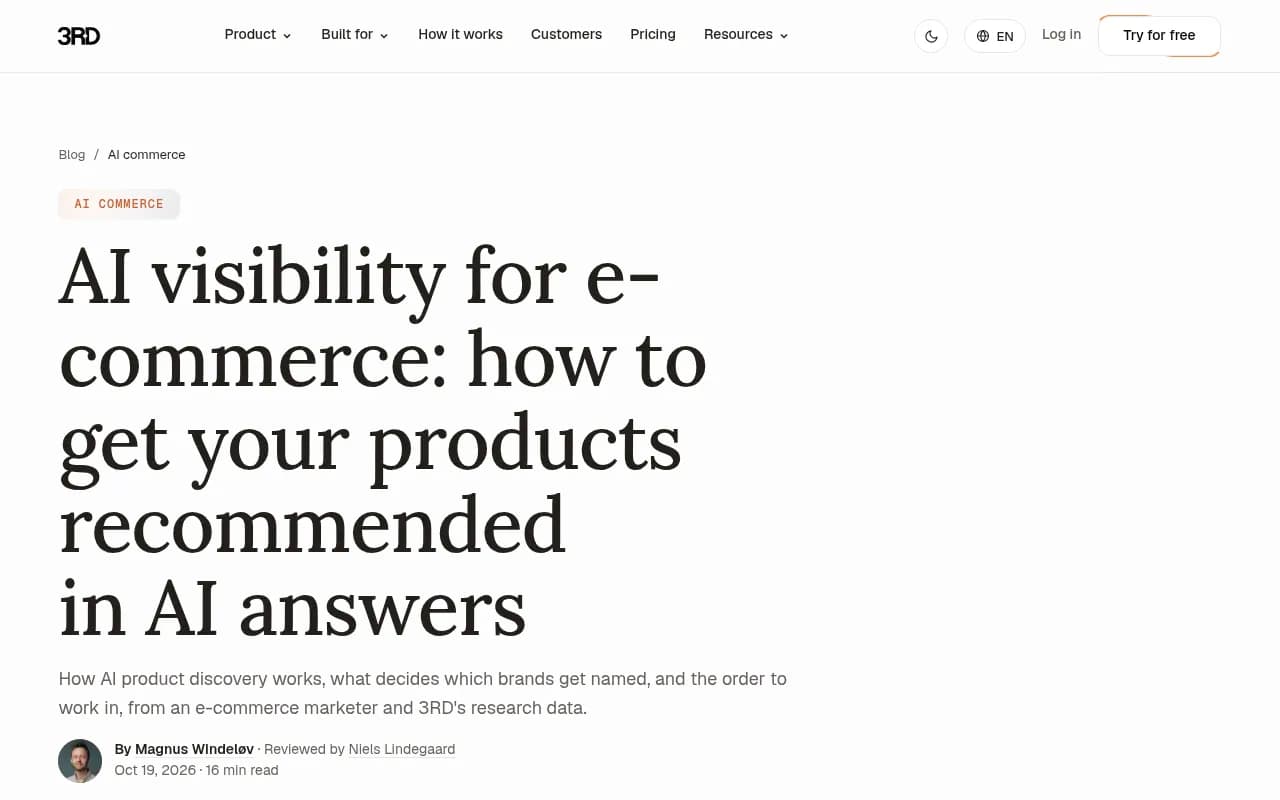
There is a common mistake I see in store audits. Teams type their own product names into ChatGPT, see themselves everywhere, and decide they're fine. But branded prompts are the easy ones. As 3RD's e-commerce guide puts it, the shortlist gets written on questions like "best self-tanner for sensitive skin", where the shopper hasn't chosen a brand yet. That's where you need to be tracked.
The three prompt types worth tracking
Category and audience prompts
"Best [category] for [audience]" is the workhorse. "Best standing desk for small apartments." "Best moisturizer for oily skin." These decide who gets onto the shortlist, and they're where most unaided discovery happens.
Budget and attribute prompts
"Best [category] under [budget]" and variants with a material, size or use case. These trigger shopping features far more often than generic informational prompts. Promptwatch's data on ChatGPT Shopping usage shows product cards, recommendations and price comparisons concentrate on commercial and transactional prompts, with trigger rates far above the all-prompt average.
Product and brand prompts
"Is [brand] [product] worth it", "[product] vs [competitor product]", "where to buy [product]". Lower volume, higher intent. These are also where reviews and third-party pages matter most.
A sensible starting split is roughly 60% category and budget prompts, 25% comparison prompts, 15% branded. Adjust once you see where the gaps are.
What the data says about shopping surfaces
It helps to keep expectations calibrated. In Promptwatch's rolling report, shopping features attach to only a low single-digit percentage of ChatGPT responses where web search ran. The rate moves in steps: it roughly doubled overnight in late May and then fell back weeks later, which looks like OpenAI tuning when product cards appear. So a flat line in your carousel tracking one week doesn't mean you lost anything.
The text answers and the sources behind them matter just as much. In Promptwatch's ChatGPT citation share by content type report (Sep 28 to Oct 4, 2026), product pages were the most cited type at 22.4% of citations, followed by landing pages at 16.8% and listicles at 13.6%. For commercial prompts specifically, product pages hit 26.0%, landing pages 20.6%, listicles 15.0% and comparisons 7.9%. Those four types make up almost 70% of commercial citations.
Two practical readings of that. First, make your product pages comparable: price, specs and intended audience stated plainly. Second, being in the "best of" roundups ChatGPT cites is worth real effort, because listicles are the third most cited format.
Ads are the other thing to watch. Promptwatch's ChatGPT ads over time report (May 20 to Aug 17, 2026) found ads in an average of 20.1% of ChatGPT responses that ran a web search, with a peak daily rate of 43.9%. If you sell in a competitive category, a tracker that records which advertisers take the slot on your prompts is useful, not a nice-to-have.
What to check before you buy
- Does it read product cards, or only text mentions? Ask whether it captures price, merchant, rating and carousel position, and whether it can match to your catalog by product ID.
- Which surfaces does it use? Real interface data and API output can differ for shopping answers. ChatGPT and Amazon Alexa carousels are the two that matter most today, with Google AI Mode and AI Overviews close behind.
- Prompts and price. Fifteen prompts cover one category, not a whole range. Do the math on your actual catalog before comparing entry prices.
- Refresh rate. Daily is the baseline. If you run promotions or launches, faster is better.
- Does it show cited sources and crawler activity? Tracking tells you that you're missing. Sources and crawler logs tell you why.
- Does it do anything after the report? A dashboard that says "visibility 14%" is only the start.
Comparison table: prompt tracking tools for e-commerce
Prices below come from vendor-authored comparisons and pricing pages. Alexandrya.AI and Rank Prompt both sell competing products, and neither comparison included hands-on testing, so confirm everything on the vendor's own pricing page before buying.
| Tool | Entry price (approx.) | Reads shopping carousels / product cards | Best for |
|---|---|---|---|
| Promptwatch | $95/mo Essential; Shopping from Business at $579/mo | Yes, ChatGPT and Amazon Alexa product results, plus Ads Radar | Teams that want tracking plus fixing in one product |
| Profound | Enterprise only | Yes, SKU-level inside ChatGPT Shopping | Large retailers with enterprise budgets |
| Peec AI | From about EUR 85/mo | Product tracking documented | Multi-market retail groups |
| Rankscale | From about EUR 99/mo | Product tracking documented | Budget-conscious stores |
| Goodie | From $399/mo | Yes, Amazon Rufus / Alexa for Shopping on Pro and above | Amazon sellers |
| Otterly.AI | Low entry price | Records shopping cards and prompt-level ads | Category teams piloting before SKU-level tracking |
| Rank Prompt | From $49/mo | No feed ingestion; category prompts only | Category and comparison queries on a budget |
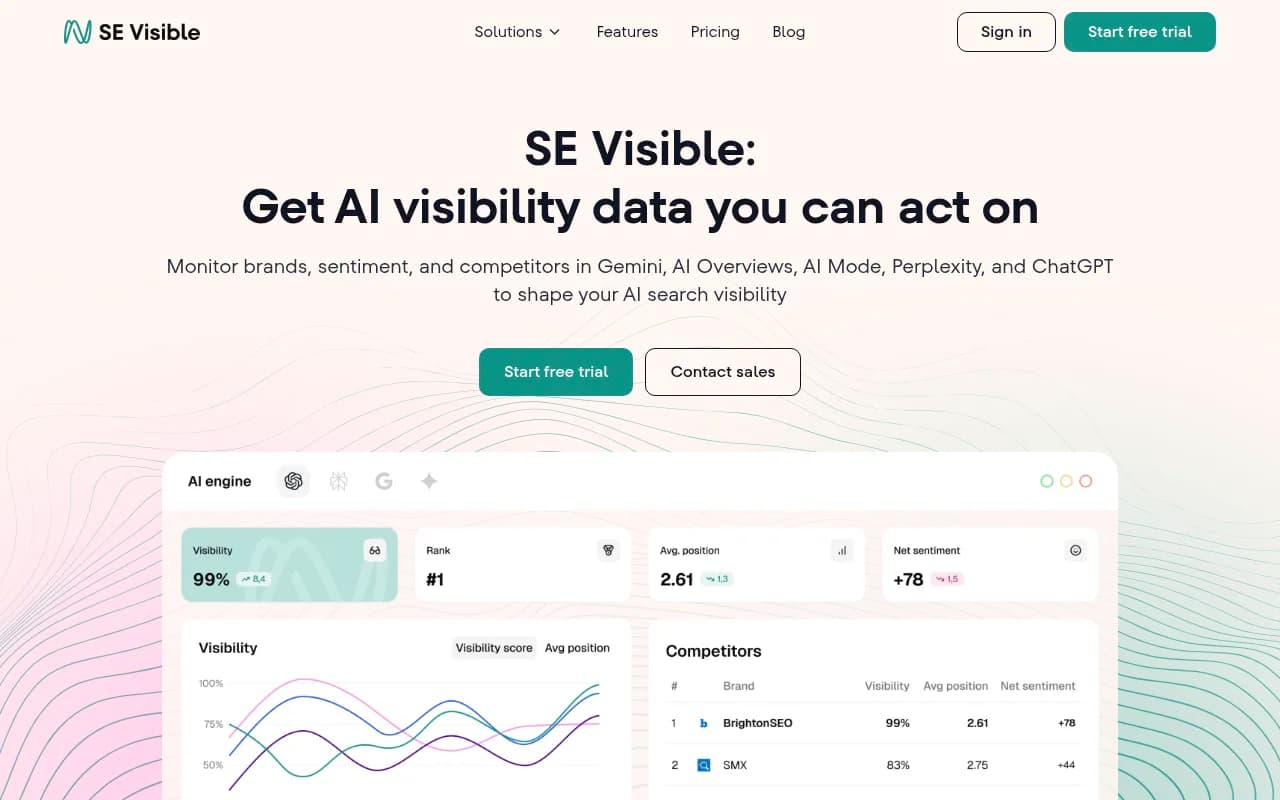
| SE Visible | Low entry price | No, reads brands and prompts only | SEO teams already in SE Ranking |
| Semrush AI Visibility | Add-on to Semrush | Limited | Teams that live in Semrush |
The tools, in more detail
Promptwatch
Promptwatch is the one I'd put first for a store that wants to act on the data, not just watch it. Its ChatGPT Shopping tracking reads product cards from ChatGPT and Amazon Alexa and shows which products AI recommends, which competitors it picks instead, and how your uploaded catalog performs, filterable by model, date range and monitor. Shopping is on the Business plan ($579/mo), so the entry-level Essential plan ($95/mo) gets you prompt tracking but not carousels. Confirm current pricing at promptwatch.com/pricing.

What separates it from pure trackers is what happens next. The Action Board turns gaps into a prioritized to-do list, the Content Agent can write and publish pages to WordPress, Webflow or Framer, and IP-verified AI crawler logs show whether bots can even read your product pages. Visitor analytics then show whether AI sends traffic and conversions. For e-commerce that loop matters: if ChatGPT cites a competitor's product page over yours, you can see whether your page was crawled, whether it was cited, and whether the fix worked. Prompt volumes and difficulty scores also help you decide which category prompts deserve attention first.
Crisp, a Promptwatch customer, reported 2x higher conversion rates from AI traffic than from traditional channels. That's one case study, not a promise, but it's the kind of measurement most trackers can't provide. There's a head-to-head with the enterprise alternative at Promptwatch vs Profound. You can start with the 7-day free trial or the free AI visibility report.
Profound
Profound documents its shopping mode as a carousel of product tiles shown in place of a text answer, and it's strong at SKU-level tracking inside ChatGPT Shopping. The catch is price: it's an enterprise sale. Good monitoring, no Reddit tracking and no agentic content execution.

Peec AI
Peec AI documents product tracking from around EUR 85 a month and handles multiple markets and languages well. The Alexandrya.AI team, which published one of the comparisons behind this guide, has used it for about six months in client projects. It's a tracker, so expect no crawler logs or content generation.

Rankscale
Rankscale documents product tracking from around EUR 99 a month. A reasonable choice if you want to try product-level monitoring on a small budget.
Goodie
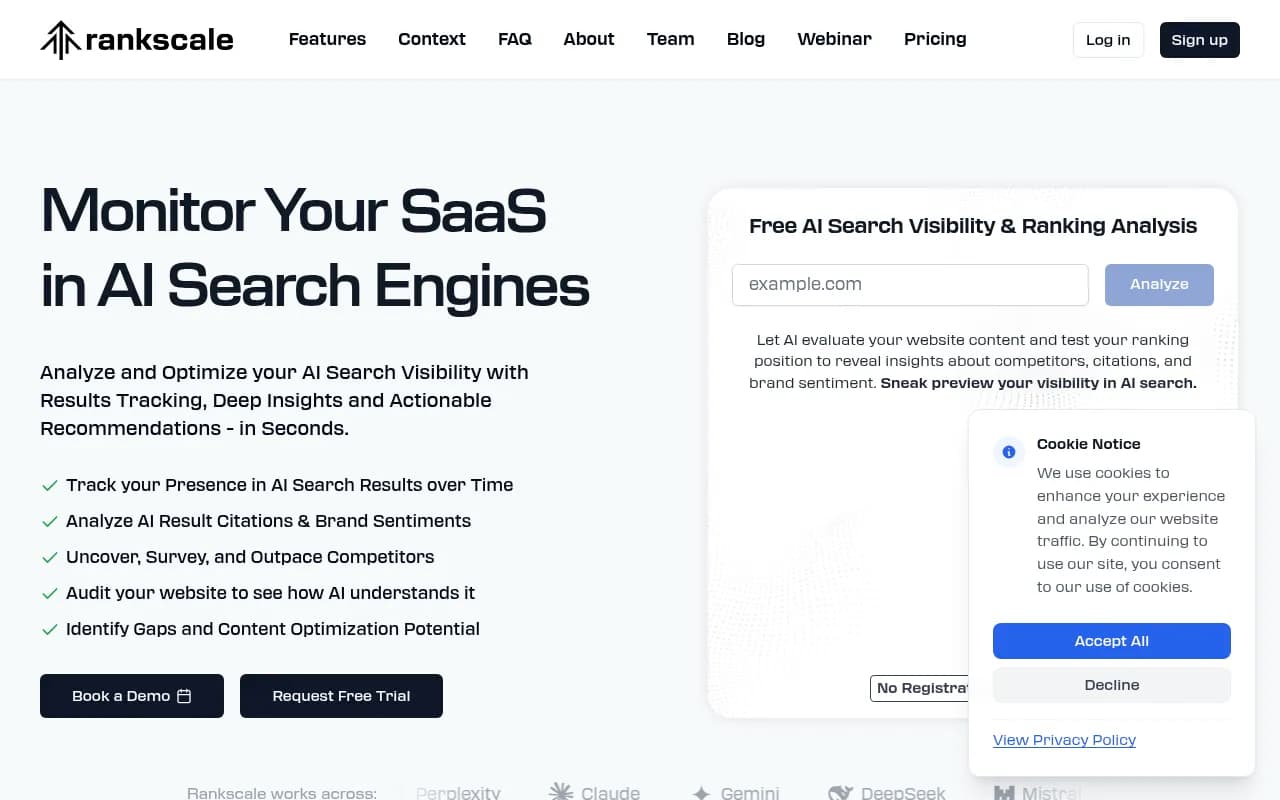
Goodie is the pick if Amazon is your main channel. Its Rufus and Alexa for Shopping coverage sits on Pro and above, starting around $399 a month with 100 prompts at entry level, which is not a lot for a wide catalog.
Otterly.AI
Otterly.AI is a good pilot tool. Category teams use it to record shopping cards and prompt-level ads before committing to SKU-level tracking. It's a monitor, not an optimizer.

Rank Prompt
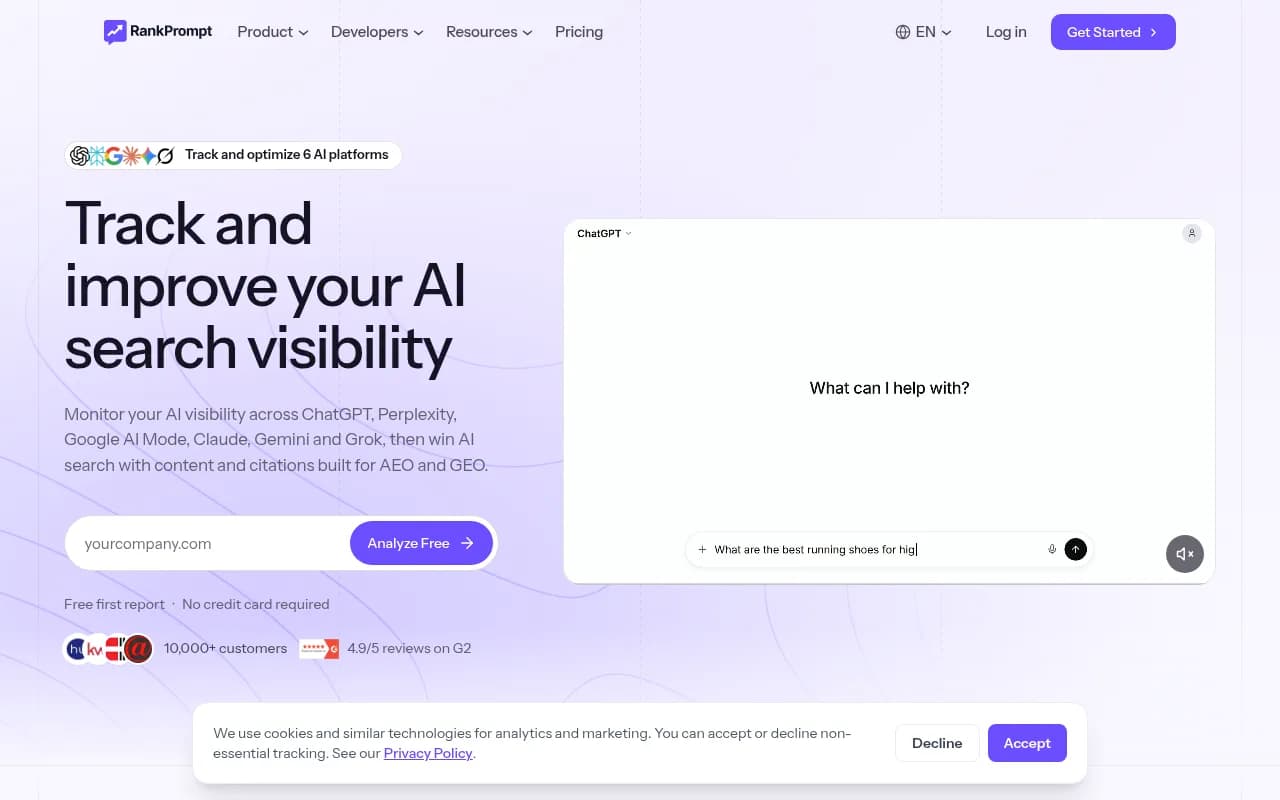
Rank Prompt is cheap, from $49 a month with 150 prompts, and covers category and comparison queries across seven engines. Its own comparison admits it does not ingest a product feed, which rules it out for pure SKU shelf tracking. Note that the vendor wrote that comparison.
SE Visible, Semrush and other suite add-ons
If your SEO team already pays for a suite, the add-ons are the path of least resistance. The trade-off: they read brands and prompts, not feeds or carousels, so product questions have to go into category prompts. Tools like SE Visible and Semrush's AI Visibility fit that pattern.
Shopping-specific options worth a look
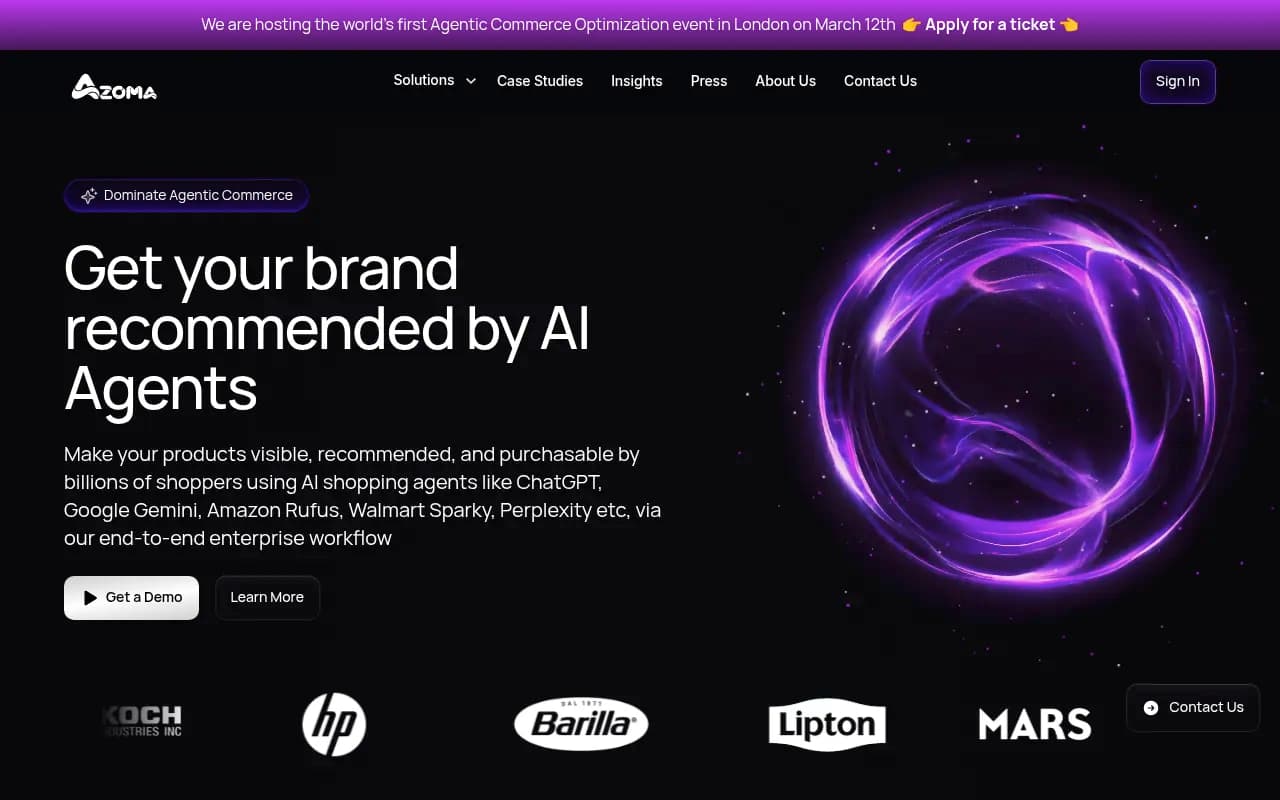
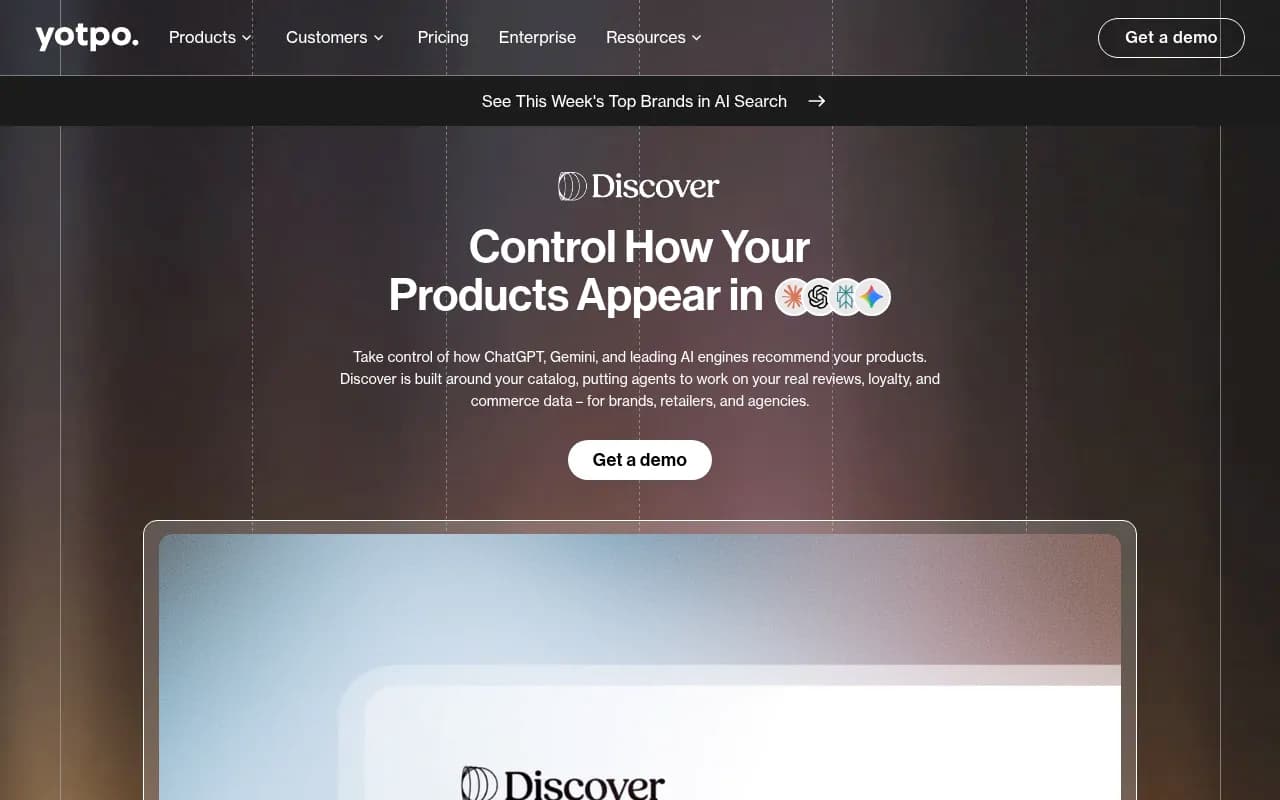
A few catalog entries are built around commerce rather than generic brand tracking: Azoma for enterprise AI shopping optimization across ChatGPT and Rufus, Yotpo Discover for product discovery, and Goodie AI for agentic commerce. I haven't compared them head to head, so treat them as a shortlist to demo rather than a ranking.
How to set up a first tracking project
Step 1: Pick one category
Don't start with the whole catalog. Choose the category with the most revenue or margin and write 20 to 30 prompts across category, budget and comparison types.
Step 2: Add personas and a location
A shopper asking "best running shoes for flat feet" is not the same as one asking for "cheap running shoes". Persona stacking catches that. If you sell locally or ship regionally, set the country (or state and city on higher plans) so answers match what your buyers see.
Step 3: Run a baseline for at least a week
Shopping triggers are noisy. One run can land on an outlier day, which is true for ads and carousels both. Look at the 7-day pattern, not a single screenshot.
Step 4: Read the sources before the scores
For every prompt where you lose, look at which pages are cited. Often it's a listicle, a retailer's category page, or a marketplace. That tells you whether the fix is a product page rewrite, a PR push into roundups, or a review campaign.
Step 5: Fix the catalog basics
Complete Product schema, accurate price and availability, and a clean merchant feed. Promptwatch's advice here matches what most vendors say, and it's boring but correct. Check that AI crawlers can actually reach your product pages; the free AI crawler URL inspector is a quick test.
Step 6: Treat it like early Google Shopping
Modest traffic now, but early product visibility tends to be hard to displace later. That's a judgment call rather than a proven law, yet the cost of tracking early is low.
Common mistakes
- Tracking only branded prompts and concluding visibility is fine.
- Buying on entry price without checking prompt limits. A $49 plan with 150 prompts and a $95 plan with 50 prompts are not the same shape of product.
- Using API-only tools for shopping answers. Interface answers and API answers can differ.
- Ignoring ads. With ads in roughly one in five web-search responses during mid-2026, paid slots are part of what shoppers see.
- Expecting carousels every time. They are a low single-digit share of responses overall.
Which should you choose?
- Store that wants tracking plus content and crawler fixes: Promptwatch on Business, or Essential if you only need prompt-level tracking at first.
- Enterprise retailer with SKU-level needs and budget: Profound or Promptwatch Business and above.
- Amazon-first seller: Goodie.
- Multi-market retail group on a tighter budget: Peec AI.
- Pilot with minimal spend: Otterly.AI or Rank Prompt.
- Already inside a suite: the Semrush or SE Ranking add-on, with the product-level limitation in mind.
If you're still building the shortlist, the directories at bestgeosoftware.com and ai-rank-tools.com list far more options than fit here. And for broader data on what AI actually cites, browse Promptwatch Data.
The screenshot above is from one of the vendor comparisons used for this guide. It's worth reading for the prompt-level versus product-level framing, as long as you remember the author sells a competing tool.