Key takeaways
- Most AI visibility platforms offer some form of Slack integration, but the depth varies wildly -- from simple mention pings to full workflow-embedded alert systems
- Real-time or near-real-time alerts matter because AI model responses shift frequently; a brand that was cited yesterday might be dropped today
- The best platforms combine Slack alerts with actionable data: not just "you were mentioned" but "here's what changed and why"
- Promptwatch stands out by connecting alerts to content gap analysis and AI content generation -- so when you get a Slack ping about a visibility drop, you can actually do something about it
- Slack-native tools like Hall AI are built around the channel experience, while enterprise platforms like Profound treat Slack as one of several notification layers
If your marketing team runs on Slack -- and most do -- then getting AI visibility data into that workflow isn't a nice-to-have. It's the difference between acting on an insight the same day and finding out three weeks later in a monthly report.
The problem is that AI search visibility is genuinely volatile. ChatGPT's responses shift. Perplexity changes which sources it cites. Google AI Overviews rewrite themselves based on new content. A competitor publishes a comparison article that starts getting cited everywhere, and suddenly you've lost ground on a dozen prompts you were winning last week.
Without alerts, you're checking dashboards manually -- which means you're always behind. With good Slack integration, your team gets notified the moment something meaningful changes, right inside the tool they're already using.
This guide covers which platforms actually deliver on that promise in 2026, what to look for when evaluating them, and how to think about building a real-time AI visibility workflow.
Why Slack integration matters for AI visibility specifically
Traditional SEO rank tracking sends weekly email digests. That cadence made sense when Google rankings moved slowly. AI search is different. LLM responses can change daily -- sometimes within hours -- based on new content, model updates, or shifts in citation patterns.
That volatility means the monitoring frequency and alert speed of your platform actually matters. A tool that refreshes data weekly and sends a Monday morning email is almost useless for catching competitive shifts in AI search. You need something closer to real-time.
Slack fits this because:
- Your team is already there. Alerts don't require anyone to log into a separate dashboard.
- Channels can be organized by topic, brand, or competitor -- so alerts go to the right people automatically.
- Slack threads let teams discuss and act on alerts without switching context.
- Bots and integrations can trigger workflows: an alert about a visibility drop could automatically create a task in your project management tool.
The question isn't whether Slack integration is useful -- it clearly is. The question is which platforms do it well enough to be worth building into your workflow.
What to look for in a Slack-integrated AI visibility platform
Before getting into specific tools, here's the framework I'd use to evaluate any platform's Slack capabilities:
Alert granularity: Can you configure alerts for specific prompts, competitors, or visibility thresholds? Or does it just send everything? Noise is the enemy of useful alerts.
Refresh frequency: How often does the platform actually check AI responses? Hourly, daily, or weekly? This determines how "real-time" the alerts actually are.
Alert content: Does the Slack message include context -- what changed, which AI model, which prompt, what the response said? Or just "your visibility score changed"?
Actionability: Can you click through from the Slack alert to a dashboard that shows you what to do next? Or does it dead-end at the notification?
Customization: Can different team members or channels get different alert types? A content writer needs different information than a CMO.
The platforms worth knowing about
Promptwatch
Promptwatch is the platform I'd recommend starting with if you want Slack alerts that actually connect to action. The daily refresh cadence means alerts are timely, and the real value is what happens after the alert lands in your channel.

When Promptwatch flags a visibility change -- say, a competitor is now being cited on a prompt where you used to appear -- you can jump directly to the Answer Gap Analysis to see exactly what content is missing from your site. From there, the Content Agents can generate a brief or a full article targeting that specific gap. Most platforms stop at the alert. Promptwatch treats the alert as the start of a workflow.
The platform monitors 10 AI models (ChatGPT, Perplexity, Claude, Gemini, Google AI Overviews, Google AI Mode, Meta/Llama, DeepSeek, Grok, Mistral, Copilot), which means your Slack alerts cover the full picture of where buyers might be researching your category -- not just one or two engines.
For teams that want to connect AI visibility to revenue, the traffic attribution layer means you can eventually tie a Slack alert about a citation gain to actual site visits and conversions.
Profound
Profound has a dedicated Slack integration that the team announced specifically as a way to "bring AI search insights directly into your workspace." The integration is clean: you get notified when your brand's visibility changes across the AI engines Profound monitors, without having to log into the dashboard to find out.

What Profound does well is the enterprise-grade depth of its monitoring. The Slack alerts reflect that -- they're detailed and include context about which models are driving changes. The tradeoff is price; Profound sits at a higher price point than most mid-market tools, which makes it a better fit for larger brands with dedicated SEO or GEO teams.
Hall AI
Hall AI is explicitly built as a Slack-first platform. According to research from Omnibound, it "delivers real-time Slack alerts with sub-hourly visibility change detection" -- which is genuinely faster than most competitors. The heatmap feature lets you see competitor visibility at a glance, and the Slack alerts are designed to surface the most significant changes rather than flooding your channel.
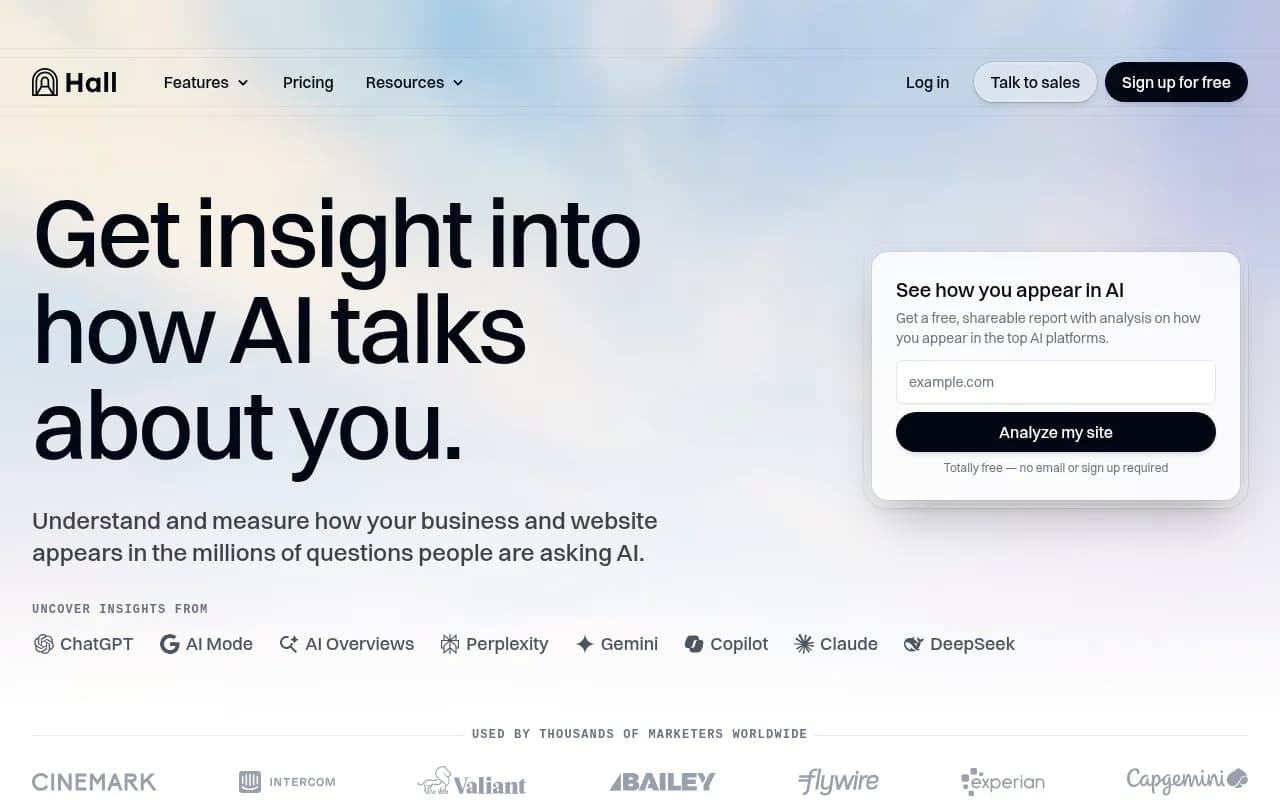
The Slack-native design philosophy means Hall AI feels less like a platform you bolt Slack onto and more like something built to live in your workspace. If your team's primary workflow is Slack and you want the lowest friction possible between "something changed" and "team knows about it," Hall AI is worth a close look.
Otterly.AI
Otterly.AI is one of the more affordable options in this space and includes Slack alerting as part of its feature set. It's a monitoring-focused platform -- it tracks brand mentions across AI engines and notifies you when they change -- but it doesn't offer the content optimization layer that Promptwatch or Profound do.

That's not necessarily a problem. If you have a content team that just needs reliable signal about what's changing in AI search, Otterly.AI's Slack alerts give you that signal at a price that doesn't require a budget conversation.
Peec AI
Peec AI includes Slack integration and is notable for its multi-language support -- useful for brands operating across multiple markets who want alerts in the right language for each regional team.

The monitoring depth is solid for the price, though like Otterly.AI, it's primarily a tracking tool rather than an optimization platform. Slack alerts from Peec AI tell you what's happening; figuring out what to do about it is still on you.
Rankshift
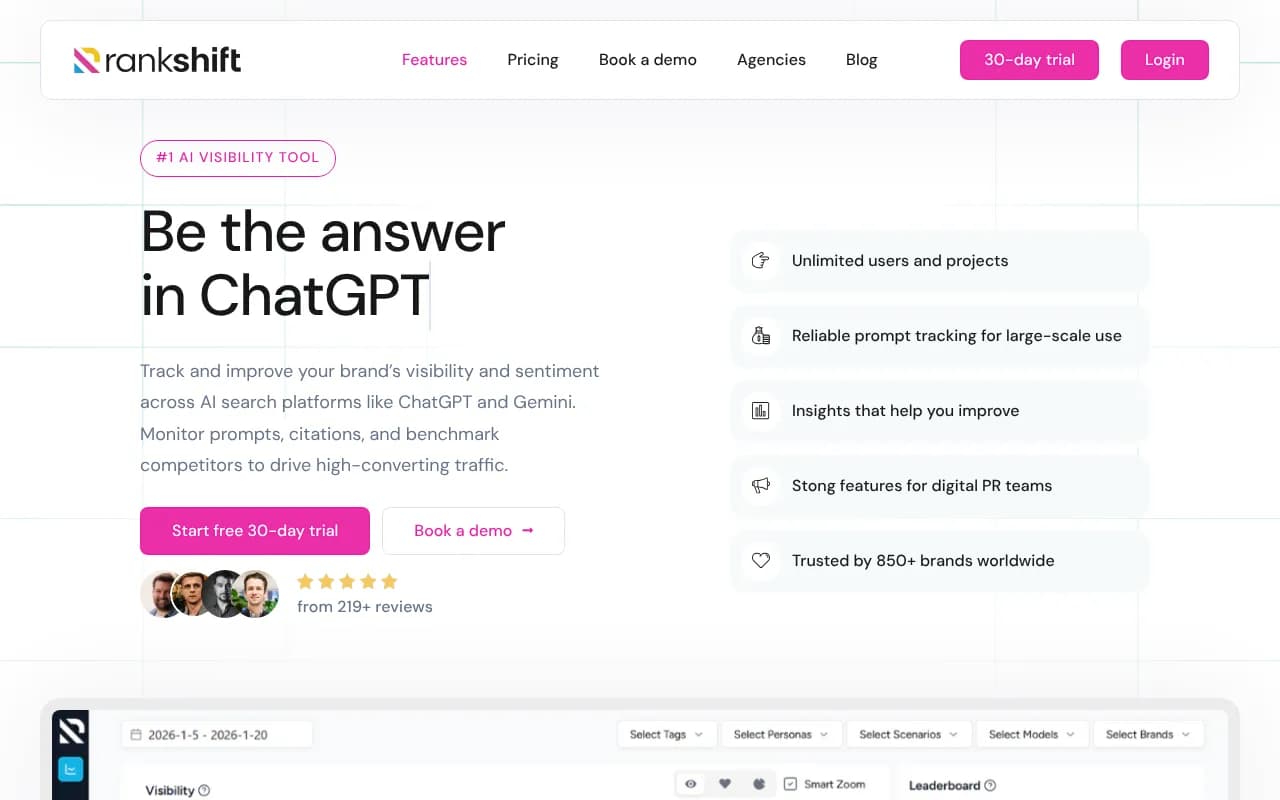
Rankshift is a newer LLM tracking tool that includes Slack notifications as part of its alerting system. It's positioned for GEO and AI visibility tracking with a focus on making the data accessible to marketing teams rather than just technical SEO specialists.
AthenaHQ
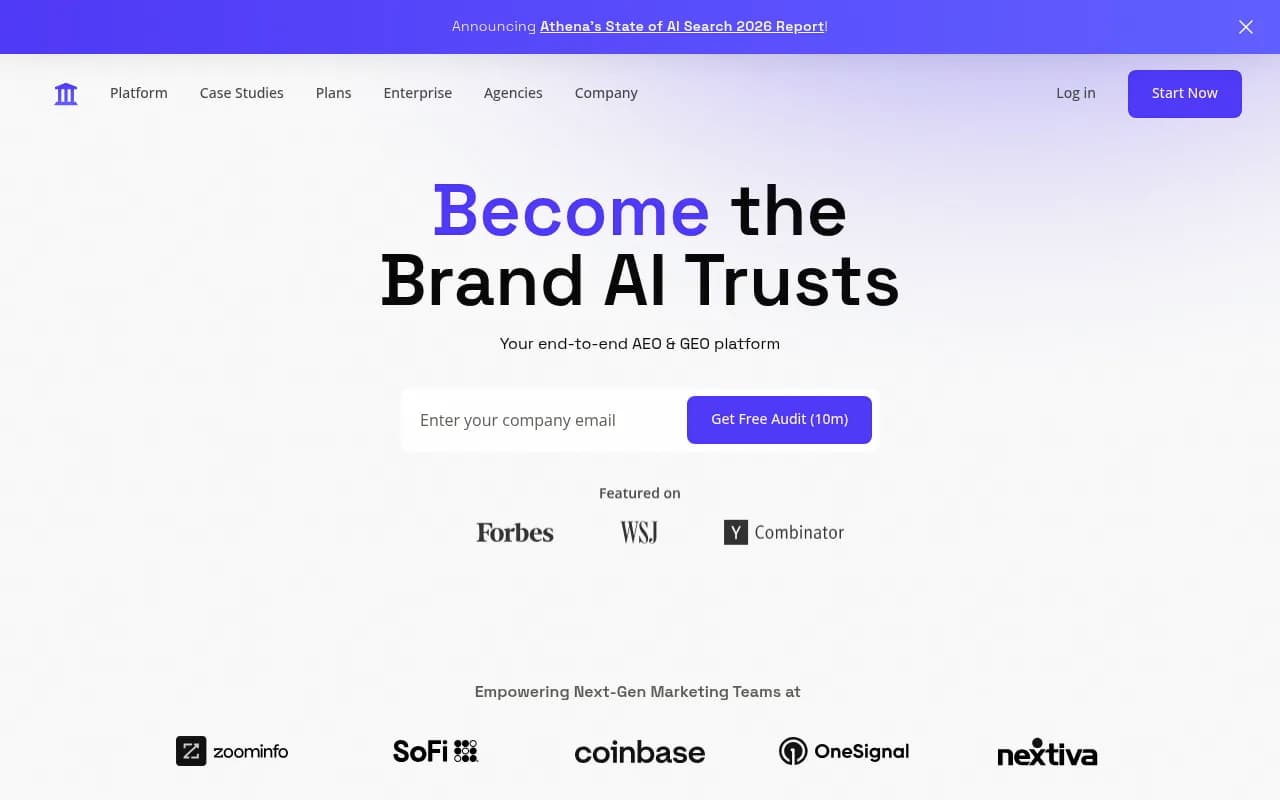
AthenaHQ monitors 8+ AI search engines and includes alert capabilities, though its Slack integration is less prominently featured than some competitors. It's a monitoring-focused platform, which means the alerts are informational rather than connected to an optimization workflow.
Comparison: Slack integration depth across platforms
| Platform | Slack integration | Alert frequency | Alert detail | Actionability after alert | Price range |
|---|---|---|---|---|---|
| Promptwatch | Yes | Daily (real-time alerts) | High -- prompt, model, competitor context | High -- links to gap analysis + content tools | $99-$579/mo |
| Hall AI | Yes (Slack-first) | Sub-hourly | High -- heatmaps, visibility changes | Medium -- dashboard links | Not public |
| Profound | Yes (dedicated integration) | Frequent | High -- enterprise-grade detail | Medium -- dashboard links | Higher tier |
| Otterly.AI | Yes | Varies | Medium | Low -- monitoring only | Affordable |
| Peec AI | Yes | Varies | Medium | Low -- monitoring only | Mid-range |
| Rankshift | Yes | Varies | Medium | Low -- monitoring only | Not public |
| AthenaHQ | Partial | Varies | Medium | Low -- monitoring only | Mid-range |
How to build a real-time AI visibility workflow in Slack
Getting the integration set up is the easy part. The harder part is making sure the alerts actually drive action rather than becoming background noise. Here's how to structure it:
Set up dedicated channels
Don't dump all AI visibility alerts into a general marketing channel. Create specific channels:
#ai-visibility-alertsfor all automated notifications#ai-visibility-winsfor positive changes (new citations, visibility gains)#ai-visibility-gapsfor drops and competitor gains that need a response
This separation means team members can subscribe to what's relevant to them without getting overwhelmed.
Configure alert thresholds carefully
Most platforms let you set thresholds -- only alert when visibility changes by more than X%, or only for specific high-priority prompts. Use these. An alert for every minor fluctuation trains your team to ignore the channel. Reserve alerts for changes that actually require a response.
Assign ownership
When an alert lands in Slack, who acts on it? Define this in advance. A visibility drop on a high-intent prompt should have a clear owner -- usually someone on the content or SEO team -- who's responsible for investigating and responding within a set timeframe.
Connect alerts to your content workflow
This is where most teams leave value on the table. An alert about a competitor gaining visibility on a prompt you're not ranking for is a content brief waiting to happen. Build a simple process: alert lands in Slack, owner reviews the gap analysis, content brief gets created, article gets assigned. Tools like Promptwatch make this loop tighter by keeping the gap analysis and content generation inside the same platform.
Review weekly, not just in real-time
Real-time alerts catch individual changes. Weekly reviews catch trends. Schedule a 30-minute weekly review where the team looks at the aggregate picture: which prompts are trending up, which competitors are gaining ground, what content is working. The Slack alerts feed this review with the raw material.
Using automation to extend Slack alerts
If your platform doesn't have native Slack integration -- or if you want to build more sophisticated workflows -- tools like Zapier and n8n can bridge the gap.


A simple Zapier workflow might: detect a new row in a Promptwatch export, format the key data, and post it to a specific Slack channel with a custom message. More sophisticated n8n workflows could trigger a content brief creation in Notion or Airtable when a visibility drop exceeds a threshold.
These automation layers are worth building if you're running a high-volume monitoring operation -- for example, an agency tracking AI visibility for multiple clients across multiple brands.
The honest tradeoff: real-time vs. reliable
One thing worth saying directly: "real-time" in AI visibility monitoring is more complicated than it sounds. AI engines don't expose APIs that let monitoring tools query them continuously without cost and rate limits. Most platforms are running scheduled queries -- hourly, every few hours, or daily -- rather than truly continuous monitoring.
Hall AI's "sub-hourly" claim is impressive if accurate, but even that means a gap of up to 60 minutes between a change happening and your team knowing about it. For most marketing use cases, that's fine. If you're managing a brand crisis or tracking a competitor's launch in real time, you might need to supplement automated alerts with manual checks.
The more important question isn't "how fast is the alert?" but "how useful is the alert when it arrives?" A daily alert that tells you exactly which prompt changed, which competitor gained, and what content you should create is more valuable than a sub-hourly ping that just says "visibility score: -3."
Which platform should you choose?
It depends on what you need after the alert arrives.
If you want to monitor and act -- not just watch -- Promptwatch is the strongest option. The Slack alerts connect to a full optimization workflow: gap analysis, content generation, page-level tracking, and traffic attribution. You're not just getting notified; you're getting a path to fixing the problem.
If you want the most Slack-native experience and your primary need is fast alerts with competitive heatmaps, Hall AI is worth evaluating seriously.
If you're budget-constrained and need basic monitoring with Slack notifications, Otterly.AI or Peec AI will get the job done without a significant investment.
If you're an enterprise brand with complex monitoring needs and budget to match, Profound's dedicated Slack integration and deep monitoring capabilities make it a strong contender.
The worst outcome is picking a platform based on Slack integration alone and ending up with a channel full of alerts that nobody acts on. The alert is only valuable if it triggers something. Build the workflow first, then choose the tool that fits it.

Final thought
AI search visibility is moving fast enough that manual dashboard checks are already an outdated approach. The brands that stay ahead in 2026 are the ones with monitoring wired directly into their daily workflow -- and for most teams, that means Slack.
But the alert is just the trigger. What matters is what your team does in the next 24 hours after it fires. Pick a platform that makes that next step obvious.