Key takeaways
- Canva is still the default for producing campaign assets at volume. Pro is $144/year and Business is $250/year per person, with AI usage limits that differ by tier.
- DALL-E 2 and DALL-E 3 were shut down in the OpenAI API on May 12, 2026. If a guide tells you to use DALL-E today, it is out of date. The replacement is OpenAI's GPT Image family.
- ElevenLabs is the strongest pick for voiceover and dubbing, but you need a paid plan (Starter, $6/month) for a commercial license.
- MyEdit is the budget option for quick photo, video and audio edits, at $5 to $9 a month. Read the credit rules before you commit.
- These four tools cover different jobs. Most marketing teams need one volume tool, one generator, and one specialist for audio or video, not all of them.
Why this stack, and why it needs a caveat
The four names in the title come from a common question: what do I actually use to make visuals, images, voiceovers and quick edits without hiring a production team? They are a reasonable answer. They also overlap less than you would think. Canva is a layout and brand-consistency tool. GPT Image is a model you prompt for raw imagery. ElevenLabs makes speech. MyEdit is a grab bag of edits priced like a streaming subscription.
One correction up front, because it affects what you buy. The DALL-E name is stale. According to OpenAI's deprecation notices, dall-e-2 and dall-e-3 were shut down in the API on May 12, 2026, and ChatGPT now generates images with GPT Image models. I will call it GPT Image (formerly DALL-E) throughout. Model names in this area change fast, so check OpenAI's deprecations page before you build anything on a specific model ID.
A second caveat. Several roundups still quote old Canva and ElevenLabs prices. I used the current official pricing pages for everything below, and you should still confirm on the vendor sites before you buy.
Quick comparison
| Tool | Best for | Entry price | Commercial use | Main limitation |
|---|---|---|---|---|
| Canva | Social posts, decks, brand templates, resizing | Free; Pro $144/yr | Yes, under Canva's terms | Shared AI allowance; template look without design work |
| GPT Image (OpenAI) | Concept art, hero images, ad variations | Free tier in ChatGPT; API billed per image | Check OpenAI's terms | Model IDs are being retired quickly |
| ElevenLabs | Voiceover, voice cloning, dubbing | Free (10k credits/mo); Starter $6/mo | From Starter up | Credit-based billing is easy to underestimate |
| MyEdit | Quick photo, video and audio edits | Free (3 daily credits); paid $5-$9/mo | Check plan terms | Features outside your plan cost credits |
Canva: the volume production tool
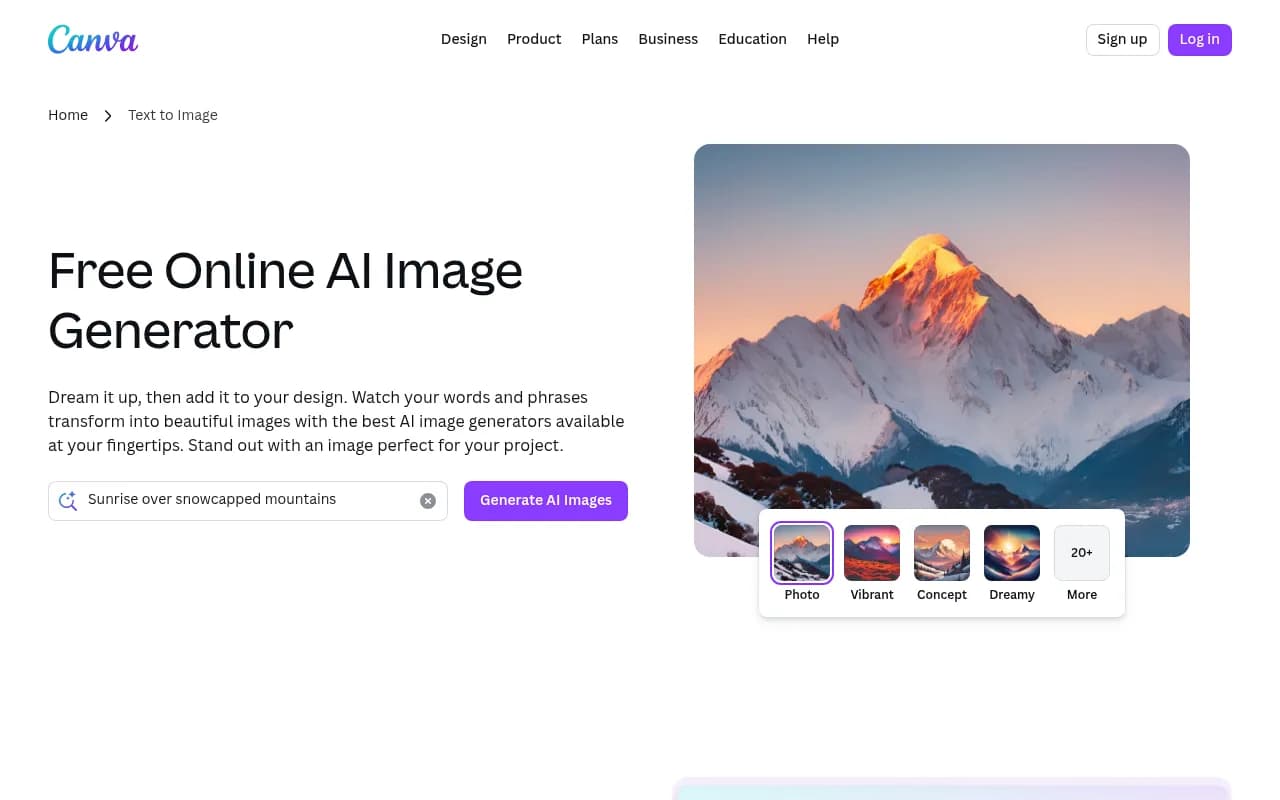
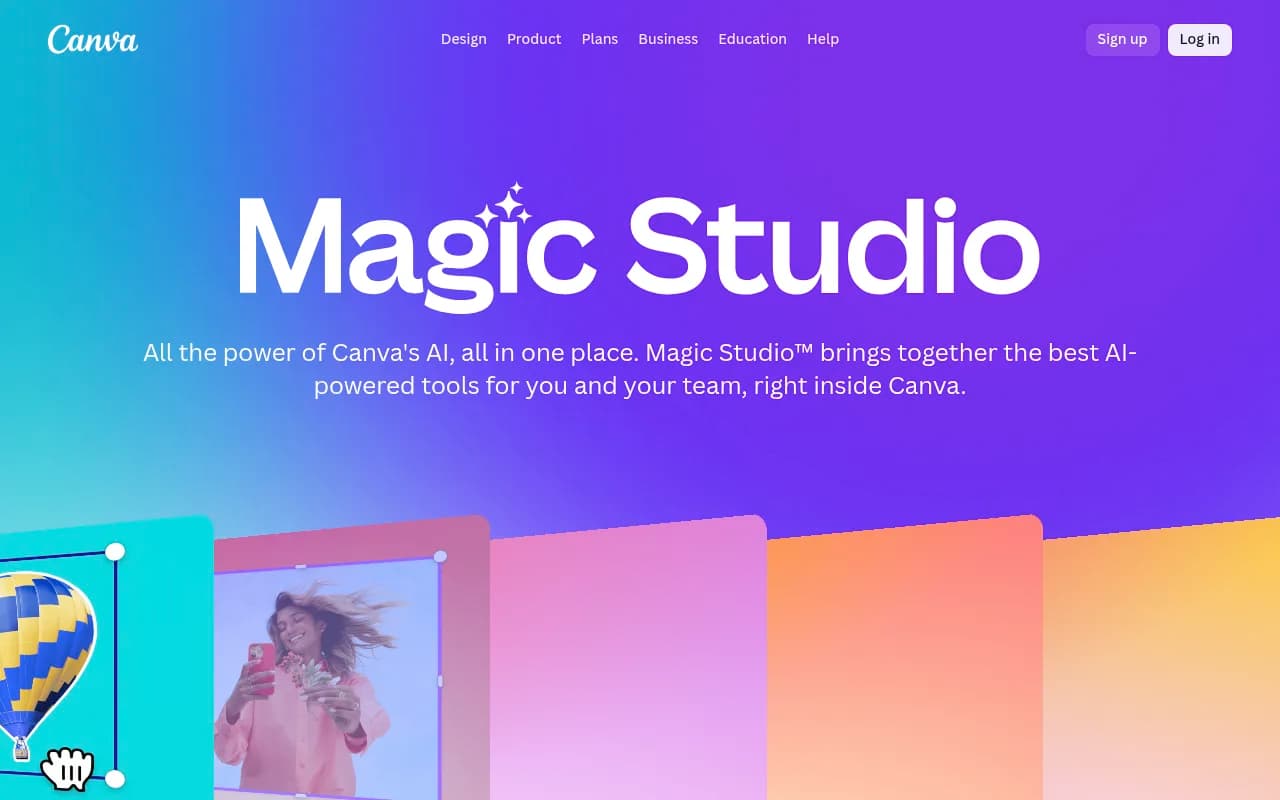
If you only pick one tool from this list, pick Canva. Its bet is that most marketers do not want a dozen specialist apps. They want social posts, presentations, brand assets and light video sharing the same fonts and colors. Magic Studio is the umbrella for the AI side: Magic Design builds layouts from a prompt, Magic Media generates images and video clips, Magic Write drafts copy, and Magic Switch resizes one design into many formats.
Current pricing
These are the figures from Canva's pricing page, and they differ from what many 2025 articles quote.
| Plan | Price | AI usage | Notable extras |
|---|---|---|---|
| Free | $0 | Limited Standard and Premium AI, no Ultra | 1.6M+ templates, 1 Brand Kit (3 colors), 5GB |
| Pro | $144/year, one person | 10x Canva Free | 5 Brand Kits, social scheduler, 100GB |
| Business | $250/year per person | 20x Canva Free | 100 Brand Kits with approvals, team admin, 500GB |
| Enterprise | Custom | Custom | SSO and SCIM, 1,000 Brand Kits, 1TB |
There is also a new AI Pass add-on for Pro and Business at extra cost, and Business has AI top-ups. Canva AI 2.0 and the AI connectors are on Pro and Business, and listed as coming soon for Enterprise.
How the AI allowance works
This is the part people miss. Canva splits AI into tiers that draw from one monthly allowance. Standard AI covers Magic Write and basic image creation. Premium AI covers Image to Video, Magic Layers, Style Match and the music and sound effect generator. Ultra AI covers conversational design and higher-quality video clips. On paid plans Standard AI does not draw down the allowance, though fair-use limits apply, and more complex tasks use more of it.
The practical consequence: a team that leans on video generation can burn through its allowance before it has touched layout features. If your work is mostly static posts and decks, you will rarely notice. If you make a lot of video, watch usage in the first month.
Where Canva falls short
Templates are the double-edged part. A Canva-made asset can look like a Canva-made asset. One agency write-up from Brand Appart makes a fair point here: locked templates and Brand Kits are really governance features, and they are only as good as the design thinking that went into them. Use Canva to multiply a system a designer built, not to replace the designer for your biggest campaign moments.
One claim I would not repeat: a design blog says Canva is "not suited for commercial AI use." I could not verify that against Canva's own terms, so read the license for AI-generated content yourself before you put it in paid ads.
GPT Image (formerly DALL-E): for raw imagery
Canva can generate images, but when you want more control over a hero visual, a product concept or an ad variation, marketers tend to go to a dedicated generator. For many that was DALL-E 3. It is gone from the API, so here is what replaced it.
What changed
dall-e-2anddall-e-3were shut down in the OpenAI API on May 12, 2026.- The first replacement path was
gpt-image-1andgpt-image-1-mini. - On June 2, 2026, OpenAI told developers that older GPT Image models will be removed from the API on December 1, 2026.
- A third-party summary from October 2026 lists newer models, including
gpt-image-2and the 2.5 family announced on September 8, 2026, and saysgpt-image-1stops on October 23, 2026.
That last set of details comes from a third-party tracker, not OpenAI, so treat the exact model names and dates as something to verify on OpenAI's official deprecations page. The direction is clear though: older models are retired on a short schedule.
What this means for marketers
If you use image generation inside ChatGPT, you do not need to do anything. The app picks the current model. If you built an automation or a plugin that calls the API with a hard-coded model ID, audit it now. A call to a retired model will fail, and you do not want to find that out mid-campaign.
On cost, the same third-party summary puts gpt-image-2 at roughly half a cent to a bit over a cent per 1024x1024 image at low quality, and around $0.21 at high quality. That spread matters. Draft at low quality, then regenerate only the winners at high quality.
Use it upstream
Brand Appart's advice is worth keeping: keep raw generated imagery upstream of anything a prospect, journalist or investor sees. Generate, then bring the output into Canva or a design tool for cropping, type, brand colors and a human check. Generated text inside images is still the most common place for errors.
ElevenLabs: voice and dubbing
Video is where many marketing teams get stuck, and the missing piece is usually voiceover. ElevenLabs is the one I would start with. It does text to speech, voice cloning from short samples, multilingual dubbing, sound effects and music. The product is now split into ElevenCreative, ElevenAgents and ElevenAPI, but marketers will mostly live in the creative side.
Pricing, current
| Plan | Price | Credits | What it adds |
|---|---|---|---|
| Free | $0 | 10k/month | TTS, STT, sound effects, voice design, 3 Studio projects |
| Starter | $6/month | 30k | Commercial license, Instant Voice Cloning, Dubbing Studio, 20 Studio projects |
| Creator | $22/month | 121k | Professional Voice Cloning |
| Pro | $99/month | 600k | 44.1kHz PCM via API, 192kbps audio |
| Scale | $299/month | 1.8M | 3 seats, team collaboration |
| Business | $990/month | 6M | 10 seats, 10 Professional Voice Clones, low-latency TTS |
| Enterprise | Custom | Custom | SSO, HIPAA BAAs, managed dubbing |
Older reviews list Starter at $5 and describe the free tier in characters. Pricing is now credit-based and Starter is $6, sometimes with a promotional first month.
The commercial license catch
The free plan is fine for testing a voice. It is not a license to publish ads. Commercial use starts at Starter. If you plan to use cloned or generated voices in paid media, start there, and get written consent from anyone whose voice you clone. Agencies that handle client work should also think about who owns the voice and what happens if the client leaves.
Where it fits
Product explainers, localized video ads, podcast intros, and internal training narration are the good fits. Dubbing is the big one for small teams: producing one video in several languages used to mean several vendors. It is now a workflow you can run yourself, though you should still have a native speaker review anything customer-facing.
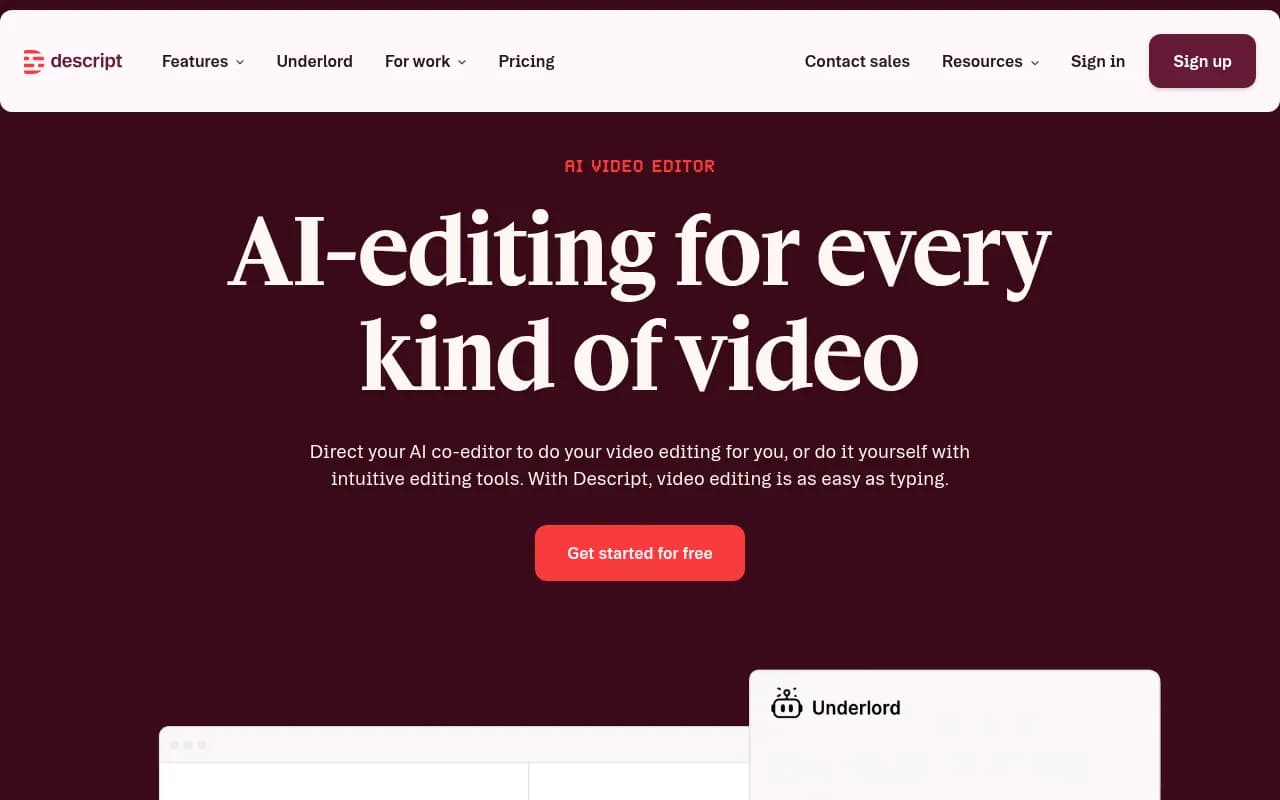
If you edit audio and video together afterward, a tool like Descript is worth a look.
MyEdit: cheap edits across photo, video and audio
MyEdit, from CyberLink, is the most casual tool here. It packs a lot of editing tricks into one web app: AI headshots, background replacement, image extension, image to video, text to speech, voice cloning and lyrics to song. The appeal is price.
Pricing
| Plan | Price | Credits | Unlocks without extra credits |
|---|---|---|---|
| Free | $0 | 3 daily credits, 5GB | Limited |
| Audio Pro | $5/month | 360/month, 50GB | Text to Speech, Voice Cloning, Voice Designer, Speech to Text, Lyrics to Song |
| Creator Pro | $7/month | 500/month, 50GB | Photo Edit by Chat, AI Photoshoot, Image Fusion, AI Replace, AI Extender, AI Headshot, Video Edit by Chat, Image to Video, AI Cinematic Shorts, Video Auto Reframe |
| Studio Pro | $9/month | 800/month, 100GB | Everything above: photo, video and audio |
Features outside your plan are marked Paid with Credits. That is the detail to understand before you subscribe. A $7 plan covers its listed photo and video tools without extra charges, but if you wander into an audio feature you will spend credits.
The real cost question
One third-party review, from CheckThat.ai, argues that the advertised $4 to $7 a month understates real spend and puts typical total cost at $15 to $30 a month. I could not verify that, and it is one reviewer's opinion. But it is a reasonable warning. Start on the free plan, track how many credits your actual tasks use for a week, then choose.
Where it fits
MyEdit is useful for small, repeatable tasks: reformatting a video for vertical, making a quick headshot for a landing page, cleaning up a product shot. It is not a brand system and it is not a replacement for Canva. Think of it as the utility drawer.
How to combine them
The tools work better as a chain than as rivals.
- Generate raw imagery in ChatGPT with GPT Image, drafting at low quality.
- Bring the winners into Canva, apply your Brand Kit, add type, and resize with Magic Switch.
- Record or generate a voiceover in ElevenLabs on a paid plan, then add it to a Canva or editor timeline.
- Use MyEdit for the odd fix: a background swap, a vertical reframe, an extension.
If your team already lives in another stack, choose the volume tool where your designers already work. Brand Appart's comparison puts Canva, Adobe Express and Figma Buzz in the same bracket for this reason. For a lean team, you need one volume tool, one generator, and one specialist.
Which one should you pick
| If you need... | Start with | Why |
|---|---|---|
| Weekly social and deck production | Canva Pro or Business | Brand Kits, templates, resizing |
| A custom hero or concept image | GPT Image in ChatGPT | Most control over the raw visual |
| Voiceover or localized video | ElevenLabs Starter | Commercial license, dubbing |
| Occasional quick edits on a budget | MyEdit free, then Creator Pro | Low cost; test credit use first |
| Brand governance across a large team | Canva Business or Enterprise | Approvals, many Brand Kits |
A few practical rules
- Read the license for each tool before using output in paid ads. Terms differ by plan and change.
- Keep a human review step for anything with text, faces or claims in it.
- Check pricing pages the week you buy. Every tool here has changed pricing or model names in the past year.
- Do not build automations on a hard-coded model ID without a plan for deprecation.
Finding visuals is only half the job
Creative output only matters if people find it. If you are also working on how your brand shows up in AI answers, tools like Promptwatch can track where ChatGPT, Gemini and Perplexity mention you. The GEO software directory at bestgeosoftware.com lists more options.

Bottom line
Canva is the safe default, GPT Image is the one to learn because the old DALL-E workflow no longer exists, ElevenLabs is the best option for voice once you accept the Starter plan, and MyEdit is a fine, cheap utility if you test its credits first. Pick based on the job, not the brand name.