Canva Magic Studio Review 2026
Canva's AI design suite that generates images, presentations, and social assets. Useful for content marketers producing visual SEO assets and branded creatives at scale.
Key takeaways
- Magic Studio is Canva's umbrella AI layer, bundling 15+ individual AI tools (image generation, video, writing, code, 3D, photo editing) into one connected design platform
- The free plan includes limited AI access across most tools; meaningful usage requires Canva Pro ($120/year) or Business ($200/year per person)
- Brand-aware AI is a genuine differentiator -- the system learns your fonts, colors, and brand rules so generated content starts on-brand rather than generic
- Canva Shield provides enterprise-grade AI safety controls, including indemnification for accounts with 100+ seats, which is rare among design tools at this price point
- Not a specialist tool -- teams needing deep AI image control (fine-tuning, LoRA models, style consistency across a campaign) will hit limits quickly compared to dedicated tools like Midjourney or Adobe Firefly
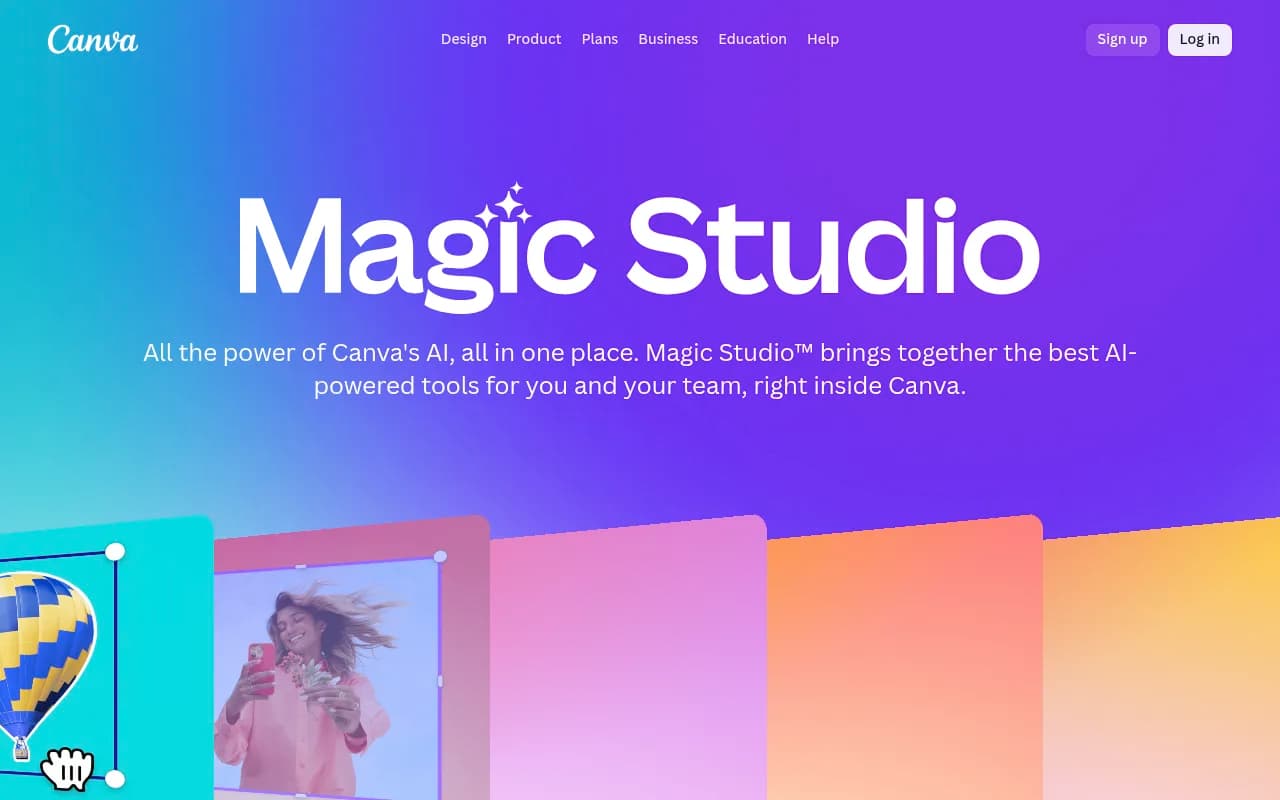
Canva Magic Studio is the AI layer that runs through the entire Canva platform. Rather than a standalone product, it's a collection of AI-powered features -- image generation, video creation, AI writing, code generation, 3D element creation, photo editing, and more -- all accessible from within the Canva editor you're probably already using. Canva, the Australian design company founded in 2013, has been steadily embedding AI into its platform since 2022, and Magic Studio is the branded home for all of it.
The target audience is broad by design. Canva has always positioned itself as the design tool for people who aren't designers, and Magic Studio extends that logic into AI. A social media manager at a mid-sized brand, a marketing coordinator at a nonprofit, a teacher building lesson materials -- these are the people Magic Studio is built for. It's not trying to compete with Midjourney for professional illustrators or with Adobe Firefly for photographers who need precise control. It's trying to make AI-assisted design accessible to the 99% of people who just need something that looks good and stays on-brand.
Canva crossed 220 million monthly active users in 2024, which gives Magic Studio an enormous built-in distribution advantage. The AI features aren't something you have to go find -- they're woven into the editor, the comments, the resize workflow, and the template system. That integration is both the product's biggest strength and, in some ways, its biggest limitation.
Key features
Magic Write is Canva's AI text generator, built directly into the editor. You highlight a text box, prompt it, and it generates copy -- headlines, captions, body text, email subject lines. It's powered by a large language model (Canva hasn't specified which one publicly) and supports tone adjustments. In practice, it's competent for short-form marketing copy but struggles with anything requiring nuance or brand voice depth. Think of it as a first-draft tool, not a finished-copy tool.
Photo Generator (Dream Lab) handles text-to-image generation. You type a prompt, pick a style, and get images you can drop directly into your design. The quality is solid for marketing use cases -- product mockups, lifestyle imagery, abstract backgrounds -- but it doesn't offer the fine-grained control that dedicated image generation tools provide. No negative prompts, no seed control, no style reference uploads in the standard interface. What it does offer is speed and context: the generated image lands right in your design, sized and ready to use.
Video Generator creates short video clips from text prompts. This is newer territory for Canva and the results are variable -- good enough for social media filler content, not good enough for anything that needs to look polished. The integration with Canva's existing video editor is the real value here; you can generate a clip and immediately cut, caption, and export it without switching tools.
On-brand design generation is where Magic Studio genuinely earns its keep for teams. Once you've set up a Brand Kit (available from Pro tier upward), the AI learns your brand's fonts, color palette, and visual rules. When you generate a design from a prompt, it starts with those constraints applied. This isn't perfect -- the AI still makes choices you'll want to override -- but it dramatically reduces the cleanup work compared to generating something generic and then trying to brand it afterward.
Ask @Canva is a conversational AI assistant embedded in the comments layer of any design. You can tag it in a comment and ask for feedback, suggestions, or design alternatives. It's a genuinely clever UX decision -- design feedback happens in comments anyway, so having an AI participant in that conversation feels natural rather than bolted on. In practice it's most useful for quick ideation ("suggest three alternative headline options") rather than deep creative direction.
Canva Code lets you build interactive experiences -- calculators, quizzes, data visualizations -- using natural language prompts, with no coding required. The output integrates with Canva Sheets for data capture. This is a surprisingly capable feature for a design tool. A marketing team could build a lead-gen calculator and embed it in a Canva-published page without touching a line of code. It's not going to replace a developer for complex applications, but for simple interactive content it's genuinely useful.
3D Content Generator creates 3D elements from text prompts that you can drop into flat designs. The results are stylized rather than photorealistic -- think product mockup-style 3D rather than architectural rendering. Useful for adding visual depth to social posts and presentations without needing a 3D modeling background.
AI-powered photo editor handles object removal, background replacement (Magic Background), and point-and-click editing. The background removal has been in Canva for years and remains one of the better implementations in a consumer tool. The newer Magic Background feature generates contextually appropriate backgrounds to replace removed ones, which works well for product photography use cases.
Style Match analyzes an existing design or image and applies its visual style to new content. This is useful for maintaining consistency across a campaign when you're working from a reference image rather than a formal brand kit.
Magic Resize converts a design between formats and dimensions automatically -- social post to story to banner to email header. It's been in Canva for a while but the AI layer now handles translation between languages at the same time, which is a real time-saver for teams running multilingual campaigns.
Who is it for
The clearest fit is marketing teams at small to mid-sized companies who need to produce a high volume of visual content without a dedicated design team. Think a 10-person SaaS company where the marketing manager is also the de facto designer, or a retail brand running weekly social campaigns across Instagram, TikTok, and email. Magic Studio lets these teams move faster without hiring more people or learning complex design software.
Content creators and social media managers who already live in Canva will find Magic Studio a natural extension of their existing workflow. The AI tools don't require any context-switching -- you're already in the editor, and the AI features are right there. For someone producing 20-30 pieces of content per week, the time savings from AI-assisted resizing, background removal, and copy generation add up quickly.
Educators are a specific use case Canva has invested in. Magic Activities (which generates lesson activities from learning goals) and the Quiz Generator (which creates quizzes from slide content) are purpose-built for teachers. Canva for Education is free for verified educators, which makes Magic Studio accessible to a segment that typically can't afford premium AI tools.
Who should look elsewhere: professional graphic designers who need precise control over AI outputs, teams with strict brand governance requirements that go beyond what Brand Kit can enforce, and anyone who needs AI image generation at the quality level of Midjourney v6 or Stable Diffusion with custom models. Magic Studio is optimized for speed and accessibility, not for maximum output quality or fine-grained control.
Integrations and ecosystem
Canva's integrations list is long. On the publishing side, it connects directly to Facebook, Instagram, LinkedIn, Pinterest, Slack, and Google Drive. For workflow, there's a Zapier integration that lets you trigger Canva actions from other tools. Google Workspace and Microsoft 365 integrations allow embedding Canva designs in Docs, Slides, and Teams.
The Apps Marketplace is worth mentioning specifically in the context of Magic Studio. Third-party AI apps -- D-ID AI Avatars (talking head videos), Krikey AI Animate (3D animated avatars), Cartoonify, Sketchify, and others -- plug directly into the Canva editor and extend the AI capabilities beyond what Canva builds natively. This is a smart ecosystem play: Canva doesn't have to build everything itself.
Canva has a public API (the Canva Connect API) that lets developers build integrations and automate design workflows. It's not as mature as something like Figma's plugin ecosystem, but it's functional for enterprise use cases like auto-generating branded assets from a CMS or product database.
Mobile apps for iOS and Android include most of the Magic Studio features, though the experience is more limited than the web editor. Browser extensions exist for Chrome. There's no desktop app -- Canva is web-first.
Pricing and value
Canva's pricing structure has four tiers:
- Free: $0. Includes limited AI access across most Magic Studio features, 1 Brand Kit (3 colors only), 5GB storage, and access to 1.6M+ templates. The AI usage limits on the free plan are restrictive enough that you'll hit them quickly if you're using Magic Studio regularly.
- Pro: $120/year for one person (roughly $10/month). Unlocks higher AI usage limits, 5 Brand Kits, 141M+ premium assets, 100GB storage, and the full Magic Studio feature set. This is the tier where Magic Studio becomes genuinely useful for regular use.
- Business: $200/year per person. Adds 100 Brand Kits, 500GB storage, team admin tools, AI access controls, and integrations with Leonardo.Ai Essential and Flourish Presenter plans. Designed for teams that need centralized brand management.
- Enterprise: Custom pricing. Adds SSO, SCIM provisioning, 1TB storage, 1000 Brand Kits, Canva Shield indemnification, and a dedicated success manager (for 100+ seat contracts).
For comparison, Adobe Firefly is bundled into Creative Cloud plans starting around $60/month for teams, but that's a very different product category. Microsoft Designer (which competes more directly) is included in Microsoft 365. Canva Pro at $10/month is genuinely competitive for what you get, especially if you're already using Canva for design work.
The free trial for Pro and Business plans is available without a credit card, which is a low-friction way to evaluate the full AI feature set before committing.
Strengths and limitations
What it does well:
- The integration between AI generation and the design editor is seamless in a way that standalone AI tools can't match. You generate an image and it's already in your design, at the right size, ready to edit.
- Brand Kit integration with AI generation is a real differentiator. Most AI design tools treat brand consistency as an afterthought; Canva bakes it into the generation process.
- The breadth of AI tools in one subscription is hard to beat at the Pro price point. Image generation, video, writing, code, 3D, photo editing -- you'd pay significantly more to get all of these from separate specialized tools.
- Canva Shield's enterprise AI governance features (admin controls, privacy settings, indemnification) are more mature than what most design tools offer at this price point.
- The Apps Marketplace extends AI capabilities through third-party integrations without requiring Canva to build everything natively.
Honest limitations:
- AI image quality plateaus below what dedicated tools like Midjourney or DALL-E 3 can produce. For marketing imagery where "good enough" is fine, this isn't a problem. For anything where the image quality is the point, it is.
- Usage limits are real and can be frustrating. The free plan's AI limits are tight, and even Pro users will find that heavy AI generation use bumps against quotas. Canva isn't transparent about the exact numbers, which makes planning difficult.
- The AI writing tools (Magic Write) are competent but not exceptional. Teams with serious content production needs will likely want a dedicated AI writing tool alongside Canva rather than relying on Magic Write alone.
- Canva Code, while impressive for a design tool, produces relatively simple interactive experiences. Don't expect it to replace actual development work for anything complex.
Bottom line
Canva Magic Studio makes the most sense for marketing teams, content creators, and educators who are already in the Canva ecosystem and want AI capabilities without adding more tools to their stack. The Pro plan at $120/year is a reasonable price for the breadth of AI features you get, especially if you're producing visual content regularly.
The best use case in one sentence: a small marketing team that needs to produce branded social content, presentations, and marketing assets at volume, without a dedicated designer or a budget for multiple specialized AI tools.
Tags:
Frequently asked questions
What is Canva Magic Studio?
Is Canva Magic Studio free to use?
How does Magic Studio handle brand consistency?
What is Canva Shield?
How does Canva Magic Studio compare to Adobe Firefly?
Can I use Magic Studio outputs for commercial projects?
Similar and alternative tools to Canva Magic Studio