Key takeaways
- A chat interface is only useful if it sits on top of your live data (prompts, citations, crawler logs, traffic), not a static snapshot or a generic LLM wrapper.
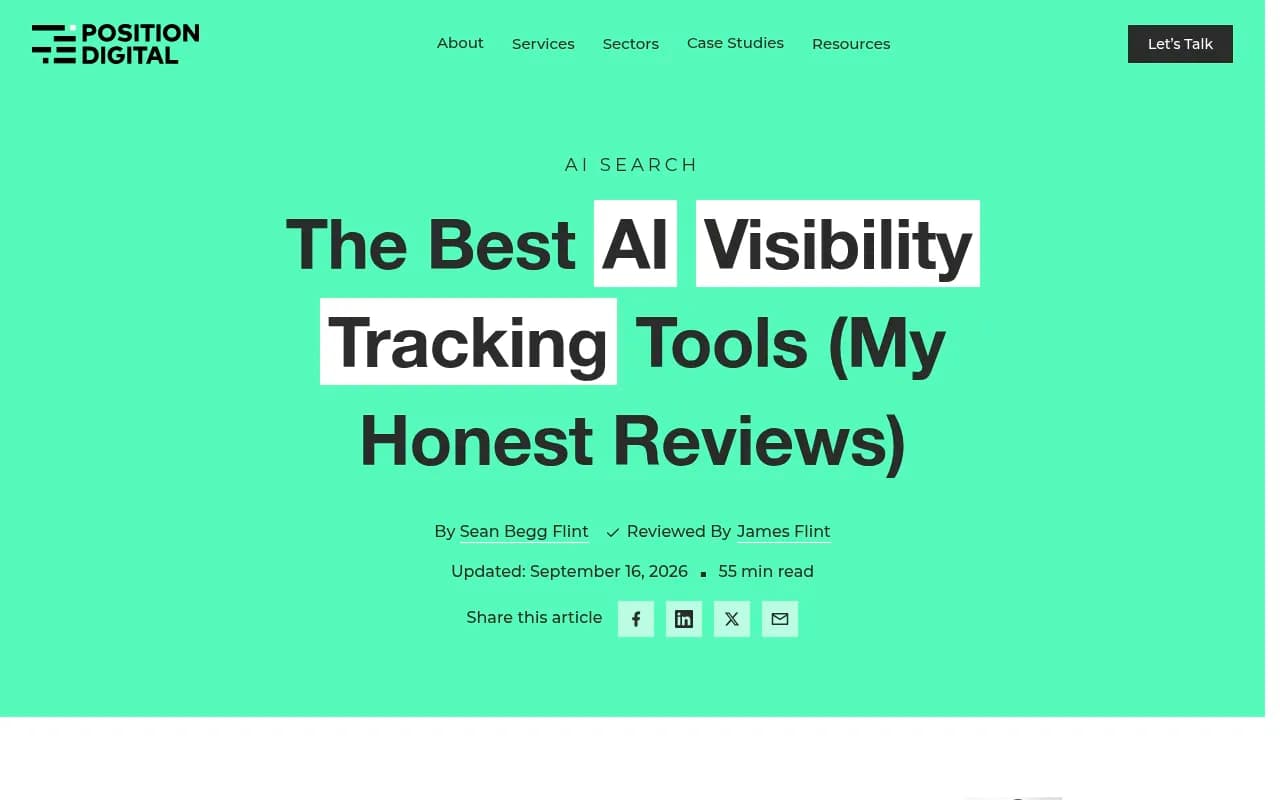
- Promptwatch's Agent Chat and OpenLens are the two tools named for plain-English questions in Position Digital's September 2026 roundup. Several other platforms are adding conversational layers, but details vary, so test before you buy.
- The best test is a question you already know the answer to. If the chat can't reproduce it, don't trust it with new ones.
- AI answer behavior changes fast, so any chat that explains why you are cited needs fresh data underneath it.
- Chat should end in action: a task, a brief, a published page. Answers alone are just a nicer dashboard.
Why chat interfaces are showing up in AI visibility tools
Most AI visibility dashboards are built the same way. You pick a monitor, open a chart, filter by model, filter by country, export a CSV, then paste the CSV into a spreadsheet to answer the question you came in with. That question was usually something like "why did we lose ground to a competitor on pricing prompts last week?"
A chat interface collapses that loop. You type the question and the tool does the filtering, joining and charting. When it works, it saves an hour. When it doesn't, it produces a confident paragraph that has nothing to do with your data. I've seen both, and the difference is almost entirely about what the chat is connected to.
The pull toward chat is also practical. Teams that track AI search now have a lot of surfaces to read: mentions, citations, sentiment, position, crawler activity, referral traffic, search console data. Nobody wants to learn six report screens to ask one question.
What separates a real chat layer from a chatbot skin
Before comparing tools, it helps to know what good looks like. Here is the checklist I'd use.
It reads live data across more than one source
A chat that can only see mention counts will answer mention-count questions. The valuable questions cross sources: which pages rank in Google but never get cited by AI, which crawler errors precede a drop in citations, which competitor appears on the prompts you lose. If the chat can't join those, you are back to exporting files.
The data underneath is fresh
AI answers shift quickly. Promptwatch Data recorded that ChatGPT began using the site: operator at scale on August 8, 2026, jumping from about 0.4% to about 17% of fanout queries, with searches per response nearly doubling (ChatGPT Search now uses the site: operator at scale). The same dataset showed reddit.com's share of ChatGPT citations falling from roughly 4% to 0.5% on August 14, 2026 (Reddit citations are dropping in ChatGPT). A chat that explains your citations with last quarter's data will explain the wrong world.
It shows its work
Good chat tools render charts, name the prompts or pages behind a claim, and let you click through. If an answer can't be traced to rows in your data, treat it as a guess.
It can act, not just answer
The more useful versions create tasks, draft briefs, edit dashboards or schedule recurring reports. That is the difference between an analyst and a search box.
It handles scoping
Agencies and multi-brand teams need the chat to stay inside the right project and respect roles. Ask what it can see, and what a viewer-level user can see.
The platforms worth testing
The research for this guide turned up a thin set of verified chat claims. Position Digital's September 2026 roundup names Promptwatch's Agent Chat and OpenLens as offering plain-English questions. Other vendors in the category are covered below based on their general positioning, and I'd treat their chat capabilities as something to verify in a trial rather than assume.
Promptwatch
Promptwatch has the most developed chat layer I can point to. Agent Chat works as a conversational AI search analyst over your live data: prompts, citations, competitors, crawler logs, traffic and search data. It runs multi-step workflows, hands research to read-only subagents, renders charts, and builds or edits custom dashboards and PDF reports on request. Position Digital describes it as letting you ask about AI search performance in plain language and act on the answer without leaving the conversation.

A few specifics that matter in practice:
- It ships with ready-made Agent Skills, such as a 7-day GEO briefing, competitor gap analysis, citation research and newsjacking.
- Chats can be scheduled and delivered in-app or in Slack.
- A side panel (Cmd+J) opens next to any page, including the content editor, so you can ask a question about the page in front of you.
- It works the Action Board: assigning, commenting and replying when @-mentioned.
- Agent Credits (500 to 6,500 per month) are included on every paid plan.
The reason this matters is what sits underneath. Promptwatch combines real-UI prompt tracking, IP-verified AI crawler logs, visitor analytics and Search Console data, so questions like "which pages get crawled by GPTBot but never cited?" have real data to draw on. It also has a hosted MCP server with 110+ read and write tools, plus an official ChatGPT plugin and Claude Connector, if you would rather ask from the assistant you already use. Confirm current plan details at promptwatch.com/pricing.
OpenLens
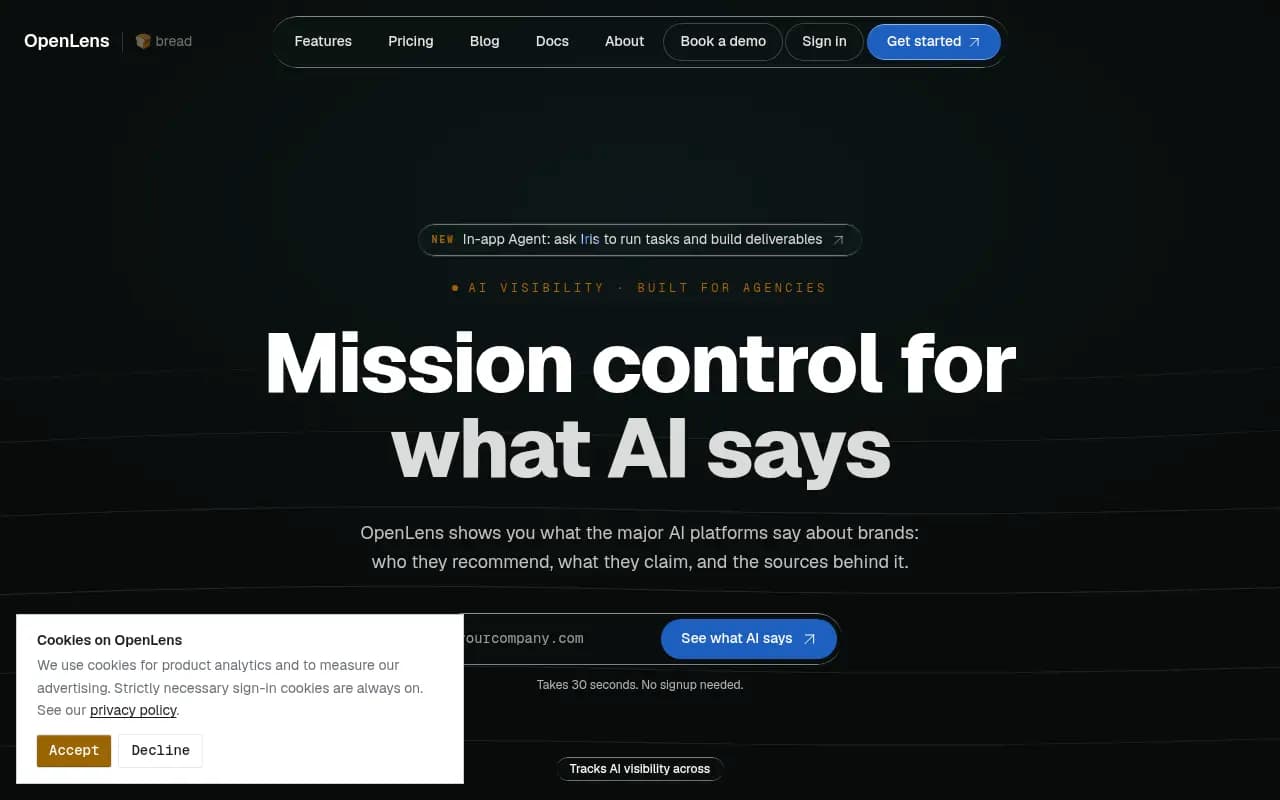
OpenLens is positioned around GEO readiness audits and agency workflows, and Position Digital's review highlights that you can ask questions in plain English instead of analyzing the data yourself. I could not verify the depth of that chat beyond the review, so run the known-answer test below before committing.
Profound and Scrunch AI
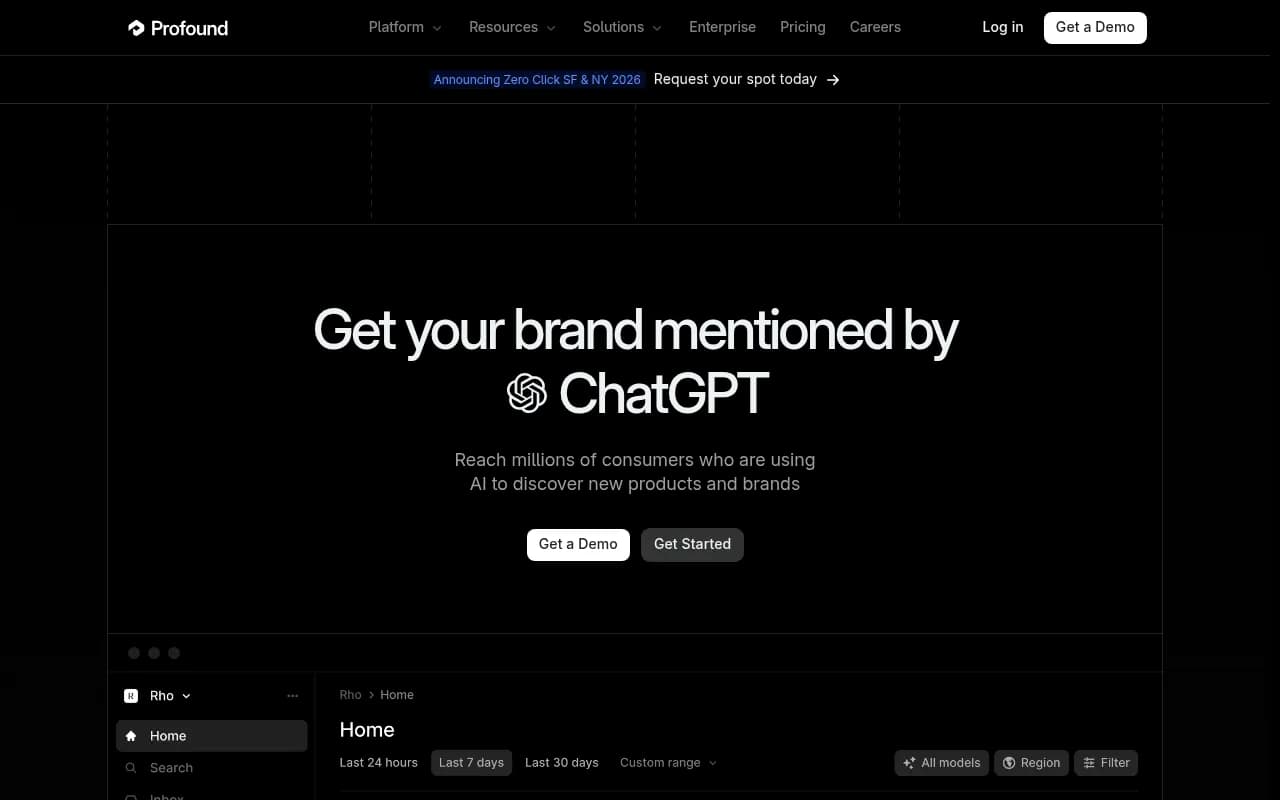
Both are positioned as enterprise monitoring platforms. KIME's vendor-authored ranking names them the enterprise picks, and Profound is listed at 92/100 in one third-party AEO ranking with 10+ engines tracked. I did not verify their chat or assistant features or pricing for this guide. Ask each vendor for a live demo of natural language querying, and ask what data the assistant can and cannot see.
Peec AI, Otterly.AI and other monitors
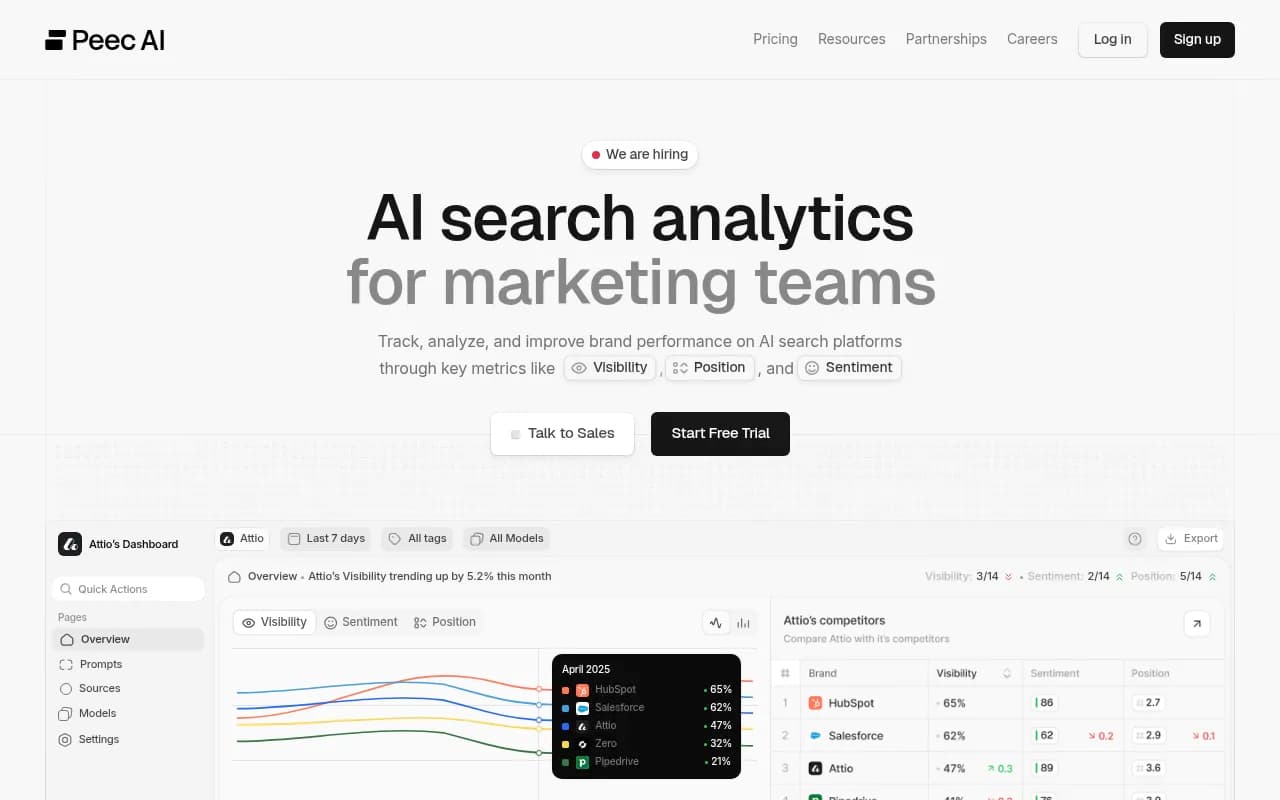
Peec AI is commonly recommended for European agencies and Otterly.AI is the budget option (KIME lists it from $29/month). Both are primarily monitoring tools. If a chat or MCP connection matters to you, check the current feature list rather than relying on a roundup.
Semrush
Semrush's AI toolkit is the sensible pick if you already live in Semrush and want AI tracking inside the same account. The tradeoff is that traditional SEO suites tend to bolt AI tracking onto fixed prompt sets, so ask how the AI data connects to anything you would want to query conversationally.
Other tools to look at
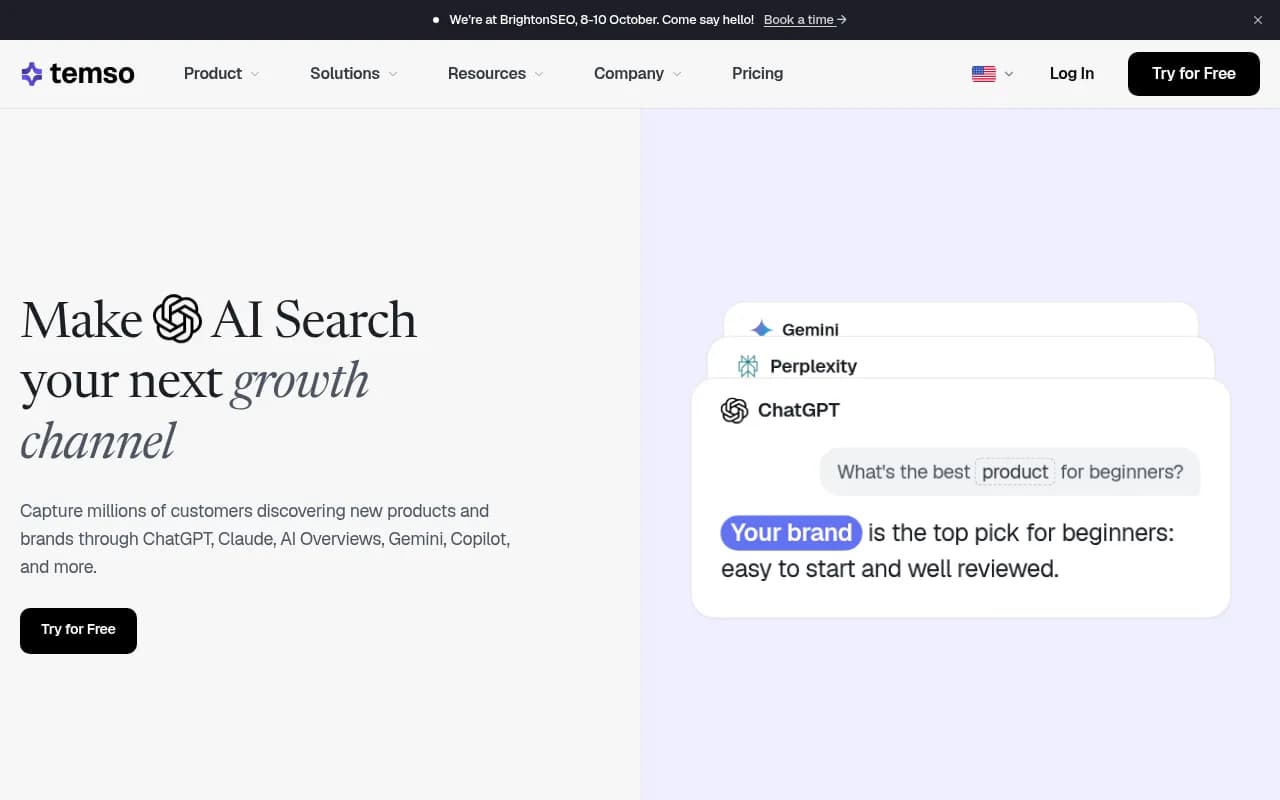
Tools like SearchAtlas LLM Visibility (a conversational agent) and Temso AI (agent-based action plans) from the catalog take an agent-first approach, and Whitebox and Nuwtonic push toward automatic fixes. They are worth a trial if your goal is fewer dashboards. If you want to browse more of the category, the GEO software directory at bestgeosoftware.com is a good place to start.
Side by side
This table sticks to what I could verify. Blank means "check in a demo," not "doesn't exist."
| Platform | Plain-English chat | Data the chat can reach | Acts on answers | Best fit |
|---|---|---|---|---|
| Promptwatch | Yes, Agent Chat with Cmd+J side panel and Slack delivery | Prompts, citations, crawler logs, traffic, Search Console and Bing data | Yes: dashboards, PDF reports, Action Board tasks | Teams that want to go from question to fix |
| OpenLens | Yes, per Position Digital | Verify in trial | Verify in trial | Agencies running GEO audits |
| Profound | Verify in demo | Verify in demo | Verify in demo | Enterprise monitoring |
| Scrunch AI | Verify in demo | Verify in demo | Verify in demo | Enterprise monitoring |
| Peec AI | Verify in demo | Verify in demo | Verify in demo | Agencies, multi-language tracking |
| Otterly.AI | Verify in demo | Verify in demo | Verify in demo | Low-cost monitoring |
| Semrush AI toolkit | Verify in demo | Semrush data plus AI tracking | Verify in demo | Existing Semrush users |
How to test a chat interface in 30 minutes
Do this in a trial, not after you sign.
1. Ask a question you already know the answer to
Pick a fact from your own data: your top cited page last month, or a competitor you know outranks you on a specific prompt. If the chat gets it wrong or dodges, stop there.
2. Ask a cross-source question
Try something like: "Which of my pages get crawled by AI bots but never cited?" or "Which prompts do competitors win where my brand is mentioned without a link?" A tool with one data source will bluff. A tool with several will return a list.
3. Ask it why
"Why did my visibility drop on this topic?" is where weak chats fall apart, because the honest answer requires crawler, citation and content data together. Look for named pages, dates and prompts rather than a general explanation.
4. Ask it to produce something
Request a dashboard, a weekly briefing or a competitor gap report. Check whether it lands as a real, editable object or just a block of text.
5. Check permissions and scope
Switch to a viewer-level user and see what the chat exposes. For agencies, confirm it stays inside the right client project.
What a chat can't fix
Three limits are worth saying out loud.
First, chat doesn't change what AI engines do. Promptwatch Data shows ChatGPT cites roughly 5 sources per web-search answer while Google AI Overviews and Perplexity cite about 10 (average sources per response). A chat can tell you where you stand against that, but not move the baseline.
Second, the measurement method still matters. Tools that track real user interfaces and tools that only call APIs can give different answers, and a chat is only as good as the data it reads.
Third, a chat is a convenience for people who already know what they want to ask. If your team has no idea what to look at, you want a tool that surfaces prioritized actions on its own, such as an AI-generated to-do list, rather than waiting for questions.
Who should pick what
- If you want to ask questions, then act on them in the same place, with crawler and traffic data behind the chat, start with Promptwatch.
- If you are an agency running GEO audits and want plain-English querying, put OpenLens on the shortlist.
- If you need enterprise monitoring and procurement comfort, run demos with Profound and Scrunch AI and insist on seeing the chat features live.
- If budget is the constraint, Otterly.AI is the entry-level option, but expect a monitor rather than an analyst.
- If you are an existing Semrush customer, see how far the AI toolkit goes before adding another subscription.
For a wider view of options, the rank tracking directory at ai-rank-tools.com lists many more AI visibility trackers.
The short version
The chat box is the easy part to build. The hard part is the data behind it and what the tool does after it answers. Run the known-answer test, ask one cross-source question, and ask for a deliverable. The platform that passes all three is the one worth paying for.