Key takeaways
- Looker Studio connectors are real and documented for Peec AI and OtterlyAI. Native Slack alerting is much harder to verify, and most "Slack" mentions in vendor pages are support channels.
- OtterlyAI's Looker connector is not on the Lite plan. Budget for Standard or higher if Looker is non-negotiable.
- Promptwatch covers both ends: a Looker Studio connector (Professional and up), plus a Slack integration for chatting with your data and scheduled briefings, plus an MCP server and REST API.
- Where a tool has no native Slack app, the practical fix is Looker scheduled delivery, an API, or an automation tool like Zapier, n8n or Make.
- Track citations per engine separately in dashboards. Promptwatch Data shows the baseline number of sources differs a lot by engine, so a blended metric misleads.
Why workflow fit matters more than feature count
Most marketing teams already live in two places. Slack is where decisions and nagging happen. Looker Studio (or Looker) is where the numbers get shown to people who sign off on budgets. An AI visibility tool that needs its own login, its own dashboard habit and its own weekly export is a tool that gets abandoned by month three.
I think this is the most underrated buying criterion in the category. Reviews of AI visibility platforms mostly compare how many models are tracked and how many prompts you get. Fewer ask: can I get this data into the report my CMO already opens on Mondays? Can the team see a drop without someone remembering to log in?
This guide is about that question. It covers what is verifiable today, what is not, and how to fill the gaps.
Looker Studio vs Looker, and why it matters here
The connectors discussed below are built for Looker Studio (formerly Data Studio), the free Google tool. Enterprise Looker, the modeled BI platform, is a different product. A Looker Studio community connector does not automatically give you data inside enterprise Looker models.
If your company runs enterprise Looker, plan on one of two routes. Either pull data through a REST API into your warehouse and model it there, or keep a small Looker Studio layer for marketing and let the data team handle the rest. I could not verify vendor documentation for enterprise Looker setups, so confirm with each vendor before you commit.
What the tools actually offer
| Tool | Looker Studio connector | API / MCP | Slack | Notes |
|---|---|---|---|---|
| Promptwatch | Yes (Professional and up) | REST API v2, hosted MCP server | Slack integration for chatting with data and scheduled briefings | Also exports PDF, Excel, CSV |
| Peec AI | Yes, community connector across all projects | REST API and MCP | Slack support on Pro is vendor support, not an app | Starter listed at EUR 89 |
| OtterlyAI | Yes, Standard, Premium, Enterprise | Reportedly no export API (verify) | Not verified | Lite lacks connector |
| Profound | Not verified | Not verified | Not verified | Agency mode with pitch environments |
Pricing and features change often, so confirm everything on each vendor's pricing page before buying.
Promptwatch: the one built around the loop
Promptwatch is the option I would look at first if your goal is for AI visibility data to show up where people already work. The Slack integration lets you chat with your data and get scheduled briefings in channels, and Agent Chat can deliver scheduled analyses in-app or in Slack. For reporting, the Looker Studio connector comes with Professional ($245/mo) and above, and the Essential plan ($95/mo) includes MCP and API access if you would rather route data yourself.

Two things matter beyond connectors. First, it monitors the real interfaces of ChatGPT, Google AI Overviews, Gemini, Perplexity and others, so your Looker charts reflect what users actually see, not API output. Second, it includes visitor analytics and IP-verified crawler logs, so a dashboard can show AI-driven traffic and not only mentions. Most monitoring-only tools stop at the mention count, which is hard to defend in a budget meeting.
The Looker connector is a Professional-tier feature. Check promptwatch.com/pricing to confirm the current plan boundaries.
Peec AI: the cleanest BI story among lightweight trackers
Peec AI offers three channels for getting data out: a Looker Studio community connector, a REST API, and MCP for feeding agents such as Claude. The connector is aimed at client-ready, drag-and-drop dashboards that span all projects, which suits agencies.

The Starter plan lists the connector, API and MCP, which is generous for the price. One caution: the pricing and comparison details come from Peec's own comparison page against Profound, so treat them as marketing. And note that the "additional Slack support" on the Pro plan means you can reach the vendor over Slack. It does not mean alerts land in your channel.
OtterlyAI: affordable, with one plan trap
OtterlyAI has a Looker Studio connector, included at no extra cost on Standard, Premium and Enterprise. Not on Lite. That is the pitfall: a team that sees $29/month on the pricing page, then discovers Looker needs a higher tier, is no longer buying the cheap product.

A third-party comparison from Discovered Labs (updated August 2026) says Otterly had no data-export API at the time of writing, which limits what you can build for Slack. Check Otterly's help page on API availability, since this may have changed.
Profound and the enterprise route
Profound is the usual name in agency and enterprise shortlists, with an Agency mode that includes brand configurations and pitch environments. I could not verify its Slack or Looker options, and pricing figures conflict between sources (one lists around $499/month, a competitor's page lists lower tiers). Ask for a demo and put integrations on your checklist.

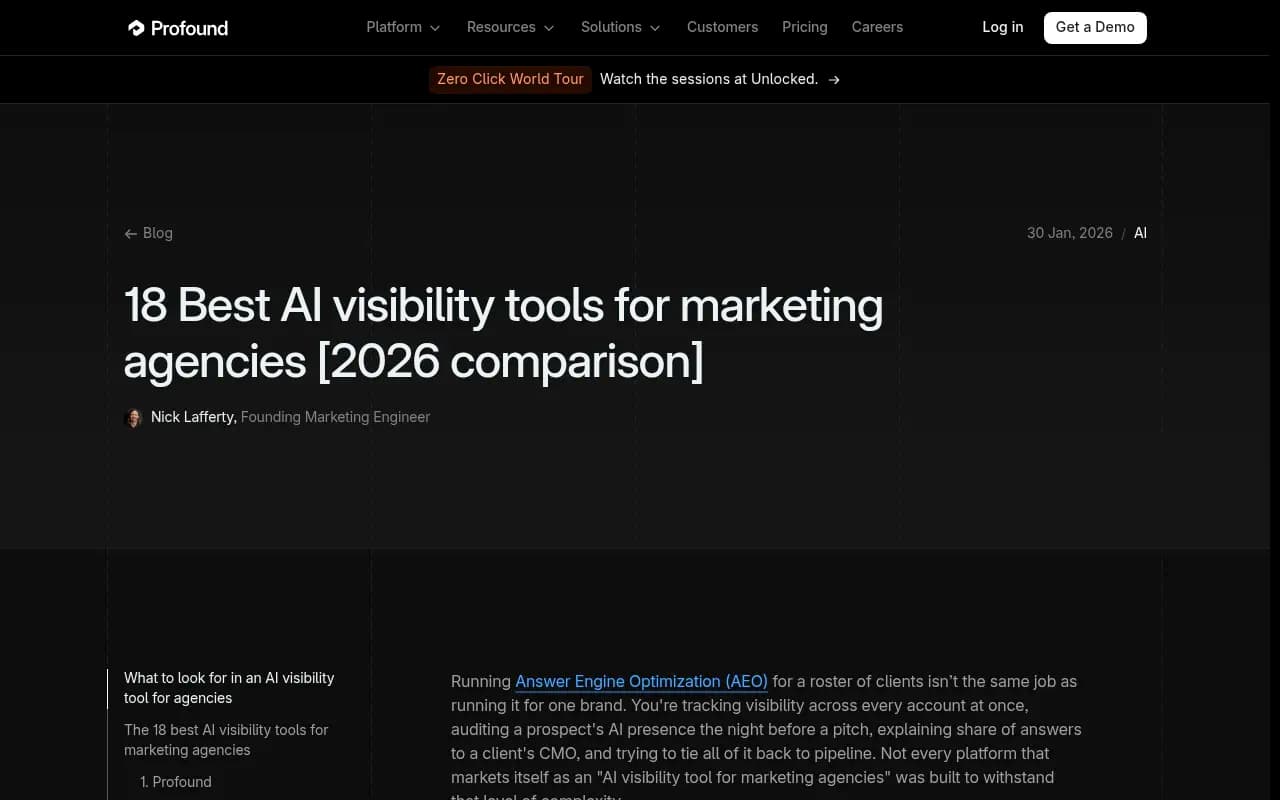
To be fair, this page is vendor-written, so read the rankings with that in mind. The comparison table is still useful for seeing how agency features are framed.
Other tools worth a look
If you already pay for an SEO suite, check whether it has AI visibility built in before adding something new. SE Ranking added AI tracking to its existing suite, which makes sense if your team is already there.
ZipTie is often recommended for deep analysis and reporting, and Similarweb for side-by-side SEO and GEO views. I did not verify their Slack or Looker options, so treat both as questions for the sales call.
For more options by category, the GEO software directory at bestgeosoftware.com is a decent place to filter.
The honest gap: native Slack alerts
Here is the thing I could not find. For the major trackers, I found no verified native Slack app that pushes visibility alerts into a channel. Promptwatch is the exception with documented Slack support for scheduled briefings and chat. For the rest, assume you will build the Slack leg yourself.
Three workable patterns:
- Looker Studio scheduled delivery. Schedule a report email, then forward it with a Slack email-to-channel address. Crude, but it works in ten minutes.
- API plus automation. Use a tool with an API, and let Zapier, n8n or Make post a weekly summary or a threshold alert.
- MCP plus an AI agent. Where a tool offers an MCP server (Peec, Promptwatch), a connected agent can answer "what changed this week?" on request.


If you go the automation route, keep the logic simple. A message that says "visibility dropped 8 points on ChatGPT for the pricing topic" is useful. A raw dump of 200 prompts is not.
Build the dashboard around how engines behave
A common mistake is blending everything into one visibility number. Promptwatch Data on how many sources AI search engines cite shows why that fails. ChatGPT cites about 5 sources per web-search answer. Google AI Overviews cites about 10, and Perplexity sits almost exactly at 10 every day. Microsoft Copilot swung from under 2 to nearly 17 sources per response within a few weeks, then settled at the low end.
The practical consequences for your Looker report:
- Chart citations per engine, not blended.
- Use Perplexity's stable count as a test bench when you change content.
- Judge Copilot on monthly trends, not weekly snapshots.
- Keep Slack alerts for large week-over-week moves and put the rest in the dashboard.
For wider context on what gets cited, the Promptwatch Data hub has current reports by model and industry.
A simple setup you can finish in a week
Day 1 to 2: pick the tier that includes the connector
Check plan limits first. Otterly's connector is Standard and up. Promptwatch's is Professional and up. Peec's is on Starter. Do this before the trial, not after.
Day 3: build one page, not ten
One Looker Studio page with visibility by engine, share of voice against two or three competitors, and a table of top cited pages. Resist adding more until someone asks.
Day 4: schedule delivery
Set a Monday morning scheduled send to the channel's email address, or a Slack briefing if your tool supports it natively.
Day 5: define alert thresholds
Decide what counts as worth interrupting someone. A drop of several points on a core topic, a competitor passing you, or a crawler error on a key page. Anything below that stays in the dashboard.
Which one should you pick?
| Situation | Likely fit |
|---|---|
| Want Slack, Looker, API, and action tools in one platform | Promptwatch |
| Agency building client-ready Looker reports on a budget | Peec AI |
| Small team, light monitoring, can afford Standard tier | OtterlyAI |
| Large agency with pitch workflows | Profound, after confirming integrations |
| Already on an SEO suite | SE Ranking or similar |
The general lesson: ask three questions on every demo. Is there a Looker Studio connector, and on which plan? Is there an API or MCP server? Is there a native Slack integration, or only a support channel? Vendors that dodge the third one usually do not have it.
If you want an agency to set up the reporting and interpret it, 1001 SEO Media runs AI search and GEO programs and works with Promptwatch as its visibility platform.